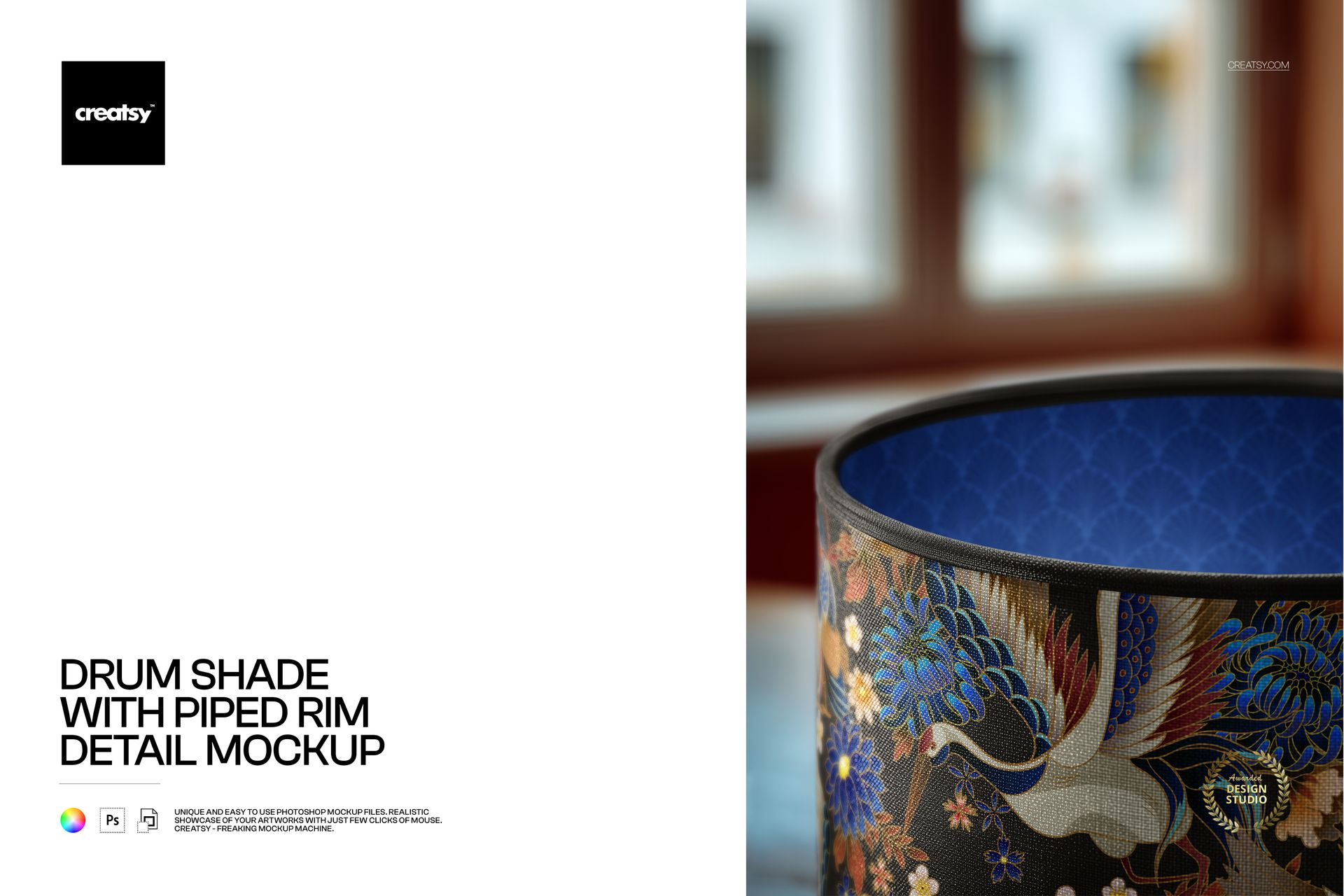
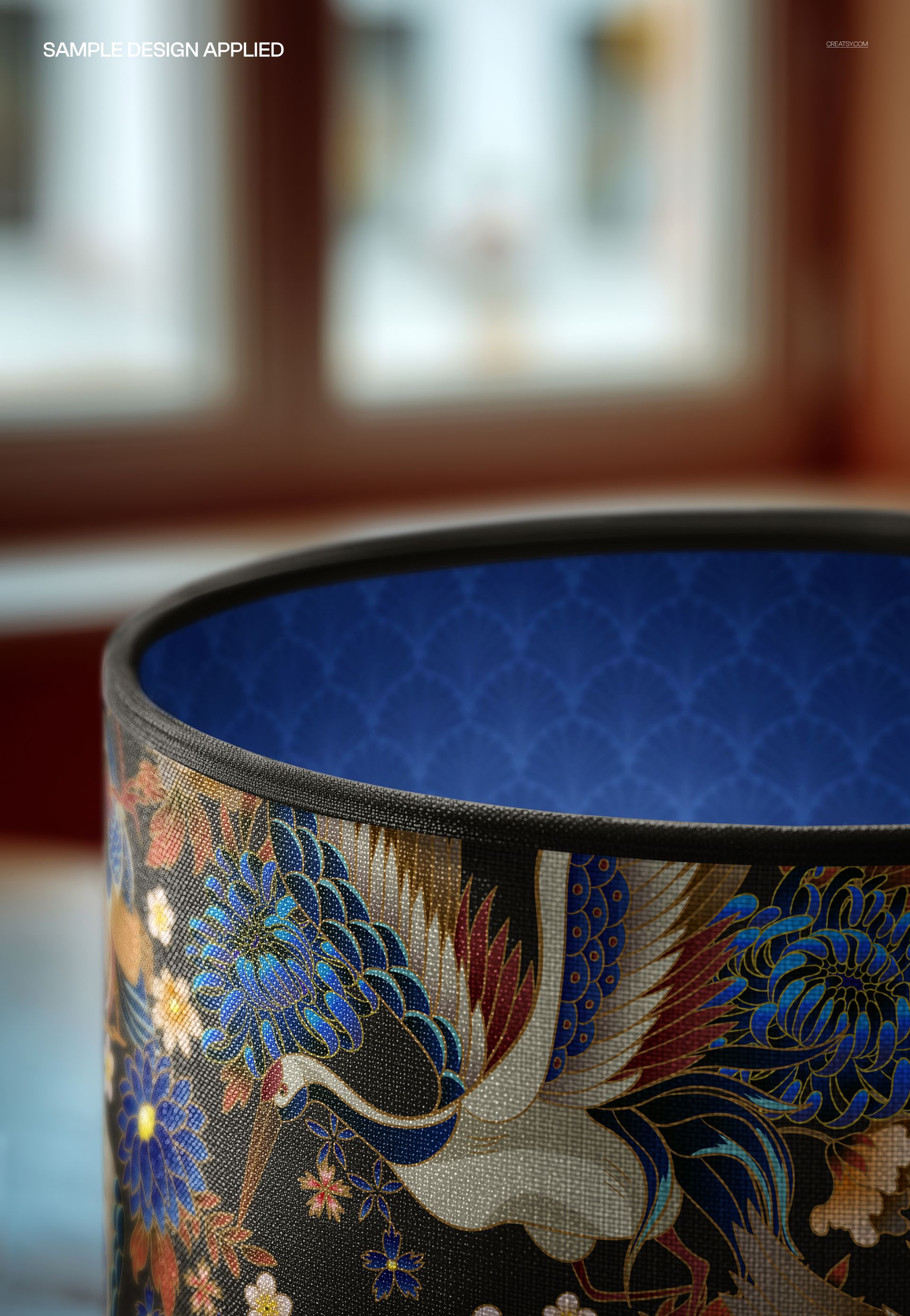
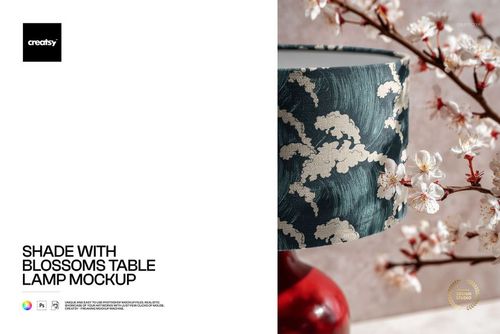
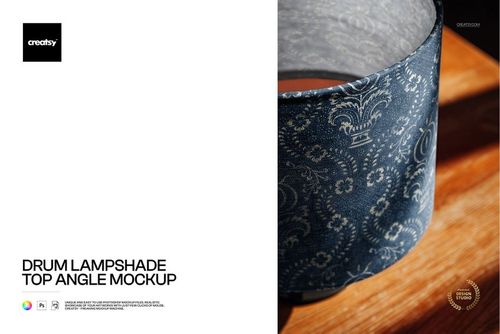
The Drum Shade with Piped Rim Detail Mockup showcases a drum lampshade with a distinctive piped edge finish - the fabric-covered cord that runs along the top and bottom rims of the shade. The piped rim is a hallmark of quality lampshade construction, and this mockup captures it in photorealistic detail alongside the fabric surface and your pattern. The portrait-format scene (4000x6000 pixels at 300 DPI) frames the shade in a way that emphasizes the vertical height and the piping detail at the rim edges.
The piped rim is not just a decorative element - it is a construction detail that buyers, interior designers, and retail buyers look for as a quality indicator. Lampshades with piped edges are positioned in the premium segment of the market, commanding higher prices than basic rolled-edge shades. This mockup presents your design on that premium product type, immediately communicating higher value to anyone viewing your listing, portfolio, or brand presentation.
Why a Piped Rim Lampshade Mockup
The piped rim detail differentiates a premium lampshade from a basic one. When buyers browse lampshade listings online, the piping is one of the first visual cues that signals quality and craftsmanship. By showing your pattern on a piped-rim shade specifically, you position your product or design at the premium tier of the market - which is where higher margins and more discerning buyers exist.
For pattern designers submitting work to licensors or manufacturers, showing your design on a piped-rim shade demonstrates awareness of product construction details. Art directors and product managers notice when a designer presents their pattern on the correct product type for the target market. A premium collection submission should show premium product mockups, and the piped rim is exactly that kind of detail.
What Is Included
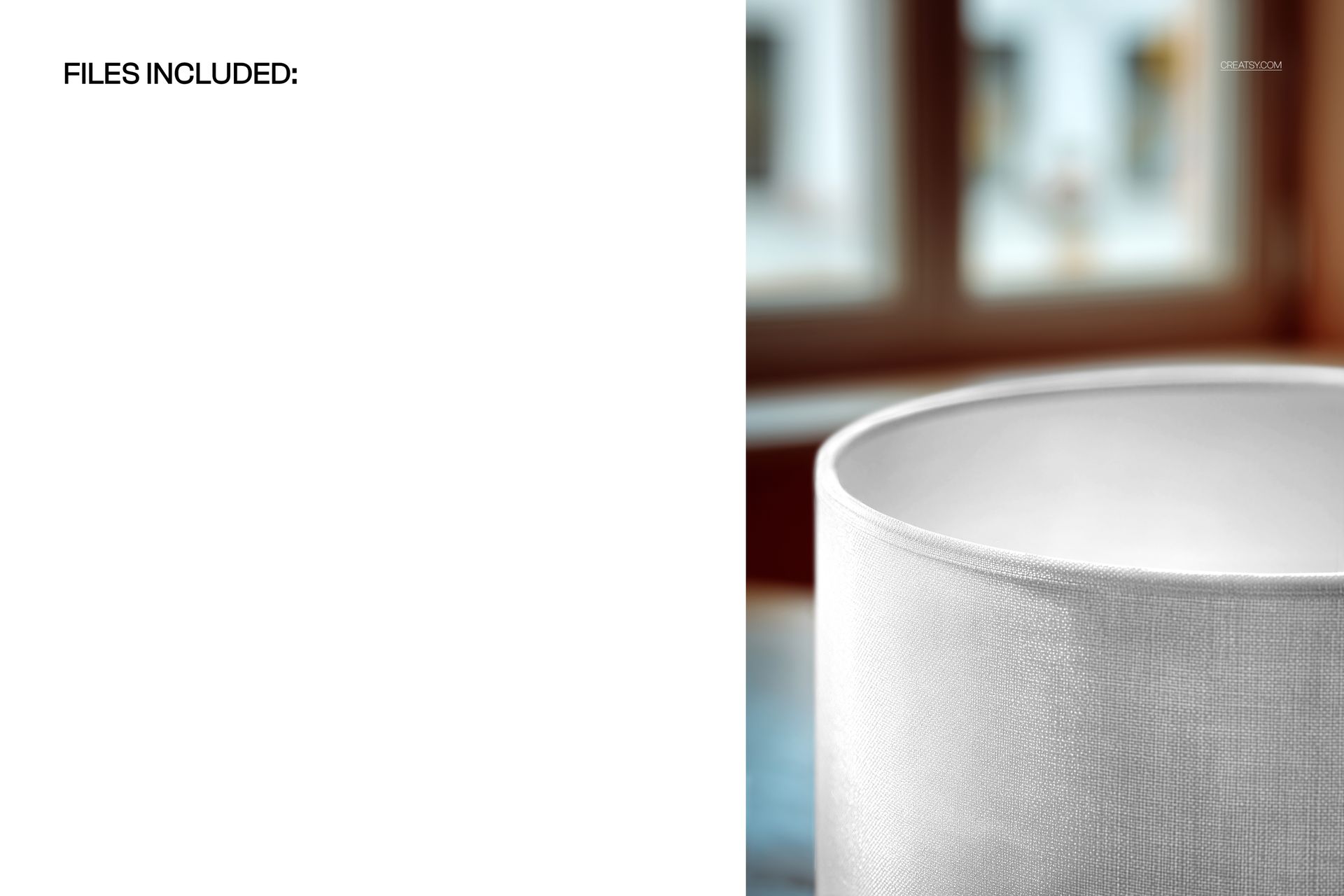
1 layered PSD file at 4000x6000 pixels (portrait orientation), 300 DPI. Detail view of a drum lampshade with piped rim showing the fabric surface, pattern, and piping construction at the shade edges. Smart object layer for design placement. Organized and labeled layer structure. Download size: approximately 185 MB. Compatible with Adobe Photoshop CC 2020 or newer and Photopea (free browser-based editor).
What You Can Customize
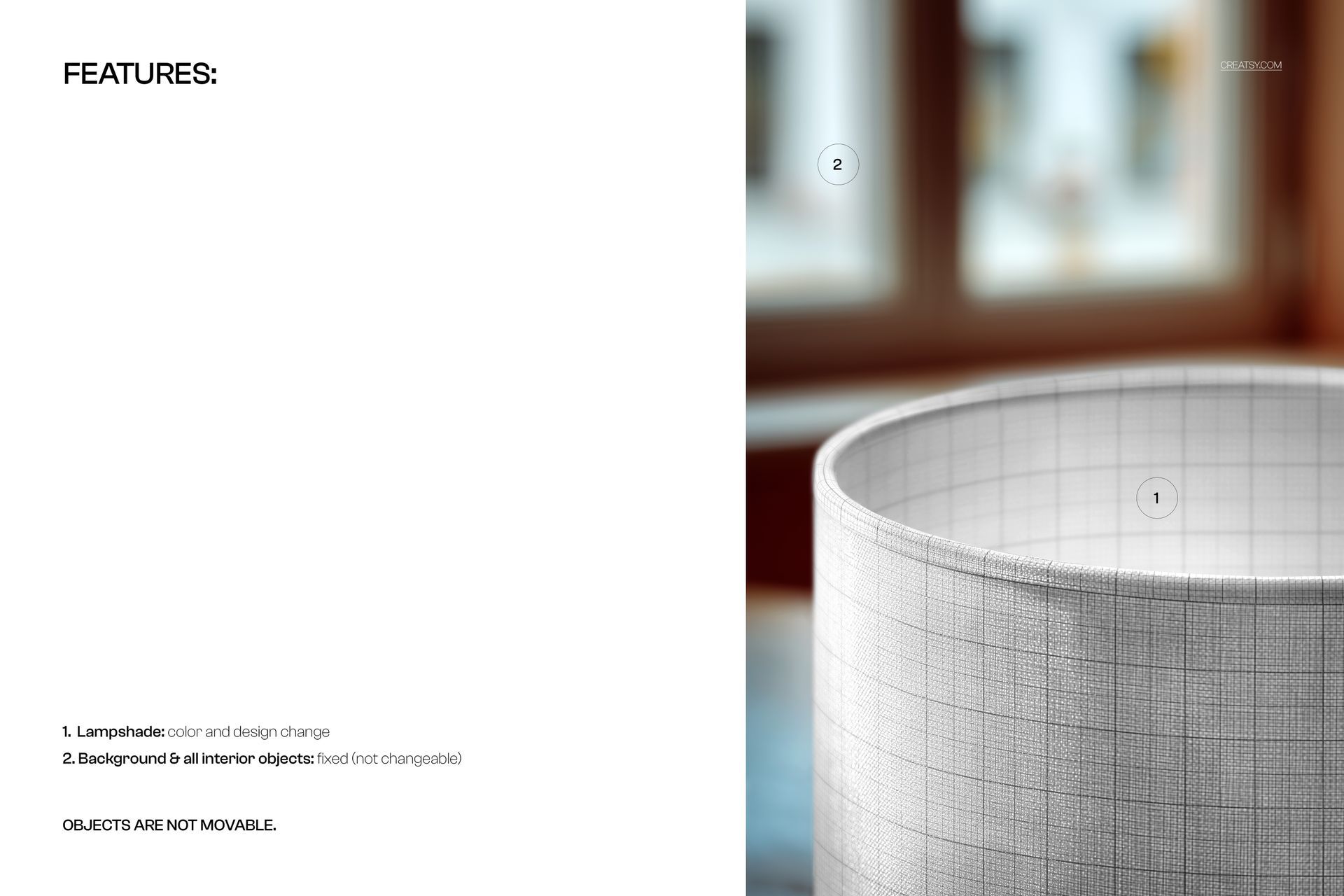
Place any surface pattern, illustration, or textile design onto the lampshade fabric through the smart object layer. The mockup renders your artwork with realistic fabric texture, shade curvature, and the piped rim detail at the edges. Test how your pattern interacts with the piping line - some designs benefit from a contrasting pip color, while others work best when the piping matches the fabric tone. Compare different pattern styles and colorways to find the combination that best highlights both your design and the premium construction detail.
Who This Mockup Is For
Surface pattern designers creating premium home decor textile collections. Home decor brands developing lampshade product lines with quality construction finishes. Print-on-demand sellers listing custom lampshades on Etsy, Shopify, or Spoonflower. Interior designers specifying custom lampshades with piped trim for residential and hospitality projects. Lighting manufacturers producing catalogs that highlight construction quality. Textile artists building licensing portfolios with attention to product construction details.
File Specifications
Format: PSD (Adobe Photoshop). Number of files: 1 PSD scene. Resolution: 4000x6000 pixels at 300 DPI (portrait orientation). Download size: approximately 185 MB. Layer structure: organized layers with smart object. Compatibility: Adobe Photoshop CC 2020+, Photopea.