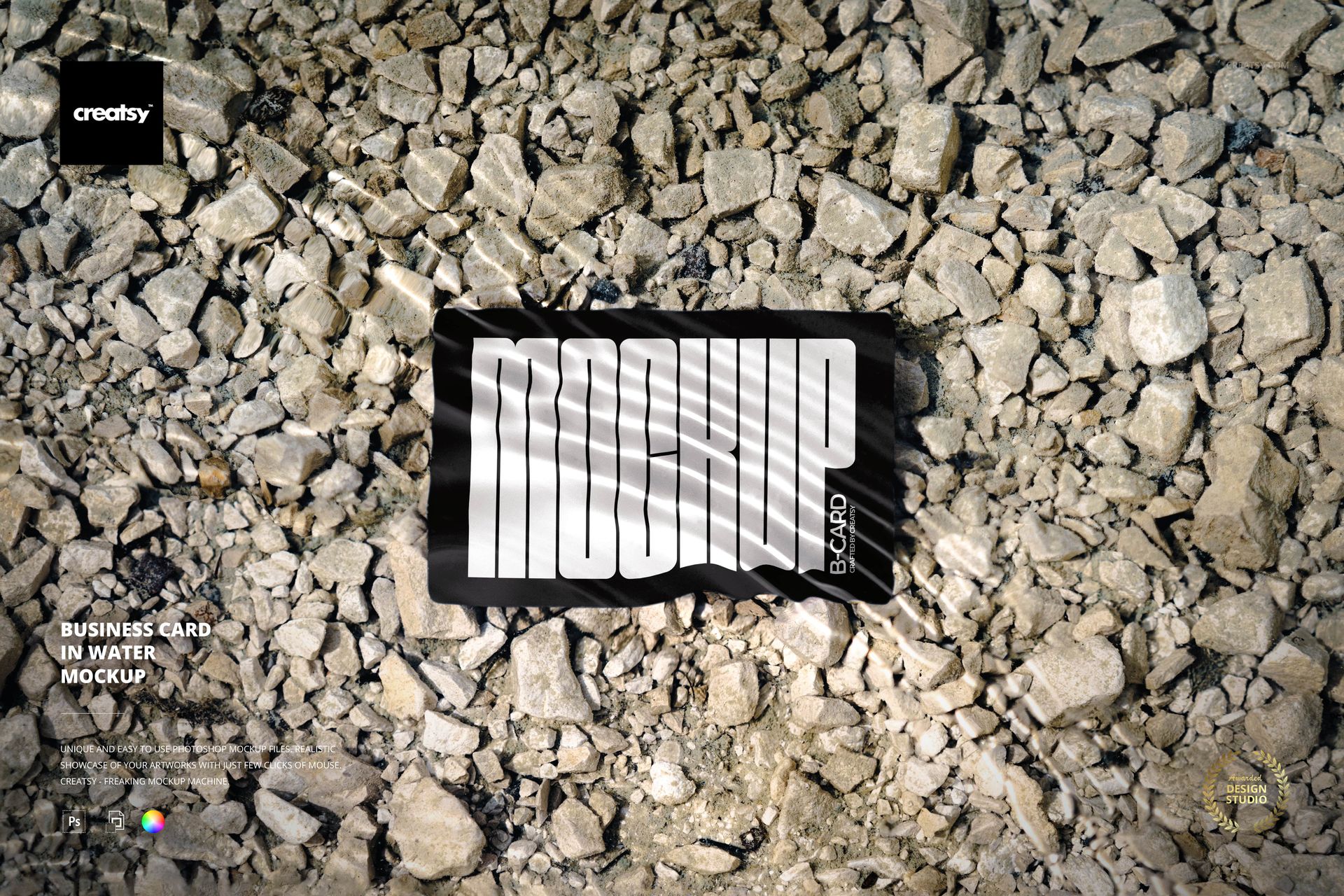
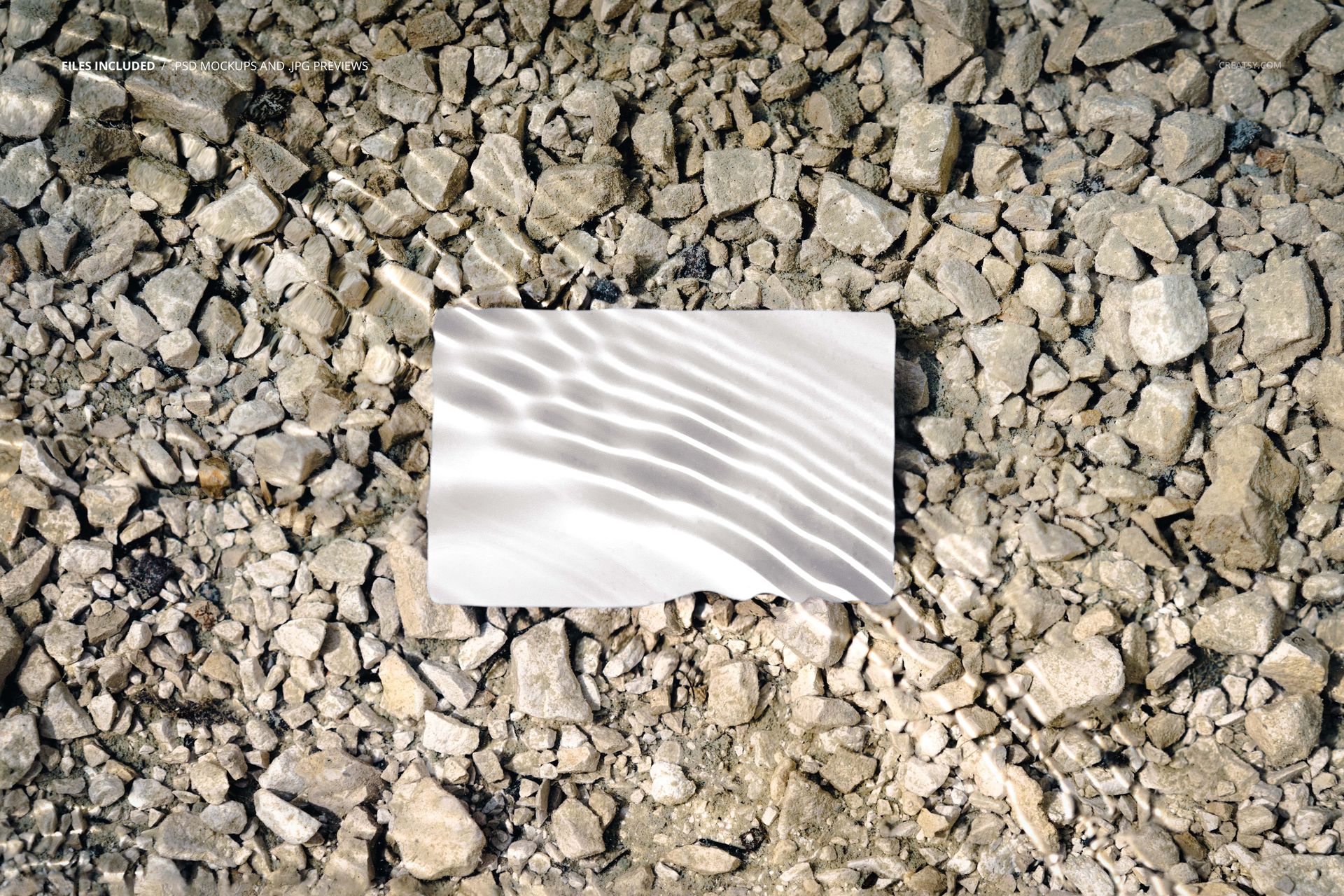
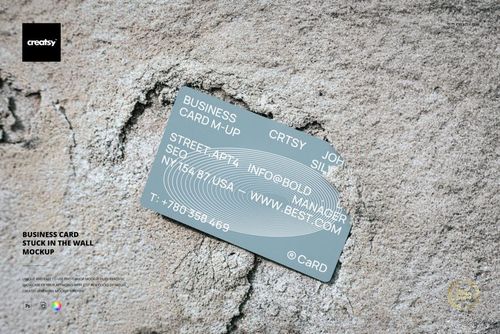
The Business Card in Water Mockup places your business card design into a scene where the card rests partially submerged in shallow water on a bed of natural pebbles. It is a distinctive, nature-inspired presentation that immediately sets your card apart from standard flat lay or hand-held mockups. The water and stone environment adds organic texture and visual depth that makes your brand identity feel grounded, authentic, and connected to natural materials. The mockup includes 1 PSD file at 6000x4000 pixels, 300 DPI.
The scene captures the business card at a slight angle with water gently surrounding its edges and small stones visible beneath and around the card. Light interacts with the water surface, creating subtle reflections and refractions that add photographic realism to the composition. This is not a generic white-background card mockup - it is a styled product shot that tells a visual story about your brand.
Why a Water Scene Business Card Mockup
Standard business card mockups on white or grey backgrounds serve a functional purpose, but they do not create emotional engagement. A card presented in water among natural stones communicates specific brand qualities: sustainability, wellness, organic living, craftsmanship, and connection to nature. For brands in spa and wellness, natural beauty, sustainable products, outdoor recreation, hospitality, landscape design, and artisan goods, this scene reinforces the brand message through the mockup environment itself.
The water element also creates visual interest that stops viewers from scrolling past. On social media, portfolio sites, and Behance or Dribbble presentations, environmental mockups consistently receive more engagement than flat studio shots. The organic texture and light interaction give the image a photographic quality that looks like an intentional brand shoot rather than a quick digital overlay.
What Is Included
1 layered PSD file at 6000x4000 pixels, 300 DPI. Realistic water and pebble scene with a business card positioned in shallow water. Smart object layer for business card design placement. Editable card color and design through organized layers. Download size: approximately 50 MB. Compatible with Adobe Photoshop CS6 or newer.
What You Can Customize
Place your business card design onto the card through the smart object layer - both sides if the mockup supports it, or the visible face. Change the card color to match your brand palette. The mockup renders your design with realistic water interaction, including subtle reflections on the water surface near the card edges. Test how different card designs - minimalist typography, bold logos, textured backgrounds, metallic foil effects - look in this natural setting. Compare white card stock against kraft, black, or colored stock to find the presentation that best represents your brand.
Who This Mockup Is For
Graphic designers presenting business card designs to clients in portfolio or pitch contexts. Brand identity designers building comprehensive brand guideline presentations. Freelance designers showcasing stationery work on Behance, Dribbble, or personal portfolio sites. Print shops and stationery studios displaying their business card products. Marketing agencies preparing brand deliverable presentations. Businesses in wellness, spa, natural beauty, sustainable products, outdoor recreation, landscape design, hospitality, and artisan crafts whose brand identity aligns with natural, organic aesthetics.
File Specifications
Format: PSD (Adobe Photoshop). Number of files: 1 PSD scene. Resolution: 6000x4000 pixels at 300 DPI. Download size: approximately 50 MB. Layer structure: organized layers with smart objects, editable card color. Compatibility: Adobe Photoshop CS6 or newer. Note: this file requires Photoshop and is not compatible with Photopea.