Business Card on a Sea Cliff Mockup Set

ID: 1874647381 | Updated: Jul 26, 2024

Product Details

Business Card on a Sea Cliff Mockup Set

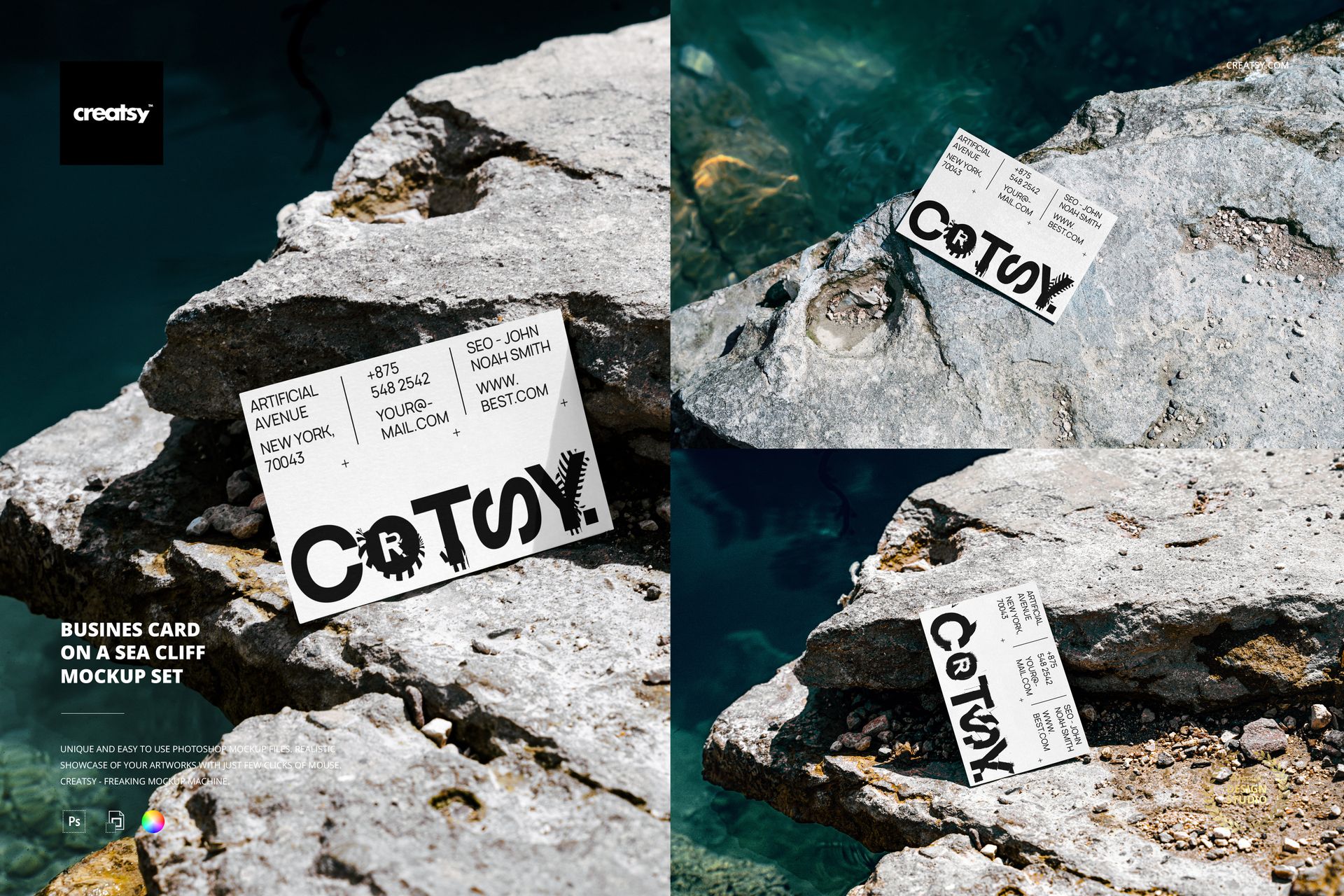
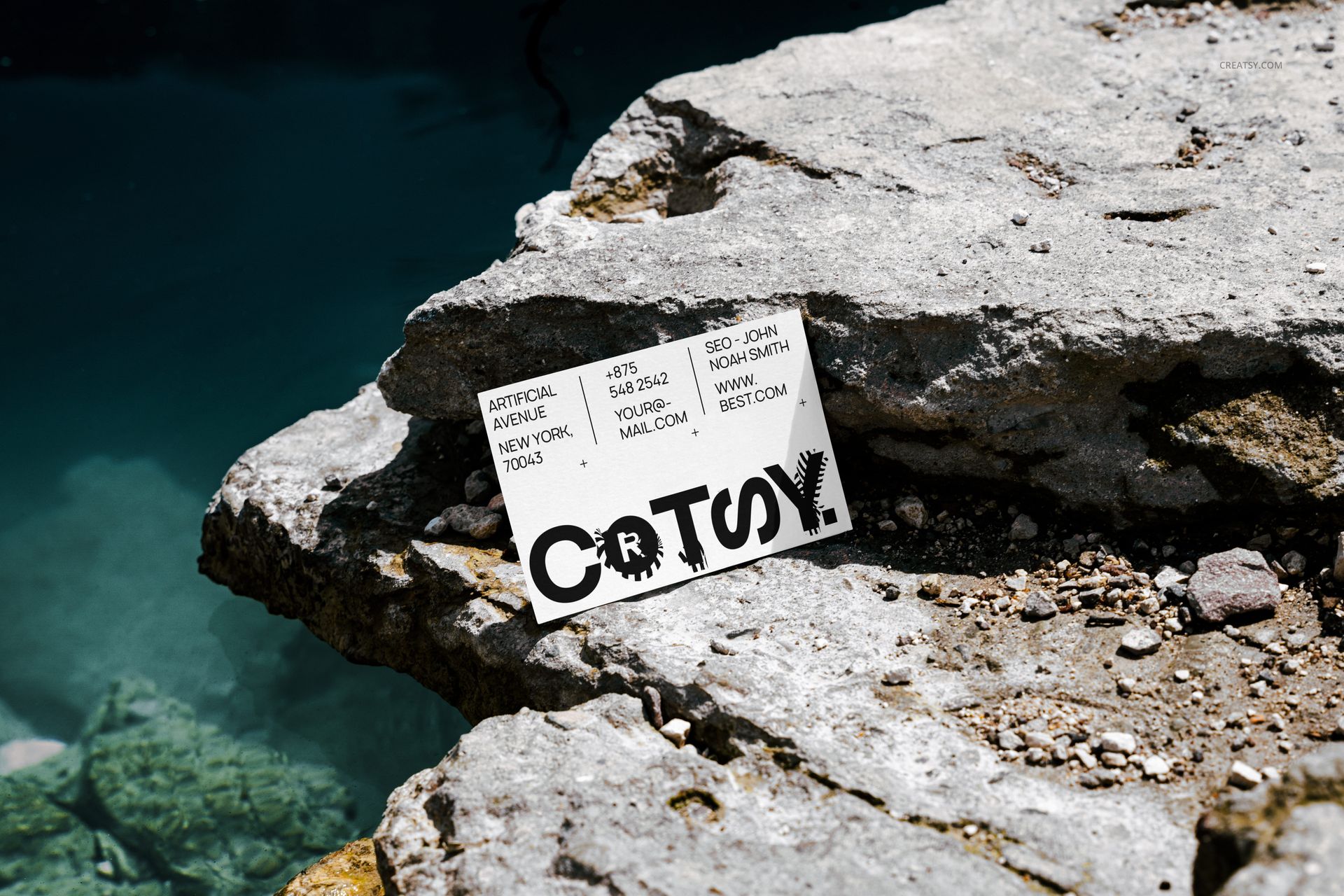
Sometimes, a bold design calls for an equally bold setting. The Business Card on a Sea Cliff Mockup Set was created for those who believe that first impressions should make waves – literally. Shot on the rocky coastlines of Greece, this 3-PSD file set blends natural textures with sharp graphic contrast, offering a refreshing and dramatic stage for your branding to shine.


Natural Drama, Unforgettable Impact

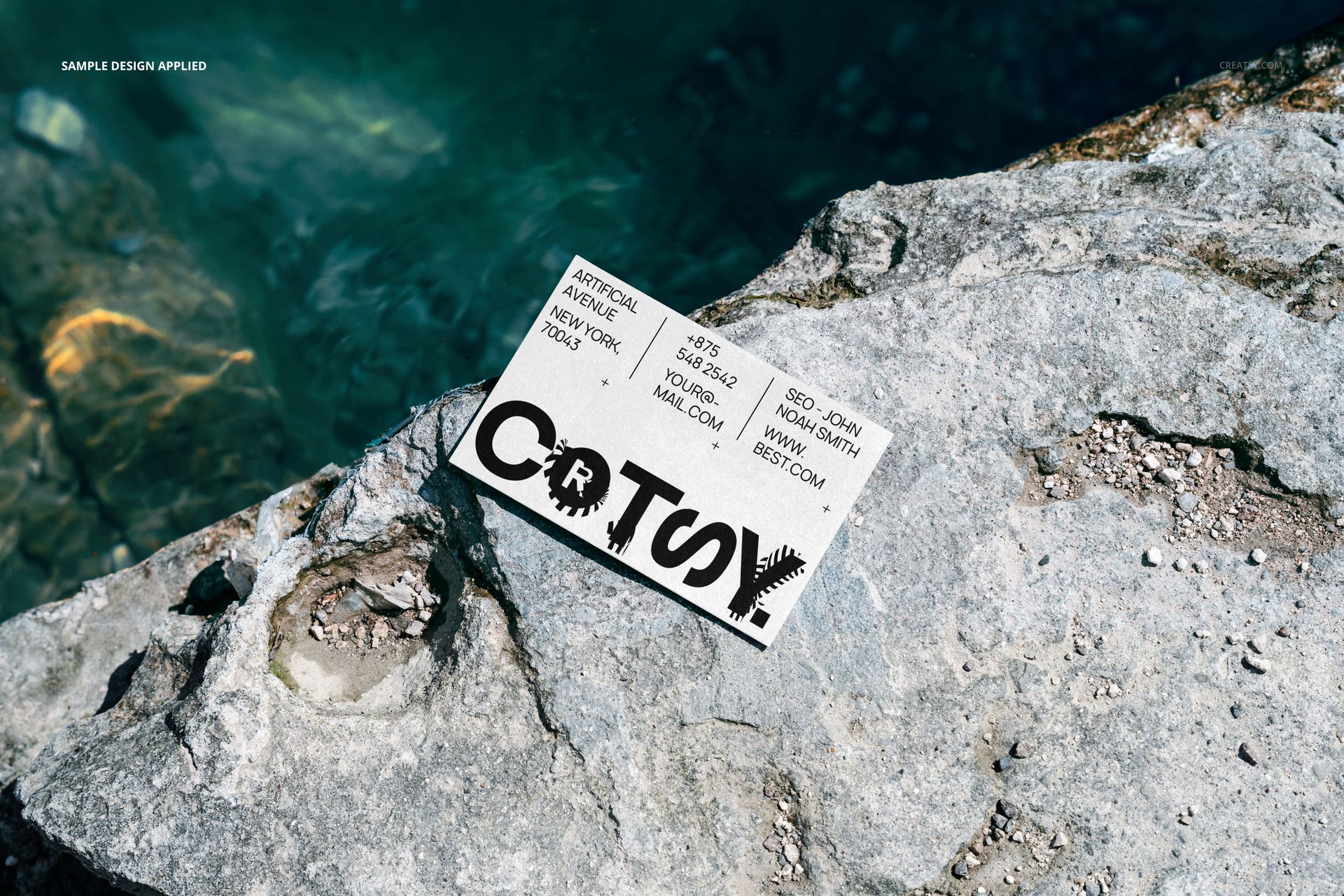
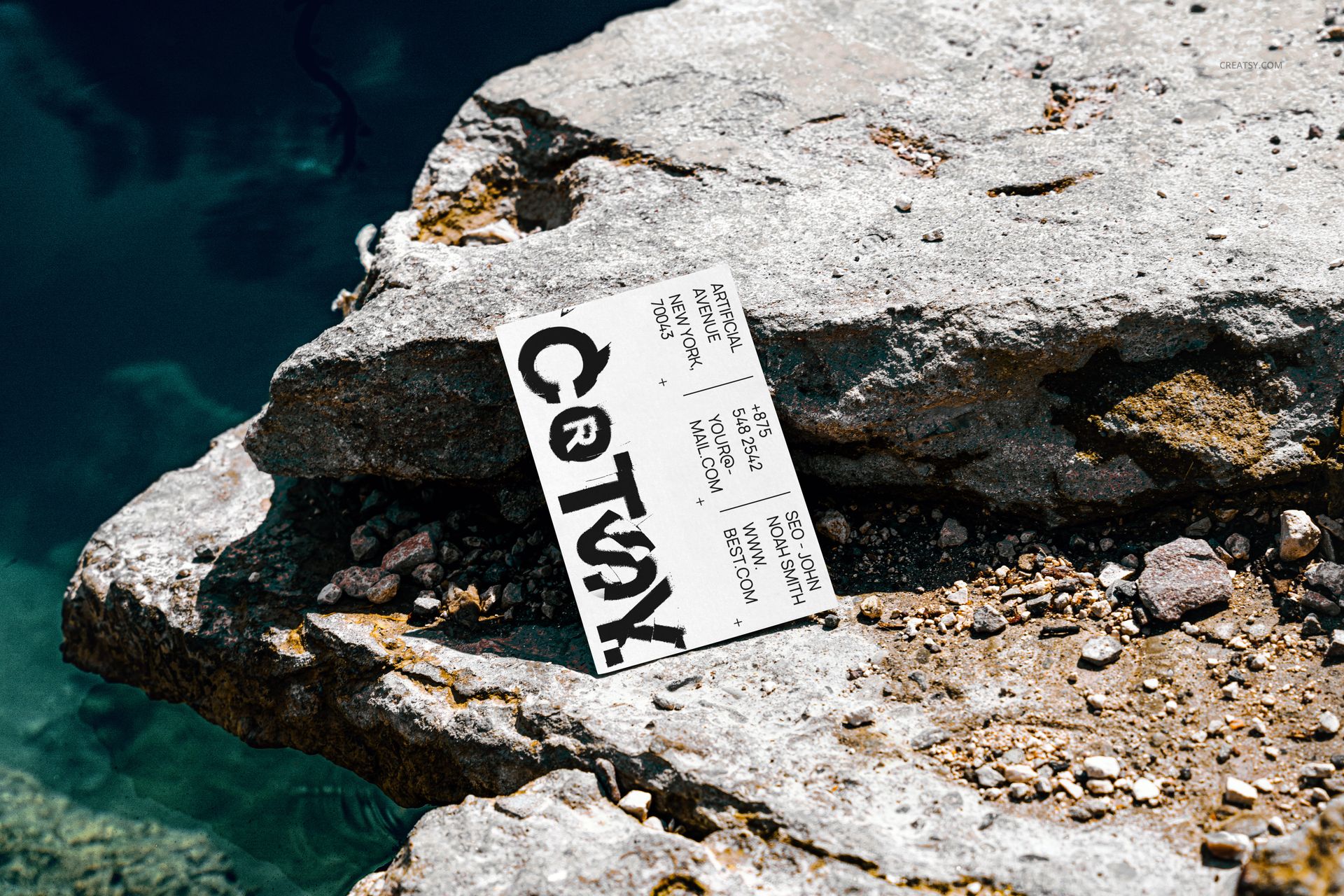
Forget flat table shots or typical studio backdrops – this set captures your business card balanced on sea-worn stone, kissed by sunlight and framed by sapphire water. It’s an atmosphere that adds meaning to your message: you’re not afraid to go the extra mile. Each file includes editable smart objects and realistic shadows, all set in high resolution to make every small detail look stunning.


Elevate Your Brand’s Edge

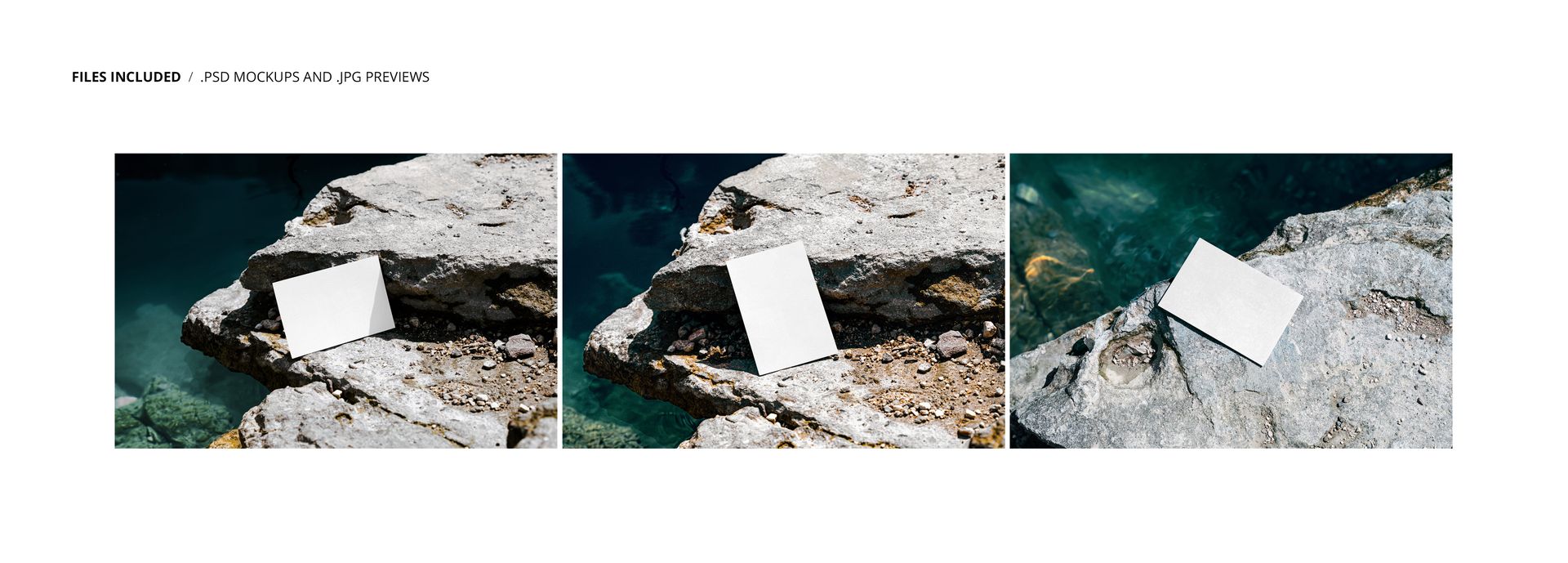
Easily insert your own business logo, taglines, website, and essential contact info using the smart object layers. You can tweak placement and lighting nuances, creating a natural harmony between your design and the rugged surface of the rocks. The angles are carefully composed to work equally well for minimalist card layouts or more experimental graphic approaches.


  •   Files work in Photoshop (min. PS CS6) and in Photopea (free online editor);
  • Pack includes 4 .psd files: 6000x4000 px, 300dpi;
  • You can change color and design of business card;
  • Well organized layers.

File details

Compatibility
PhotopeaAdobe Photoshop
Number of files included
6
Package size
198 MB198 MB|208 MB208 MB
Files type
.psd, .jpg
Files size
6000x4000
TEST FOR FREE

MEET THE SHOP

Creatsy logo

Creatsy

Poland
4.7 (642)

Bring your ideas to life.

We're a family-run studio in Katowice, Poland, making PSD mockups by hand since 2016. Everything in this shop starts in our own studio. We shoot the photography, build the 3D, and put together every Smart Object PSD ourselves - then we test it, organize the layers, and only ship it once it actually works...
GO TO SHOP

HOW IT WORKS

3 clicks. That's it.

No tutorial needed. If you can copy-paste, you can use this.

  1. 1OpenDouble-click the smart object inside the PSD - in Adobe Photoshop, or free in your browser with Photopea.
  2. 2PasteDrop in your pattern, print, or artwork. Any design, any style.
  3. 3SaveHit save and the mockup wraps it in for you - shadows, folds, and lighting included.

FROM IDEA TO IMAGE

Built for real workflows

Pitch the whole brand in one scene Lay the cards, tags, and labels out together so the client sees the identity as a set, not separate flat files.

See it on the product, not a swatch Drop your file into the smart object and the scene's lighting and folds wrap around it, so you judge the real thing before you commit.

Smart Objects

Edit once and you're done. Your artwork drops into a smart object and the mockup updates itself - no masking, no warping by hand.

Perfectly Organized

Named layers and folders you can actually navigate. Find what you need, change what you want, and get out fast.

Print-Ready

High-resolution files built to hold up on screen and in print. Exact size and DPI are in this product's Details above.