Holographic Business Card Mockup Set
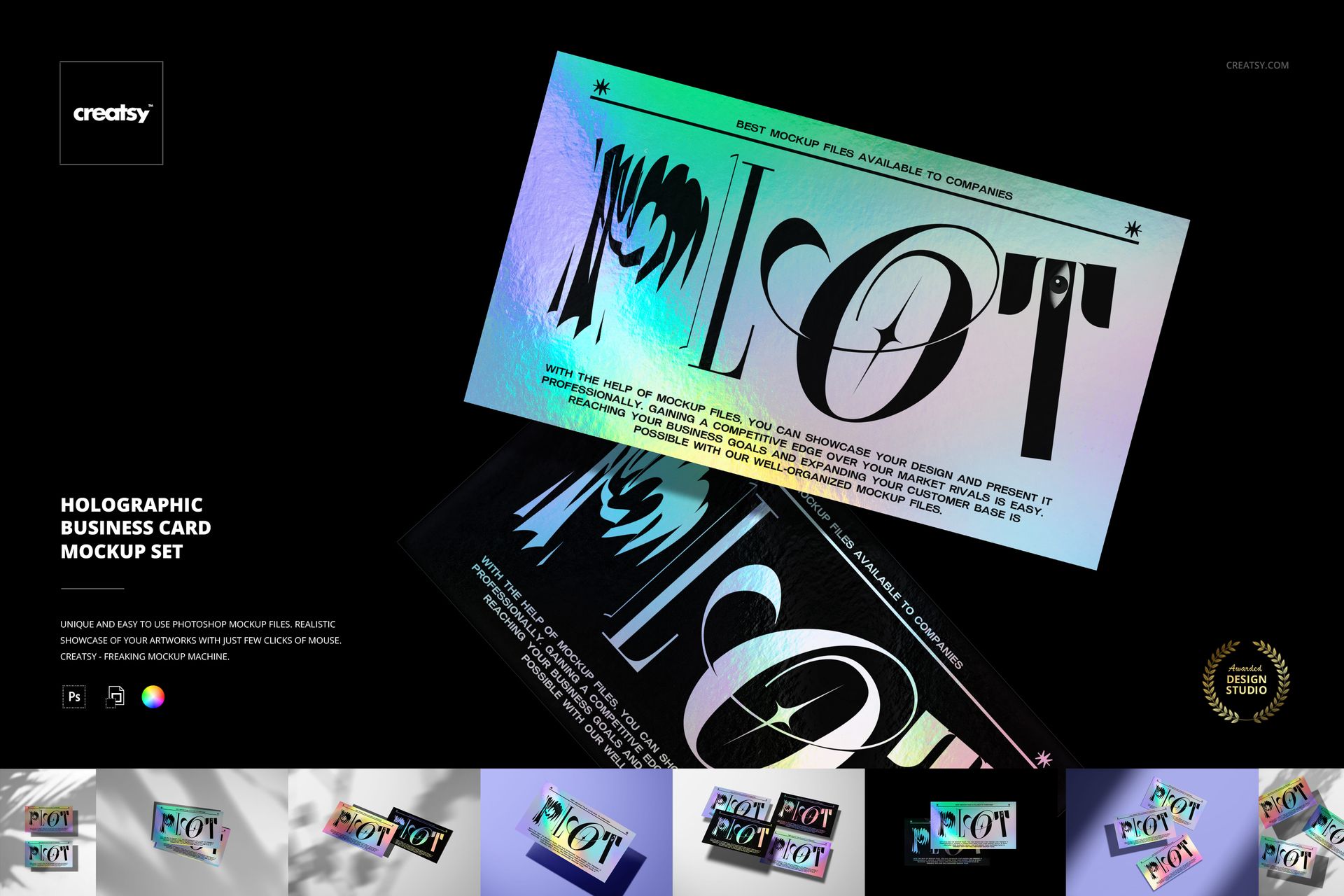
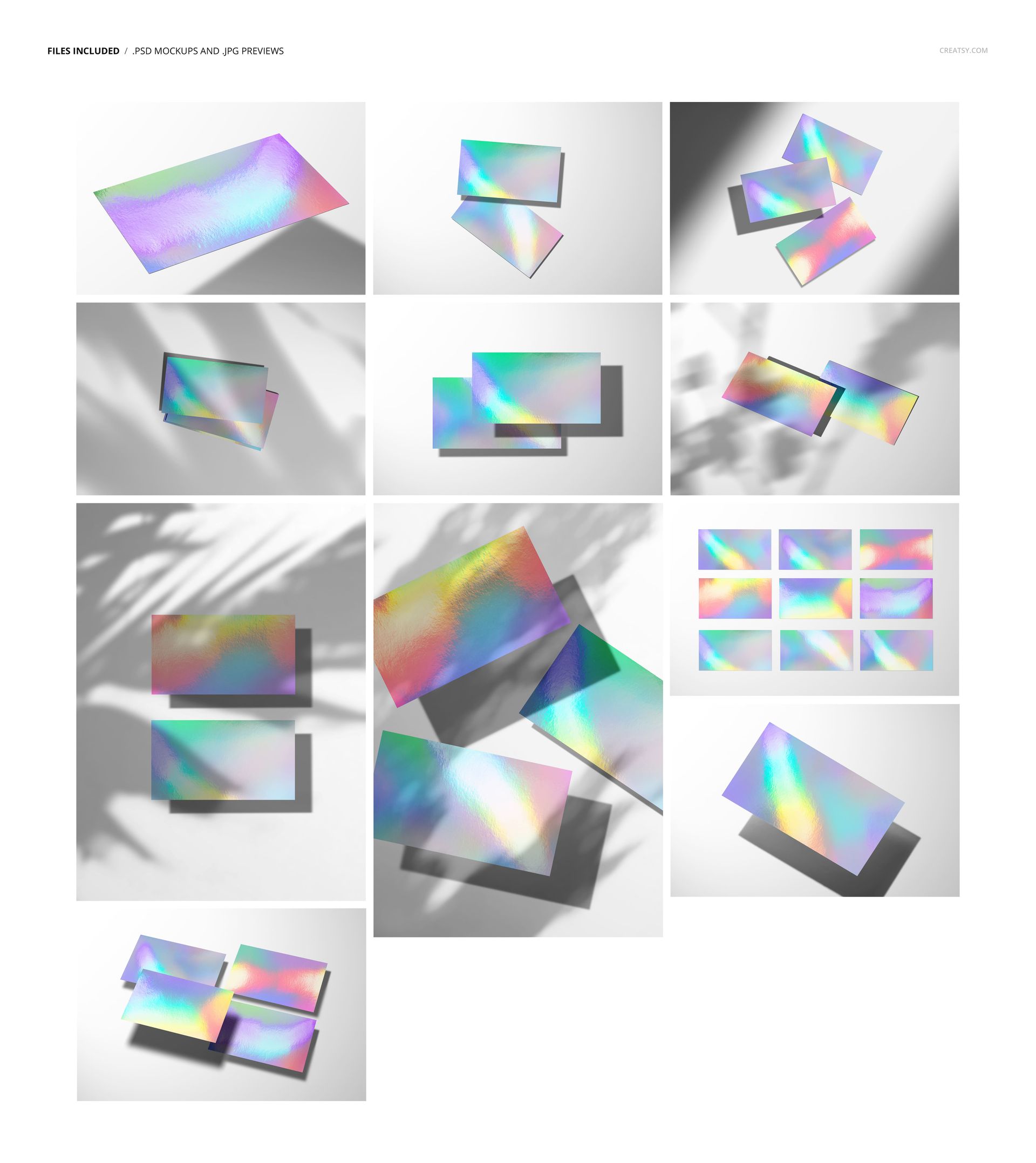
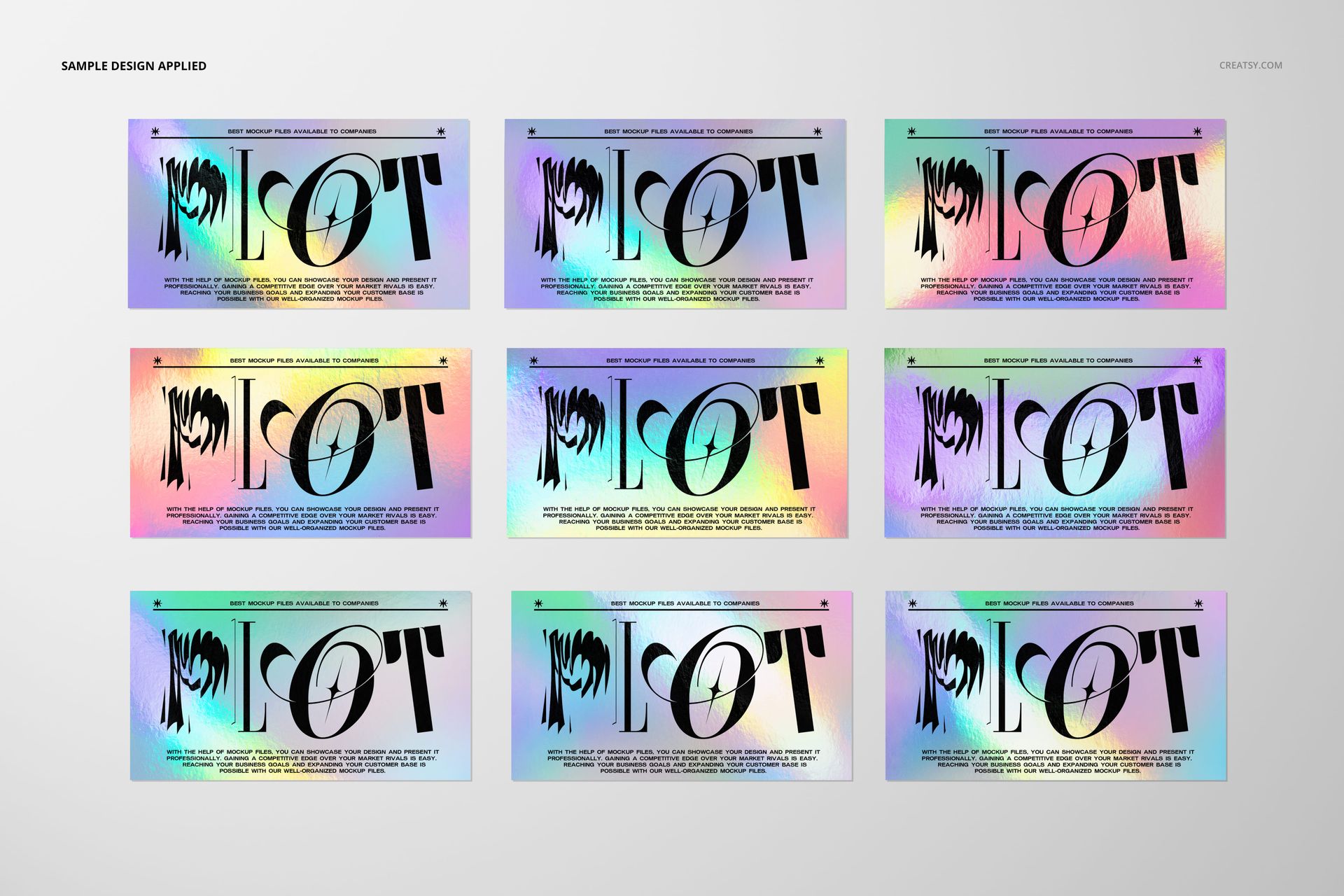
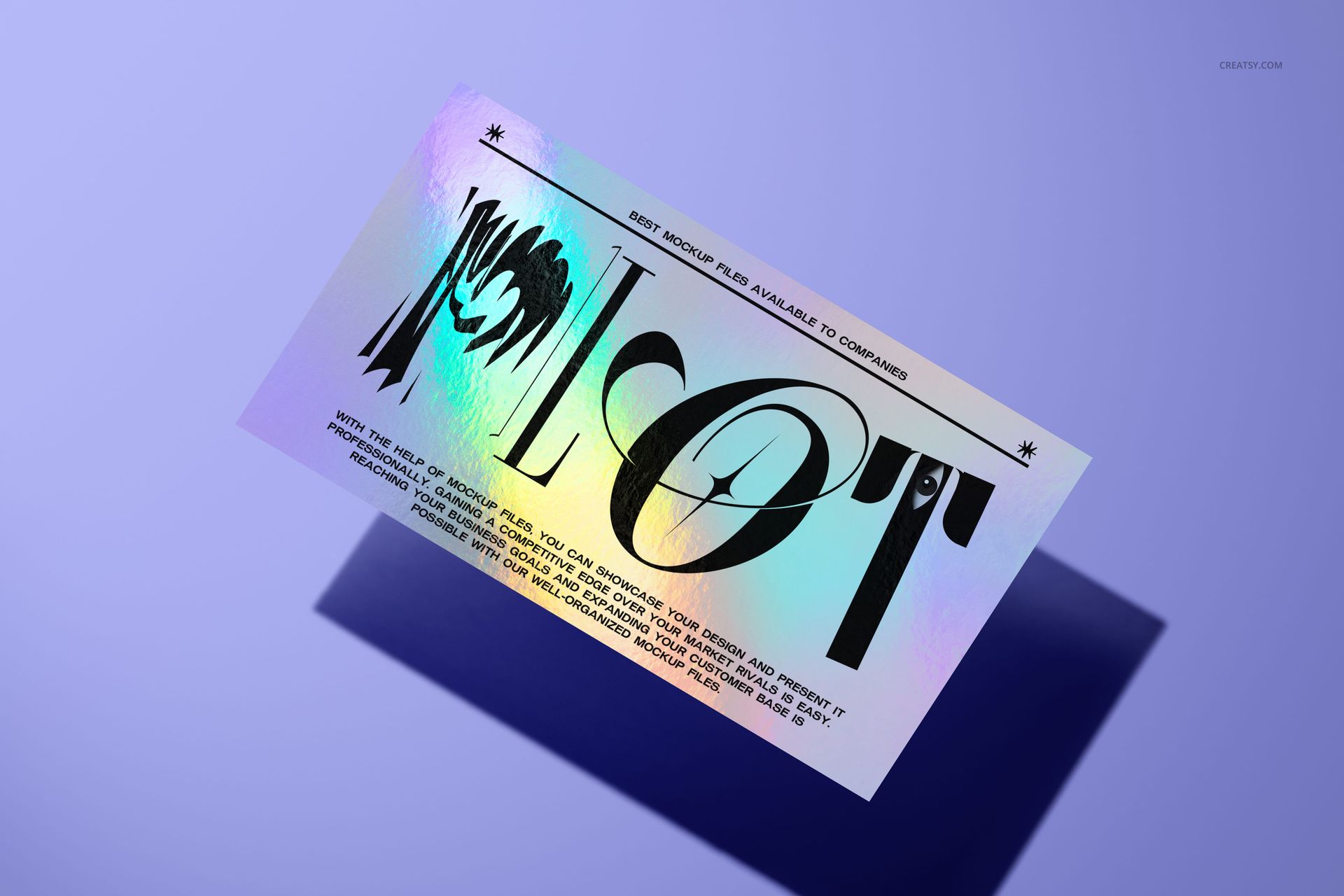
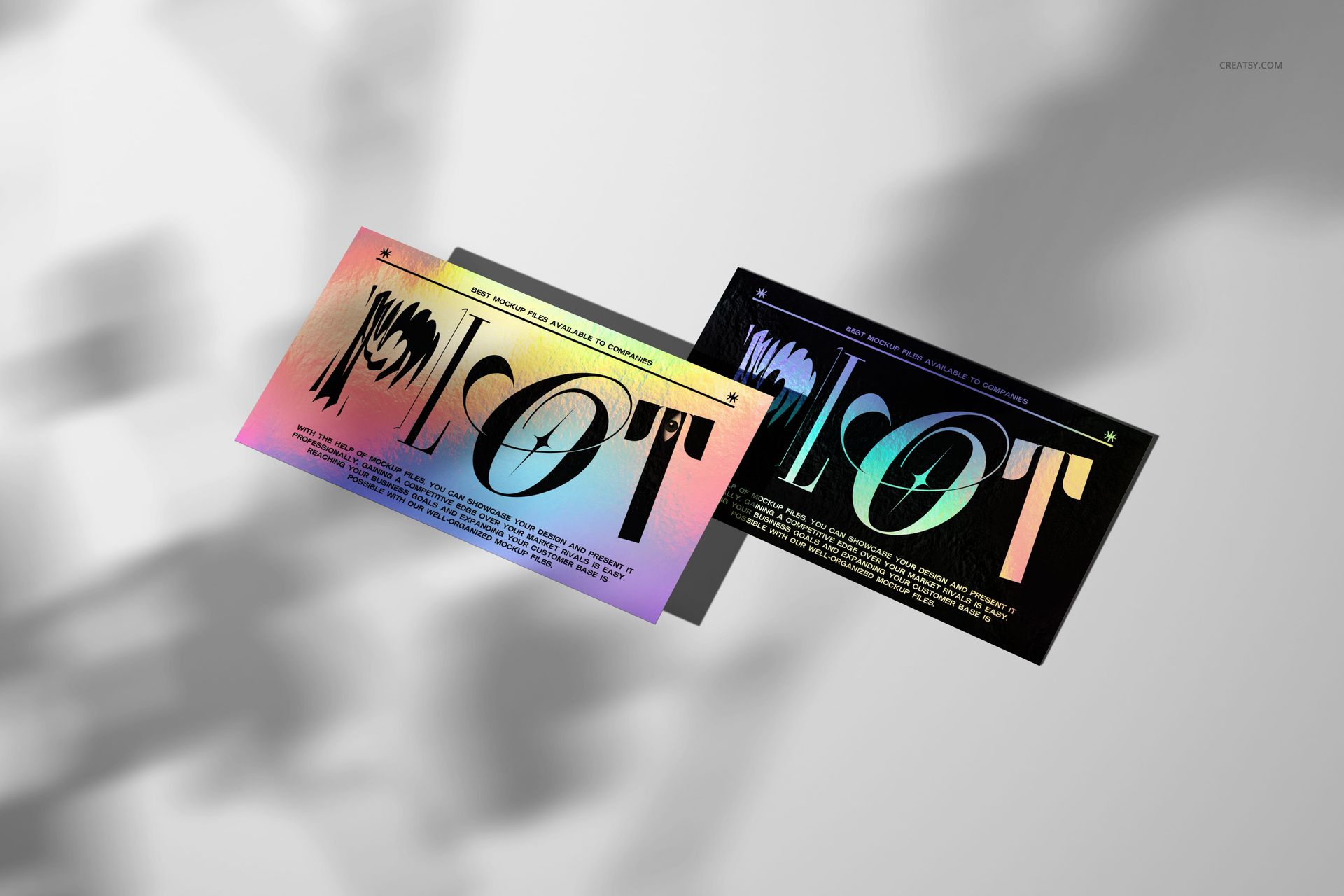
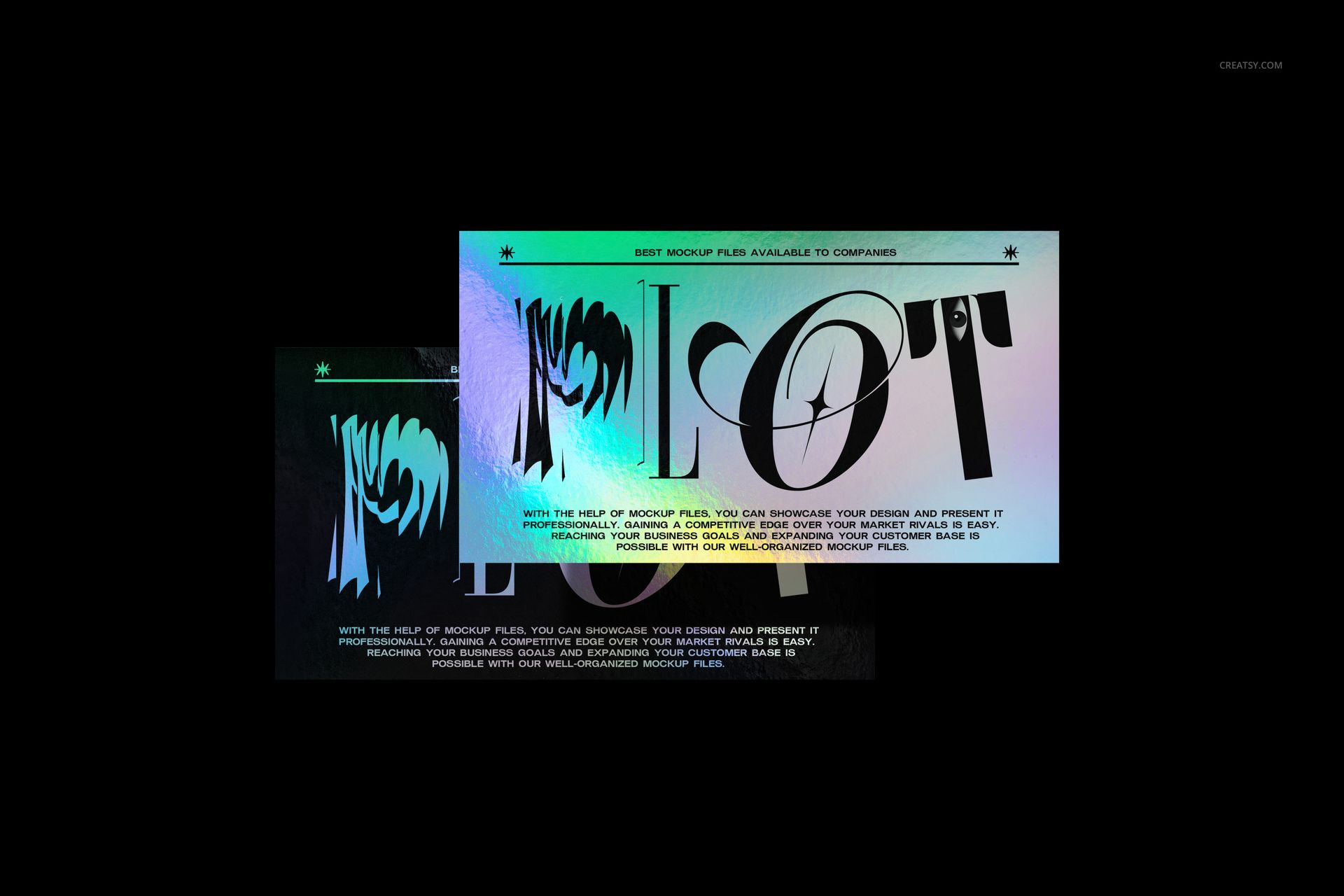
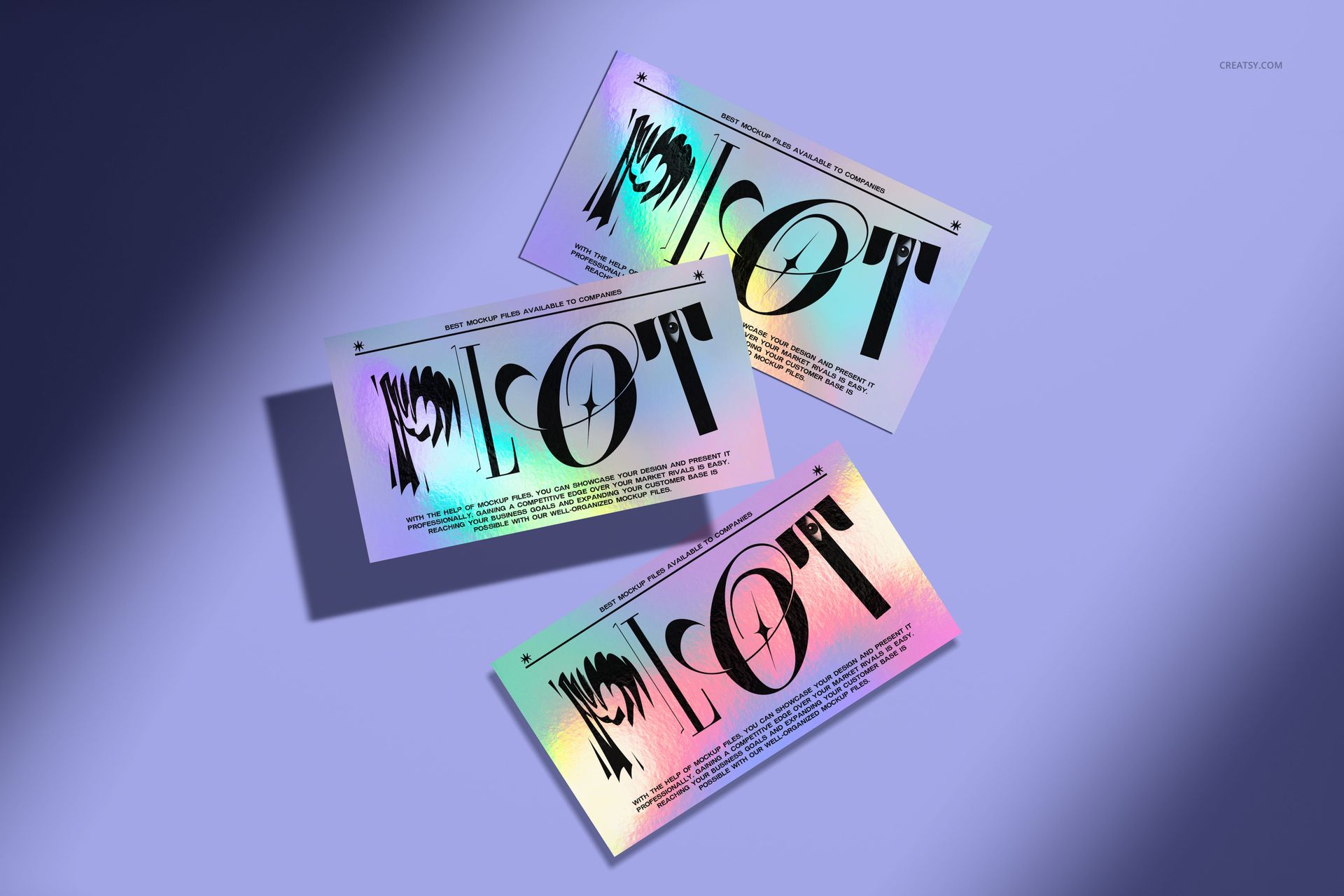
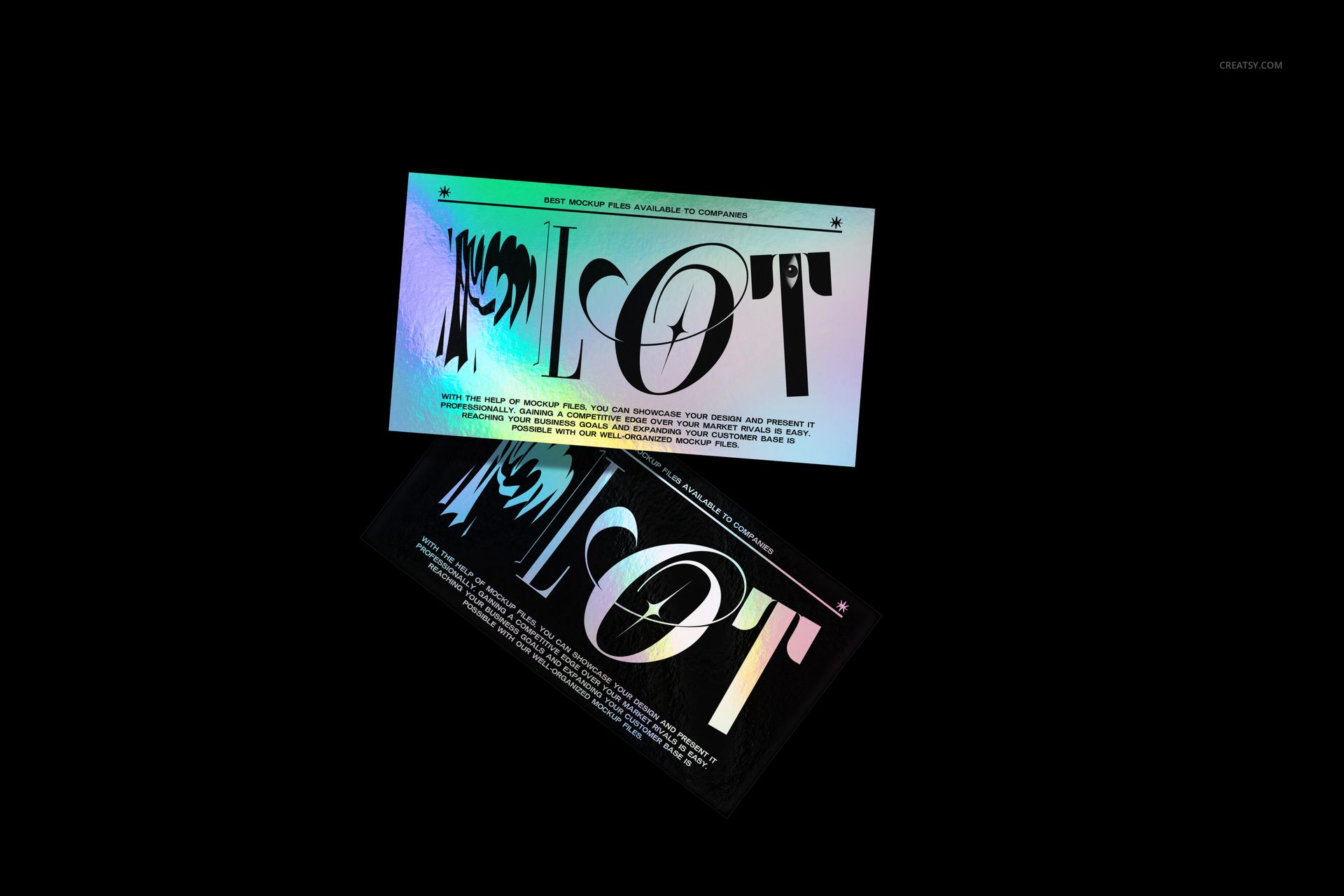
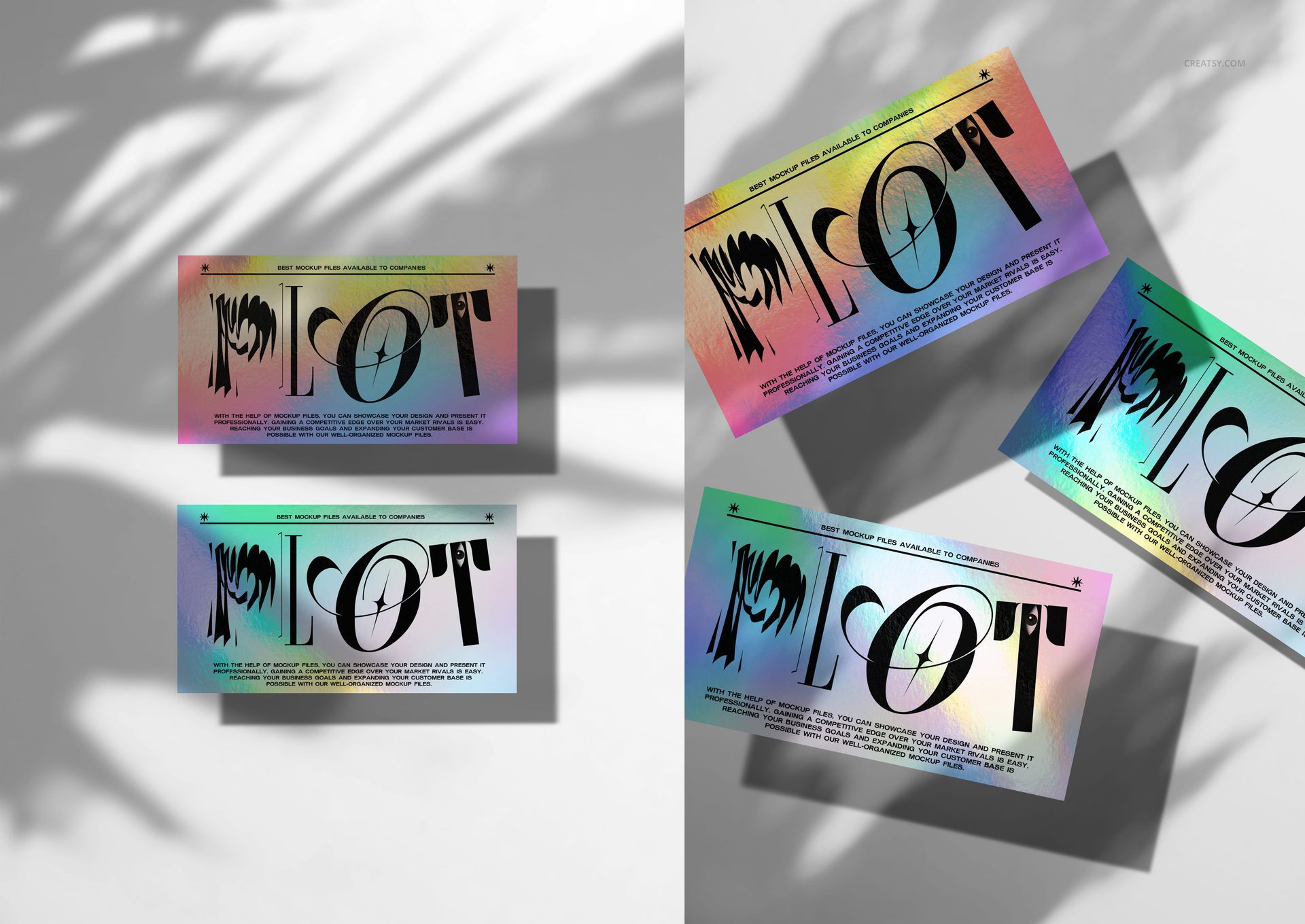
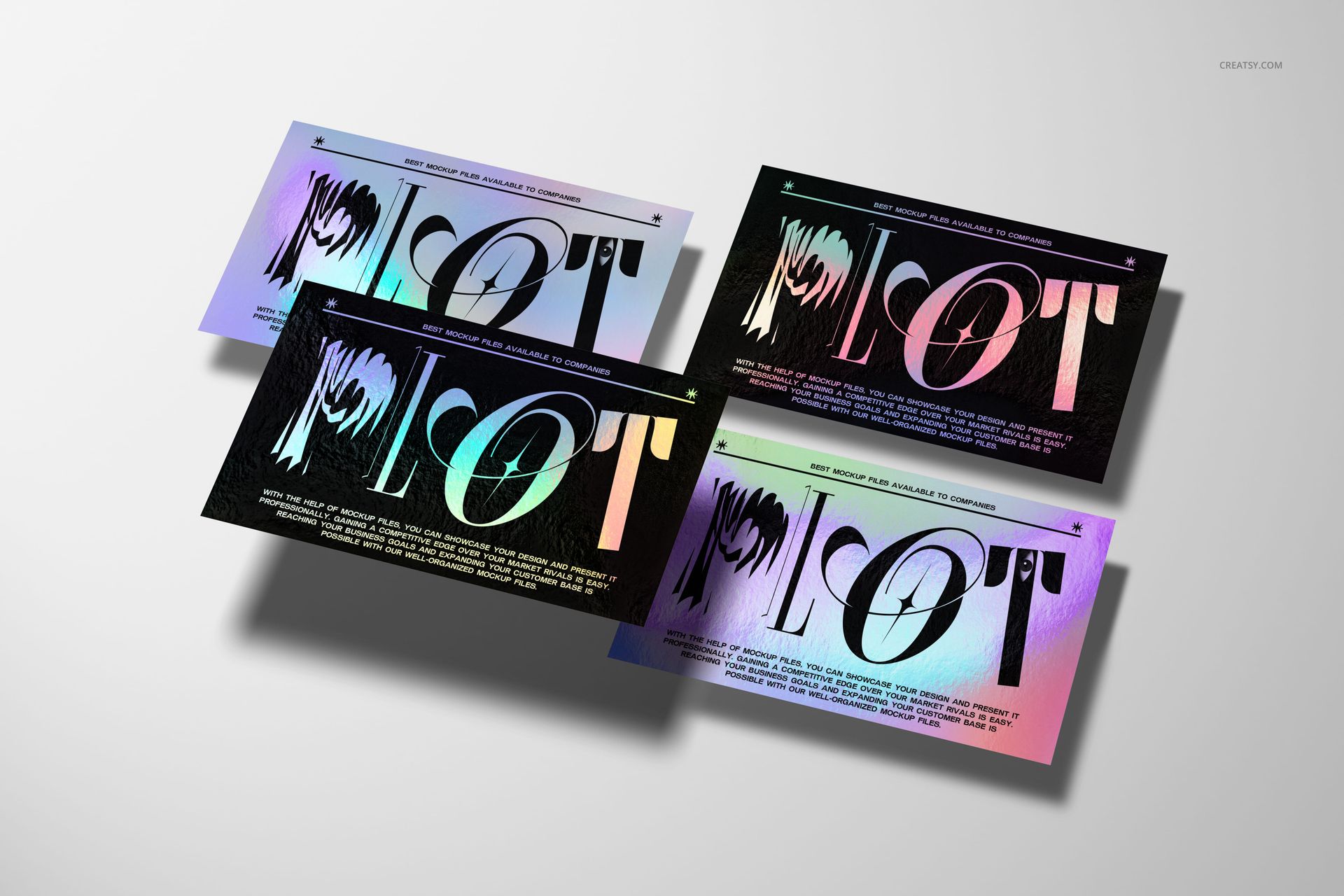
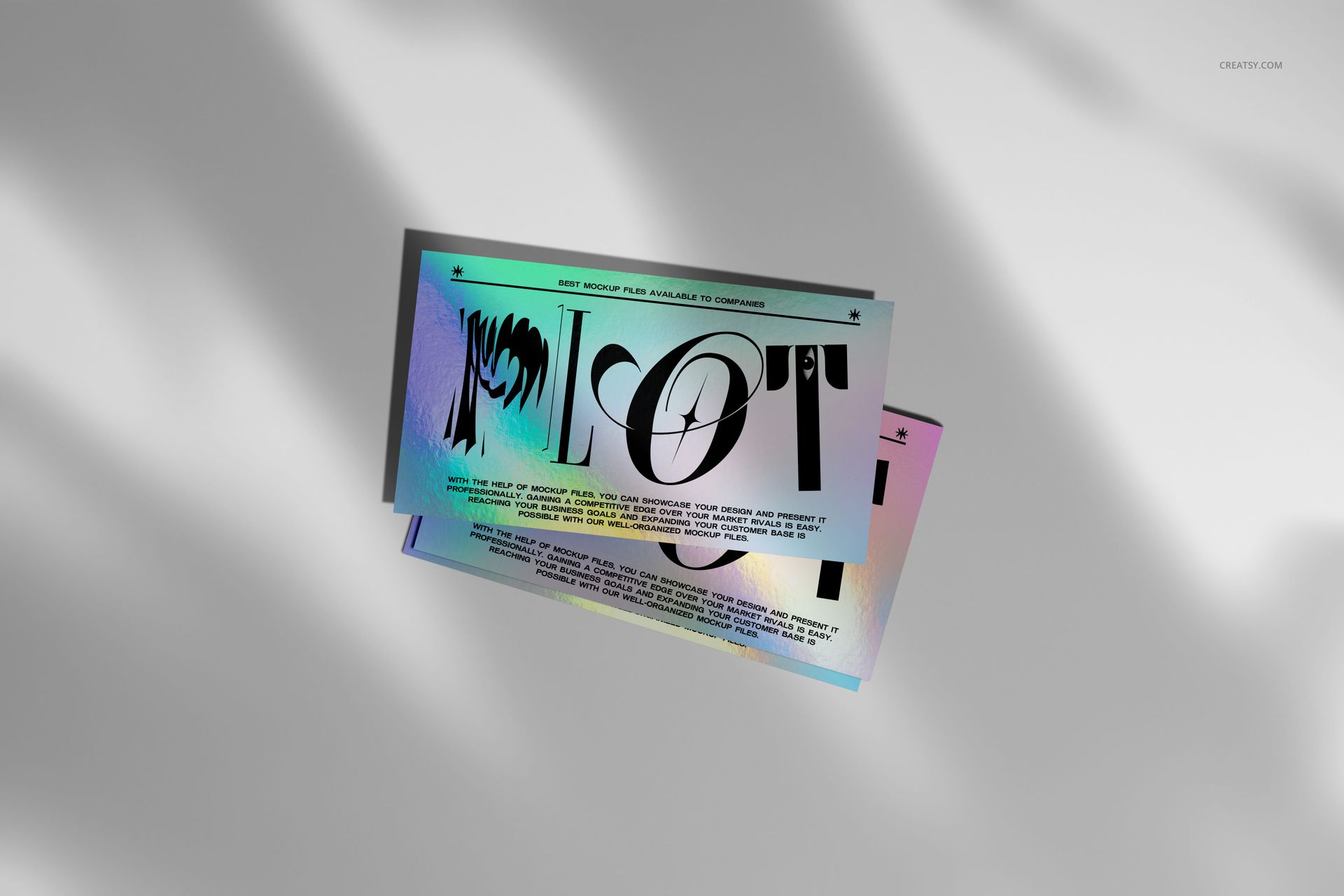
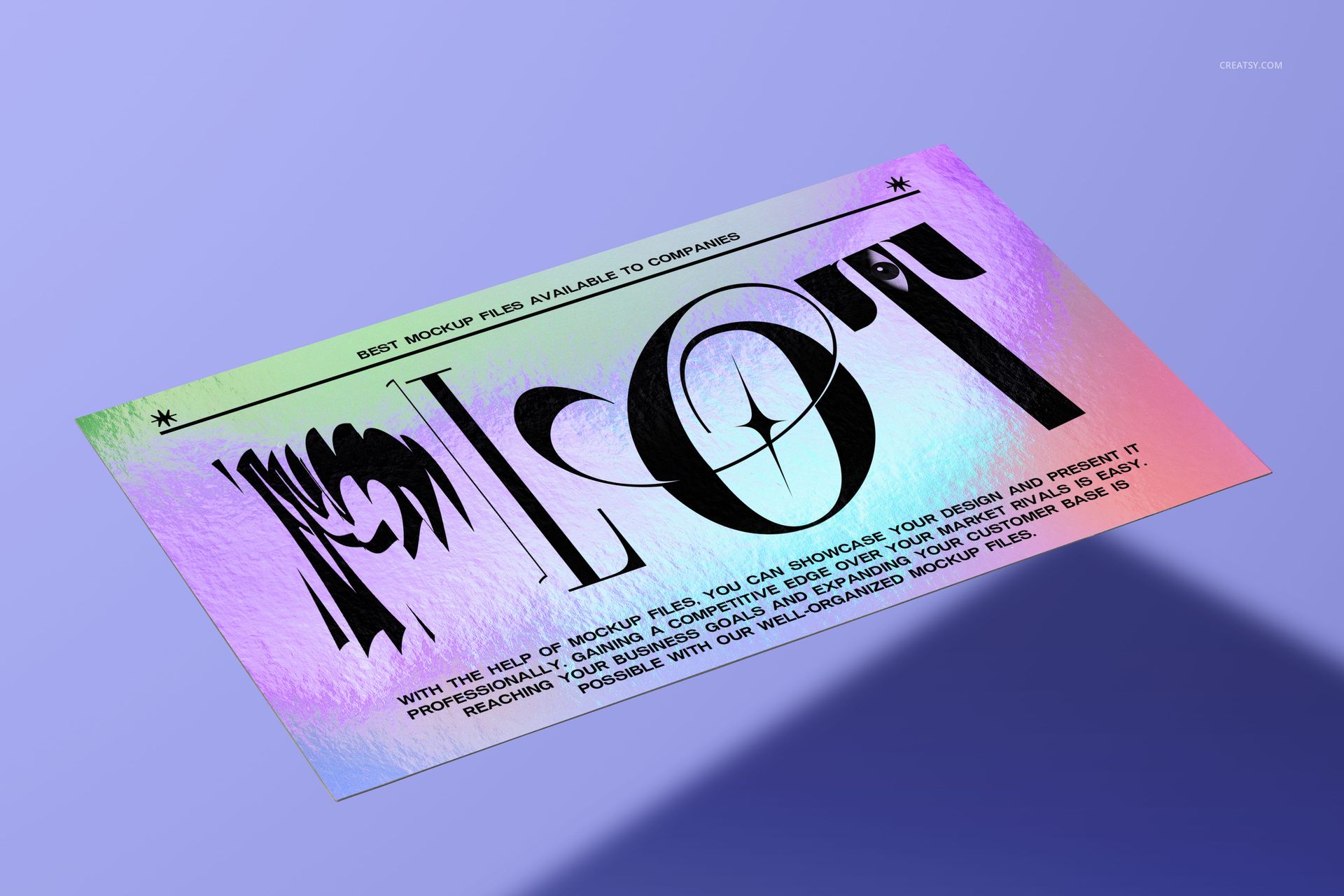
The Holographic Business Card Mockup Set by Creatsy is a holographic business card mockup that shows cards with an iridescent, rainbow foil finish. It ships as 11 layered PSD files at around 6000 x 4000 px, so you can present a brand across close-ups, stacks, and floating angles from one download.
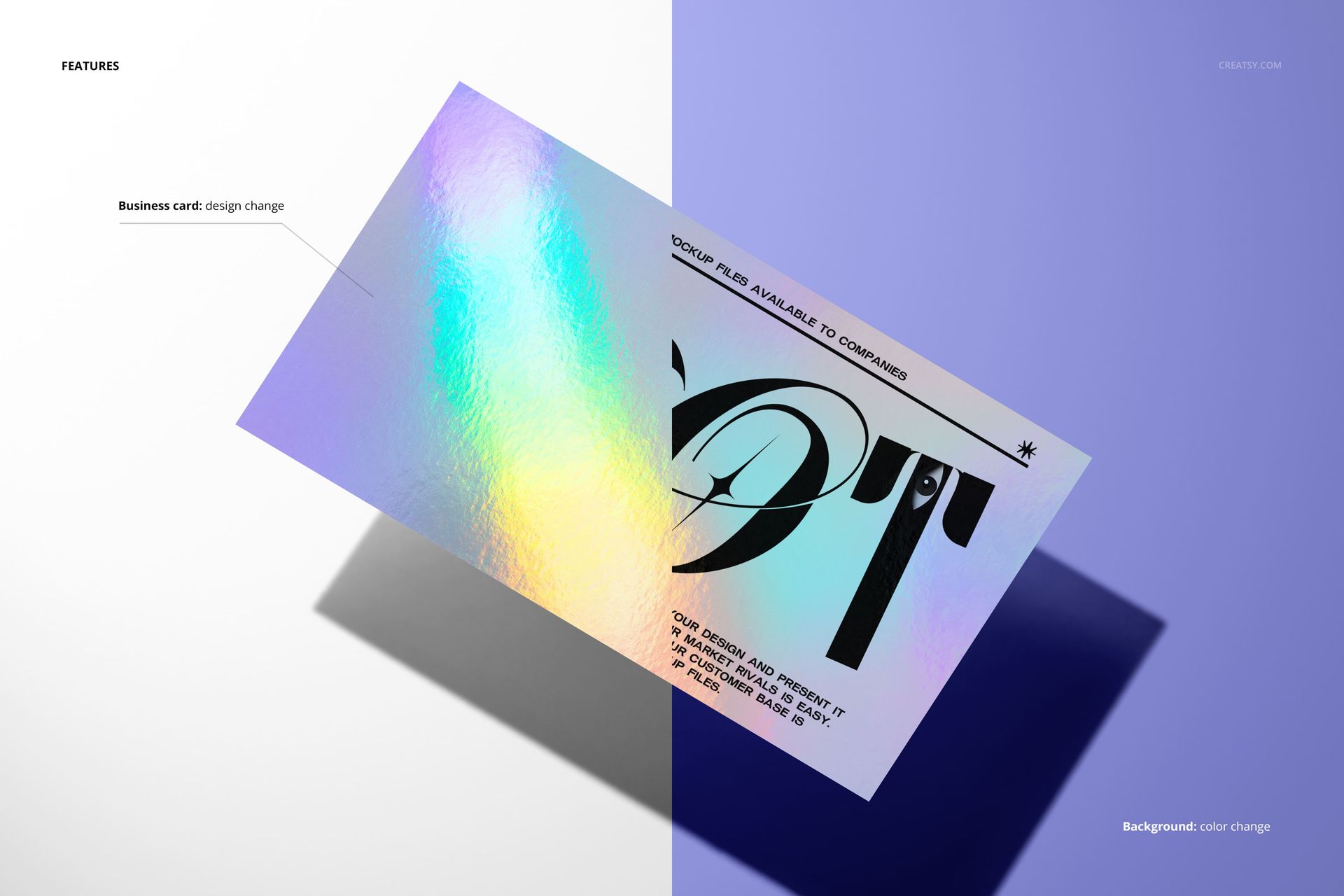
Each file holds a smart object. Double-click it, add your design, and the mockup renders your artwork with the holographic foil shimmer, correct perspective, and scene lighting. The cards ship with placeholder art, and the designs shown in the previews are for display only. The set works in Adobe Photoshop (CS6 or newer) and in Photopea, the free online editor.
It fits branding and stationery work that wants a modern, premium edge: studios and freelancers, print-on-demand and Etsy sellers, music, fashion, and tech brands, and portfolio shots that need an eye-catching finish.
What you get
11 layered PSD files
Around 6000 x 4000 px at 300 dpi
Smart object in every file for your card design
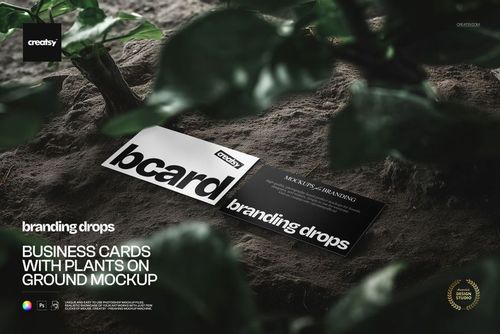
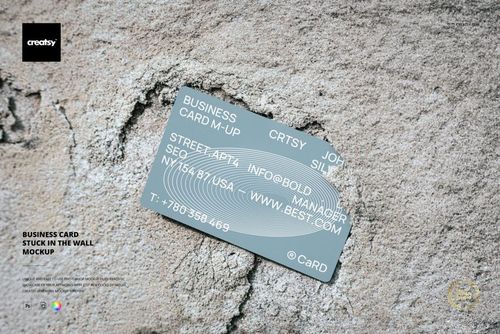
Close-up, stacked, and floating views with a holographic foil finish
Organized, clearly named layers
How it works
Open a PSD in Adobe Photoshop (CS6 or newer) or in Photopea, the free online editor.
Double-click the smart object thumbnail.
Paste or place your design, then save and close the smart object.
Export your mockup as JPG or PNG.
Specifications
Files: 11 PSD files, each with a smart object
Dimensions: around 6000 x 4000 px, 300 dpi
Software: Adobe Photoshop (min. CS6) and Photopea
Finish: holographic, iridescent foil on the cards
Who it is for
Graphic designers, branding and stationery studios, print-on-demand and Etsy sellers, music, fashion, and tech brands, and anyone presenting a business card with a bold, holographic finish.