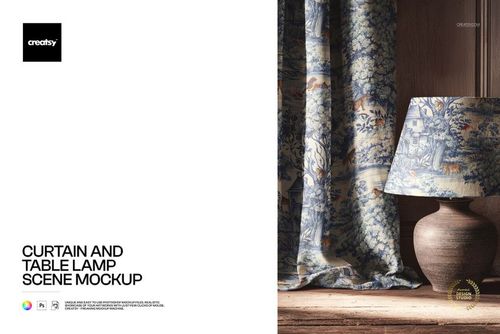
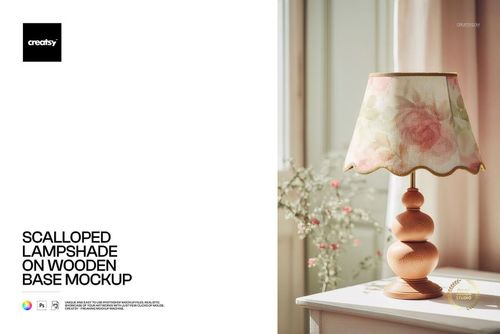
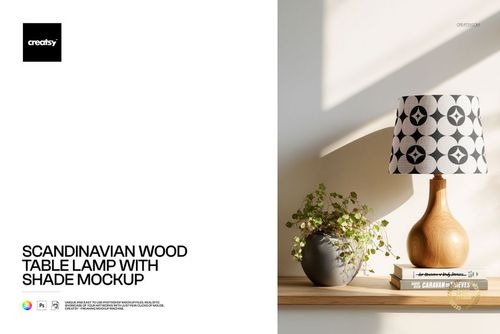
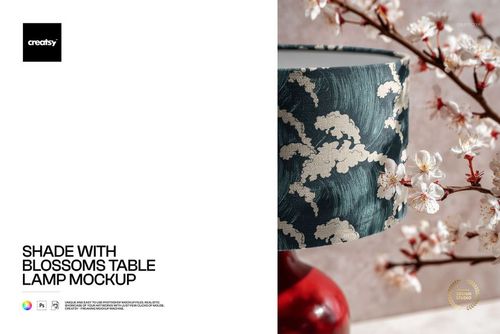
Fringed Velvet Lampshade Mockup Set

Product Details
Fringed Velvet Lampshade Mockup Set
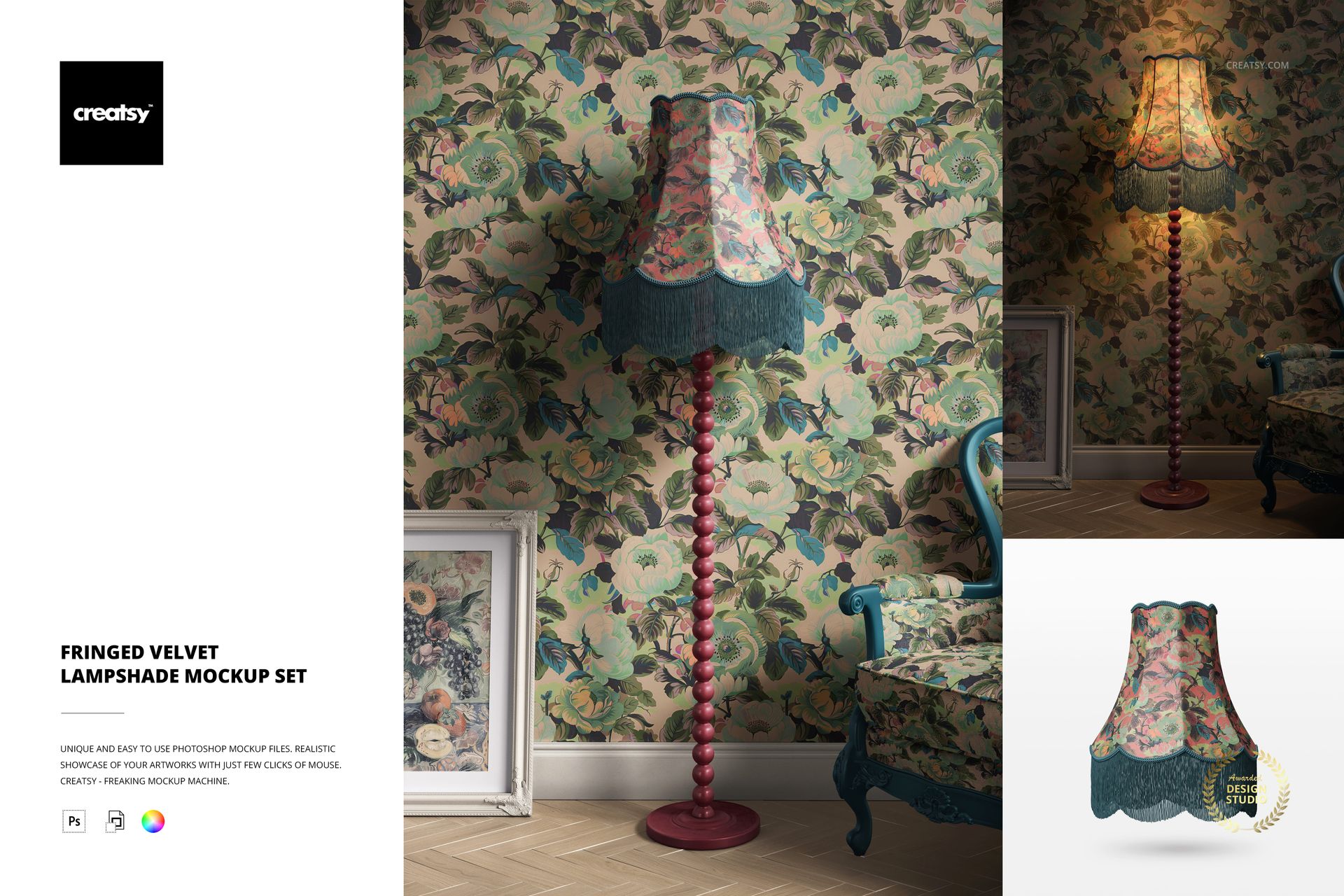
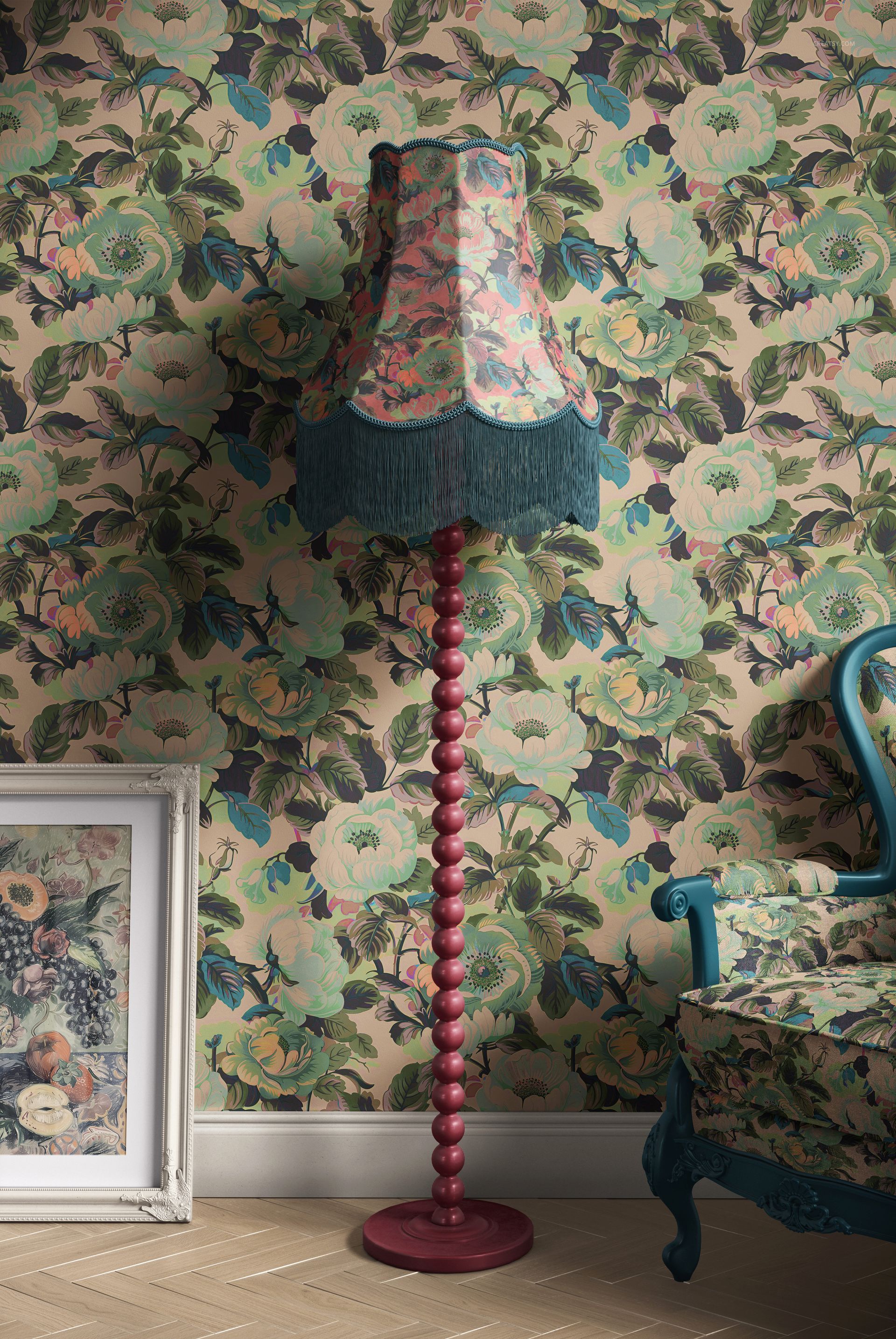
Let your creativity shine with the Fringed Velvet Lampshade Mockup Set, a stunning collection designed to bring a touch of luxury and retro charm to any space. Perfect for those who love Art Nouveau aesthetics, rich textures, and intricate details, this mockup set offers endless customization possibilities to showcase your designs in a beautifully styled interior.
Illuminate Your Designs with Vintage Elegance
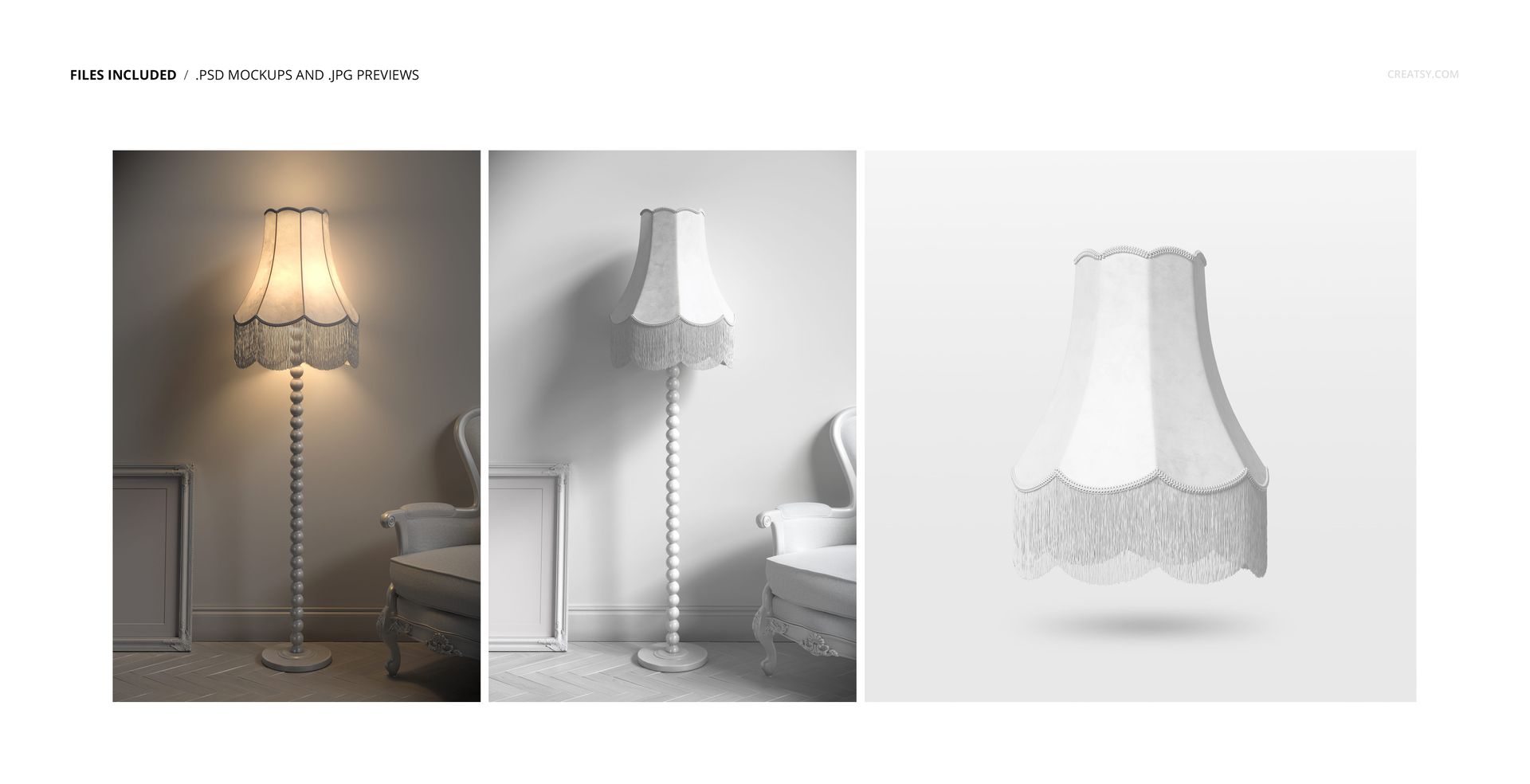
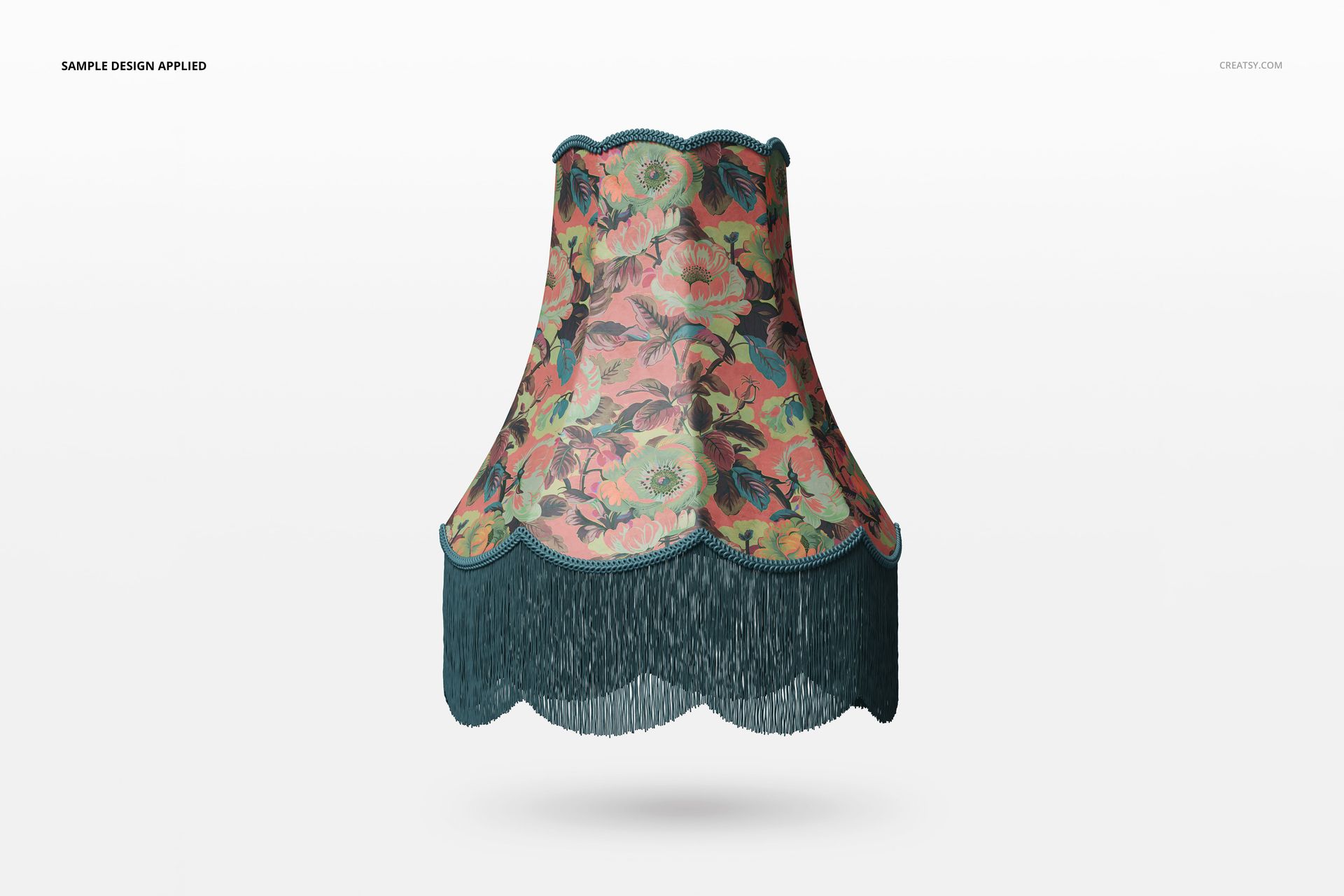
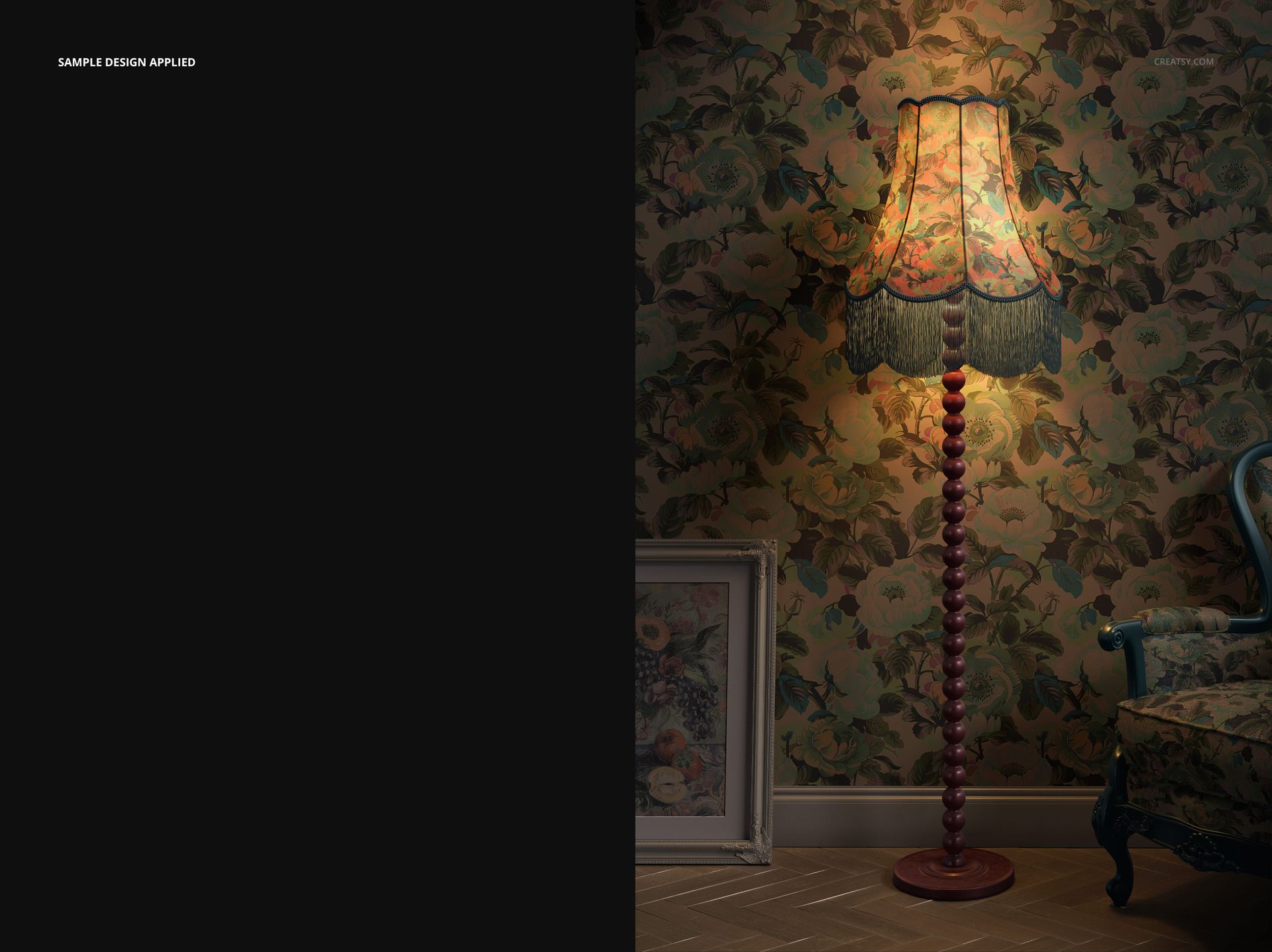
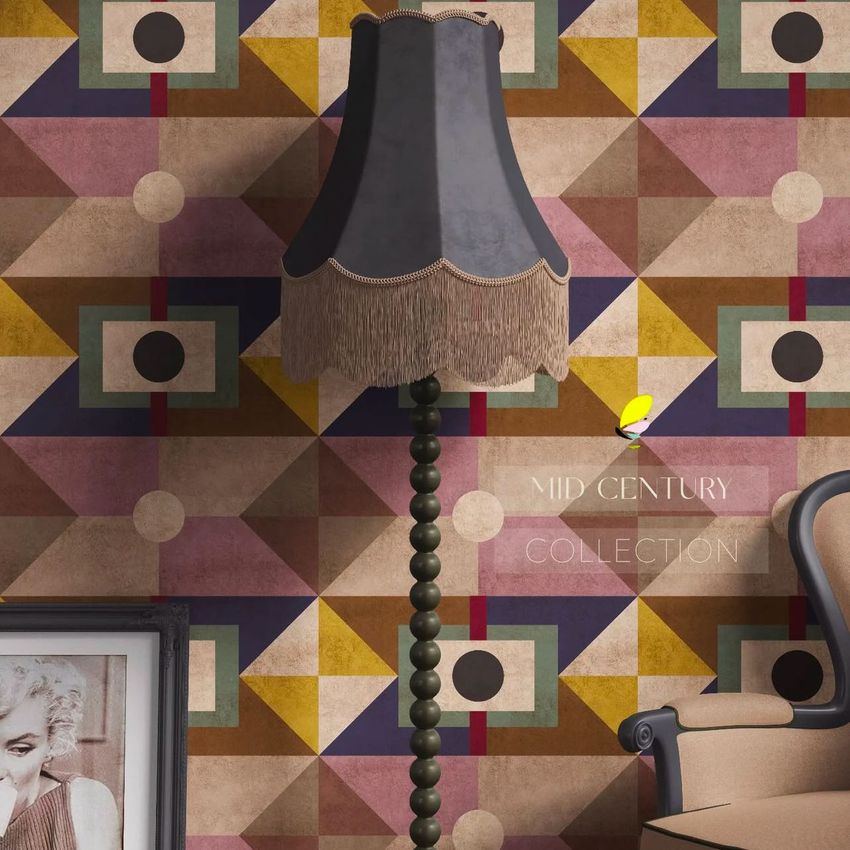
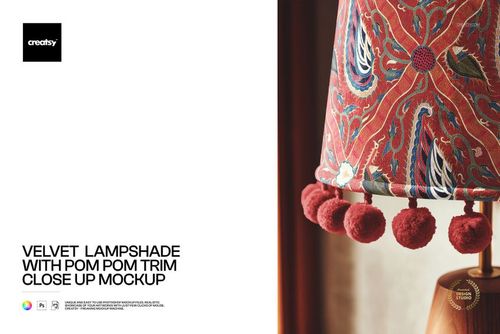
This set includes three high-quality PSD files, each capturing the same elegant lamp in different settings. Explore a daylight view where the lamp is off, placed in a refined Art Nouveau living room. Switch to a nighttime scene, where the lamp glows warmly, creating an intimate and inviting atmosphere. Finally, focus on a detailed close-up of the lampshade, perfect for highlighting intricate fabric patterns, colors, and textures.
Customization from Floor to Ceiling
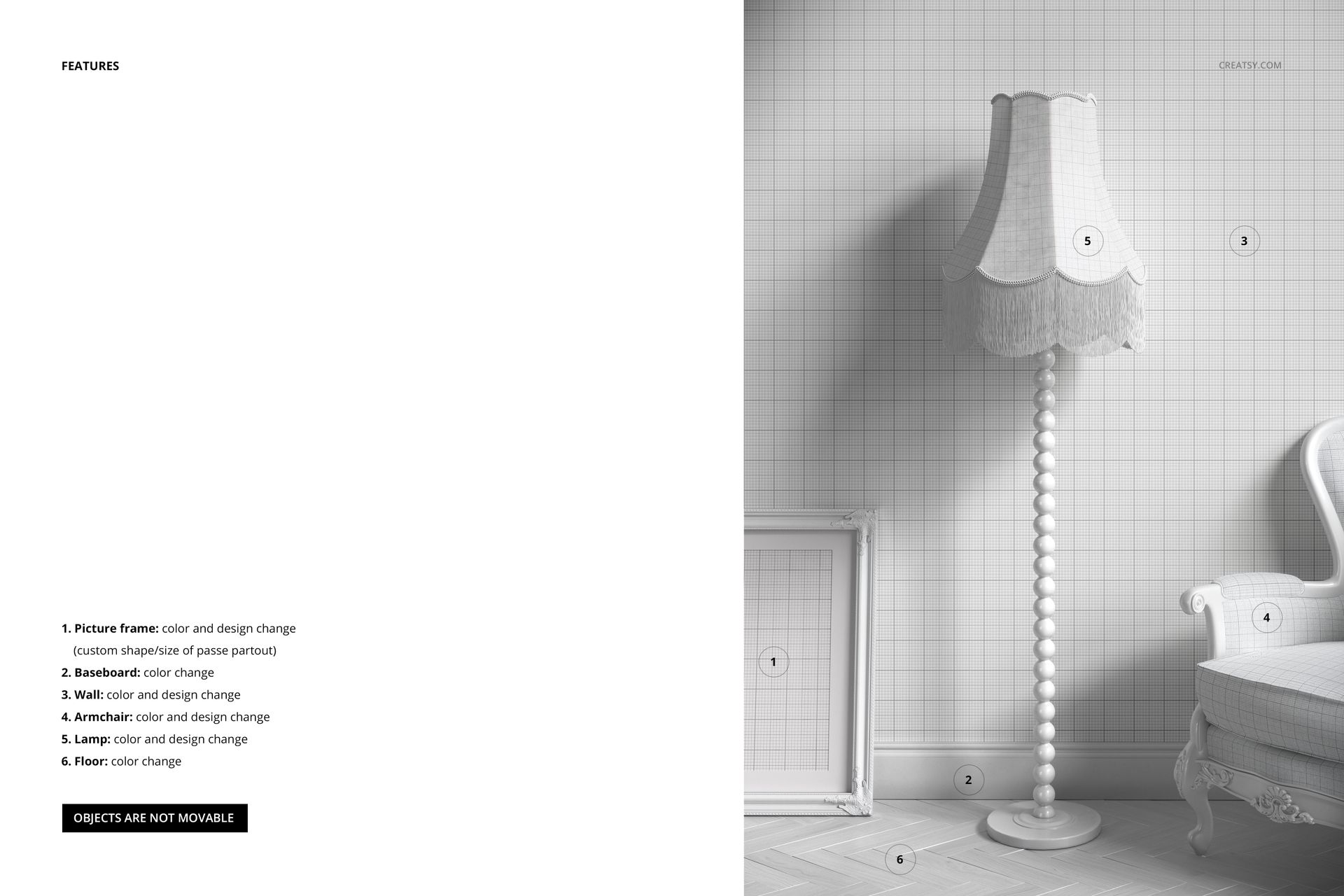
Every element in this mockup is fully editable, giving you complete control over the aesthetic. Add your own patterns and textures to the lampshade, modify the color of the lamp base, and even redesign the armchair upholstery and frame for a cohesive, high-end look. Customize the wallpaper to complement your design, insert your own artwork into the decorative picture frame, and adjust the floor and trim colors to create a setting that perfectly matches your vision. With so many customization options, this mockup set allows you to craft a truly unique and immersive interior scene.
- Files work in Photoshop (min. CC2020) and in Photopea (free online editor);
- Pack includes 3 .psd files: 6000x4000 px, 300dpi;
- Check screenshots for all the features;
- Design applied on mockups by Tatie Lou / tatielou.co.uk (not included in the main zip file);
- Well organized layers.
File details
- Compatibility
- Number of files included
- 6
- Package size
- 884 MB
|927 MB
- Files type
- .psd, .jpg
- Files size
- 6000x4000


Made with Creatsy
Real designs. Real customers. See how creatives use Creatsy mockups to turn their artwork, branding, and product ideas into polished visuals.
MEET THE SHOP

HOW IT WORKS
3 clicks. That's it.
No tutorial needed. If you can copy-paste, you can use this.
- 1OpenDouble-click the smart object inside the PSD - in Adobe Photoshop, or free in your browser with Photopea.
- 2PasteDrop in your pattern, print, or artwork. Any design, any style.
- 3SaveHit save and the mockup wraps it in for you - shadows, folds, and lighting included.
FROM IDEA TO IMAGE
Built for real workflows
Skip the photo shoot Show your artwork on the real product type for approvals or listings - no studio, no model, no sample.
See it on the product, not a swatch Drop your file into the smart object and the scene's lighting and folds wrap around it, so you judge the real thing before you commit.
Smart Objects
Edit once and you're done. Your artwork drops into a smart object and the mockup updates itself - no masking, no warping by hand.
Perfectly Organized
Named layers and folders you can actually navigate. Find what you need, change what you want, and get out fast.
Print-Ready
High-resolution files built to hold up on screen and in print. Exact size and DPI are in this product's Details above.