ID: 1658747221 | Updated: Nov 4, 2025

Product Details

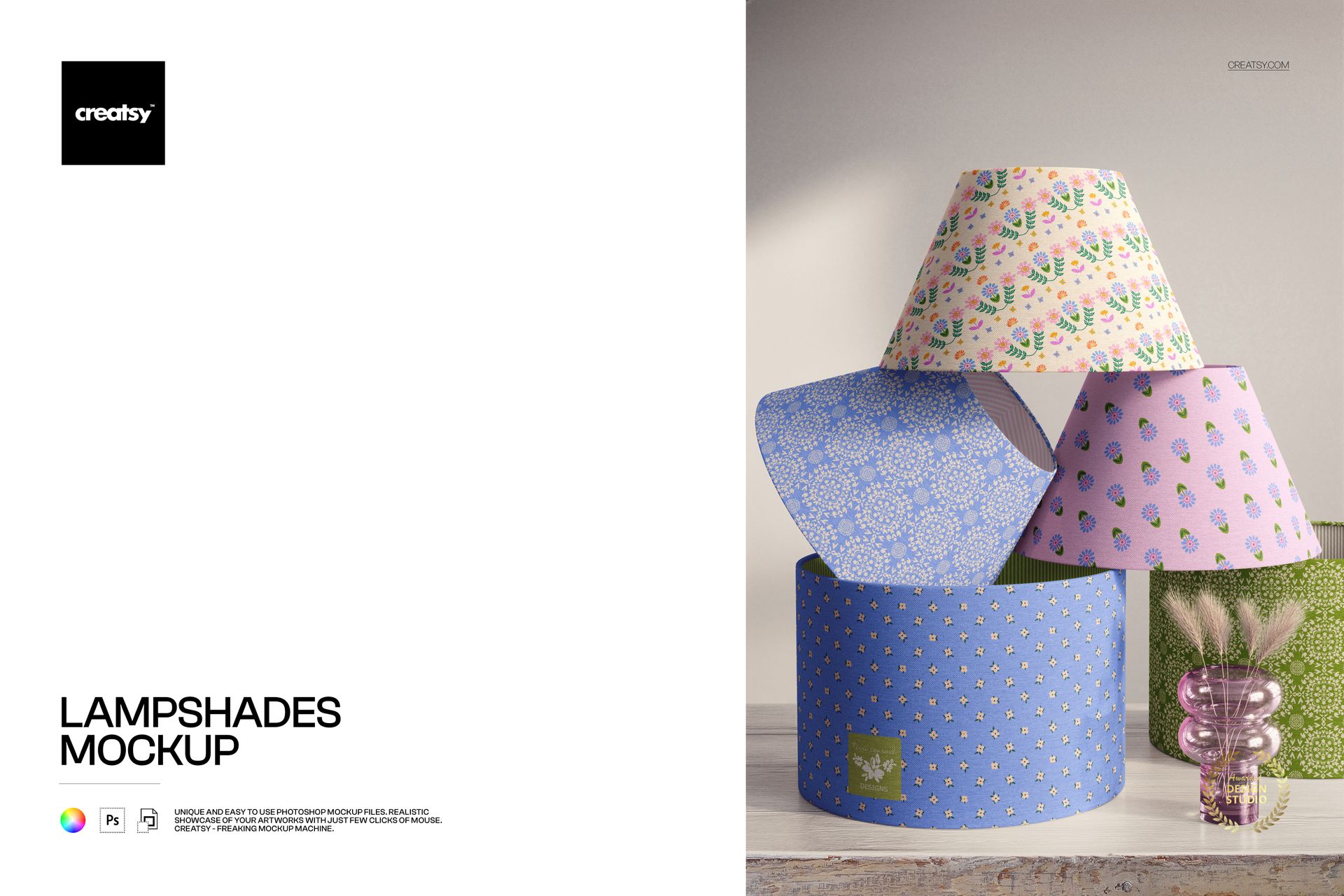
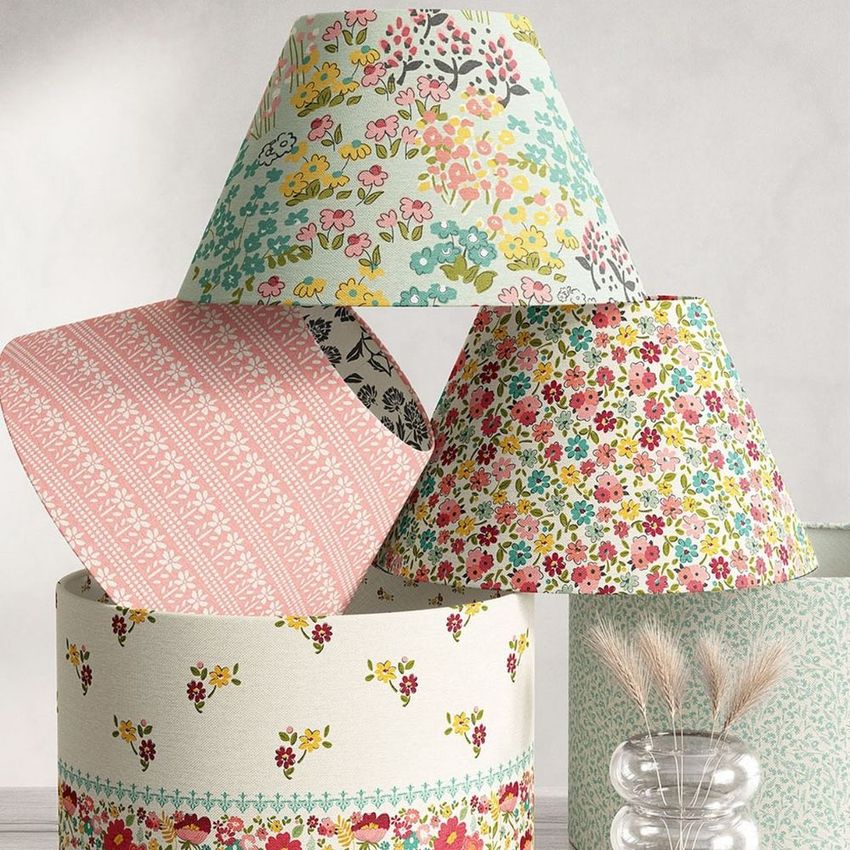
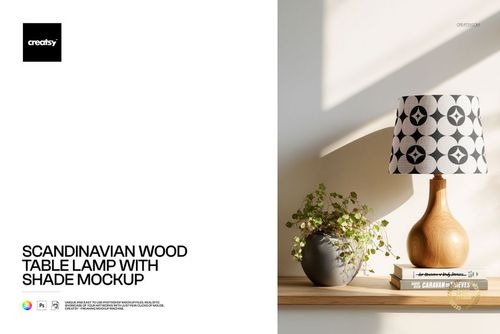
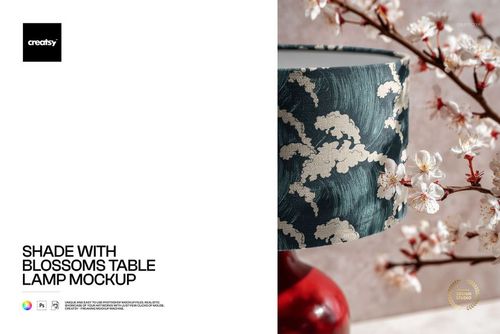
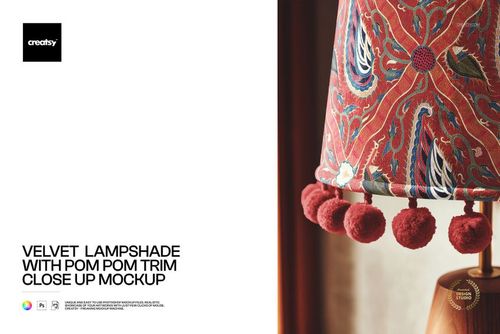
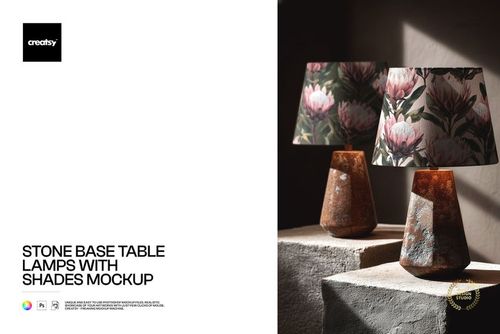
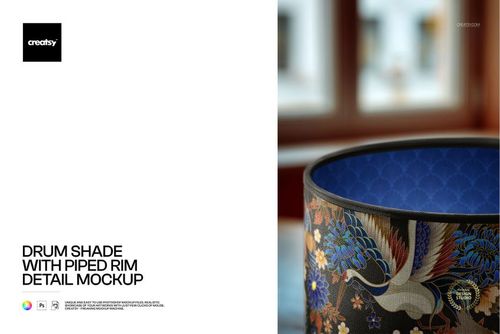
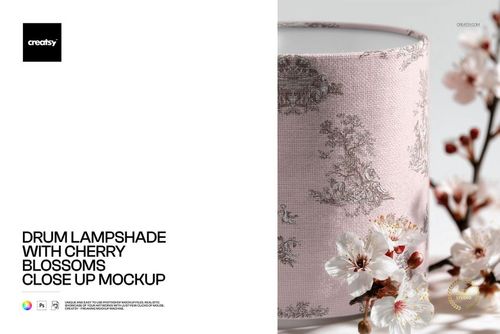
Photorealistic mockup showing multiple lampshade styles arranged together in a single scene. The PSD file includes smart object layers for each lampshade surface, so you can apply your textile pattern, fabric print, or artwork across several shade shapes simultaneously and see how your design reads on different lampshade formats - empire, drum, coolie, and other classic profiles - all in one image. Built from real product photography at 6000x4000 pixels, 300 DPI resolution.

Why a Multi-Shape Lampshades Mockup

When presenting a surface pattern for lampshade applications, the shade shape matters. The same pattern looks different on a straight-sided drum shade, a tapered empire shade, and a wide coolie shade because each form stretches and curves the fabric differently. This mockup lets you test and show your pattern on multiple shade formats at once, in a single image. That saves time compared to creating separate mockups for each shape, and it gives your portfolio or product listing a comprehensive presentation that communicates pattern versatility.

For licensing pitches and manufacturer presentations, a multi-shade image demonstrates that your pattern works across the full range of lampshade formats a buyer might produce. Instead of showing one shade and leaving the buyer to imagine the rest, you present the complete picture. This is the kind of thorough presentation that builds confidence and accelerates decision-making.

What Is Included

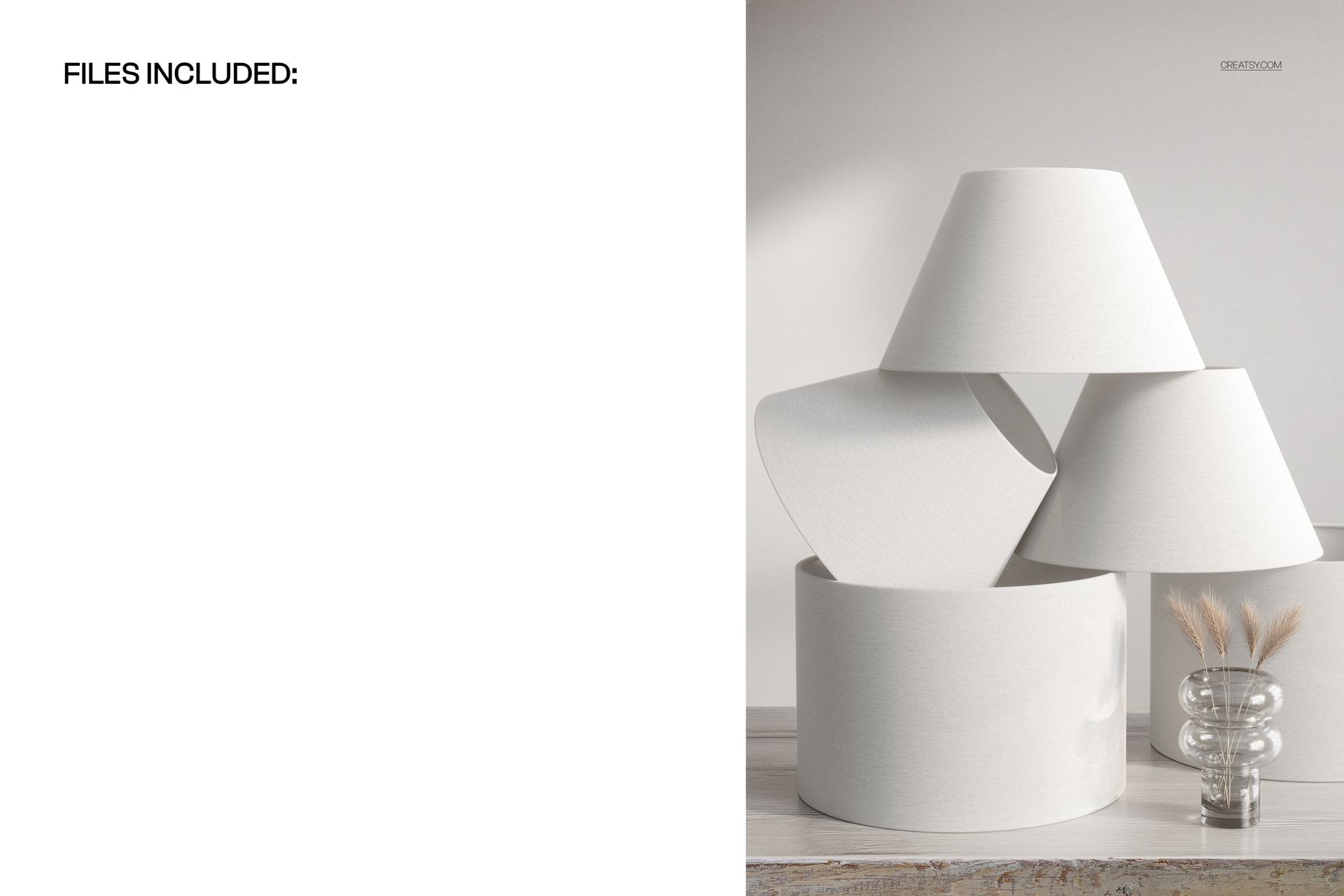
One PSD file at 6000x4000 pixels, 300 DPI resolution, landscape orientation. The file contains organized, labeled layers with smart objects for each lampshade surface in the scene. The lamp bases, background setting, and scene lighting are part of the photographic base layer. The 477 MB file size reflects the high level of photographic detail captured across multiple shade surfaces, supporting print production at large format sizes.

What You Can Customize

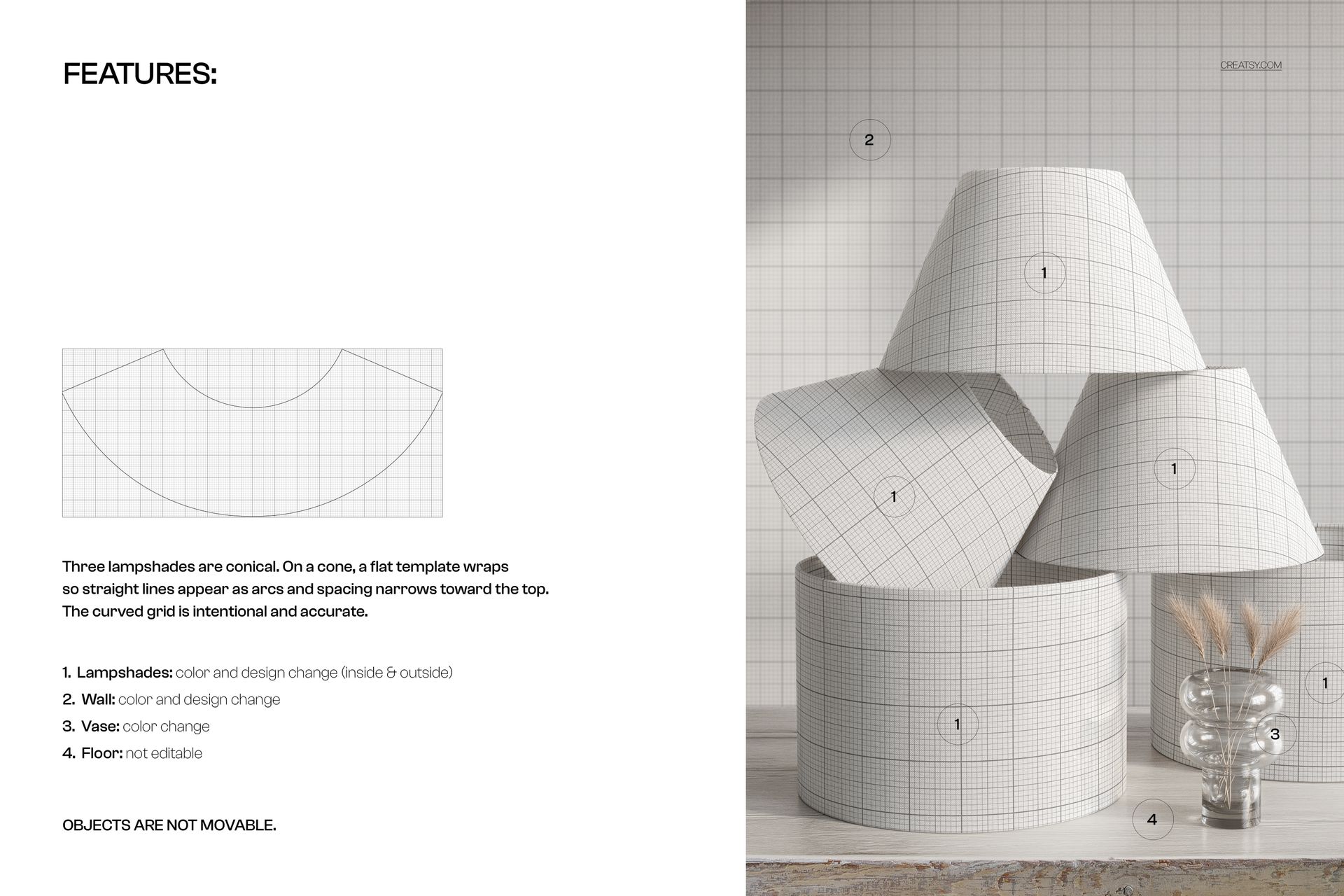
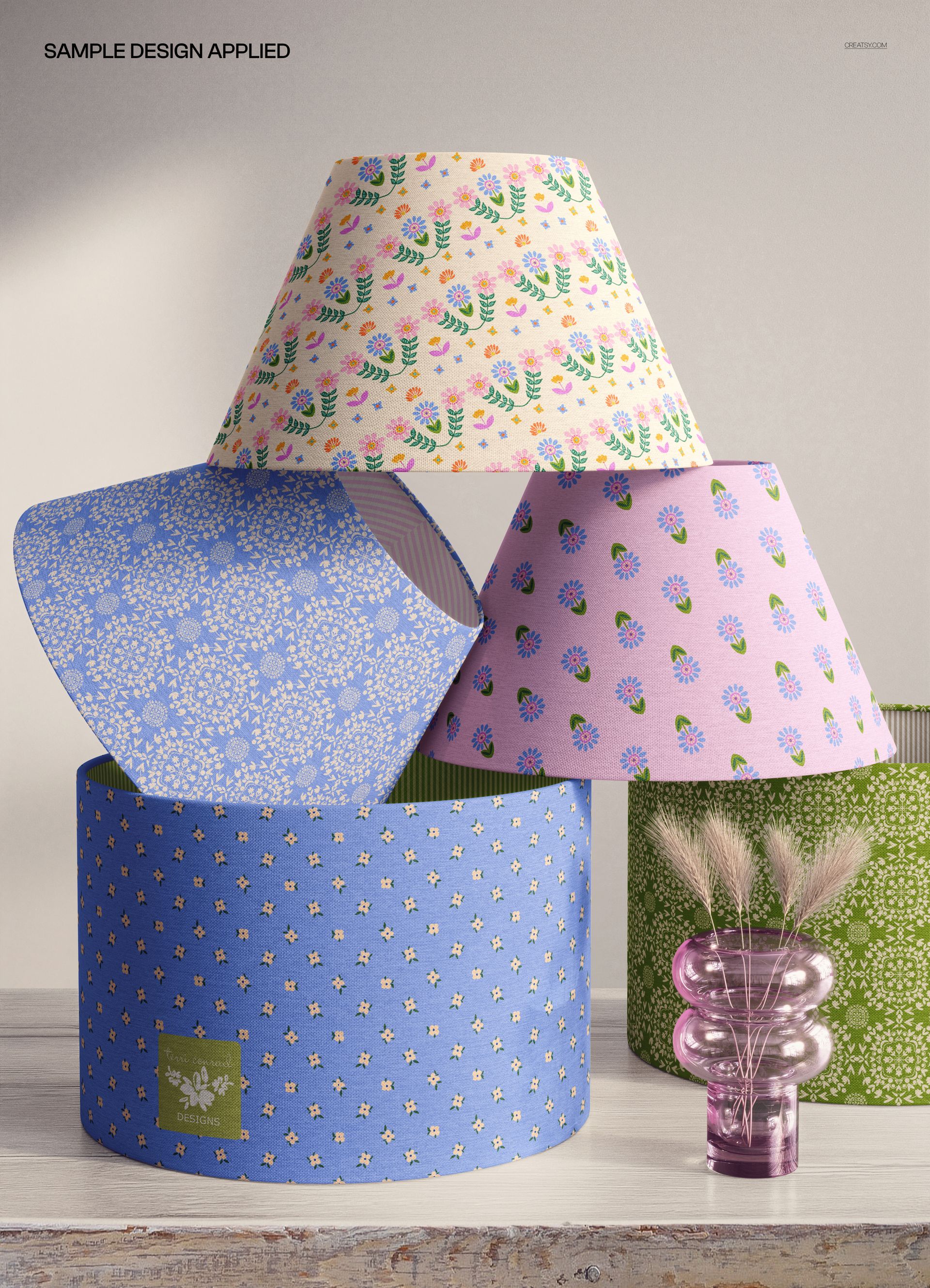
Place your surface pattern, fabric design, or artwork onto each lampshade via its dedicated smart object layer. You can apply the same pattern to all shades to show consistency across formats, or use different patterns or colorways on each shade to present a collection range. The mockup renders your design with realistic curvature, fabric texture, and lighting on each shade shape, showing how the pattern interacts with different tapers, angles, and surface areas.

Who This Mockup Is For

Surface pattern designers presenting lampshade collections to licensors and manufacturers who produce multiple shade formats. Interior designers comparing how a fabric specification looks across different shade shapes for a project. Textile brands building product line presentations showing one pattern across their full shade range. Print-on-demand sellers creating comprehensive product images for lampshade listings. Lighting manufacturers producing catalog imagery that showcases their shade format options. Home decor studios building lookbook pages that display fabric versatility.

File Specifications

Format: PSD with smart object layers. Resolution: 6000x4000 pixels at 300 DPI. Orientation: landscape. File size: approximately 478 MB. Compatibility: Adobe Photoshop CC 2020 or newer, Photopea (free browser-based editor). The landscape format works well in catalog spreads, website hero banners, portfolio grids, and widescreen presentation slides.

File details

Compatibility
PhotopeaAdobe Photoshop
Number of files included
2
Package size
477 MB477 MB|500 MB500 MB
Files type
.psd, .jpg
Files size
6000x4000
TEST FOR FREE

Reviews

Professional PSD mockups built in-house - editable, realistic, high-resolution, and supported by real people.

5 (1 rating)
Sort by:

terriconrad avatar
terriconrad
Nov 19, 2025

These fabric lampshades are another wonderfully designed mock up template by the Creatsy team. Highly recommend including in your portfolio

Malgorzata Hapon avatar
Malgorzata Hapon Author
Jun 9, 2026

Thank you so much for your wonderful review! We’re so happy to hear you enjoyed this lampshades mockup and found it portfolio-worthy. Your support truly means a lot to us.


Made with Creatsy

Real designs. Real customers. See how creatives use Creatsy mockups to turn their artwork, branding, and product ideas into polished visuals.

MEET THE SHOP

Creatsy logo

Creatsy

Poland
4.7 (648)

Bring your ideas to life.

We're a family-run studio in Katowice, Poland, making PSD mockups by hand since 2016. Everything in this shop starts in our own studio. We shoot the photography, build the 3D, and put together every Smart Object PSD ourselves - then we test it, organize the layers, and only ship it once it actually works...
GO TO SHOP

HOW IT WORKS

3 clicks. That's it.

No tutorial needed. If you can copy-paste, you can use this.

  1. 1OpenDouble-click the smart object inside the PSD - in Adobe Photoshop, or free in your browser with Photopea.
  2. 2PasteDrop in your pattern, print, or artwork. Any design, any style.
  3. 3SaveHit save and the mockup wraps it in for you - shadows, folds, and lighting included.

FROM IDEA TO IMAGE

Built for real workflows

Skip the photo shoot Show your artwork on the real product type for approvals or listings - no studio, no model, no sample.

See it on the product, not a swatch Drop your file into the smart object and the scene's lighting and folds wrap around it, so you judge the real thing before you commit.

Smart Objects

Edit once and you're done. Your artwork drops into a smart object and the mockup updates itself - no masking, no warping by hand.

Perfectly Organized

Named layers and folders you can actually navigate. Find what you need, change what you want, and get out fast.

Print-Ready

High-resolution files built to hold up on screen and in print. Exact size and DPI are in this product's Details above.