Product Details
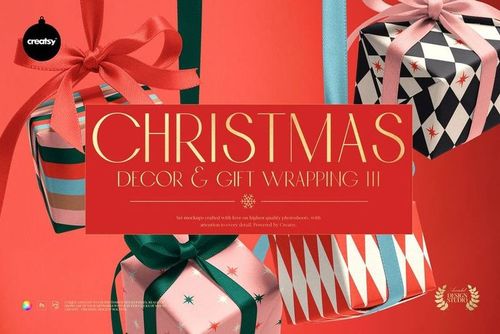
Christmas Decor & Gift Wrapping Mockup Bundle
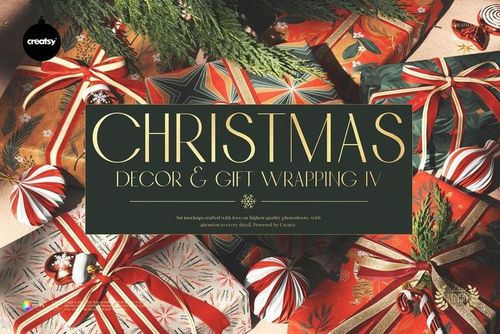
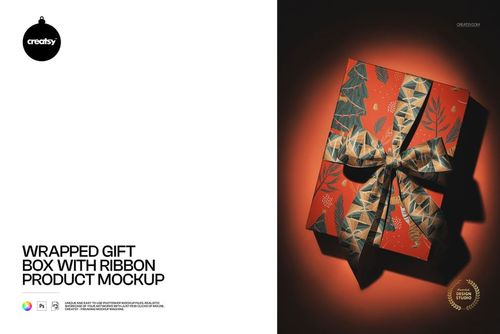
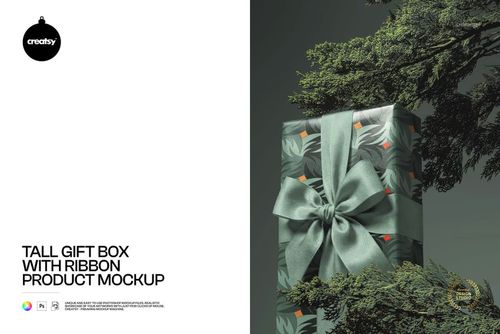
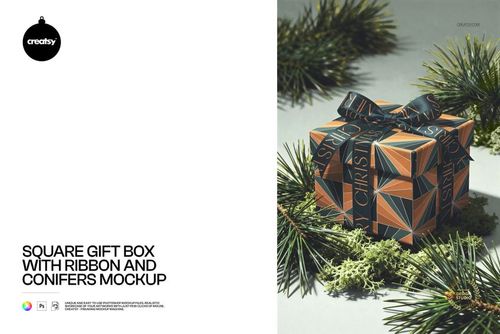
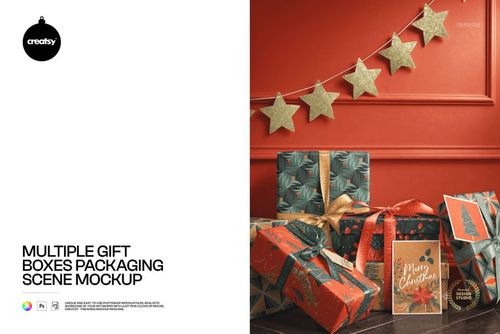
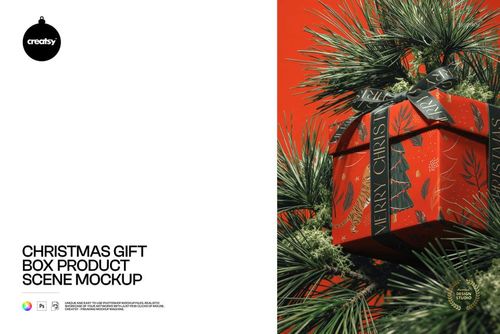
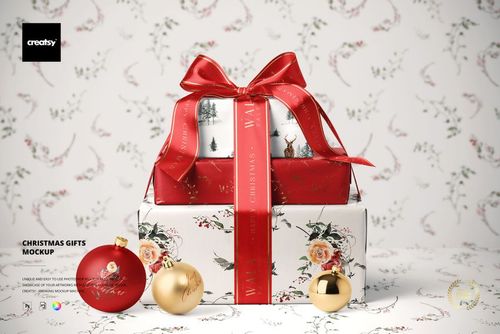
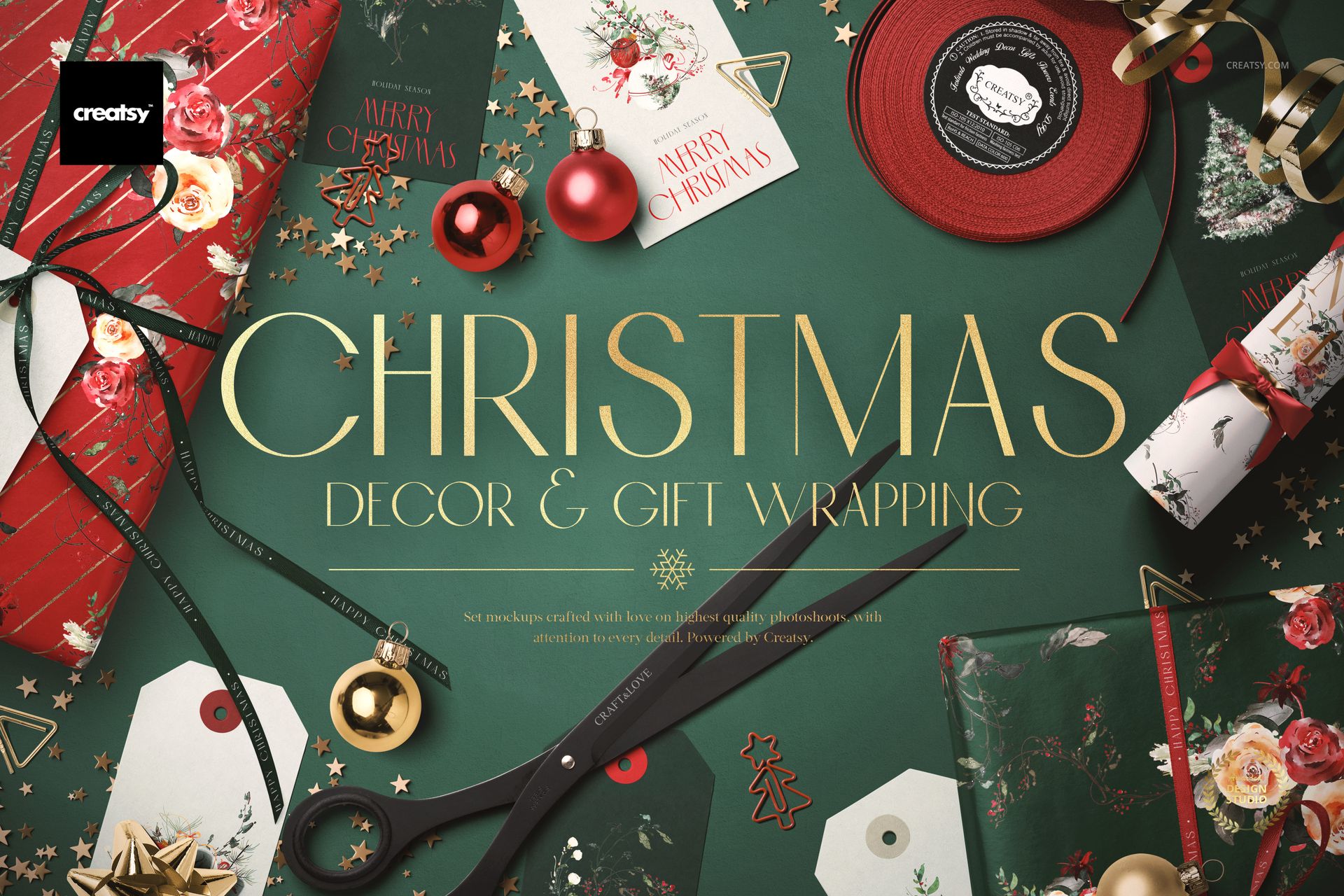
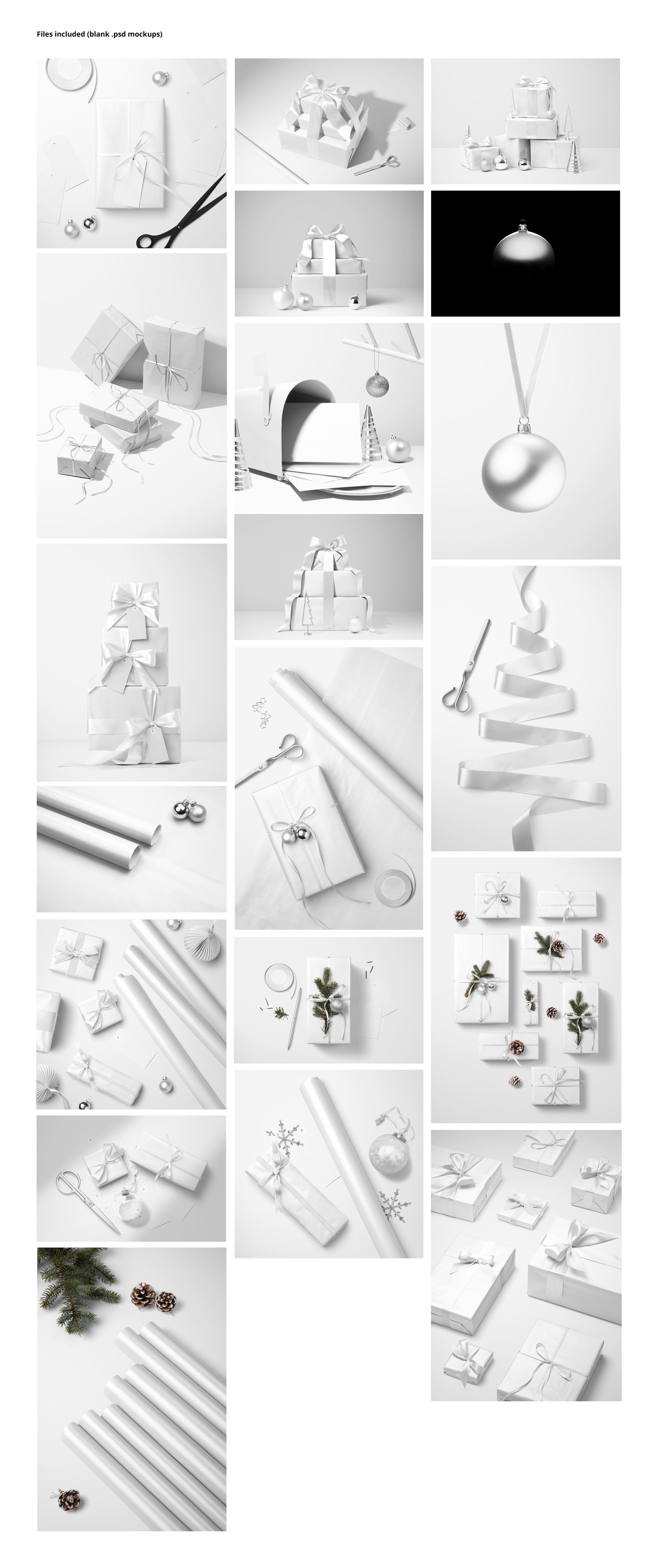
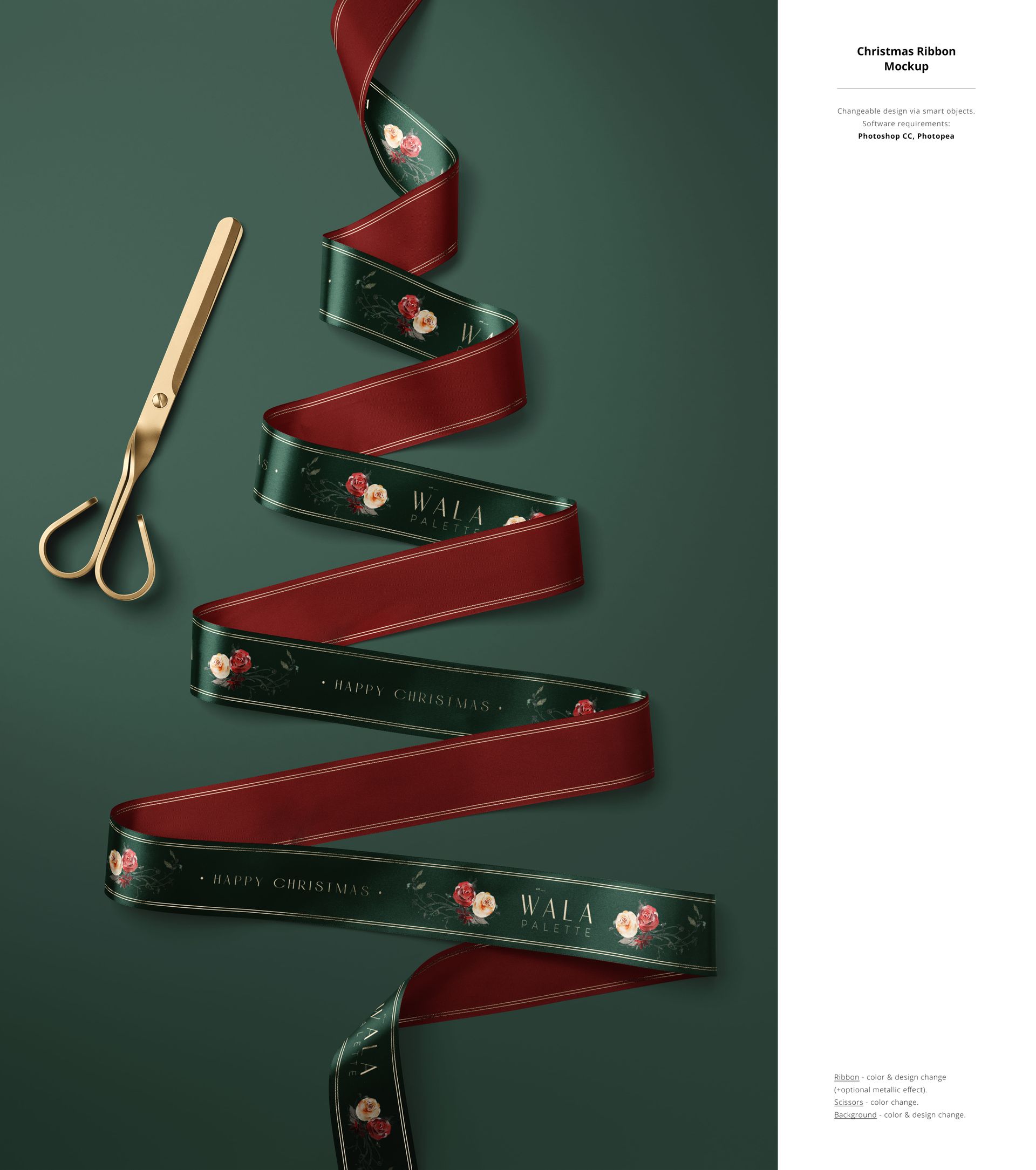
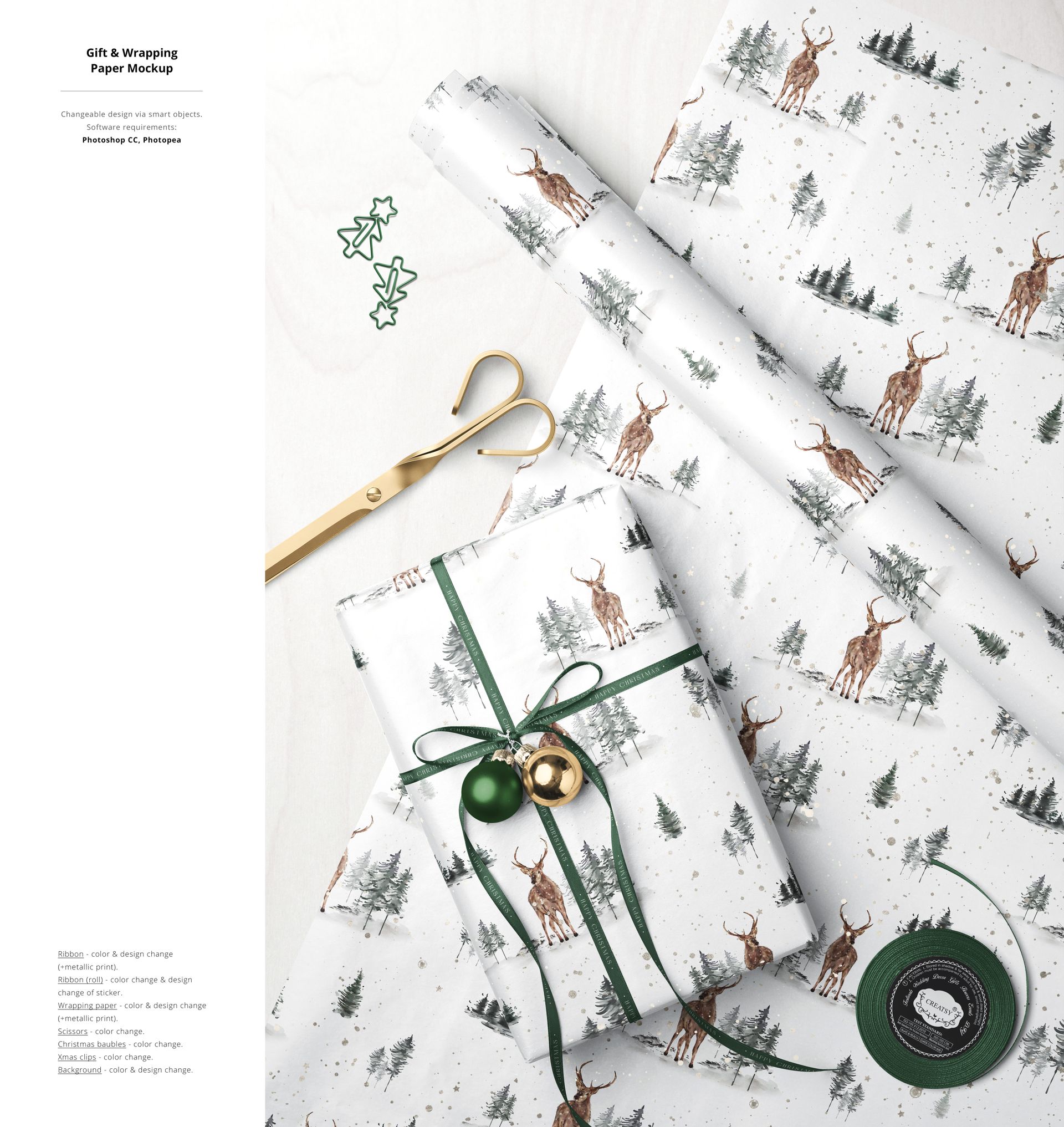
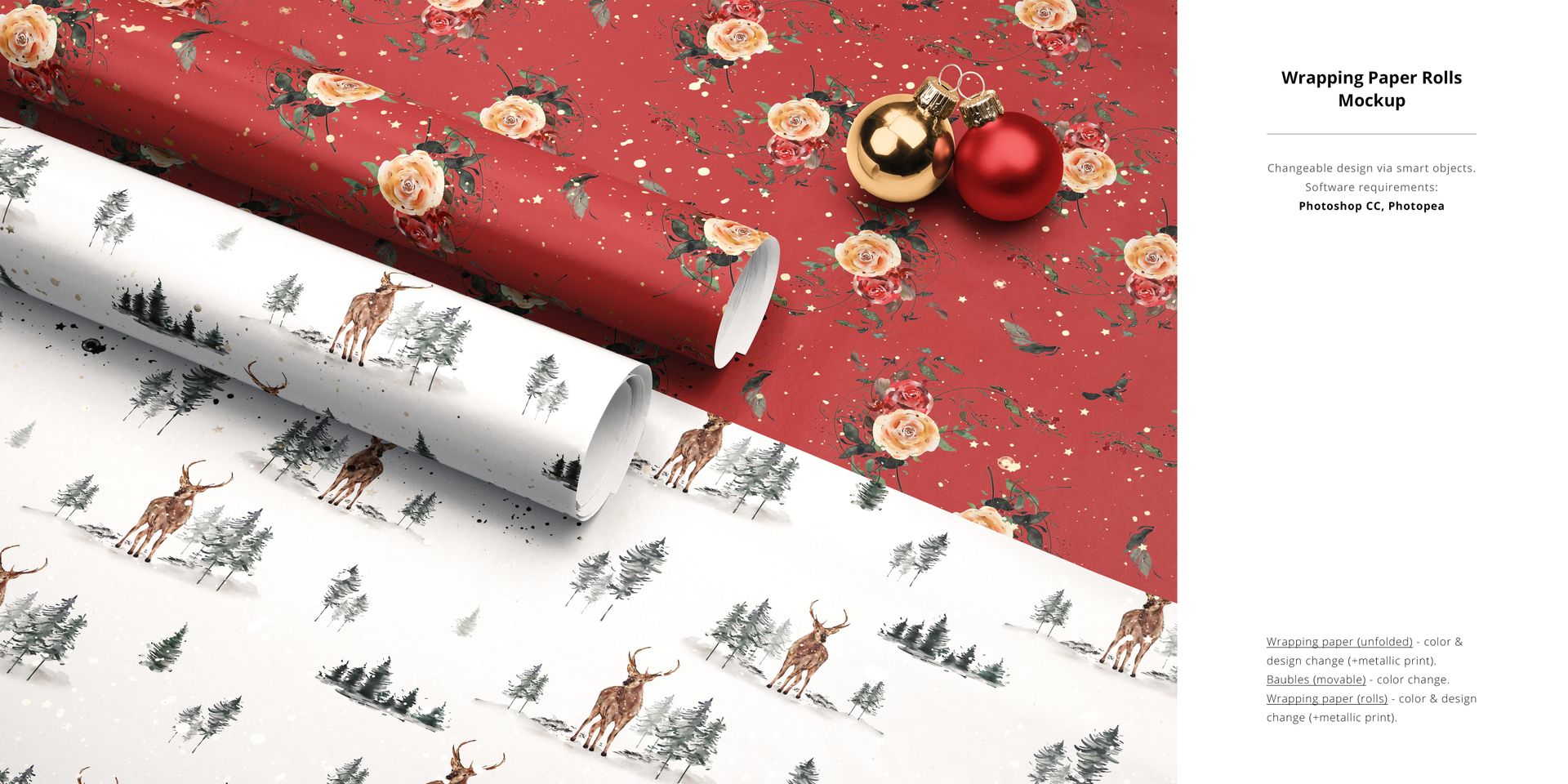
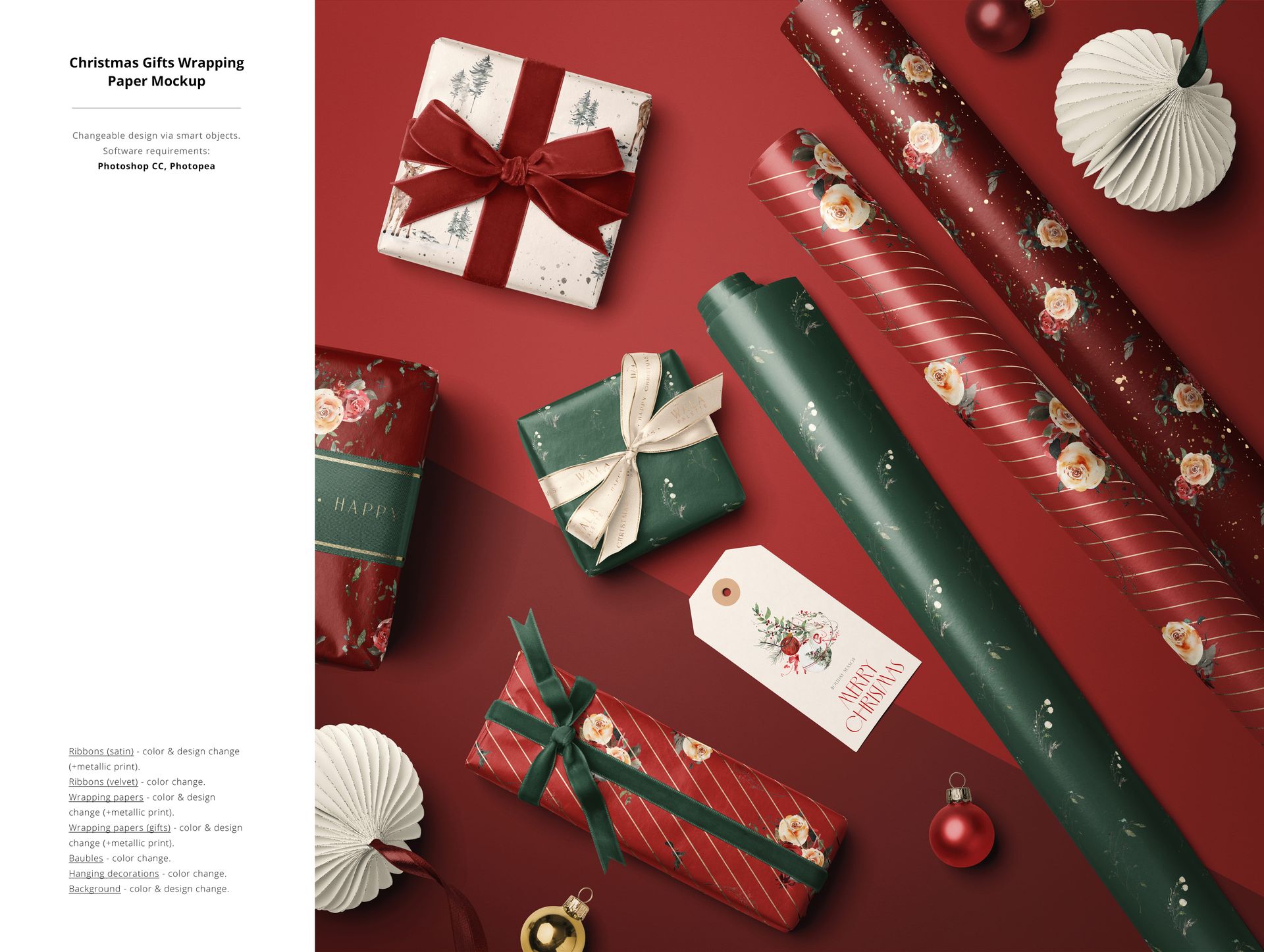
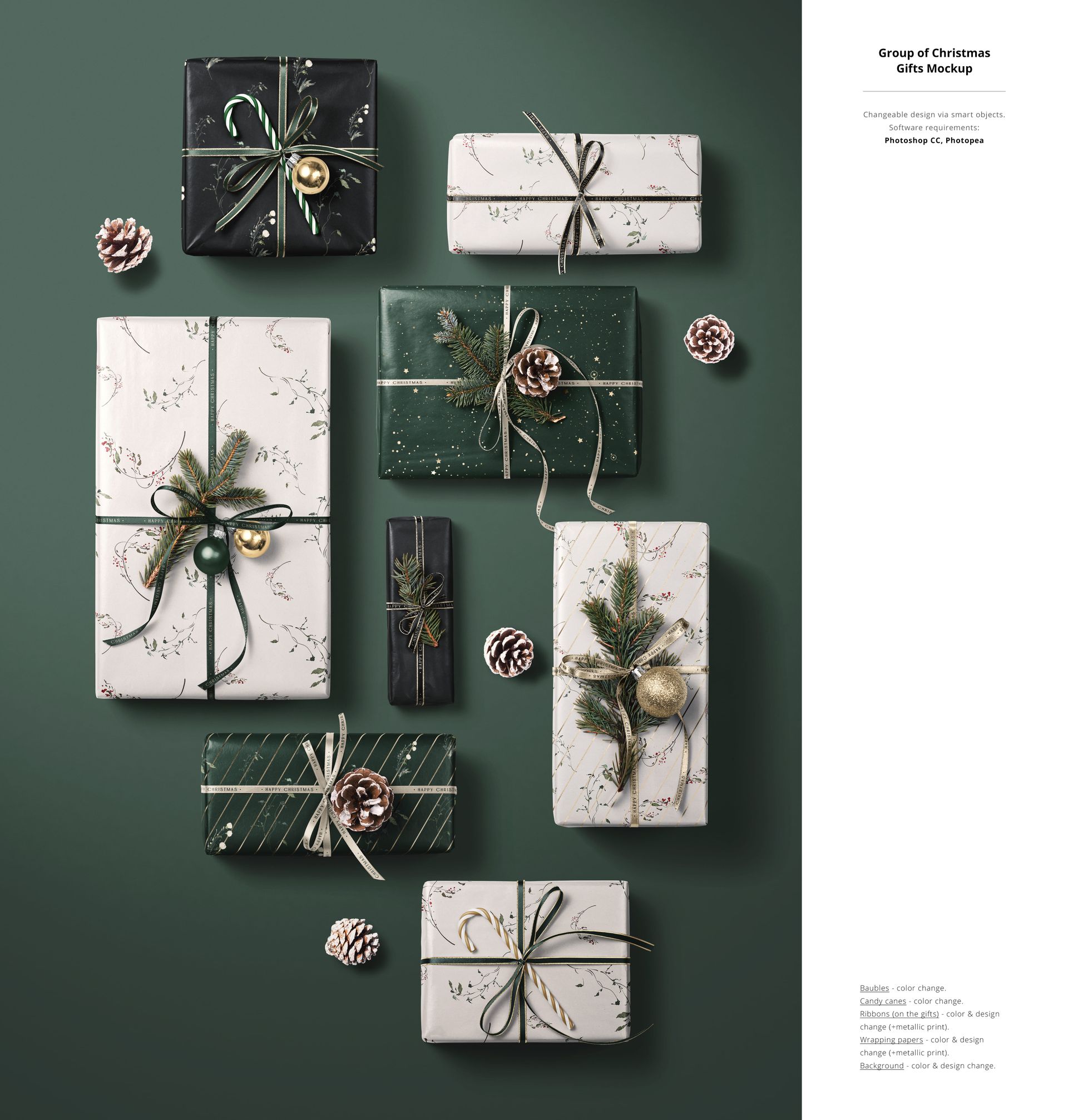
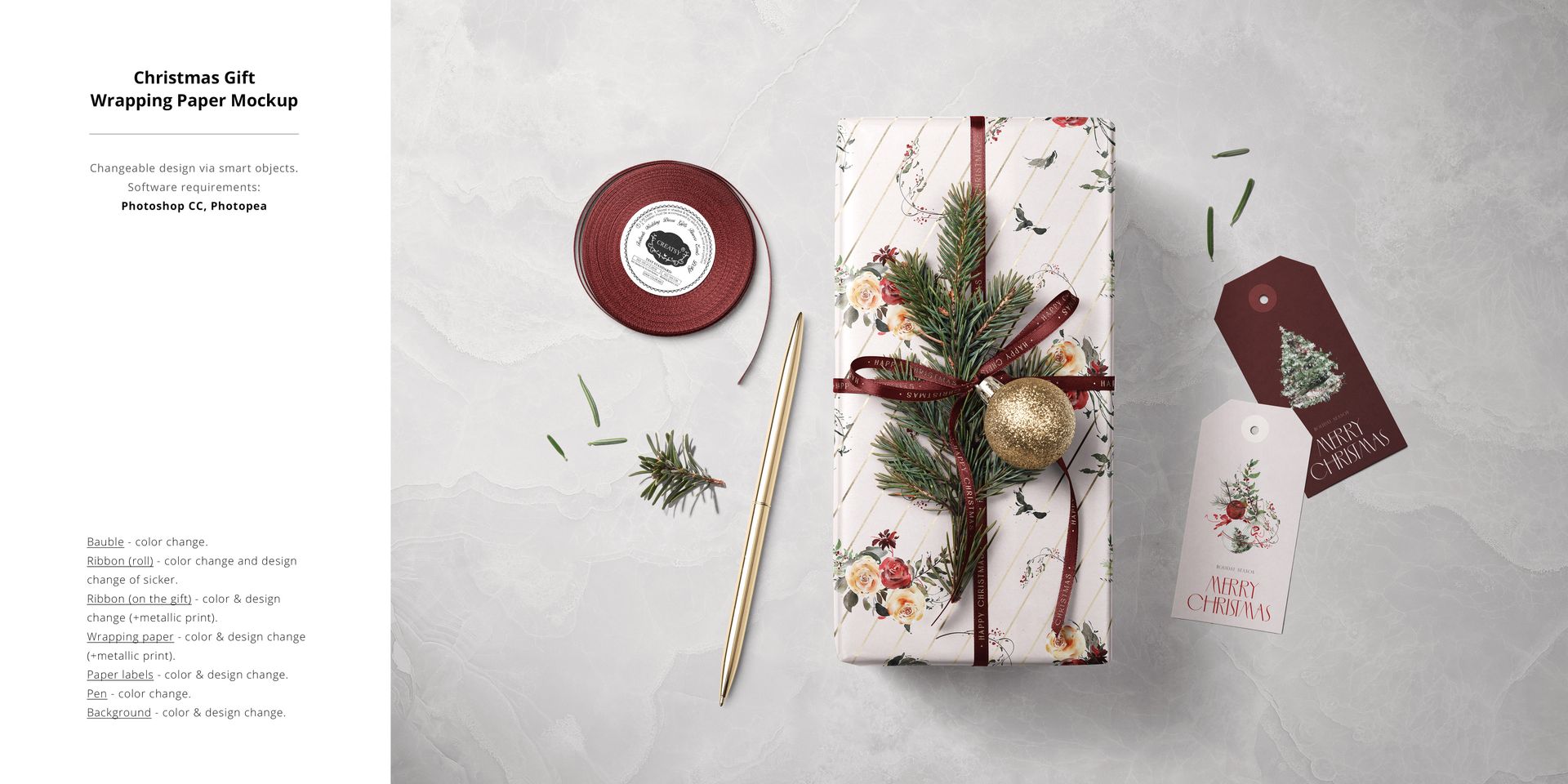
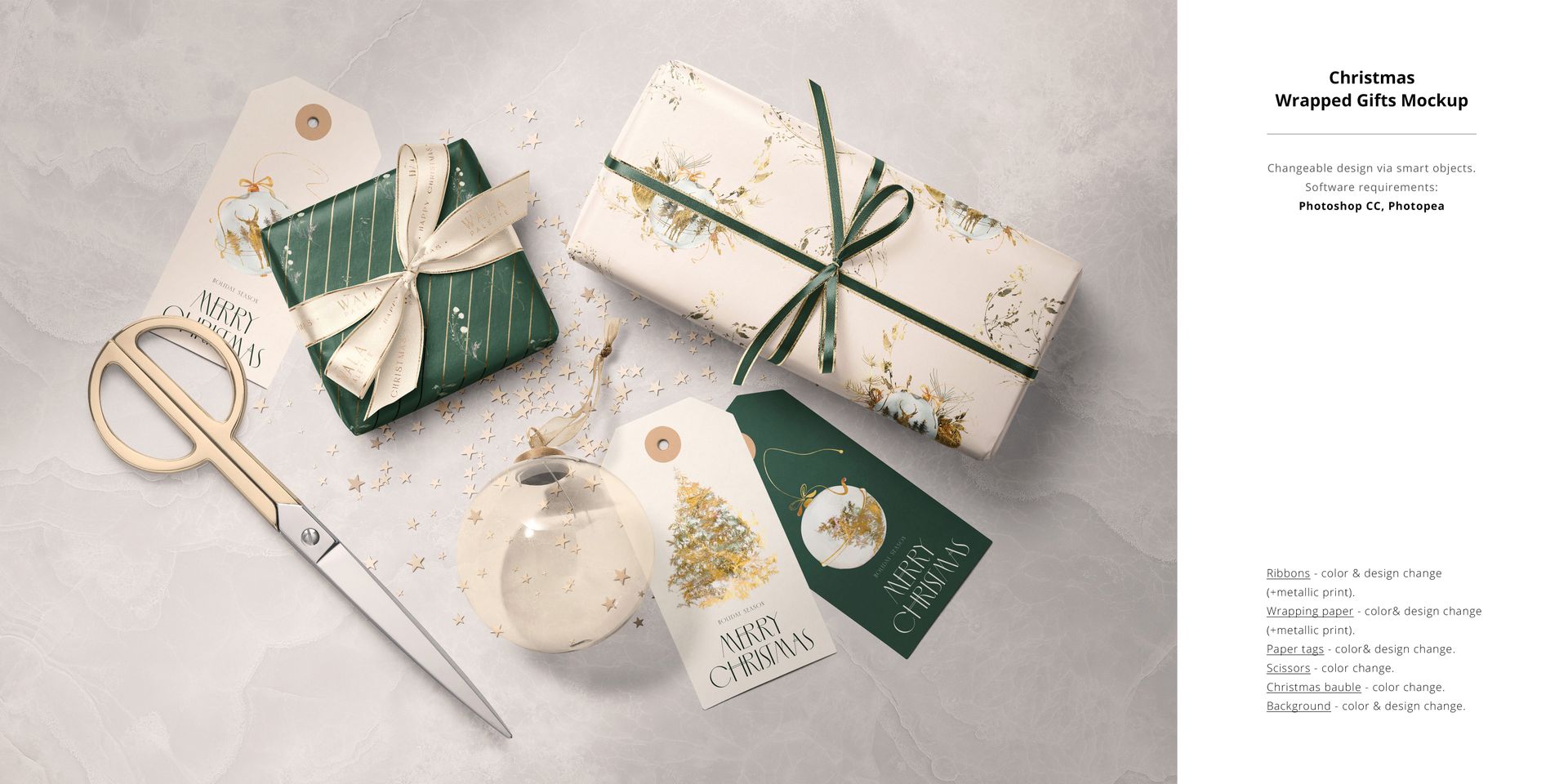
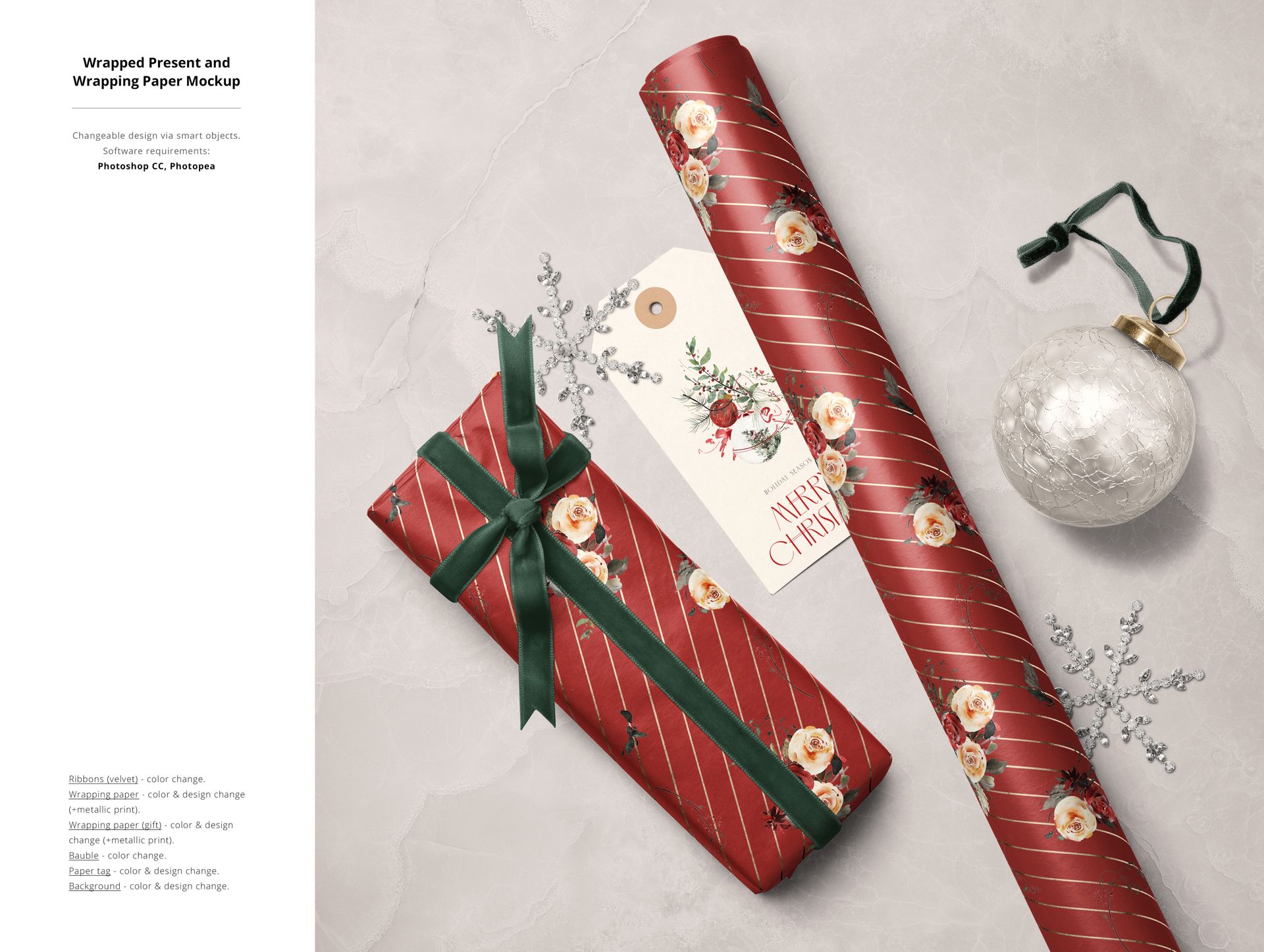
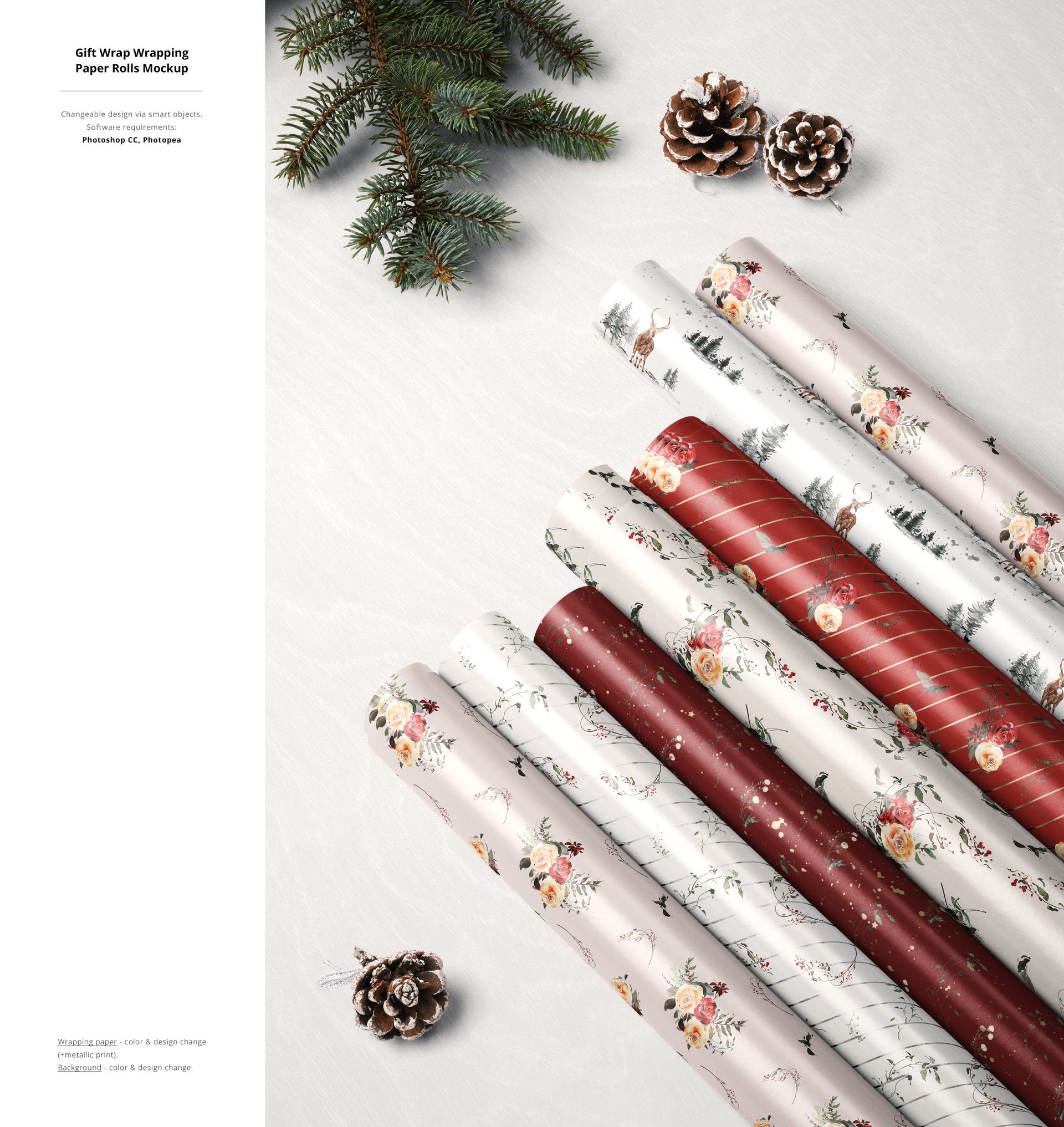
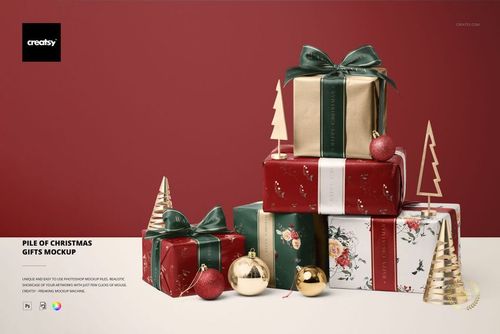
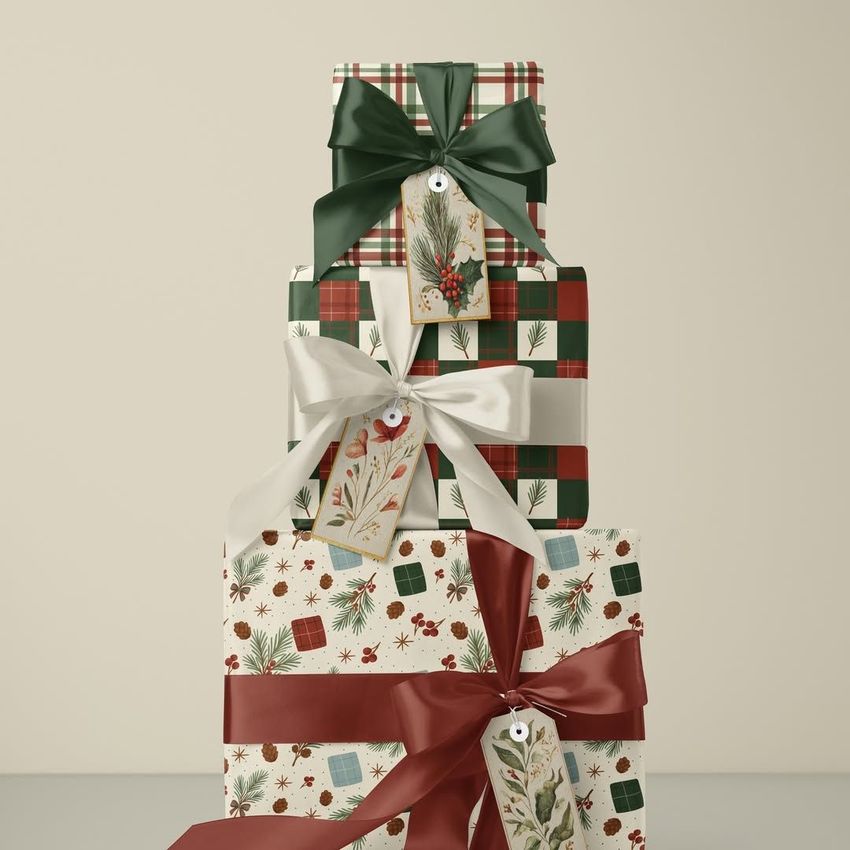
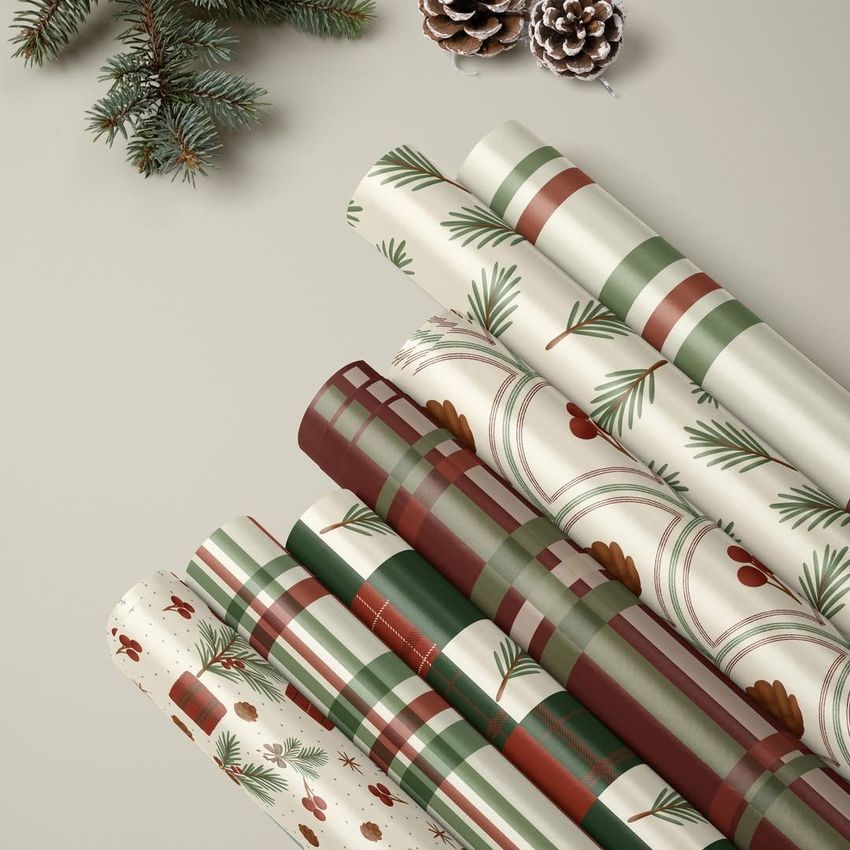
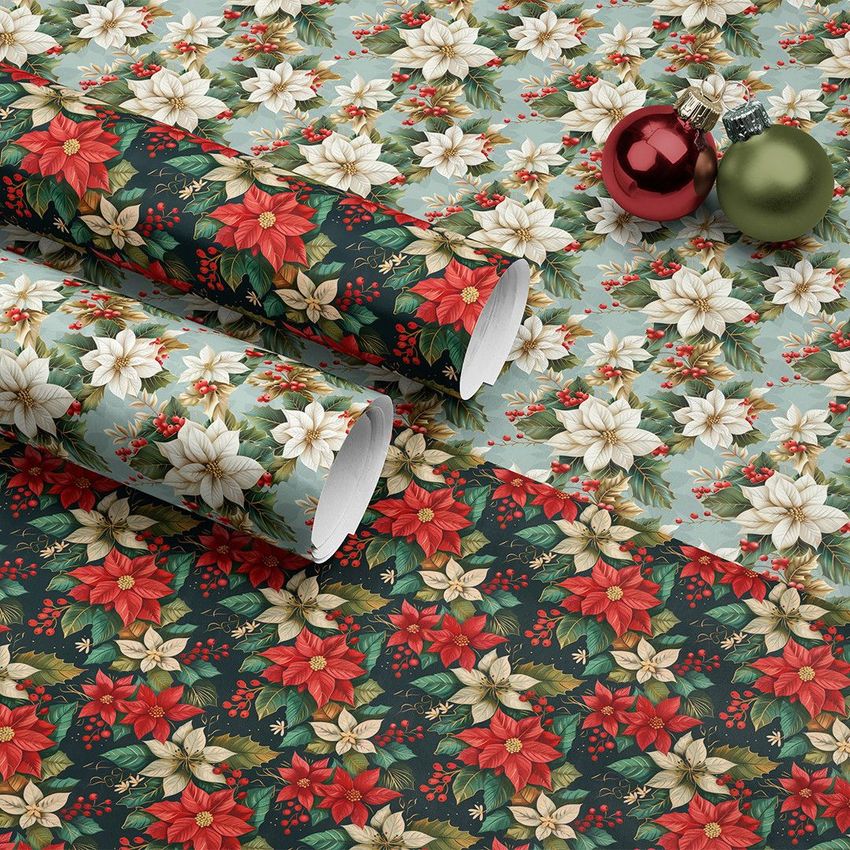
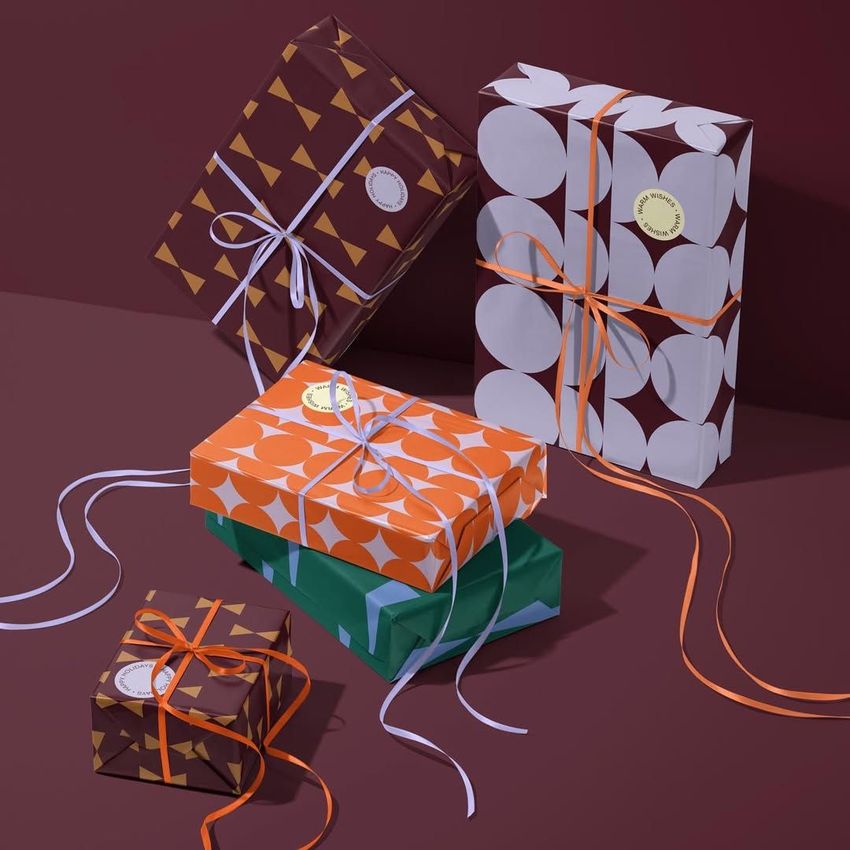
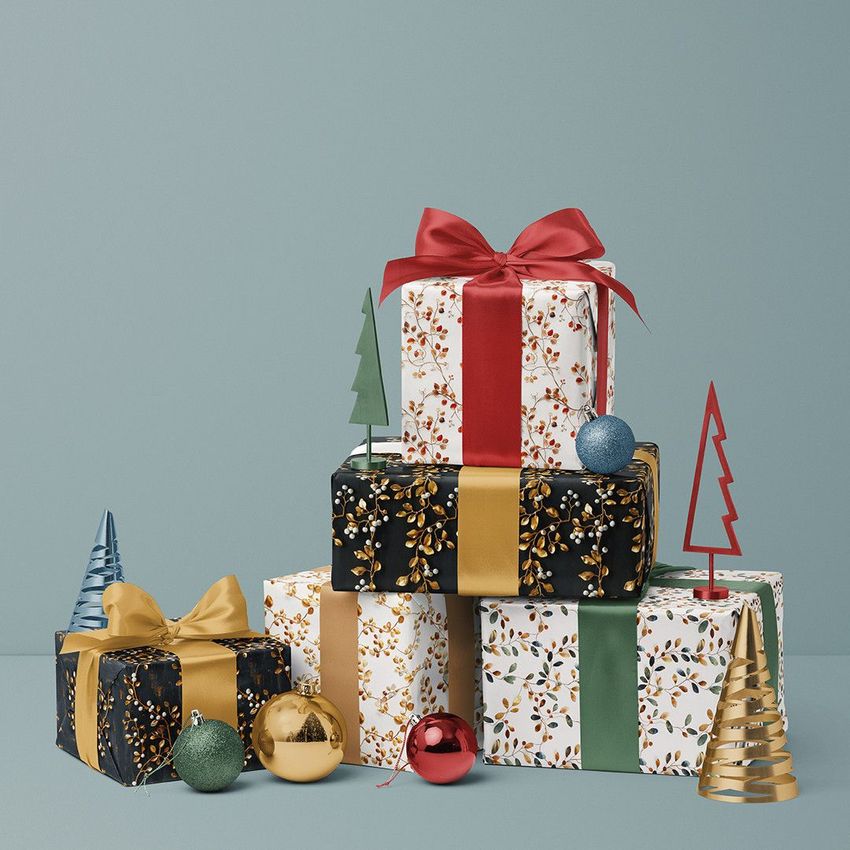
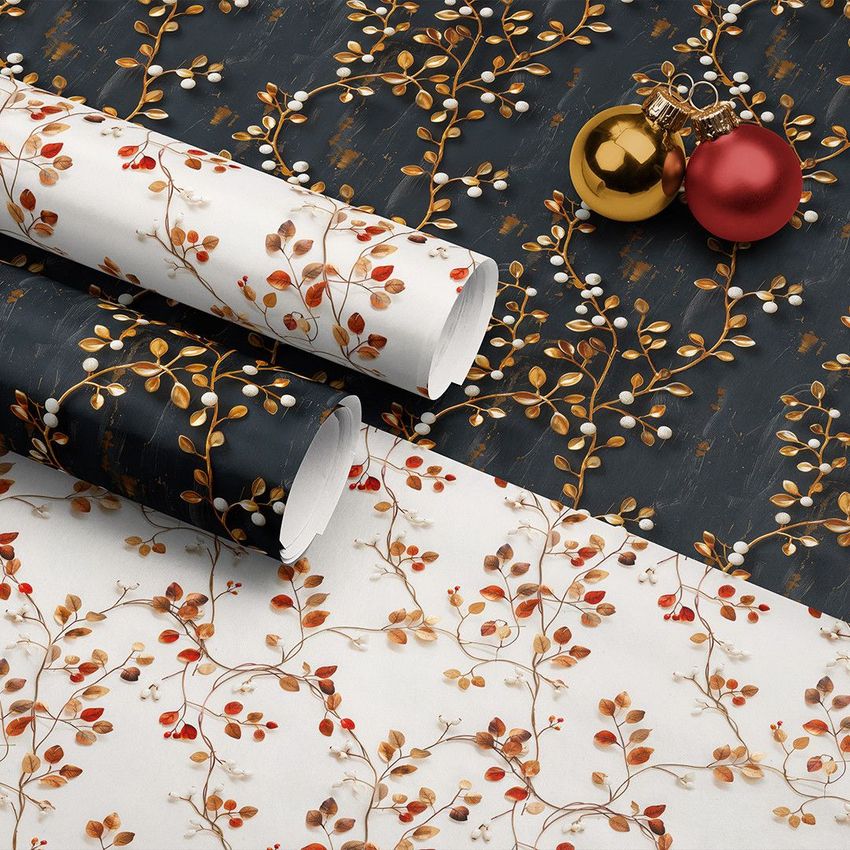
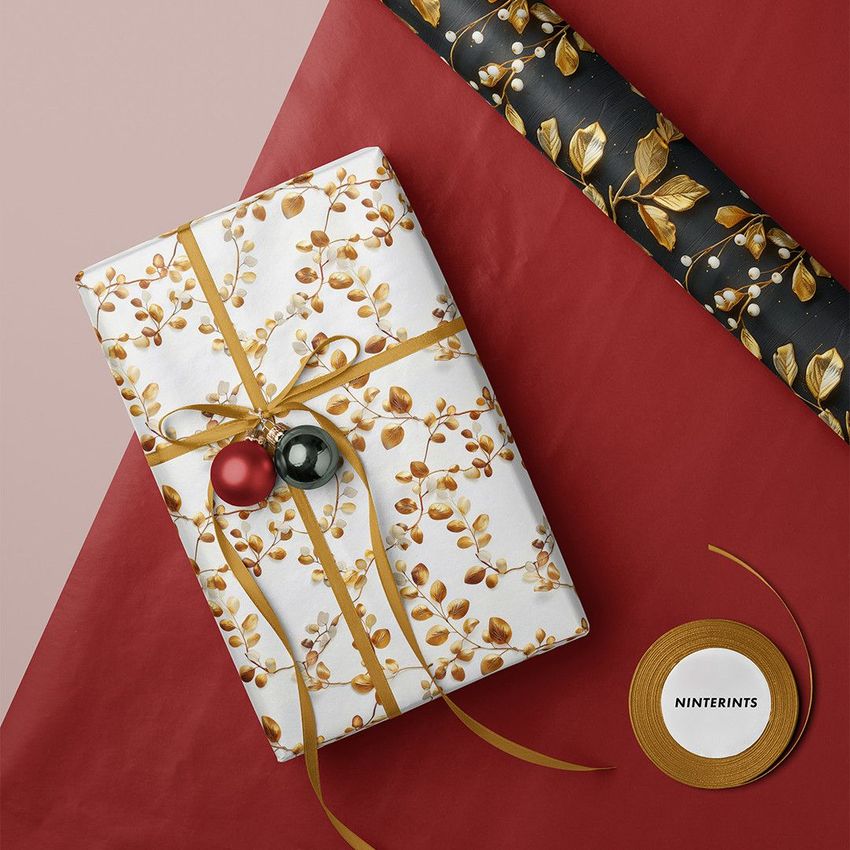
Build a Christmas packaging presentation across 22 prepared scenes, from wrapping paper rolls and ribbon studies to stacked presents, gift labels, cards and baubles. The collection brings different parts of a seasonal design range into one bundle, so you can show a main pattern alongside its coordinating prints and finishing details.
22 Mockups in Two Editable Formats
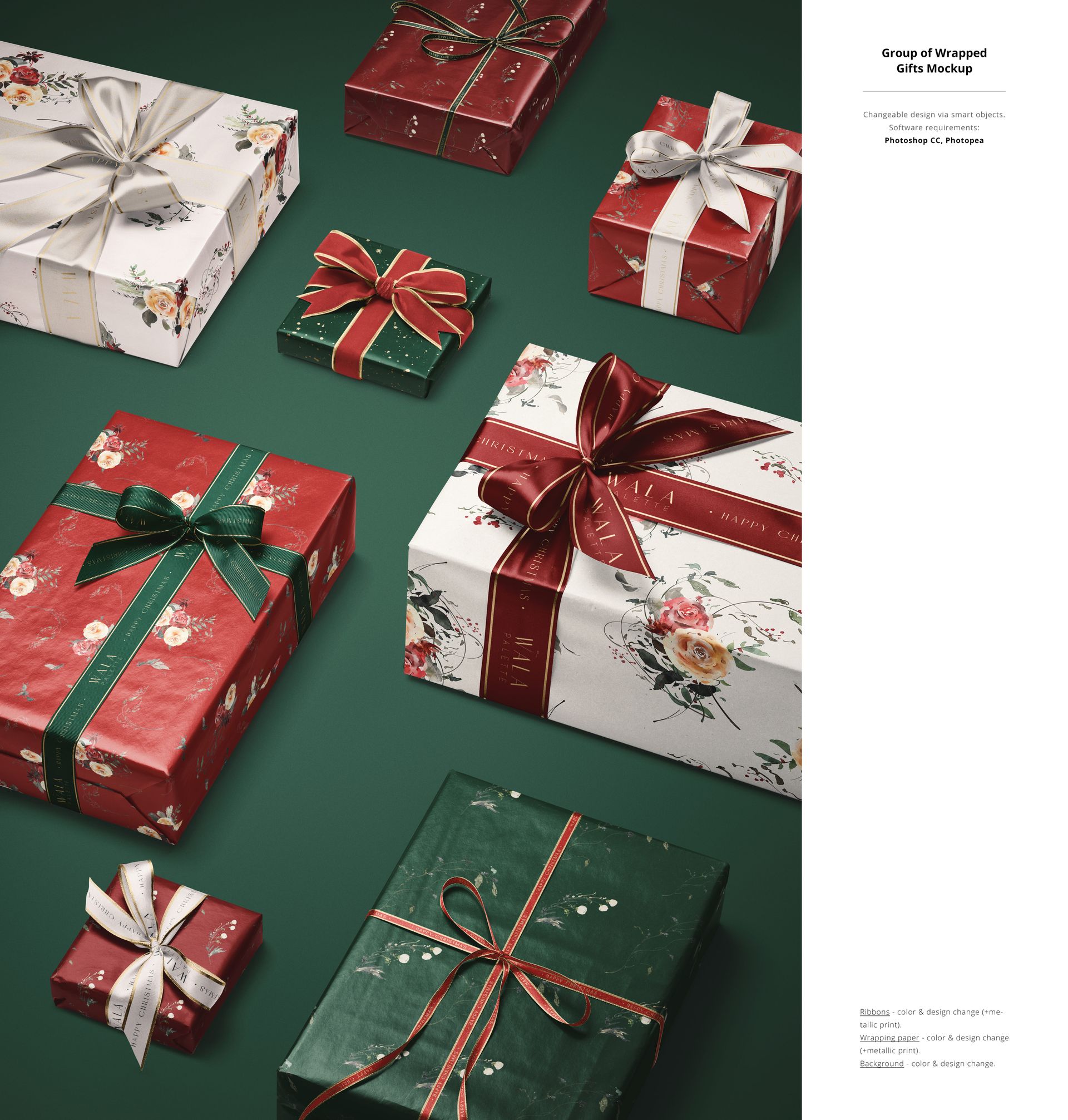
The current included products supply 20 PSD mockups, 2 PSB mockups and 22 JPG previews, 44 files in total. The two large-document PSB files are Wrapping Papers & Gifts Mockup and Group of Wrapped Gifts Mockup. The JPG files are presentation previews, not editable mockups.
Gift Wrap, Ribbons and Seasonal Details
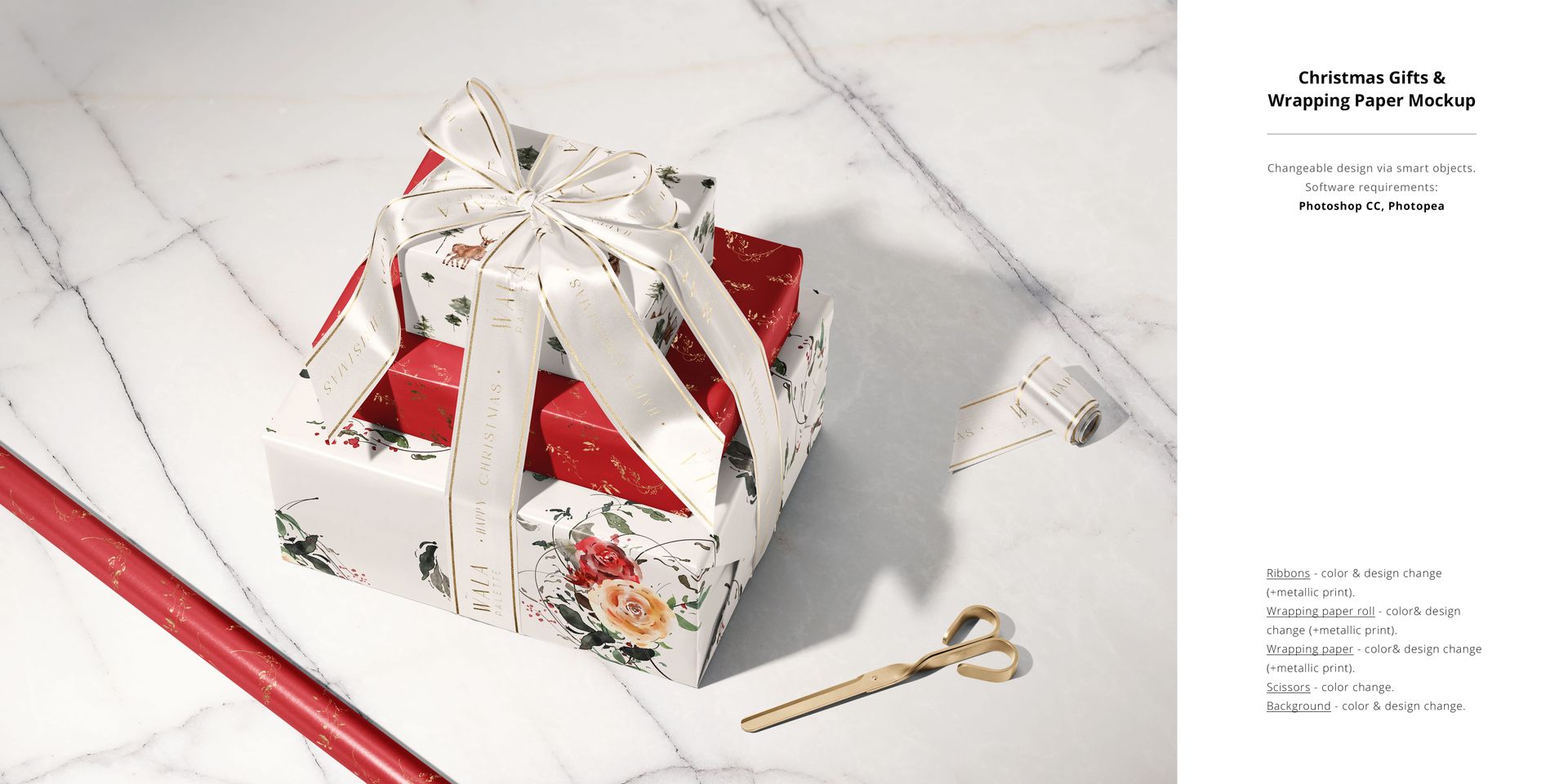
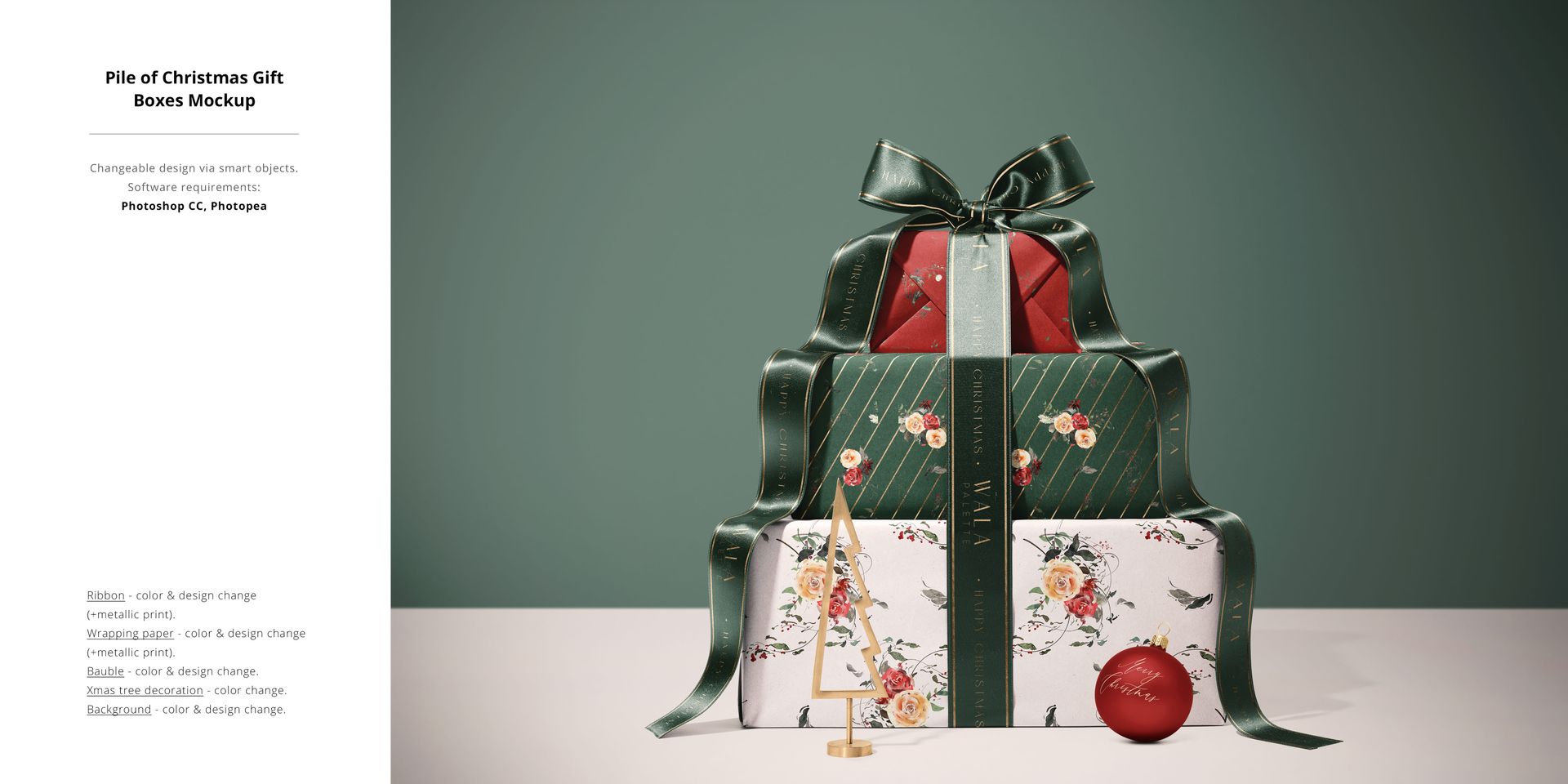
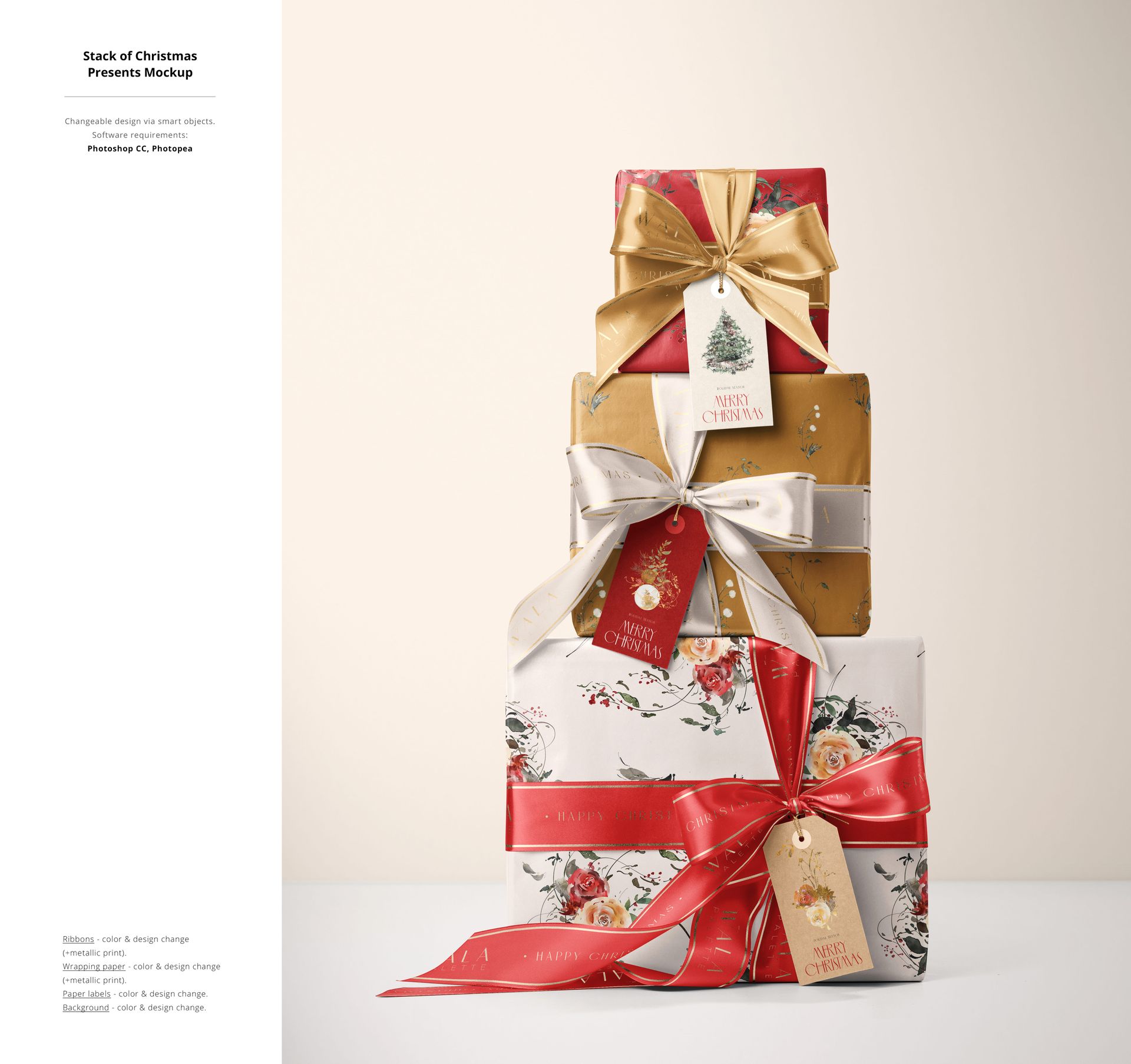
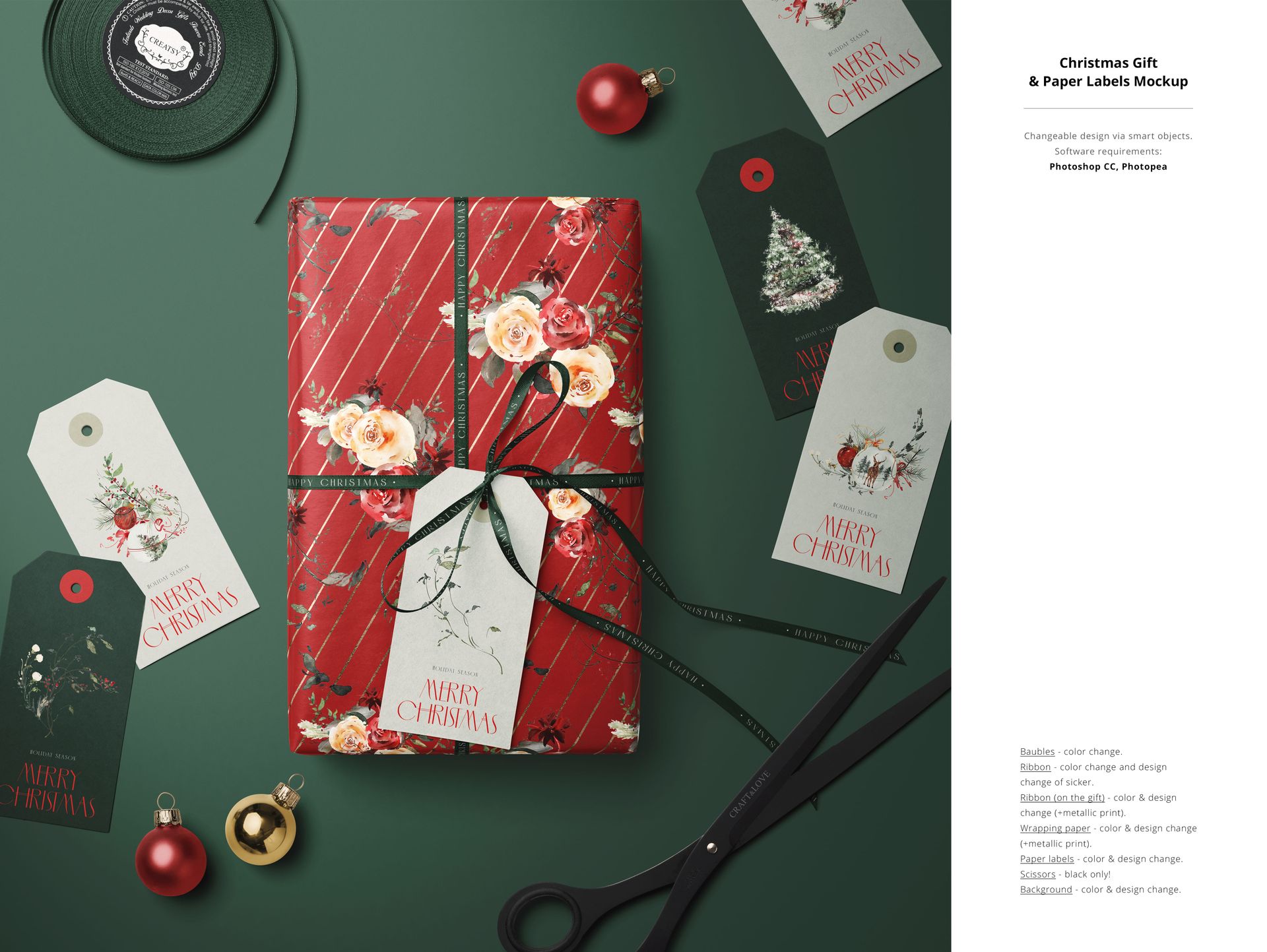
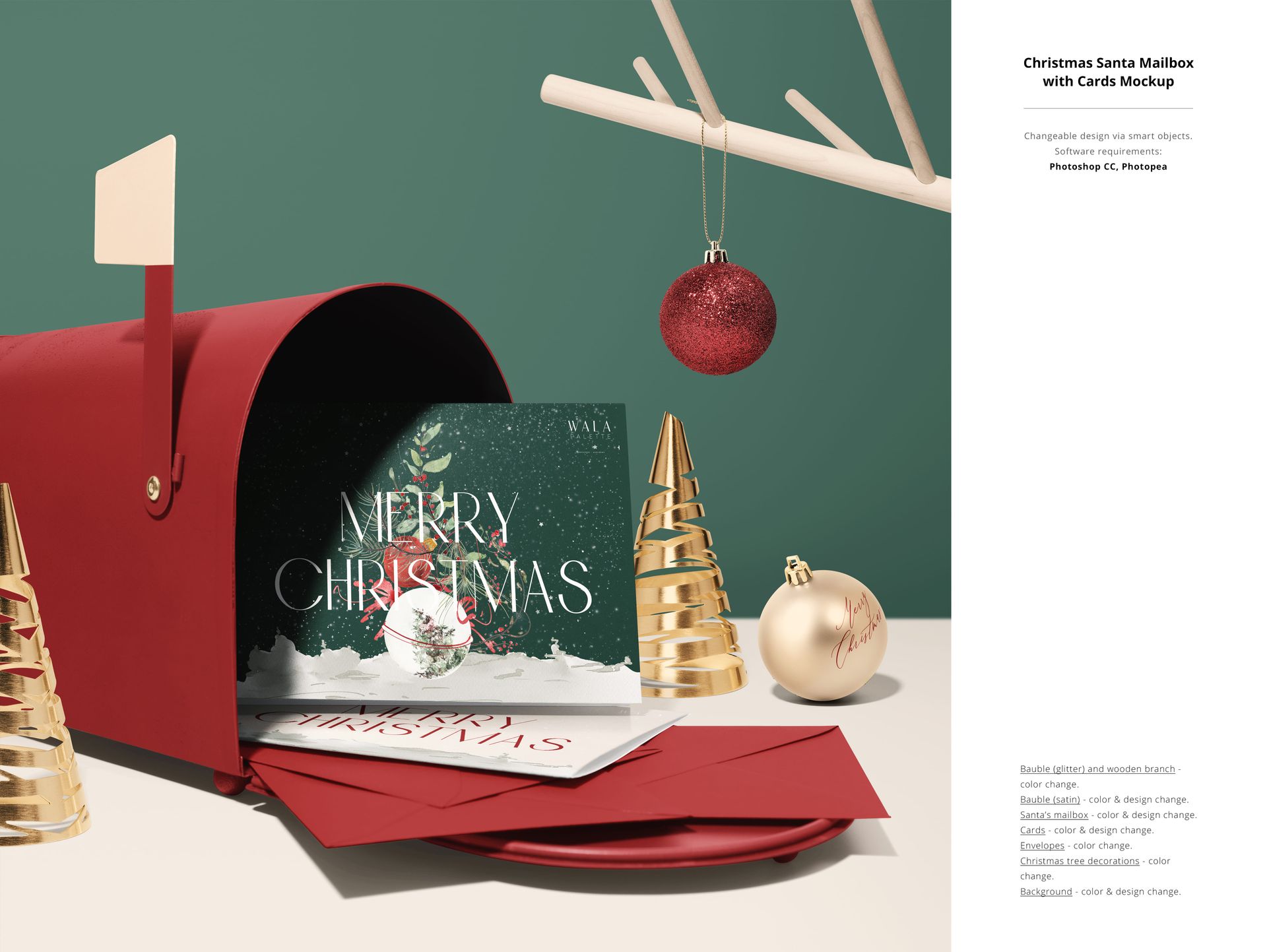
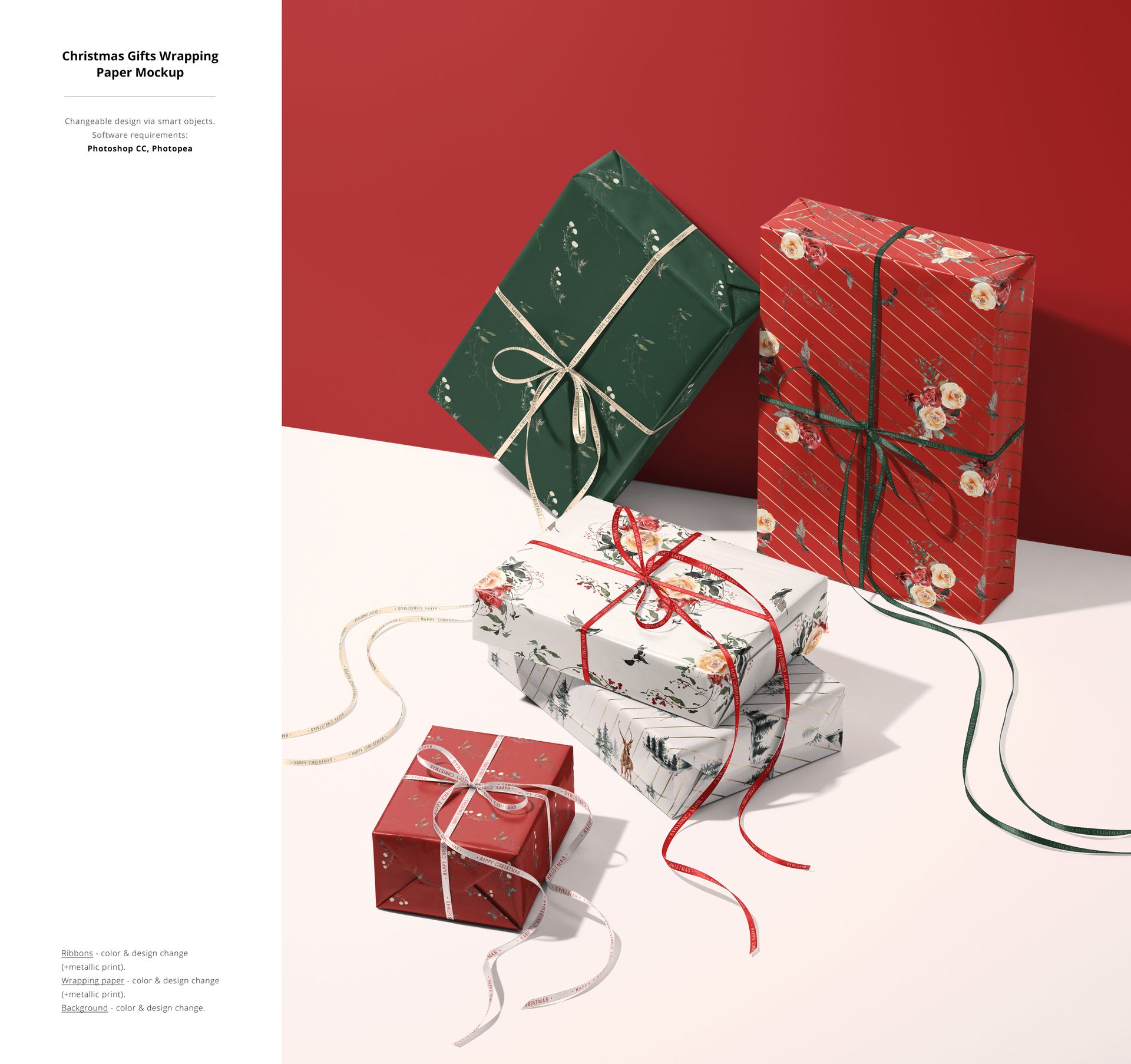
Place your designs on the supported wrapping paper, ribbon, label, card and ornament surfaces through Smart Objects.
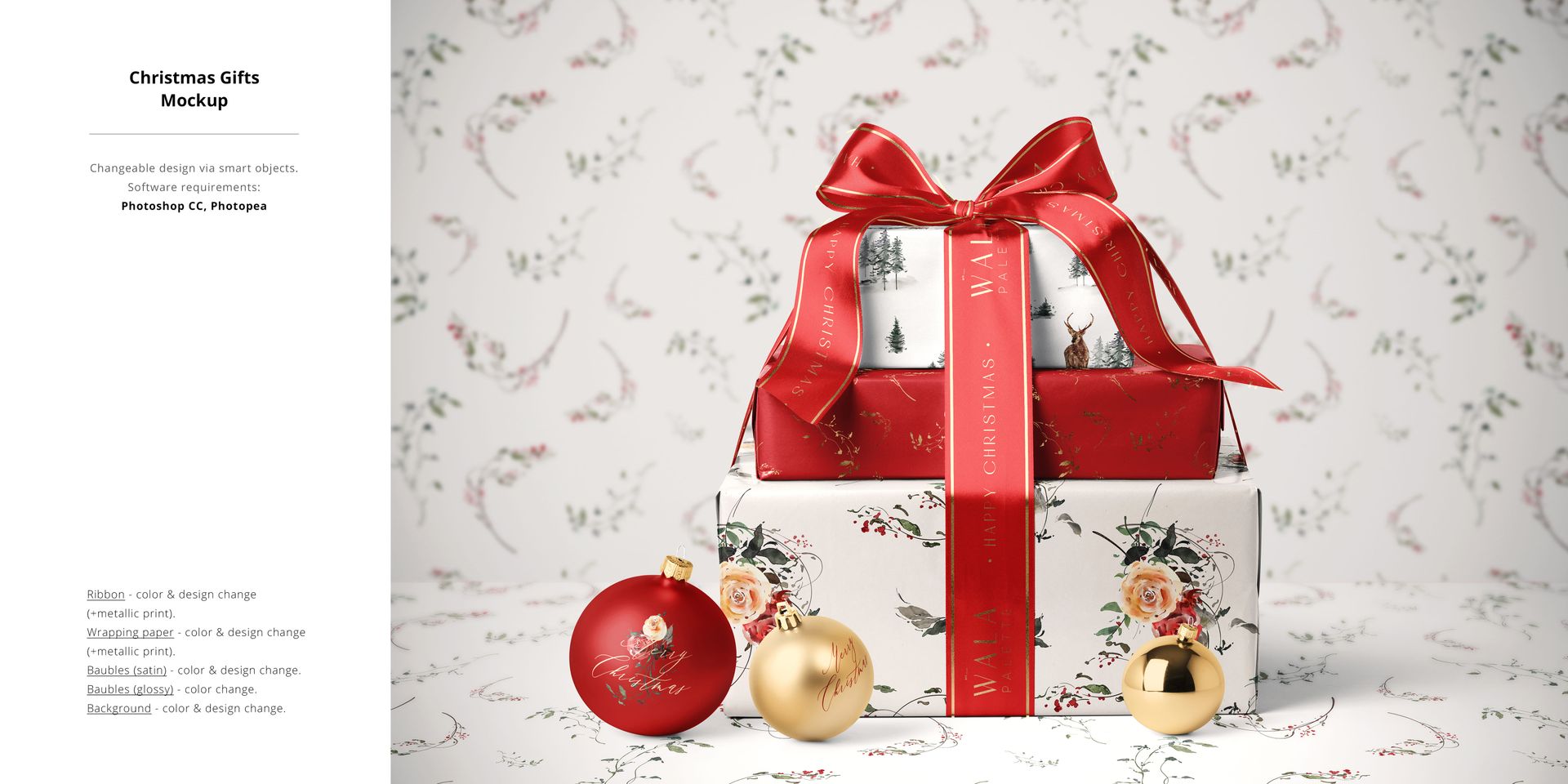
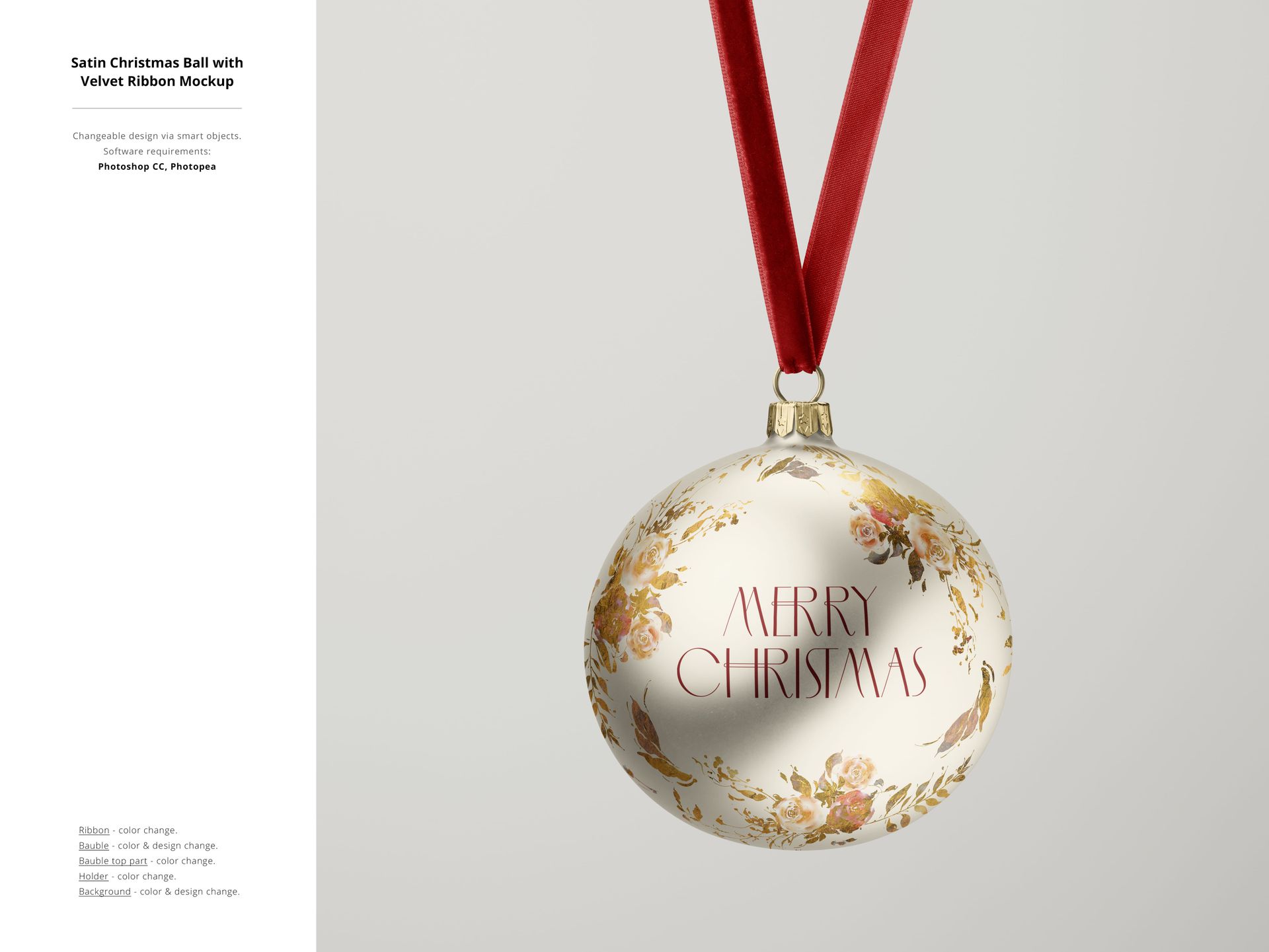
Use the optional metallic print effect on selected papers and satin ribbons. Velvet ribbons have color controls where indicated.
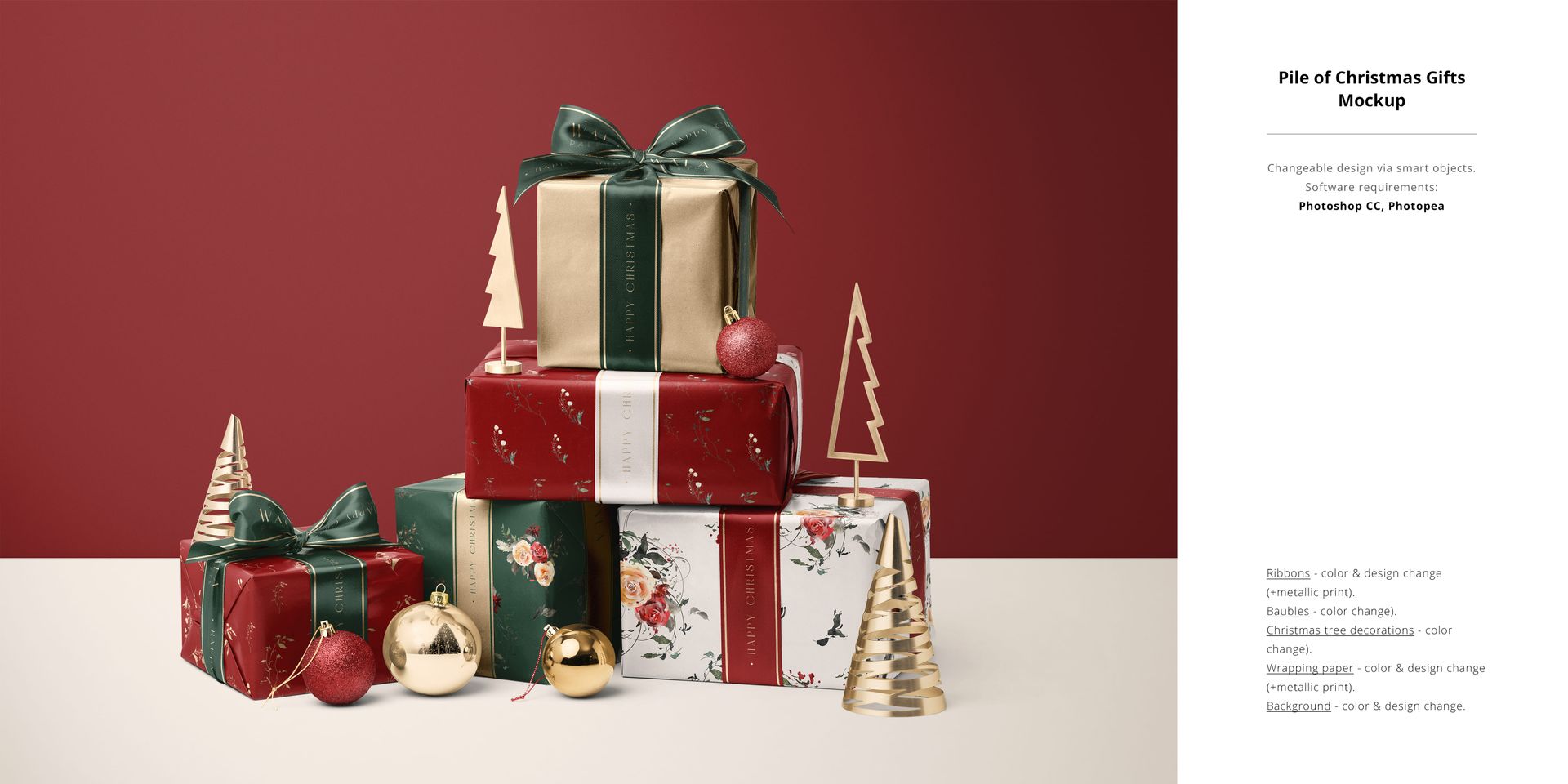
Coordinate baubles, miniature trees and other props through the controls specified for each scene. Some props offer color changes only.
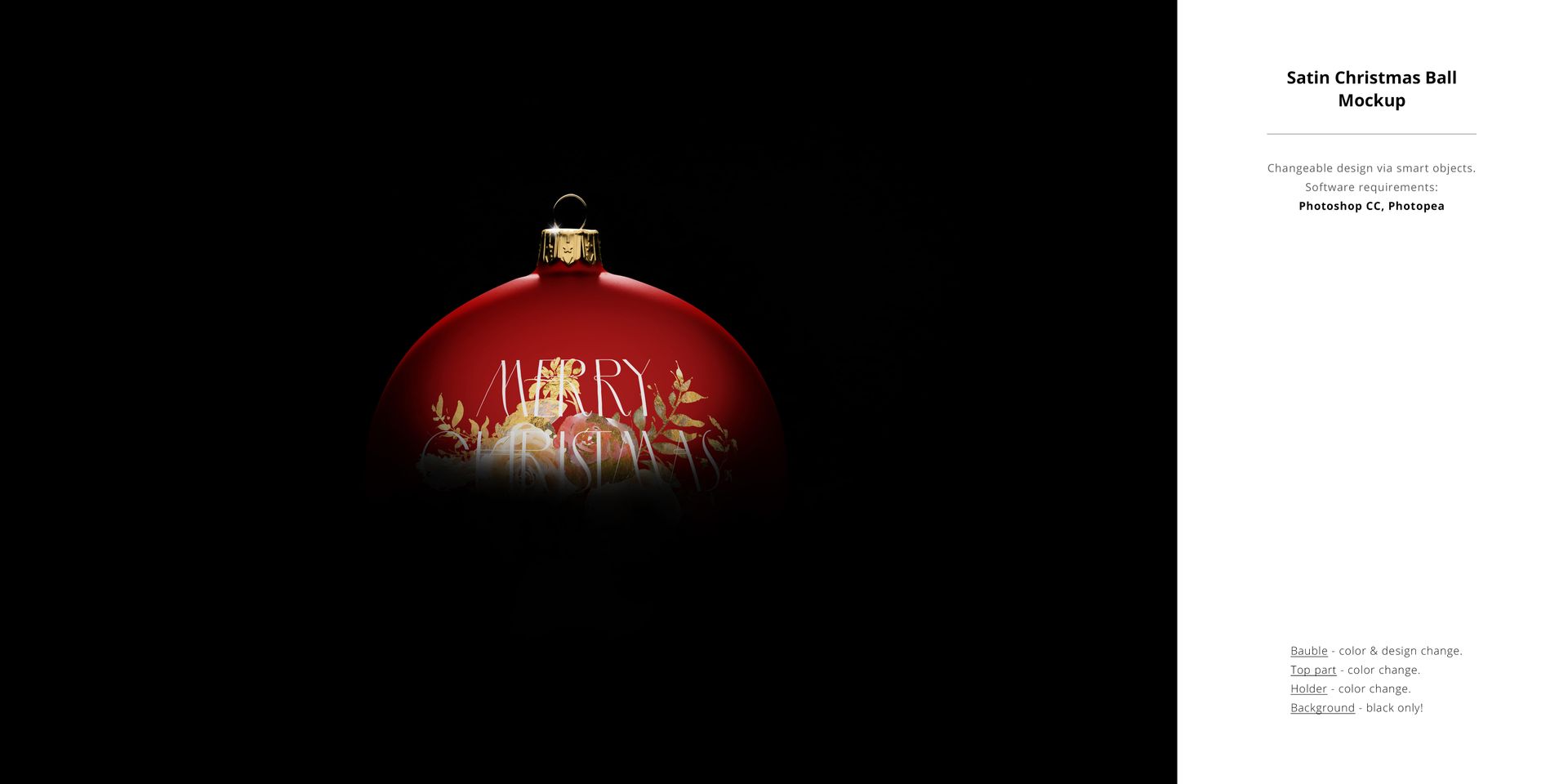
Background customization varies by mockup. The dark Satin Christmas Ball scene uses a black background only.
Present a Coordinated Holiday Collection
Combine individual gift images, larger piles of presents, paper-roll studies and ornament scenes for shop listings, surface pattern portfolios or a client presentation. Each file has its own composition and editing controls; the bundle is not a single scene-building document.
Use Adobe Photoshop CC 2020 or later for the supplied PSD and PSB documents. Individual component requirements and controls are shown on their product pages and feature boards.
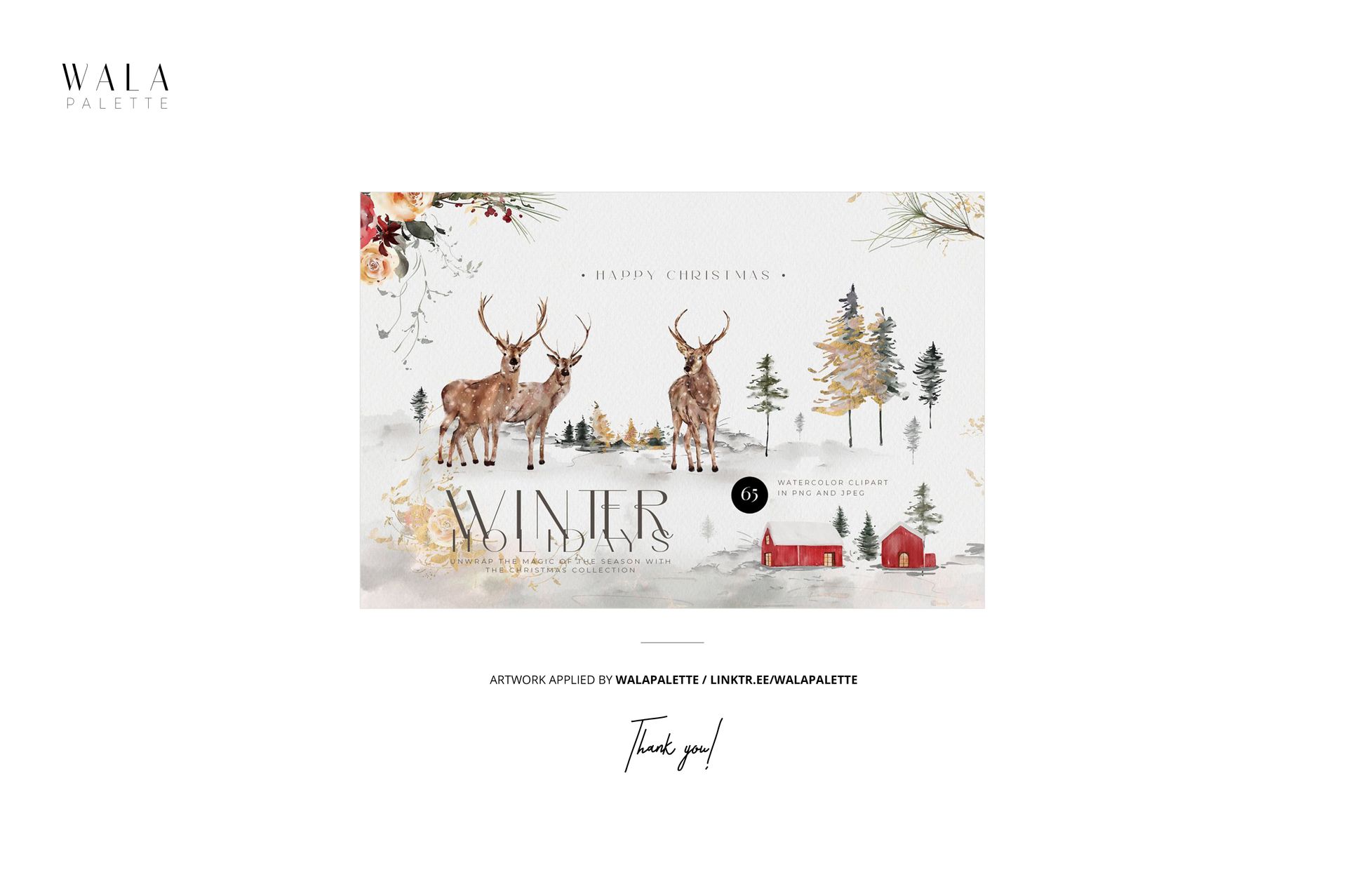
Sample artwork by WalaPalette. The preview artwork is not included.
This is a digital mockup for presenting your own designs. Physical products and sample artwork shown in the gallery are not included.
File details
- Compatibility

- Products in bundle
- 22
- Package size
- 2.61 GB
 |2.8 GB
- Files type
- .psd, .jpg
- Files size
- 5500x5500
INCLUDED/22
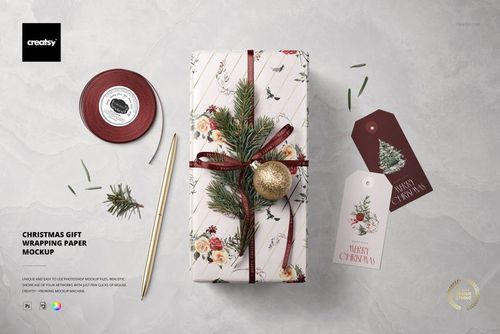
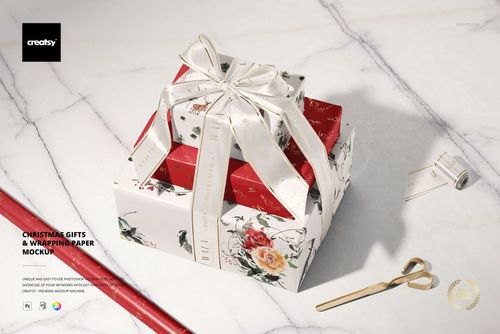
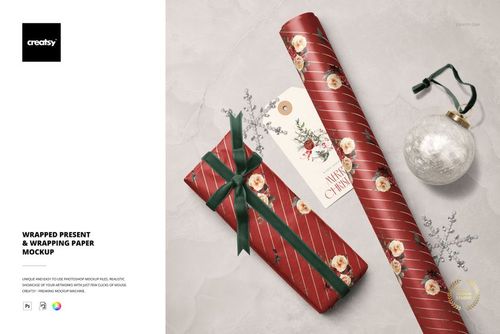
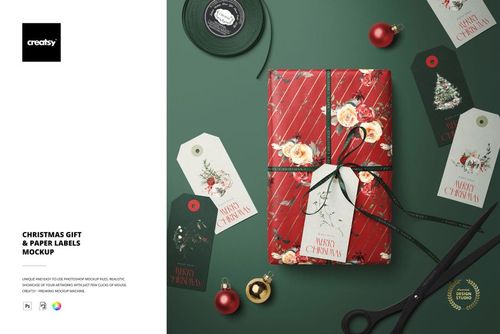

All 22 products in this bundle
Made with Creatsy
Real designs. Real customers. See how creatives use Creatsy mockups to turn their artwork, branding, and product ideas into polished visuals.

MEET THE SHOP

Creatsy
Poland
Bring your ideas to life.
We're a family-run studio in Katowice, Poland, making PSD mockups by hand since 2016. Everything in this shop starts in our own studio. We shoot the photography, build the 3D, and put together every Smart Object PSD ourselves - then we test it, organize the layers, and only ship it once it actually works...
 15$1870$22.00
 15$1615$19.00
 15$2040$24.00
 15$1955$23.00

HOW IT WORKS
3 clicks. That's it.
No tutorial needed. If you can copy-paste, you can use this.
- 1OpenDouble-click the smart object inside the PSD - in Adobe Photoshop, or free in your browser with Photopea.
- 2PasteDrop in your pattern, print, or artwork. Any design, any style.
- 3SaveHit save and the mockup wraps it in for you - shadows, folds, and lighting included.
FROM IDEA TO IMAGE
Built for real workflows
Skip the photo shoot Show your artwork on the real product type for approvals or listings - no studio, no model, no sample.
See it on the product, not a swatch Drop your file into the smart object and the scene's lighting and folds wrap around it, so you judge the real thing before you commit.
Smart Objects
Edit once and you're done. Your artwork drops into a smart object and the mockup updates itself - no masking, no warping by hand.
Perfectly Organized
Named layers and folders you can actually navigate. Find what you need, change what you want, and get out fast.
Print-Ready
High-resolution files built to hold up on screen and in print. Exact size and DPI are in this product's Details above.