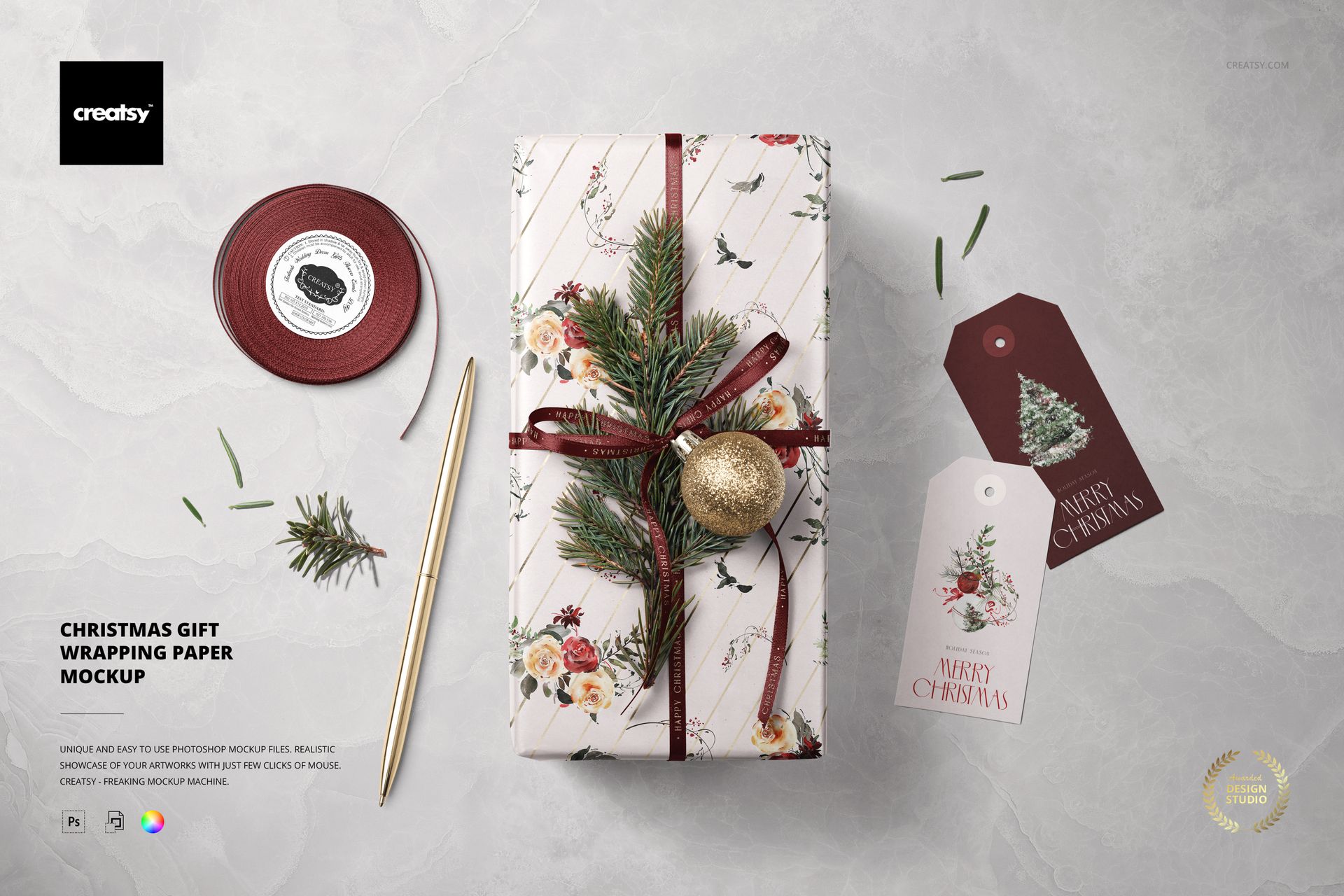
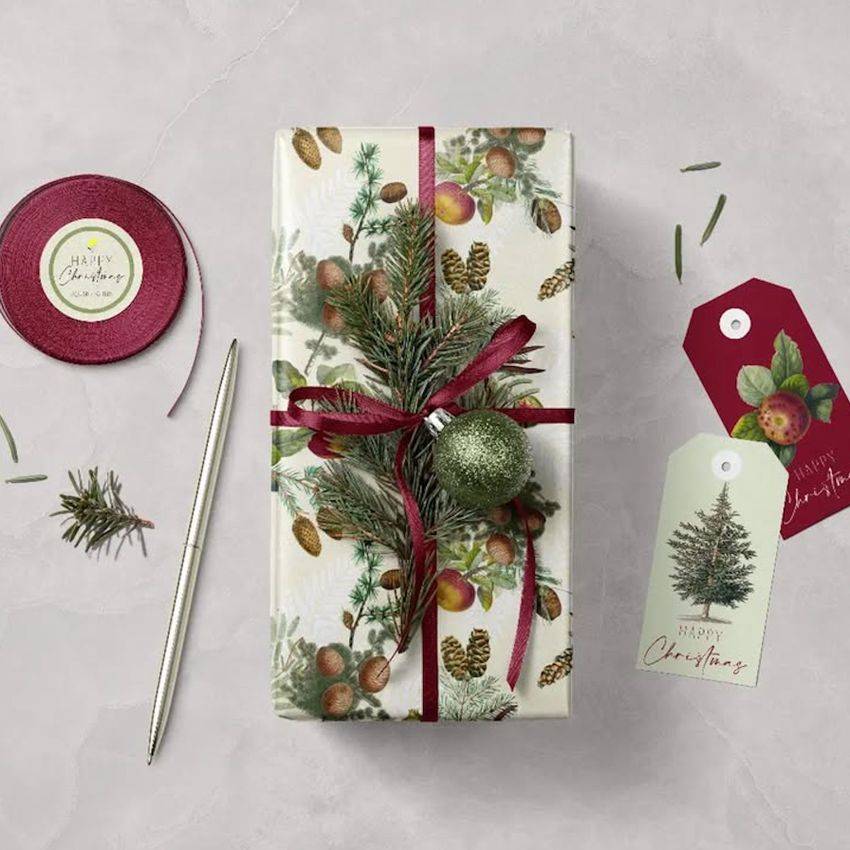
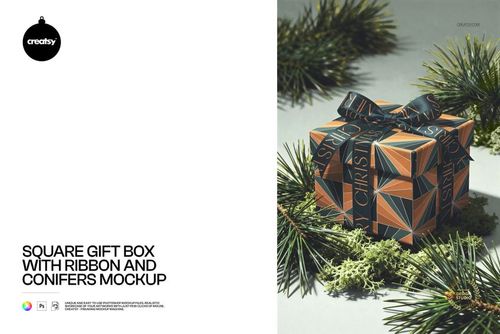
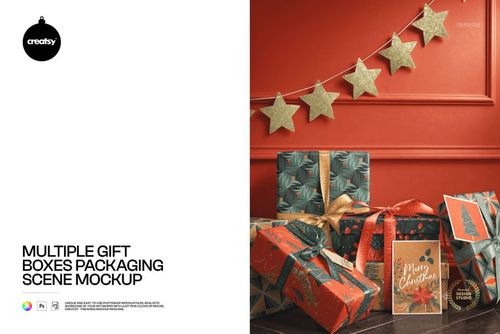
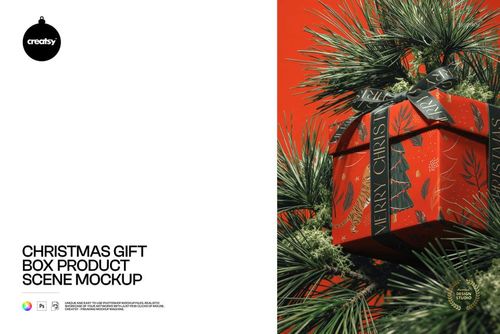
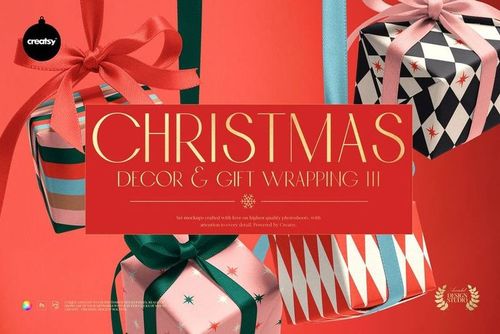
Wrap your branding in a cozy festive mood with this Free Christmas Gift Wrapping Paper Mockup. Showcase holiday wrapping paper designs, matching ribbons, swing tags, and even metallic details on a neatly wrapped present styled with a bauble and fir sprigs. Perfect for presenting Christmas collections, seasonal stationery, or packaging concepts in a clean, editorial top-view scene. Free for commercial use – see license for details.
Highlights
Format: 1× PSD, 6000×4000 px, 300 dpi
Workflow: Smart Objects; well-organized, named layers
Apps: Photoshop (min. CC 2020) + Photopea (free online editor)
Use cases: gift wrap collections, packaging design, Christmas promo graphics, social media, portfolios, and client presentations
License: free for personal & commercial use (see terms)
What’s inside / Specs
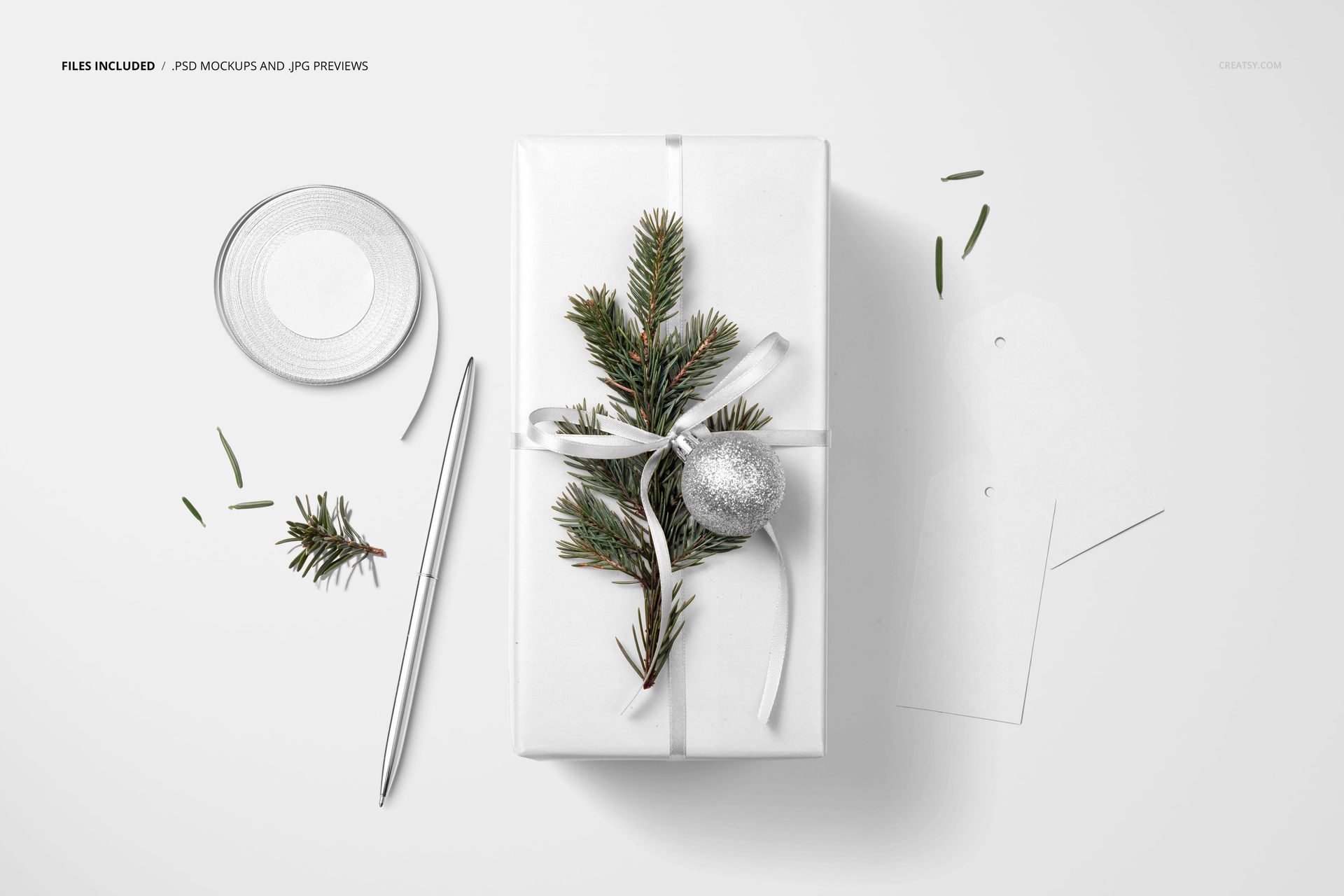
Files: 1× layered PSD (+ preview JPG)
Canvas: 6000×4000 px, 300 dpi
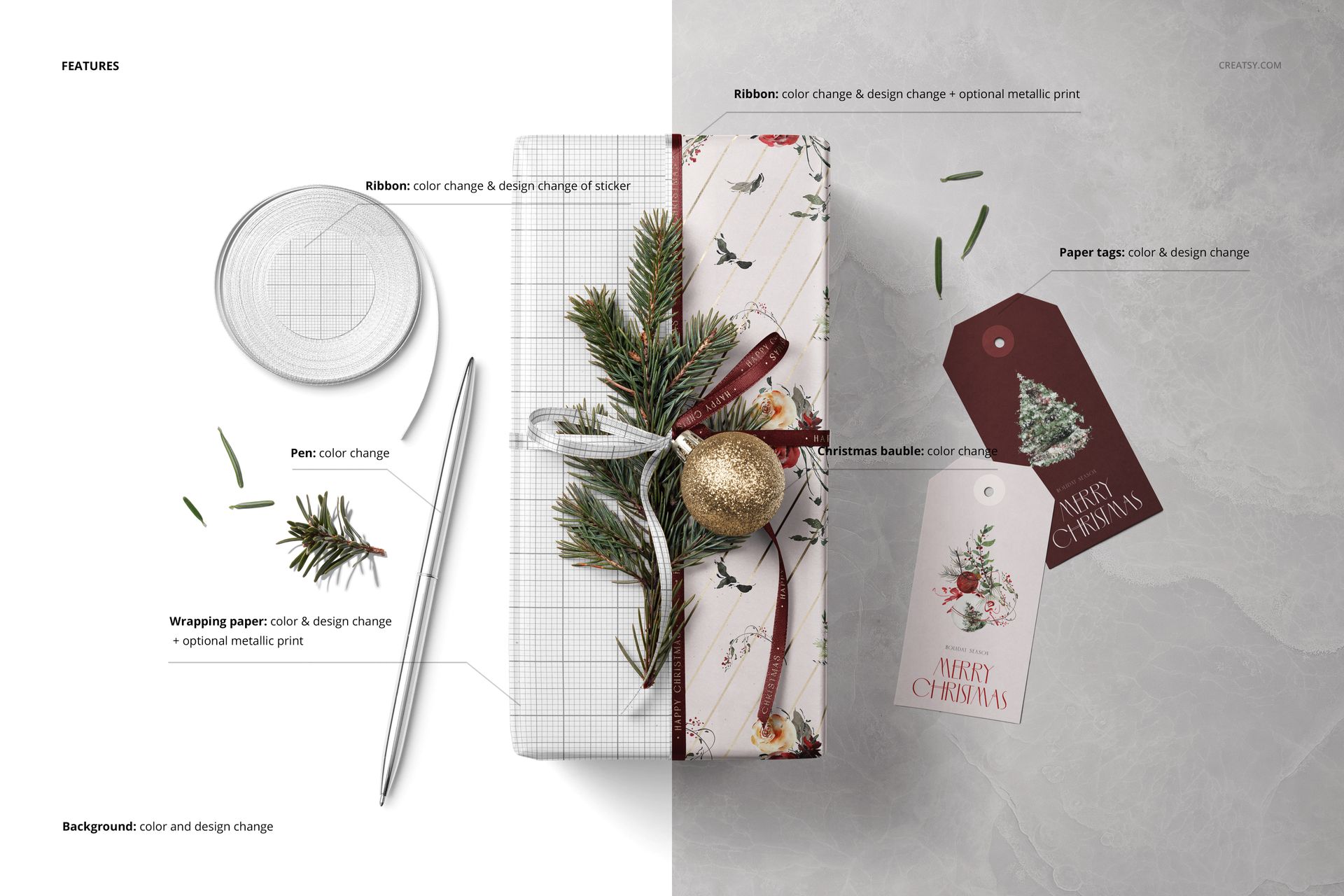
Editable elements: wrapping paper artwork and color (with optional metallic print), ribbon designs and color (including sticker on the ribbon roll), paper tag designs and color, pen color, bauble color, and background color/design
Layers: dedicated Smart Objects for wrap and tags, separate controls for shadows, highlights, and background
Compatibility: Photoshop CC 2020 or newer; works in Photopea via Smart Objects
Approx. size: ~89.5 MB (Win) / ~93.8 MB (Mac) – archive size may vary slightly
How-to (Photoshop & Photopea)
Open the PSD in Photoshop (CC 2020+) or Photopea.
Double-click the Smart Object layers for wrapping paper and tags, paste in your artwork, save, and return to the main file.
Adjust background, ribbon, pen, and bauble colors to match your palette; fine-tune shadows and highlights if needed.
Export high-resolution images (JPG/PNG/WebP) for web, print, or client previews.
License & usage
This free mockup is available for personal and commercial projects for a single user or brand, with standard limitations on reselling, sublicensing, or distributing the source files. Please check the Creatsy license page for full “Freebie” terms.













Creatsy make the best Mockups on the market, no matter what you need to showcase. These mockups are highly customizable, and the lighting in them makes everything look very realistic. You can keep or turn off many of the Items in the mockup, also a great feature giving control over the look you want. They have the most friendly and very helpful support. I highly recommend these mockups!
Thank you, Annet, for your thoughtful review and recommendation! We’re glad the mockups help you showcase your designs, and your kind words about our support mean a lot to the team.