Contrado Round Shape Handmade Ornament Mockup Set
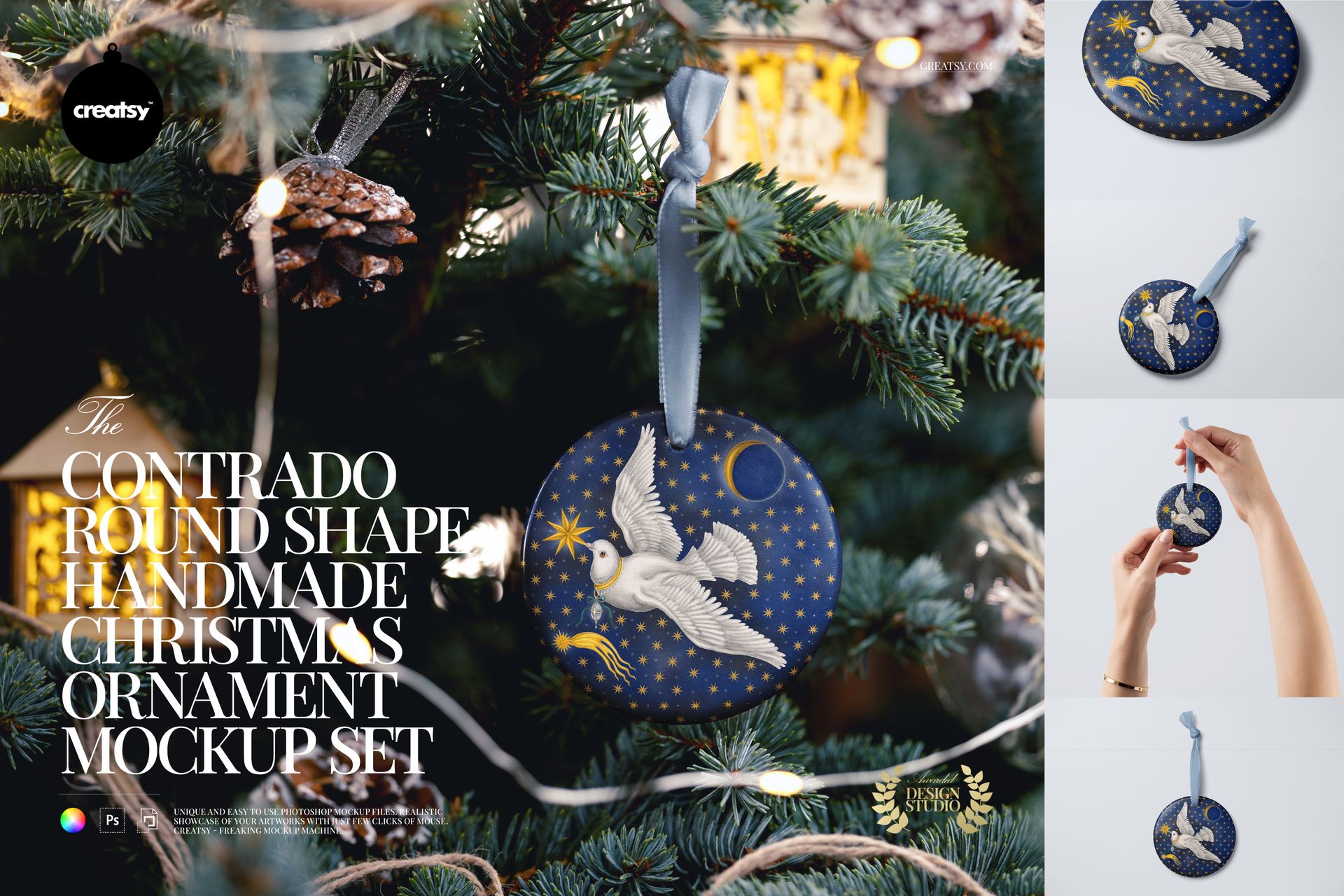
Present a round ornament design in five prepared views, from a clean hanging display to a handheld scene and a decorated Christmas tree. This set lets you compare the same illustration or repeat pattern at different distances, with a close-up that draws attention to small details.
Five Views for One Ornament Collection
The gallery shows hanging, flat, close-up, handheld and tree-mounted presentations. Use the cleaner views for a product listing and the tree scene to show the design in a seasonal setting.
Artwork and Color Editing
Replace the main ornament design through Smart Objects and change its base color.
Change the velvet ribbon color to coordinate with your artwork.
Customize the background color and design in the plain-background versions. The decorated tree scene has its own prepared setting.
Files and Software
The package contains 5 layered PSD mockups and 5 JPG previews, 10 files in total, specified at 6000 × 4000 and 6000 × 6000 px, 300 DPI. Use Adobe Photoshop CC or Photopea.
Sample artwork by Catherine Rowe. The preview artwork is not included.
This is a digital mockup for presenting your own designs. Physical products and sample artwork shown in the gallery are not included.









As always, the best, most beautiful, easy-to-use and realistic mockups I've found. Thank you.
Thank you, Hannah! We’re delighted that you enjoy the realistic results and find our mockups easy to use. We appreciate your continued support!