Pile of Christmas Gifts Mockup
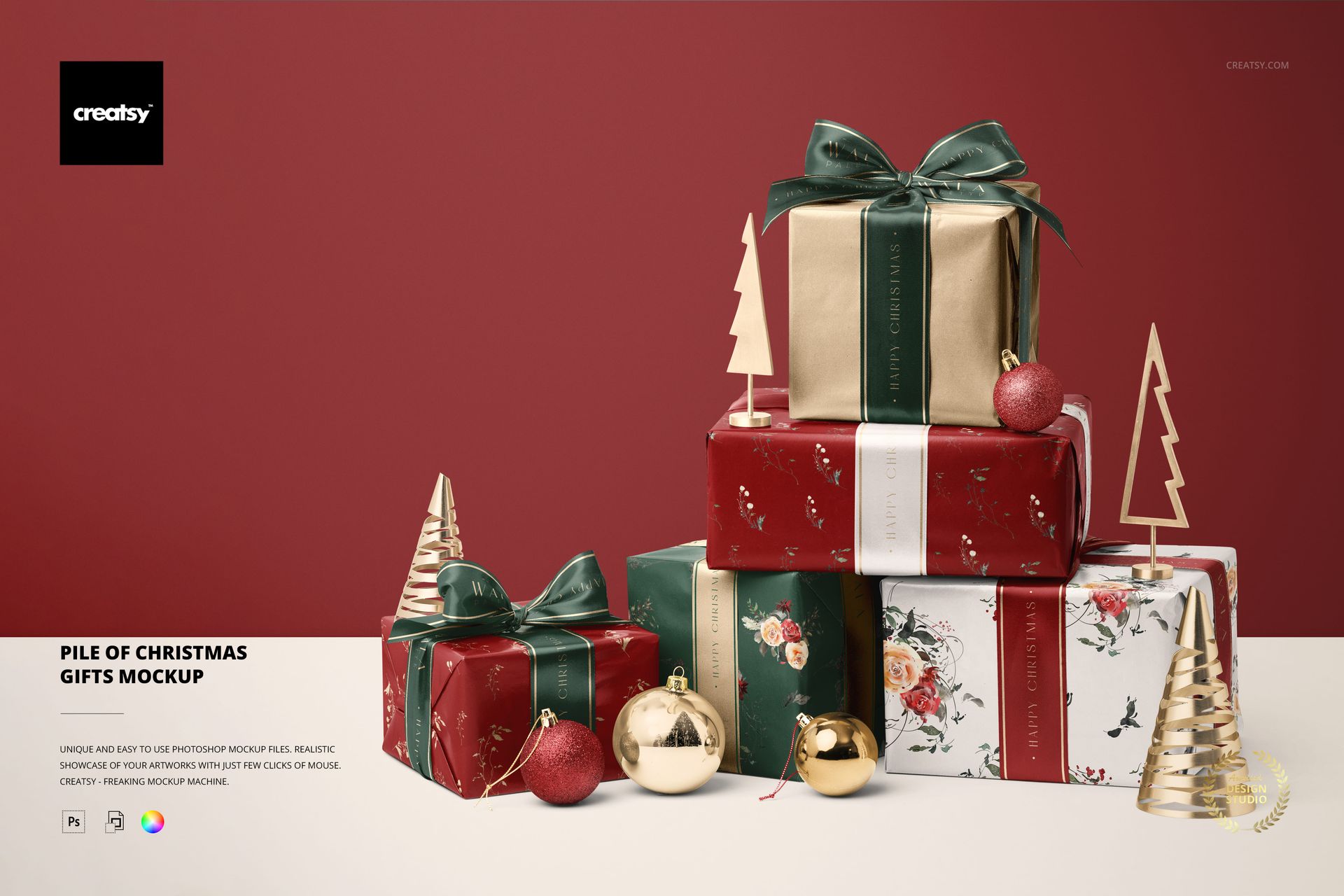
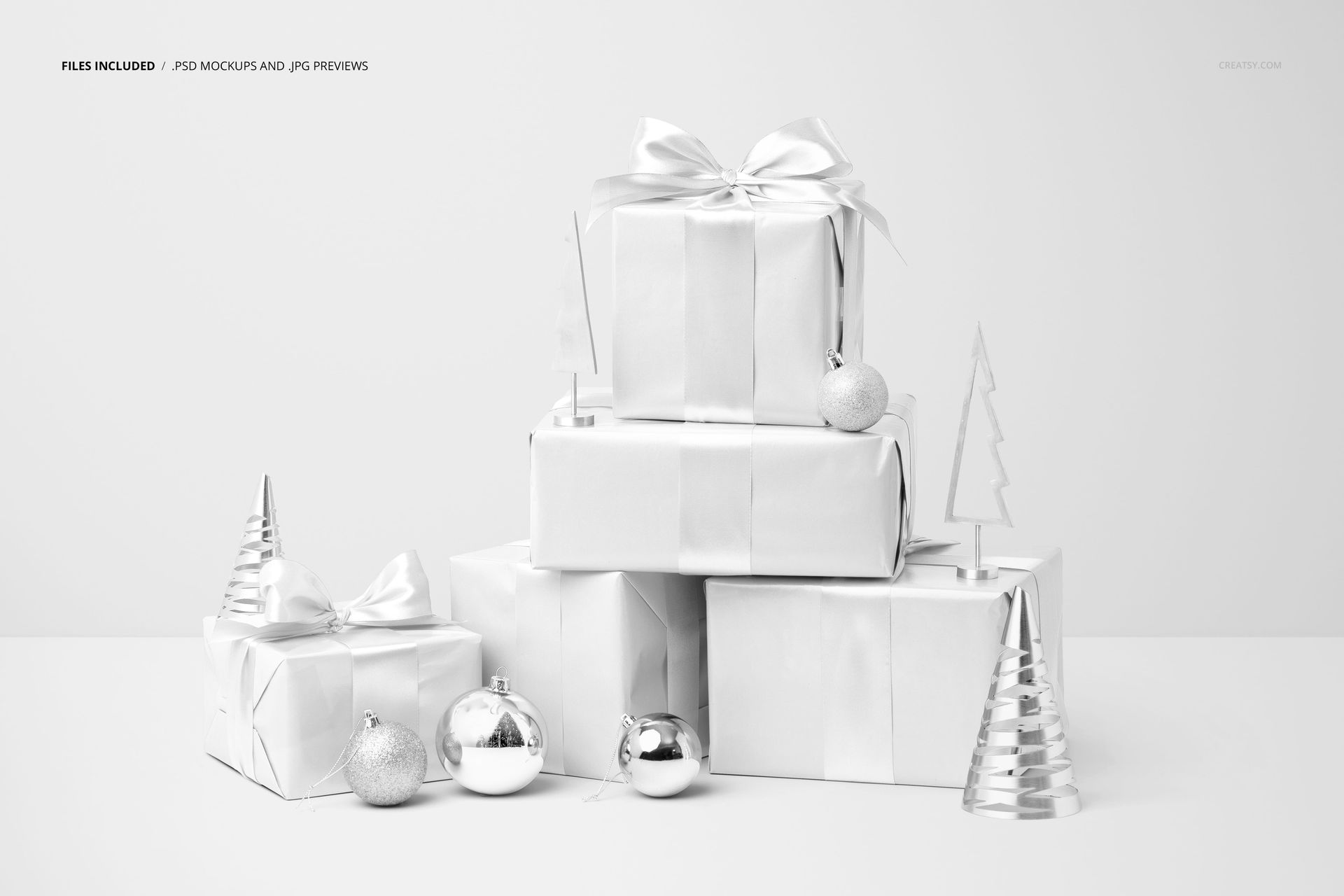
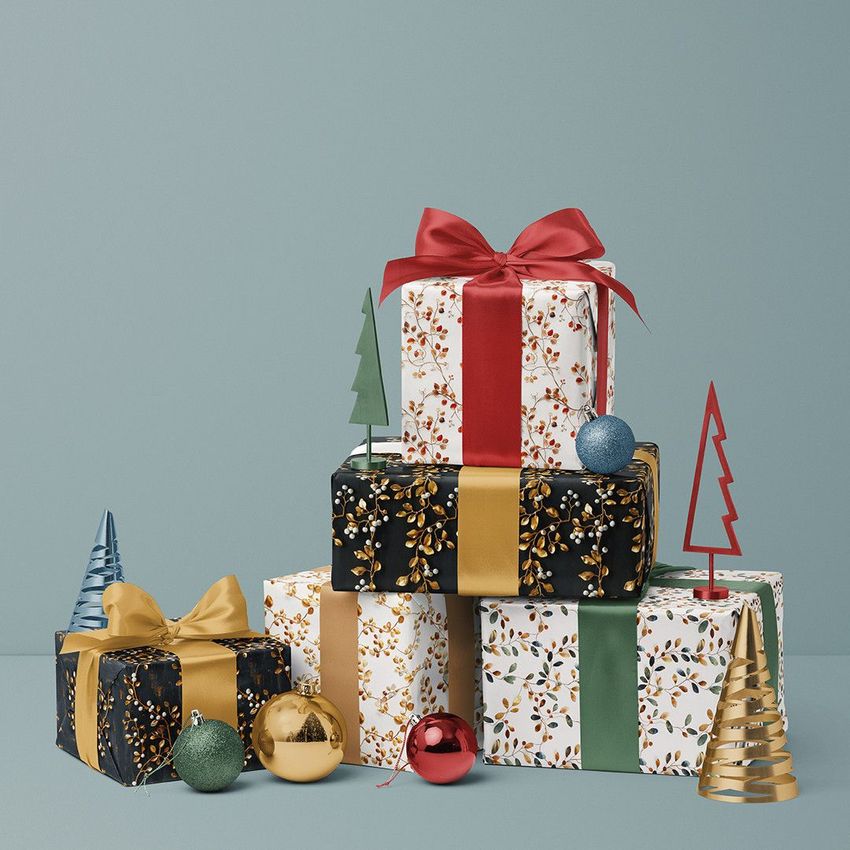
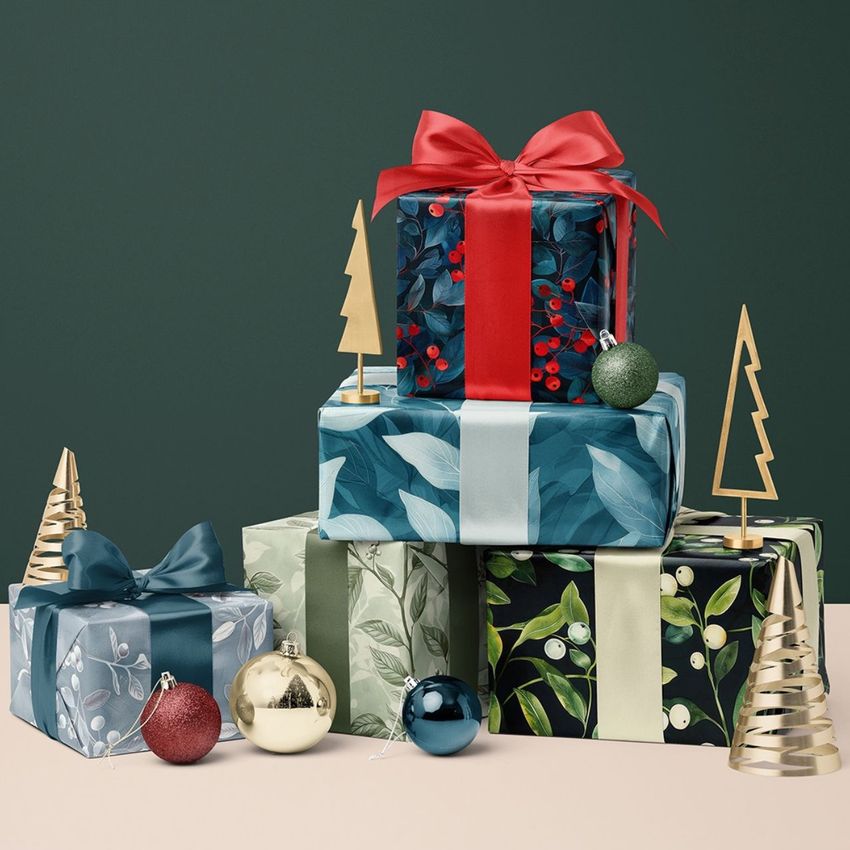
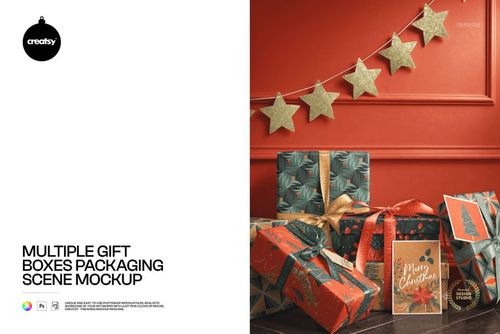
Five wrapped gifts form a stepped arrangement, with two presents at the base, a taller stack above and a smaller gift set to one side. Miniature tree decorations and a mix of shiny and glittered baubles complete the Christmas setting. The different box faces let you show several coordinating papers together in one prepared scene.
What Is Included
1 layered PSD containing the complete five-gift composition at 6000 × 4000 px, 300 DPI.
1 JPG preview thumbnail at 256 × 171 px.
2 files total; the five gifts are part of one editable scene.
Paper, Ribbons and Seasonal Details
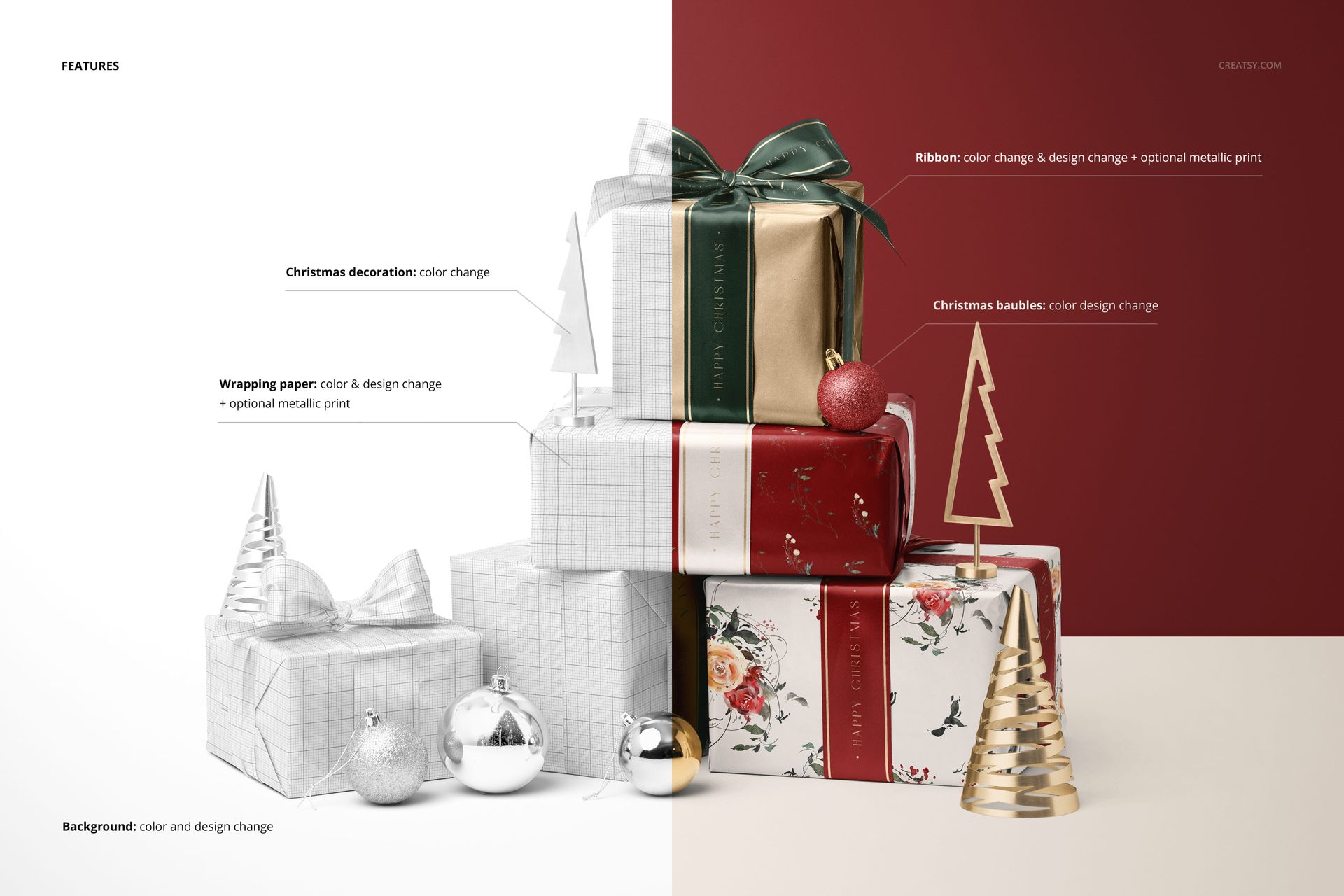
Change the color and artwork of the wrapping paper and ribbons, with optional metallic print effects on both. The baubles support color and design changes, while the miniature tree decorations have color controls. Customize the background color or design to complement the collection.
Edit Your Artwork with Smart Objects
Open the PSD in Adobe Photoshop CC or Photopea. Replace the relevant Smart Object artwork, save each object edit and check the full arrangement before exporting. Inspect how your repeats meet the paper folds and how lettering appears on the bows and ribbon tails.
Show the Range as a Collection
Use a larger repeat on a broad box face and smaller supporting patterns on the other gifts. A matching motif on a bauble can connect the paper and decoration designs. This scene suits seasonal packaging proposals, pattern licensing presentations and holiday collection lookbooks.
This is a digital mockup for presenting your own designs. Physical products and sample artwork shown in the gallery are not included.
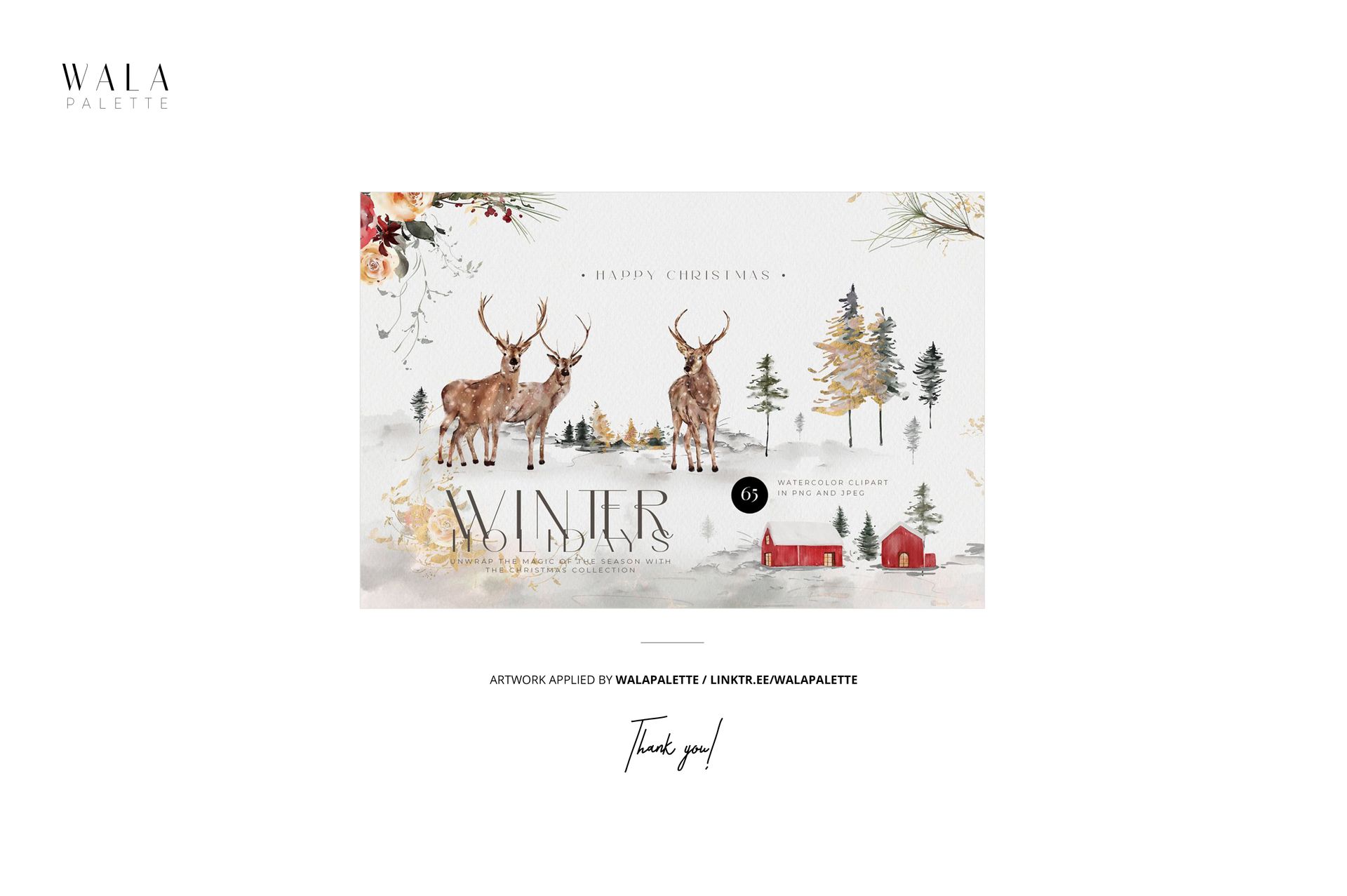
Preview Artwork Credit
The main gallery artwork is by WalaPalette. These sample designs are not included.