Satin Christmas Ball with Velvet Ribbon Mockup
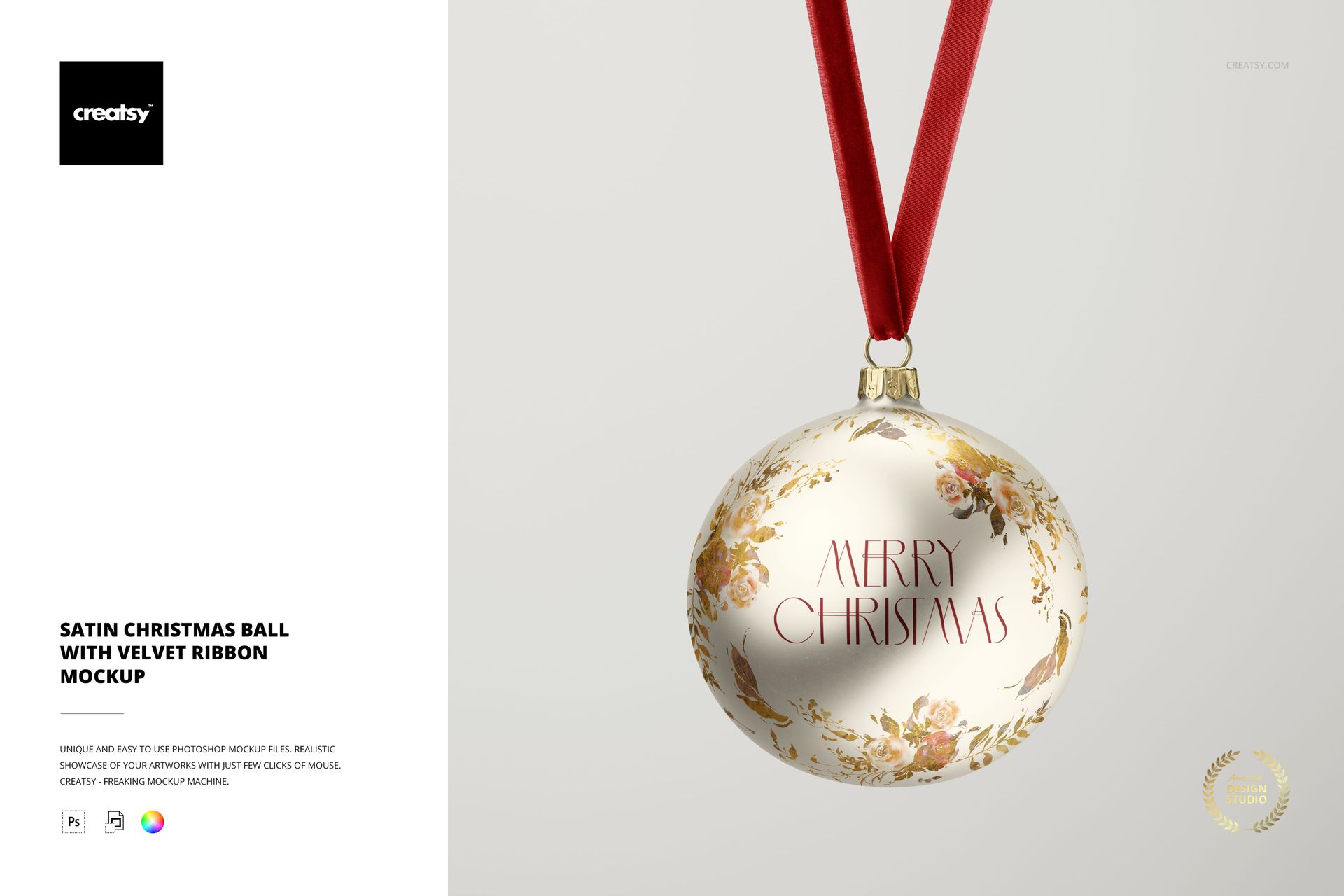
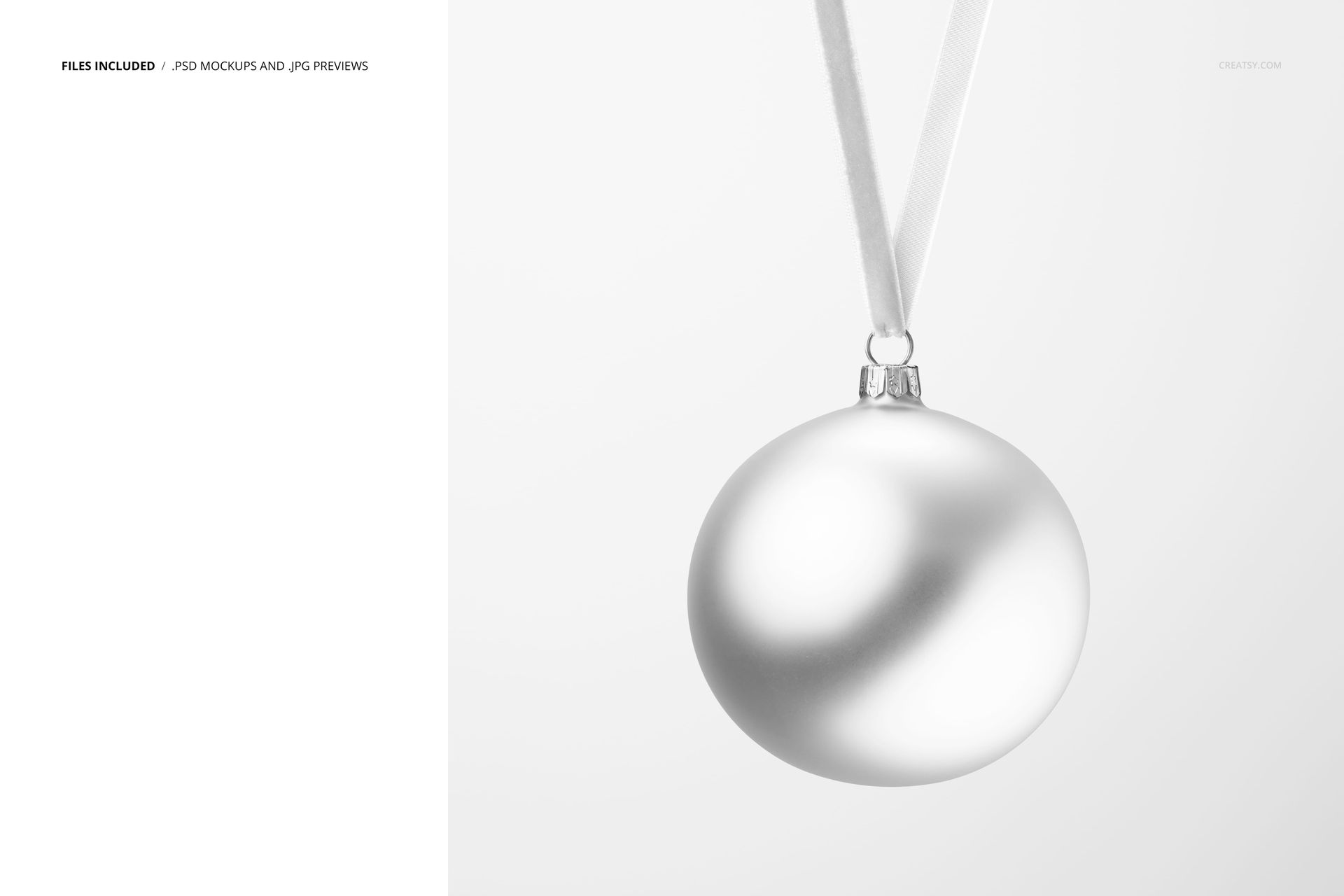
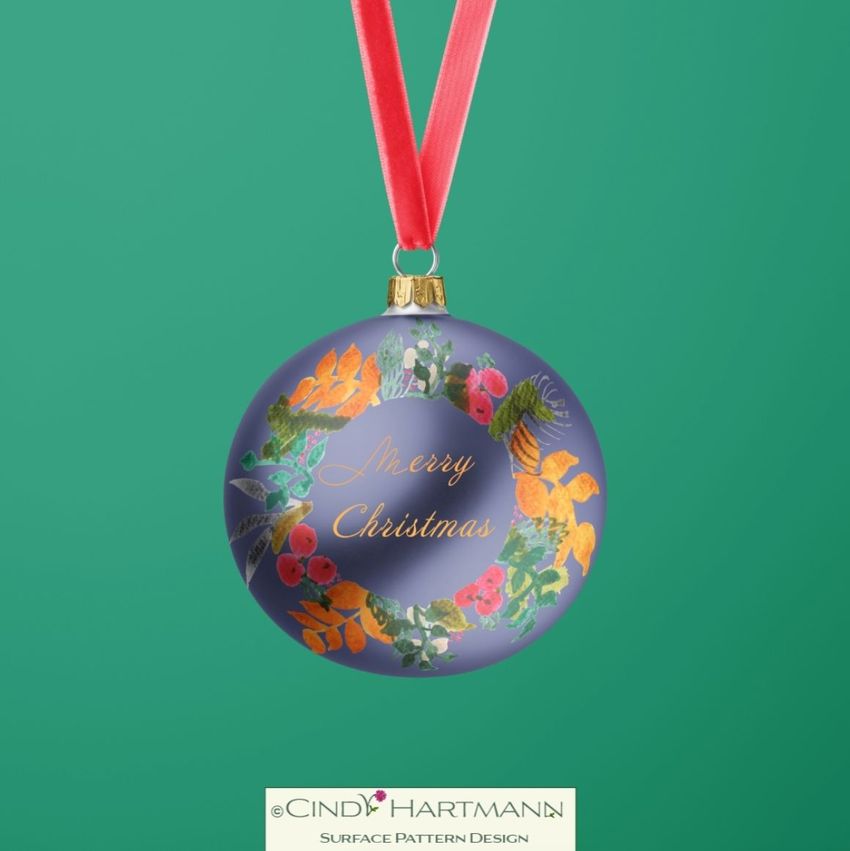
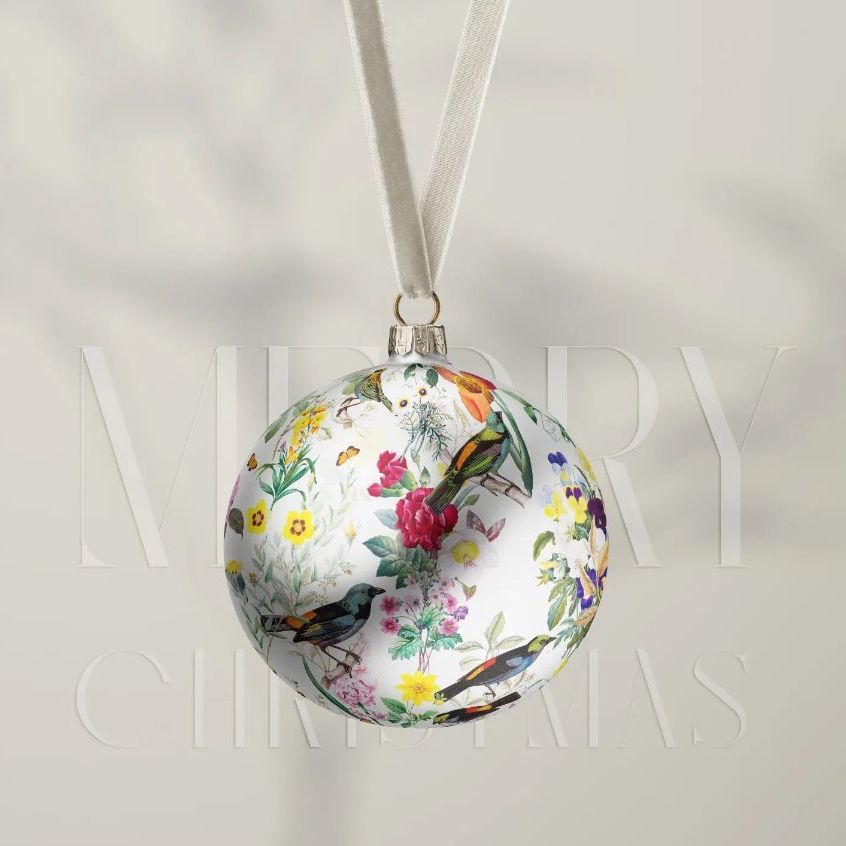
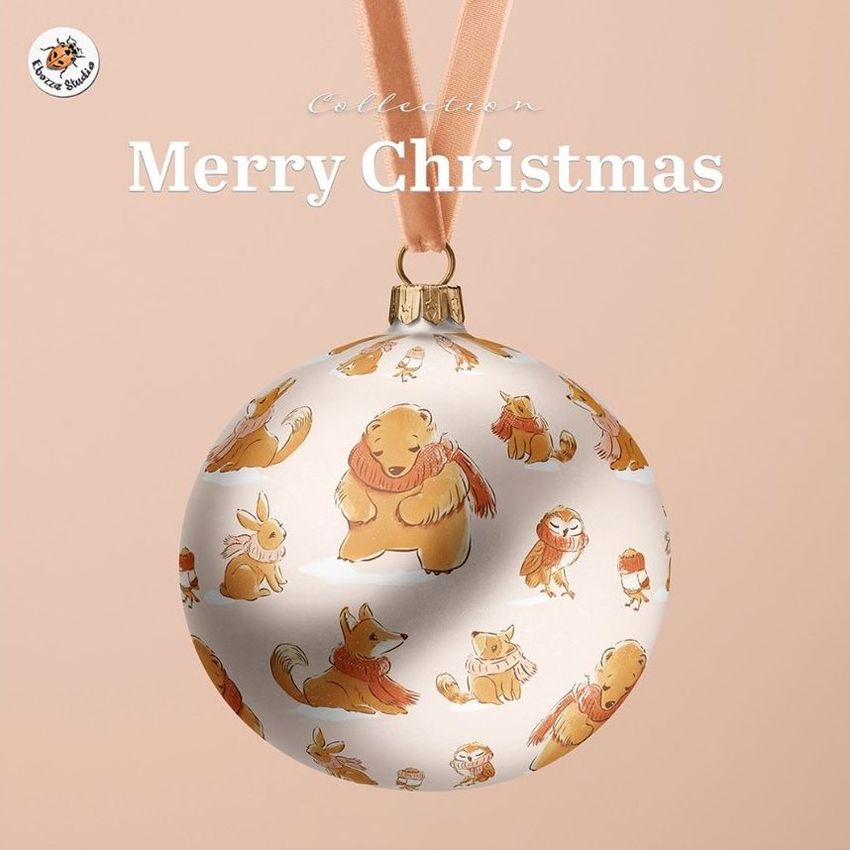
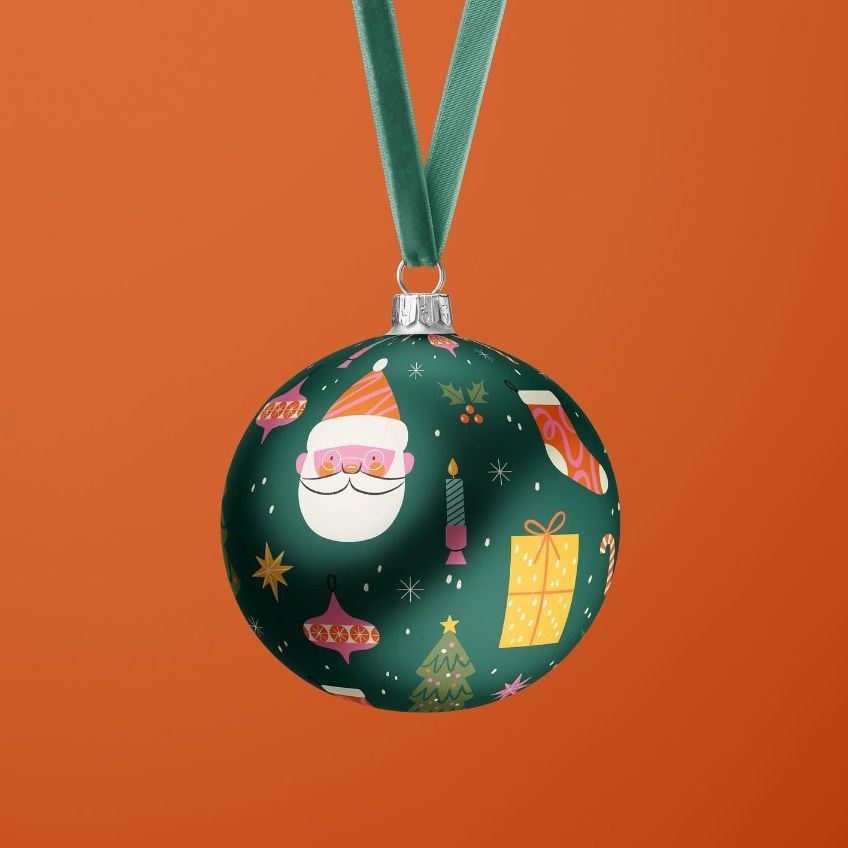
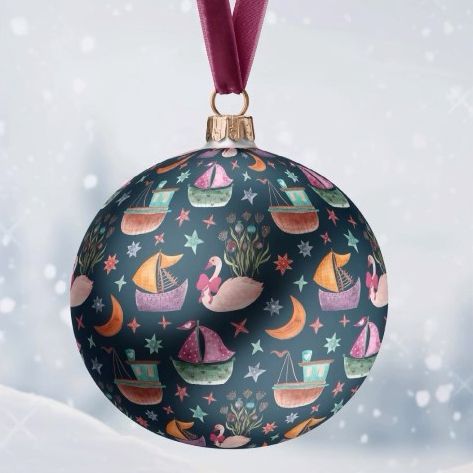
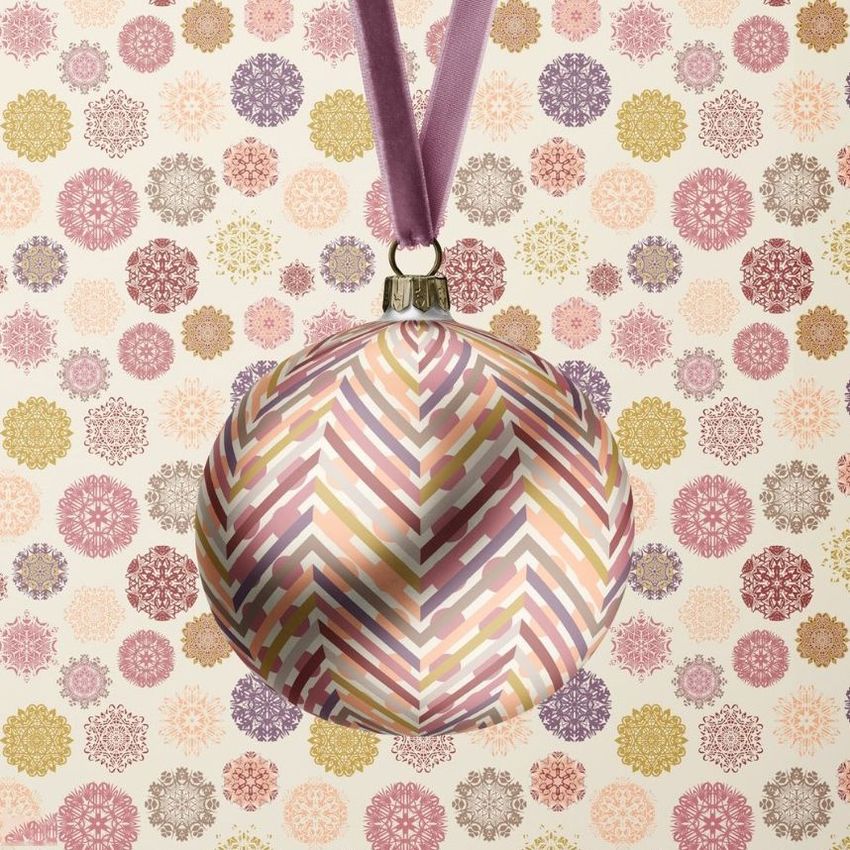
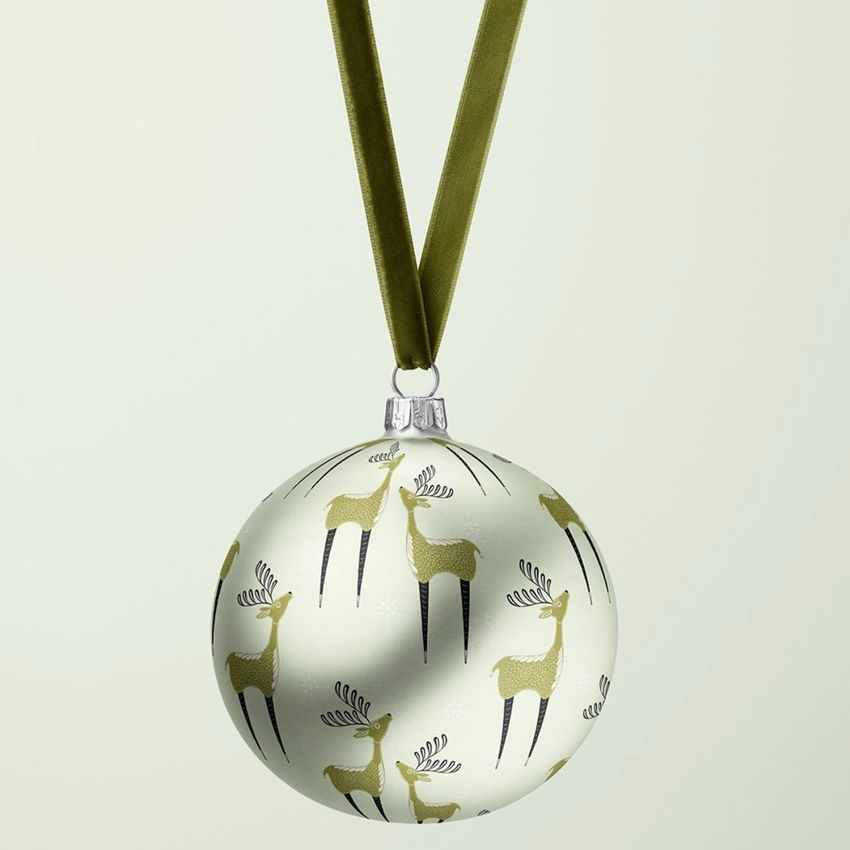
A single satin-finish Christmas bauble hangs from a velvet ribbon against a quiet backdrop. The close view puts the curved ornament surface at the center of the presentation, while the ribbon, metal cap and hanging ring let you coordinate the finishing colors around your artwork.
One Ornament Scene
1 layered PSD containing the hanging bauble composition at 4000 × 5000 px, 300 DPI.
1 JPG reference thumbnail at 205 × 256 px.
2 files in total; this is one editable view.
Artwork on the Bauble, Color on the Details
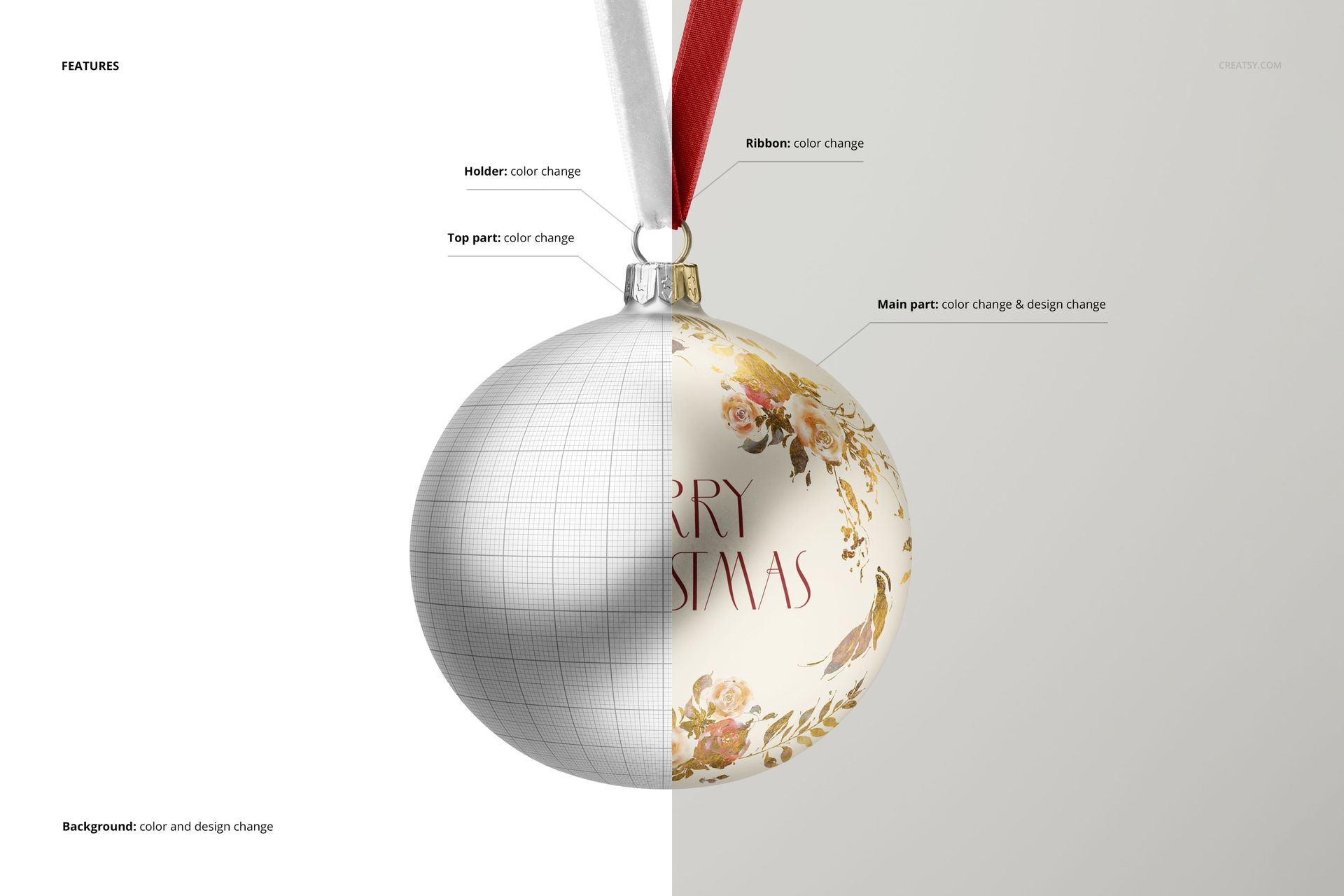
Replace the color and design of the main bauble surface. Change the colors of the velvet ribbon, top cap and holder separately, and customize the background color or design. The ribbon and metal fittings have color controls; artwork replacement is specified for the bauble body.
Photoshop and Photopea Editing
Use the Smart Object artwork layers in Adobe Photoshop CC or Photopea to place a pattern, illustration or seasonal greeting on the ornament. Save the object edit to update the mockup, then check the design across the highlights and curved edges before exporting.
For an Ornament Collection Pitch
Present a single decorative repeat, compare colorways or show a short greeting on the rounded surface. The uncluttered setting is useful for holiday product concepts, illustration licensing pitches and seasonal home decor portfolios.
This is a digital mockup for presenting your own designs. Physical products and sample artwork shown in the gallery are not included.
Preview Artwork Credit
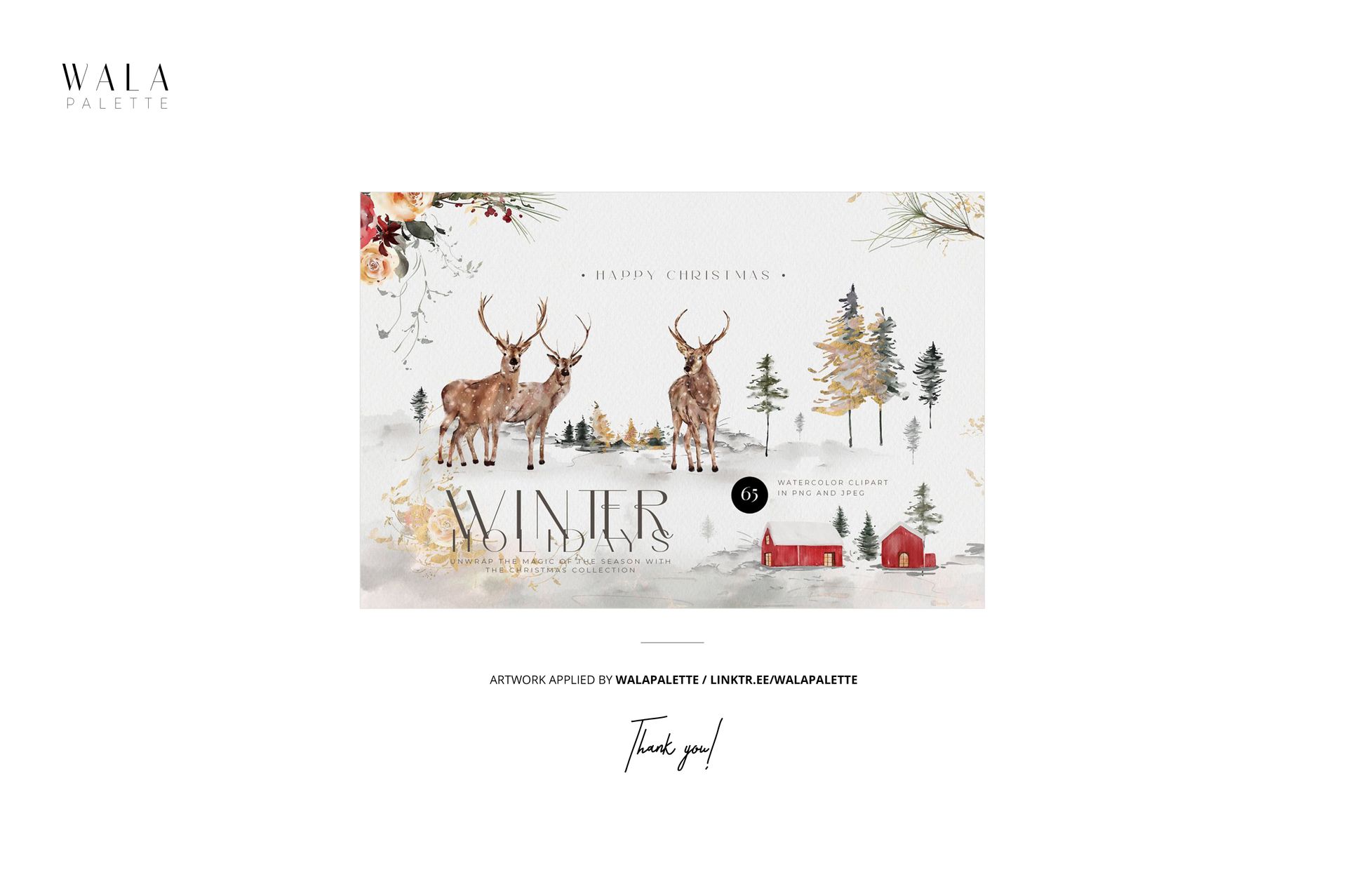
The main gallery artwork is by WalaPalette. These sample designs are not included.