Group of Christmas Gifts Mockup
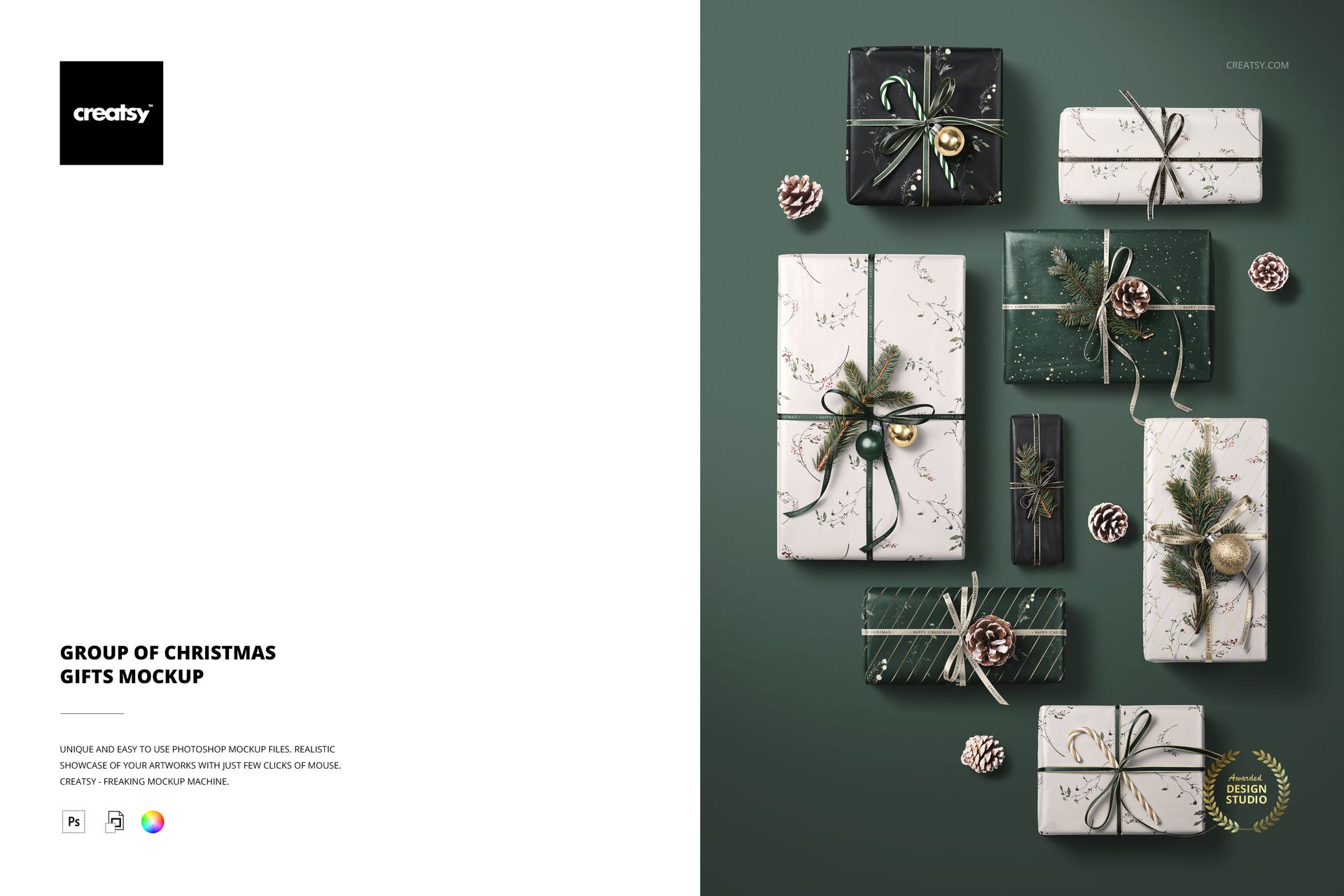
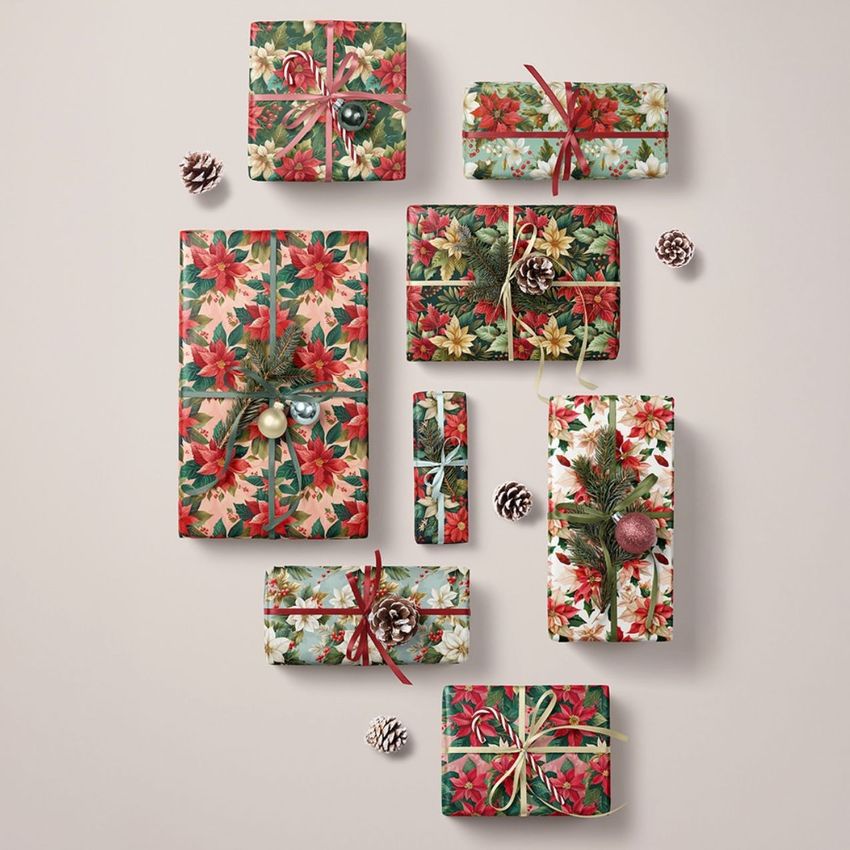
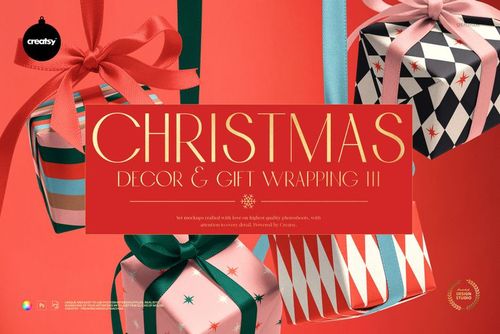
Indulge in the essence of taste and elegance with our Group of Christmas Gifts Mockup, a meticulously arranged ensemble that embodies perfection and appeals to the discerning eye. This mockup is a perfectionist's dream, where every detail is measured with precision and every element harmonizes seamlessly to create a vision of class and luxury.
A Sonata of Elegance: Eight Gifts, Infinite Possibilities
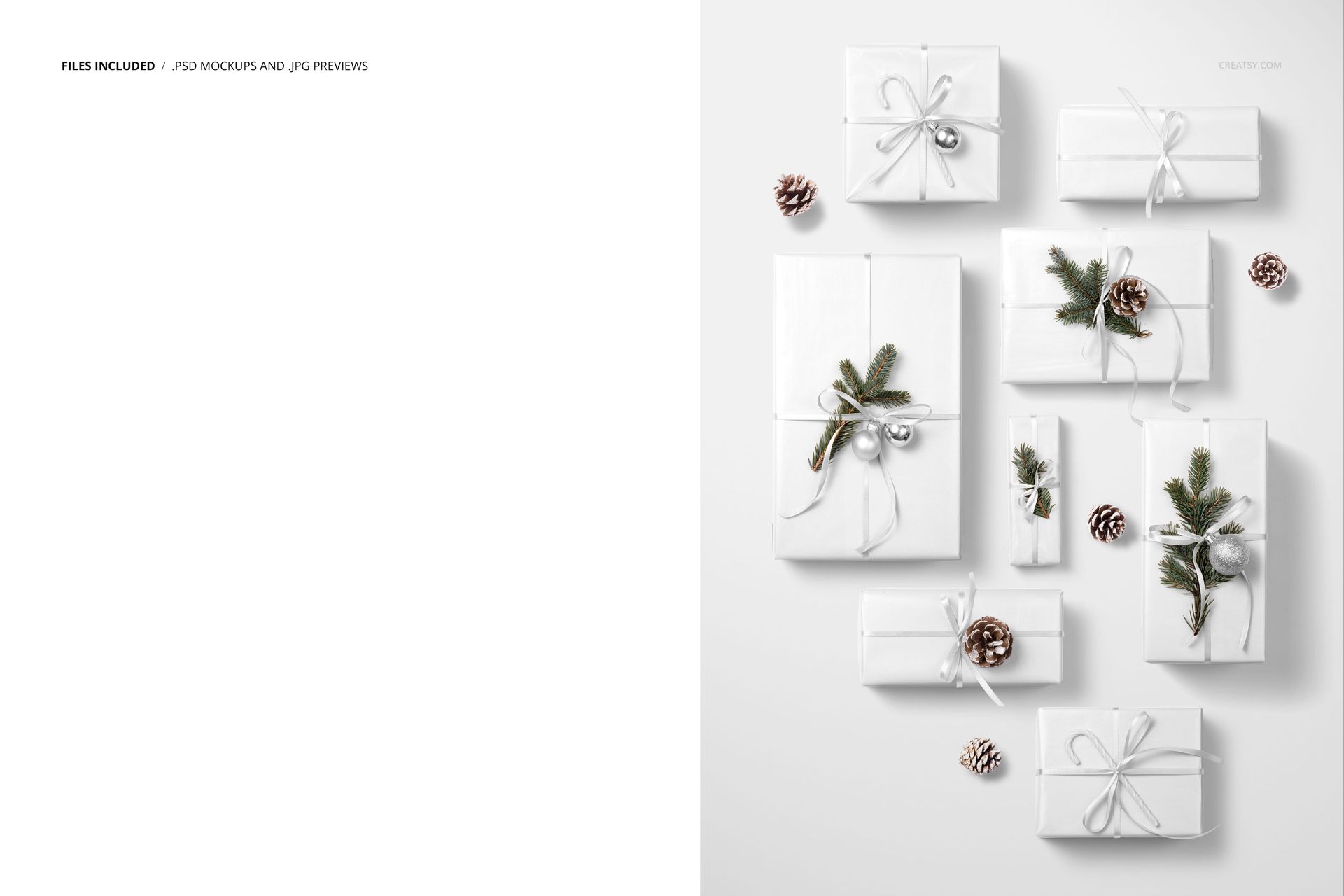
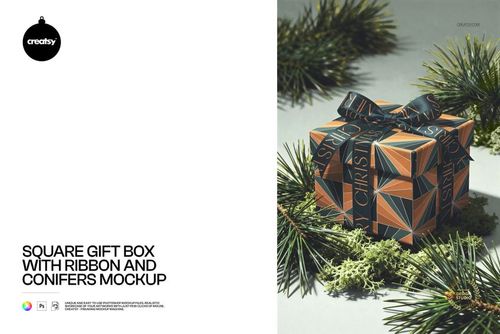
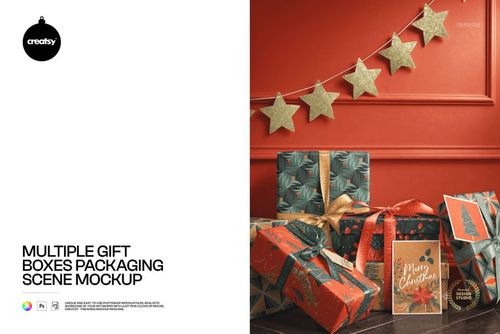
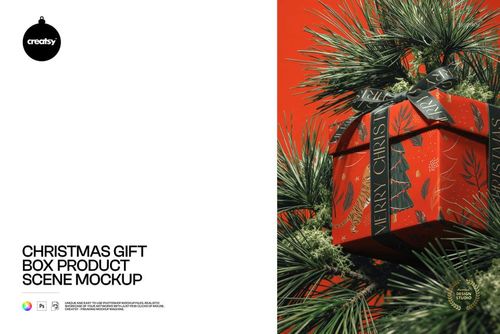
Join us in a world of sophistication with our Group of Christmas Gifts Mockup, where eight carefully arranged gifts invite you to explore the full spectrum of customization. Each gift is a canvas for your creativity, adorned with precisely designed elements such as ribbons, spruce boughs, baubles, candy canes and snow-covered pine cones. The result is a harmonious composition that exudes sophistication.
Crafting Opulence: Customization At Its Finest
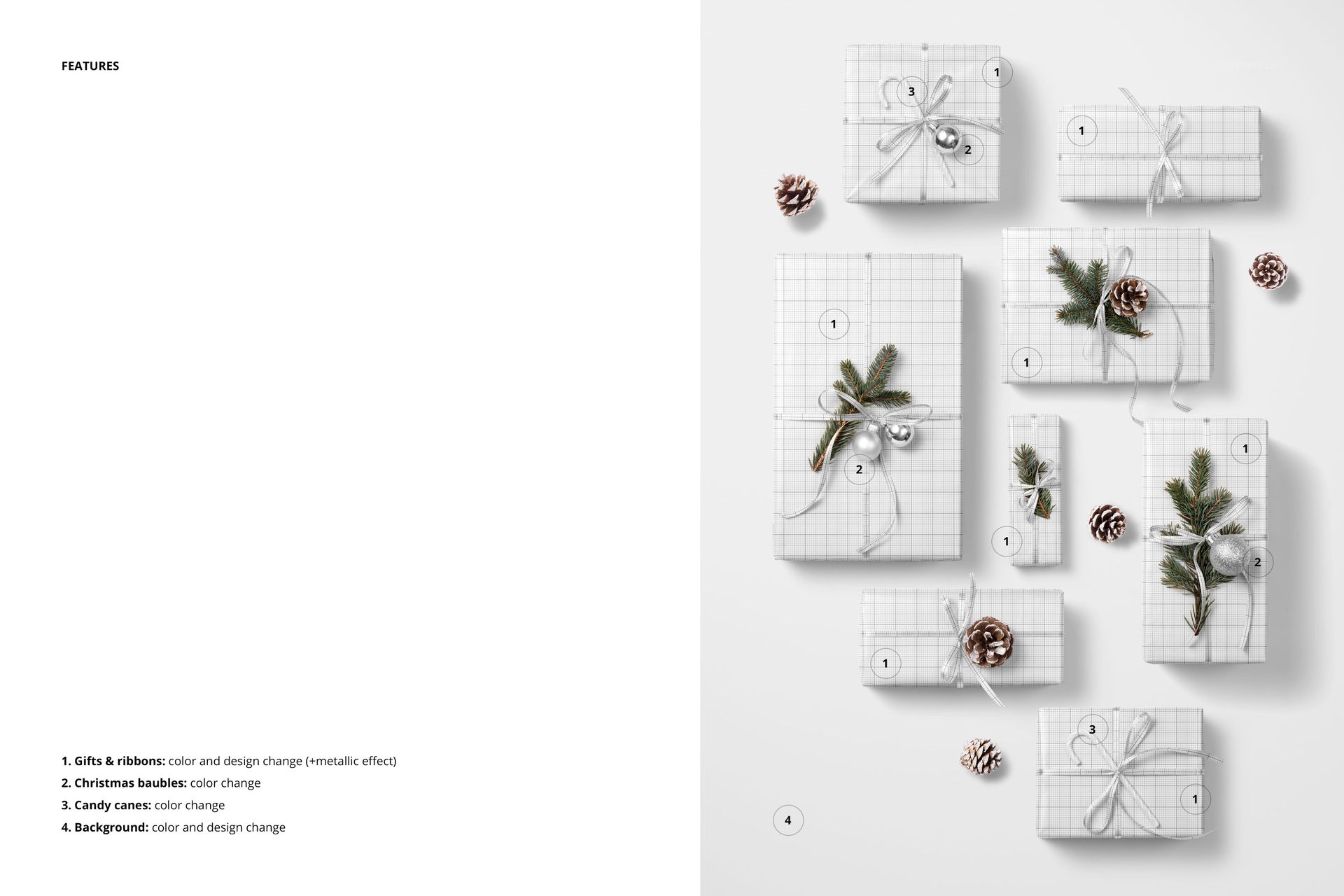
This mockup is a playground for customization enthusiasts. Edit the color and design of wrapping paper and ribbons to express your creative vision. Add an optional metallic print to add a touch of opulence to your designs and elevate any gift to a level of luxury. Color customization of baubles and candy canes adds the finishing touch to your custom creations.
- File works in Photoshop CC and Photopea;
- Pack includes 1 .psd file: 6000x4300 px, 300dpi;
- Check screenshots for all the features;
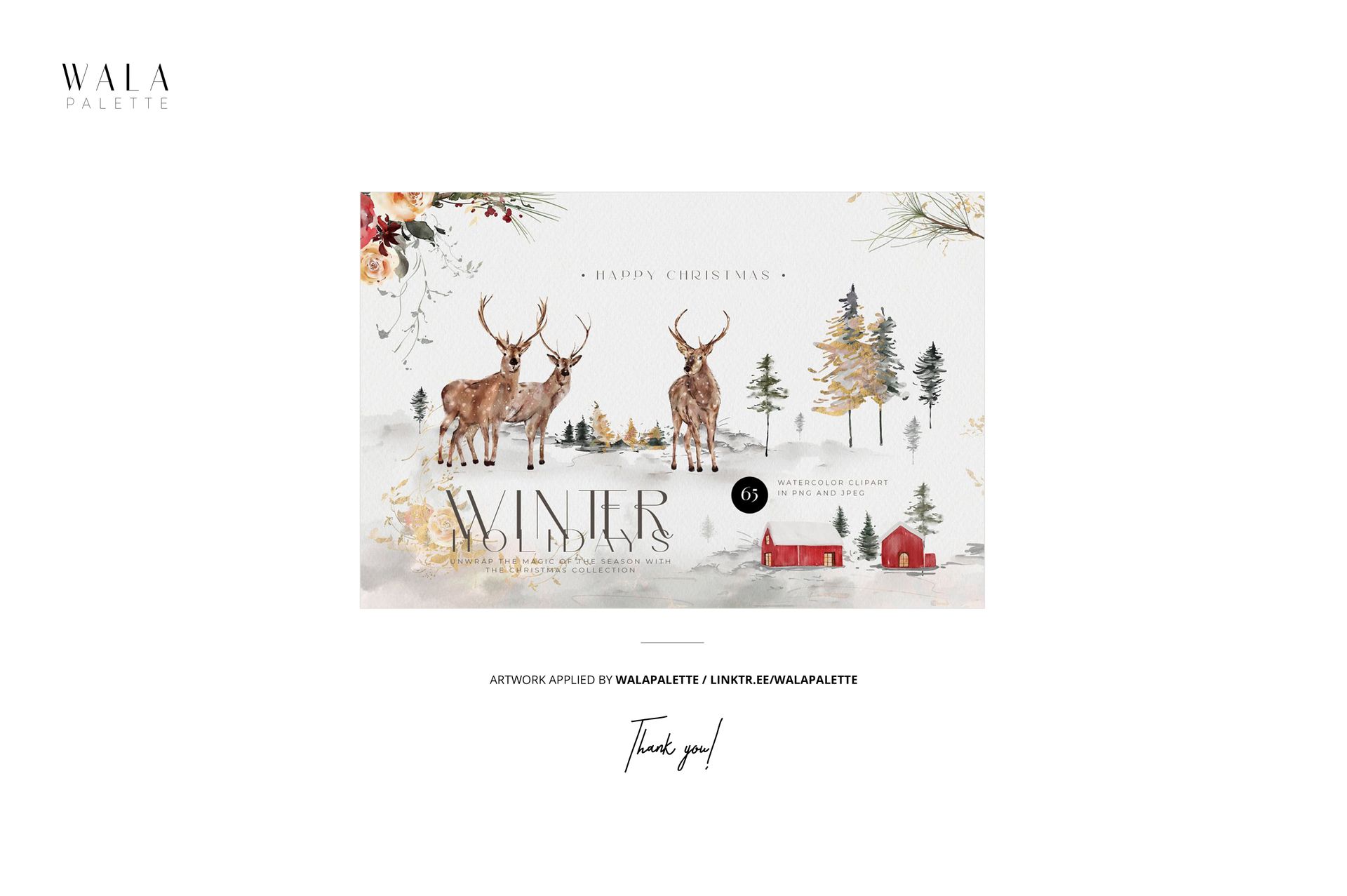
- Artwork applied by WalaPalette / linktr.ee/walapalette;
- Patterns are NOT included, this product is a mockup intended for you to add your own designs.