Christmas Gifts & Wrapping Paper Mockup
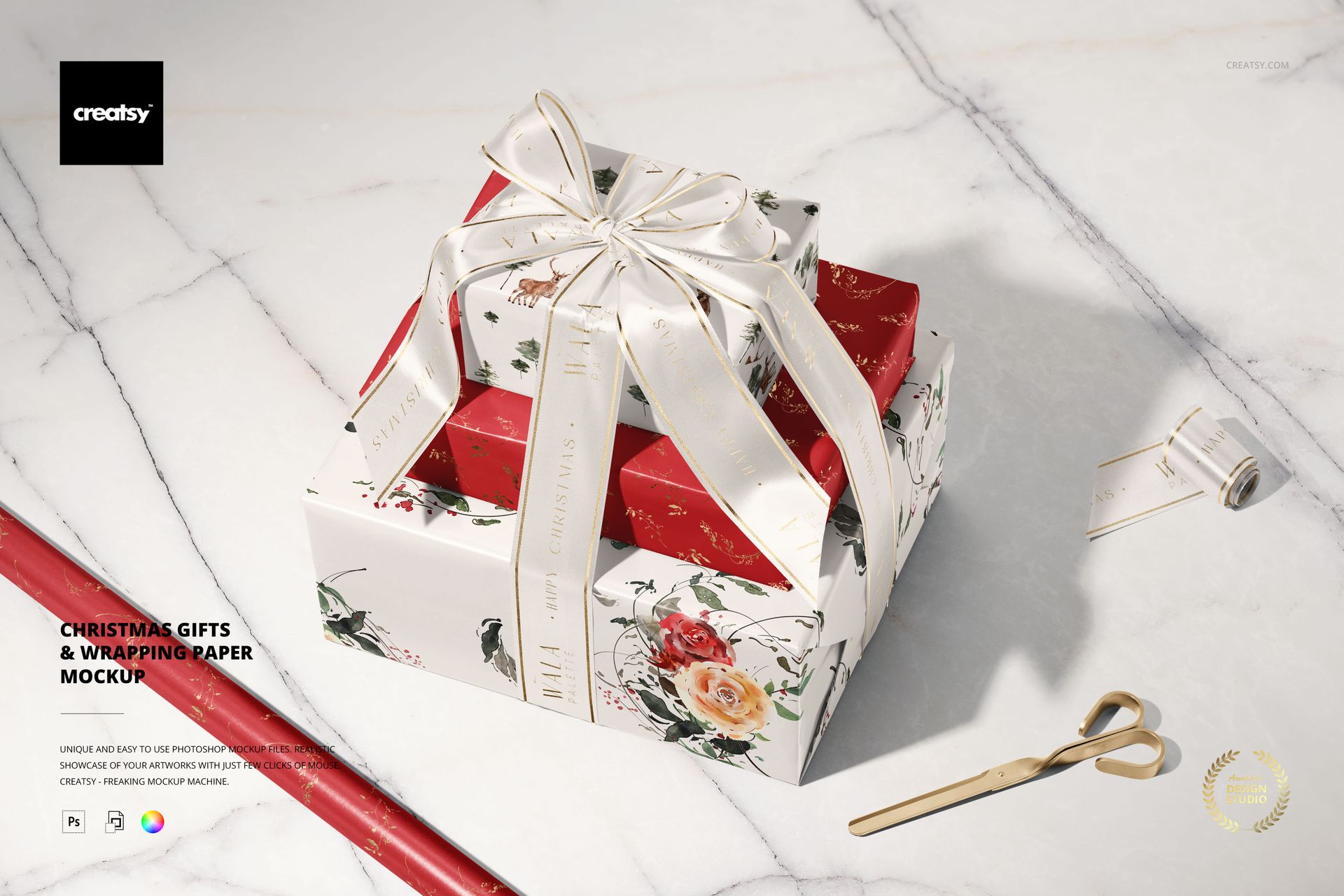
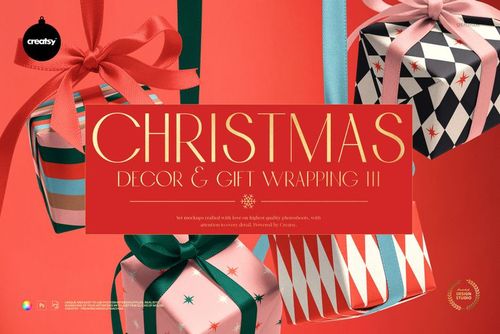
Three gifts rise into a ribbon-tied stack, with a paper roll, ribbon roll and scissors nearby. Viewed from above at an angle, this Christmas wrapping scene connects a finished gift presentation with the materials used to create it. The top and side faces of the packages let a print appear across more than one plane, while the large bow gives ribbon branding a prominent place.
What Is Included
1 layered PSD mockup, 6000 × 4000 px at 300 DPI, containing one landscape scene.
1 JPG preview thumbnail, 256 × 171 px.
2 files in total; the JPG is a reference image, not an additional editable mockup.
Coordinate the Paper and Printed Ribbon
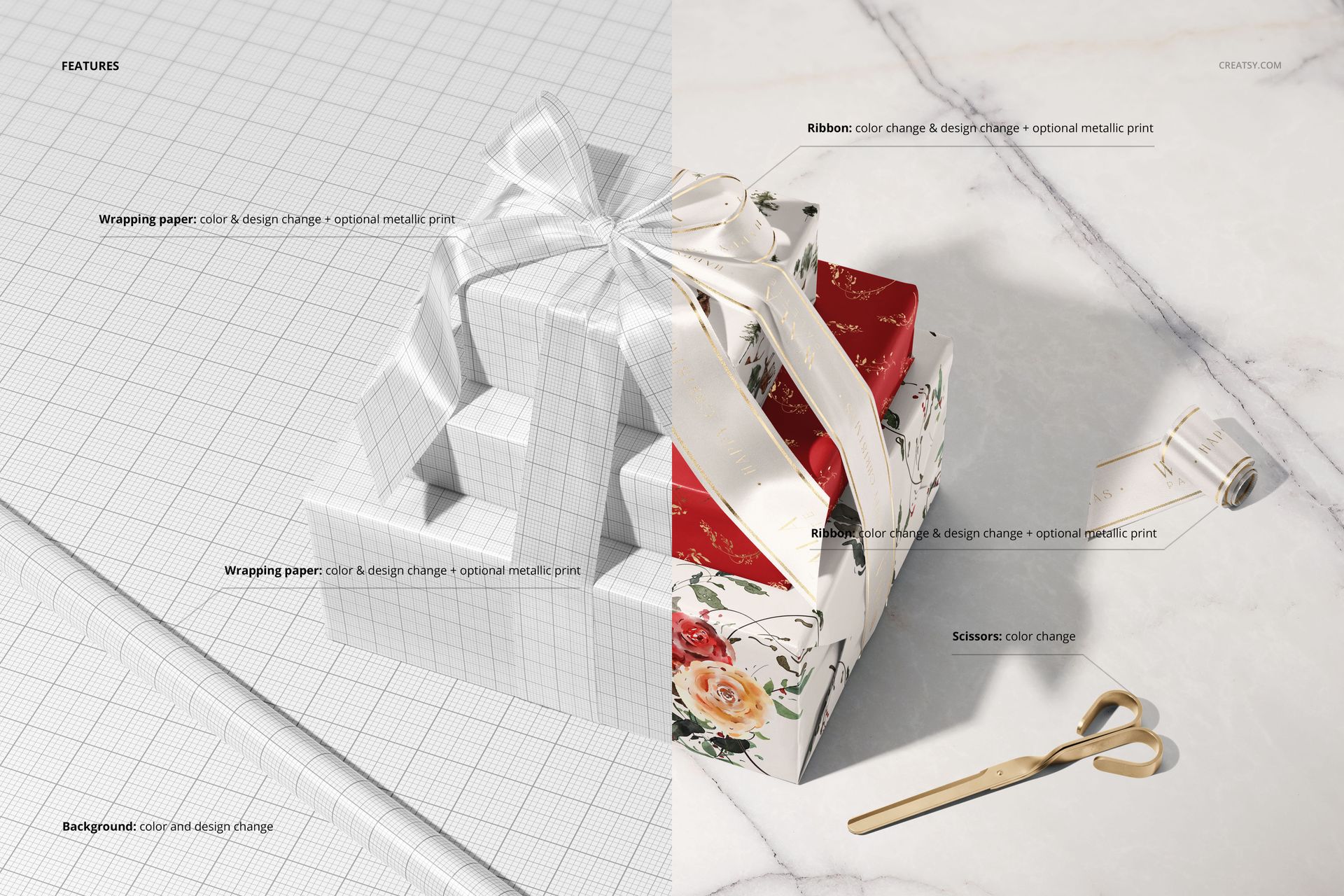
Apply color and artwork to the wrapping paper on the gifts and paper roll, and customize the ribbon and ribbon roll. Optional metallic print effects are available for both paper and ribbon. Use them for a restrained border, seasonal lettering or a small motif that ties the packaging together. The scissors support a color change, and the background supports color and design changes.
Editing in Photoshop or Photopea
Open the PSD in Adobe Photoshop CC or Photopea and replace the artwork through Smart Objects. Save each edited Smart Object to return the design to the prepared perspective. Work through the relevant artwork areas separately and check the complete stack before exporting your finished image.
For Seasonal Packaging Presentations
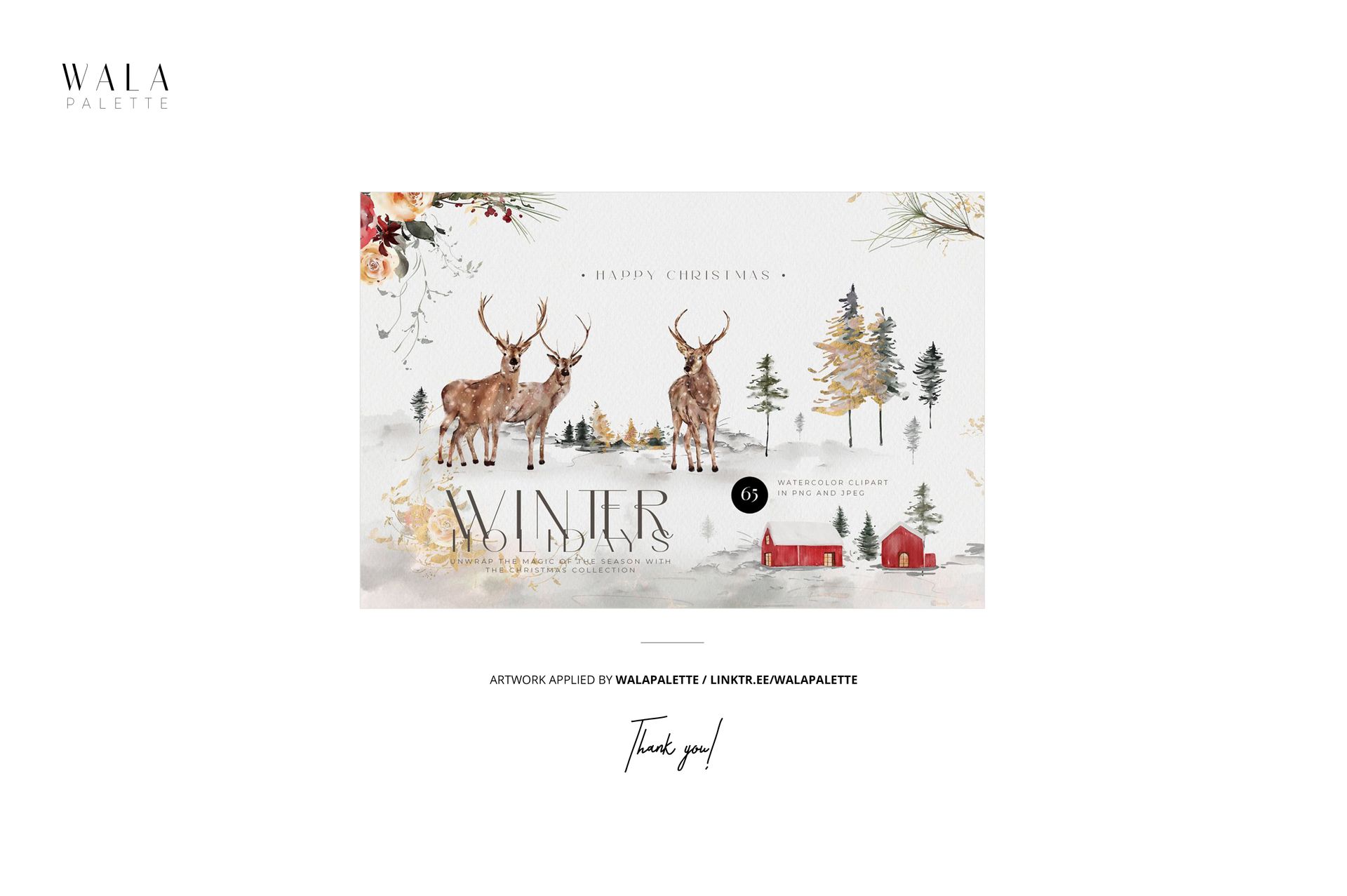
This scene suits wrapping paper designers, ribbon suppliers and brands planning Christmas gift packaging. Use it in a holiday lookbook, a surface pattern licensing presentation or a client concept deck to show paper and ribbon as a coordinated choice. This is a digital mockup, not physical packaging. The example designs are not included.