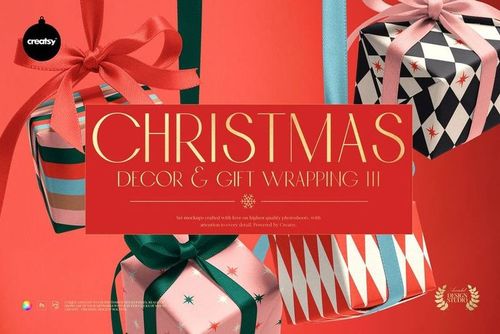
Christmas Gifts Wrapping Mockup
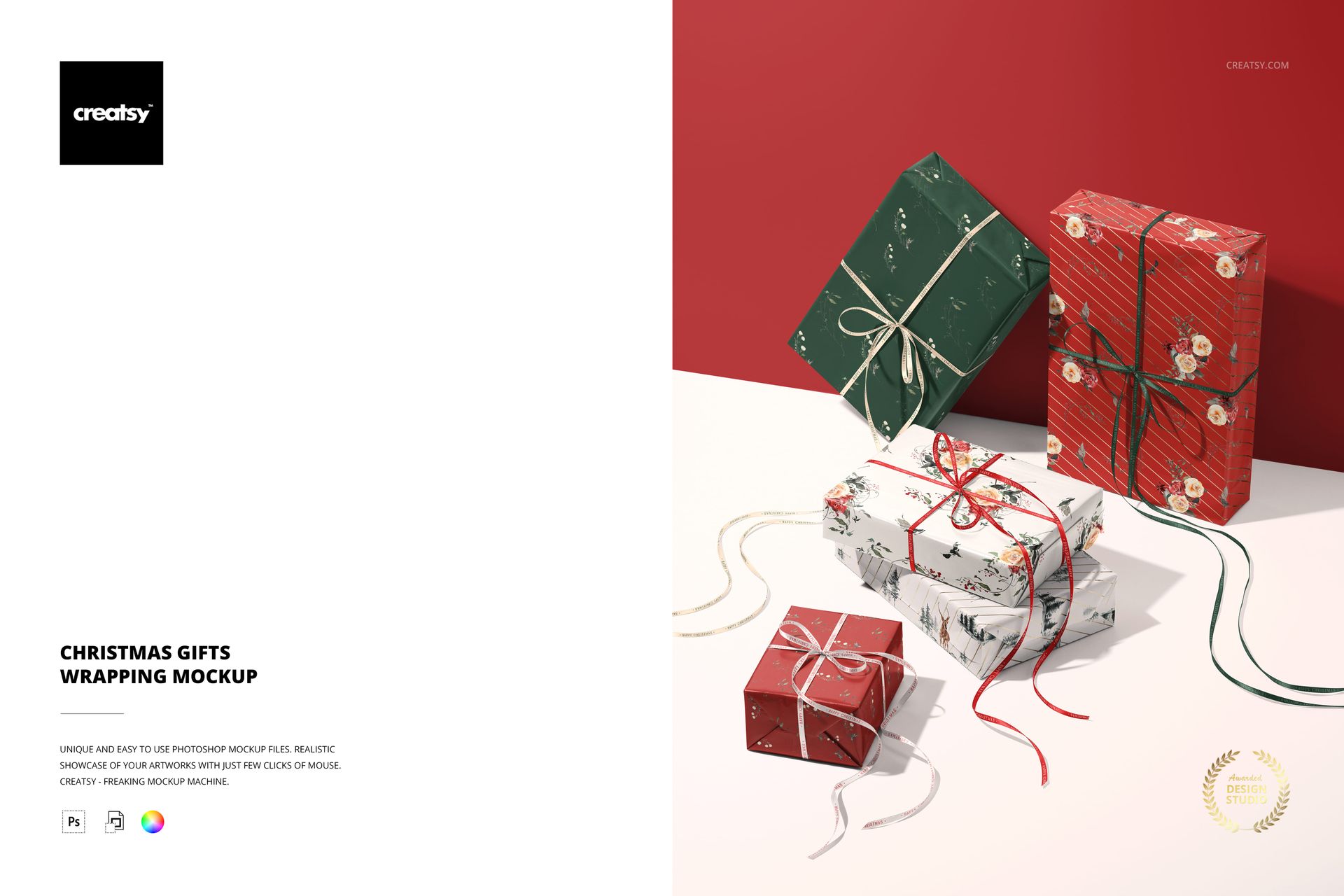
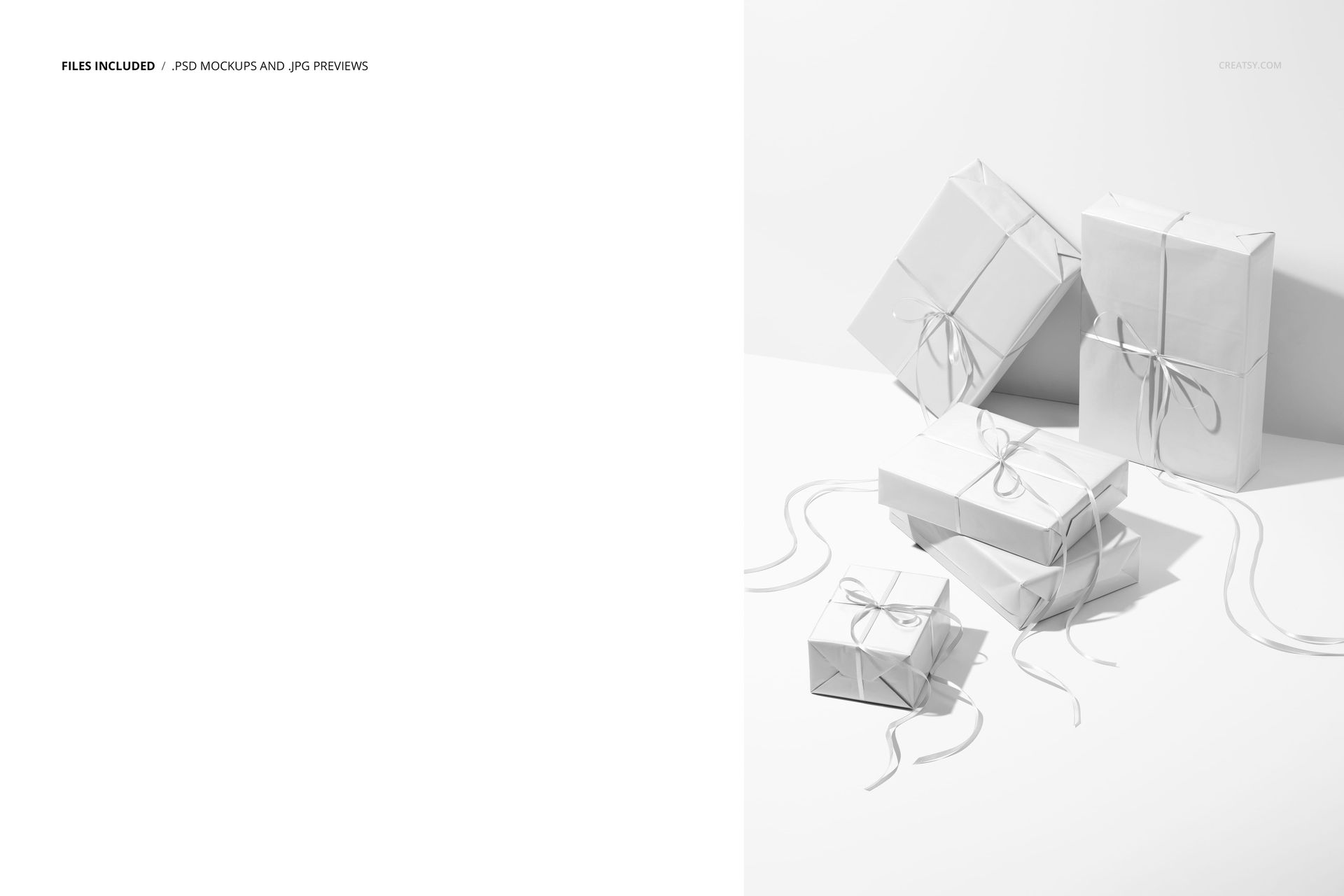
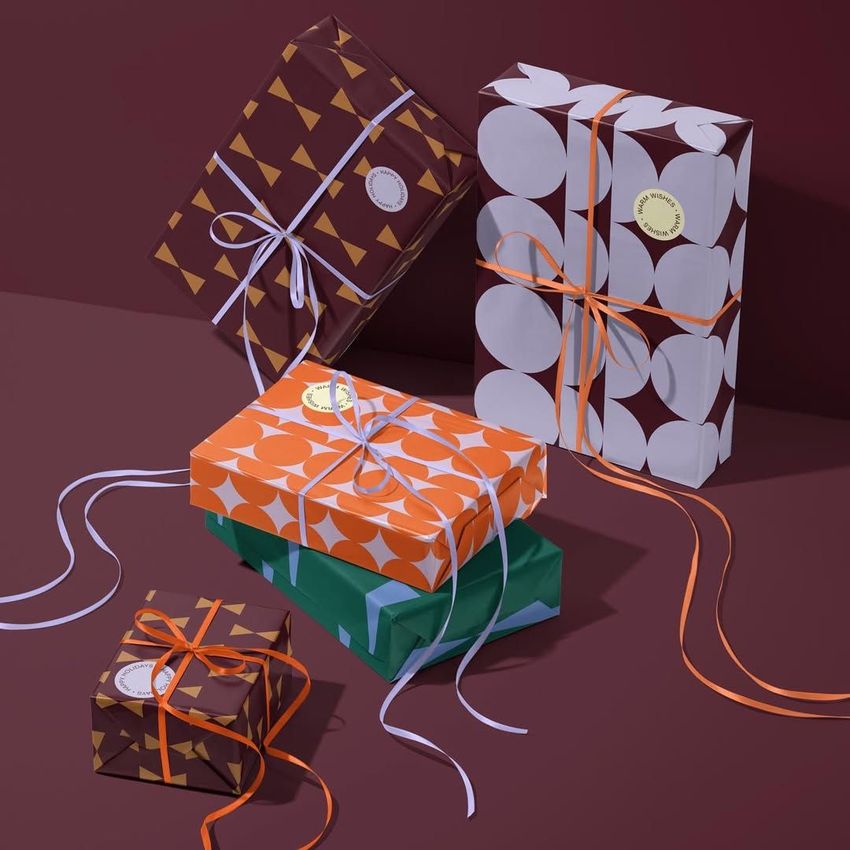
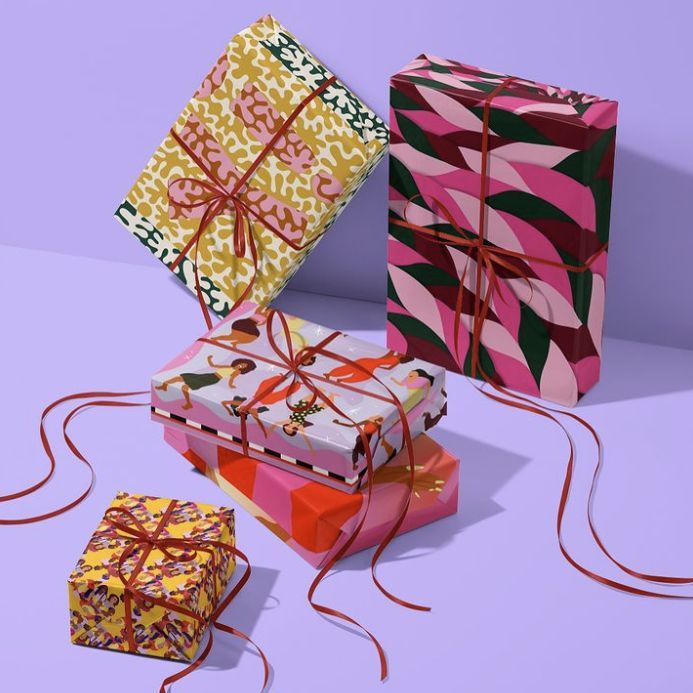
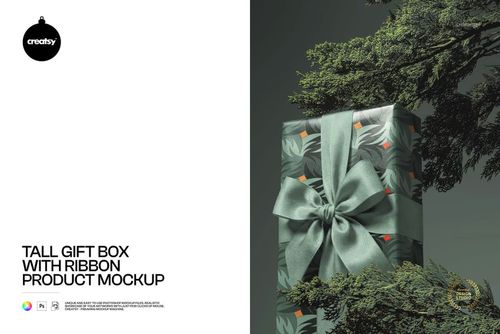
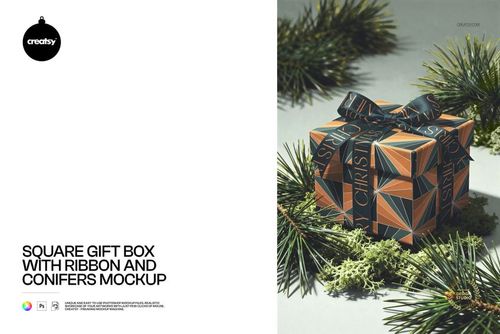
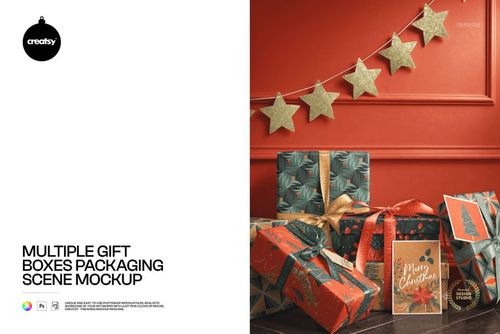
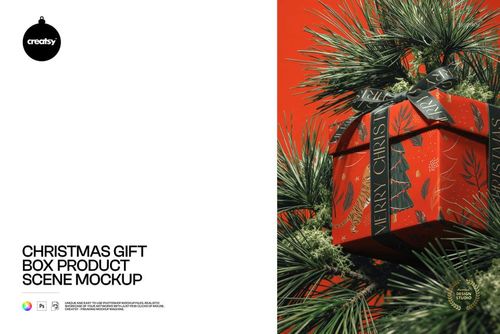
Five wrapped presents bring a coordinated holiday collection into one scene. A tall upright gift, a leaning package, two stacked boxes and a small foreground present show your paper designs at different angles, while long ribbon tails carry the festive detail across the surface.
This is one prepared composition, not a set of five separate mockups. Use the broad box faces and folded corners to present a family of prints together, from a main illustrated pattern to quieter coordinating designs.
What Is Included
1 layered PSD mockup containing the five-present arrangement.
1 JPG preview file, for 2 files in total.
Printed Paper and Ribbon Details
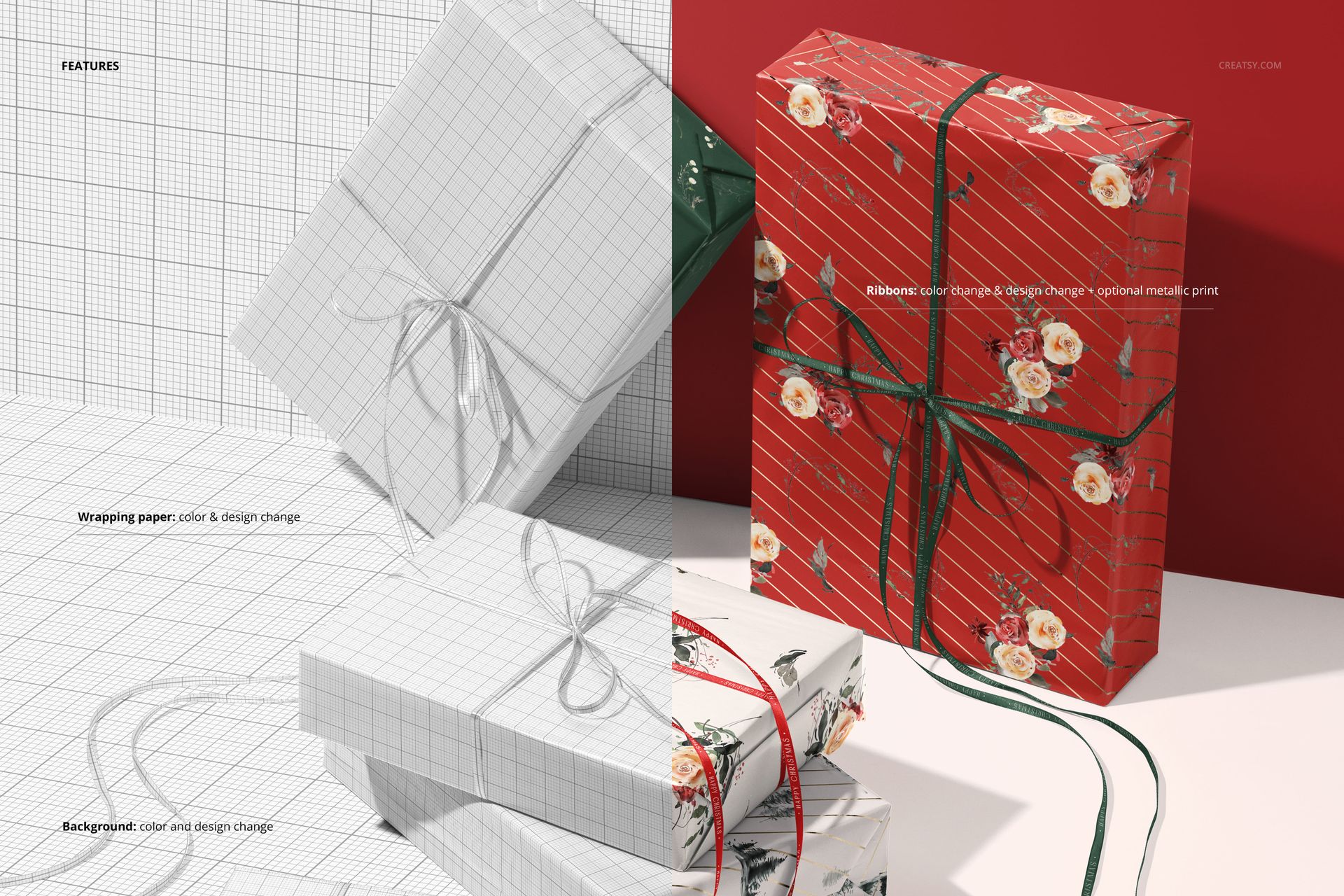
Change the color and design of the wrapping paper and ribbons. The ribbons also include an optional metallic print effect, useful for visualizing a festive accent alongside the paper artwork. Background color and design can be changed to support your chosen palette.
Easy Smart Object Editing
Open the PSD in Adobe Photoshop CC or Photopea, replace the artwork through the Smart Object layers and save the edited object within the document. Review the different gift faces, ribbon crossings and folded edges before exporting your presentation.
Perfect For
Surface pattern designers, gift wrap brands and packaging studios can use this scene for Christmas collection previews, retailer presentations and seasonal portfolio images. The combination of upright and horizontal packages gives a coordinated print range more context than a flat pattern swatch.
This is a digital mockup. Physical gifts, printed paper and the sample designs shown in the previews are not included.
Preview Artwork Credit
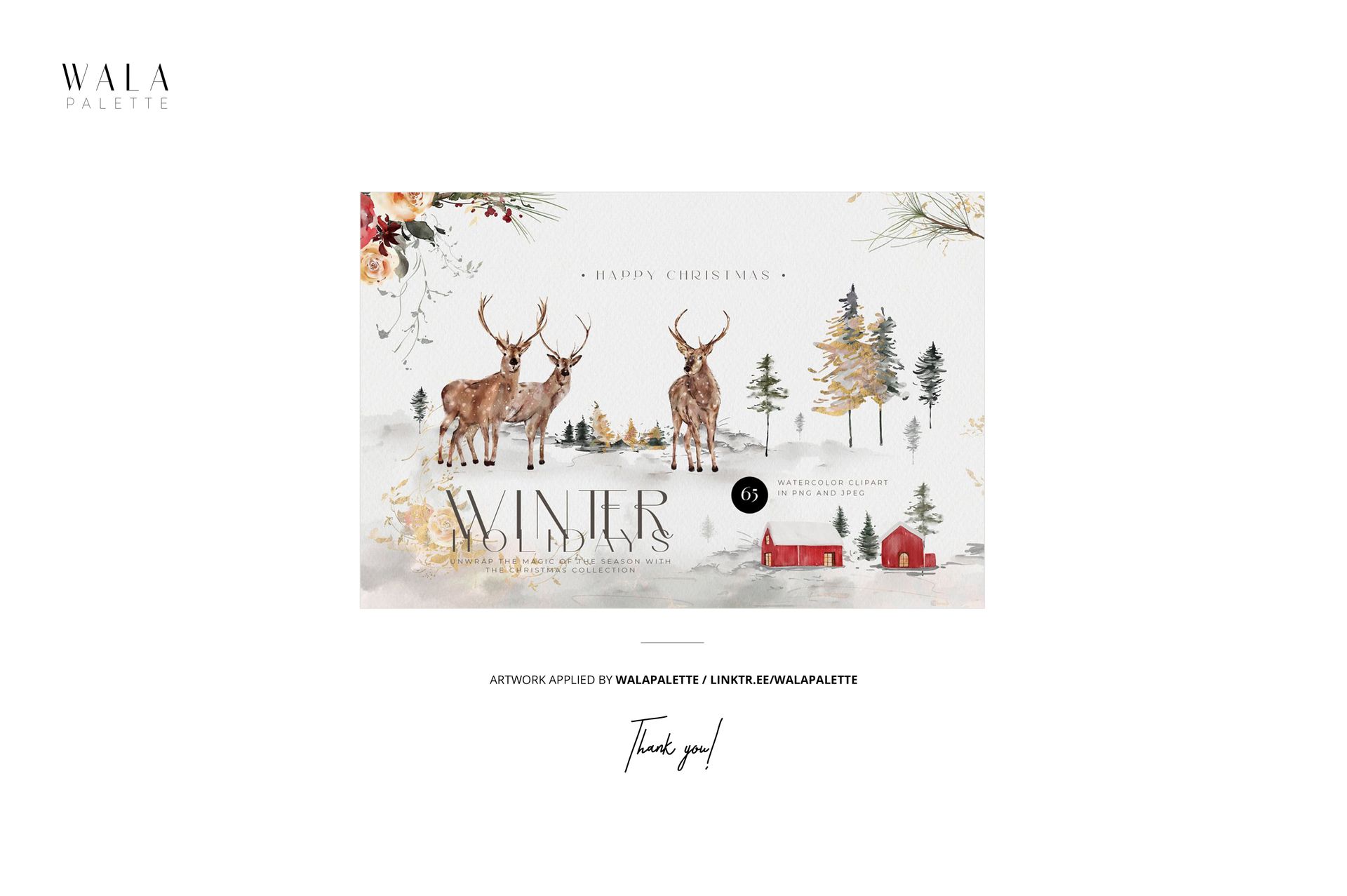
WalaPalette created the artwork used in the main product previews. Explore the artist's work through the linked page. These sample designs are for presentation only and are not supplied with the mockup.