Christmas Gift & Paper Labels Mockup
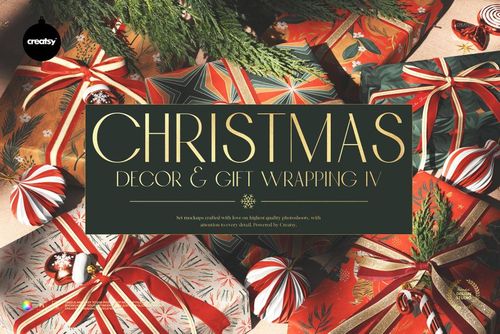
This product is a part of Christmas Decor & Gift Wrapping Mockup Bundle
Product Details
Christmas Gift & Paper Labels Mockup
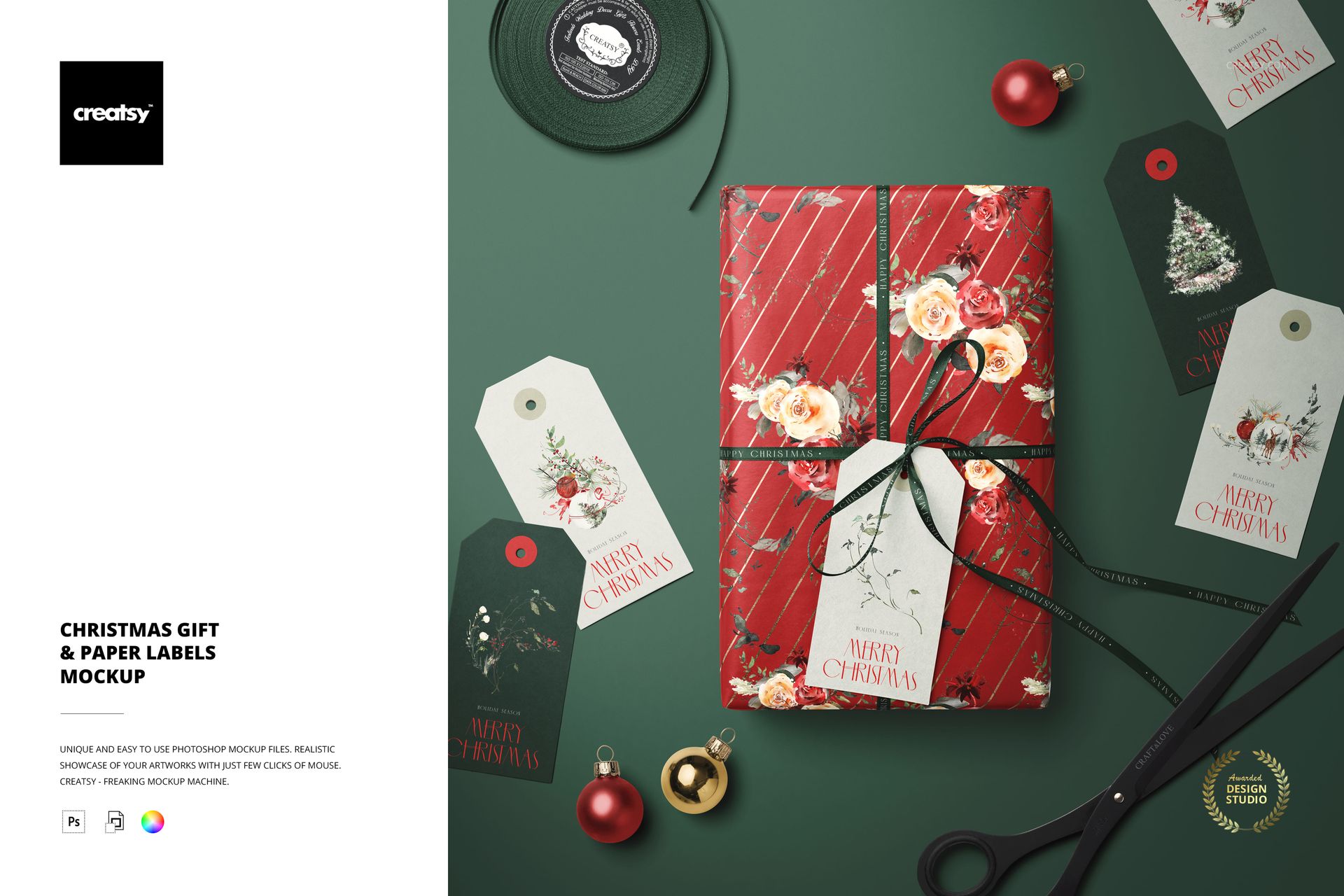
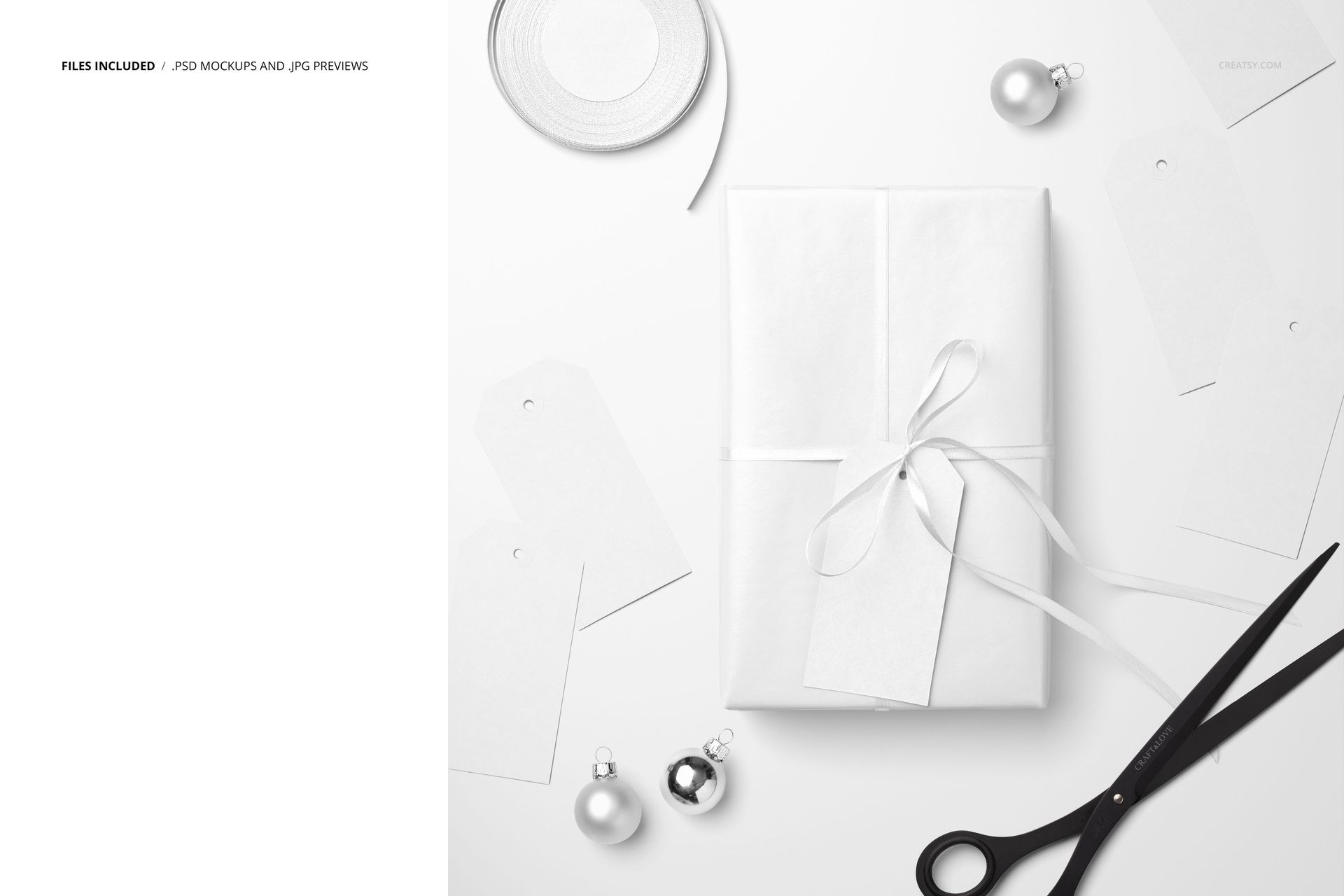
Step into the heart of holiday creativity with our Christmas Gift & Paper Labels Mockup, a captivating glimpse into the world of festive preparations and crafts. At the center of this scene is a Christmas paper gift, delicately wrapped in a thin ribbon and adorned with a label. But the real magic unfolds when attention is drawn to the elements scattered around the table, creating an atmosphere reminiscent of a bustling Christmas workshop.
Personalize Each Element for Festive Whimsy
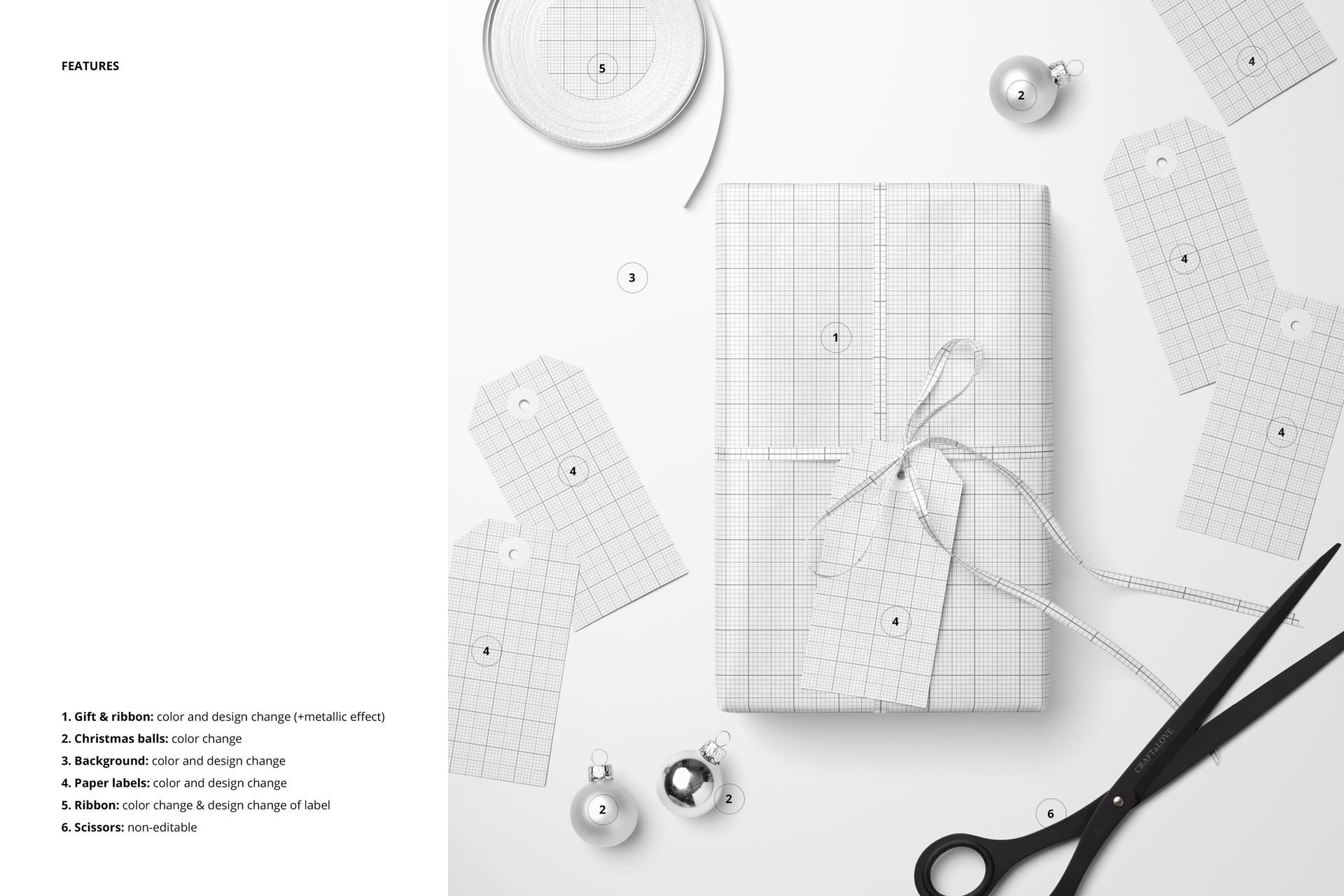
Jump into a chimney of customization with the Christmas Gift & Paper Labels Mockup. Tailor the color and design of the ribbon and wrapping paper, and add a touch of luxury with metallic effects. Change the color and design of the paper labels, both on the gift and scattered around it, for a harmonious presentation that reflects your holiday vision. The ability to design your own label on the ribbon roll adds an extra layer of personalization.
- File works in Photoshop CC and Photopea;
- Pack includes 1 .psd file: 5500x5500 px, 300dpi;
- Check screenshots for all the features;
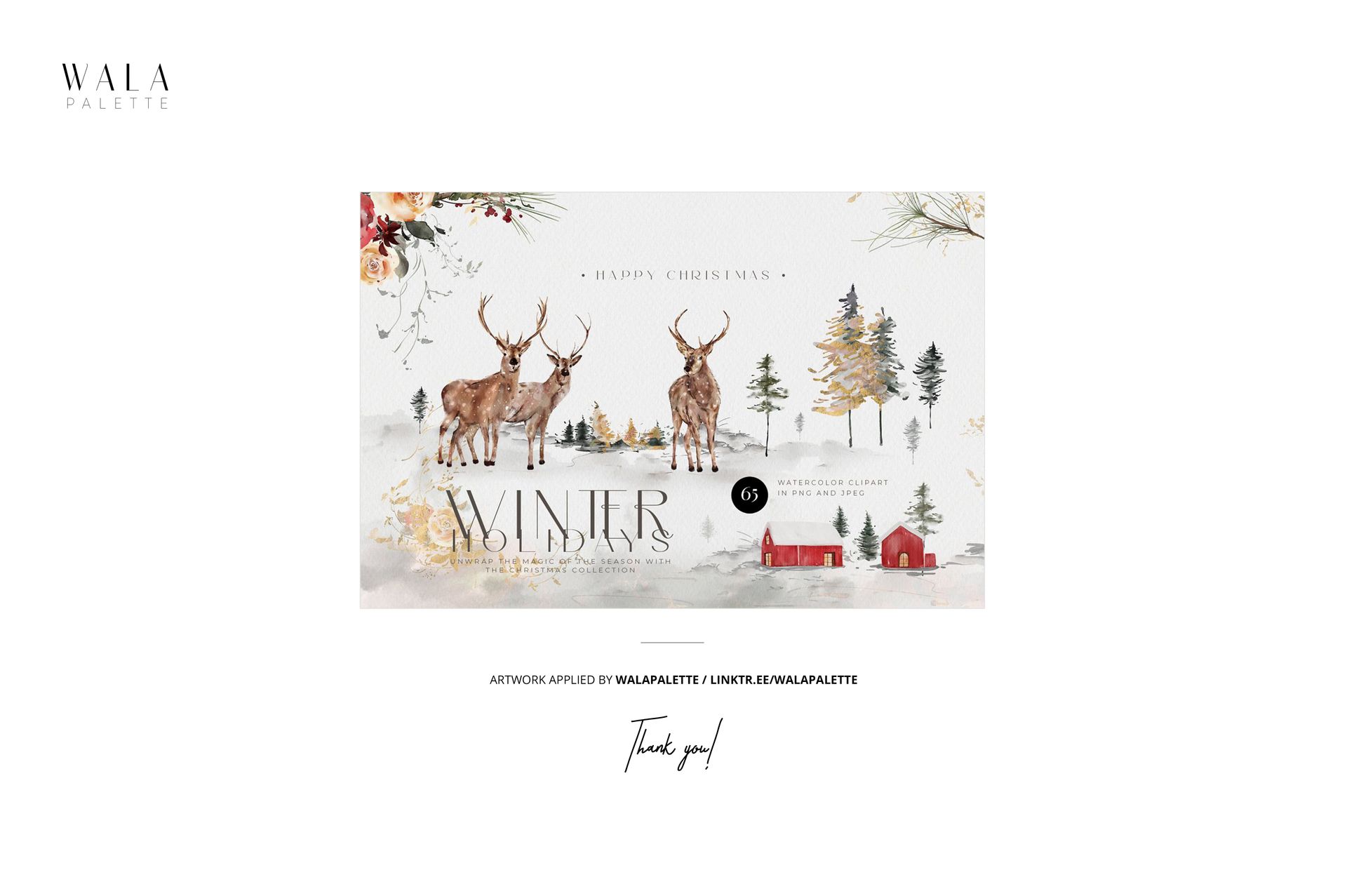
- Artwork applied by WalaPalette / linktr.ee/walapalette;
- Patterns are NOT included, this product is a mockup intended for you to add your own designs.
File details
- Compatibility
- Number of files included
- 2
- Package size
- 98.2 MB
|103 MB
- Files type
- .psd, .jpg
- Files size
- 5500x5500


MEET THE SHOP

HOW IT WORKS
3 clicks. That's it.
No tutorial needed. If you can copy-paste, you can use this.
- 1OpenDouble-click the smart object inside the PSD - in Adobe Photoshop, or free in your browser with Photopea.
- 2PasteDrop in your pattern, print, or artwork. Any design, any style.
- 3SaveHit save and the mockup wraps it in for you - shadows, folds, and lighting included.
FROM IDEA TO IMAGE
Built for real workflows
Skip the photo shoot Show your artwork on the real product type for approvals or listings - no studio, no model, no sample.
See it on the product, not a swatch Drop your file into the smart object and the scene's lighting and folds wrap around it, so you judge the real thing before you commit.
Smart Objects
Edit once and you're done. Your artwork drops into a smart object and the mockup updates itself - no masking, no warping by hand.
Perfectly Organized
Named layers and folders you can actually navigate. Find what you need, change what you want, and get out fast.
Print-Ready
High-resolution files built to hold up on screen and in print. Exact size and DPI are in this product's Details above.