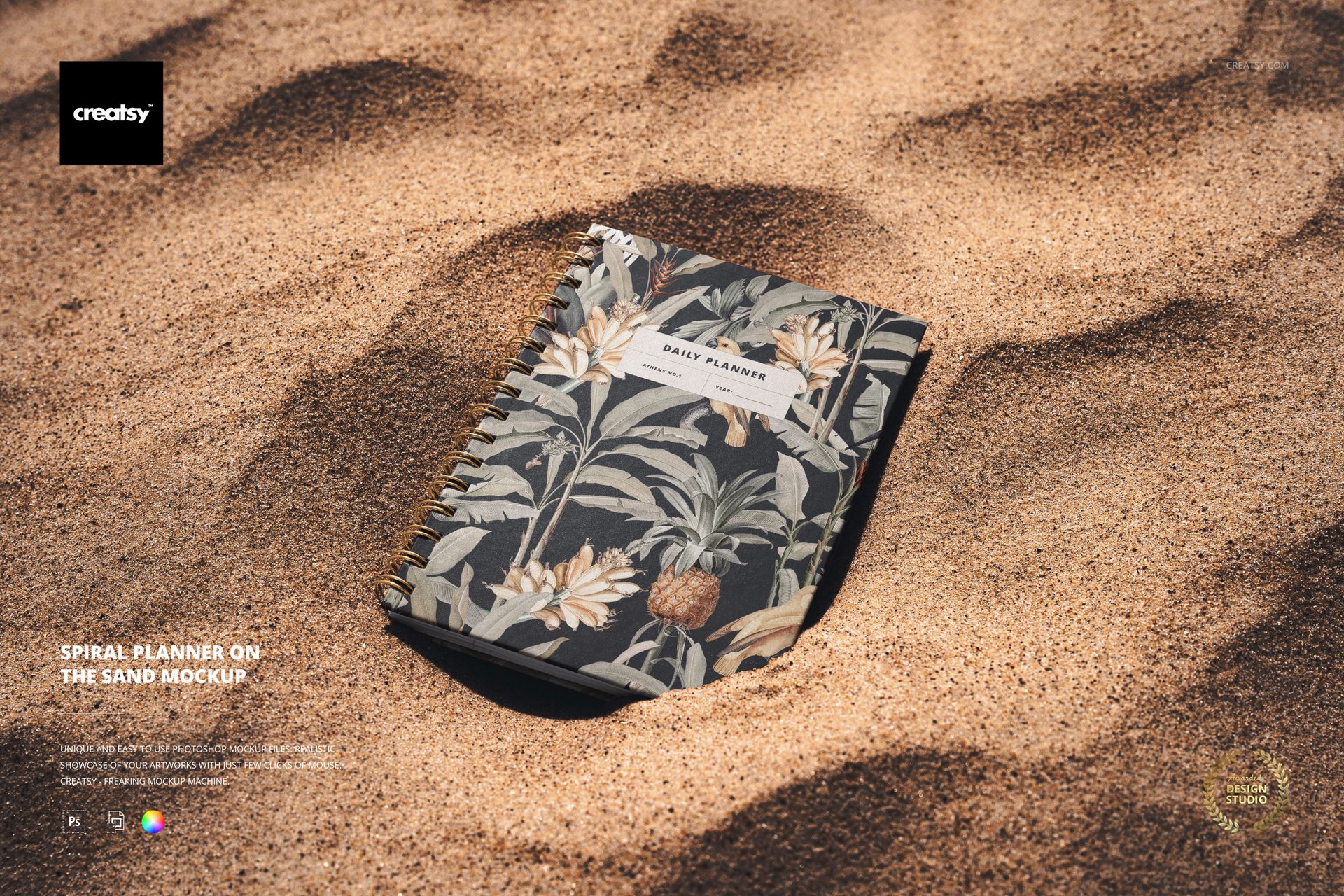
Spiral Planner on the Sand Mockup

ID: 1301076309 | Updated: Aug 6, 2024

Product Details

Spiral Planner on the Sand Mockup

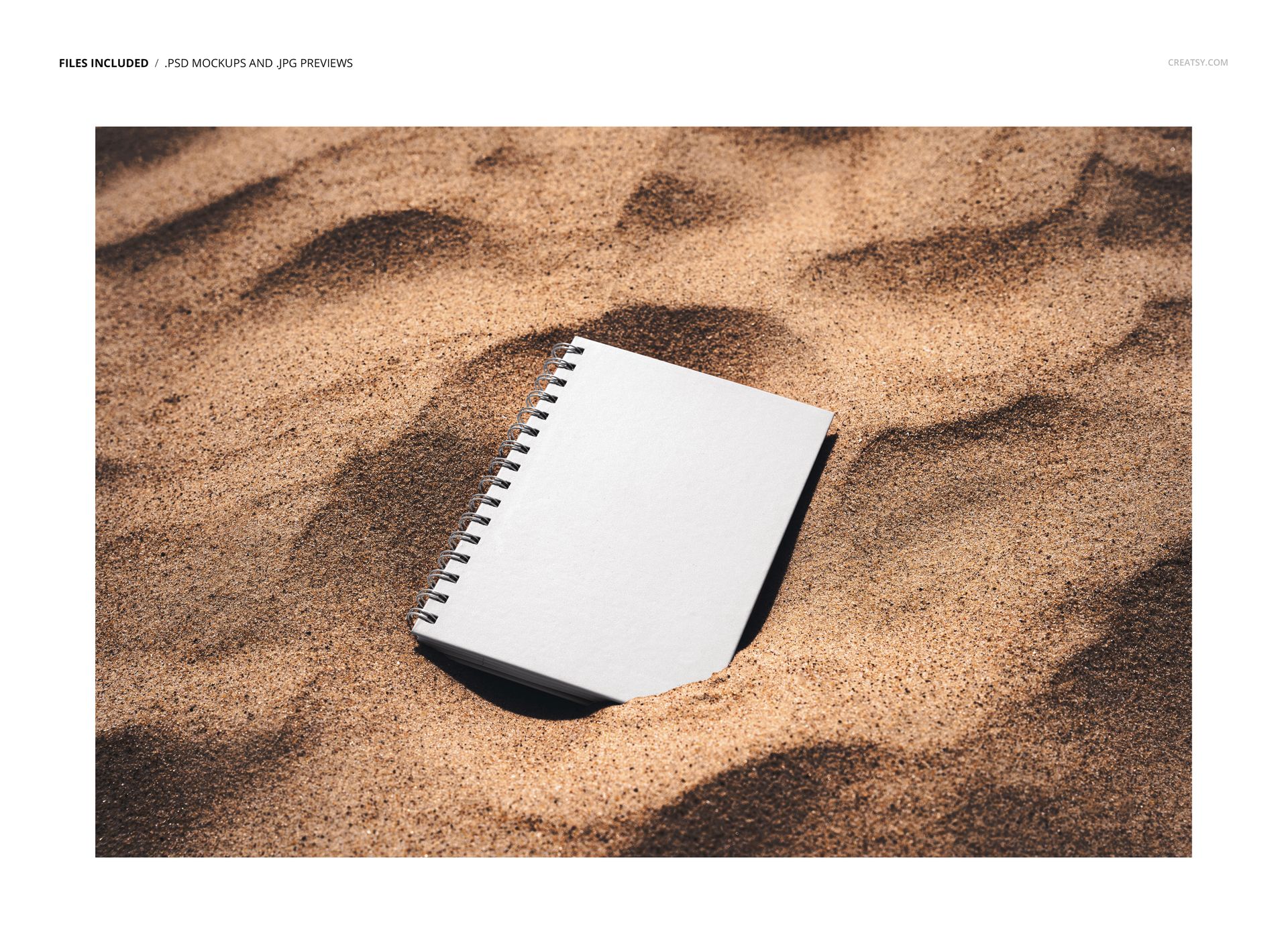
Place planner cover artwork in a relaxed outdoor setting where the design remains the clear focus. The top-down scene shows a spiral-bound planner resting on textured sand, giving stationery concepts a natural context without adding extra desk props.

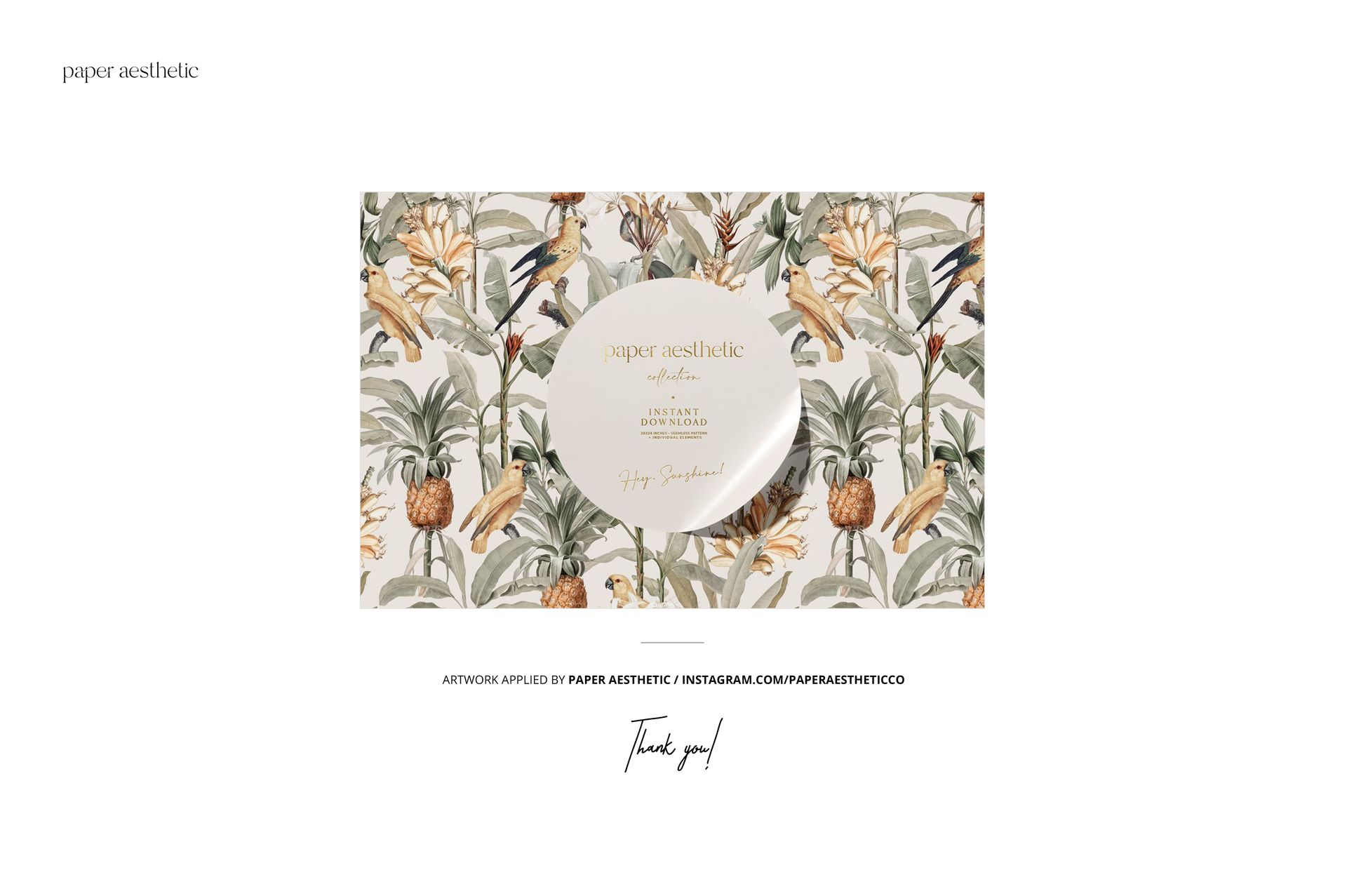
Three gallery images demonstrate the composition with a plain white cover and tropical floral sample artwork. This makes the mockup useful for checking how minimal branding, illustrations, patterns, and different color directions read against a warm, detailed background.

What Is Included

  • 1 layered PSD mockup

  • 1 JPG preview

  • 2 files in total

  • Compressed package: 124 MB for Windows and 130 MB for macOS

Confirmed Editing Options

Change the planner design and color using the well-organized PSD layers. The clear top view helps you review cover hierarchy, pattern scale, contrast, and overall composition before presenting the concept to a client or adding it to a product gallery.

Software and Resolution

  • 6000 × 4000 px at 300 DPI

  • Adobe Photoshop CS6 or later

  • Photopea compatibility for browser-based editing

Perfect For

  • Planner and notebook cover presentations

  • Surface pattern and illustration portfolios

  • Stationery branding concepts and client approvals

  • Online shop images and seasonal campaign graphics

This is a digital mockup product. The sample artwork shown in the previews is for presentation purposes only and is not included with the files.

File details

Compatibility
PhotopeaAdobe Photoshop
Package size
124 MB124 MB|130 MB130 MB
Files type
.psd, .jpg
Files size
6000x4000
TEST FOR FREE

MEET THE SHOP

Creatsy logo

Creatsy

Poland
4.7 (672)

Bring your ideas to life.

We're a family-run studio in Katowice, Poland, making PSD mockups by hand since 2016. Everything in this shop starts in our own studio. We shoot the photography, build the 3D, and put together every Smart Object PSD ourselves - then we test it, organize the layers, and only ship it once it actually works...
GO TO SHOP

HOW IT WORKS

3 clicks. That's it.

No tutorial needed. If you can copy-paste, you can use this.

  1. 1OpenDouble-click the smart object inside the PSD - in Adobe Photoshop, or free in your browser with Photopea.
  2. 2PasteDrop in your pattern, print, or artwork. Any design, any style.
  3. 3SaveHit save and the mockup wraps it in for you - shadows, folds, and lighting included.

FROM IDEA TO IMAGE

Built for real workflows

Pitch the whole brand in one scene Lay the cards, tags, and labels out together so the client sees the identity as a set, not separate flat files.

See it on the product, not a swatch Drop your file into the smart object and the scene's lighting and folds wrap around it, so you judge the real thing before you commit.

Smart Objects

Edit once and you're done. Your artwork drops into a smart object and the mockup updates itself - no masking, no warping by hand.

Perfectly Organized

Named layers and folders you can actually navigate. Find what you need, change what you want, and get out fast.

Print-Ready

High-resolution files built to hold up on screen and in print. Exact size and DPI are in this product's Details above.