Traditional Style Easter Eggs Mockup

Creatsy in Mockups / Easter
ID: 1683249493 | Updated: Mar 29, 2024

Product Details

Traditional Style Easter Eggs Mockup

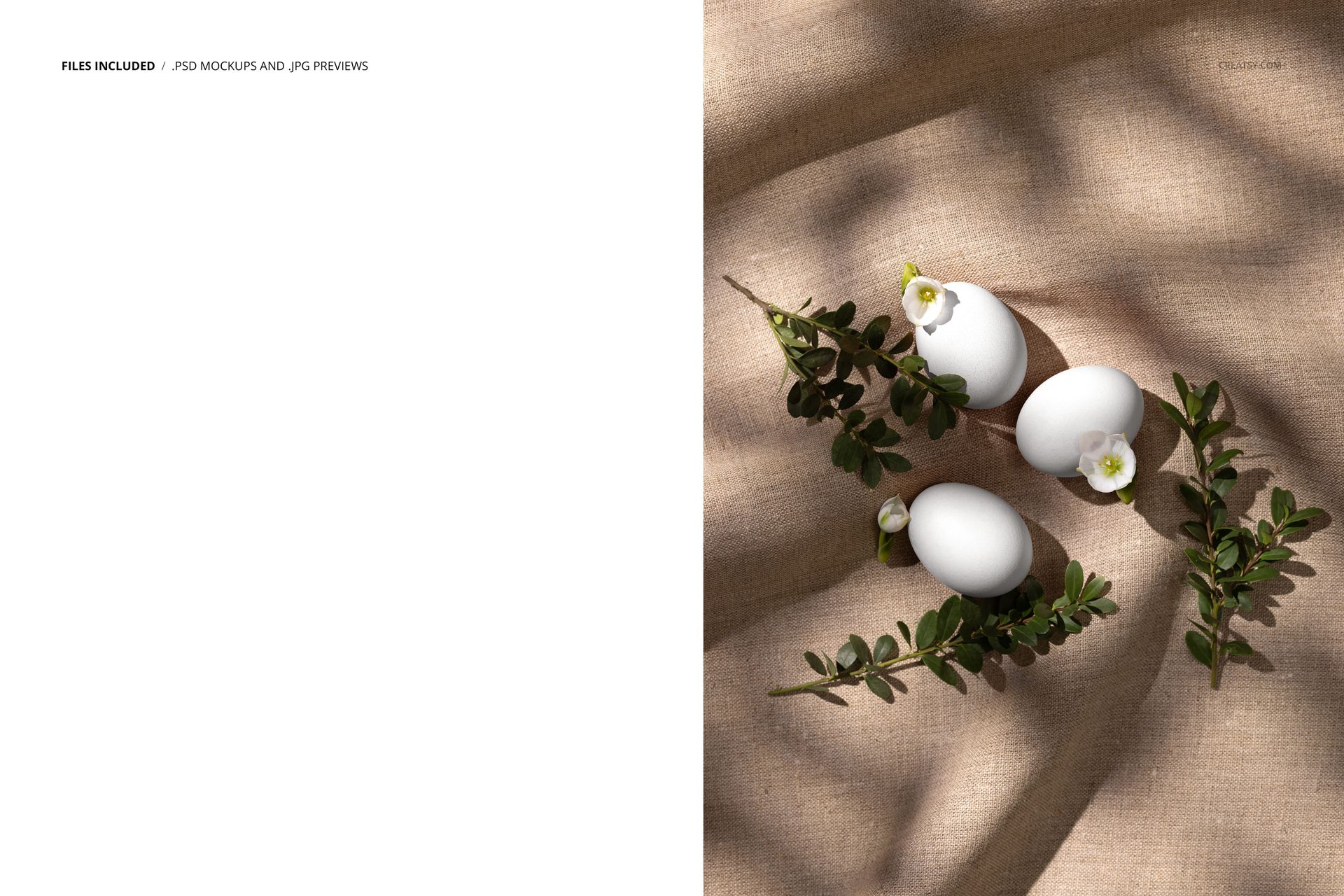
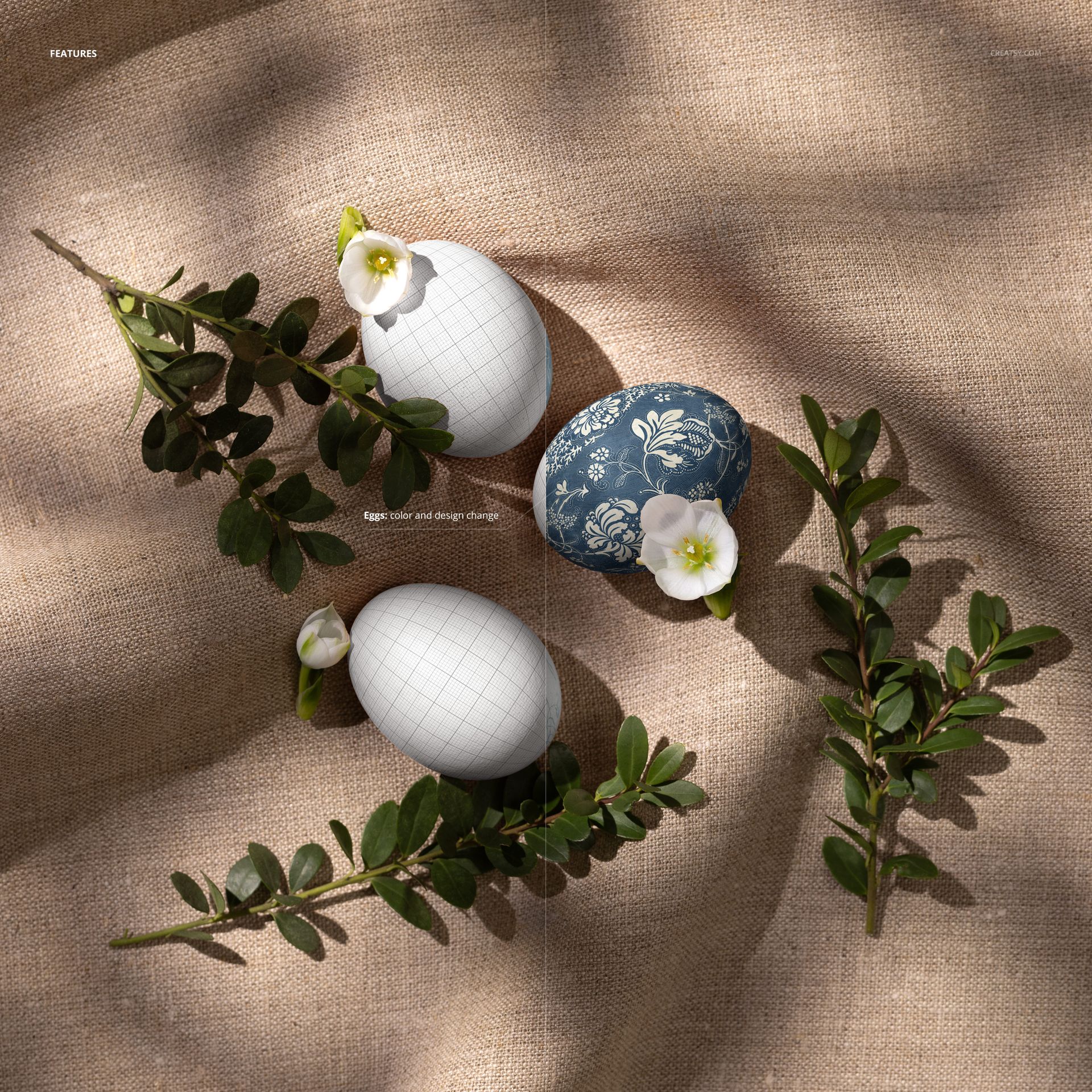
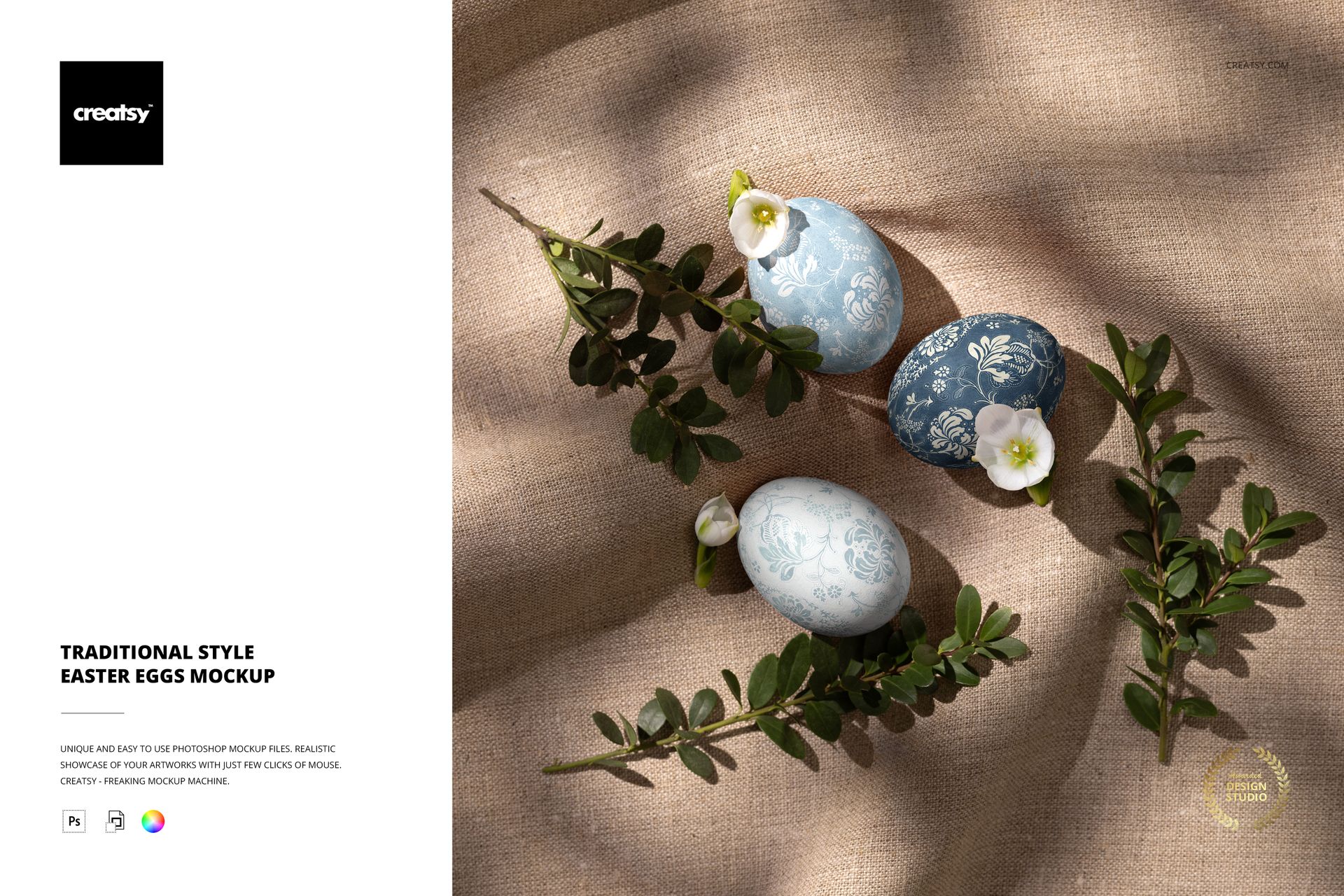
Elevate your Easter aesthetic with our Traditional Style Easter Eggs Mockup, a timeless representation of classic elegance. This single PSD file captures the essence of tradition with three meticulously arranged Easter eggs nestled against a natural linen backdrop adorned with delicate white flowers and boxwood branches. Created by an expert photographer, this image captures the essence of the holiday and offers a glimpse into the timeless traditions that transcend generations. Each element is thoughtfully arranged to evoke a sense of serenity and grace, creating a visual masterpiece that resonates with viewers of all ages.


Capturing the Timeless Charm of Easter

Immerse yourself in the simplicity and beauty of Easter with our professionally curated mockup. Unleash your creativity with ease as you personalize each Easter egg to reflect your unique style. Our mockup allows you to effortlessly edit the design and color of the eggs, so you can showcase your own artwork with precision and flair. Whether you're a seasoned designer or a budding artist, this versatile Easter template allows you to create designs that captivate and inspire.


  • File works only in Photoshop (min. version CC2020);
  • Pack includes 1 .psd file: 5000x4000 px, 300dpi with well organised layers;
  • Check screenshots for all the features;
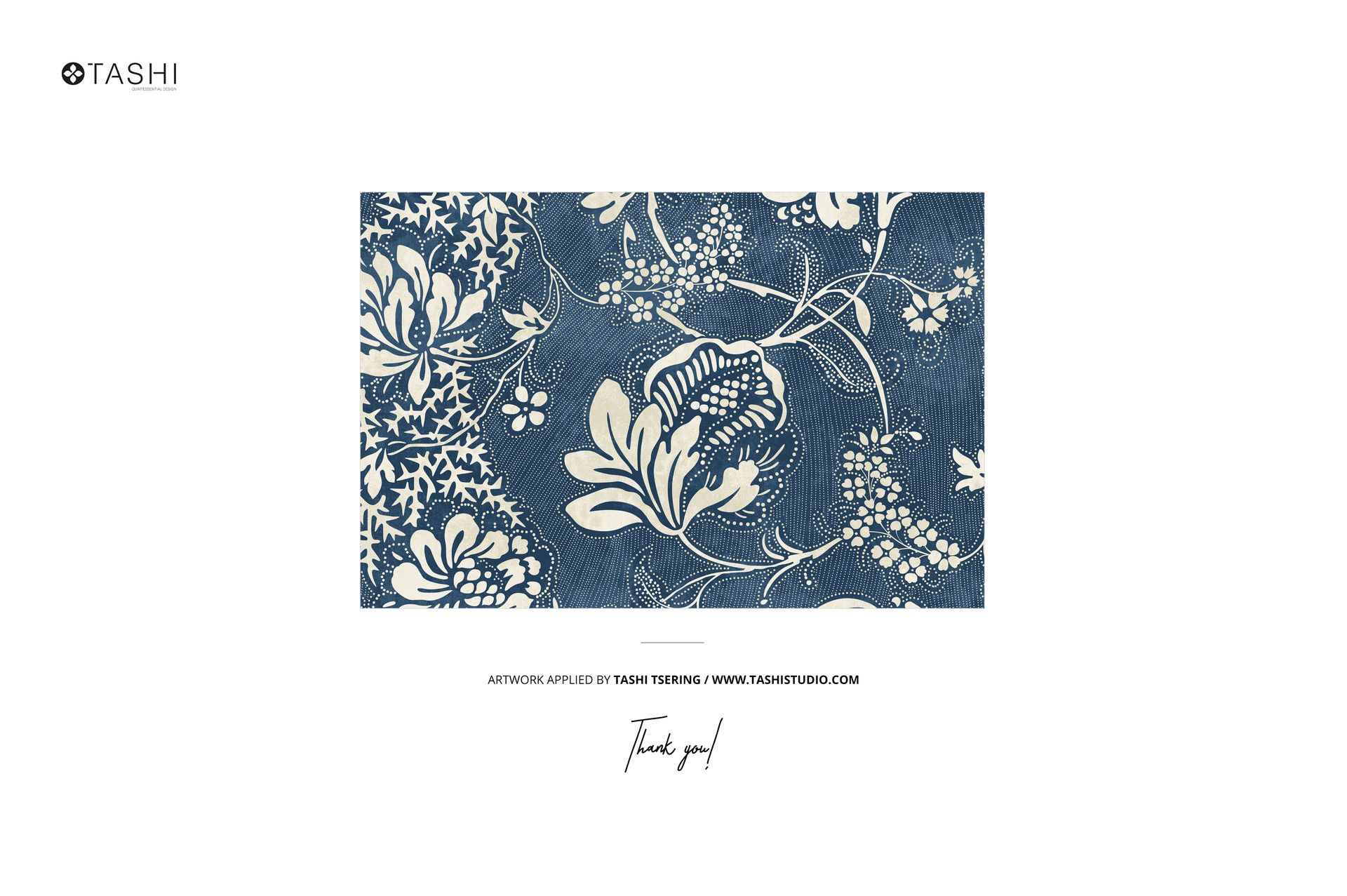
  • Example artwork by Tashi Tsering | tashistudio.com;
  • The patterns are NOT included, this product is a mockup intended for you to add your own designs.

File details

Compatibility
PhotopeaAdobe Photoshop
Number of files included
2
Package size
56.4 MB56.4 MB|59.1 MB59.1 MB
Files type
.psd, .jpg
Files size
5000x4000
TEST FOR FREE

MEET THE SHOP

Creatsy logo

Creatsy

Poland
4.7 (638)

Bring your ideas to life.

We're a family-run studio in Katowice, Poland, making PSD mockups by hand since 2016. Everything in this shop starts in our own studio. We shoot the photography, build the 3D, and put together every Smart Object PSD ourselves - then we test it, organize the layers, and only ship it once it actually works...
GO TO SHOP

HOW IT WORKS

3 clicks. That's it.

No tutorial needed. If you can copy-paste, you can use this.

  1. 1OpenDouble-click the smart object inside the PSD - in Adobe Photoshop, or free in your browser with Photopea.
  2. 2PasteDrop in your pattern, print, or artwork. Any design, any style.
  3. 3SaveHit save and the mockup wraps it in for you - shadows, folds, and lighting included.

FROM IDEA TO IMAGE

Built for real workflows

You just finished a print collection and need portfolio-ready shots - without booking a $2,000 photo shoot or waiting two weeks.

Your client wants to see the pattern on a real dress before approving. Send them a photorealistic mockup, not a flat swatch and a "trust me."

You're launching a summer drop on Etsy or Shopify and need listing images that actually convert.

You're pitching resort wear to a brand and your lookbook needs to feel like a million bucks. This gets you there for the price of lunch.

Smart Objects

Edit once and you're done. Your artwork drops into a smart object and the mockup updates itself - no masking, no warping by hand.

Perfectly Organized

Named layers and folders you can actually navigate. Find what you need, change what you want, and get out fast.

Print-Ready

High-resolution files built to hold up on screen and in print. Exact size and DPI are in this product's Details above.