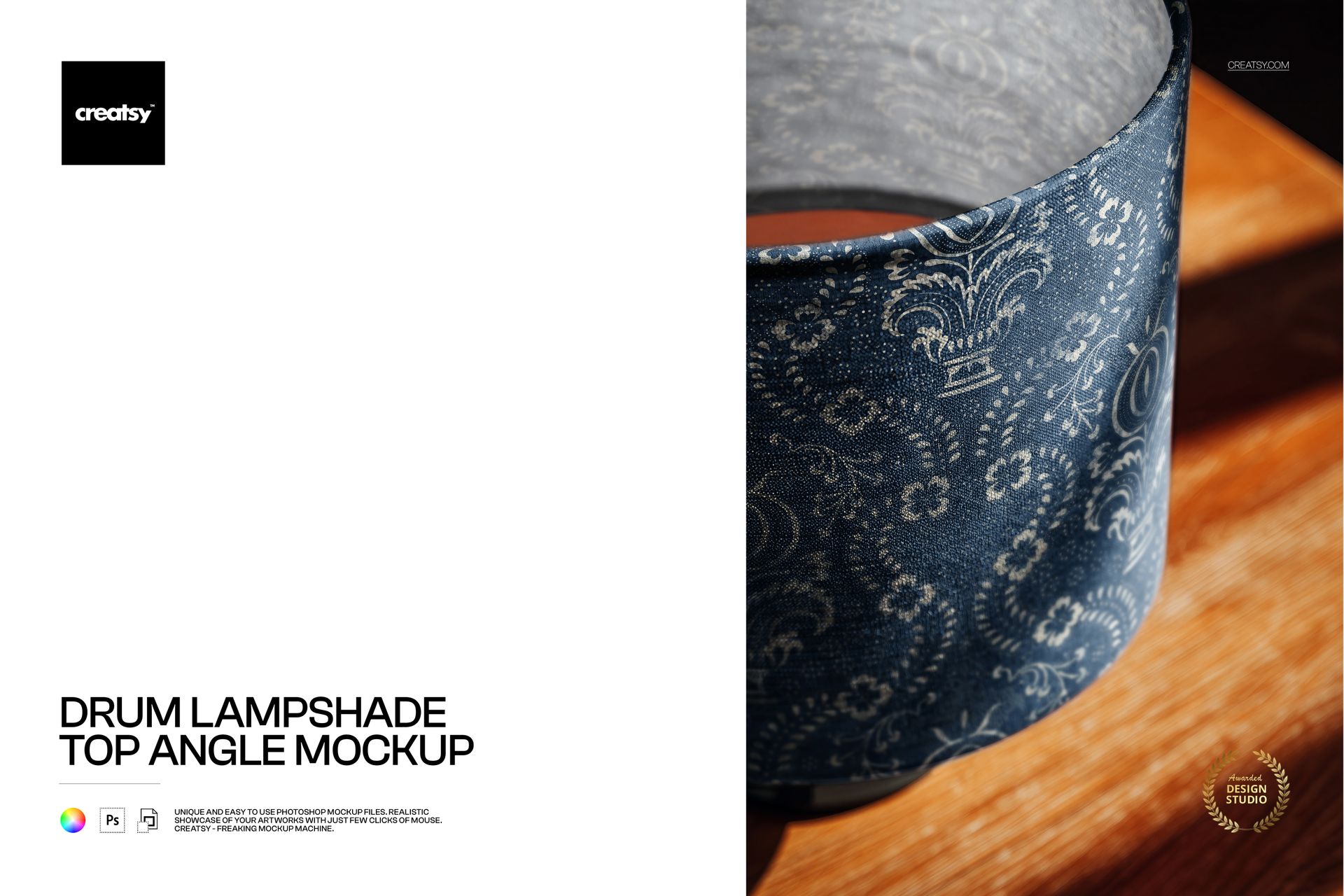
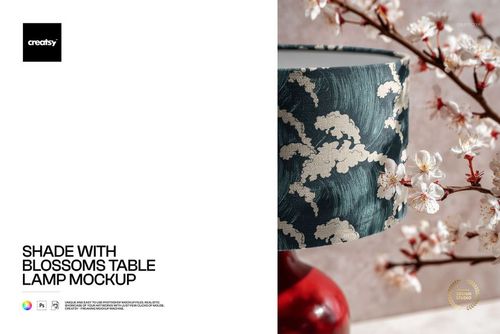
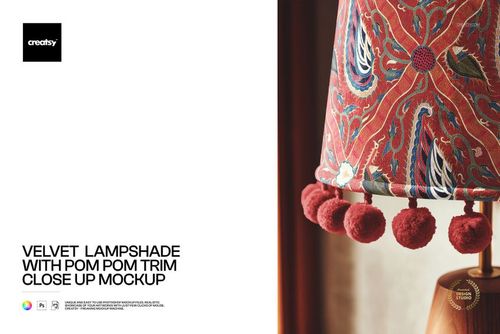
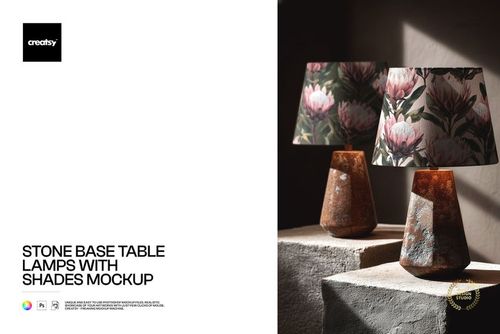
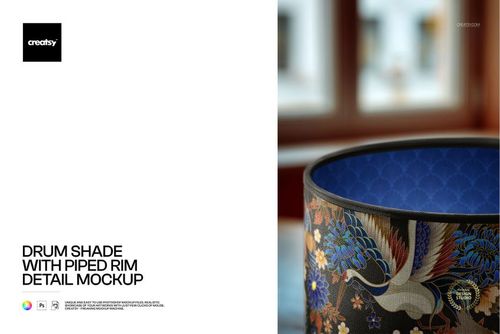
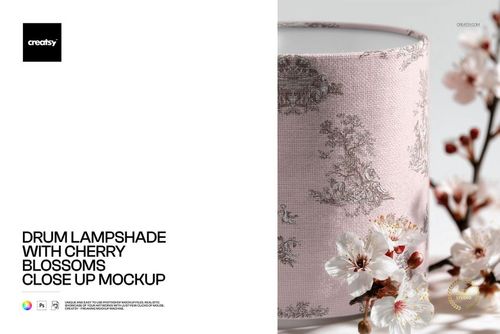
The Drum Lampshade Top Angle Mockup shows your pattern or artwork on a classic drum-shaped lampshade photographed from above. The top-down perspective is the view most people actually have of a table or floor lamp in real life - looking down at the shade from a standing or seated position - which makes this angle one of the most authentic and useful for presenting how your design will appear on a finished product. The mockup includes 1 PSD file at 6000x4000 pixels, 300 DPI.
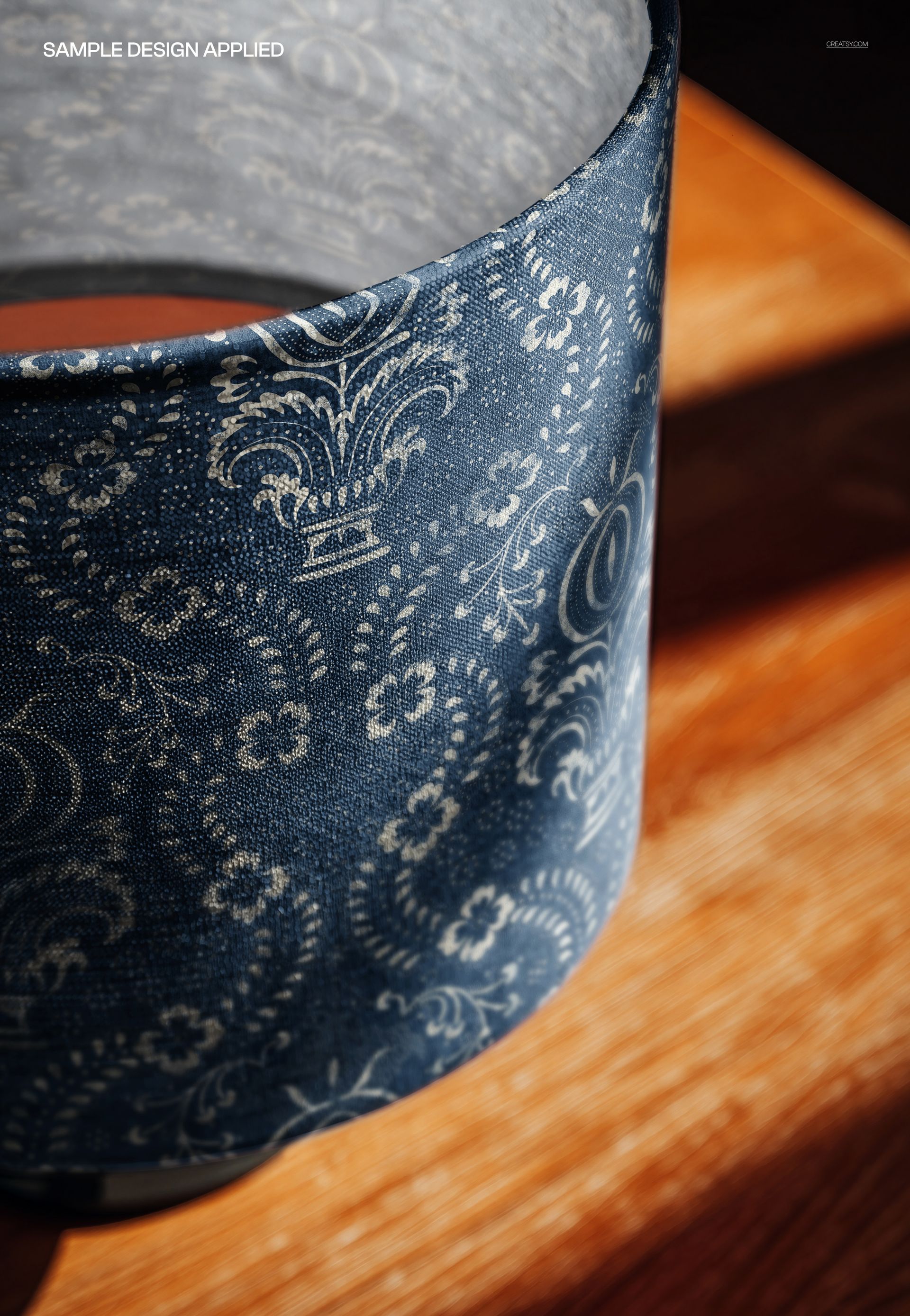
The scene captures the drum lampshade with visible fabric texture, the circular opening at the top, and the way the pattern wraps around the curved surface when viewed from above. This perspective reveals how the repeat flows around the cylindrical form and how the pattern connects at the seam - details that flat swatches and straight-on side views cannot show.
Why a Top Angle Lampshade Mockup
Most lampshade mockups show the shade from the side, which is useful for product listings but does not represent how people actually experience a lampshade in their home. The top angle view shows the shade as it appears when you walk past a lit table lamp, look down at a bedside lamp, or glance at a floor lamp from across the room. For pattern designers and home decor brands, this perspective gives buyers a more complete and honest picture of the product.
The drum shape is the most widely sold lampshade silhouette in home lighting. It fits standard lamp harps and is offered by virtually every home decor retailer. For surface pattern designers, this means the drum lampshade is a high-volume licensing and print-on-demand product category where realistic mockups directly influence sales. The top angle specifically highlights how the pattern distribution looks across the full circumference of the shade - a critical evaluation point for pattern buyers and art directors.
What Is Included
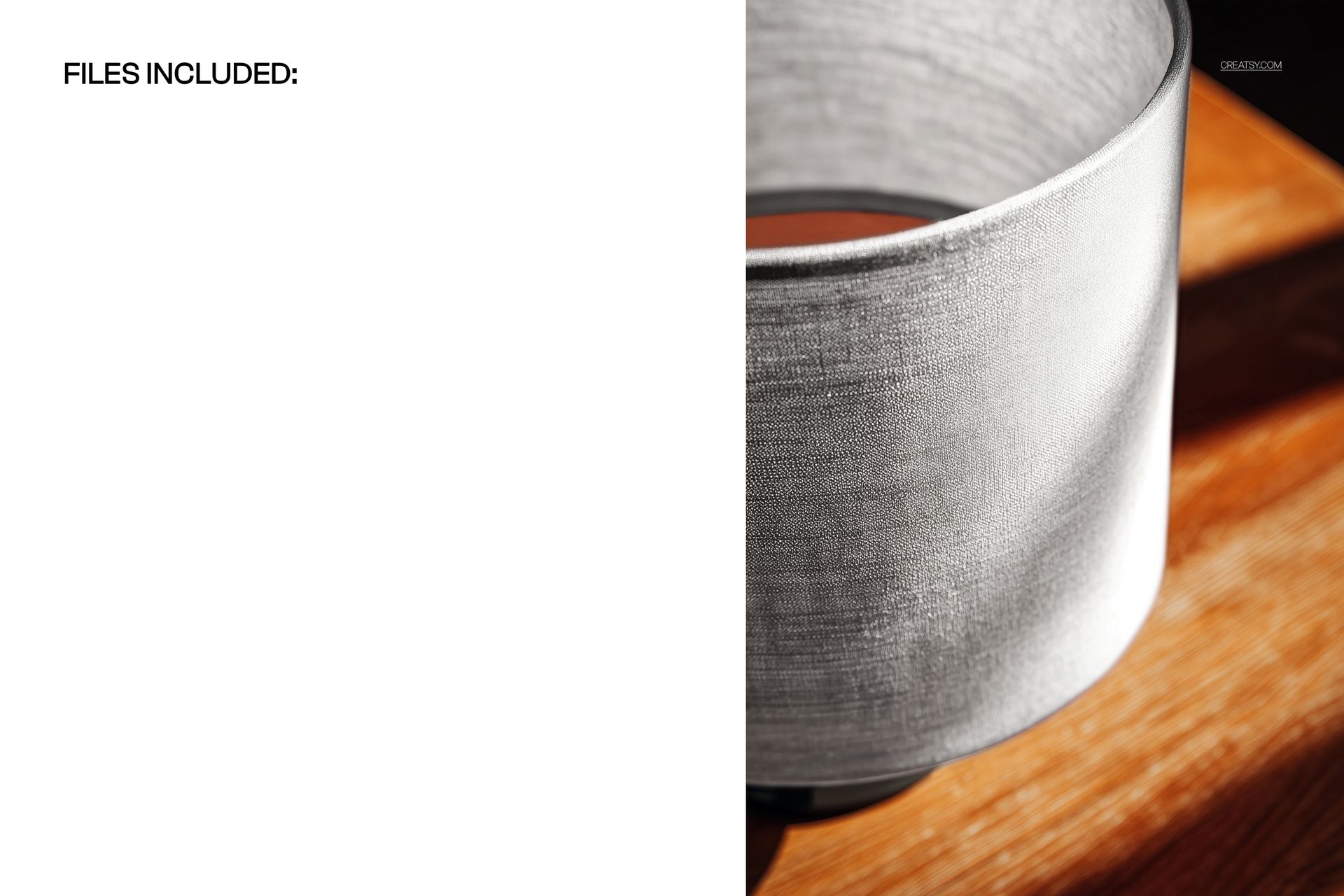
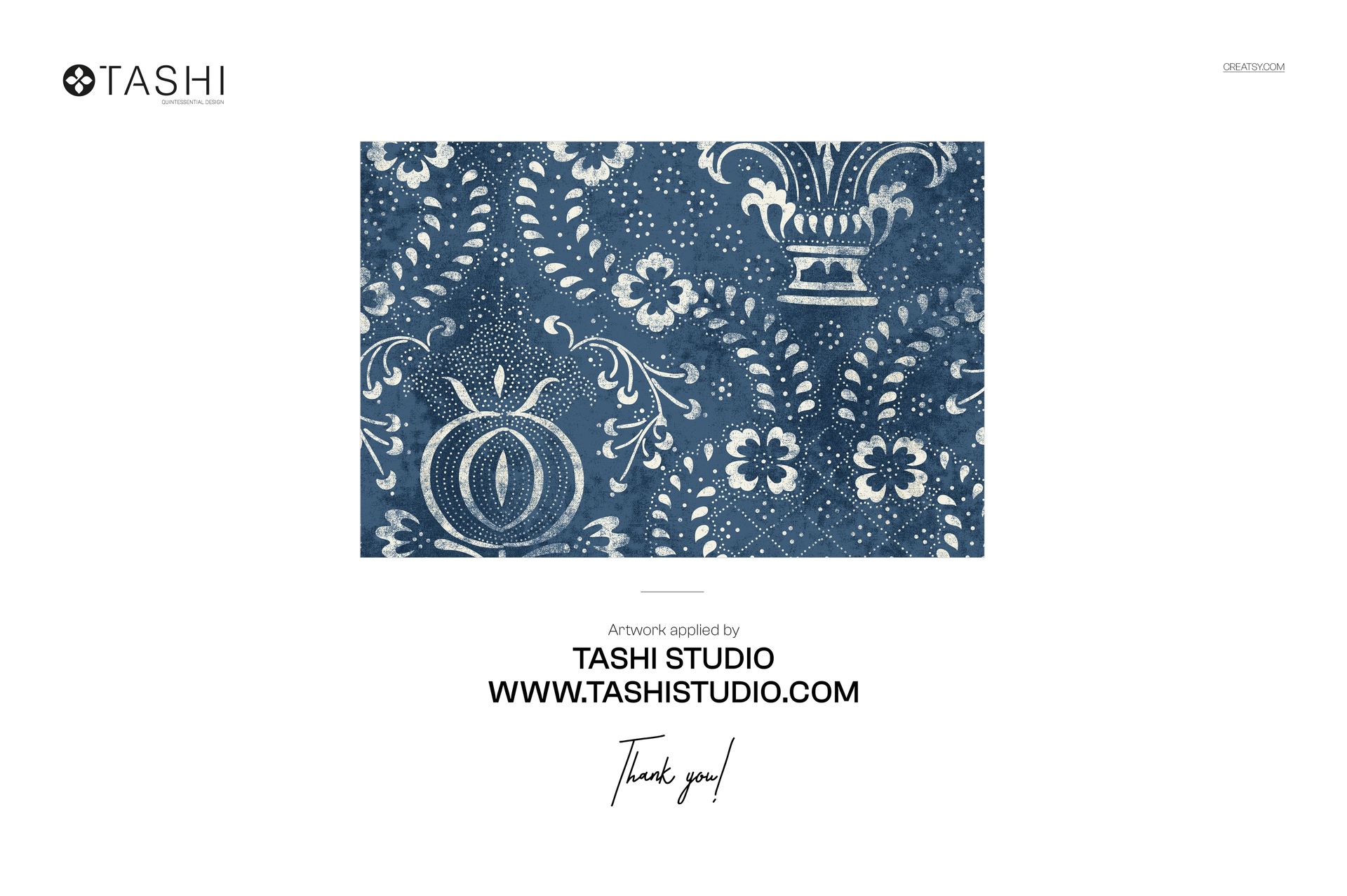
1 layered PSD file at 6000x4000 pixels, 300 DPI. Top-down perspective of a drum lampshade showing the full circular shape, fabric texture, and pattern wrap. Smart object layer for design placement. Organized and labeled layer structure. Download size: approximately 238 MB. Compatible with Adobe Photoshop CC 2020 or newer and Photopea (free browser-based editor). Preview design by Tashi Tsering (tashistudio.com) is for demonstration only and is not included in the download.
What You Can Customize
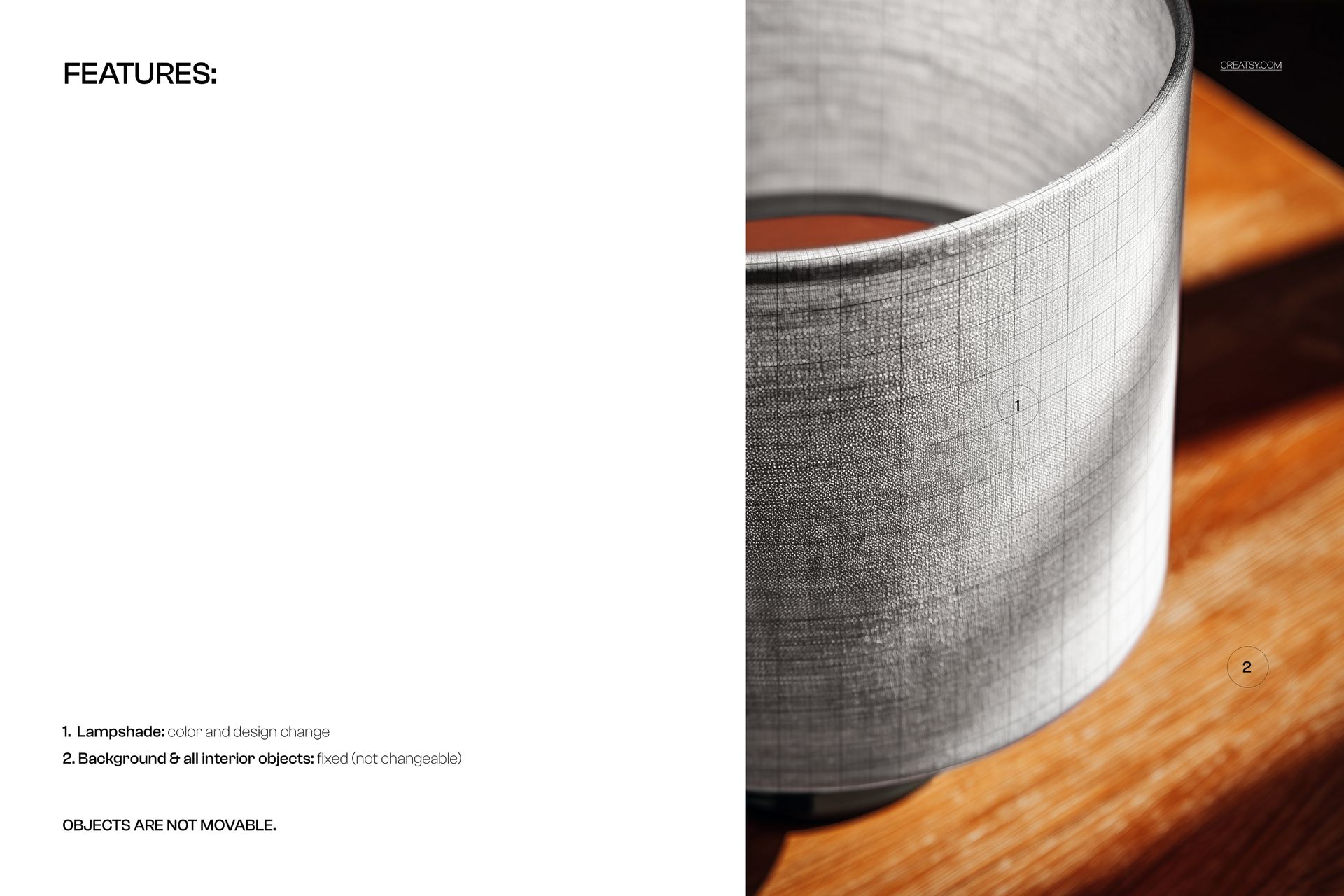
Place any surface pattern, illustration, or textile design onto the lampshade through the smart object layer. The mockup renders your artwork onto the curved drum surface with realistic fabric texture and light interaction. Test all-over repeat patterns to see how they flow around the cylinder, check placement prints centered on the visible face, compare scale variations to find the right proportion for the shade diameter, and evaluate how different colorways look from above with natural light hitting the fabric surface.
Who This Mockup Is For
Surface pattern designers creating home decor textile collections or licensing portfolios. Home decor brands developing lampshade product lines. Print-on-demand sellers listing custom lampshades on Etsy, Shopify, Spoonflower, or Zazzle. Interior designers presenting custom lighting options to clients. Lighting manufacturers preparing product catalogs and e-commerce imagery. Textile artists and illustrators showing applied product work for home decor licensing pitches.
File Specifications
Format: PSD (Adobe Photoshop). Number of files: 1 PSD scene. Resolution: 6000x4000 pixels at 300 DPI. Download size: approximately 238 MB. Layer structure: organized layers with smart object. Compatibility: Adobe Photoshop CC 2020+, Photopea. Design credit: preview artwork by Tashi Tsering (not included in download).