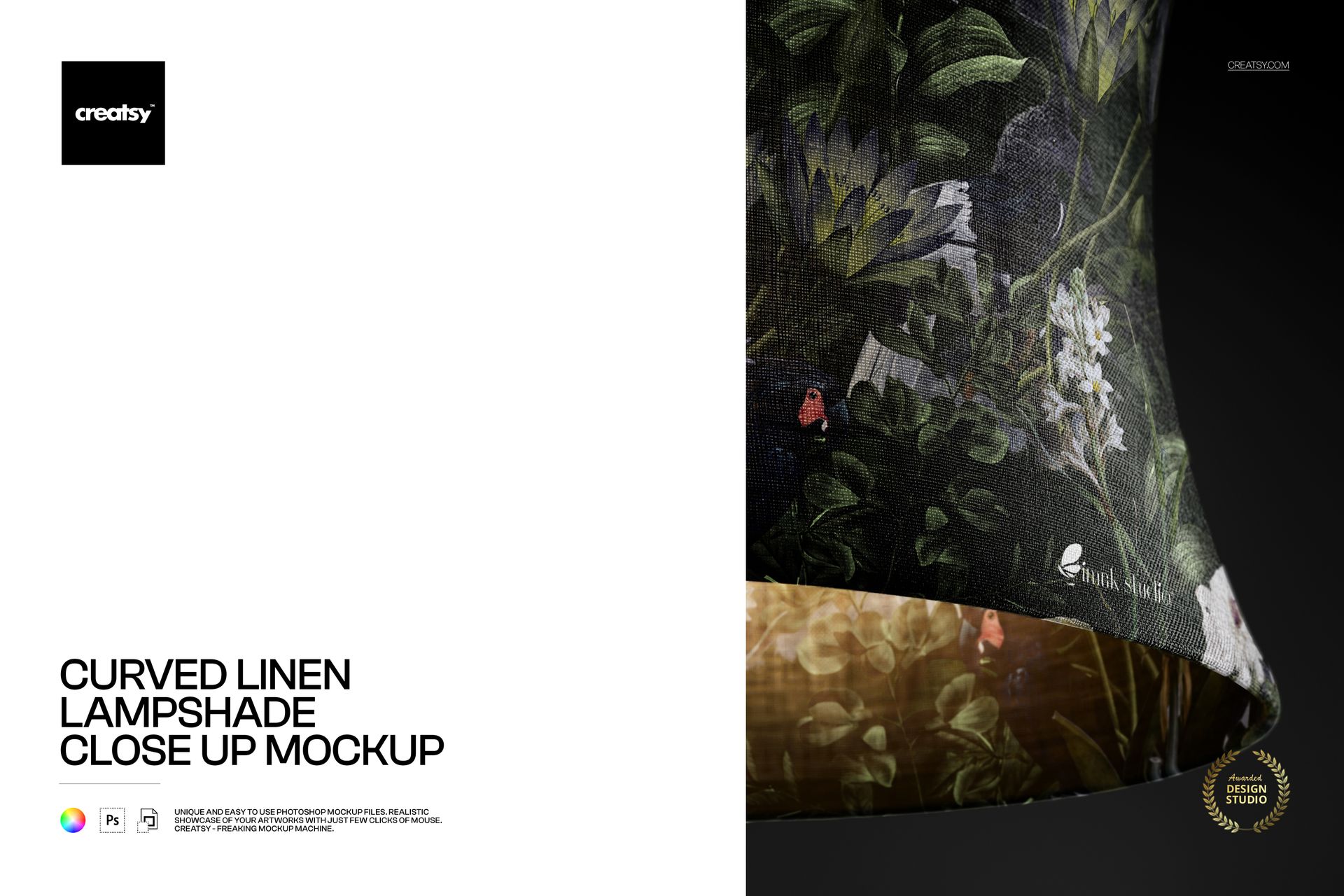
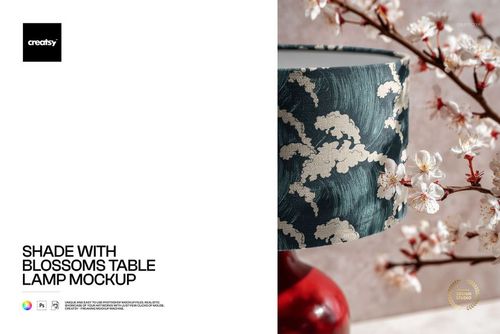
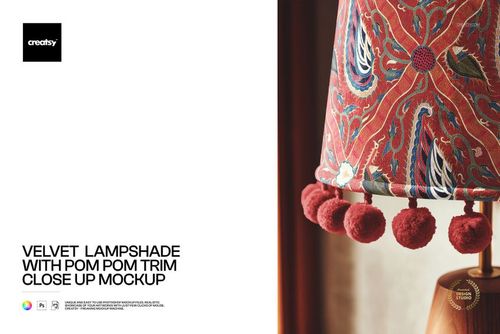
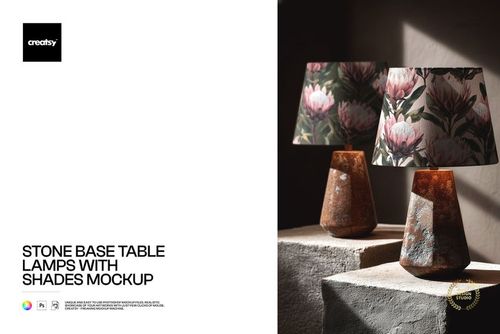
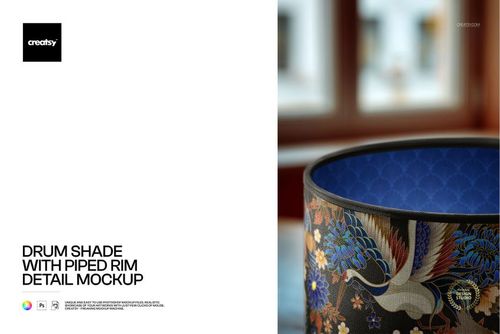
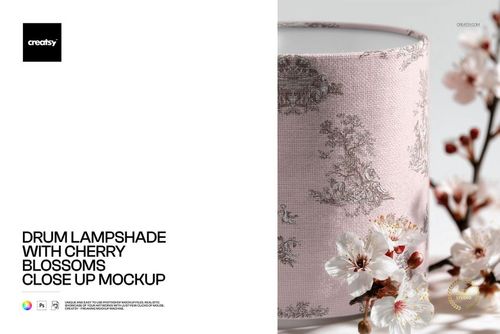
Curved Linen Lampshade Close Up Mockup

ID: 1352300885 | Updated: Nov 17, 2025

Product Details

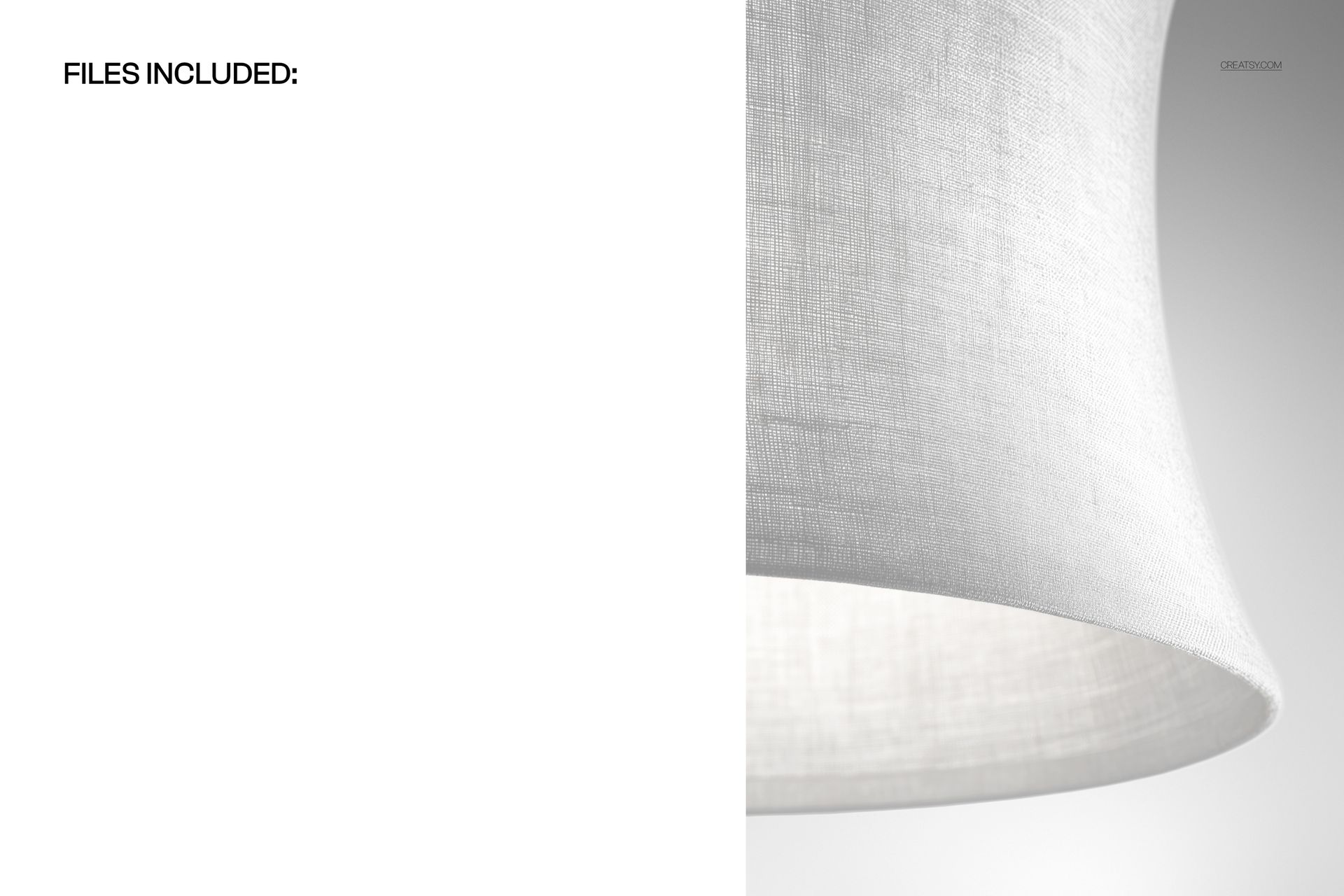
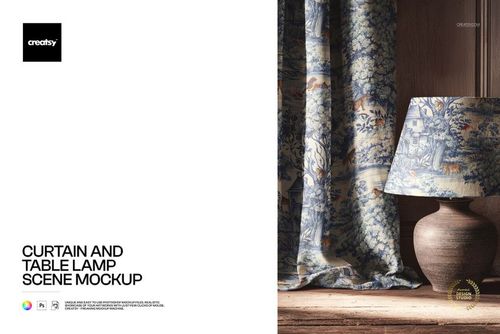
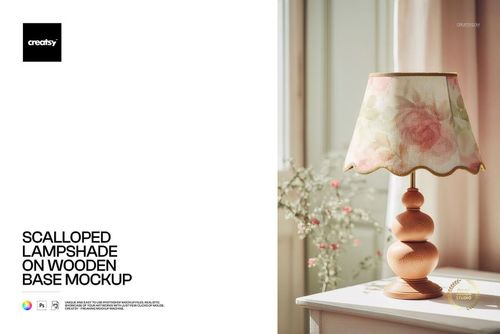
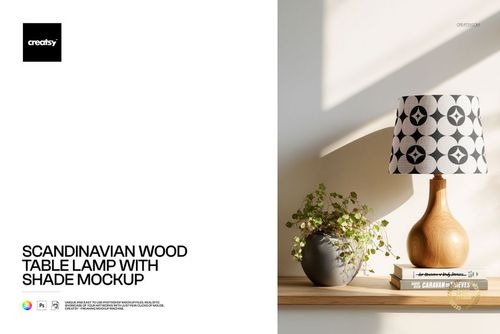
The Curved Linen Lampshade Close Up Mockup delivers a detailed, tight-crop view of a curved linen lampshade surface. The landscape-format composition at 3000 x 2000 px and 300 DPI captures the natural linen weave texture, fabric grain, and soft curvature of the shade in high fidelity. This PSD file is designed for surface pattern designers, textile artists, and home decor brands that need to present lampshade designs with visible fabric texture and realistic material quality.

Why This Mockup Works

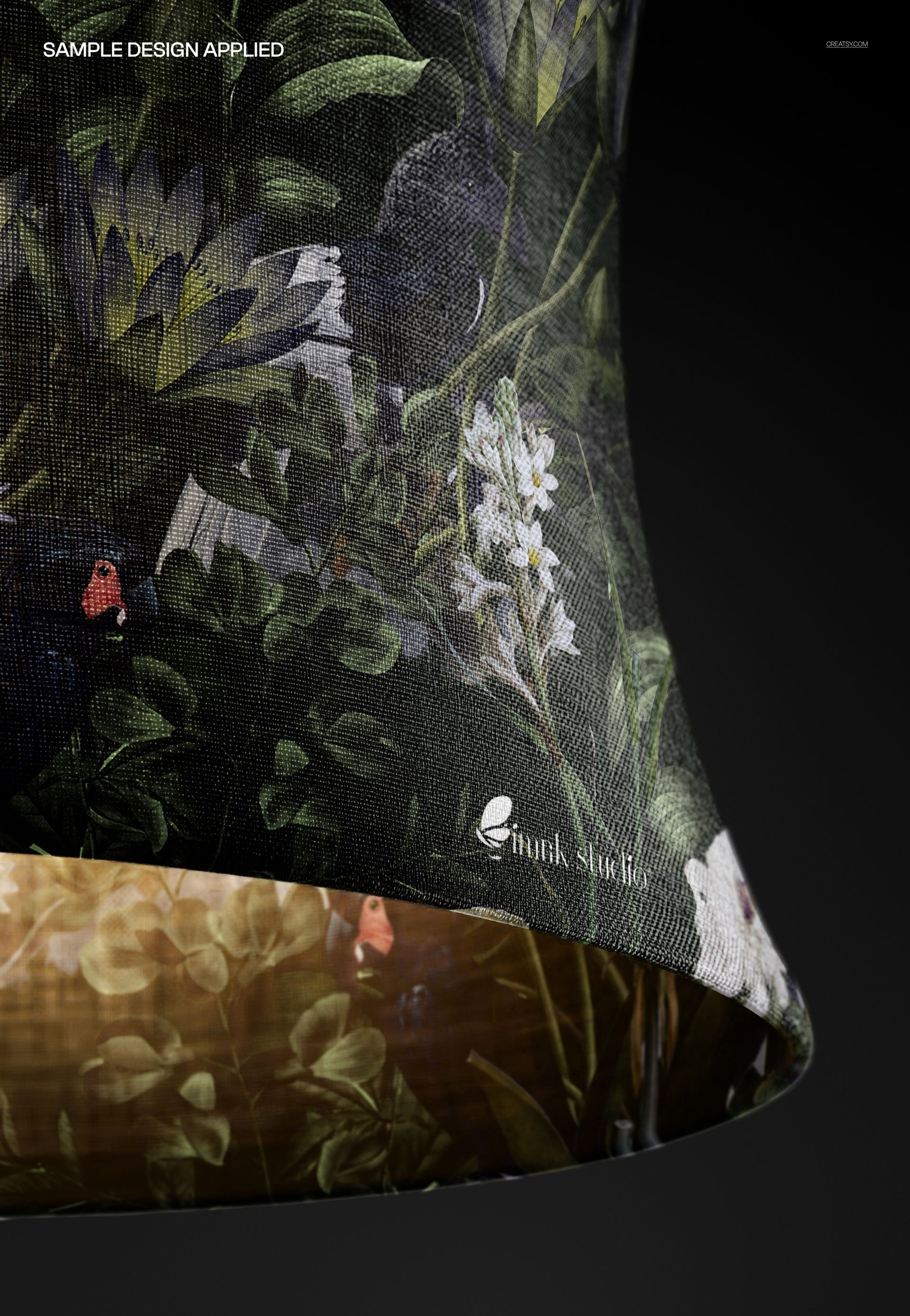
Standard product mockups show the full lamp in a room setting, which reduces the visible area of the actual design. This close-up fills the frame with the lampshade surface itself, giving viewers a clear look at how a pattern or print sits on curved linen fabric. The natural weave texture of the linen adds depth and authenticity that smooth, texture-free mockups cannot replicate. Use this file when you need to demonstrate how your design interacts with a woven material surface, whether for portfolio presentations, client pitches, licensing proposals, or marketplace product listings.

What Is Included

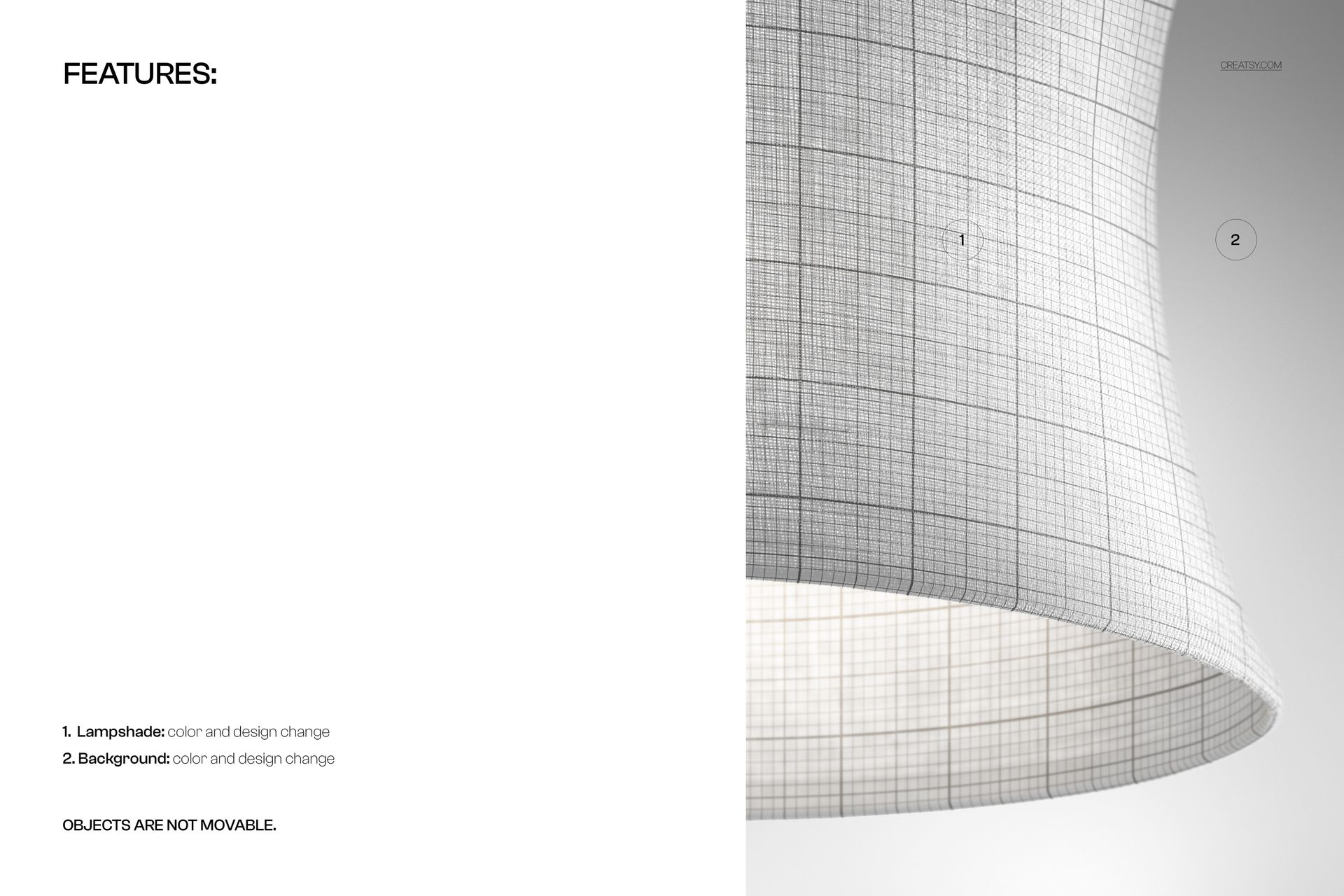
You receive one layered PSD file with organized layers for efficient editing. Smart object layers accept your artwork through drag-and-drop or paste, and the built-in displacement mapping wraps your design around the curved lampshade surface while preserving the linen grain texture underneath. Light gradients, shadow falloff, and fabric detail are embedded in the file so every design placement looks realistic without manual retouching. The file is compatible with Adobe Photoshop CC 2020 and later, as well as Photopea for browser-based editing.

What You Can Customize

Place any seamless or non-seamless pattern, illustration, watercolor motif, or solid color into the smart object layer. The mockup applies your design to the curved surface automatically, maintaining linen texture visibility throughout. Adjust the background or keep the existing studio-style setting for a clean, neutral presentation. Swap designs rapidly to compare colorways, pattern scales, and motif placements. Export at the full 3000 x 2000 px resolution for print-quality portfolio pages, or downscale for web, social media, and e-commerce thumbnails.

Who This Mockup Is For

Surface pattern designers use this close-up to show how repeats look on natural linen fabric with real curvature and texture. Textile artists present hand-painted or digital artwork in a home decor context that feels tangible and production-ready. Home decor brands and manufacturers evaluate new shade designs on linen material before ordering samples or committing to production runs. E-commerce sellers on Etsy, Shopify, and Amazon generate product listing images that show fabric detail clearly, helping customers understand the material and design quality. Interior designers include these visuals in mood boards and client proposals to illustrate shade options with realistic material representation. Print-on-demand sellers create professional listing images without photographing physical products.

File Specifications

Format: PSD (Adobe Photoshop). Dimensions: 3000 x 2000 pixels (landscape orientation). Resolution: 300 DPI. Organized, layered PSD with smart object placement. Linen texture overlay for realistic fabric rendering. Compatible with Adobe Photoshop CC 2020+ and Photopea.

File details

Compatibility
PhotopeaAdobe Photoshop
Number of files included
2
Package size
108 MB108 MB|113 MB113 MB
Files type
.psd
Files size
3000x2000
TEST FOR FREE

MEET THE SHOP

Creatsy logo

Creatsy

Poland
4.7 (644)

Bring your ideas to life.

We're a family-run studio in Katowice, Poland, making PSD mockups by hand since 2016. Everything in this shop starts in our own studio. We shoot the photography, build the 3D, and put together every Smart Object PSD ourselves - then we test it, organize the layers, and only ship it once it actually works...
GO TO SHOP

HOW IT WORKS

3 clicks. That's it.

No tutorial needed. If you can copy-paste, you can use this.

  1. 1OpenDouble-click the smart object inside the PSD - in Adobe Photoshop, or free in your browser with Photopea.
  2. 2PasteDrop in your pattern, print, or artwork. Any design, any style.
  3. 3SaveHit save and the mockup wraps it in for you - shadows, folds, and lighting included.

FROM IDEA TO IMAGE

Built for real workflows

Skip the photo shoot Show your artwork on the real product type for approvals or listings - no studio, no model, no sample.

See it on the product, not a swatch Drop your file into the smart object and the scene's lighting and folds wrap around it, so you judge the real thing before you commit.

Smart Objects

Edit once and you're done. Your artwork drops into a smart object and the mockup updates itself - no masking, no warping by hand.

Perfectly Organized

Named layers and folders you can actually navigate. Find what you need, change what you want, and get out fast.

Print-Ready

High-resolution files built to hold up on screen and in print. Exact size and DPI are in this product's Details above.