ID: 2090762581 | Updated: Aug 6, 2024

Product Details

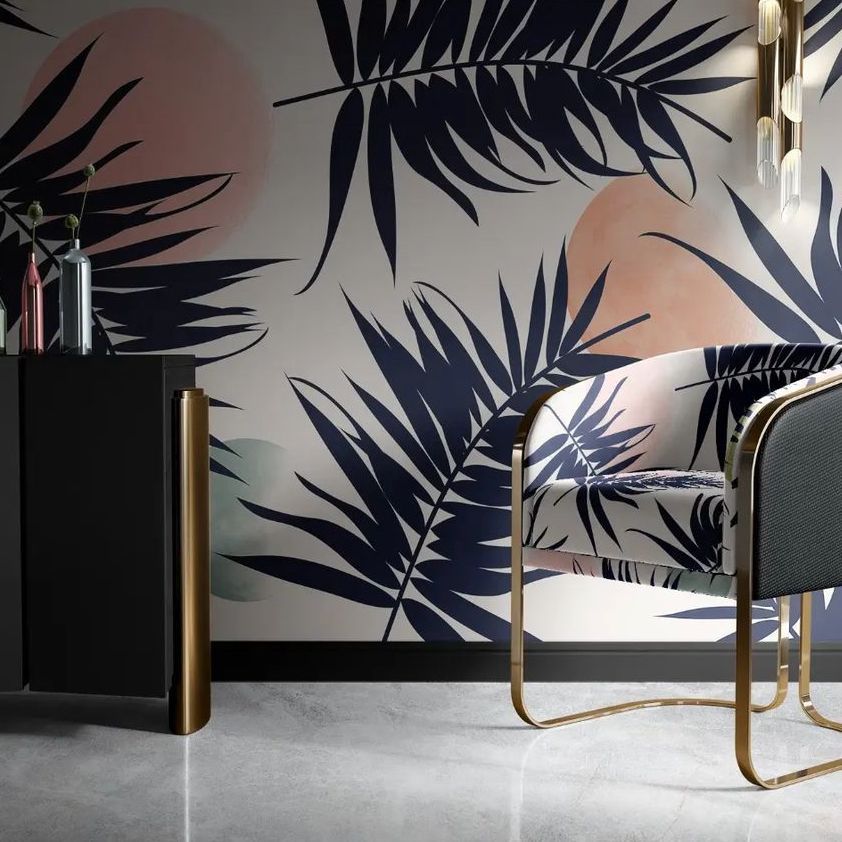
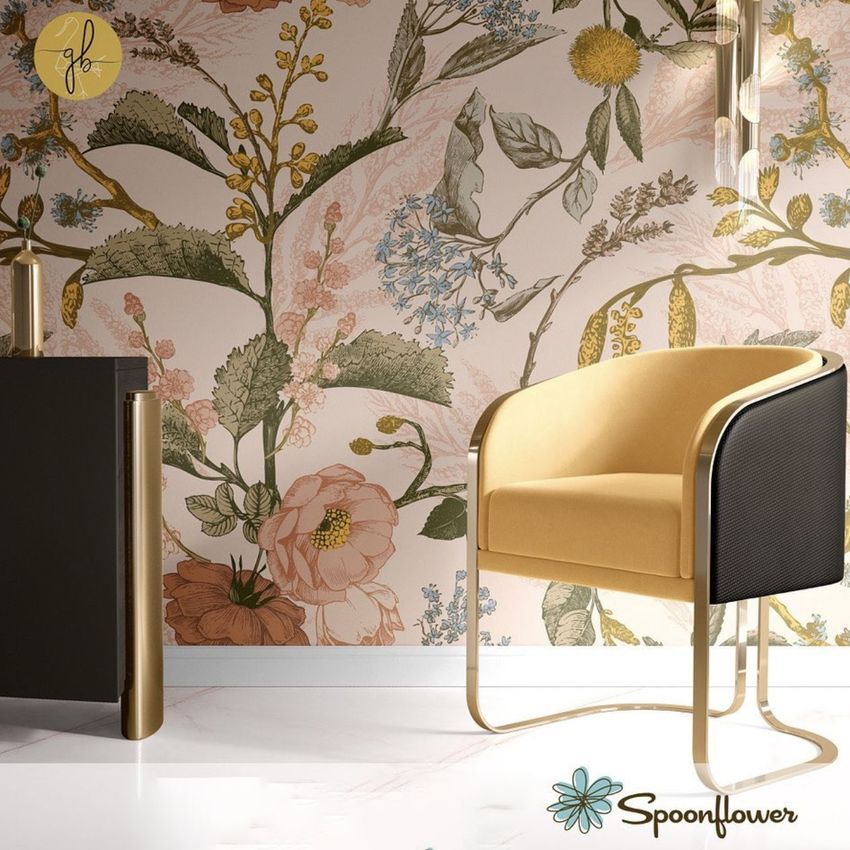
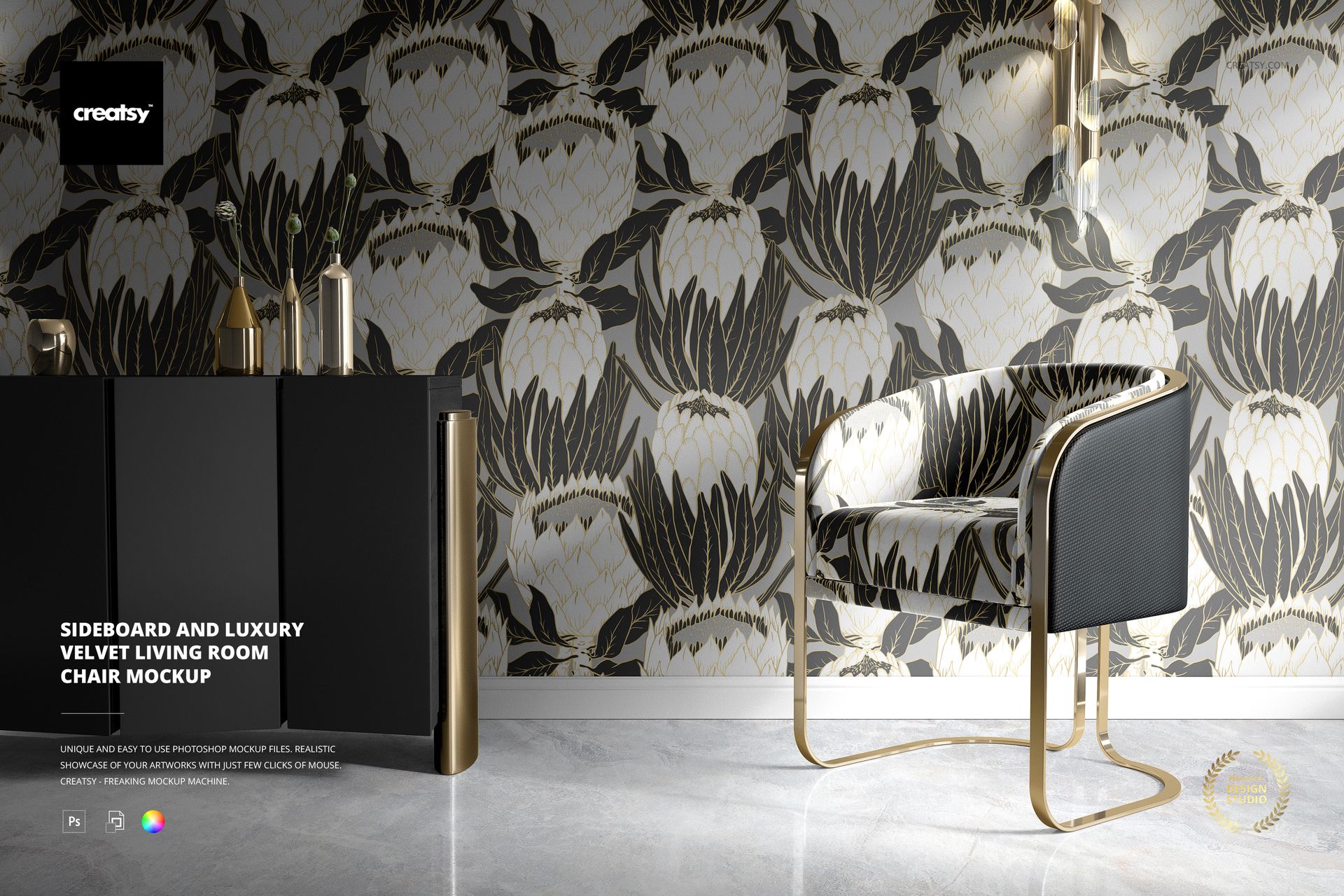
Sideboard and Luxury Velvet Living Room Chair Mockup

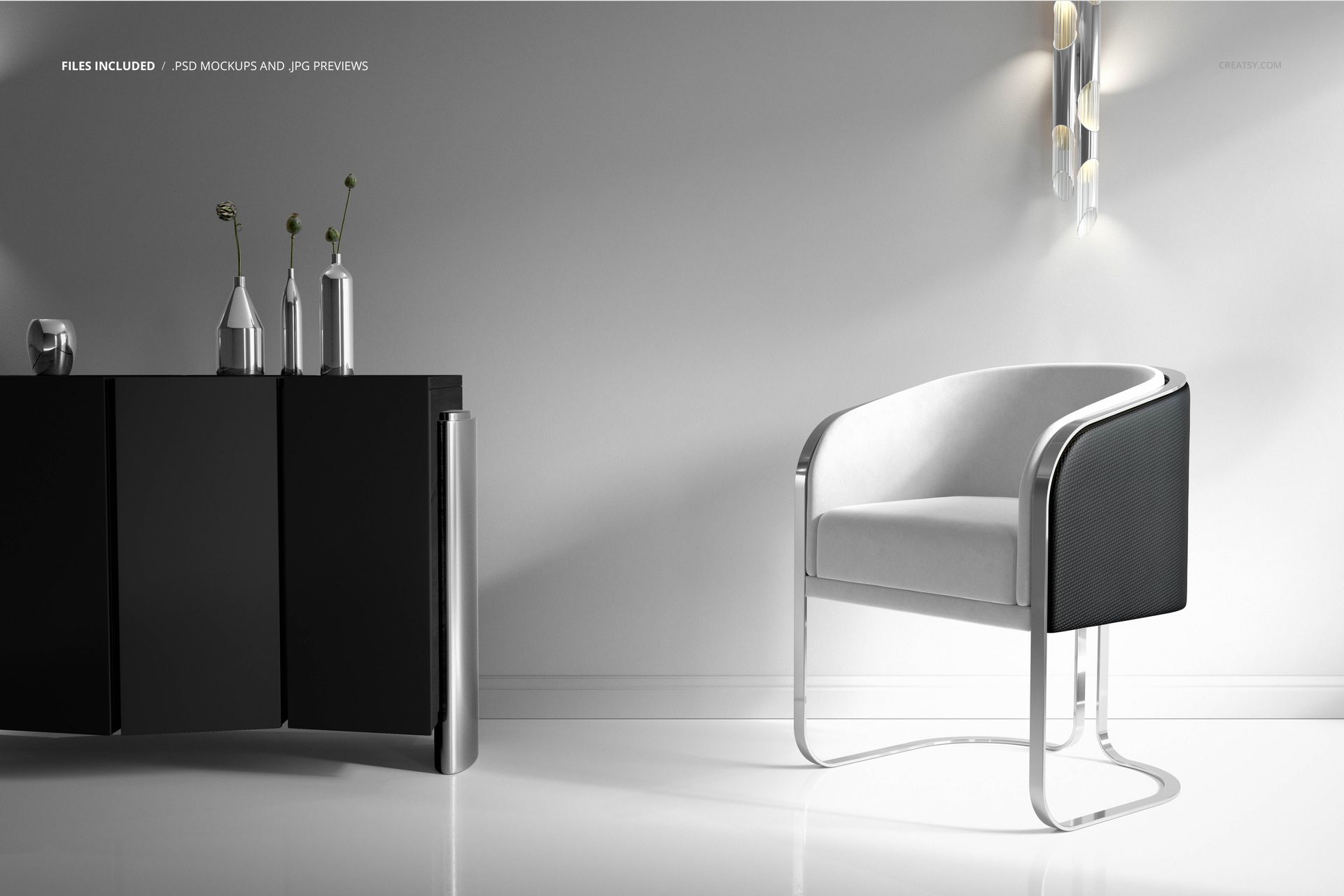
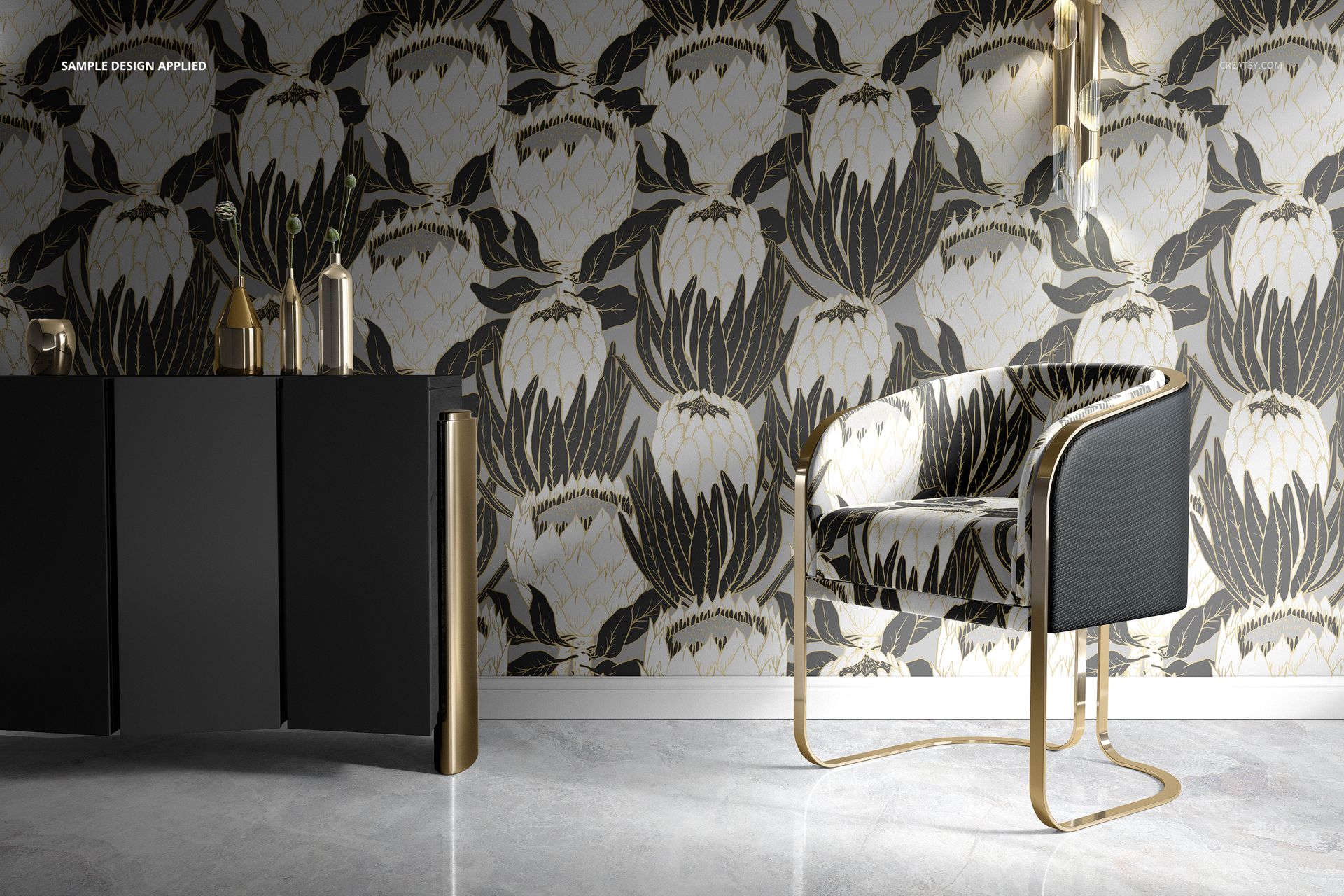
Preview a coordinated wallpaper and upholstery collection on a curved velvet chair beside a black sideboard. Metallic chair supports, bottle-shaped vases and a pendant light frame the seating, making the scene useful for fabric portfolios and interior colorway presentations.

Editable details

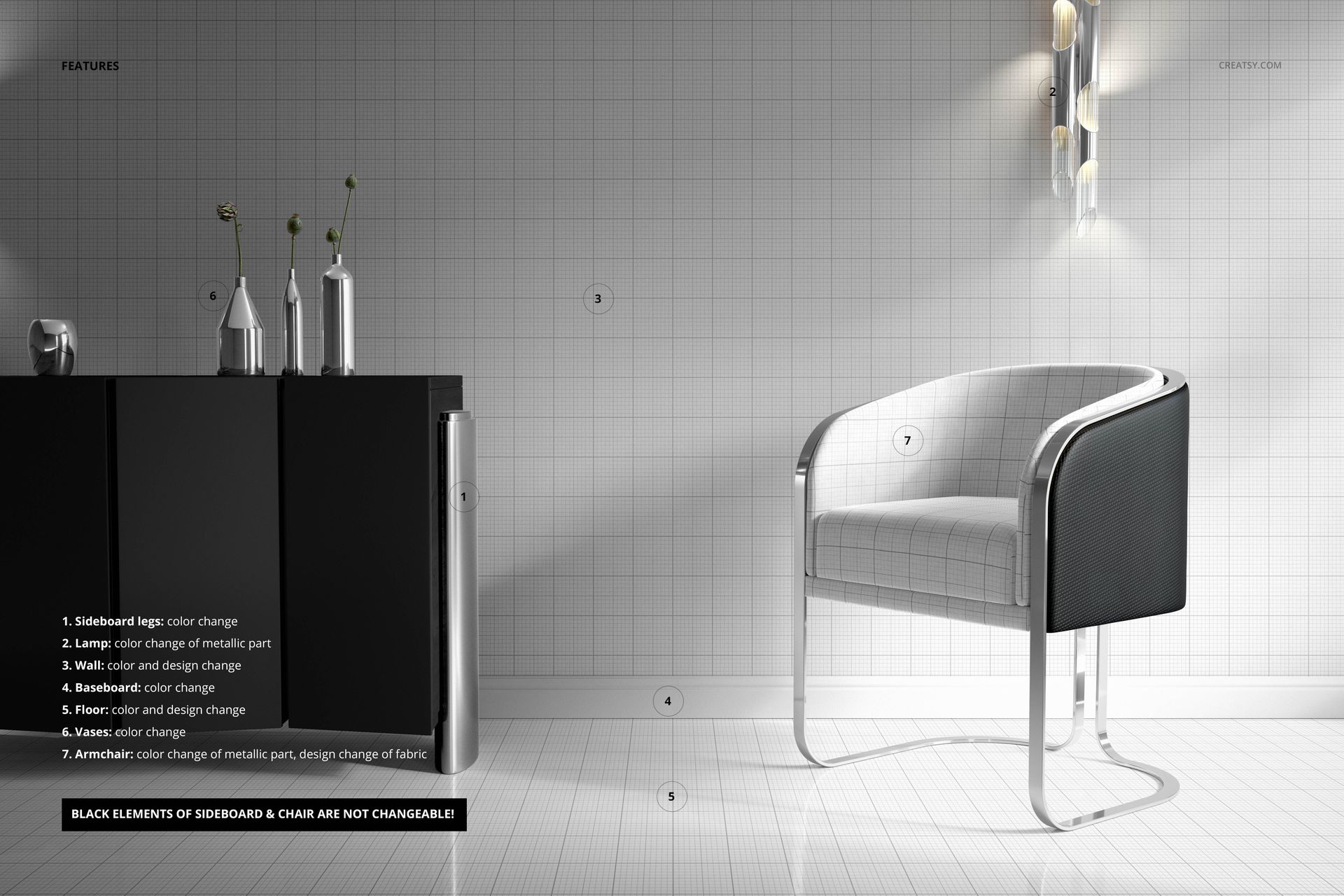
  • Replace the chair fabric design and customize the wall and floor with colors and designs.

  • Change colors of the chair metal, sideboard legs, lamp metal, vases and baseboard.

  • The black elements of the sideboard and chair are fixed and cannot be changed.

Included files

1 layered PSD, 6000×4000 px at 300 dpi, and 1 JPG preview. Compatible with Adobe Photoshop CC2015 or later and Photopea. Smart Objects and organized layers support artwork placement and color adjustment.

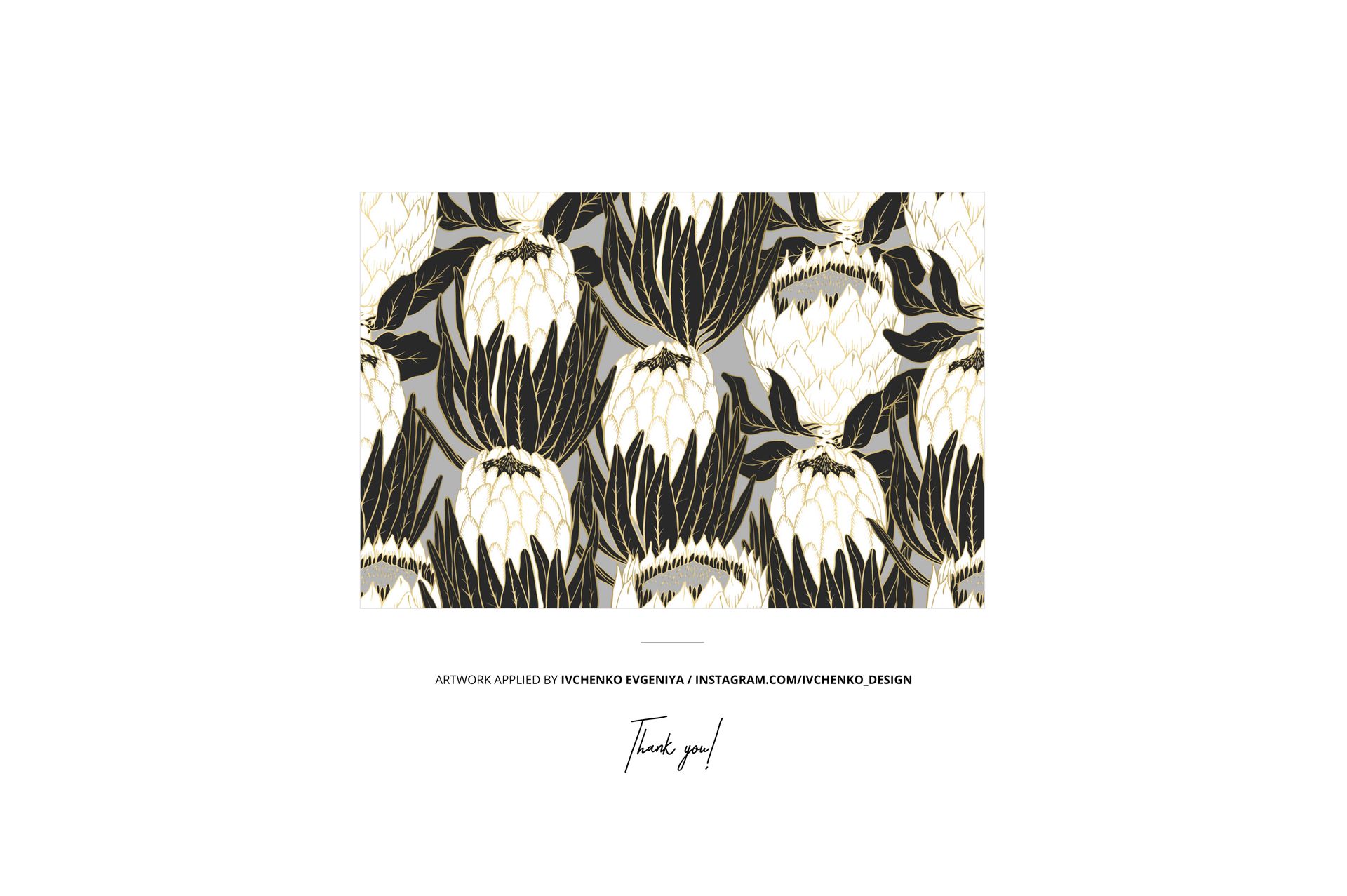
Sample artwork is by Ivchenko Evgeniya and is not included. Digital mockup only; no physical furniture or decorations are supplied.

File details

Compatibility
PhotopeaAdobe Photoshop
Package size
1.05 GB1.05 GB|1.13 GB1.13 GB
Files type
.psd, .jpg
Files size
6000x4000
TEST FOR FREE

Made with Creatsy

Real designs. Real customers. See how creatives use Creatsy mockups to turn their artwork, branding, and product ideas into polished visuals.

MEET THE SHOP

Creatsy logo

Creatsy

Poland
4.8 (694)

Bring your ideas to life.

We're a family-run studio in Katowice, Poland, making PSD mockups by hand since 2016. Everything in this shop starts in our own studio. We shoot the photography, build the 3D, and put together every Smart Object PSD ourselves - then we test it, organize the layers, and only ship it once it actually works...
GO TO SHOP

HOW IT WORKS

3 clicks. That's it.

No tutorial needed. If you can copy-paste, you can use this.

  1. 1OpenDouble-click the smart object inside the PSD - in Adobe Photoshop, or free in your browser with Photopea.
  2. 2PasteDrop in your pattern, print, or artwork. Any design, any style.
  3. 3SaveHit save and the mockup wraps it in for you - shadows, folds, and lighting included.

FROM IDEA TO IMAGE

Built for real workflows

Skip the photo shoot Show your artwork on the real product type for approvals or listings - no studio, no model, no sample.

See it on the product, not a swatch Drop your file into the smart object and the scene's lighting and folds wrap around it, so you judge the real thing before you commit.

Smart Objects

Edit once and you're done. Your artwork drops into a smart object and the mockup updates itself - no masking, no warping by hand.

Perfectly Organized

Named layers and folders you can actually navigate. Find what you need, change what you want, and get out fast.

Print-Ready

High-resolution files built to hold up on screen and in print. Exact size and DPI are in this product's Details above.