Coffee Splash Paper Cup Mockup Set
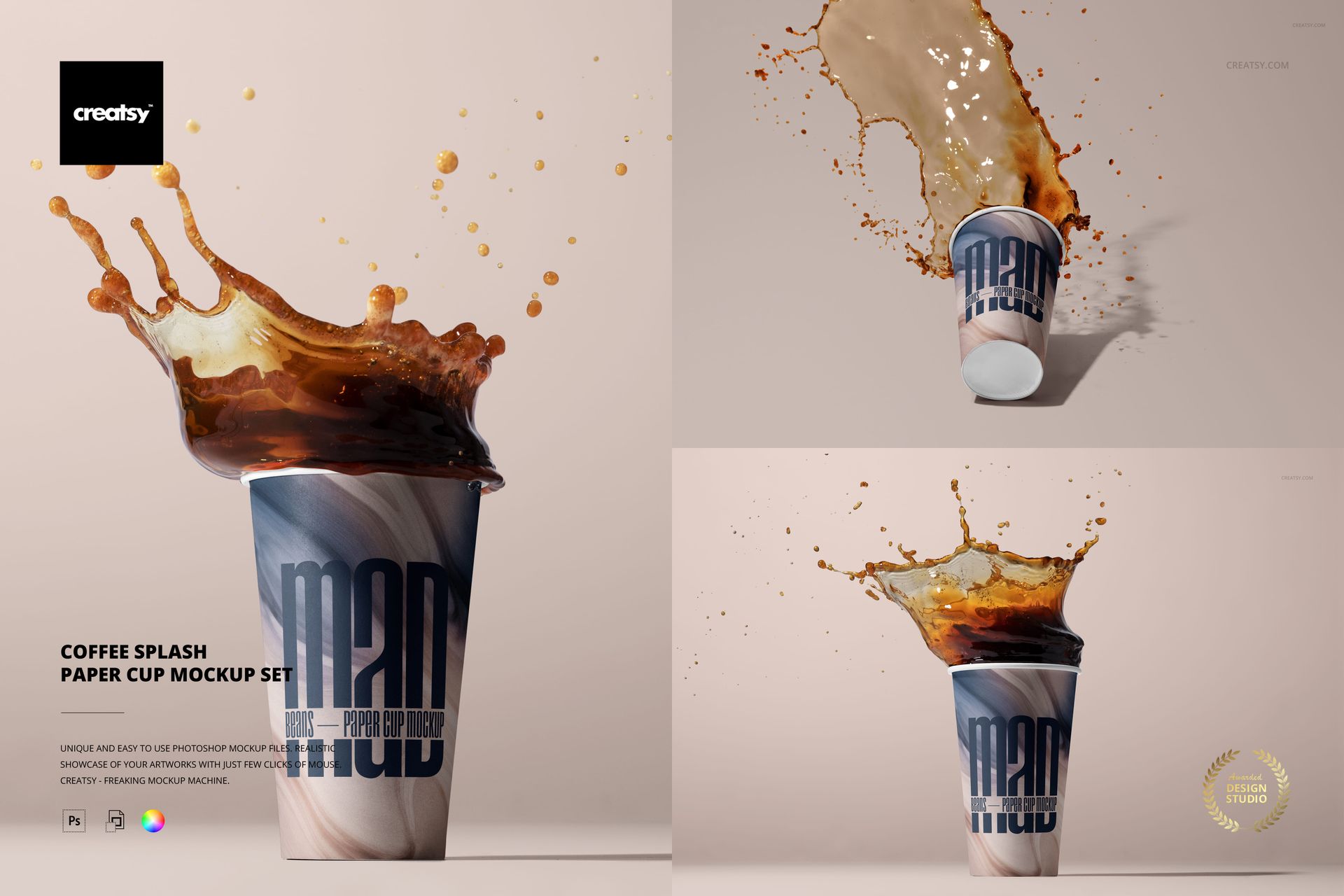
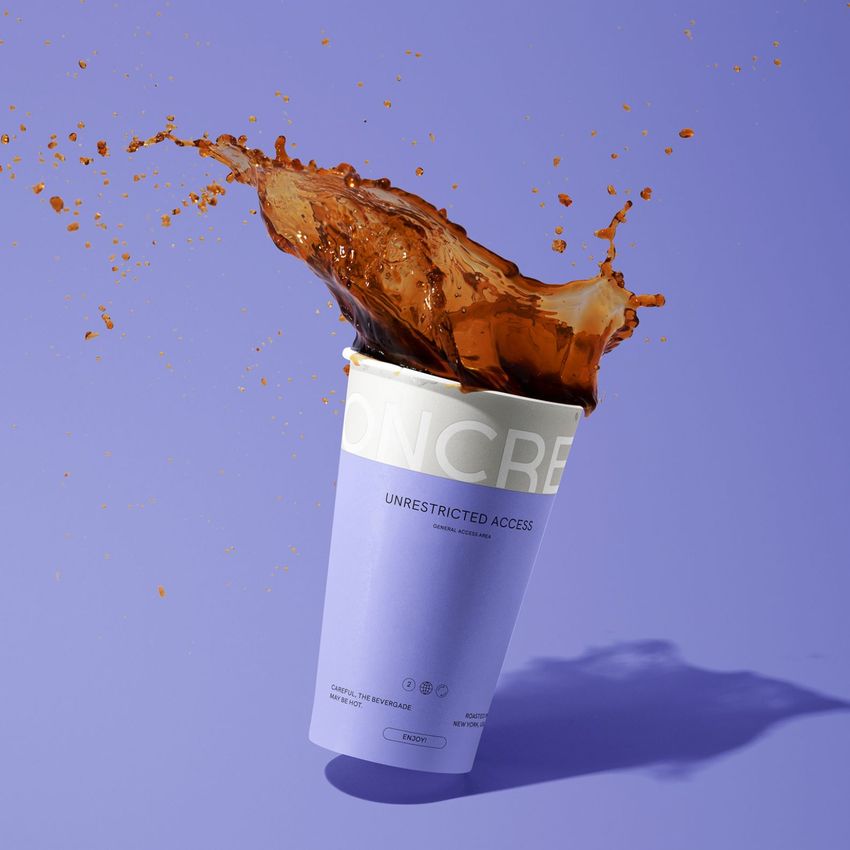
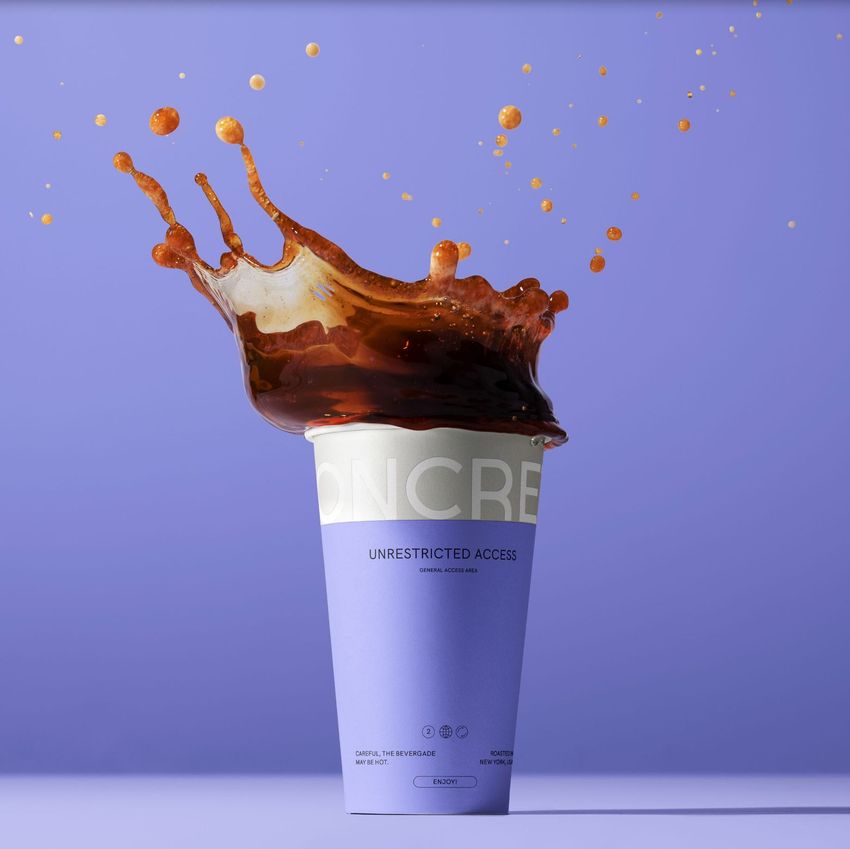
Present beverage branding through five high-motion studio compositions built around coffee in flight. Upright, tipped and suspended paper cups create distinct focal points while warm neutral backgrounds keep logos, typography and packaging graphics easy to evaluate.
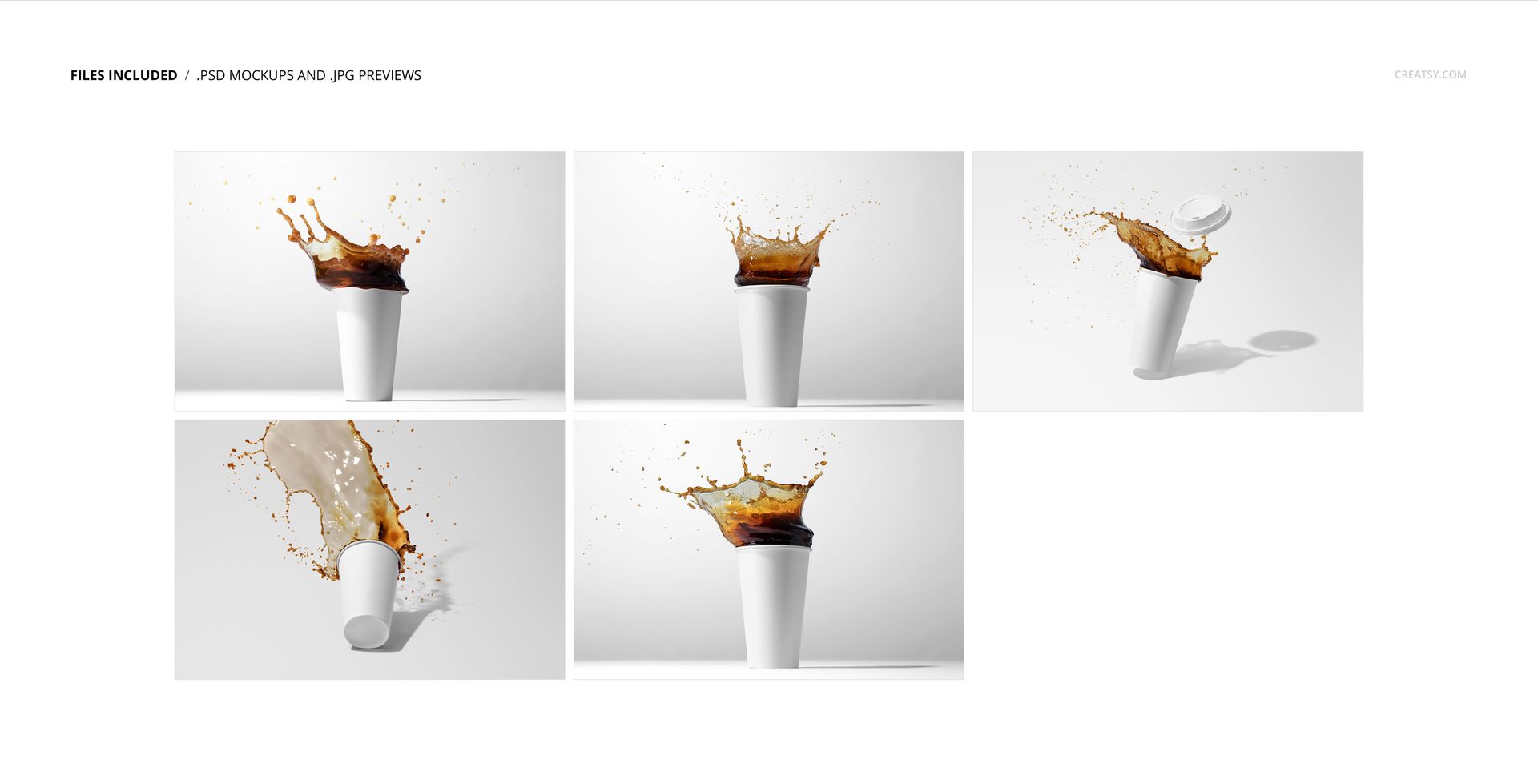
Five Coffee Splash Compositions
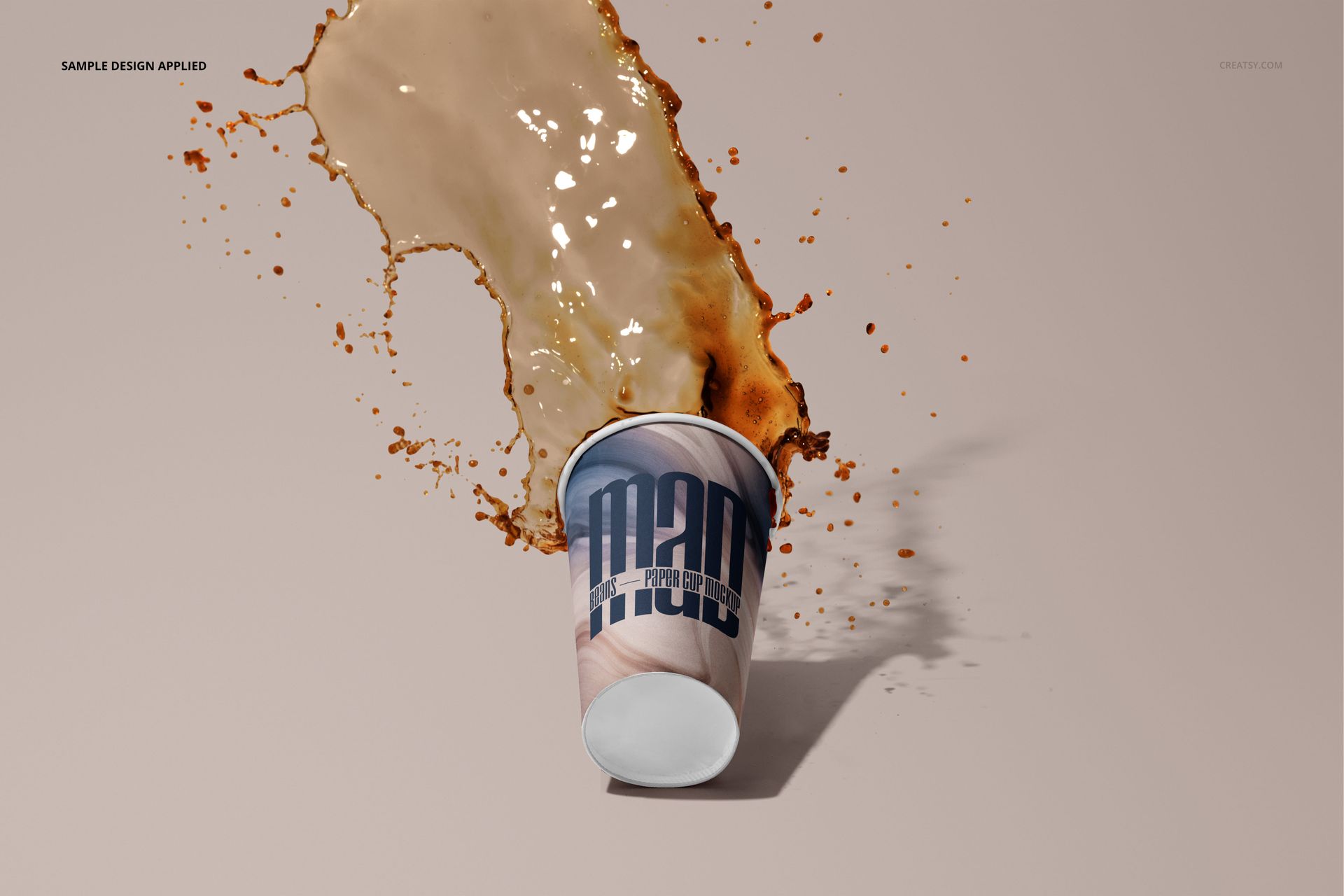
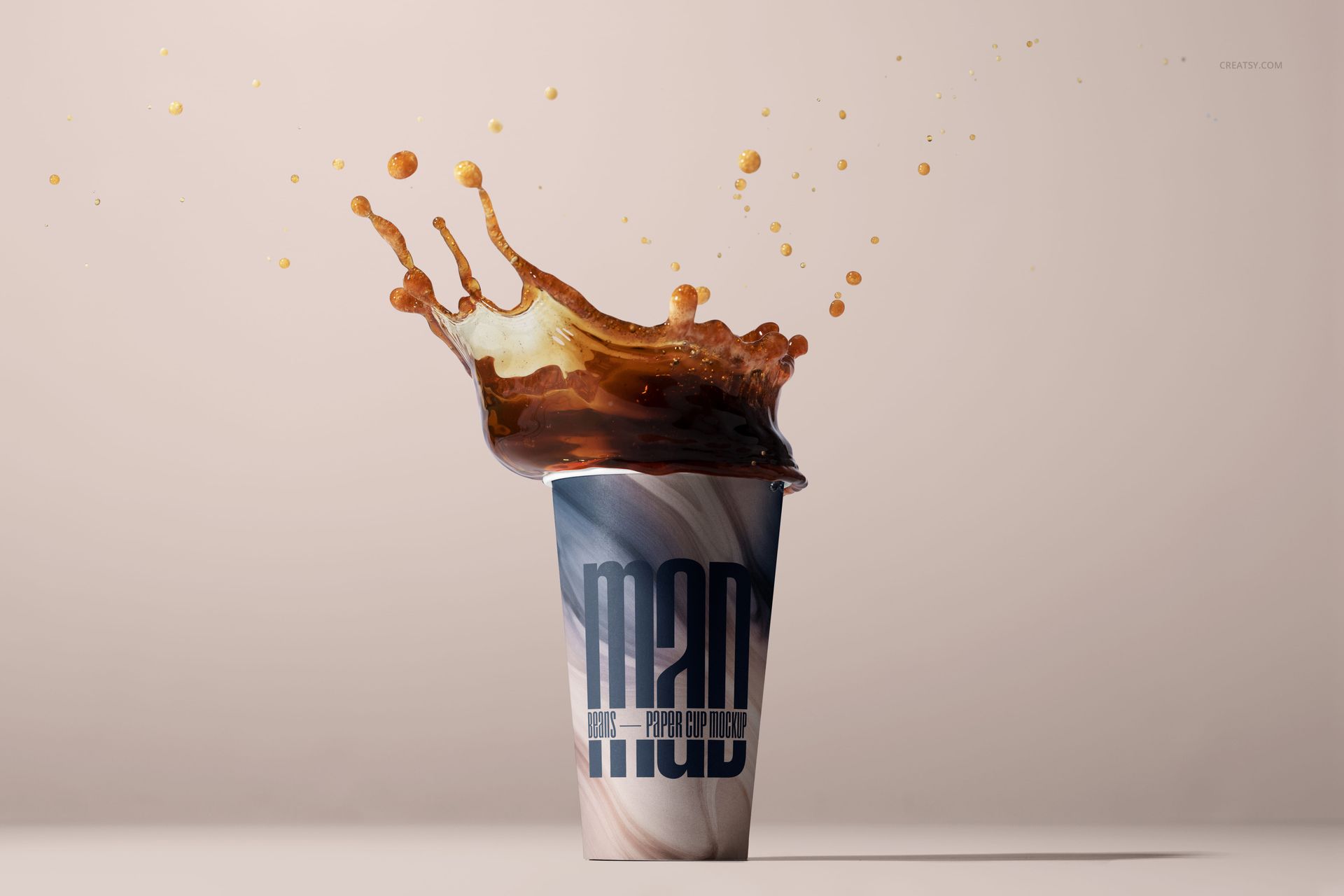
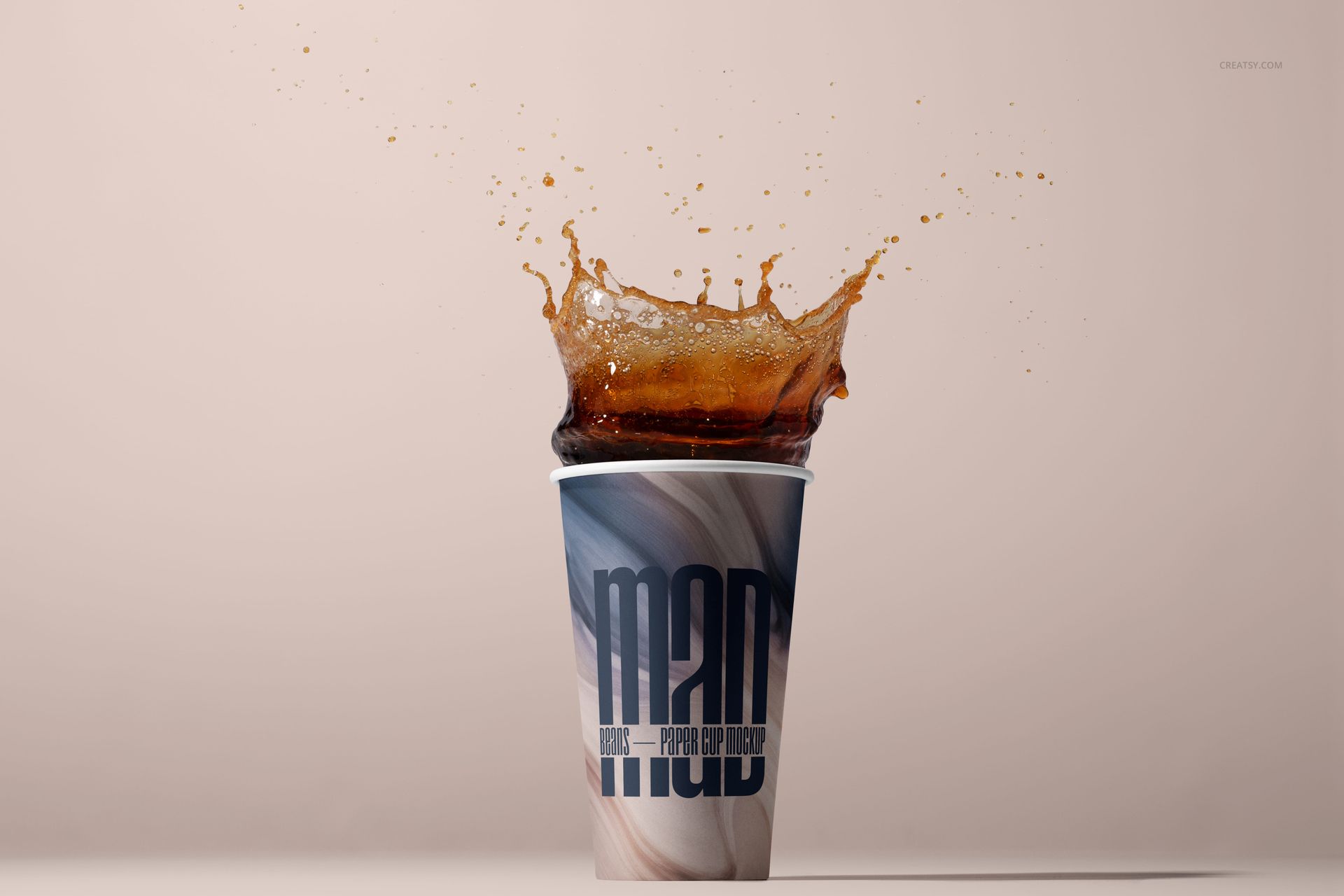
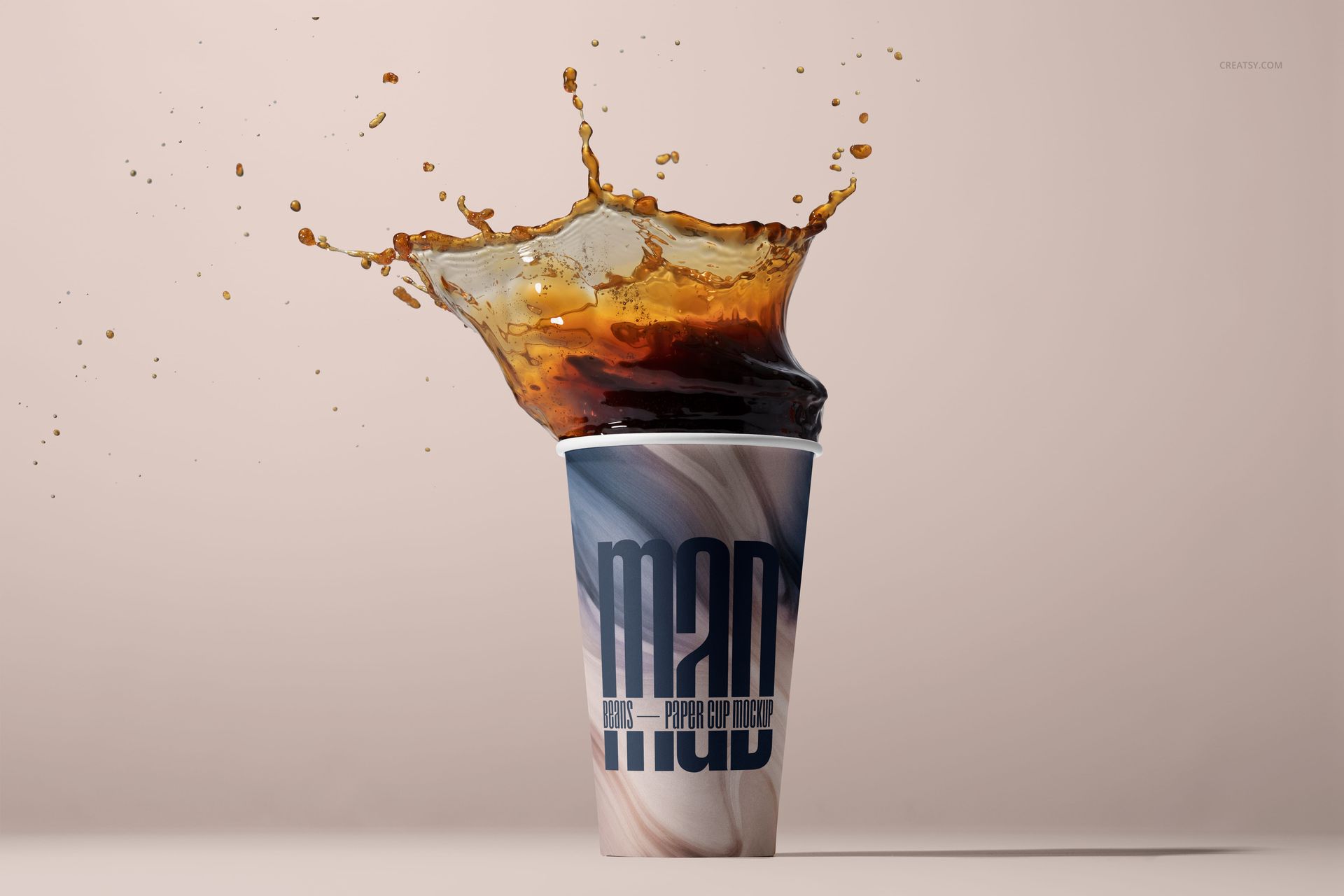
Four open-cup scenes with broad liquid sheets, crown splashes, suspended droplets and visible foam detail
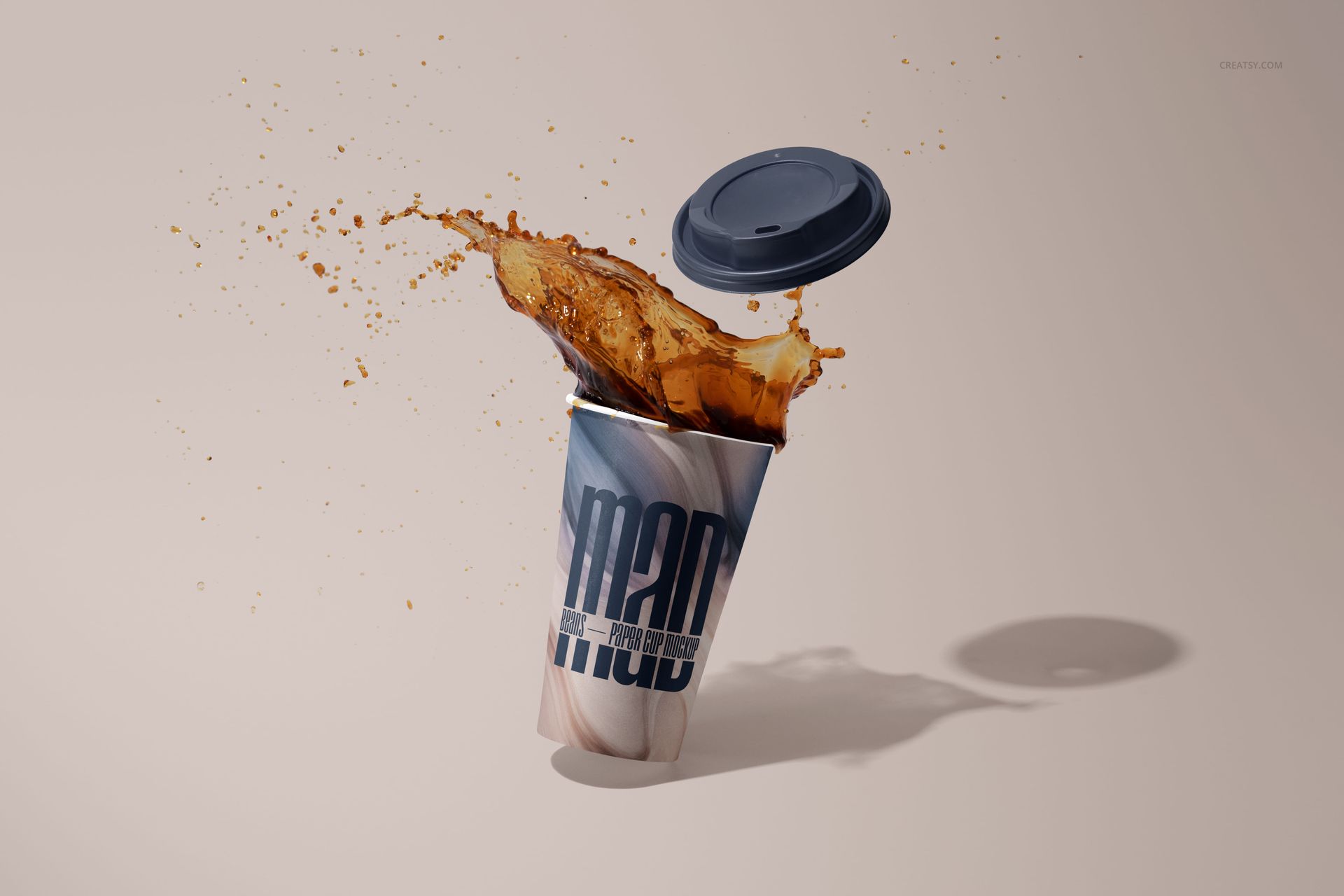
One tilted cup in motion with a detached drink-through lid and an arcing coffee splash
Tall tapered paper cups, rolled rims, warm beige studio surfaces and directional cast shadows throughout the set
Smart Object Editing
Place a logo, pattern, illustration or full-wrap concept into the supplied Smart Objects and let the artwork follow the cup's tapered surface. The documented layer controls cover cup artwork and colors, lid colors and scene backgrounds. Organized folders make it easier to locate the design area without rebuilding perspective or lighting.
Included Files
5 layered PSD working files and 5 JPG reference images, 10 files in total
Approximate 6000 x 4000 px landscape working size at 300 DPI
Adobe Photoshop CS6 or later and product-specific Photopea support
No PSB or PDF files in the package manifest
Useful for Beverage Brand Presentations
Use the set for coffee shop identity systems, takeaway packaging proposals, seasonal drink campaigns, menu launches, pitch decks, portfolio case studies and social media art direction. Applying one design across all five scenes gives clients a consistent series while showing how the graphics read at rest, during motion and beside a detached lid.
Preview Artwork Credit
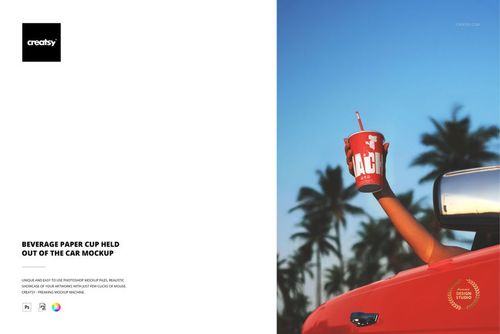
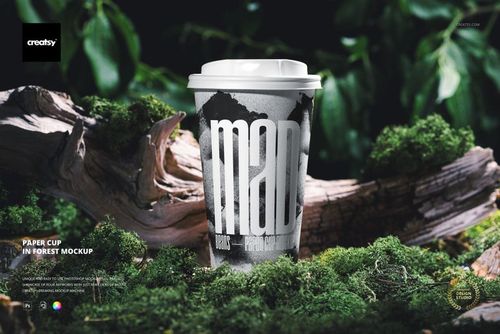
Product preview imagery is credited to Creatsy®. The graphics shown on the cups are presentation examples and are not included as separate design assets.