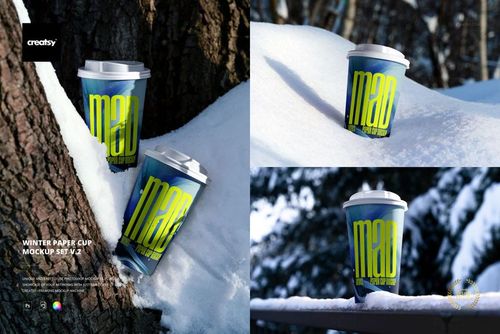
Winter Paper Cup Mockup Set v.5
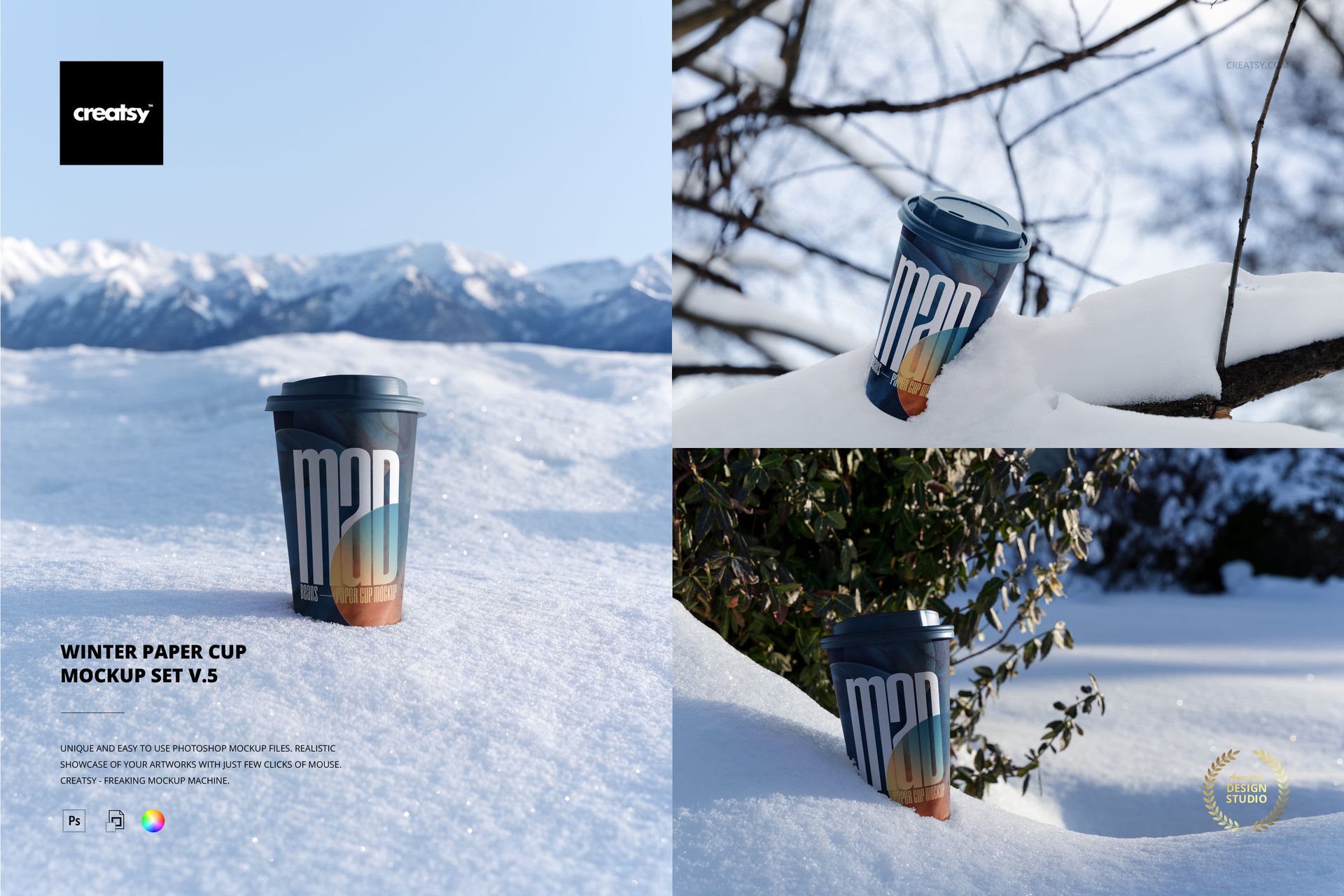
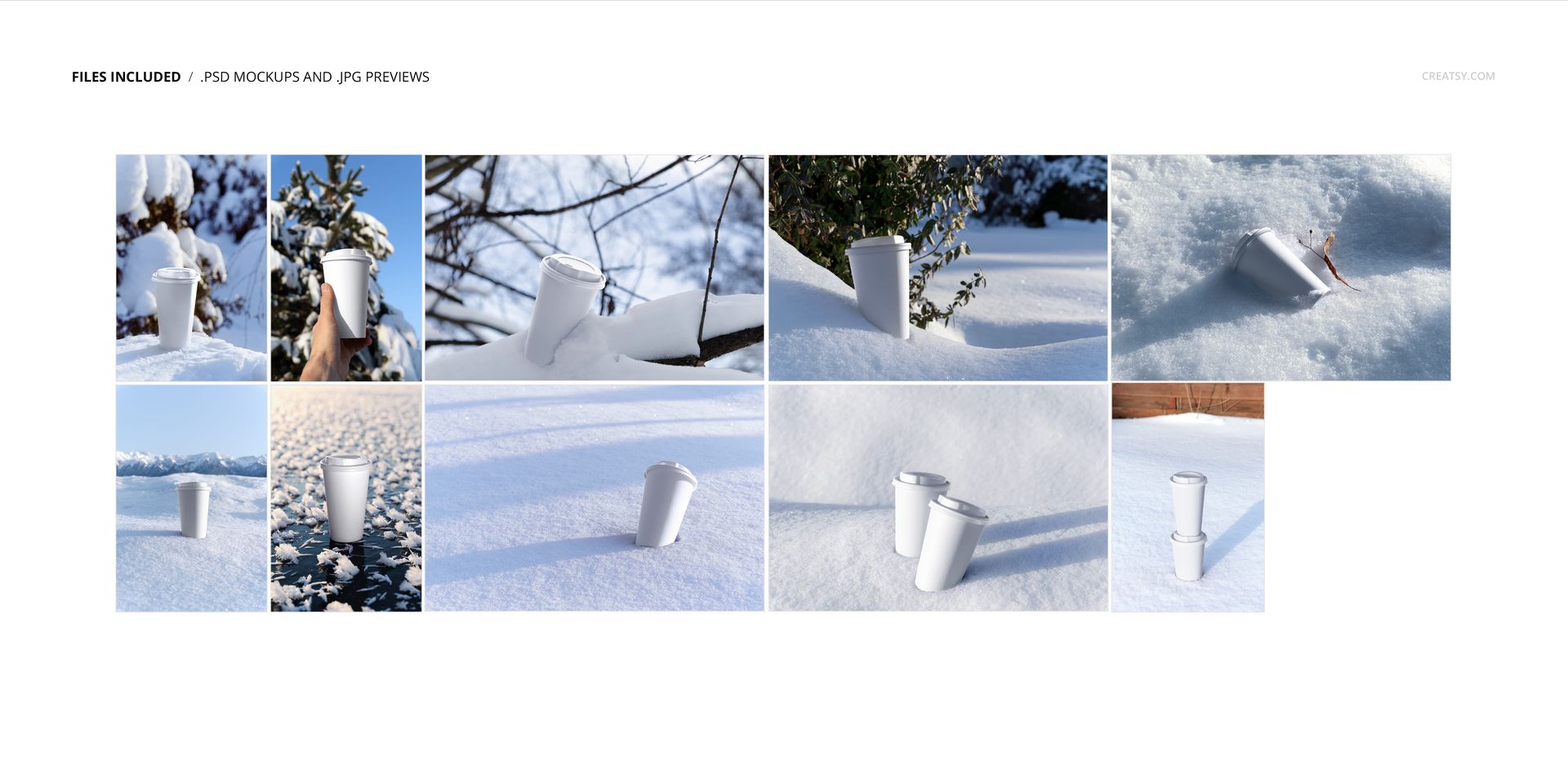
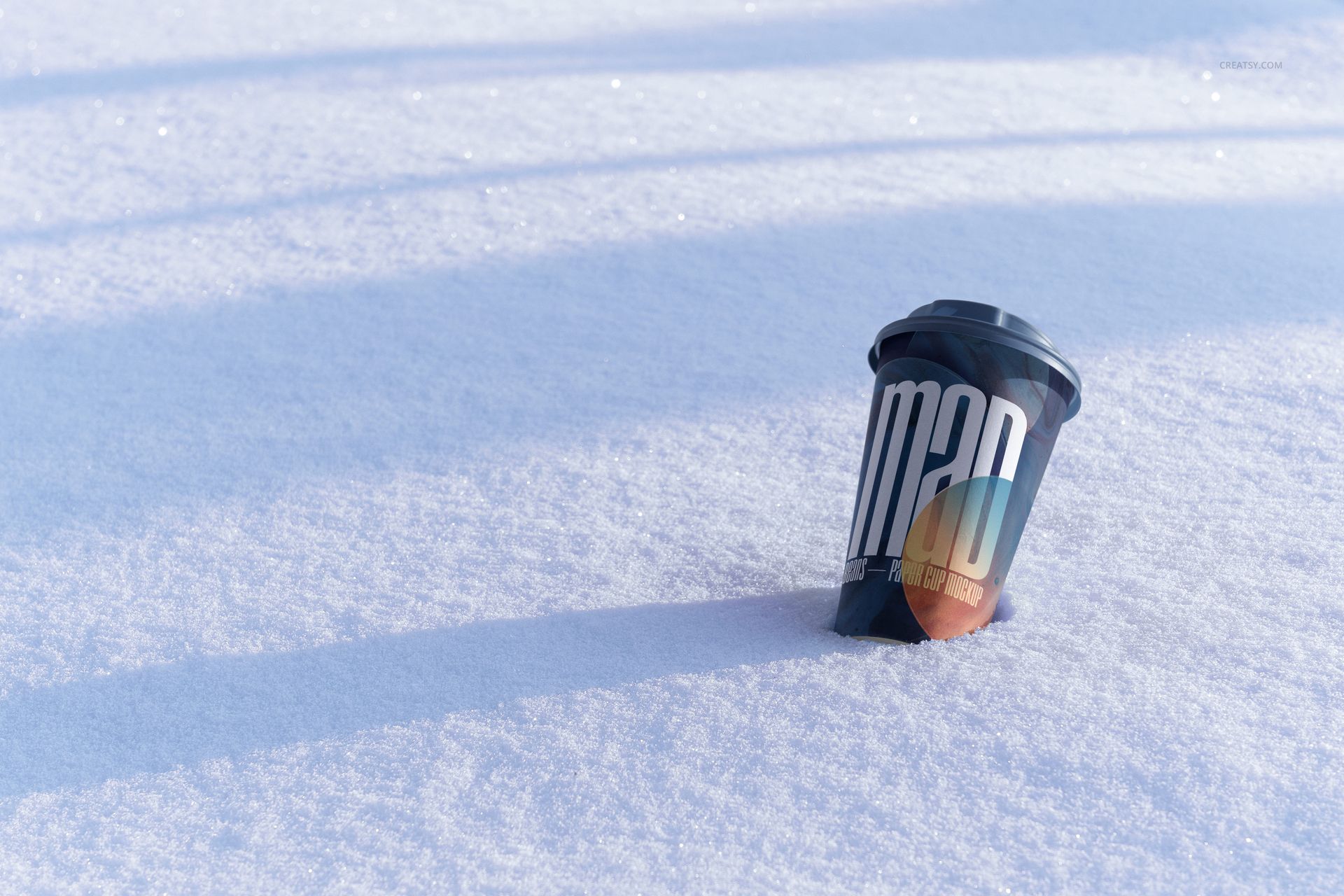
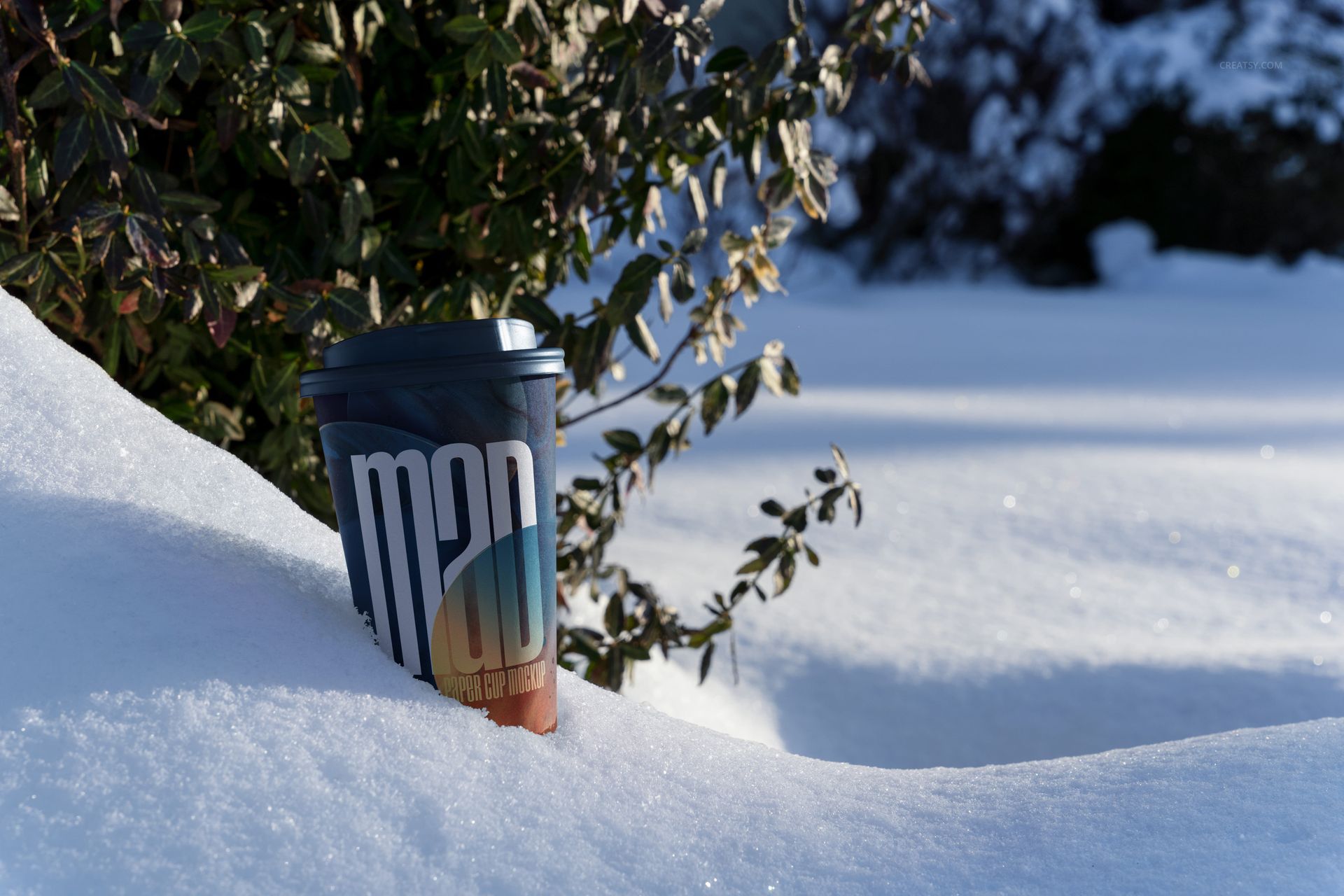
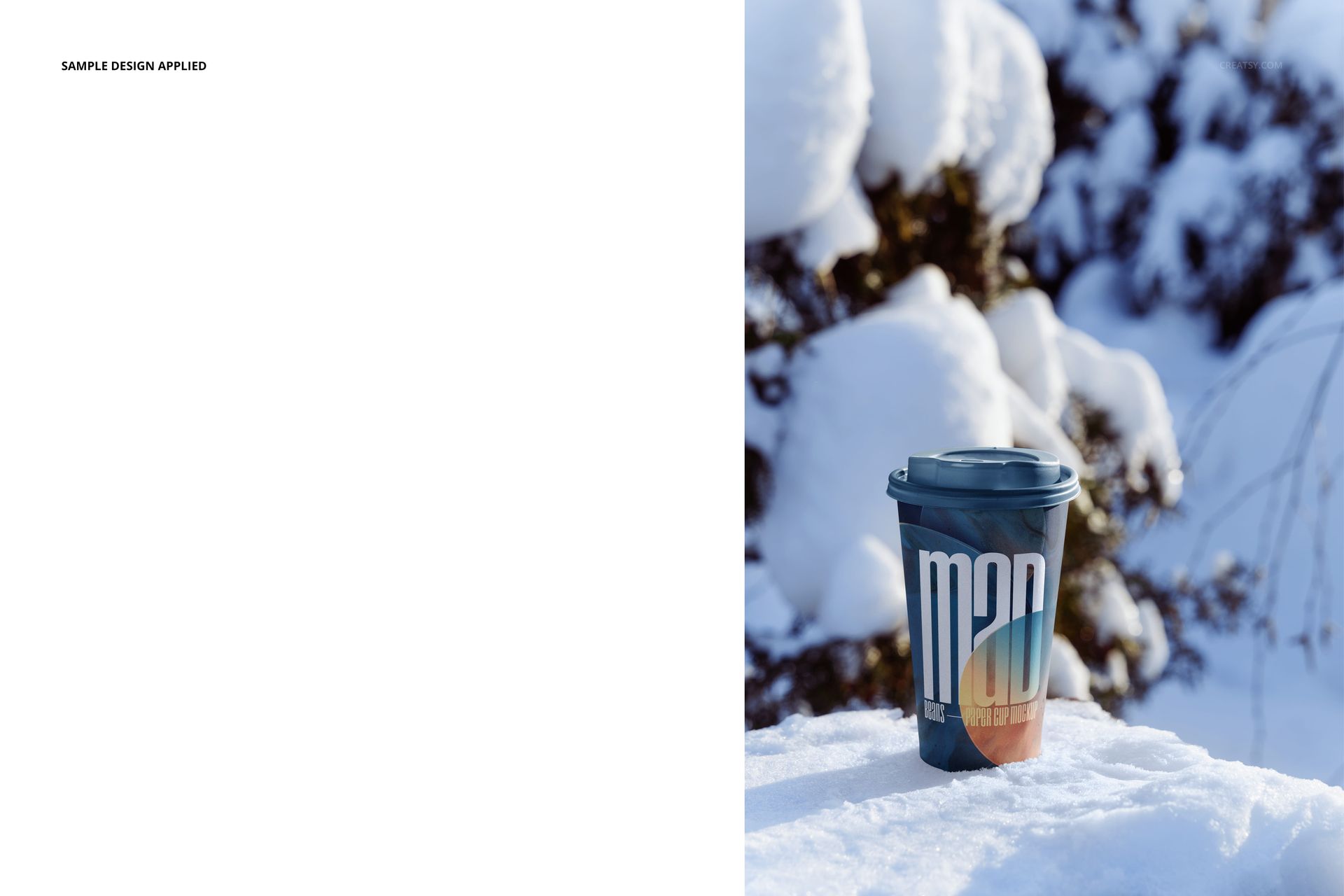
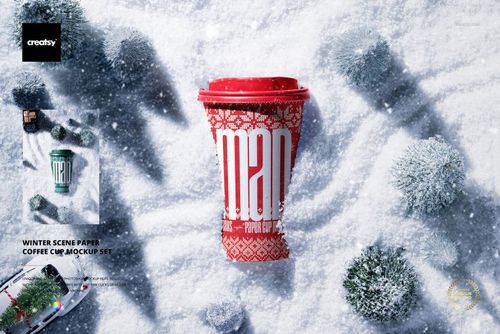
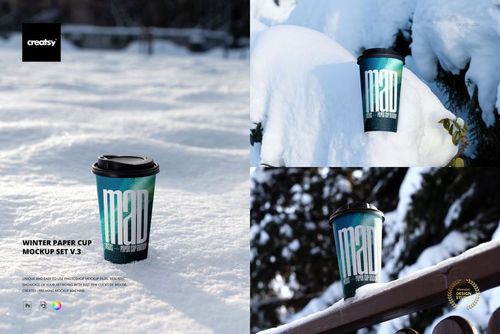
Present cup graphics in ten winter photographs created for seasonal beverage branding. The set moves from wide mountain snowfields and bright ice to close forest details, a hand-held view, paired cups, and a cup resting among snow-covered branches.
Five portrait and five landscape reference scenes provide coordinated material for mobile content, product pages, campaign banners, and packaging presentations while keeping a consistent cold-weather setting.
Ten Winter Scenes
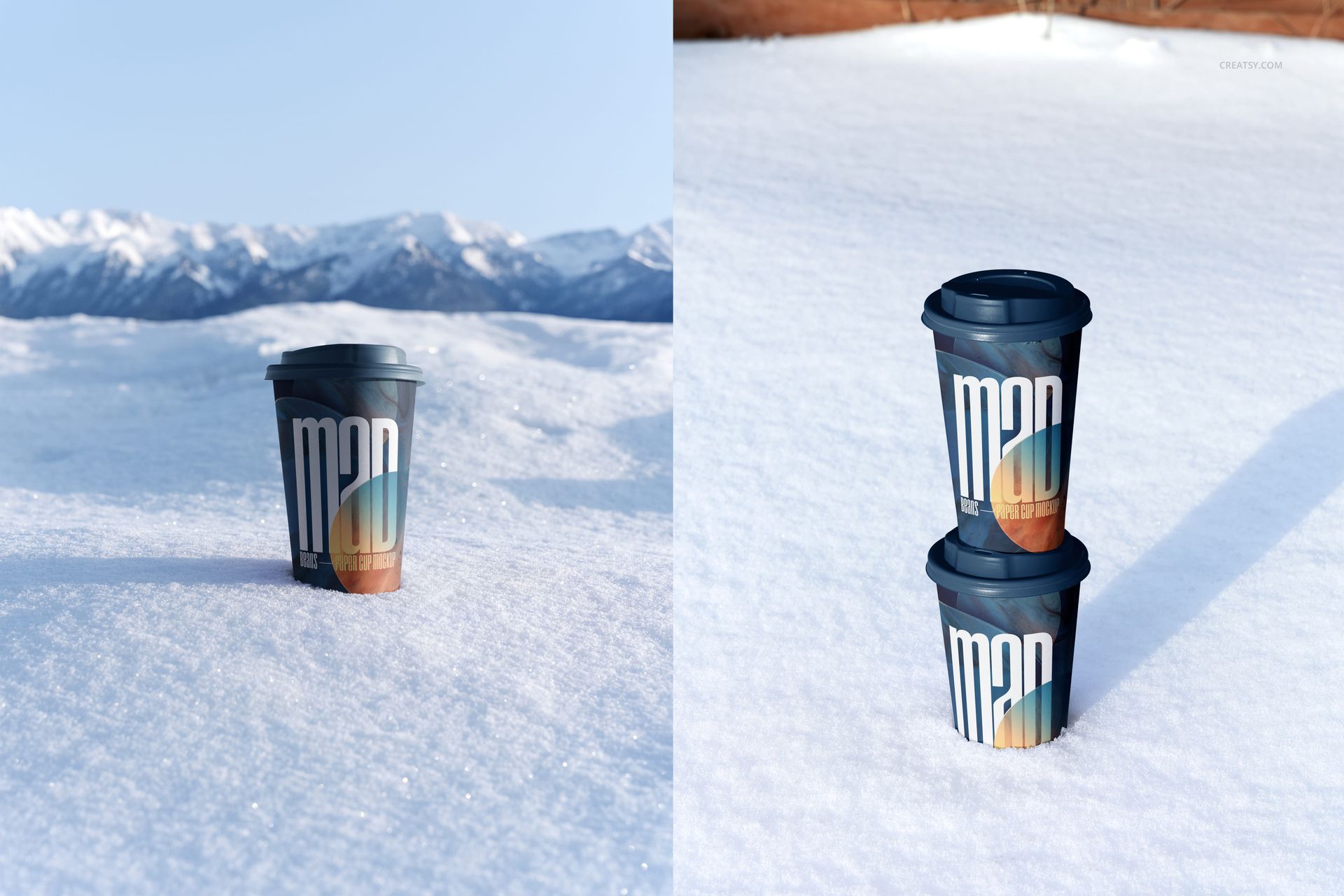
Paper cup against a distant mountain panorama
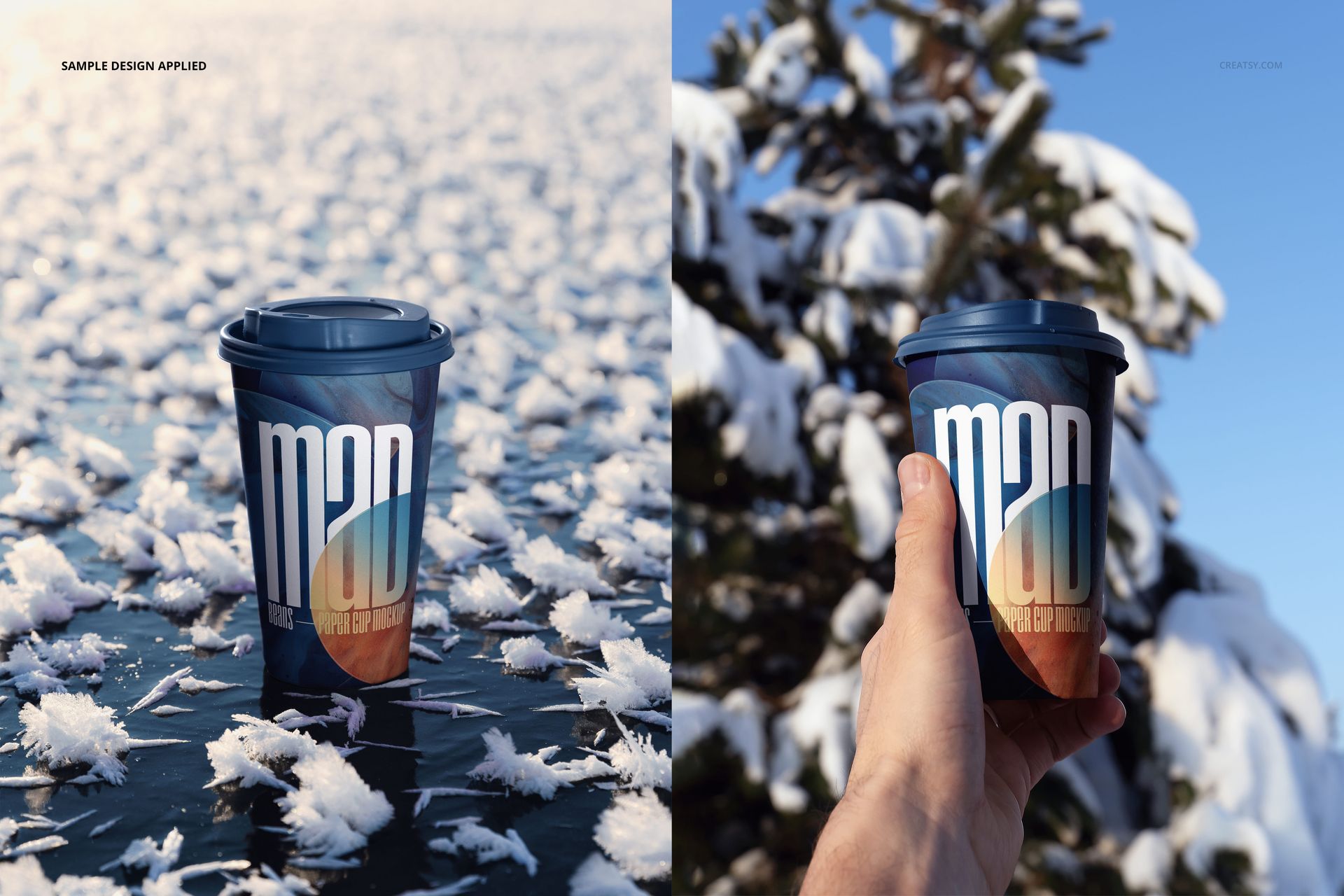
Cup on frost-covered ice with crystalline texture
Hand-held cup framed by an evergreen tree and blue sky
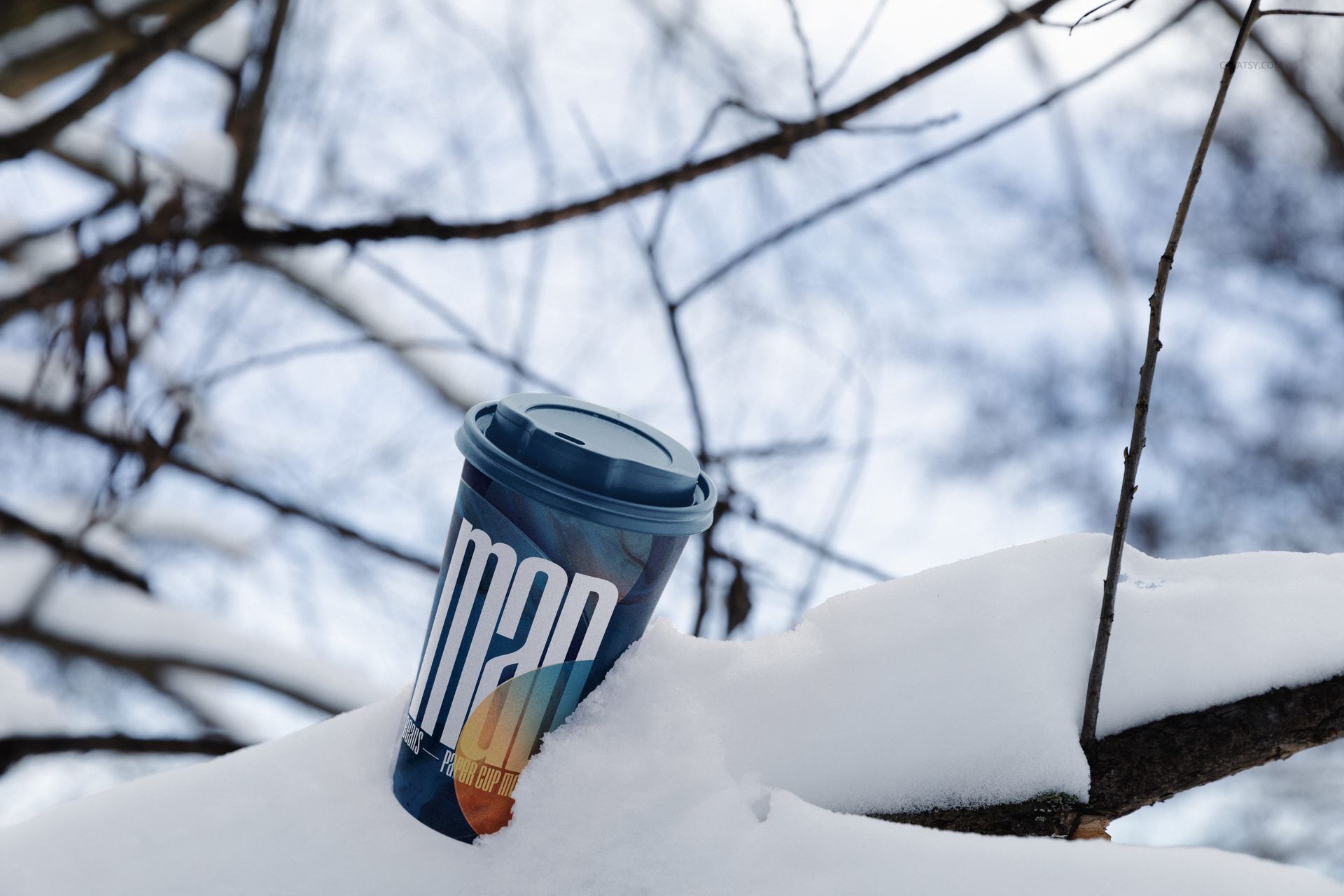
Cup embedded in snow on a bare branch
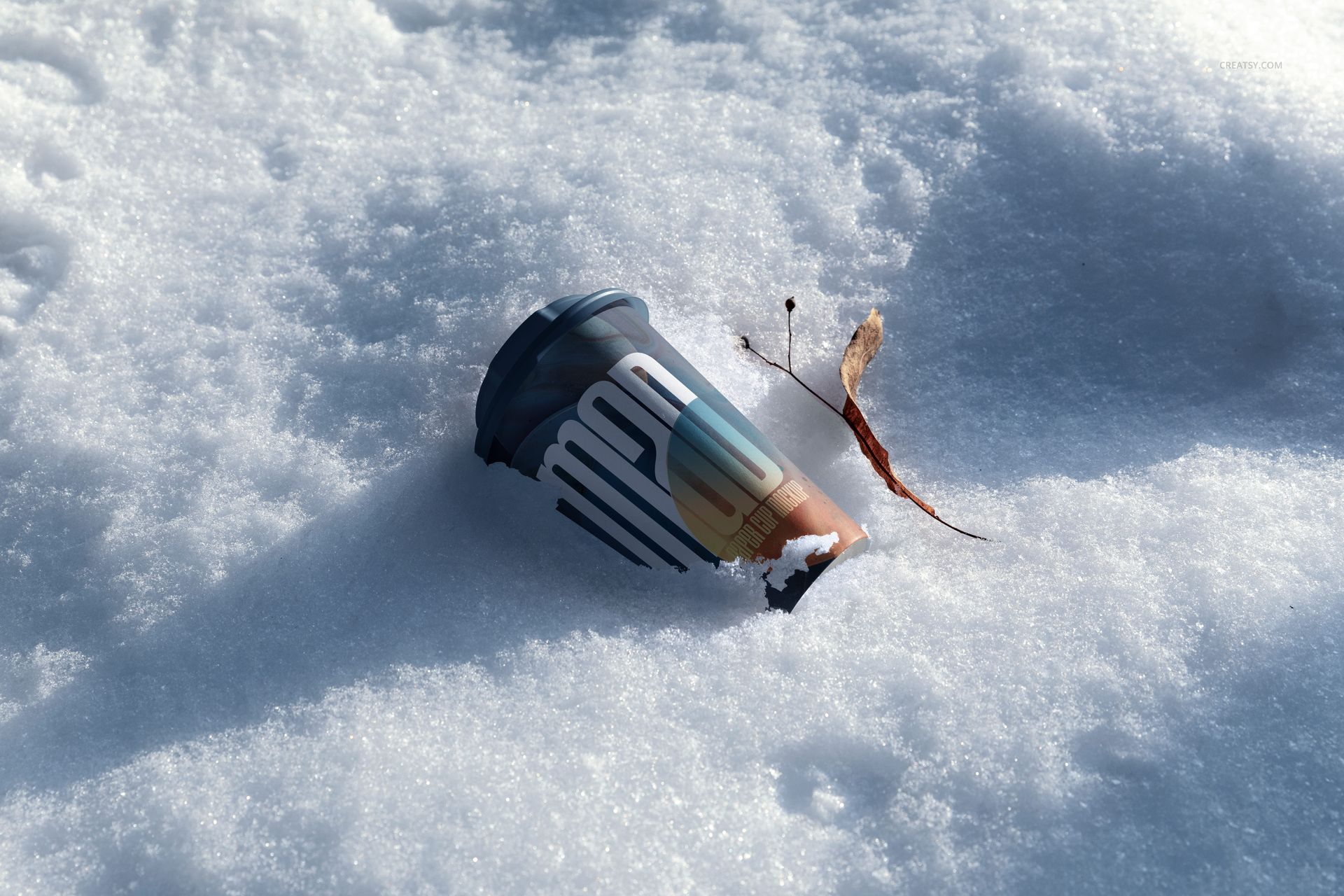
Sideways cup beside a dry leaf and twig
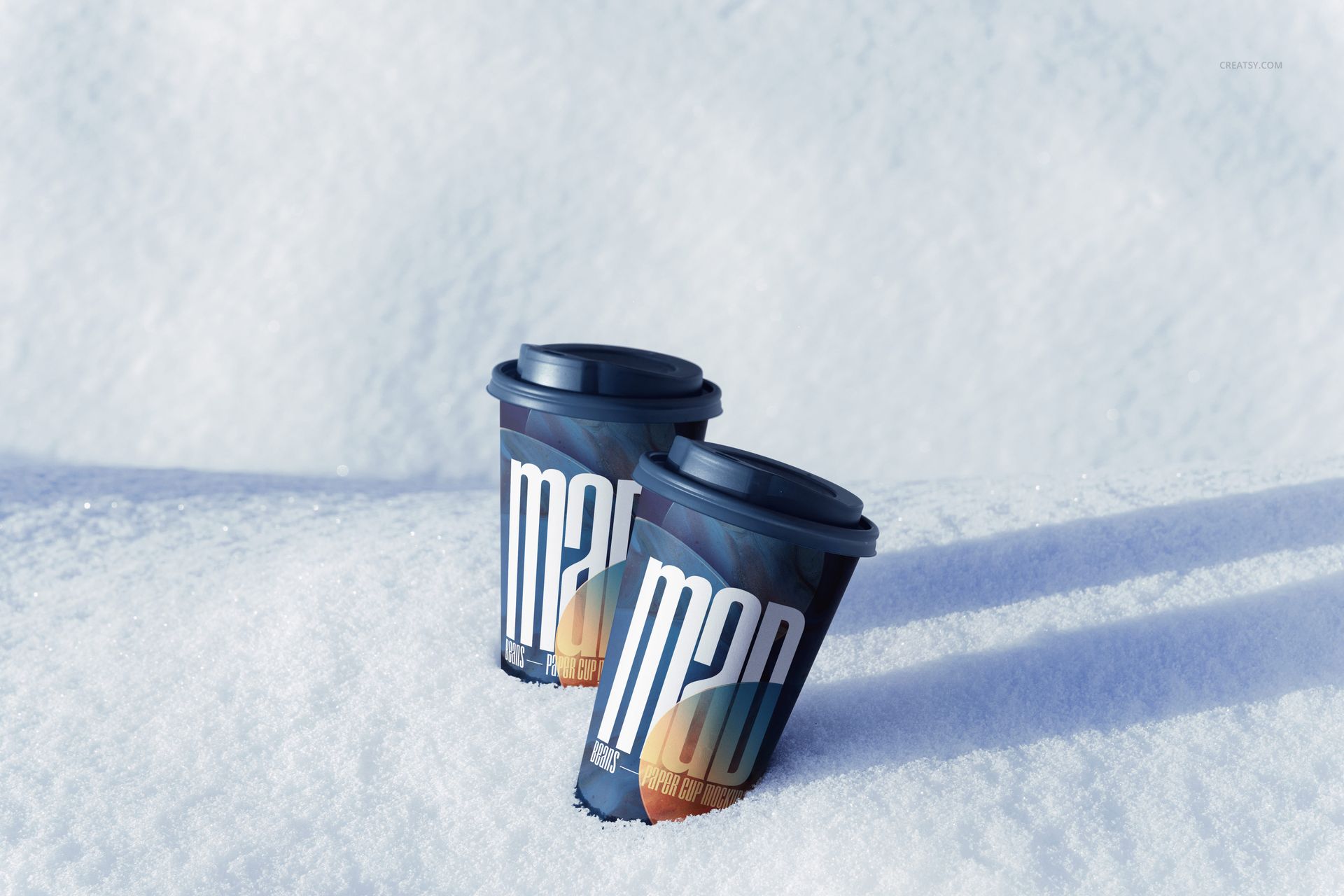
Single, paired, and vertically stacked cup arrangements
Snowy shrub, woodland, and open-field compositions
Bright negative space for campaign copy
Included Files and Editing
10 layered PSD mockups and 10 JPG previews, 20 files total
Working resolution listed as approximately 6000x4000 px at 300 DPI
Smart Object workflow for replacing paper cup artwork
Organized layers for efficient editing
Adobe Photoshop CS6 or later and Photopea compatibility
No PSB files
Smart Object Workflow
Open the designated Smart Object, place your label, logo, pattern, or full-wrap design, save, and return to the main PSD. The cup curvature, snow contact, natural shadows, and crisp winter light remain part of the photographed scene.
Use Cases
Winter coffee menus and seasonal drink launches
Ski resort, lodge, and outdoor event promotions
Holiday beverage packaging concepts
Website headers, marketplace listings, and social campaigns
Portfolio case studies comparing multiple cup designs
Preview Artwork Credit
The listing credits the mockup photography and preview images to Creatsy®. No separate external author is identified for the applied sample artwork.