Paper Cup in Hand Mockup Set
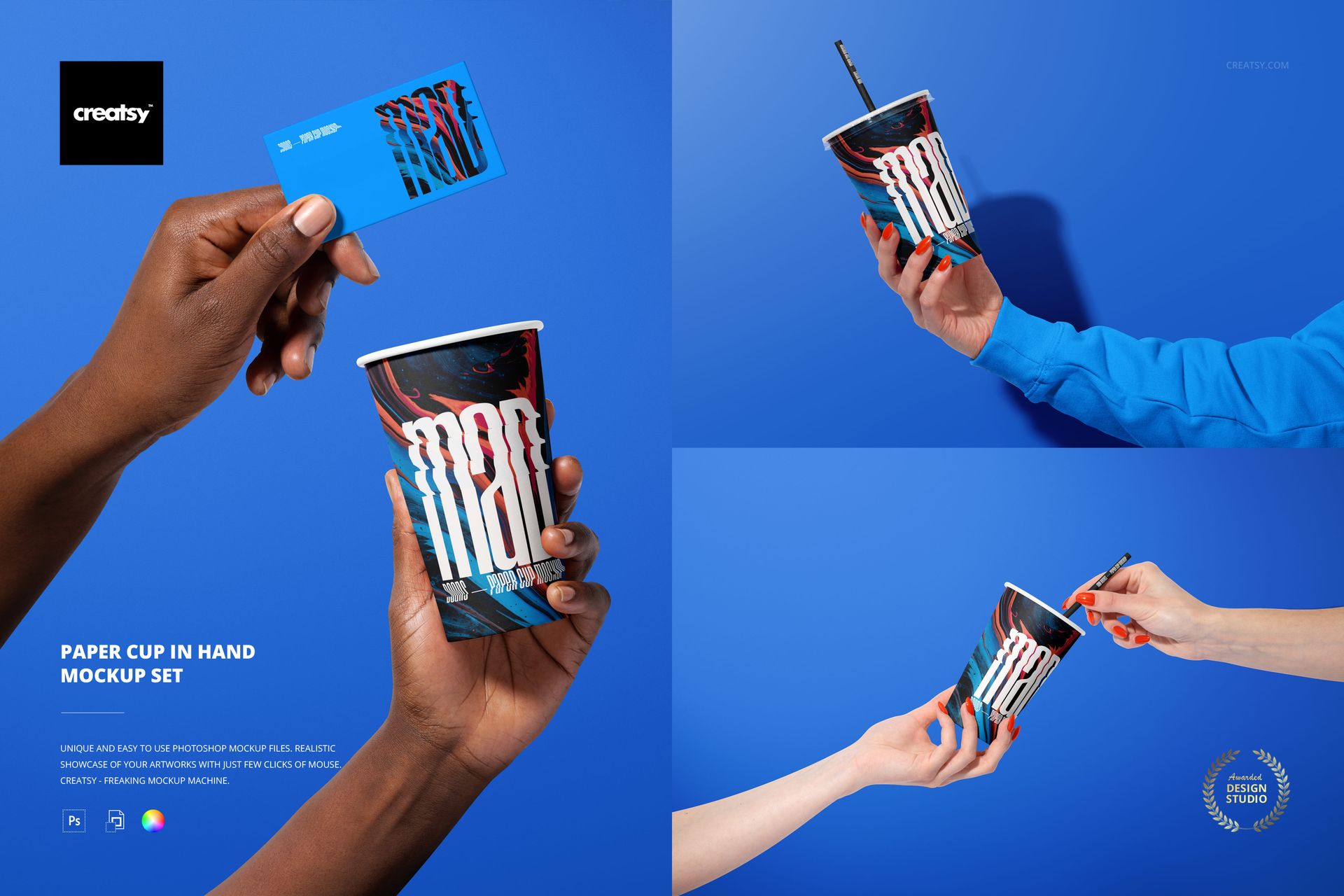
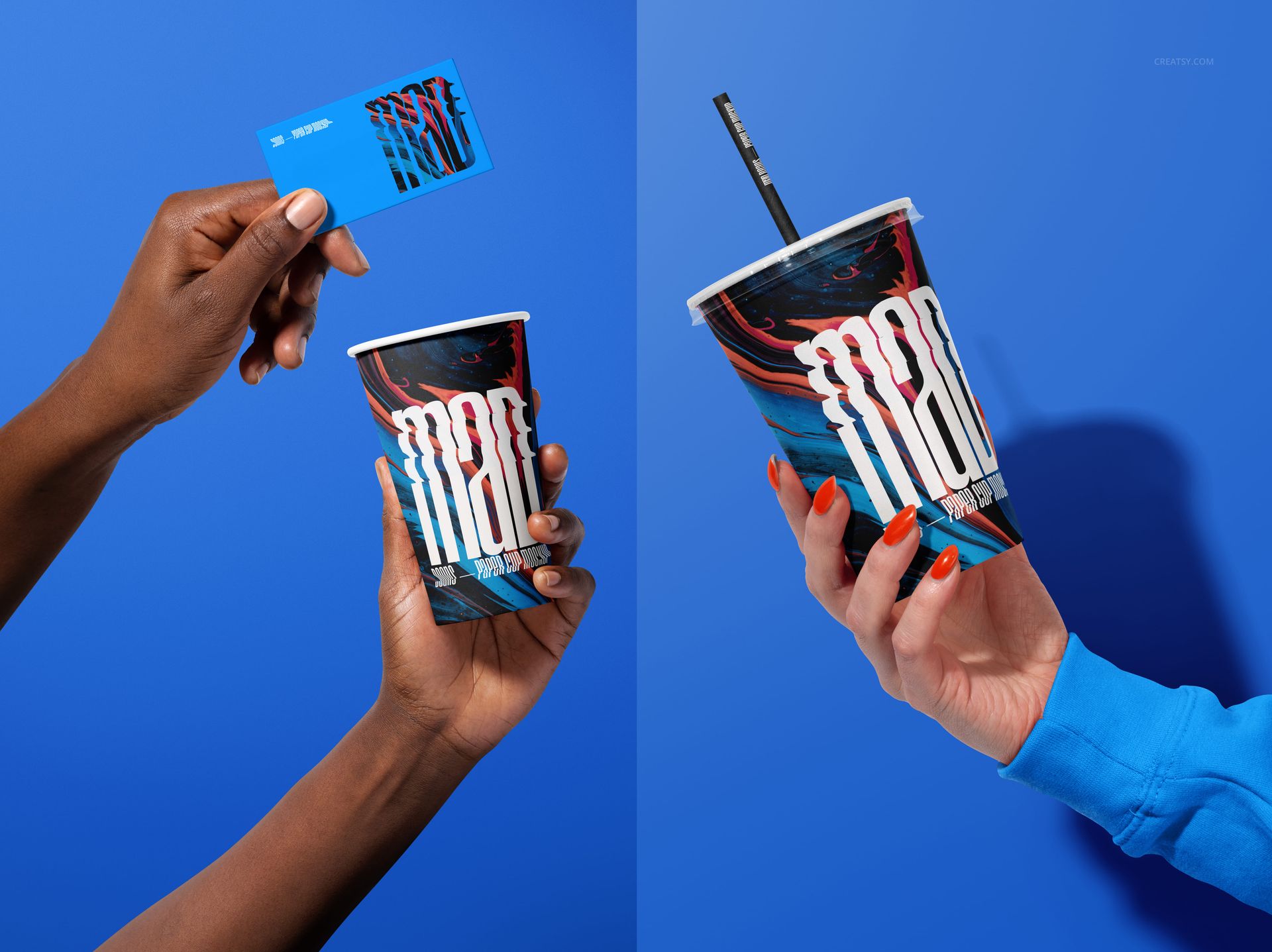
Make beverage packaging feel like part of a real exchange with four people-centered scenes photographed against a saturated blue backdrop. The views combine solo holds, two-hand interactions and a business card moment to add human scale to paper cup artwork.
Each composition keeps the tall, tapered cup easy to read while varied hand positions, skin tones and angles create a useful sequence for cafe campaigns, drink launches and portfolio stories.
Four Human-Centered Scenes
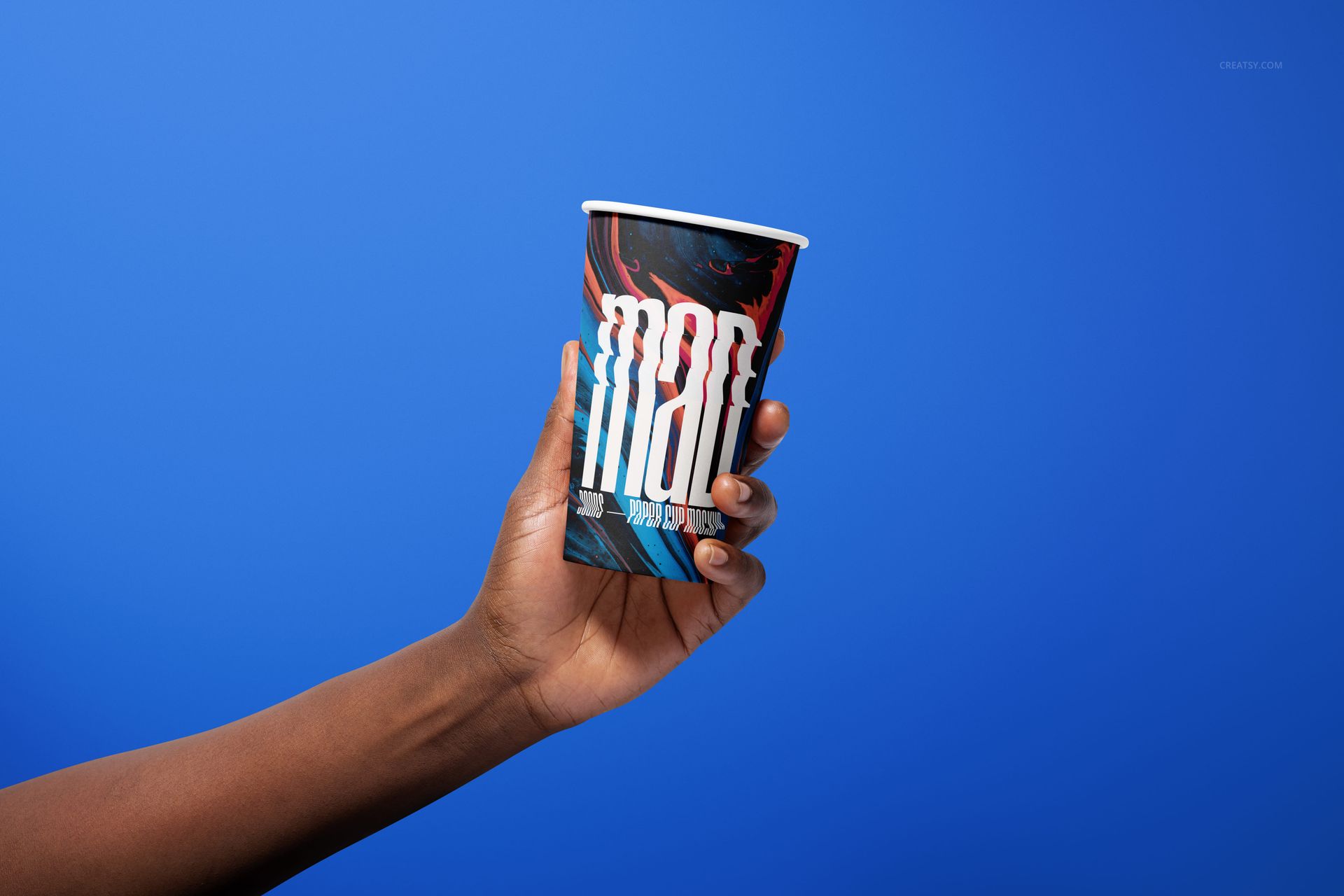
A solo hand-held cup for a focused branding hero image
A cup passed between two hands for a service or sharing narrative
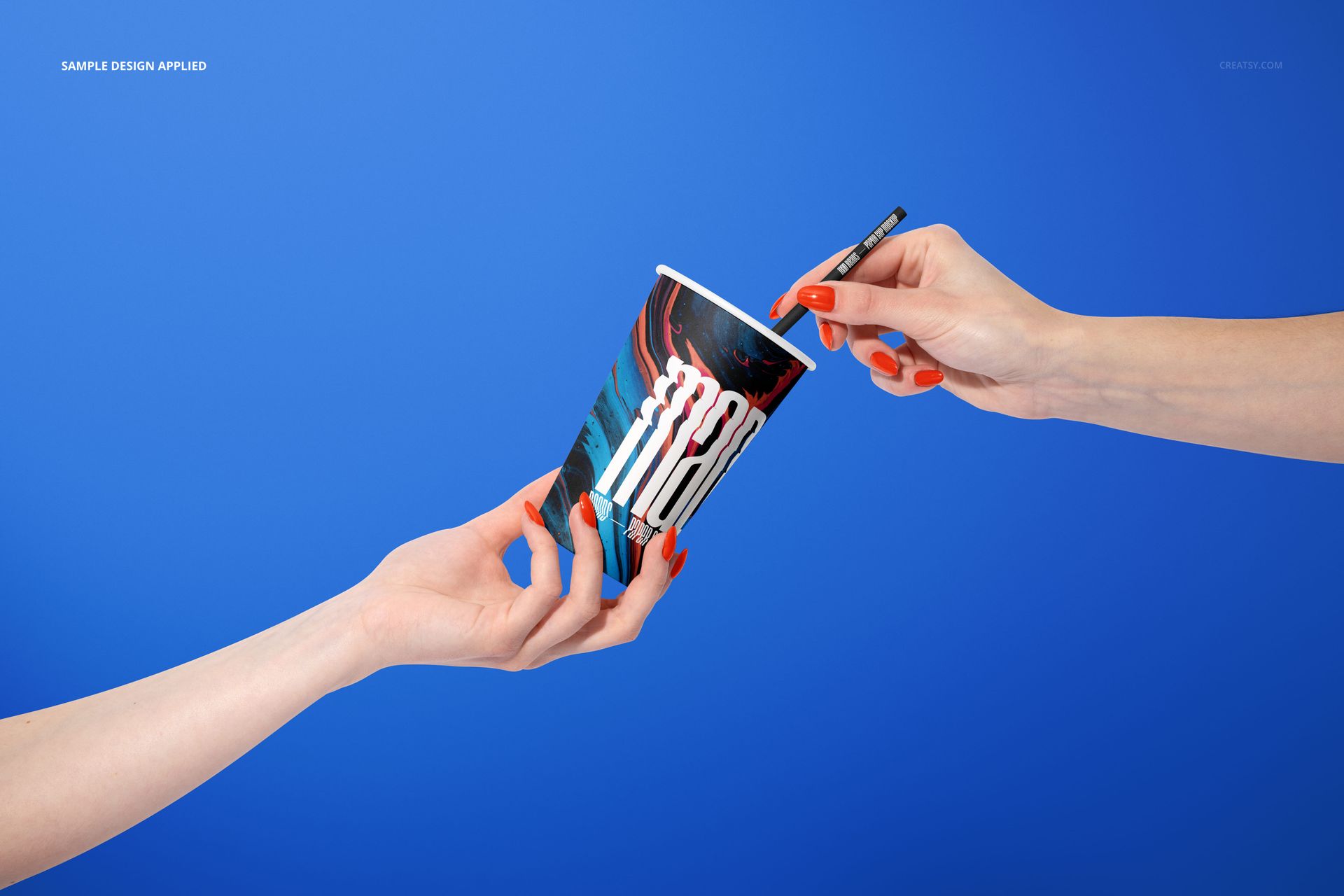
A straw interaction that adds movement to the open-cup presentation
A coordinated cup and business card scene for a wider identity system
What Is Included
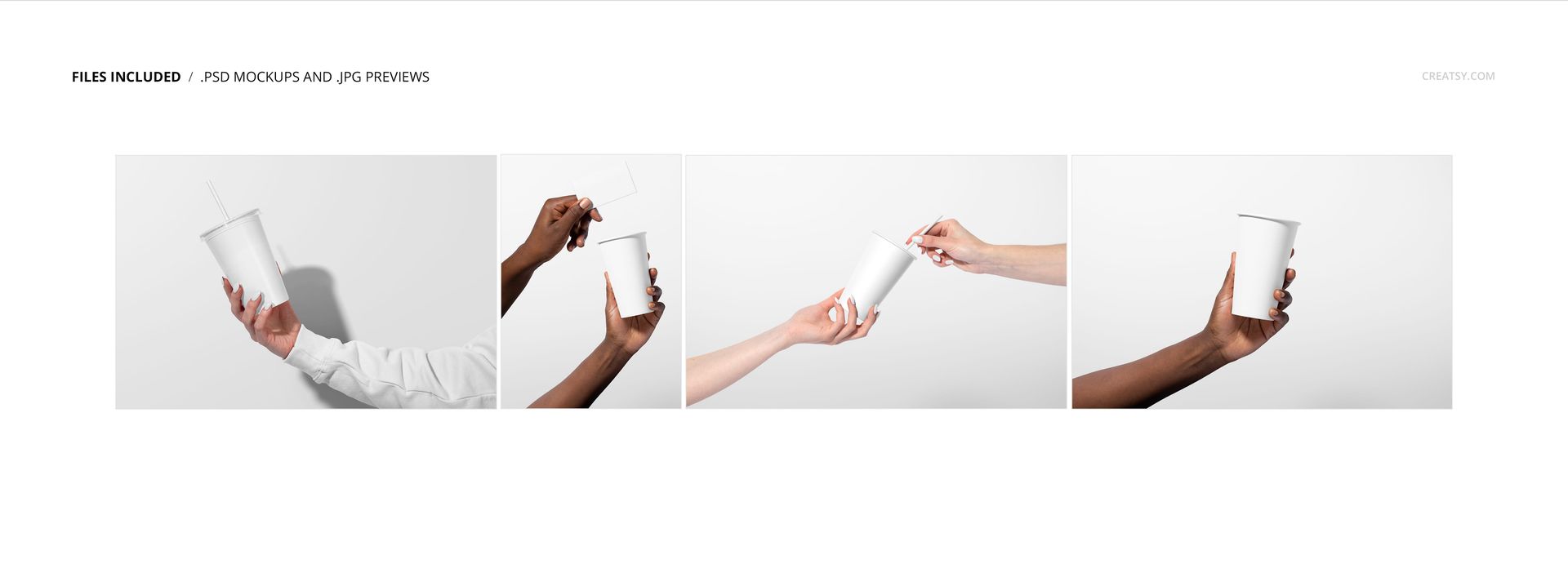
4 layered PSD mockup files and 4 JPG reference images, 8 files in total
Three landscape JPG references and one portrait reference
Working canvas listed at 6000 x 4000 px and 300 DPI
Adobe Photoshop CS6 or later and product-specific Photopea compatibility
Smart Object Editing
Place logos, typography, illustrations or patterns through Smart Objects. The product details also confirm color and design controls for the paper cups, straws, lids and backgrounds, supported by organized layers.
Why Hand-Held Views Matter
Hands immediately communicate cup scale, grip and the visible area of a wraparound design. Use the different interactions to check whether a logo stays readable when fingers cover part of the surface and whether key artwork remains clear from more than one angle.
Preview Artwork Credit
Product preview imagery is credited to Creatsy®. The applied sample graphics and physical objects shown in the scenes are presentation examples and are not included as separate downloadable assets.