Neon Lights Paper Cup Mockup Set
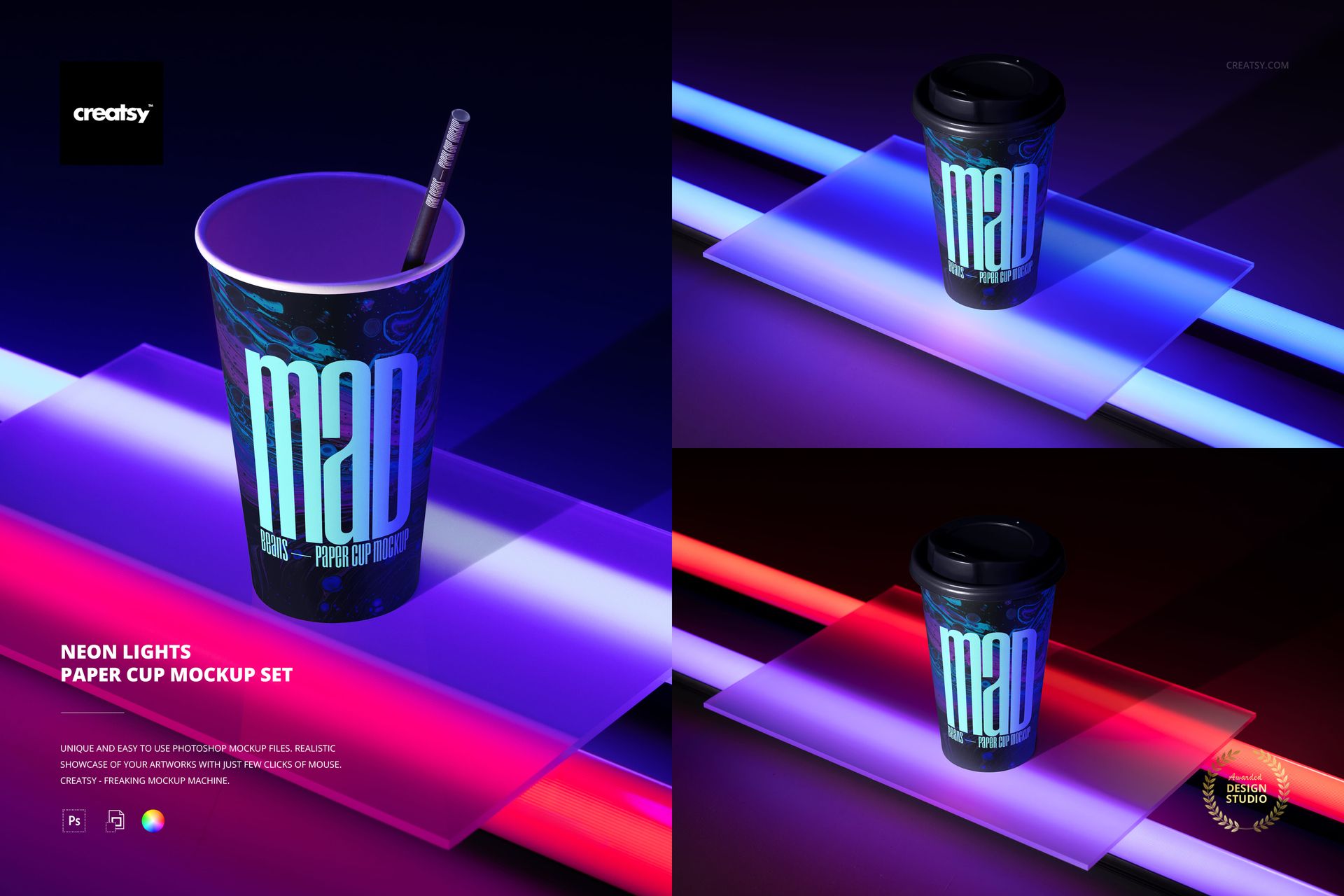
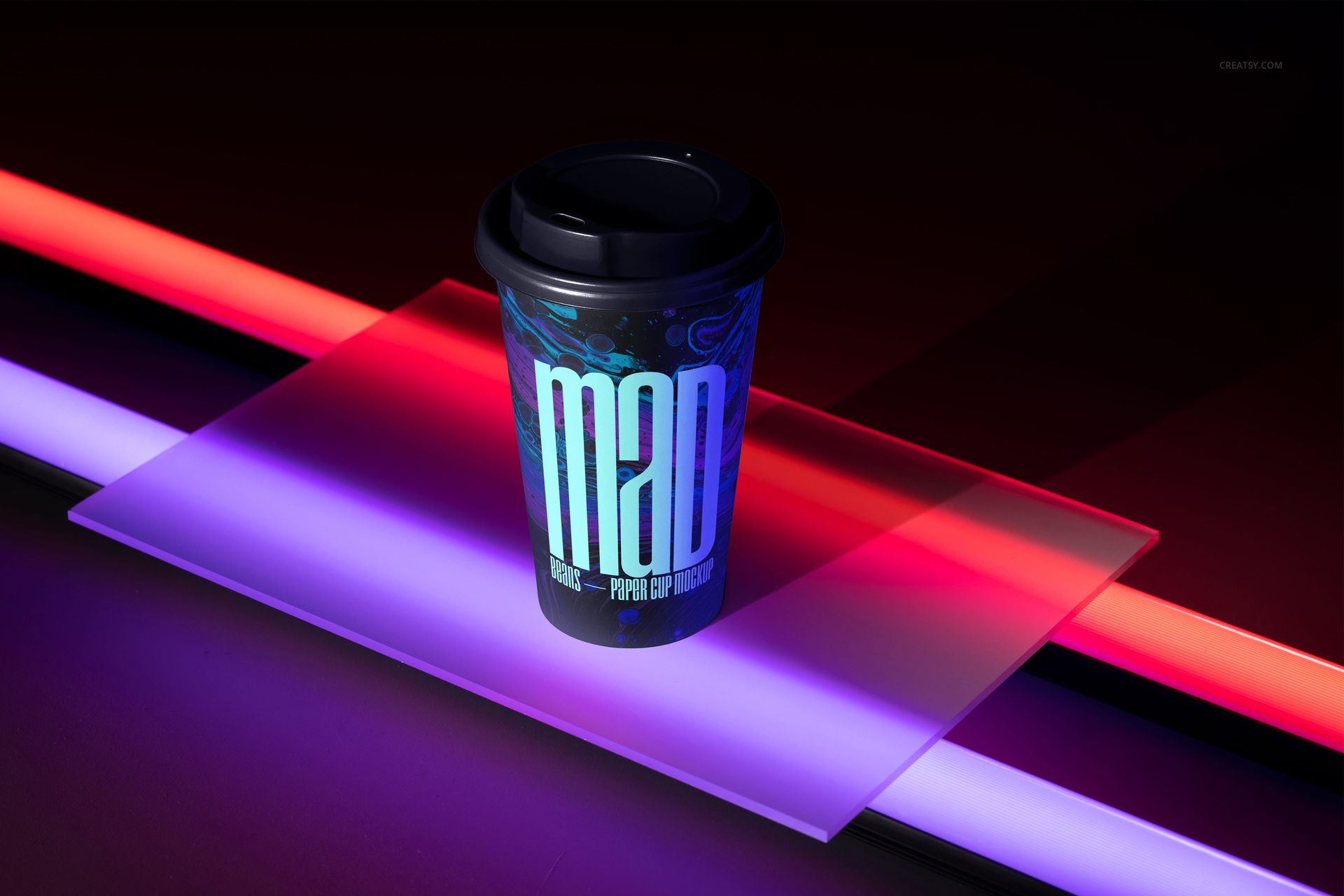
Put beverage branding into a dark studio environment built from glowing tubes and translucent acrylic panels. Three landscape scenes use blue, violet, magenta and red light to give a tall paper cup a clear night-time identity without adding unrelated props.
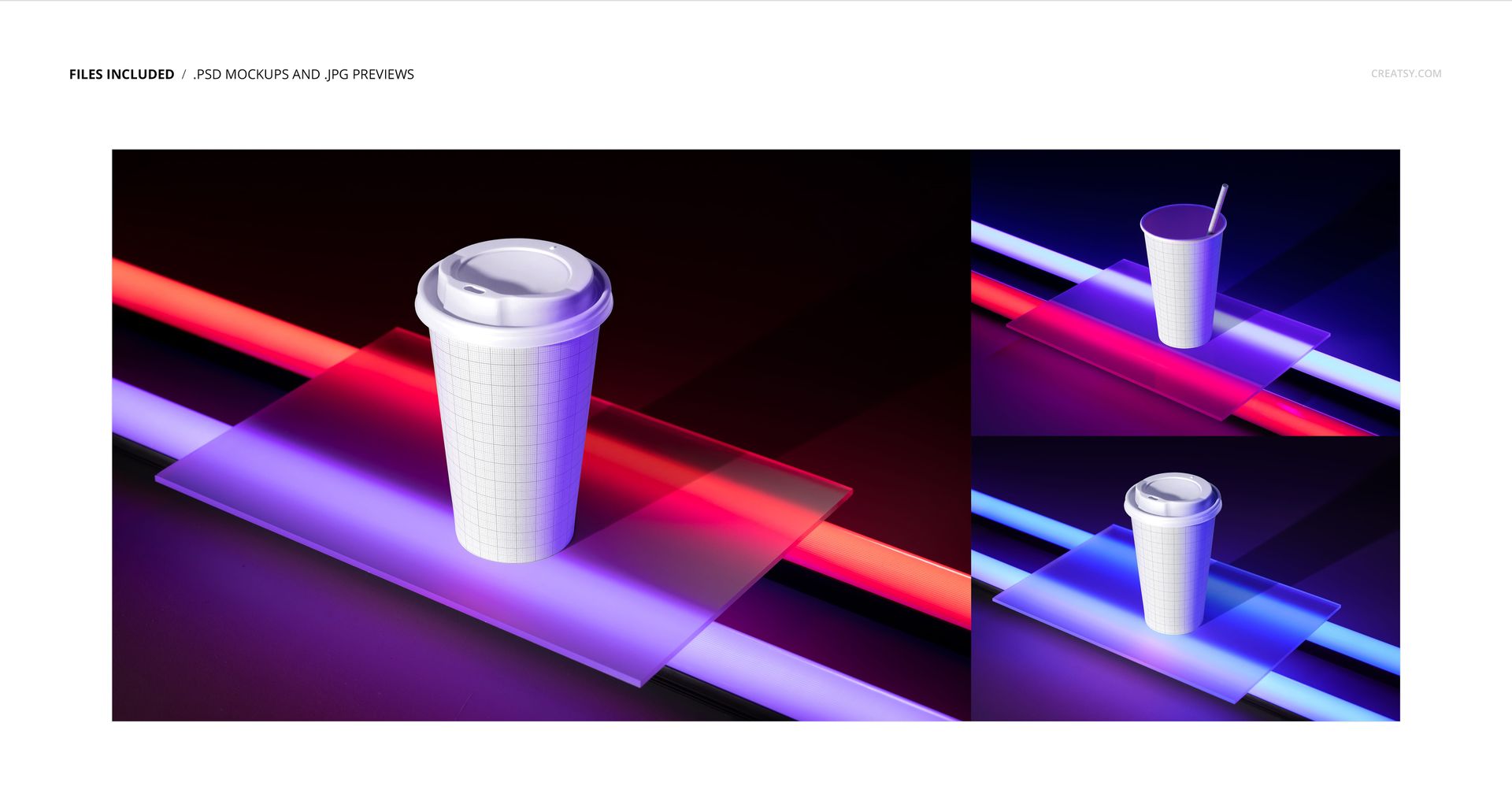
The set includes two lidded cup views and one open-cup composition with a straight straw. Mixed lighting reflects across the acrylic surfaces and cup artwork, helping logos, typography and patterns feel connected to the illuminated setting.
Three Neon-Lit Views
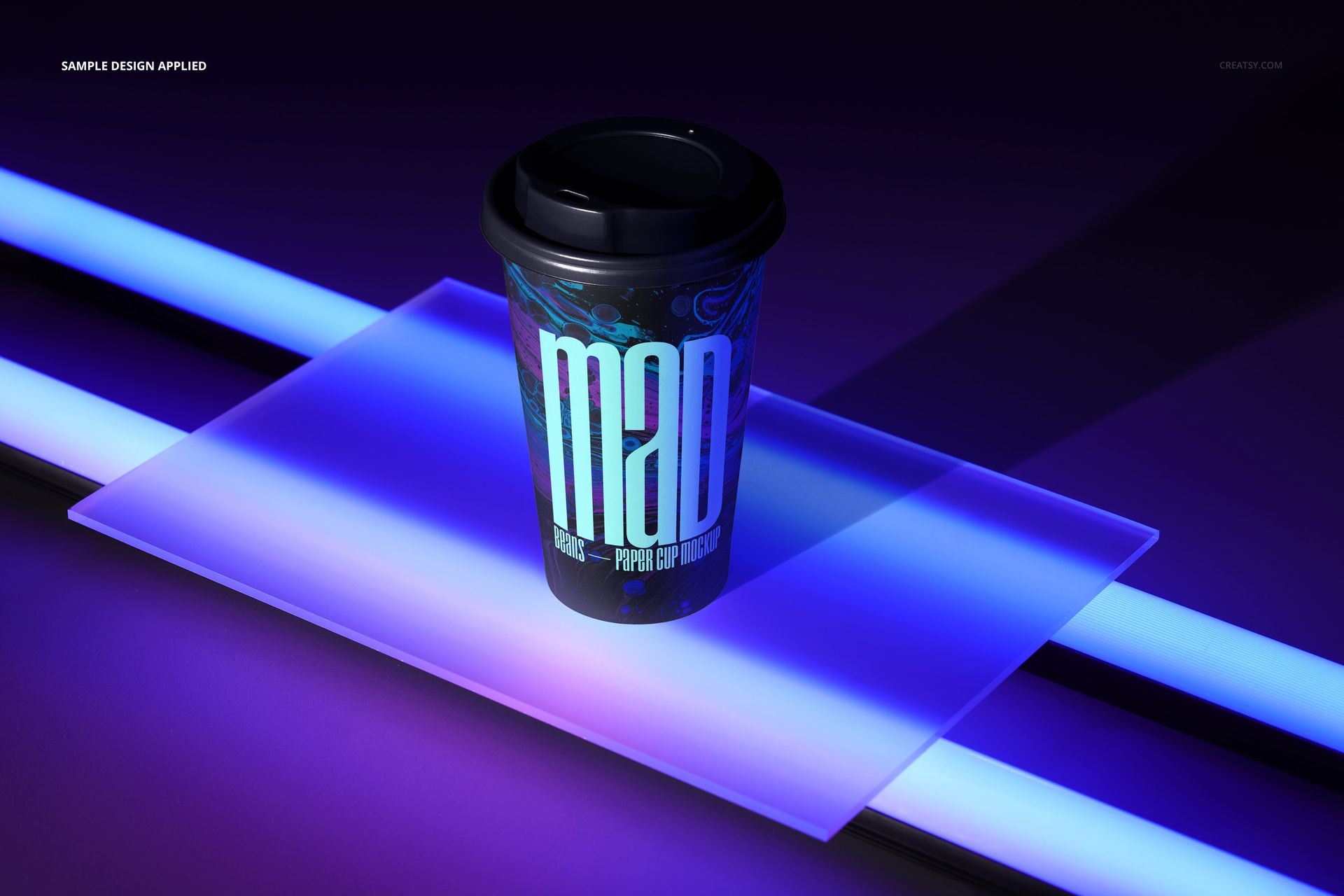
A lidded cup on a blue-lit acrylic panel with crossing light tubes
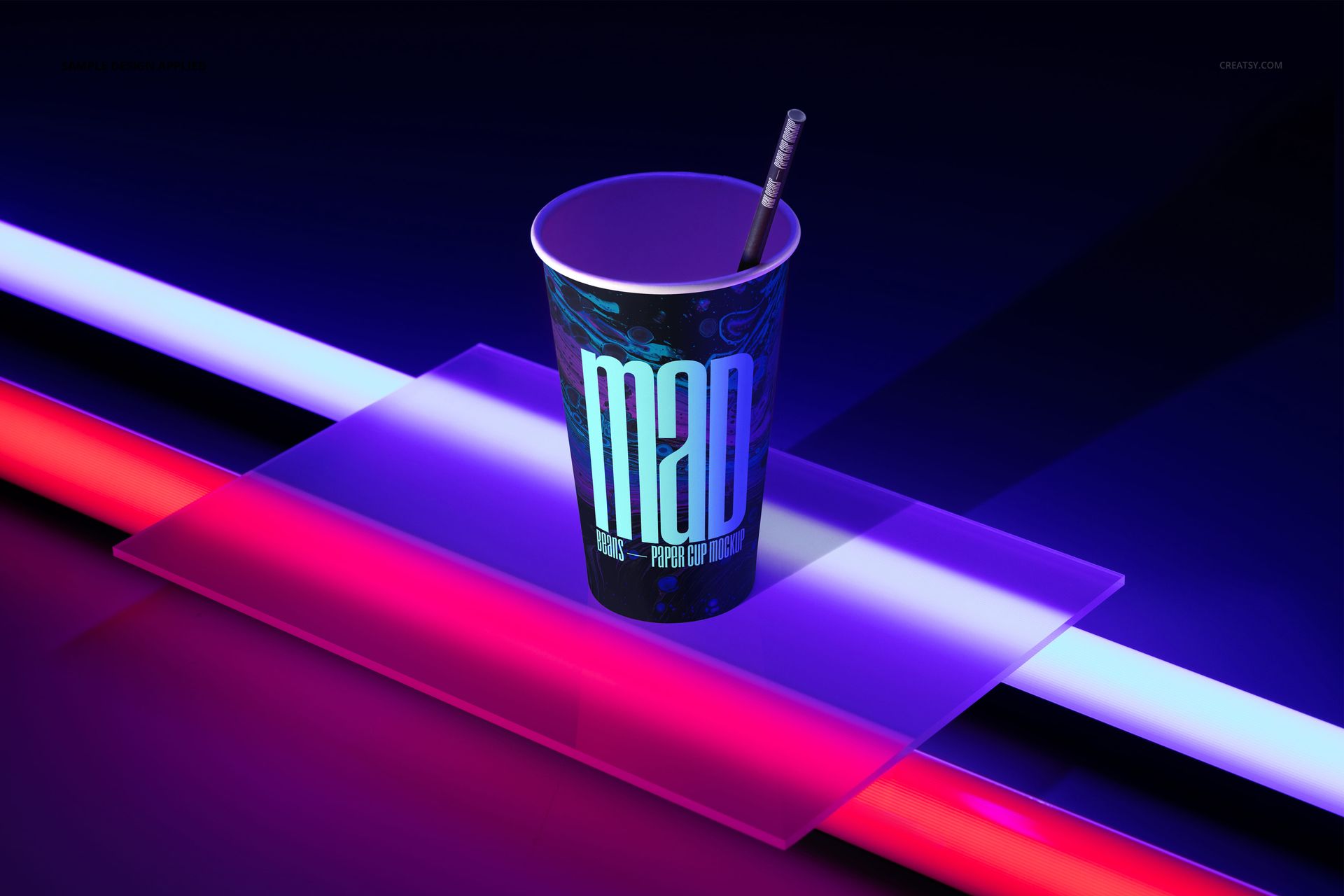
An open paper cup with a straw between red and blue light
A lidded cup framed by red, violet and cool blue illumination
What Is Included
3 layered PSD mockup files
3 landscape JPG reference previews, for 6 files in total
Working size listed as approximately 6000 x 4000 px at 300 DPI
Product-specific support for Adobe Photoshop CS6 or newer and Photopea
Easy Smart Object Editing
Place cup artwork through Smart Objects, then change the colors and designs of the paper cup, straw, lid and background as stated in the product details. Organized layers keep the prepared perspective, acrylic reflections and directional lighting connected to each scene.
Perfect For
The glowing compositions suit beverage brands, cafes, event teams and creative studios preparing nightlife promotions, limited-edition drink graphics, music venue campaigns, festival concepts, portfolio work and client presentations.
Preview Artwork Credit
Product preview imagery is credited to Creatsy®. No separate external author is identified for the sample cup graphics. This is a digital mockup product, and the sample artwork and physical objects shown in the previews are not included.