Paper Cup Mockup Bundle
Creatsy in Mockups / Paper Cups
Product Details
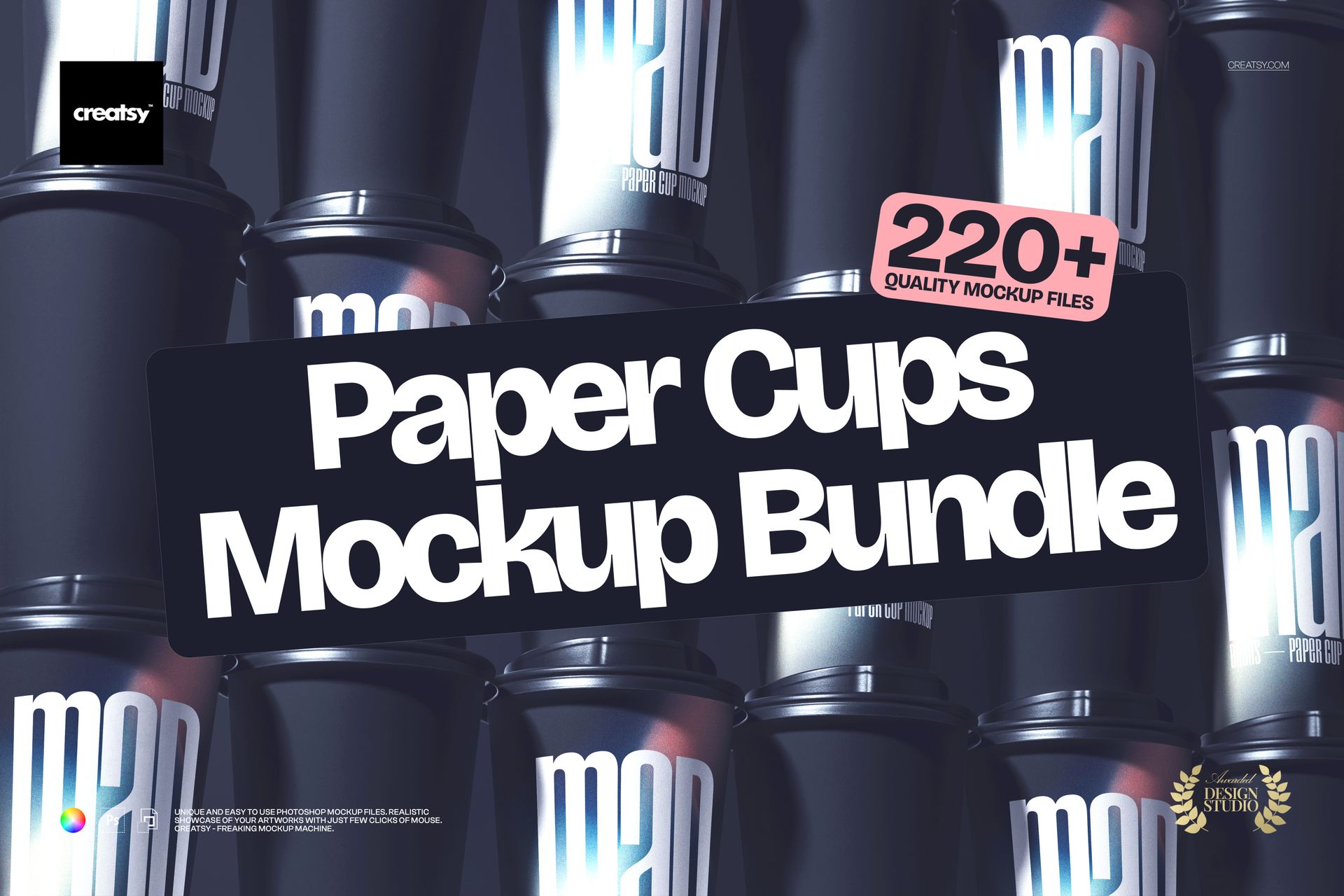
Paper Cup Mockup Bundle
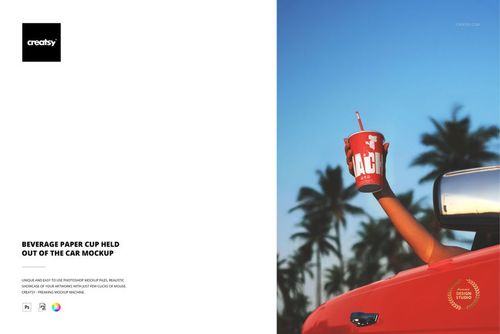
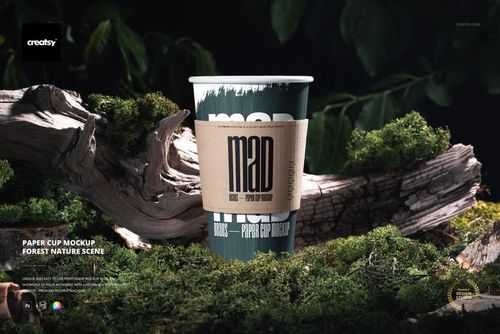
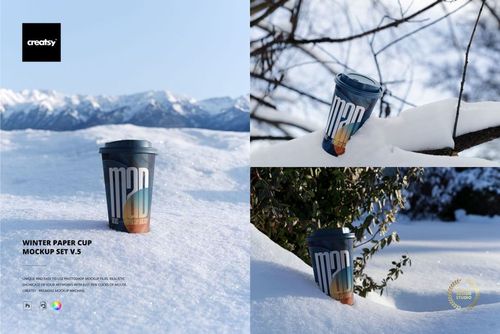
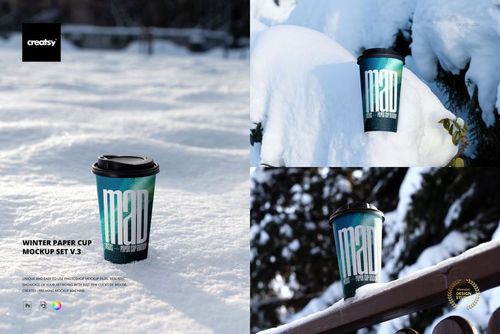
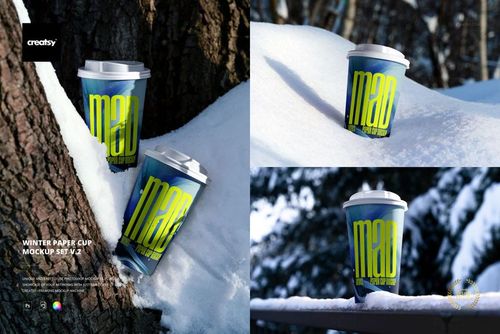
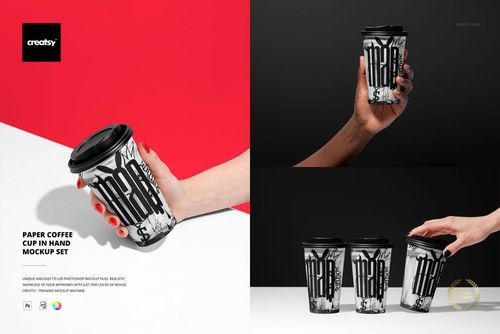
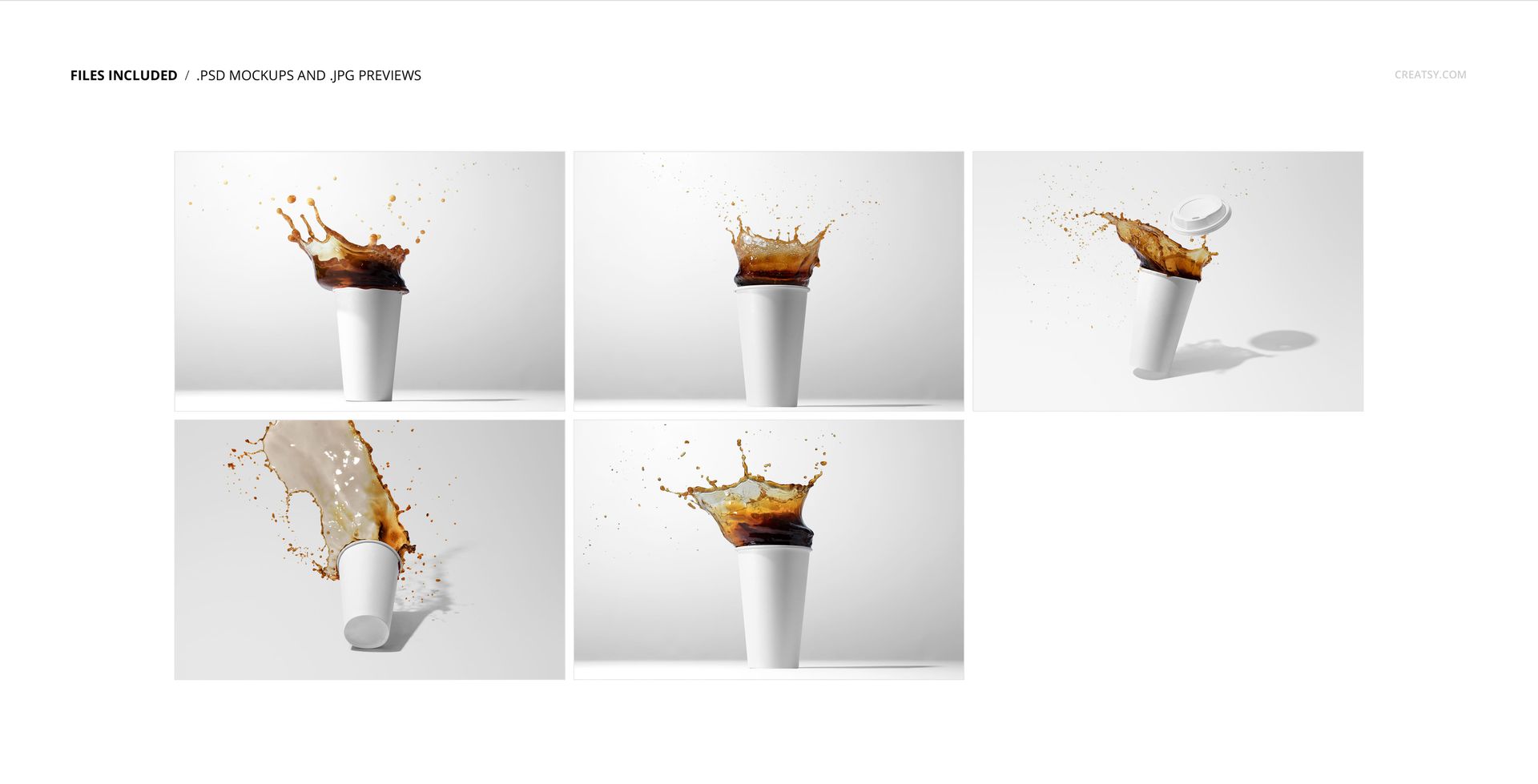
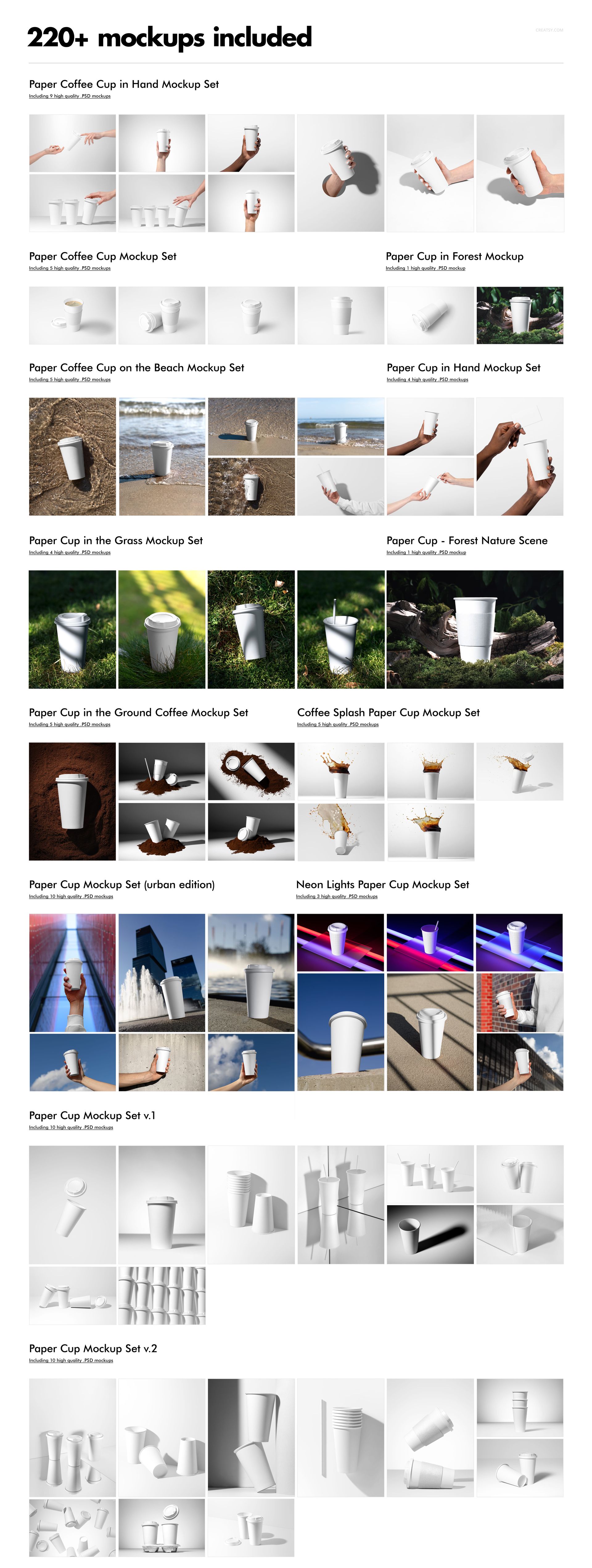
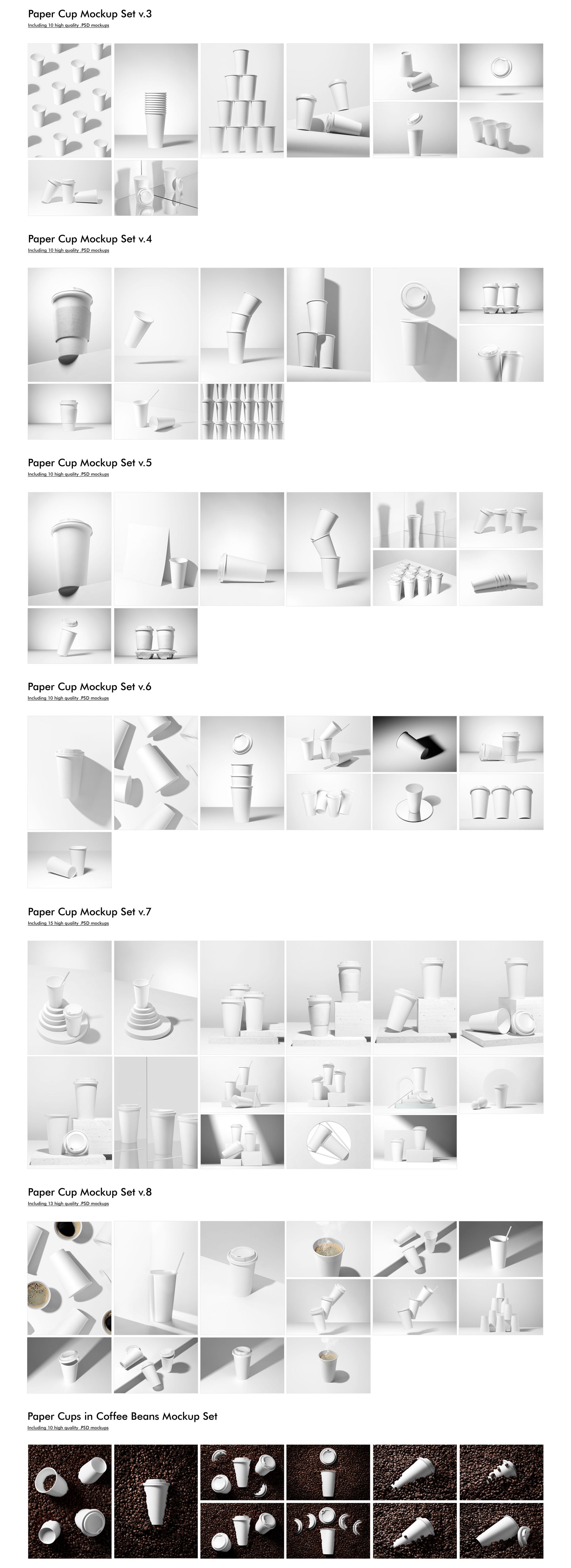
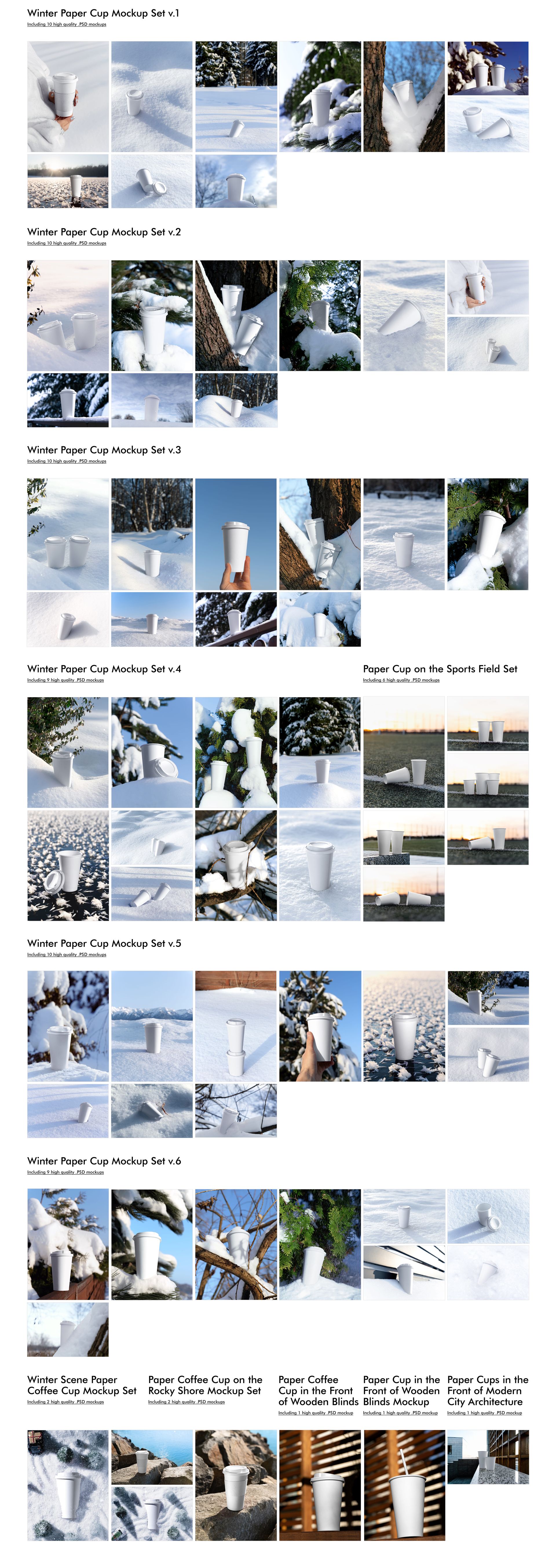
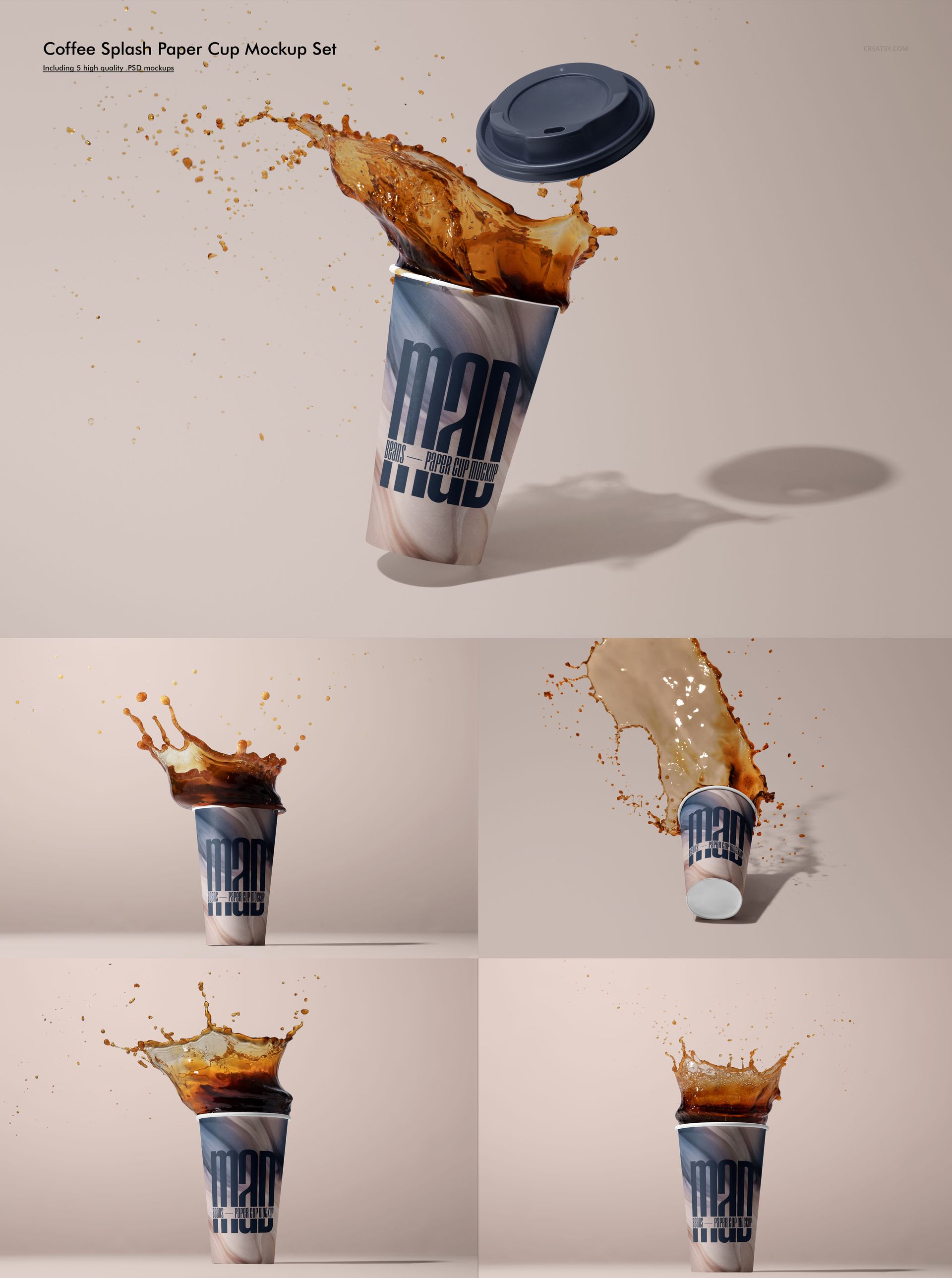
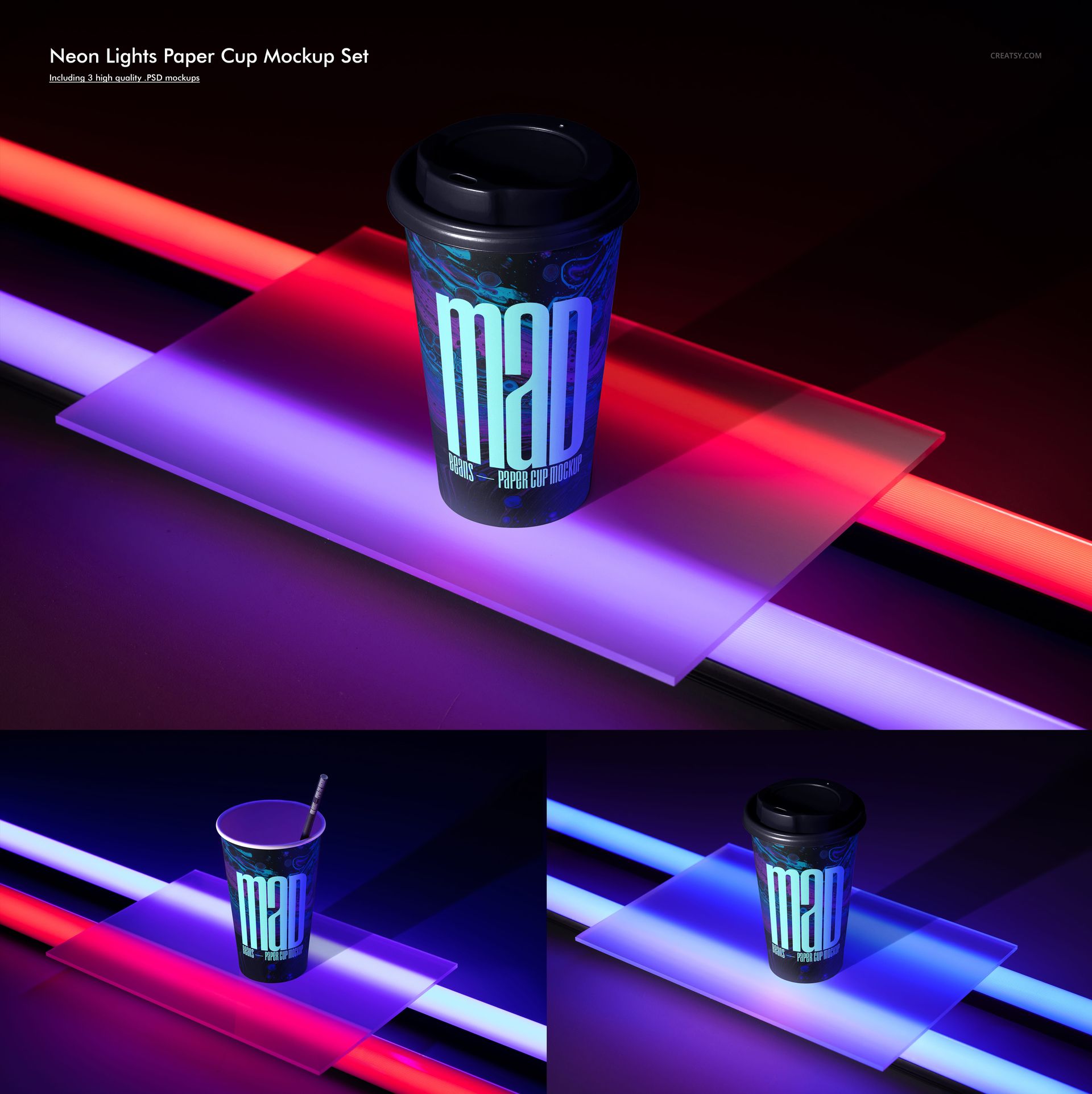
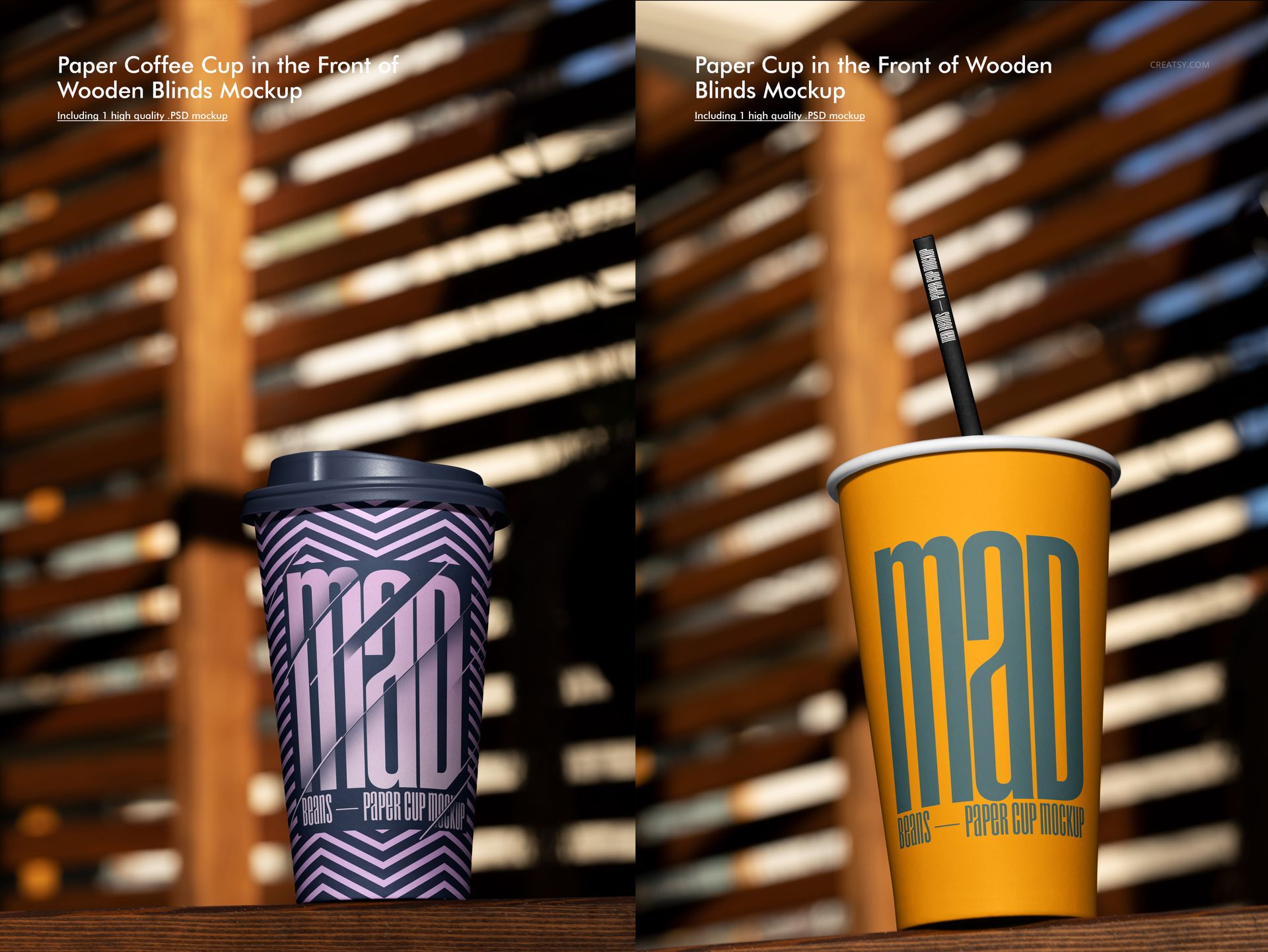
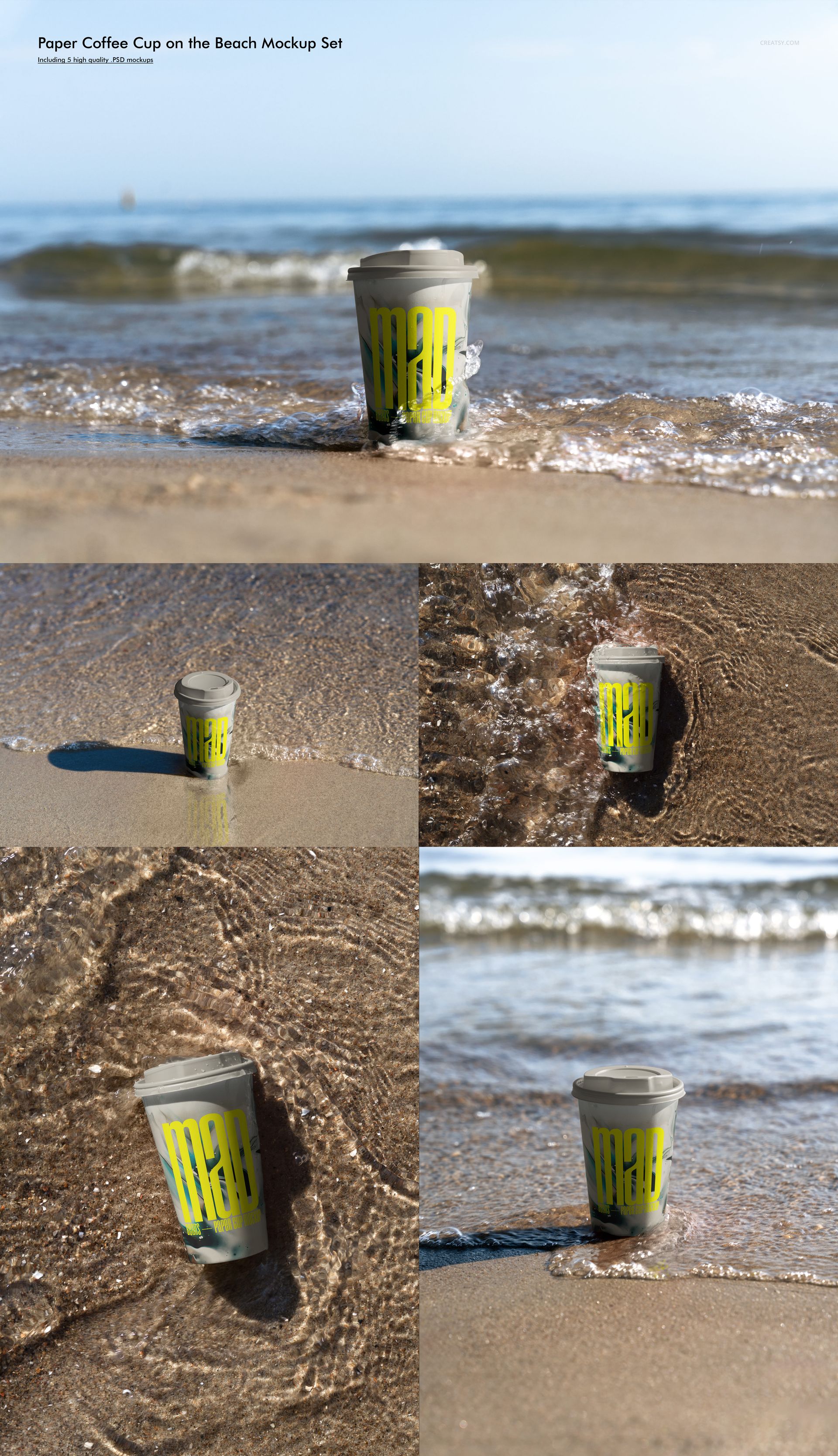
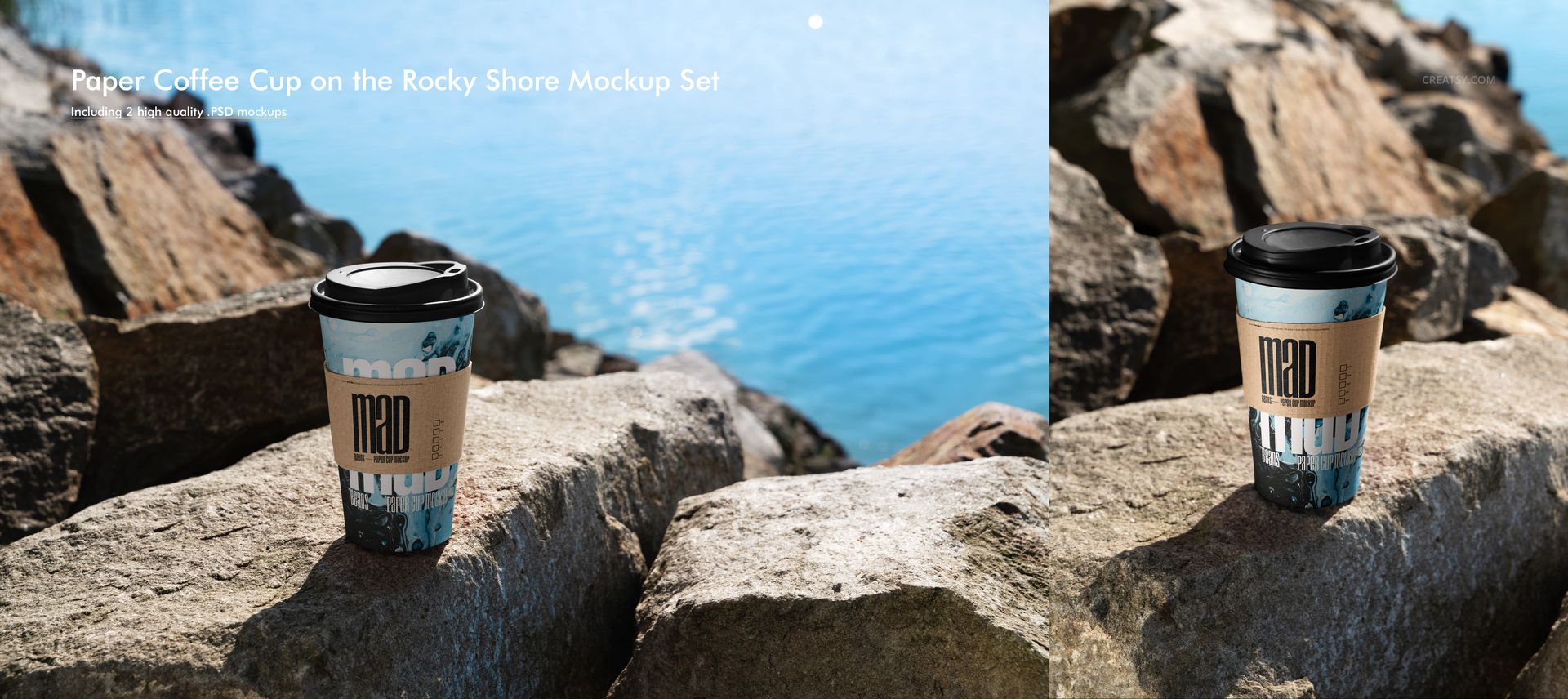
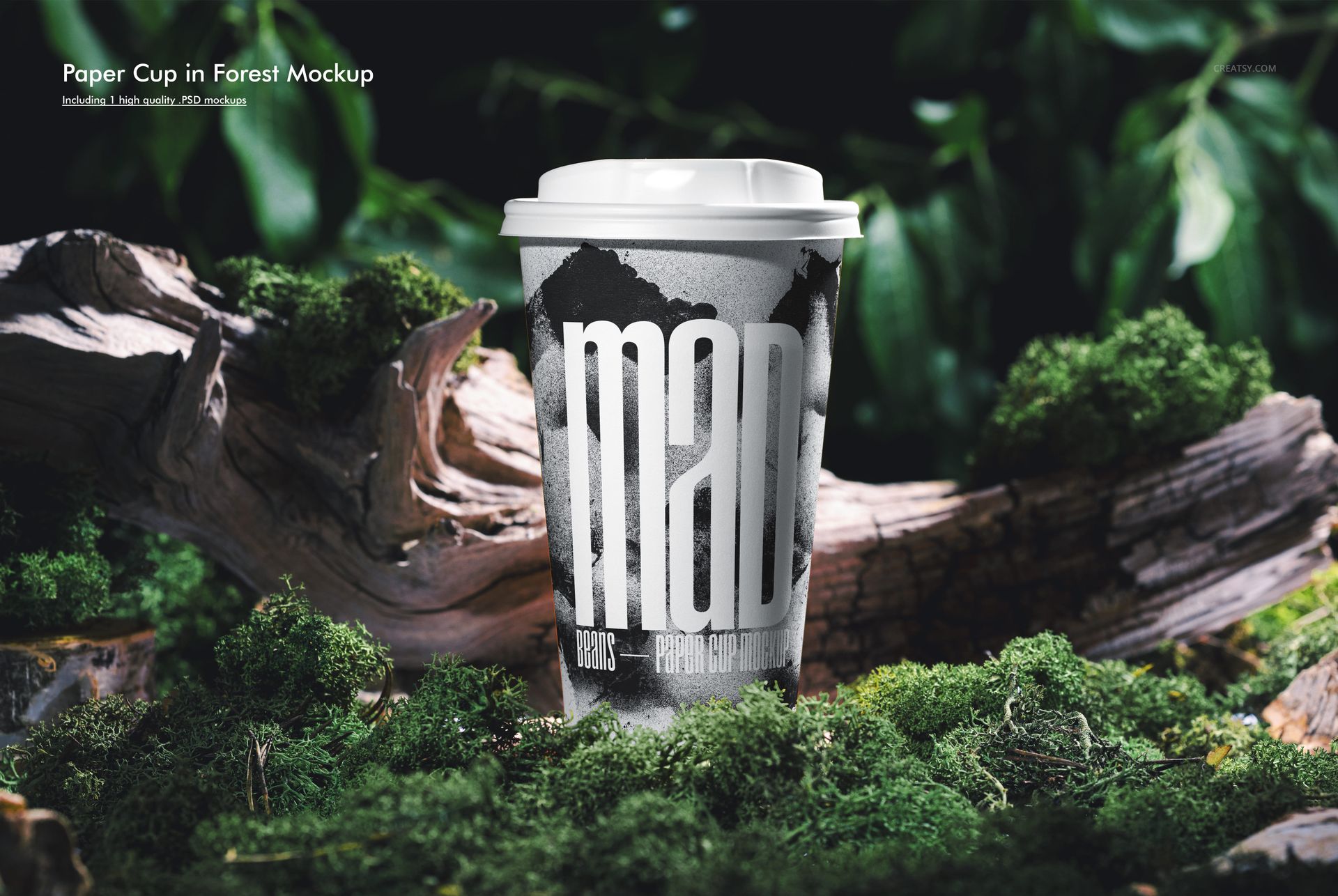
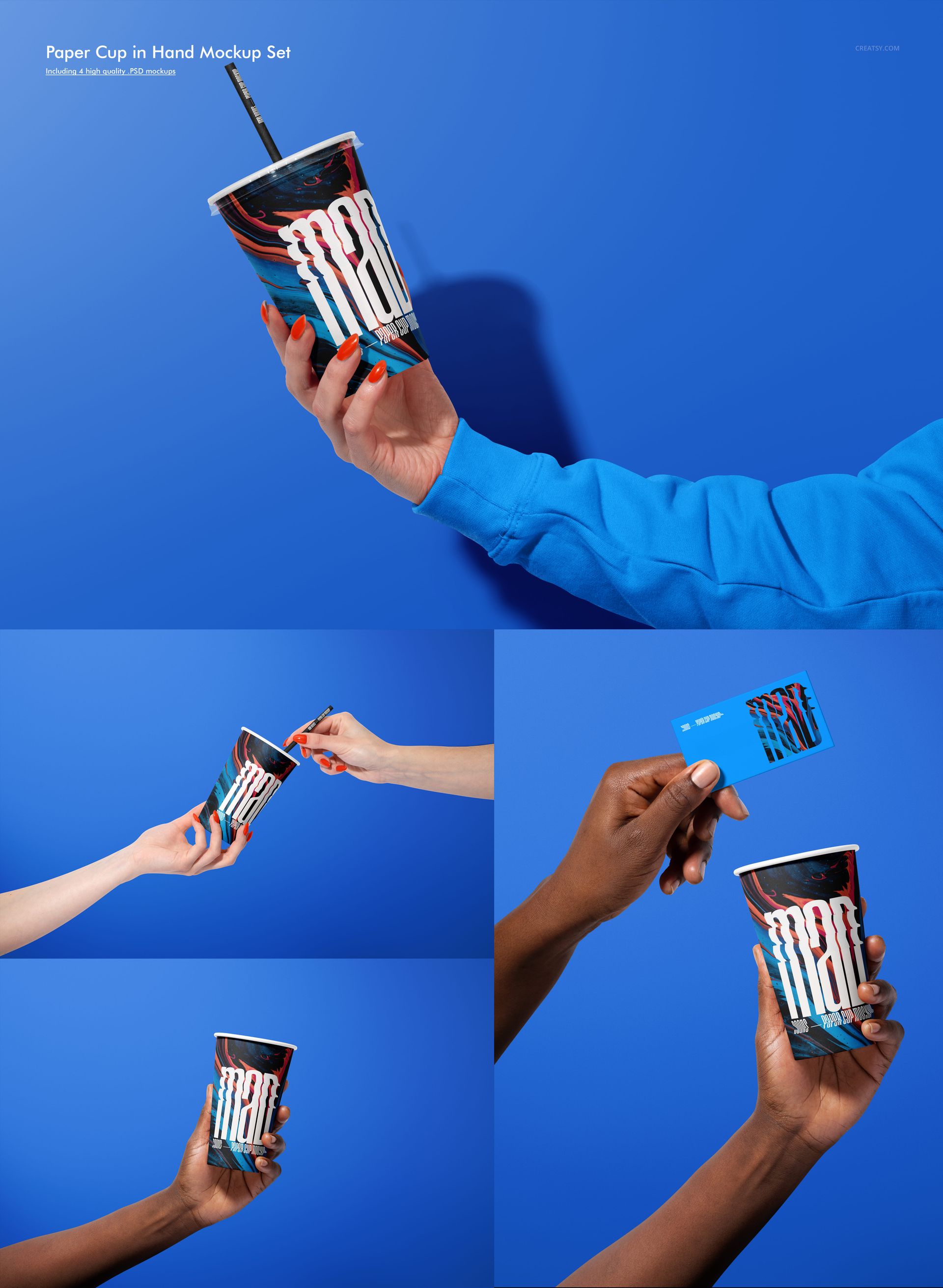
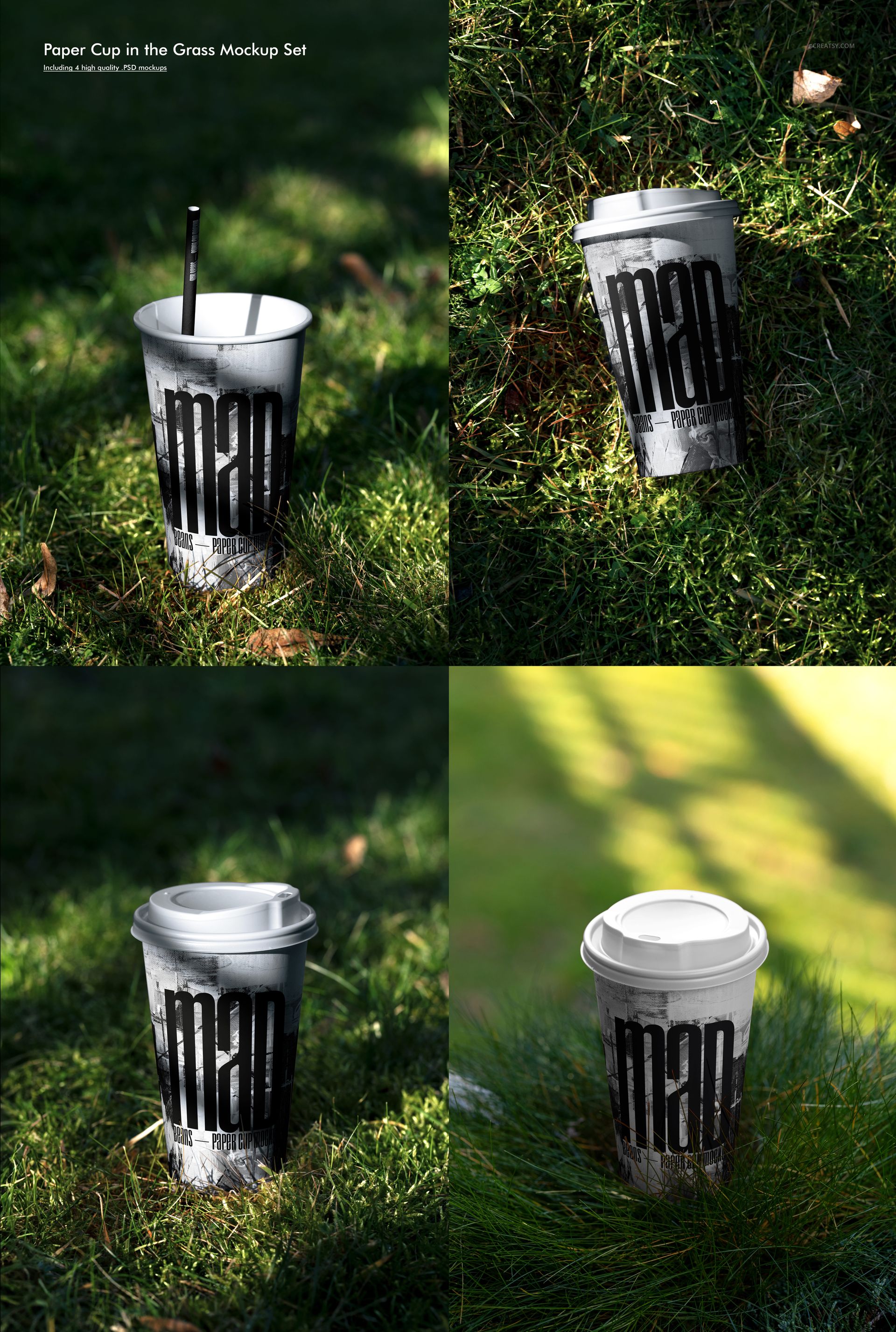
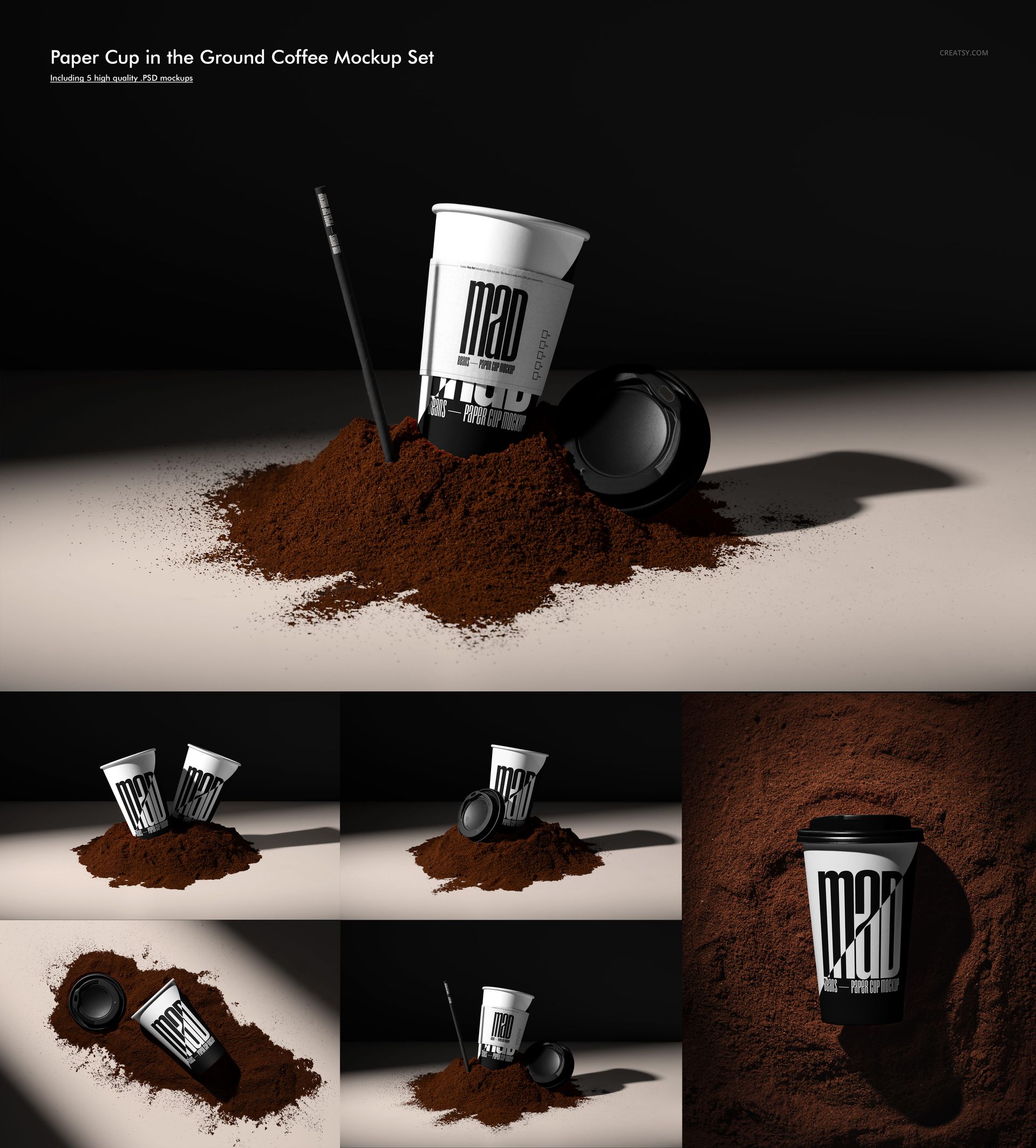
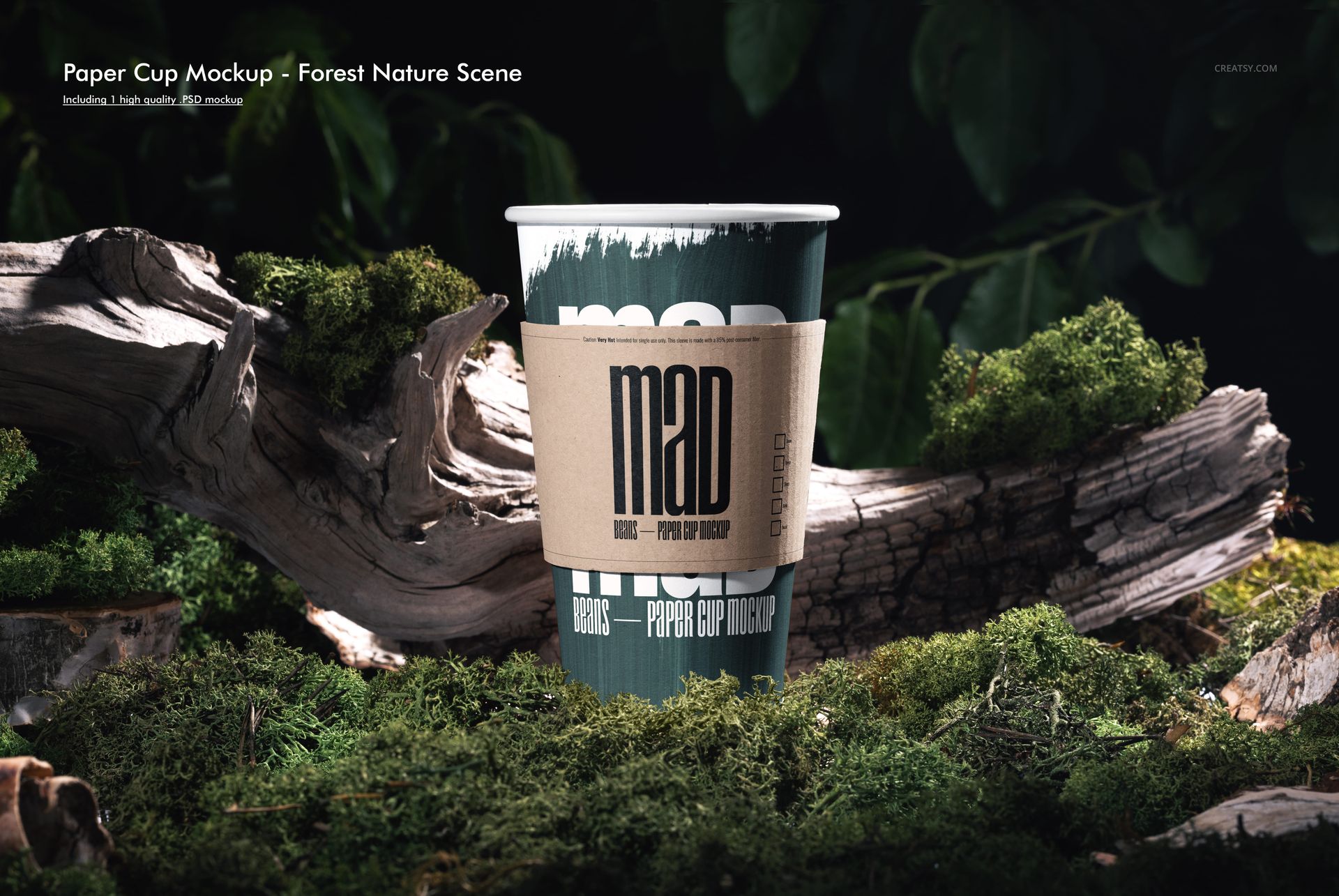
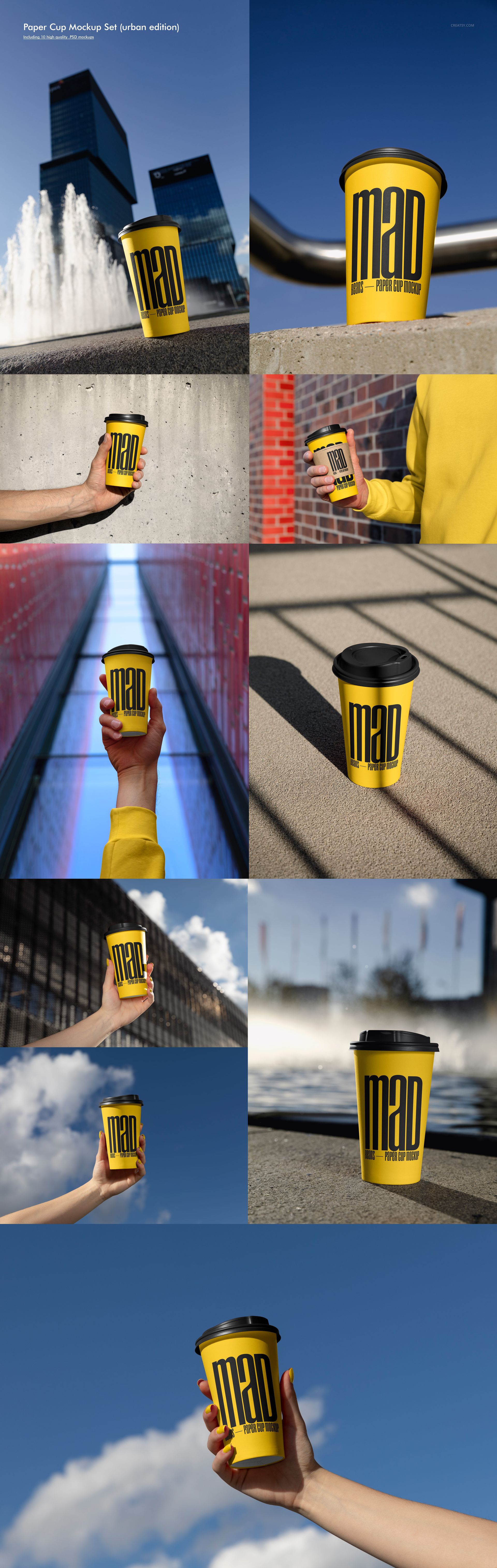
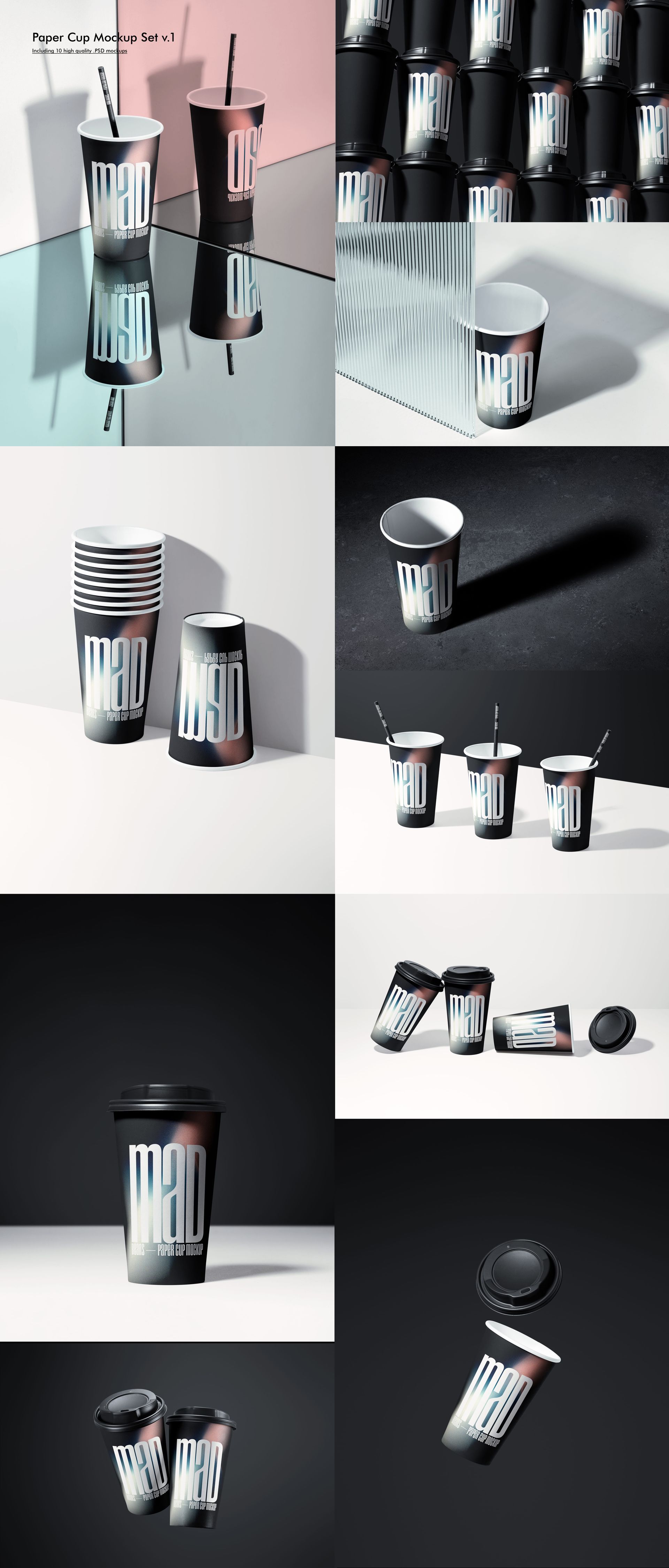
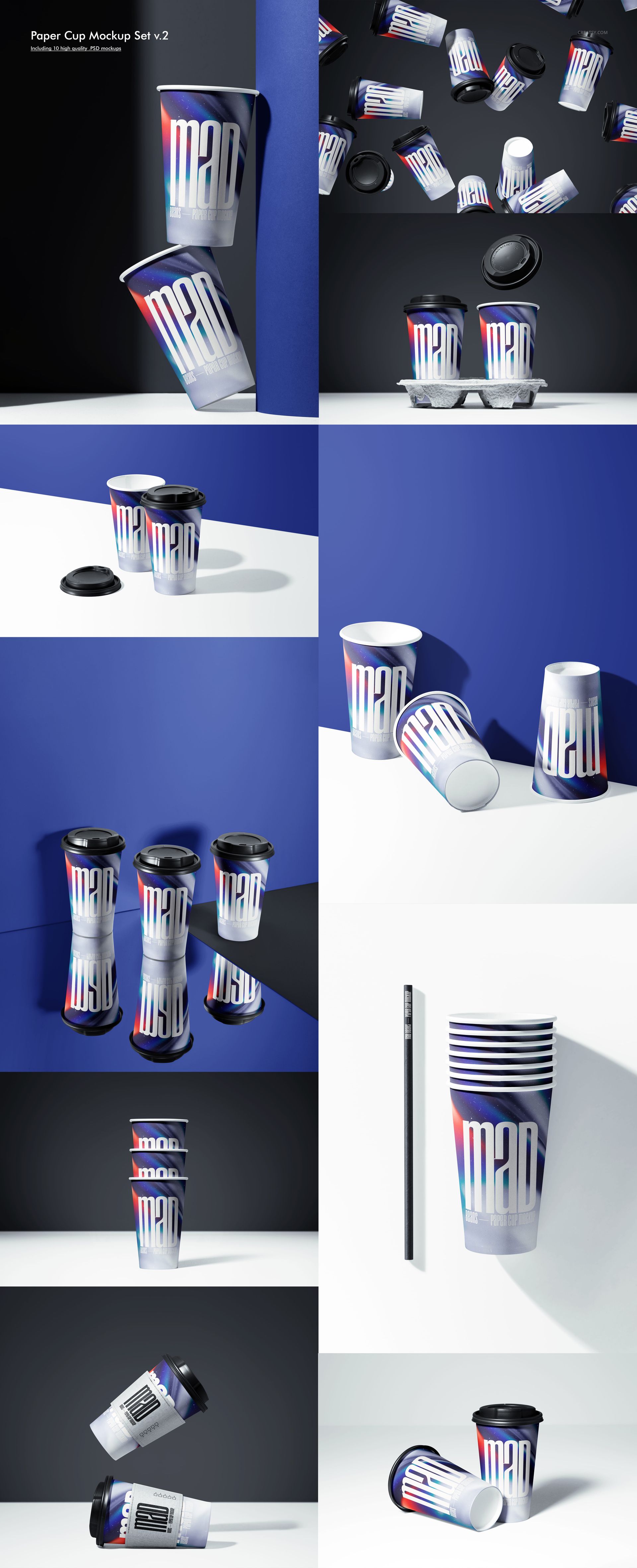
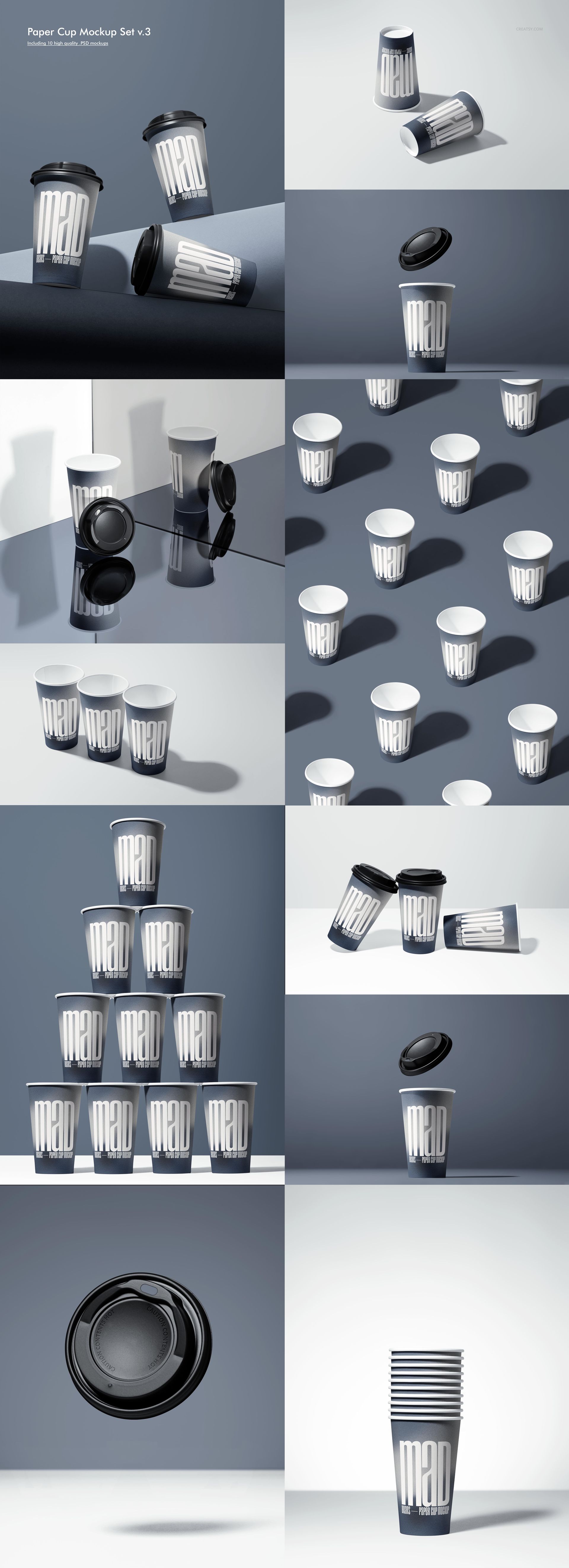
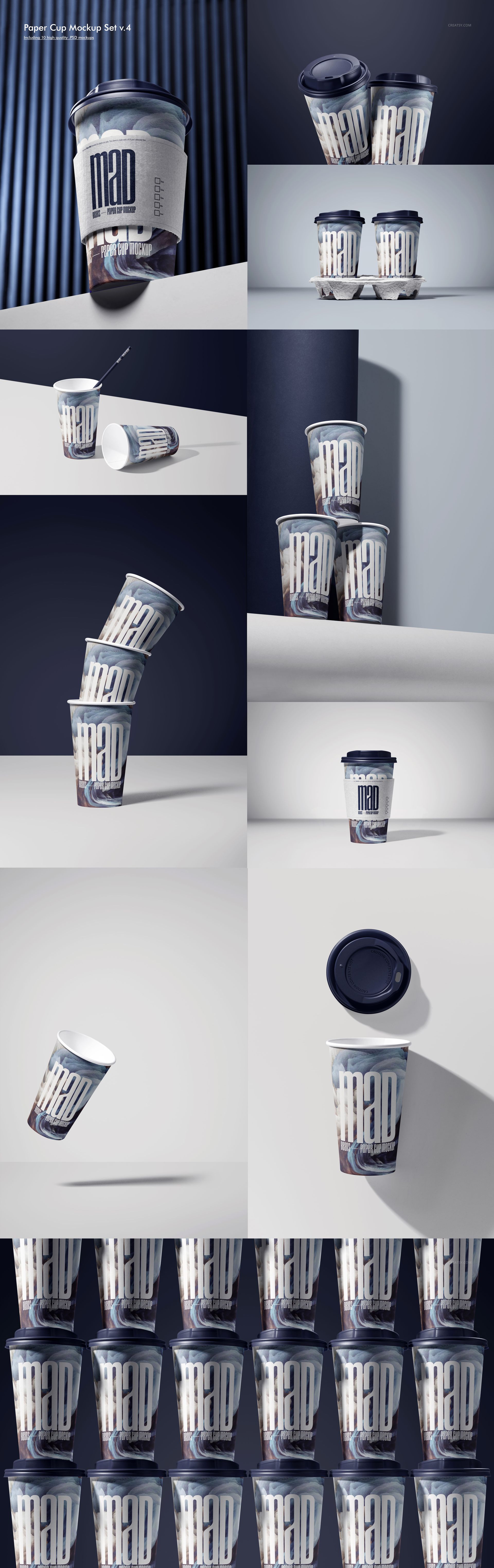
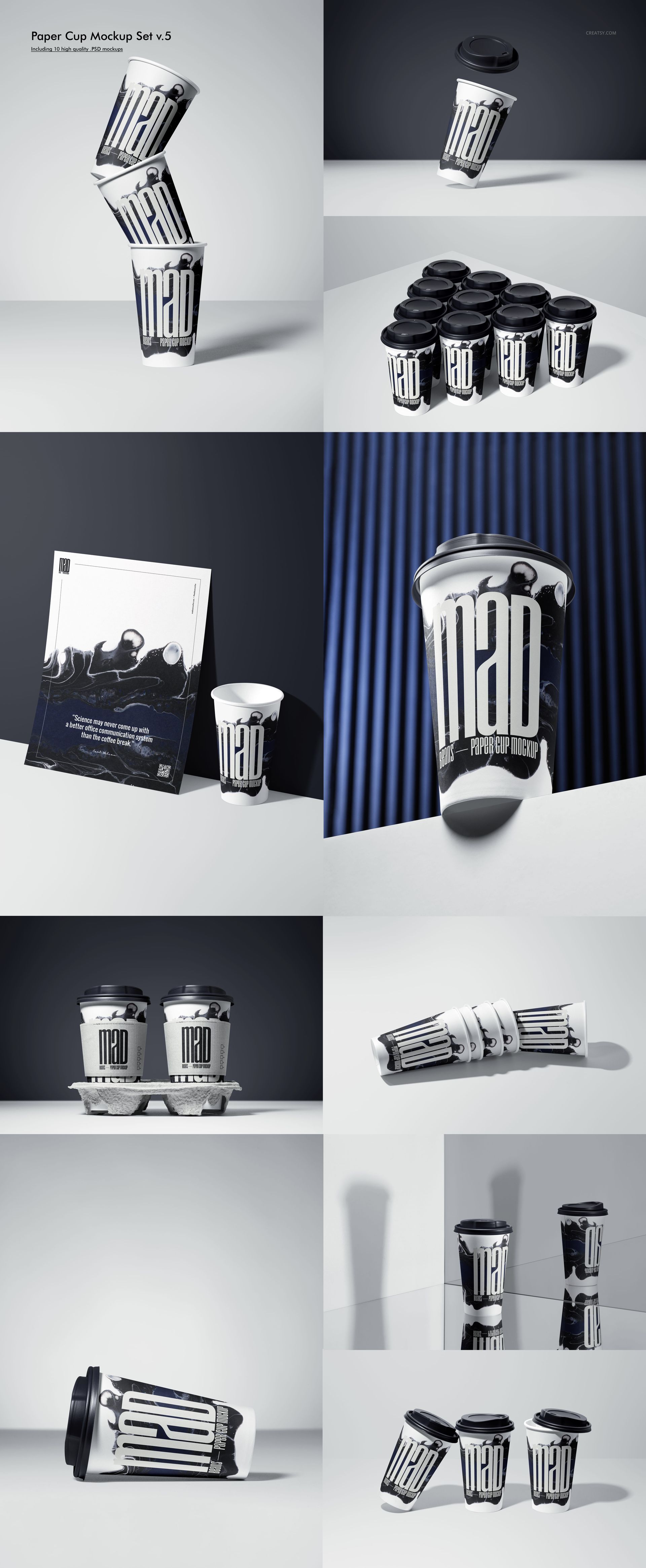
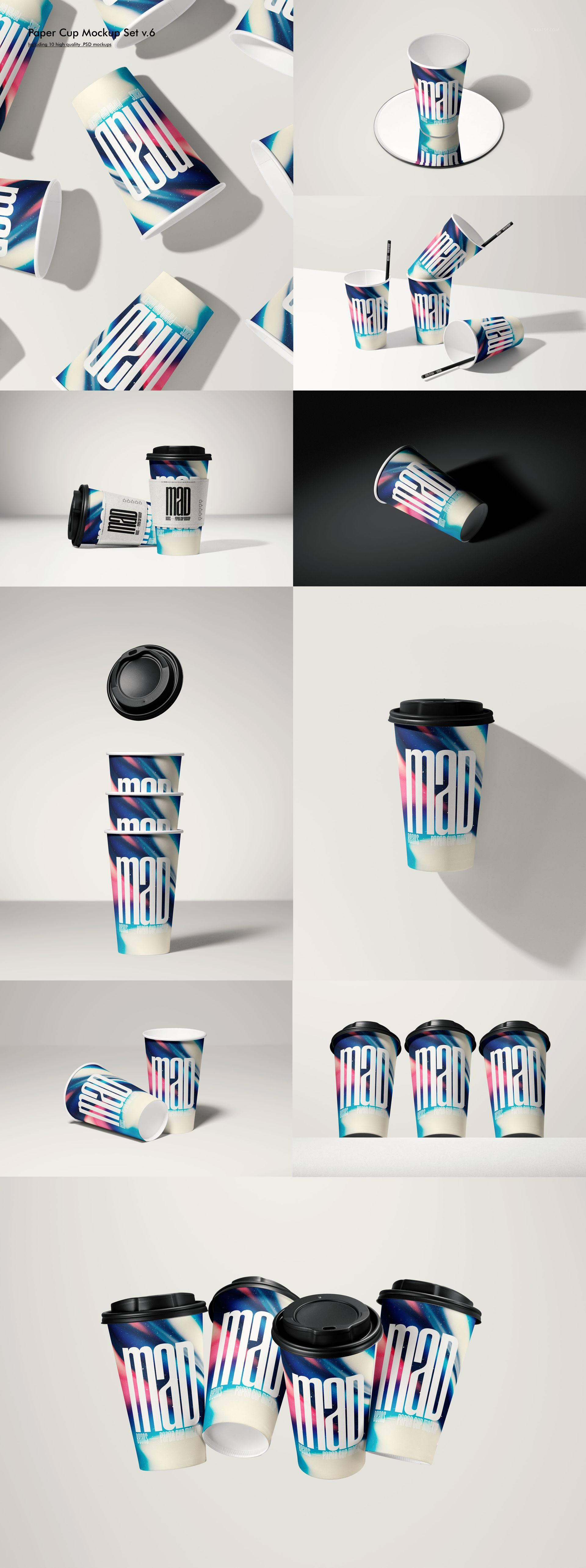
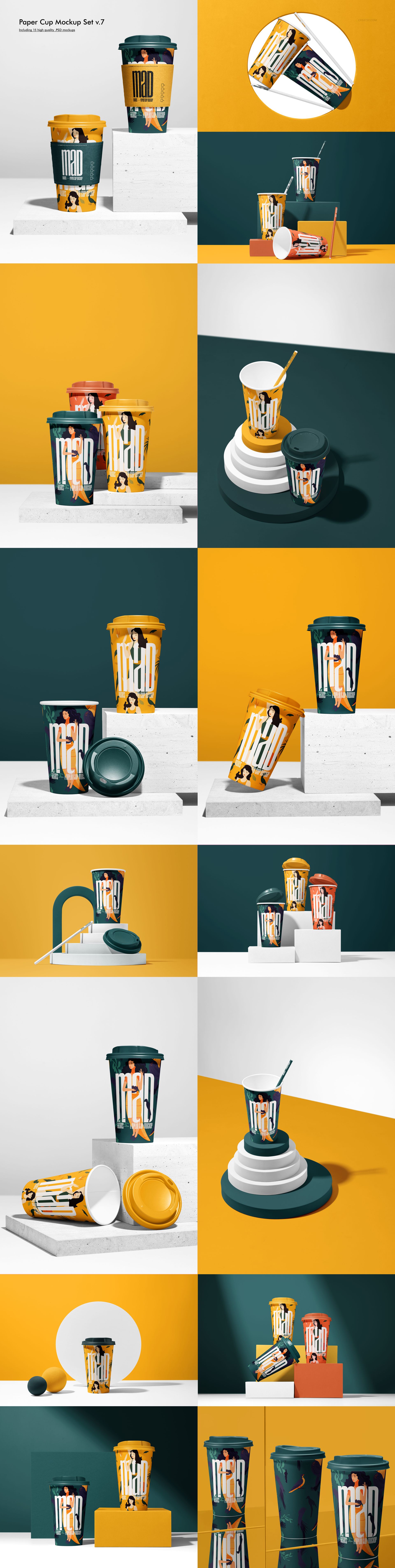
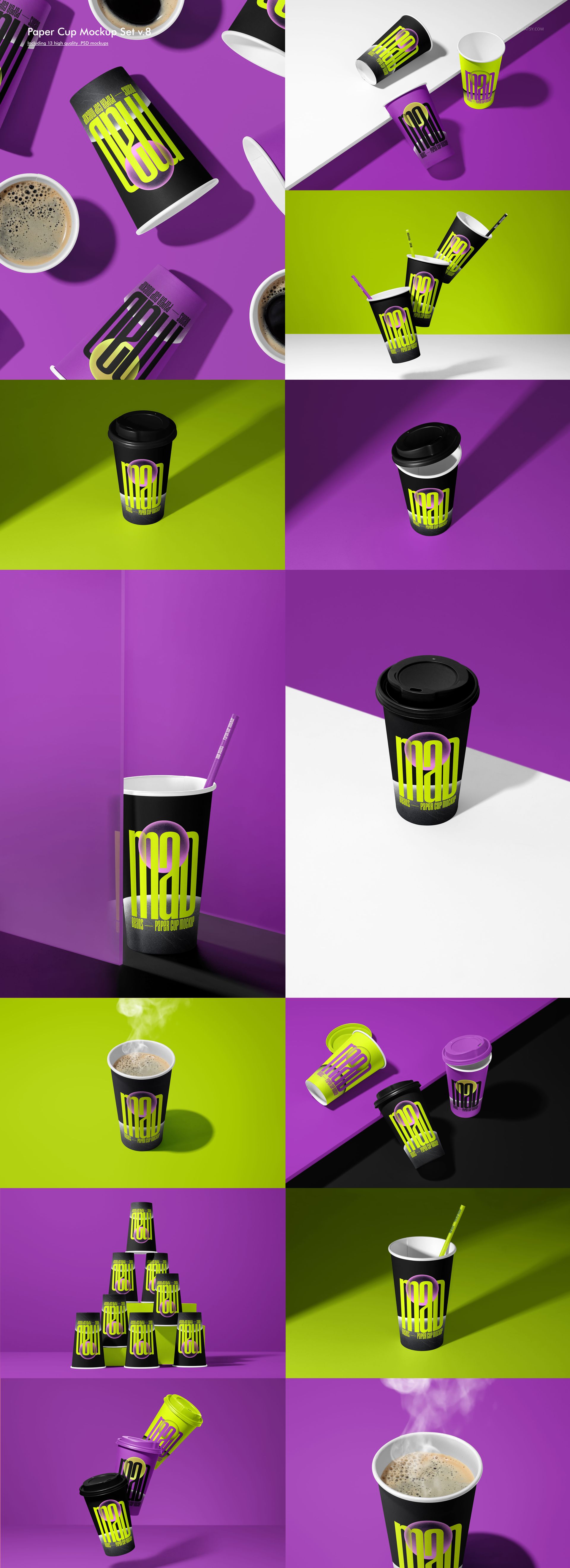
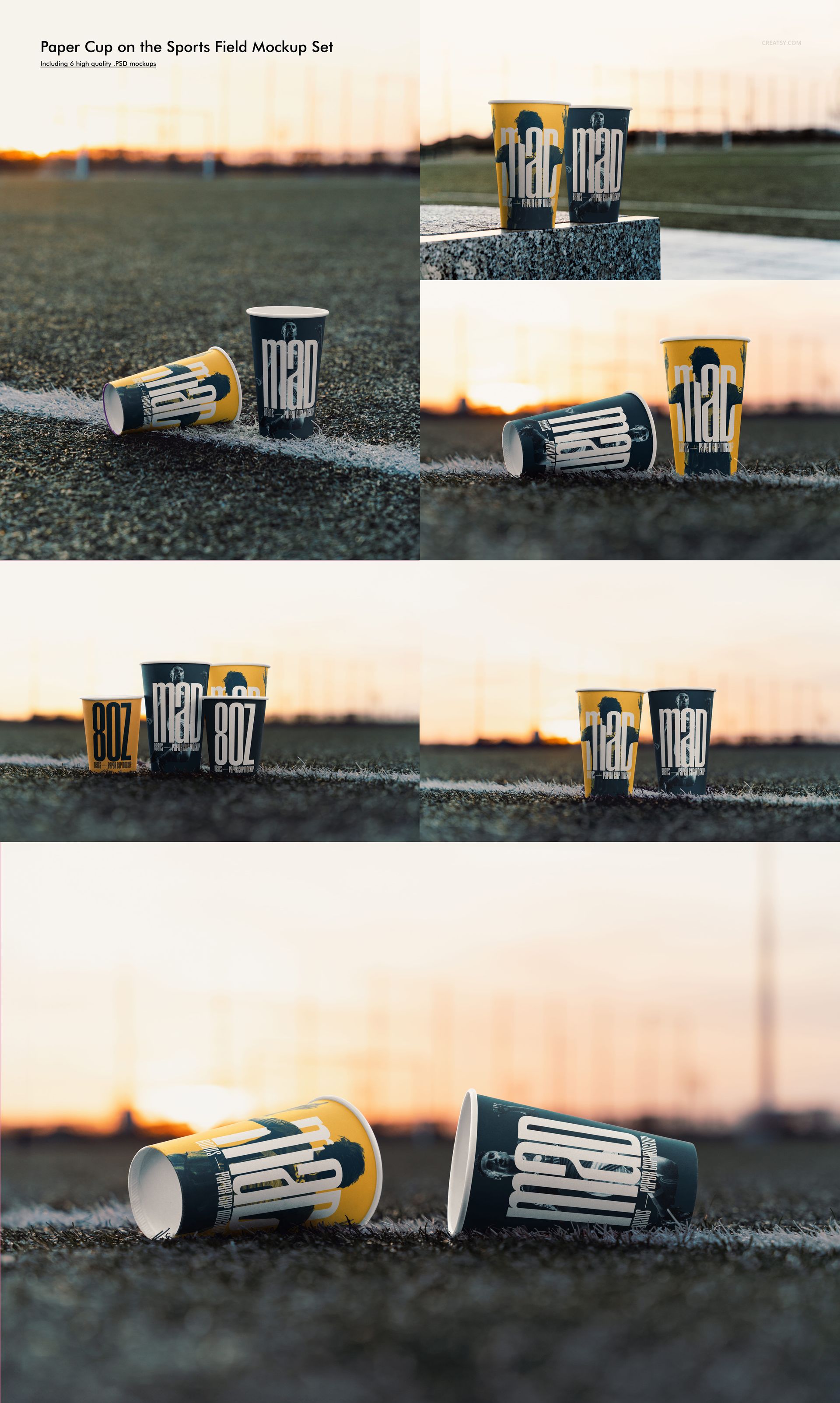
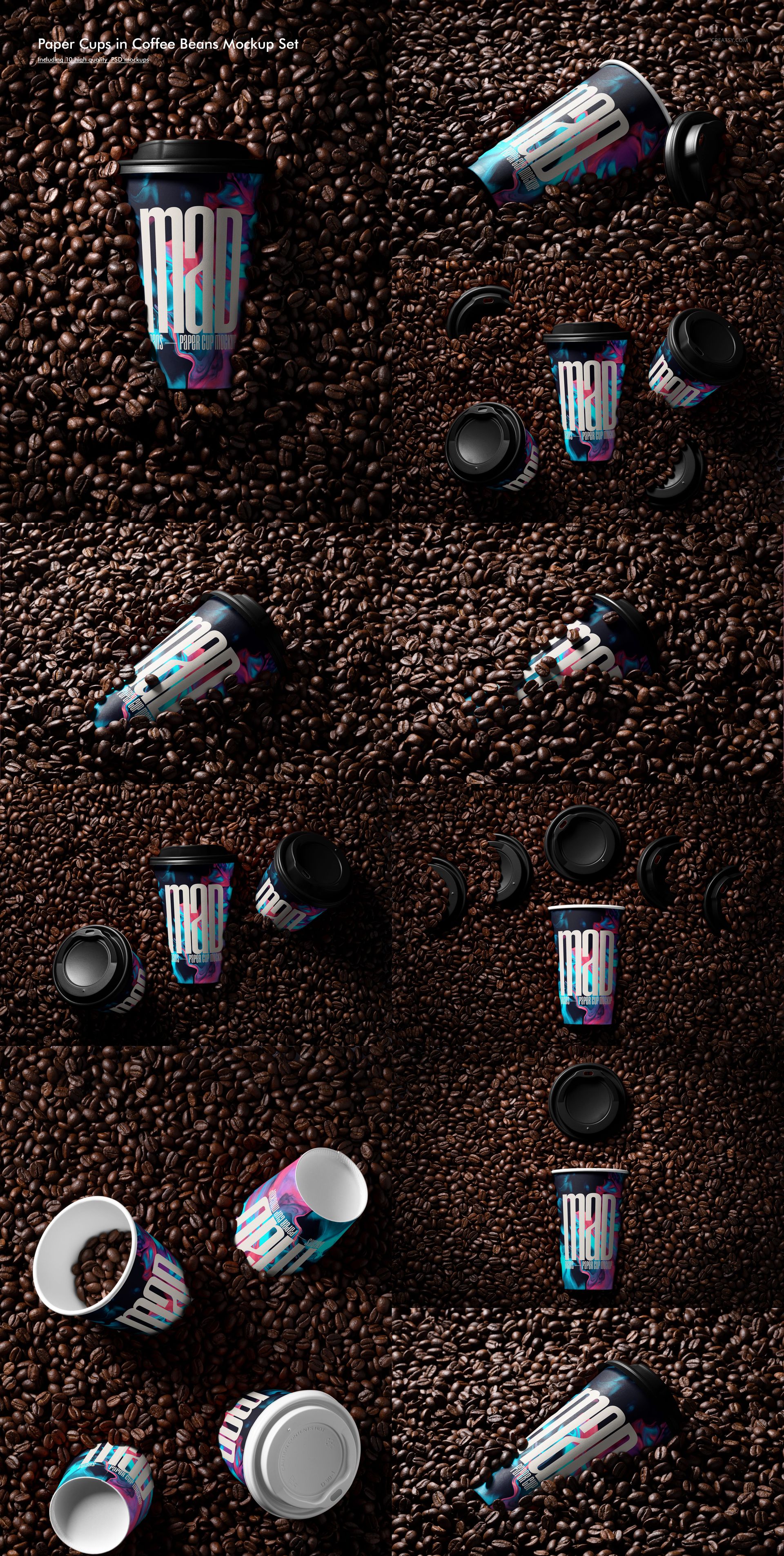
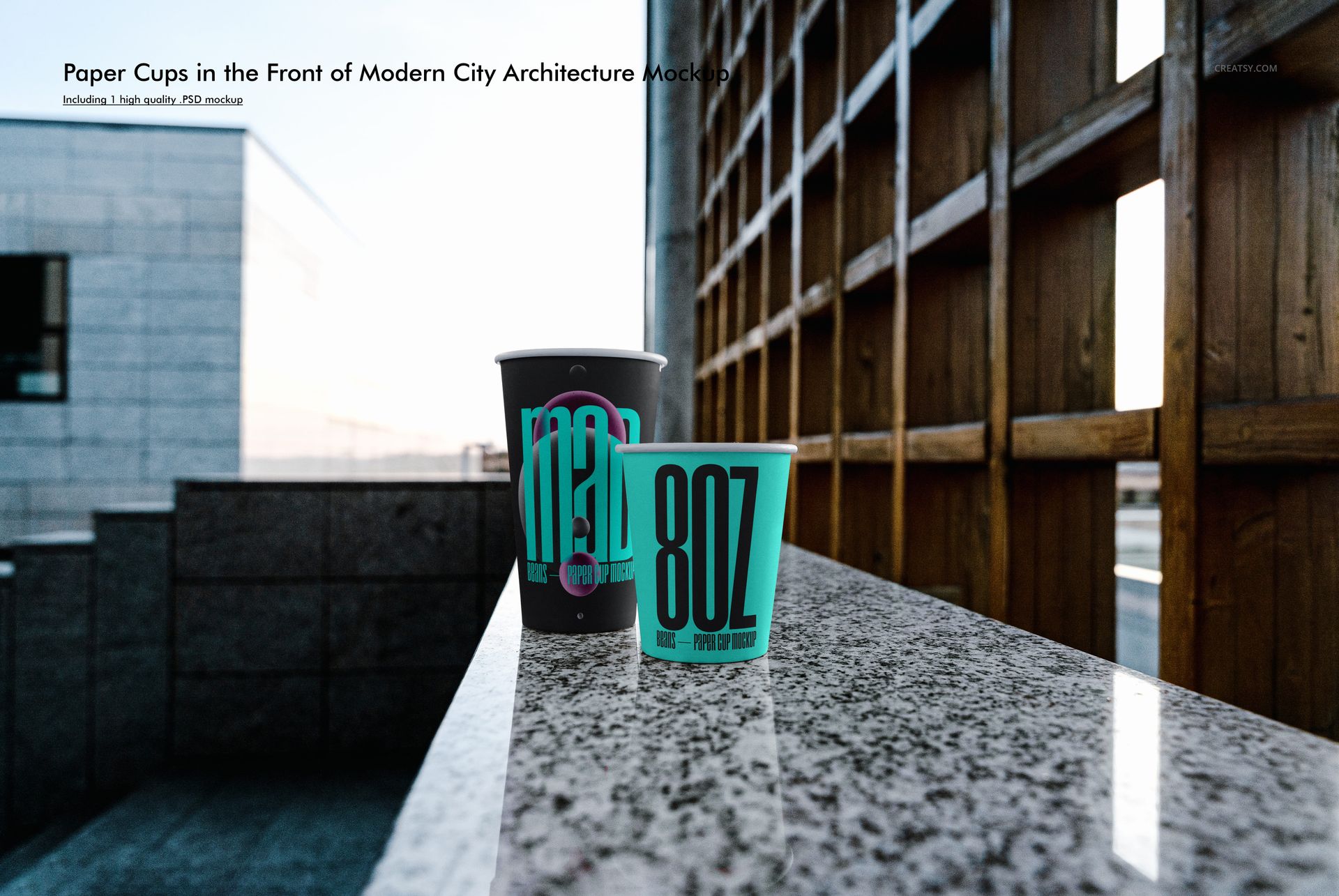
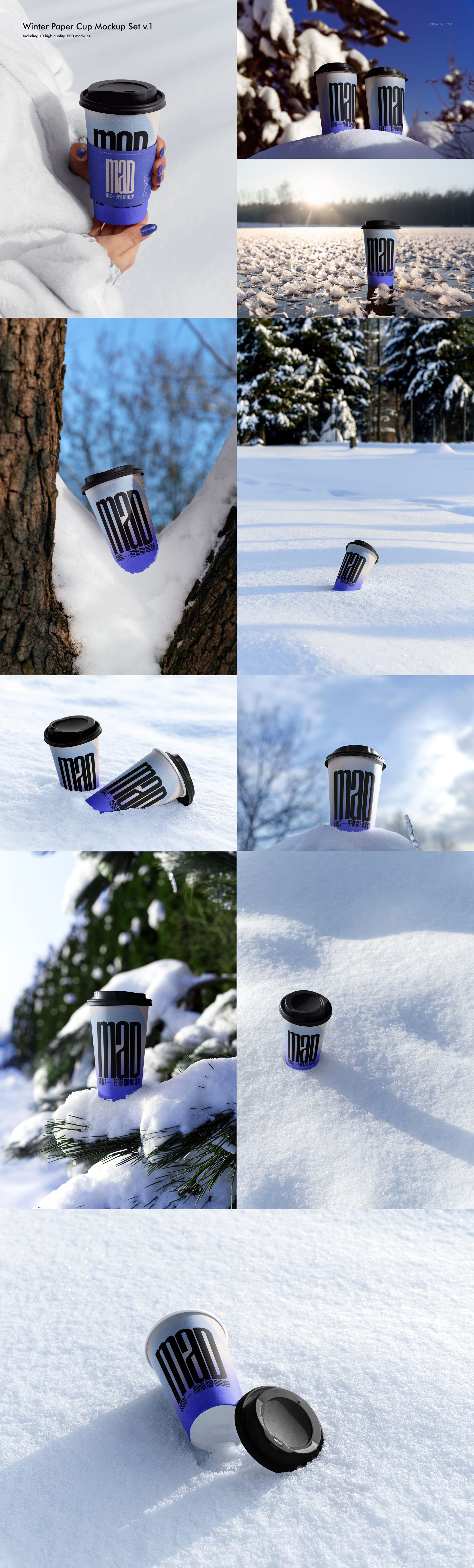
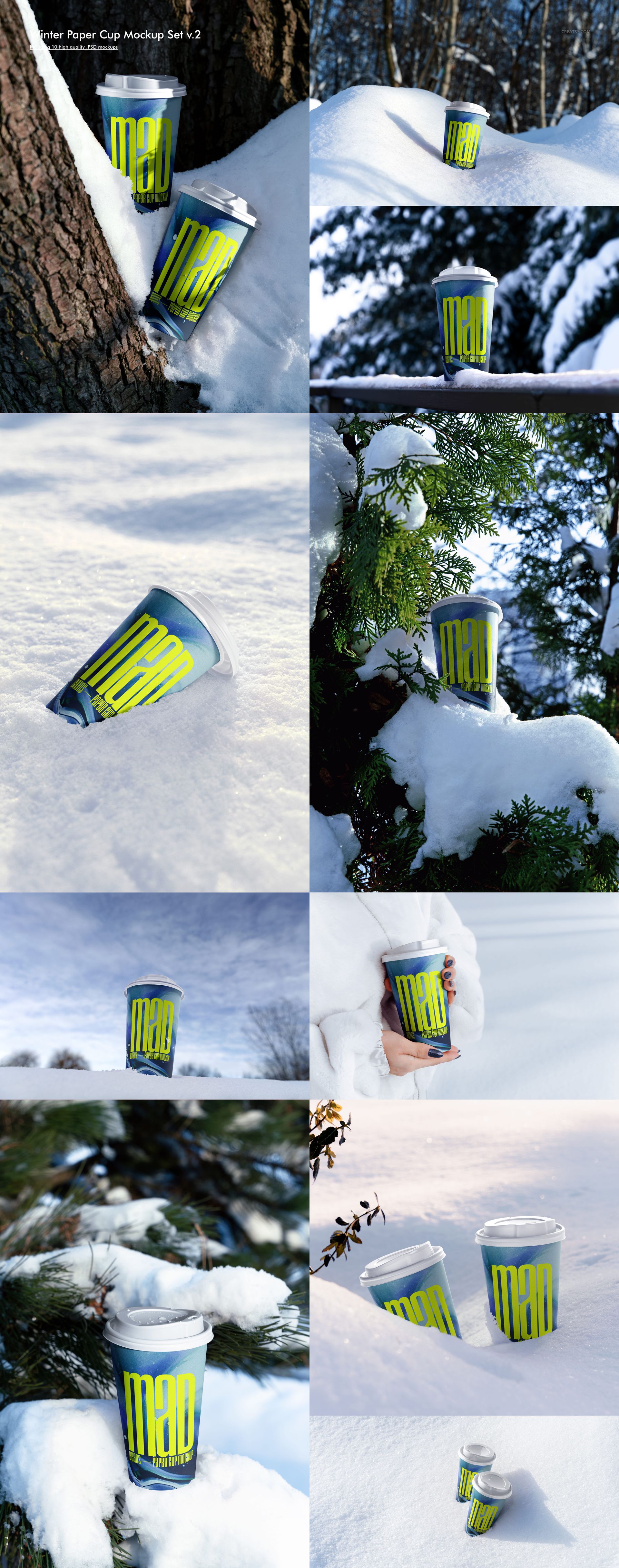
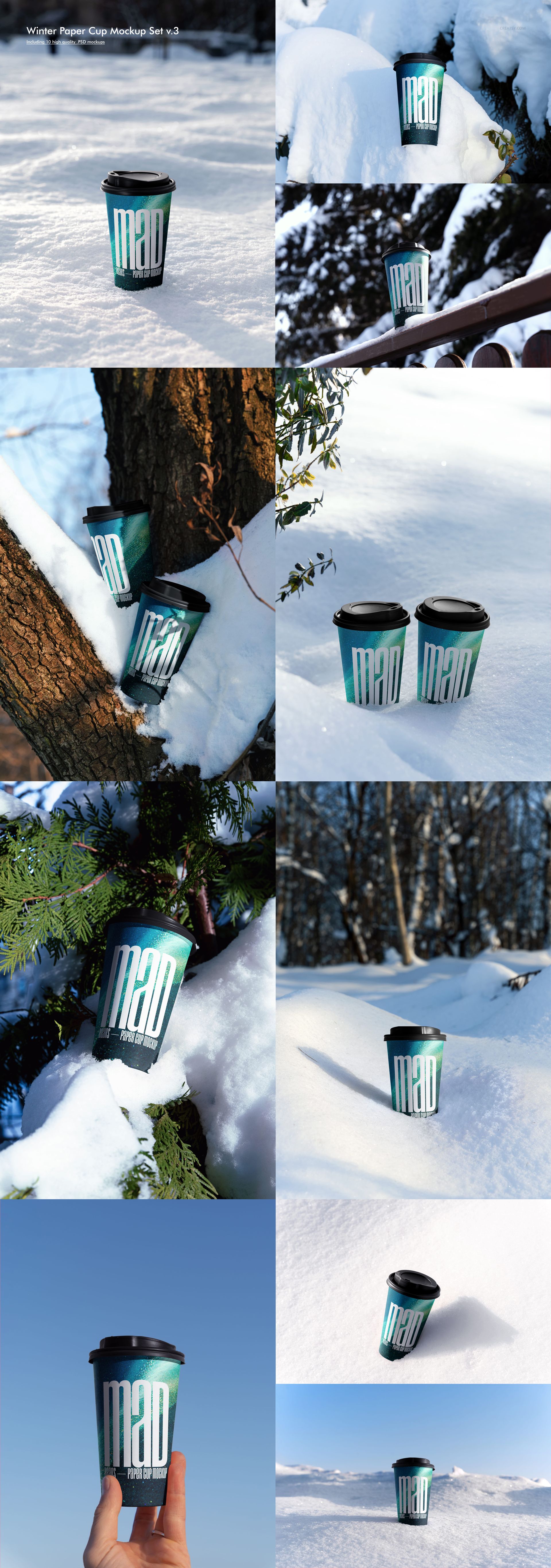
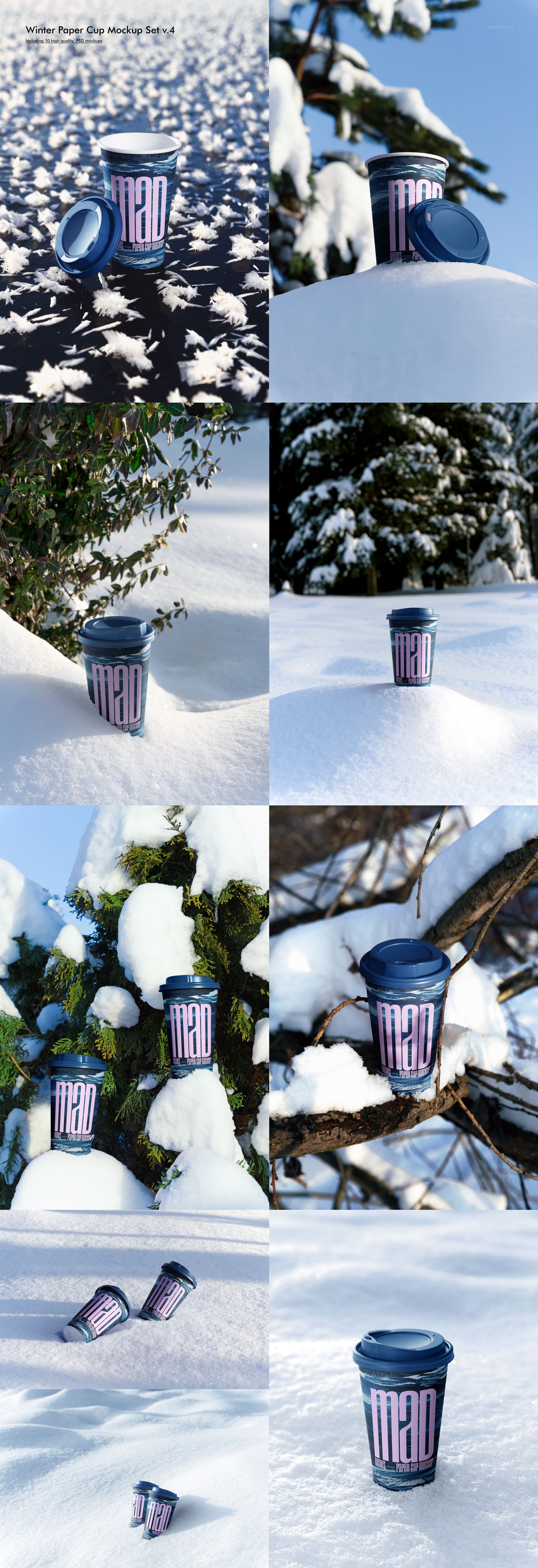
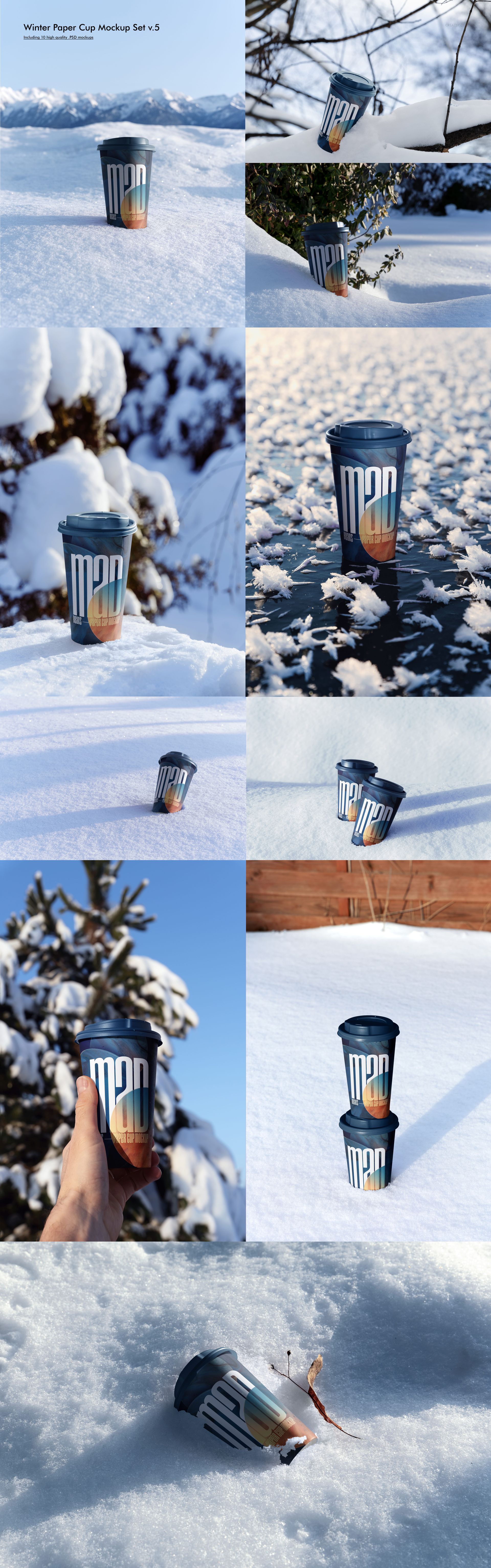
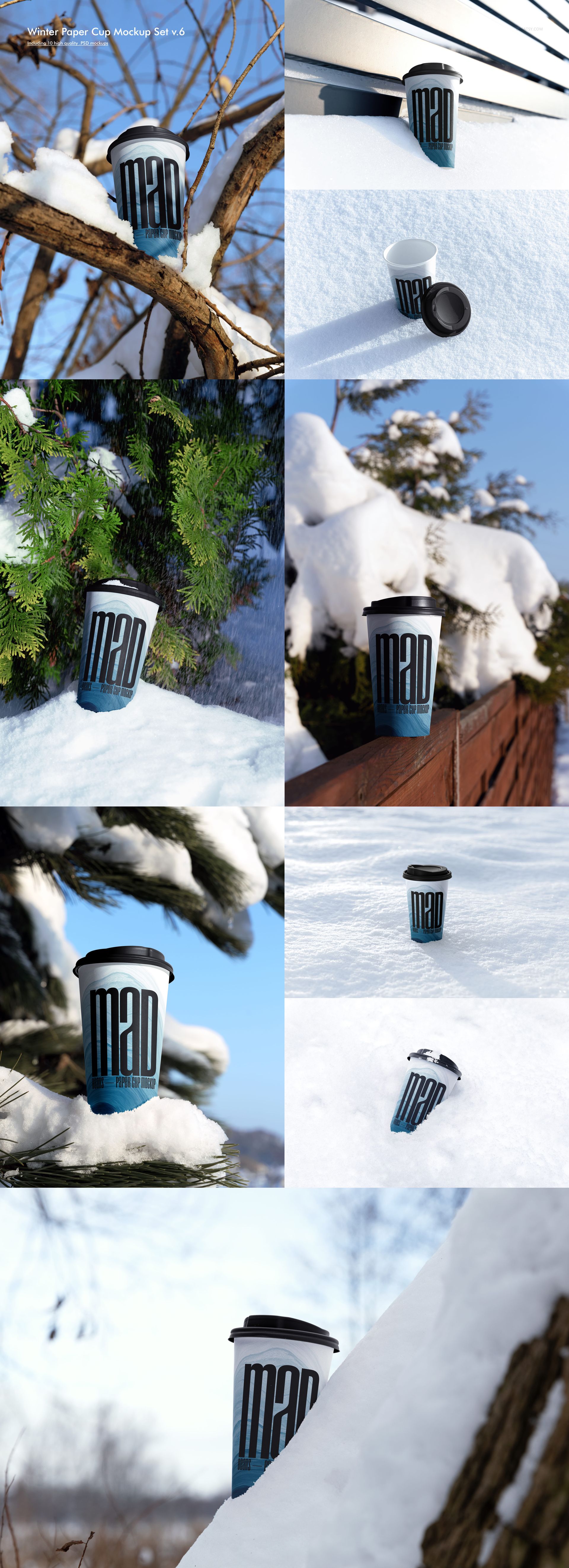
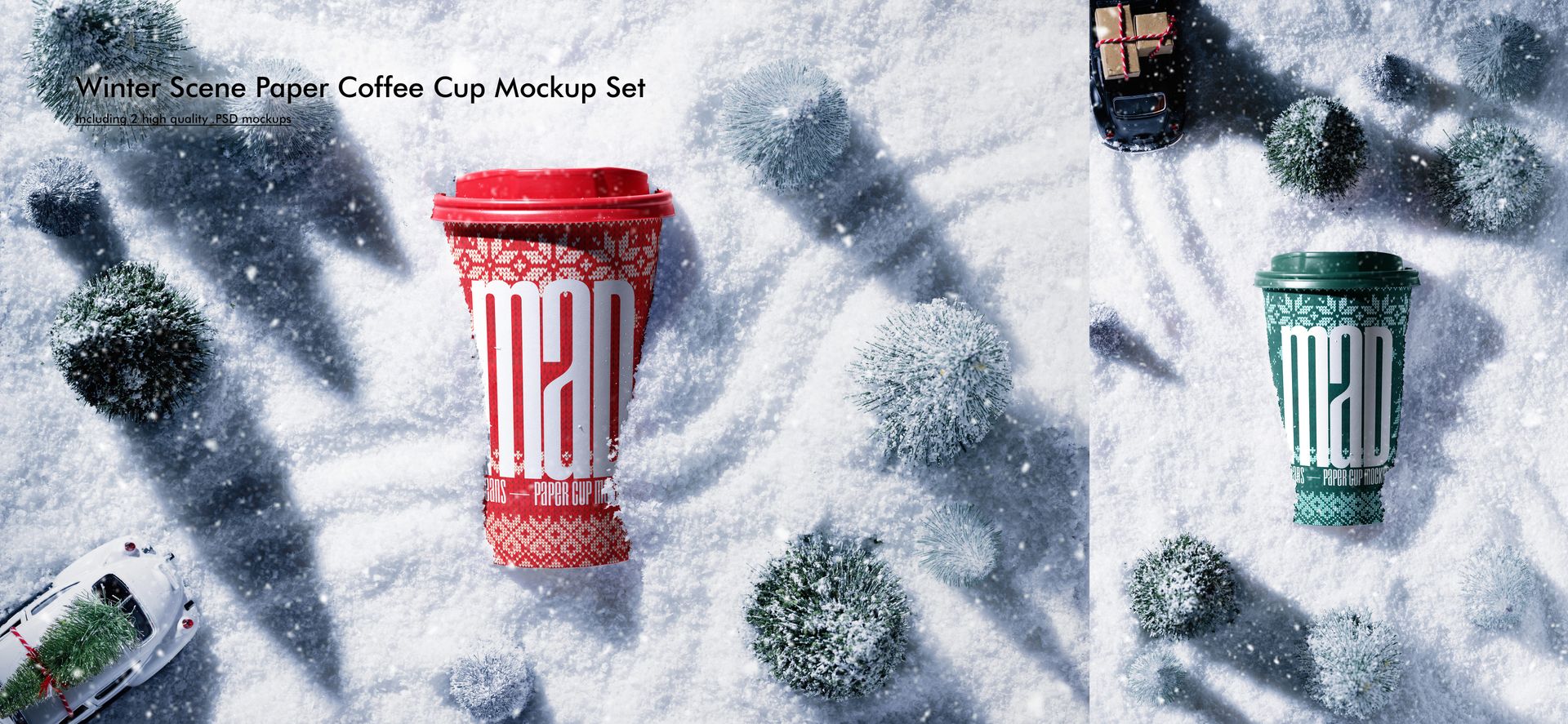
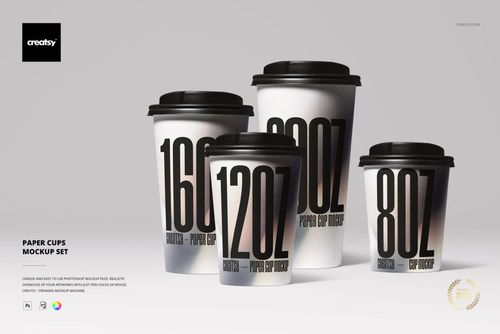
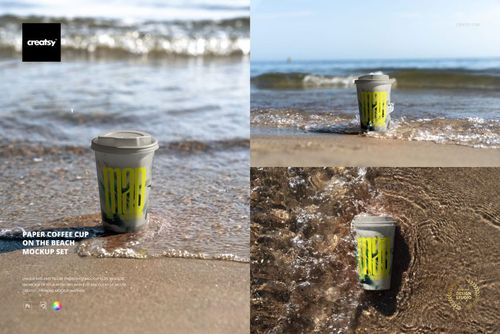
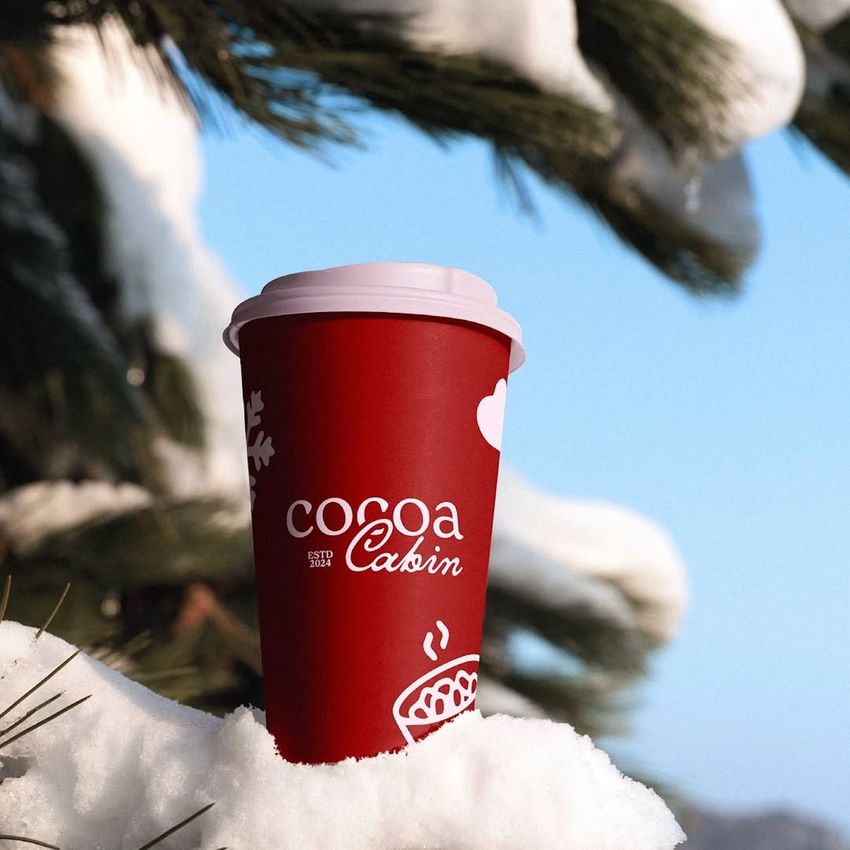
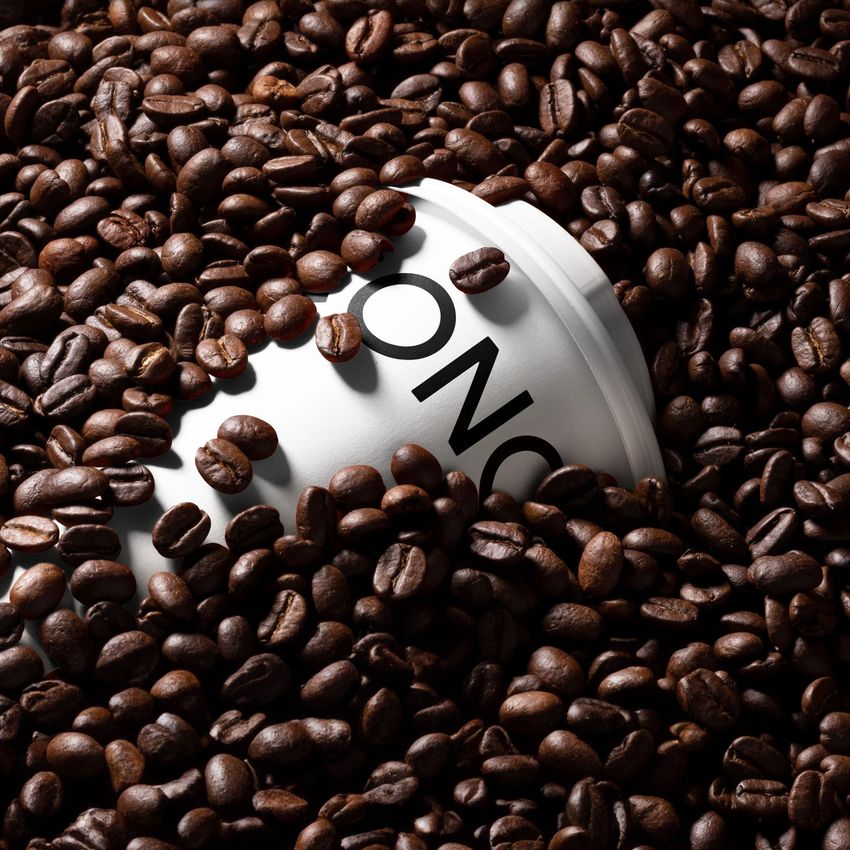
Build a versatile beverage presentation library from 33 paper cup products and 227 layered PSD mockups. The collection moves from clean studio setups to hands, cafe surfaces, coffee beans, liquid splashes, neon light, urban architecture, sports fields, forests, grass, beaches, rocky shores, and winter landscapes.
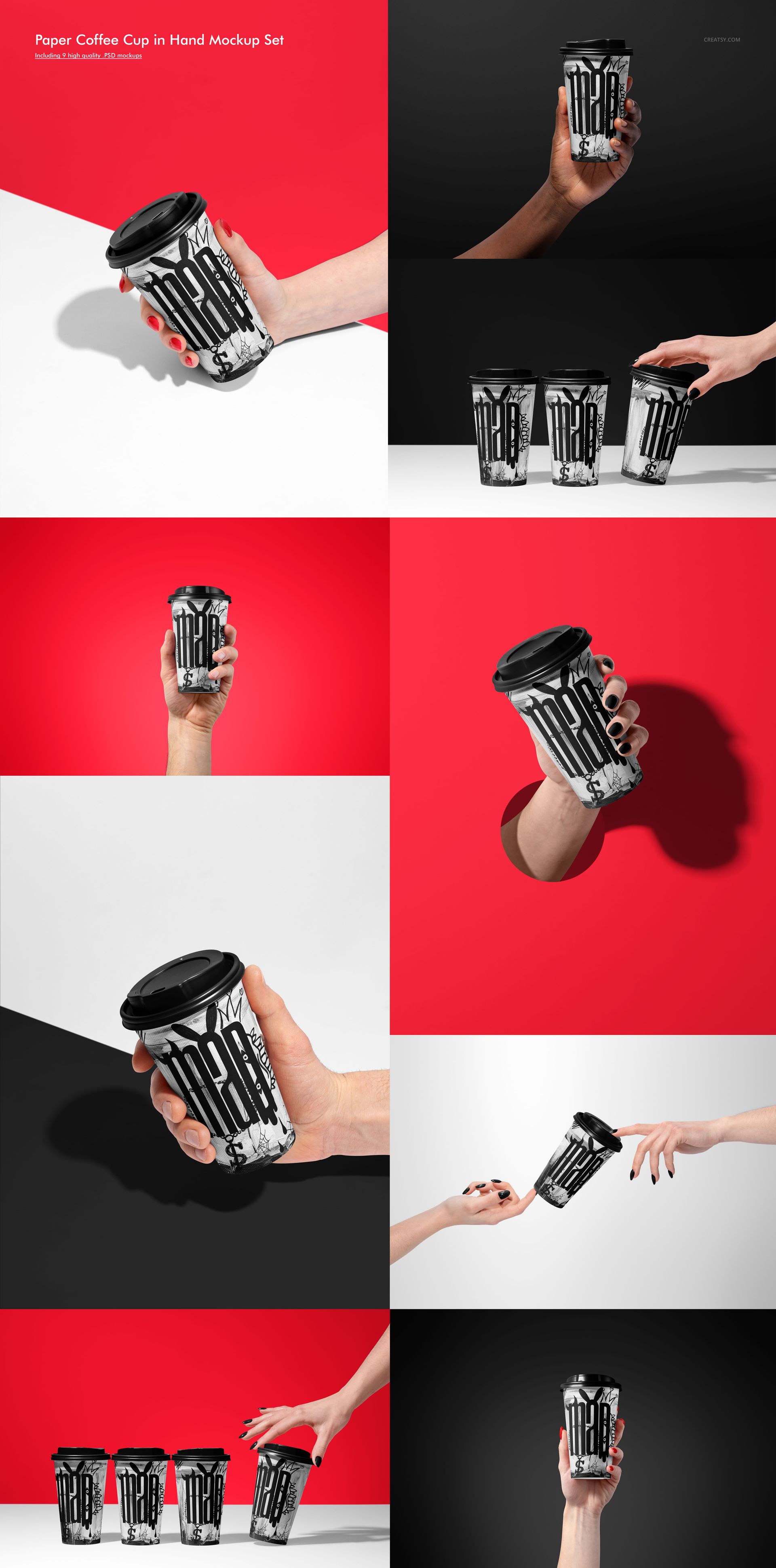
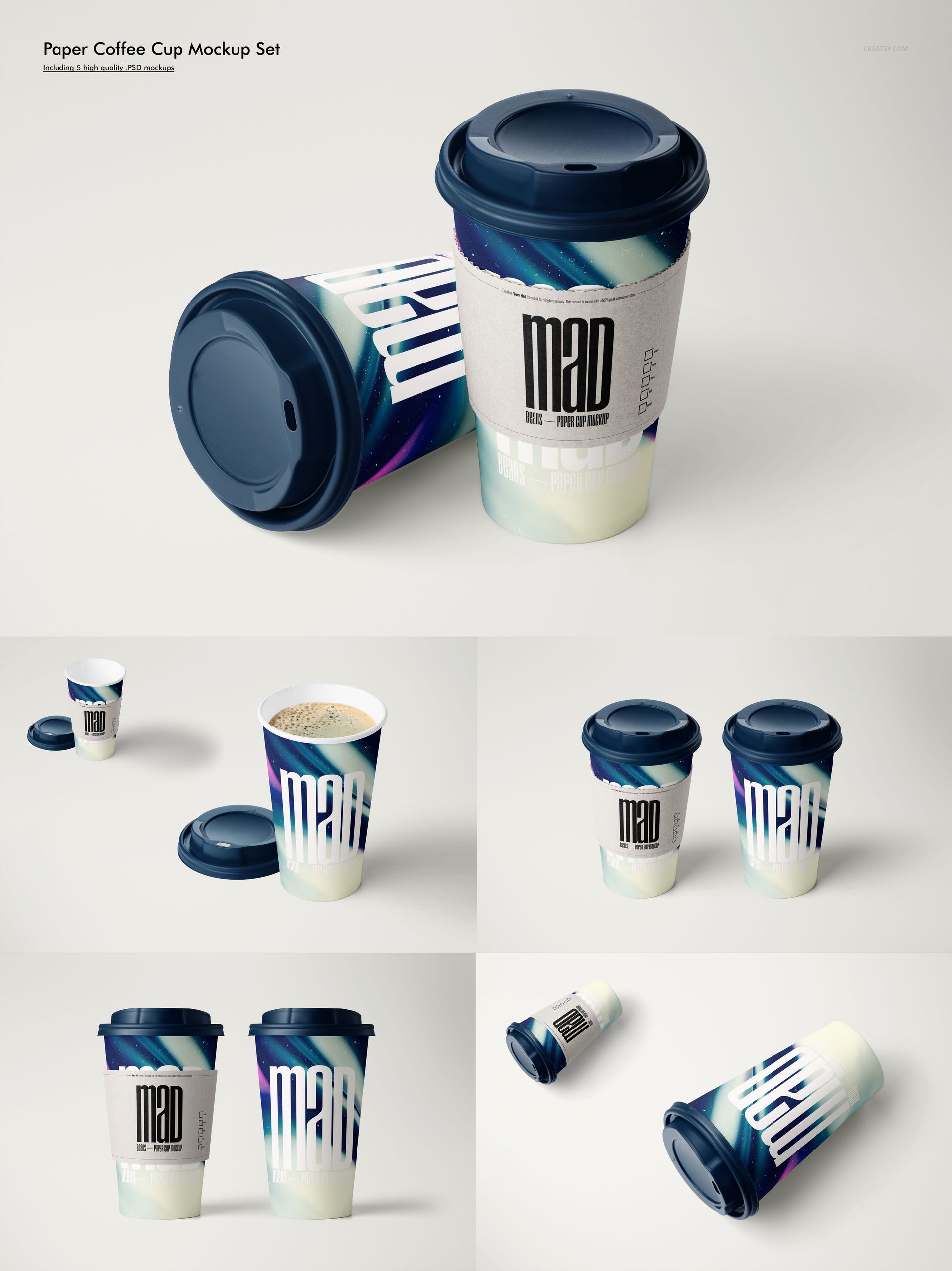
Single cups, pairs, groups, stacks, rows, floating arrangements, top views, close-ups, and wider lifestyle scenes help you show one identity as a coherent system. Use the range to compare colorways, test artwork scale, explain seasonal concepts, and prepare polished imagery without photographing a physical sample for every campaign.
What Is Included
33 included paper cup mockup products
460 files total: 227 layered PSD mockups, 227 JPG previews, and 6 PDF user manuals
Bundle download: 18.1 GB on Windows | 19.5 GB on Mac
Working dimensions of 6000 x 4000 px and 4000 x 6000 px at 300 DPI
Landscape and portrait compositions, with 37 public preview images demonstrating the scene range
No PSB files
A Scene Library for Complete Campaigns
Choose minimal studio views for direct artwork comparison, hand-held scenes to communicate scale, coffee and splash arrangements for cafe storytelling, or outdoor settings to establish season and mood. Lids, sleeves, straws, holders, and open cup variants appear in selected products, so you can match the prop styling to the message instead of forcing every design into the same setup.
Easy Smart Object Editing
Open a PSD, locate its Smart Object, place a logo, illustration, repeat pattern, or full cup wrap, and save. The prepared scene preserves the photographed lighting, cup curvature, perspective, and shadows, giving designers a practical route from flat artwork to a client-ready visual.
Perfect For
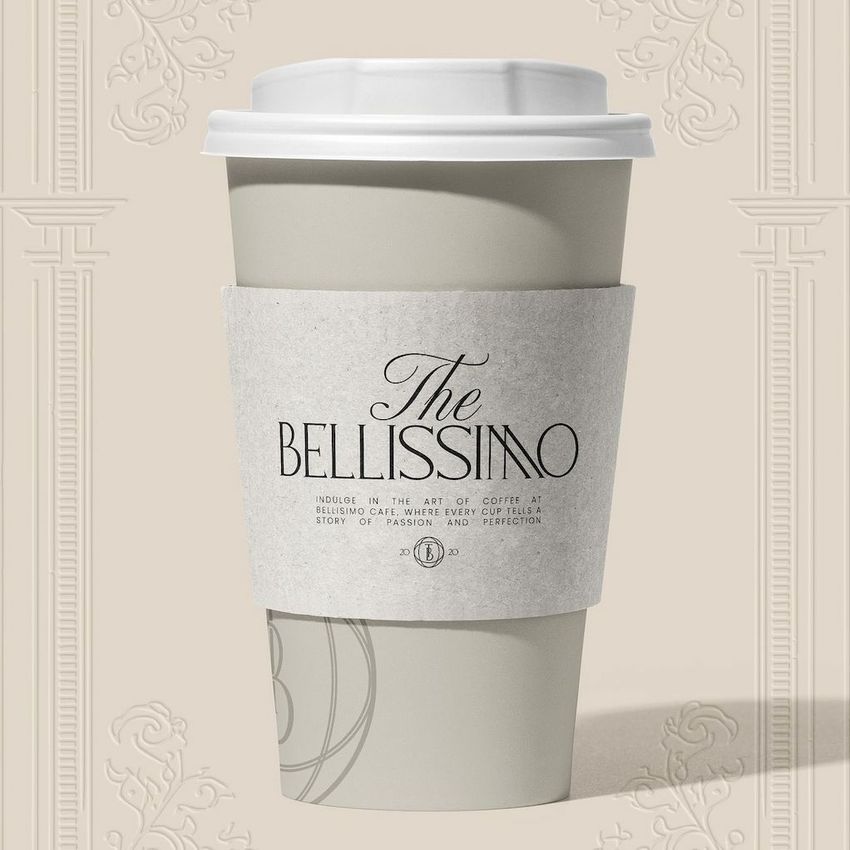
Coffee shop, tea, cafe, and takeaway beverage identities
Seasonal menus and limited-edition drink launches
Packaging concept reviews and client approval decks
Marketplace galleries, website headers, campaign ads, and social content
Portfolio case studies that compare artwork across studio and outdoor contexts
Compatibility and Preview Artwork Credit
Use Adobe Photoshop CC2020 or later when you need access across the complete bundle. Mockup photography and PSD production are credited to Creatsy®. The sample graphics applied to the cups demonstrate the mockups and are not included as separate design assets. Customer projects in the public Made with Creatsy gallery are credited separately below.
File details
- Compatibility


- Products in bundle
- 33
- Package size
- 18.1 GB
 |19.5 GB
- Files type
- .psd, .jpg, .pdf
- Files size
- 6000x4000
INCLUDED/33
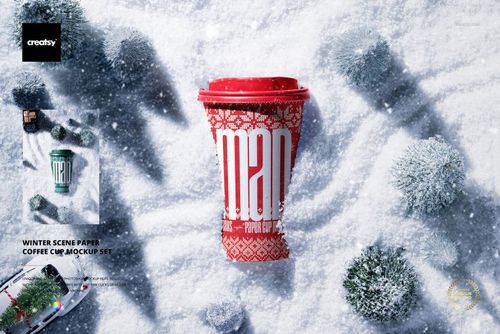
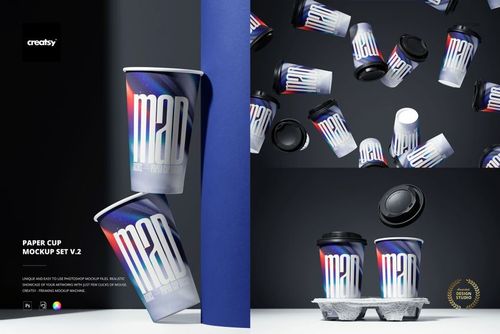
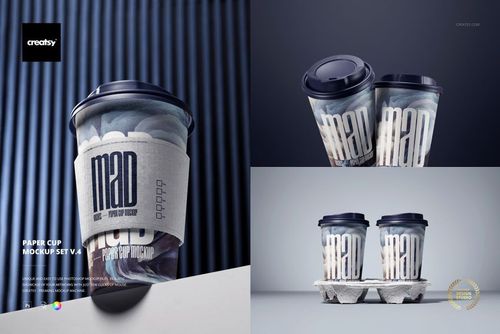
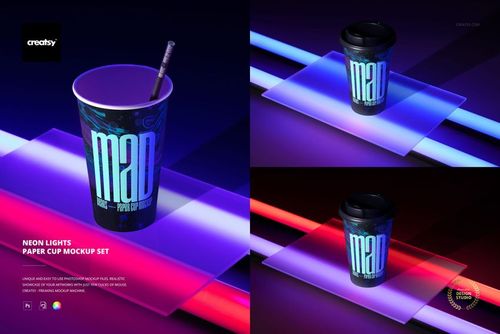
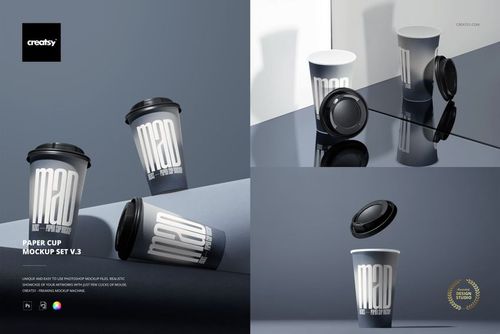
All 33 products in this bundle
Made with Creatsy
Real designs. Real customers. See how creatives use Creatsy mockups to turn their artwork, branding, and product ideas into polished visuals.


MEET THE SHOP

Creatsy
Poland
Bring your ideas to life.
We're a family-run studio in Katowice, Poland, making PSD mockups by hand since 2016. Everything in this shop starts in our own studio. We shoot the photography, build the 3D, and put together every Smart Object PSD ourselves - then we test it, organize the layers, and only ship it once it actually works...
 15$1870$22.00
 15$1615$19.00
 15$2040$24.00
 15$1955$23.00

HOW IT WORKS
3 clicks. That's it.
No tutorial needed. If you can copy-paste, you can use this.
- 1OpenDouble-click the smart object inside the PSD - in Adobe Photoshop, or free in your browser with Photopea.
- 2PasteDrop in your pattern, print, or artwork. Any design, any style.
- 3SaveHit save and the mockup wraps it in for you - shadows, folds, and lighting included.
FROM IDEA TO IMAGE
Built for real workflows
Wrap your logo around the cup, not a flat rectangle Drop the artwork in and see how it sits on the curve before you list it.
See it on the product, not a swatch Drop your file into the smart object and the scene's lighting and folds wrap around it, so you judge the real thing before you commit.
Smart Objects
Edit once and you're done. Your artwork drops into a smart object and the mockup updates itself - no masking, no warping by hand.
Perfectly Organized
Named layers and folders you can actually navigate. Find what you need, change what you want, and get out fast.
Print-Ready
High-resolution files built to hold up on screen and in print. Exact size and DPI are in this product's Details above.
Related Products
 $1900
$1900