Paper Cup Mockup - Forest Nature Scene
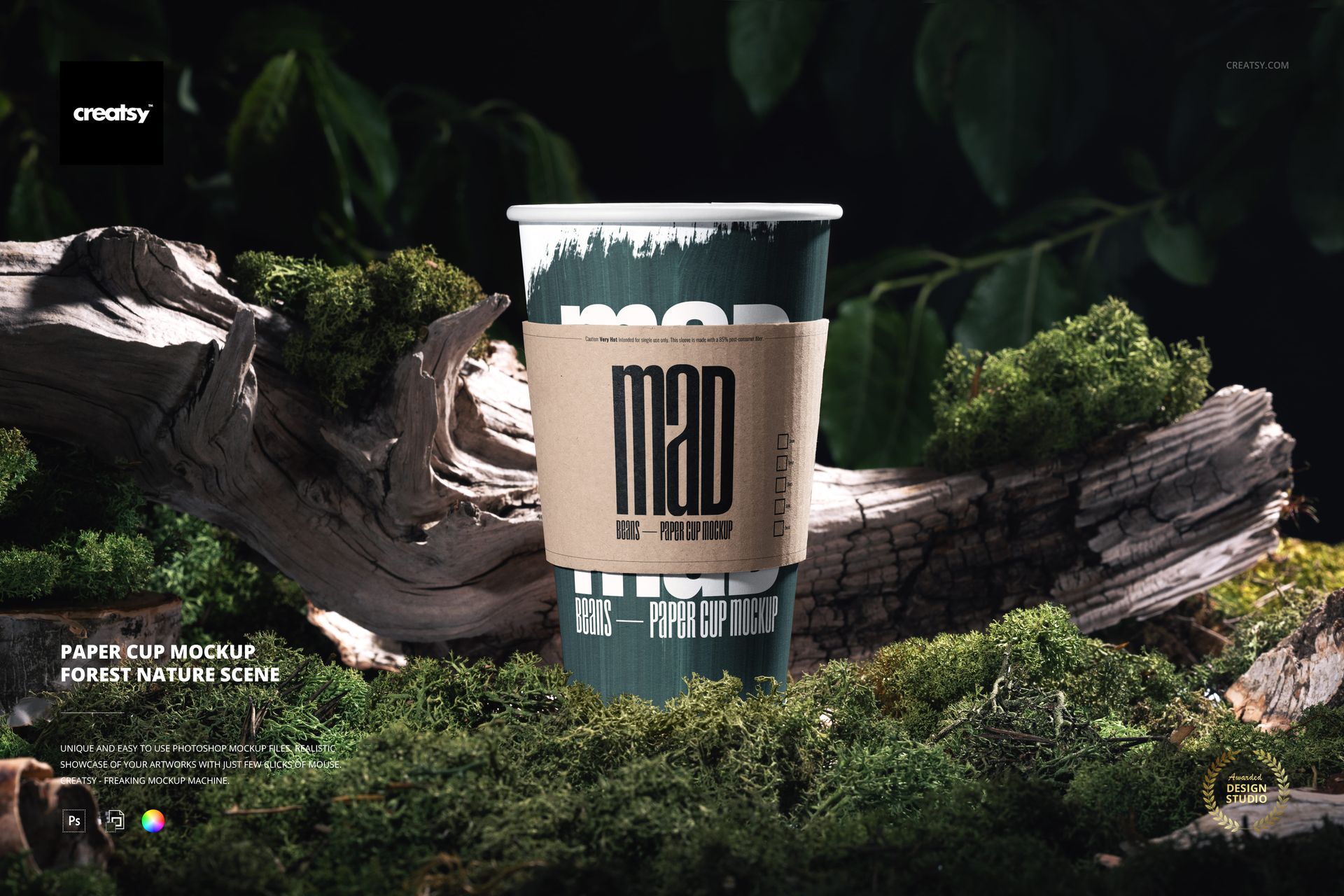
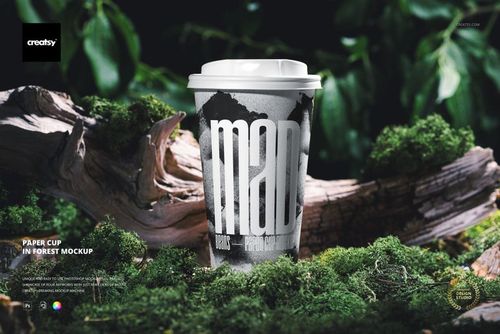
Present coffee, tea, or takeaway beverage branding on a tall paper cup surrounded by moss, weathered wood, tree bark, and deep green foliage. Focused natural light separates the cup from the dark woodland background, giving logos, typography, and patterns a grounded outdoor context.
Scene Details
One upright, front-facing paper cup with a visible white rolled rim and kraft paper sleeve
Landscape composition featuring moss, driftwood, bark texture, leaves, and soft background depth
Natural highlights and shadows preserved around the tapered cup and sleeve
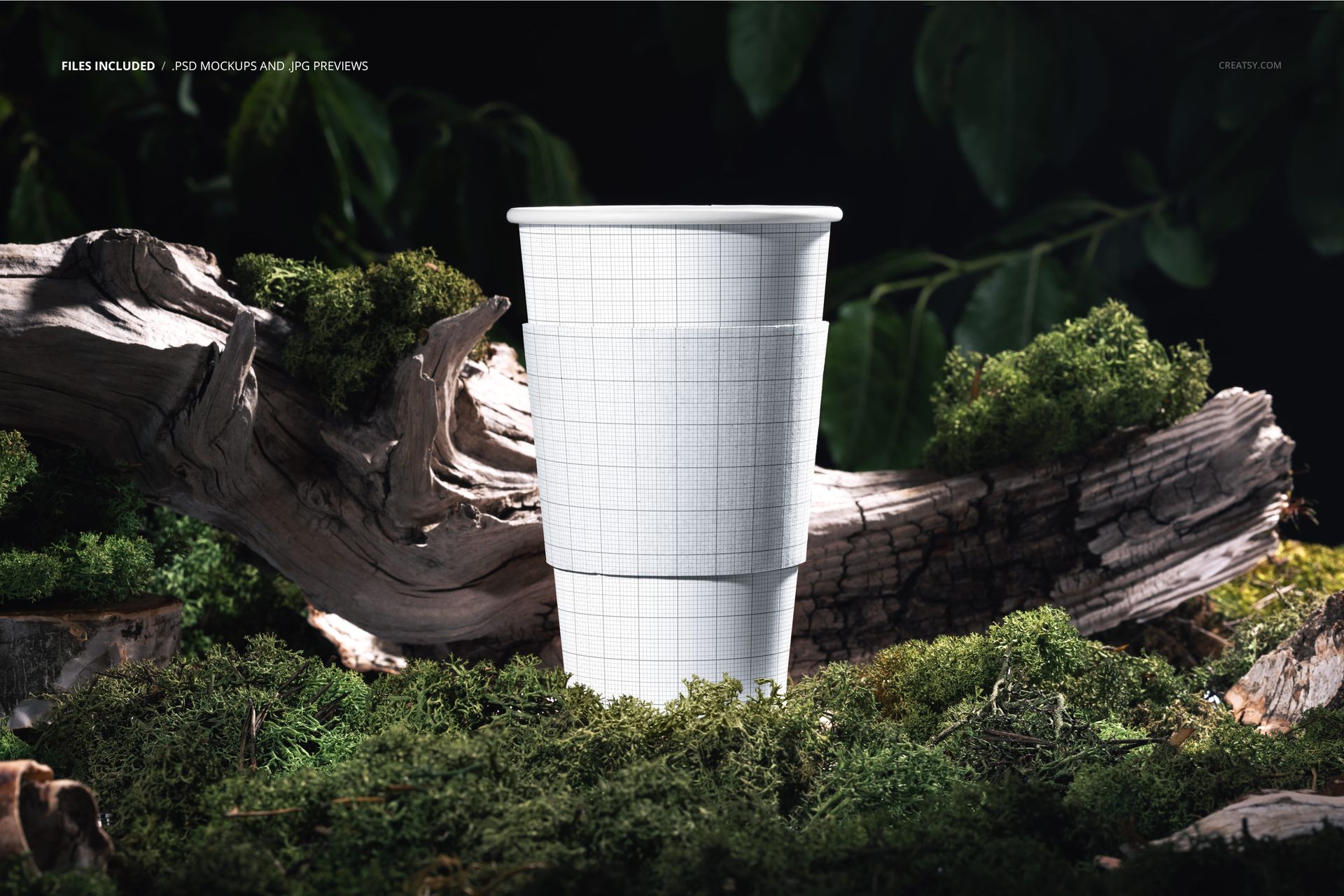
Smart Object Editing
Place artwork through organized Smart Object layers, then change the color and design of the cup and sleeve. The mapped artwork follows the cup's curve and retains the photographed light and surface shading. The PSD is confirmed for Adobe Photoshop CS6 or later and Photopea.
Included Files
1 layered PSD mockup at 6000 x 4000 px and 300 DPI
1 JPG preview at 512 x 341 px
Landscape orientation with clearly organized layers
Practical Uses
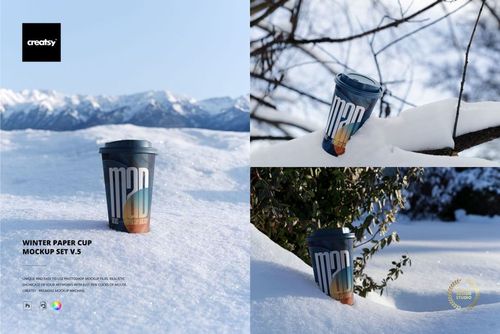
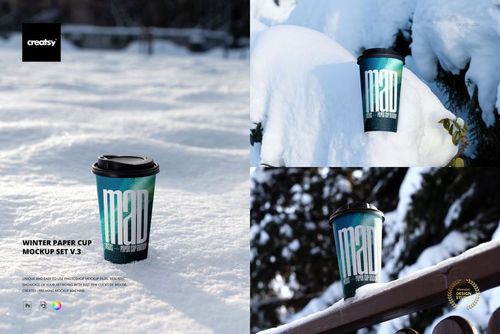
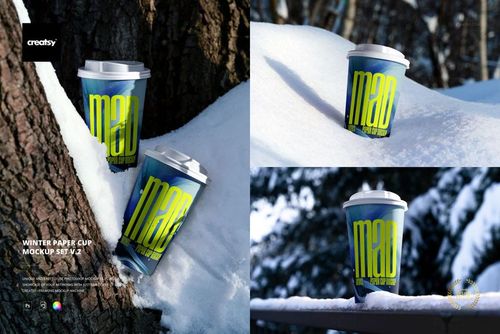
Use the scene for coffee shop identities, takeaway drink concepts, sleeve graphics, seasonal campaigns, packaging presentations, online stores, portfolio case studies, and social media visuals.
Preview Artwork Credit
Product preview imagery is credited to Creatsy®.