Winter Paper Cup Mockup Set v.3
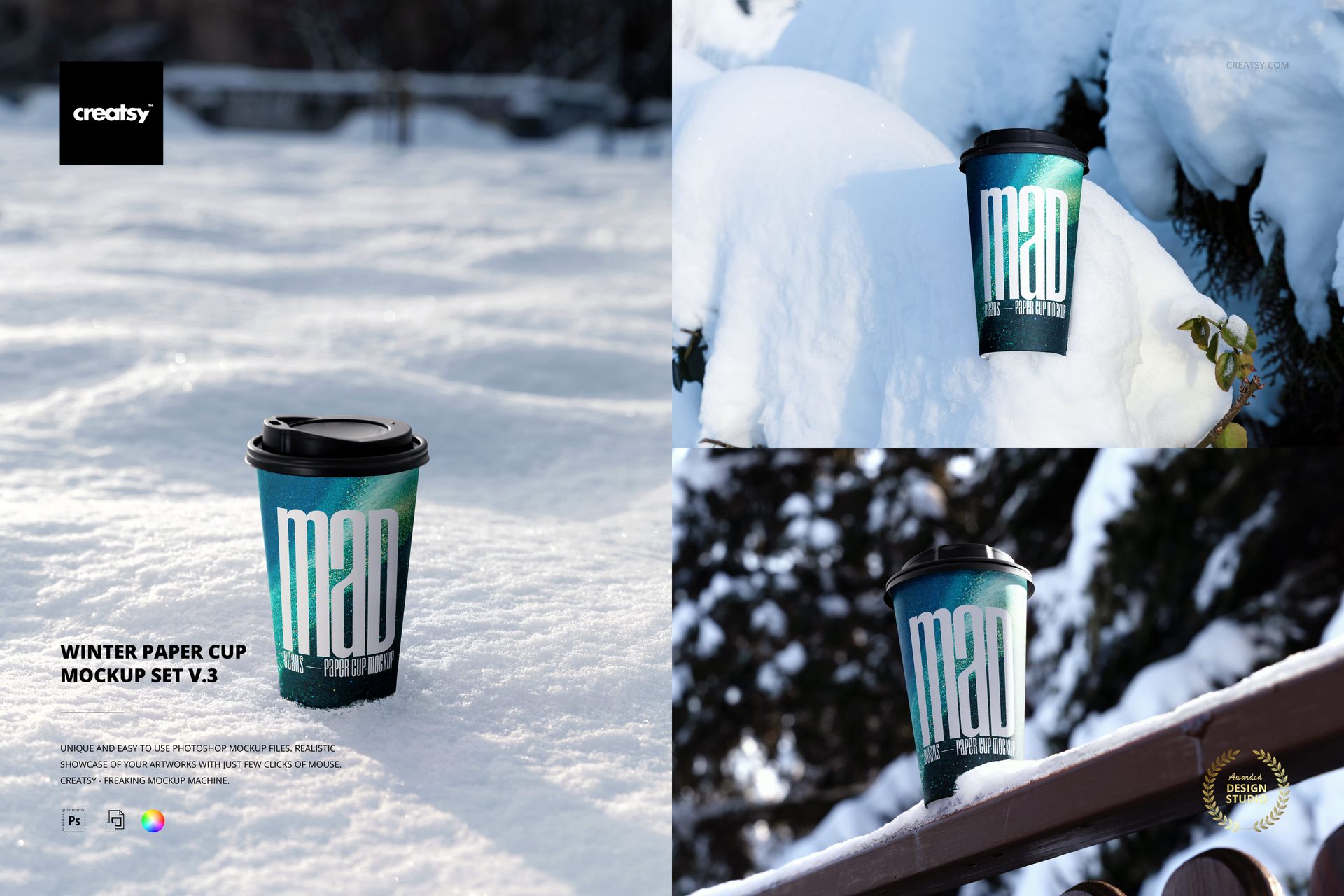
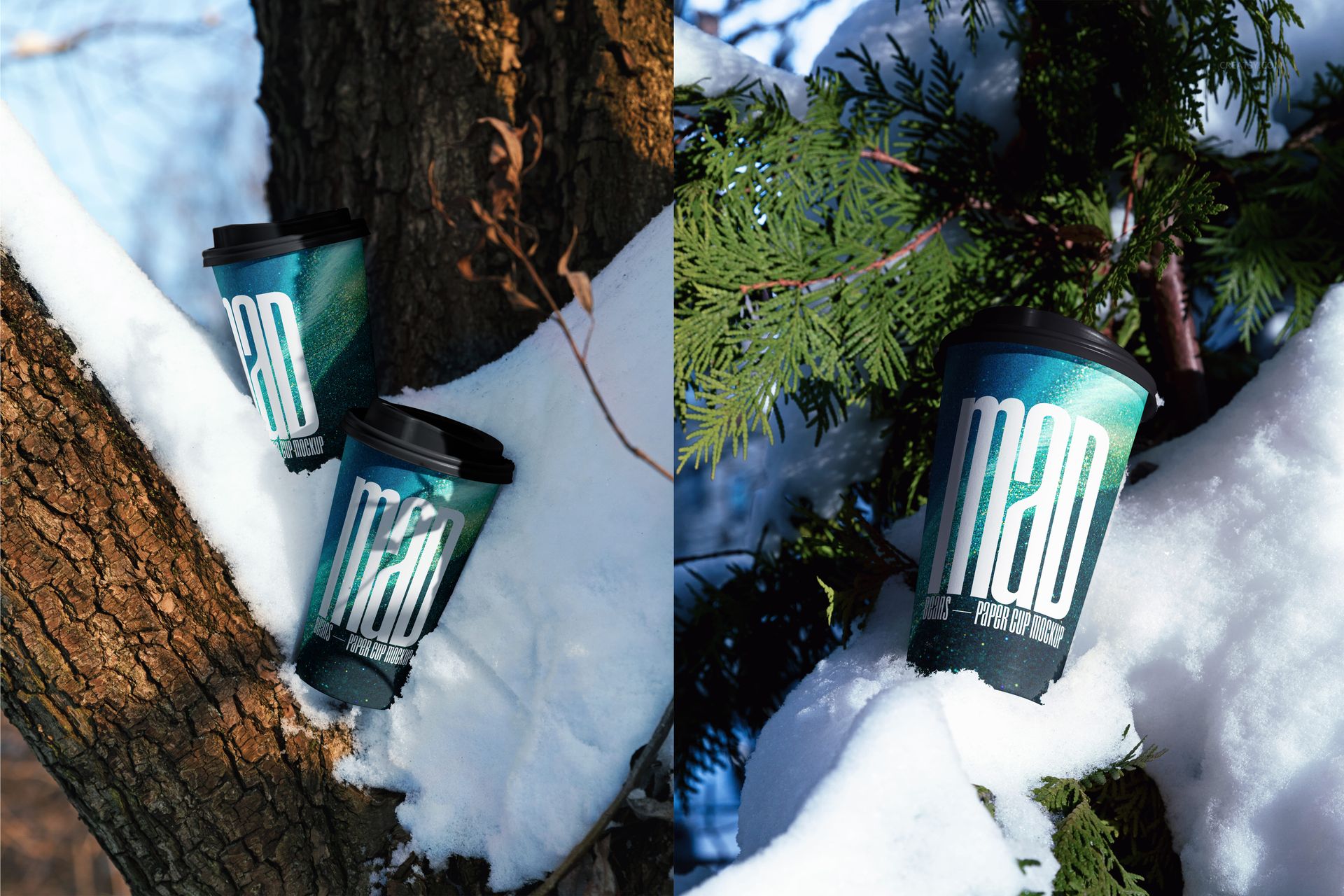
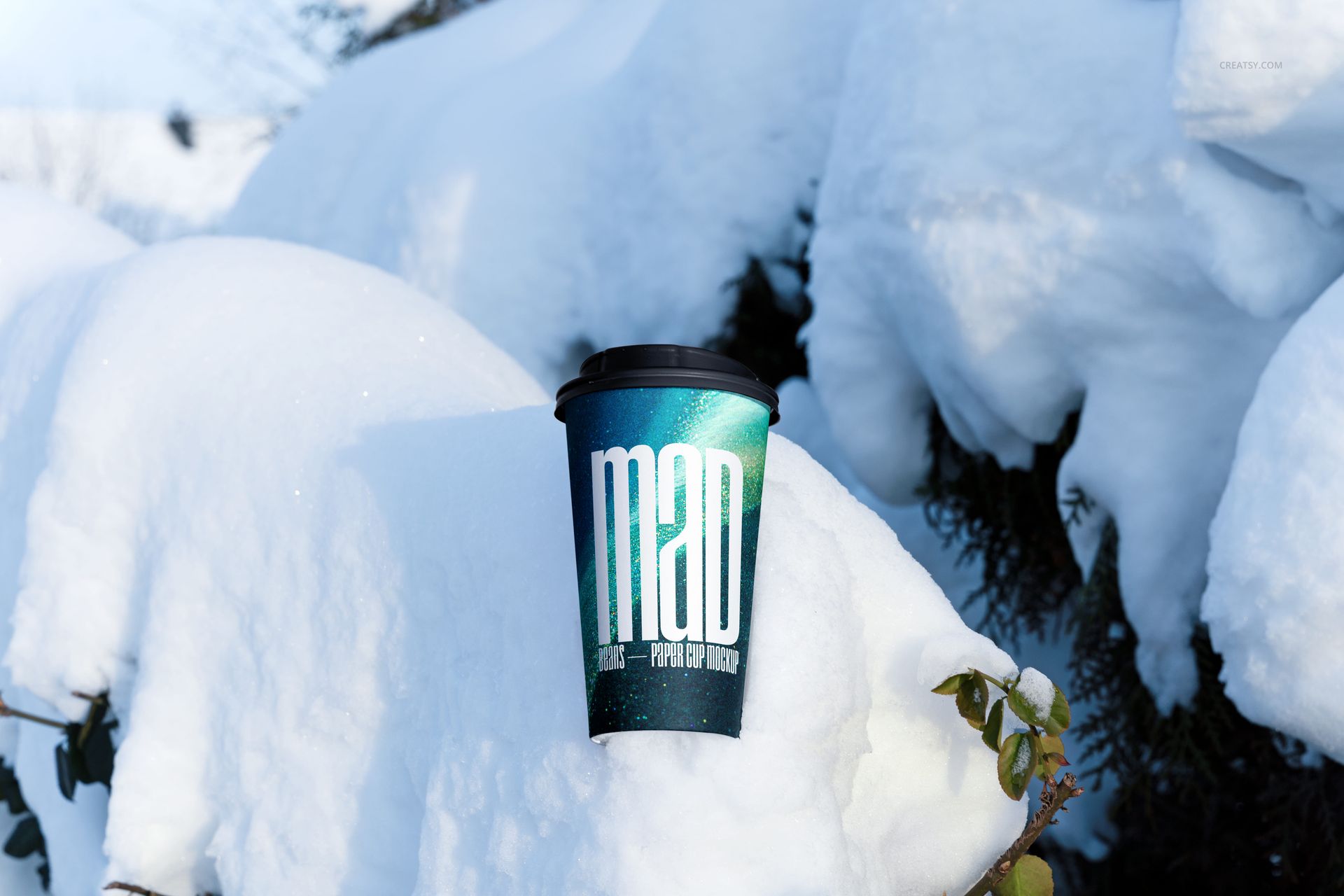
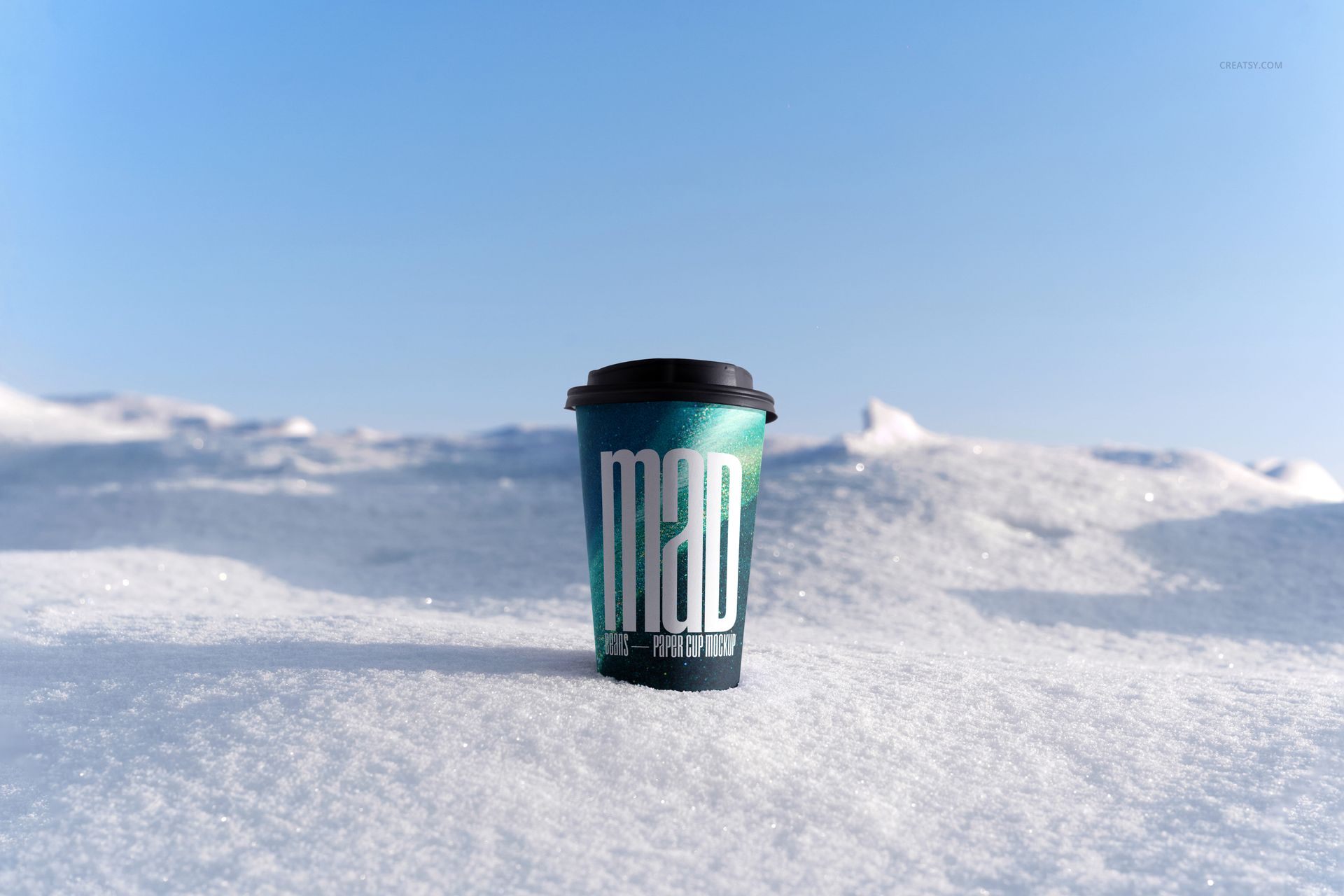
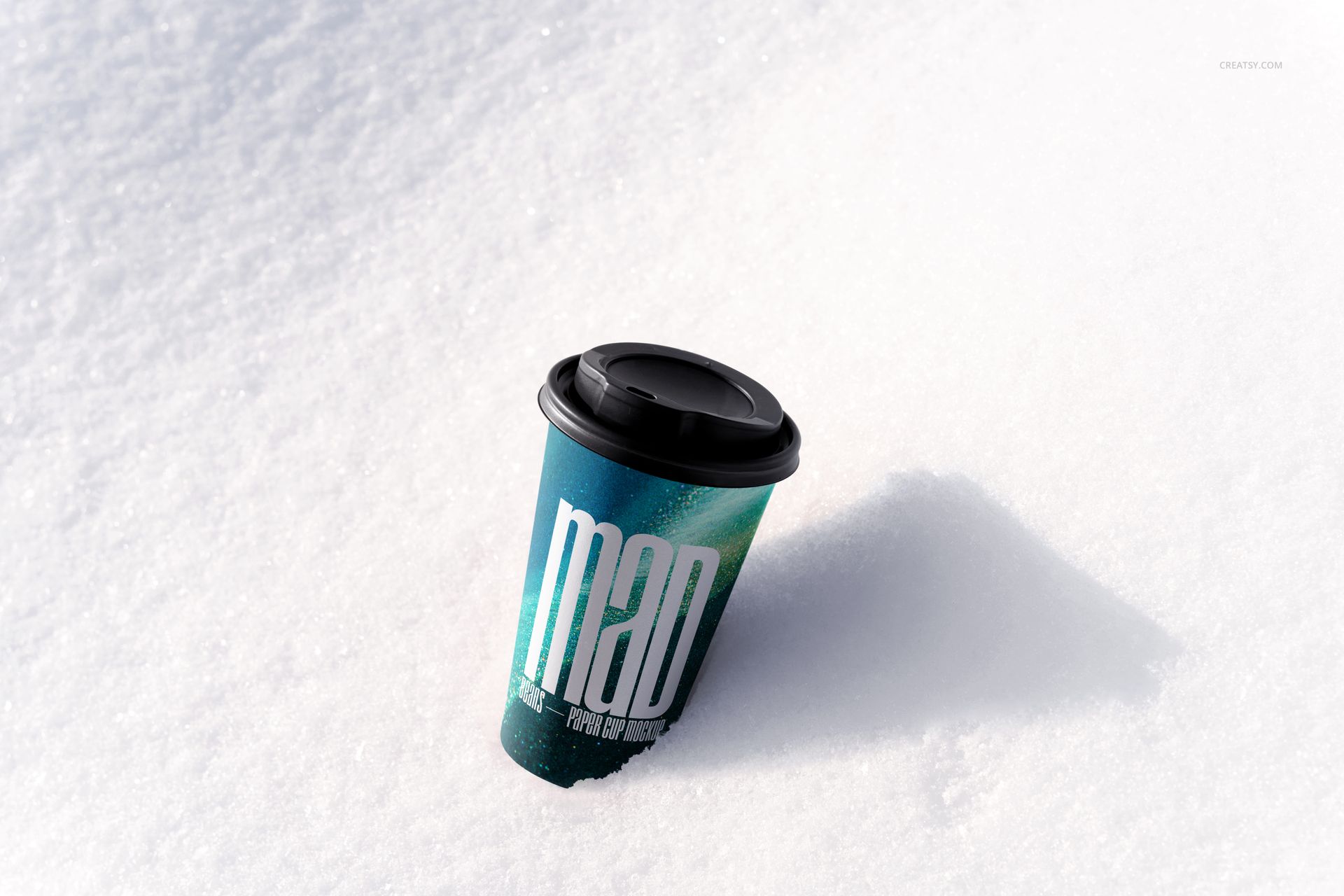
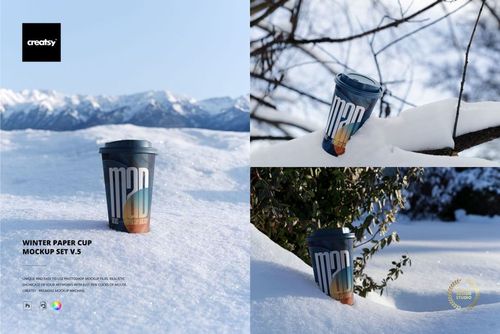
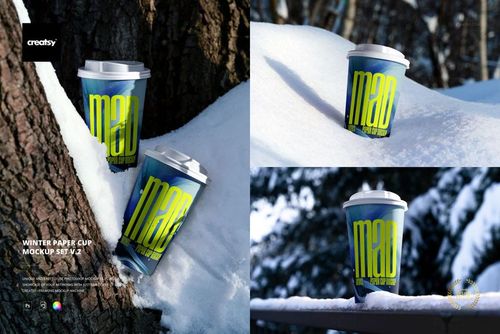
Present takeaway cup graphics in a crisp winter environment with ten high-resolution PSD scenes photographed among fresh snow, trees, evergreen branches, and clear blue sky. The collection combines quiet product shots with natural outdoor context for seasonal beverage branding.
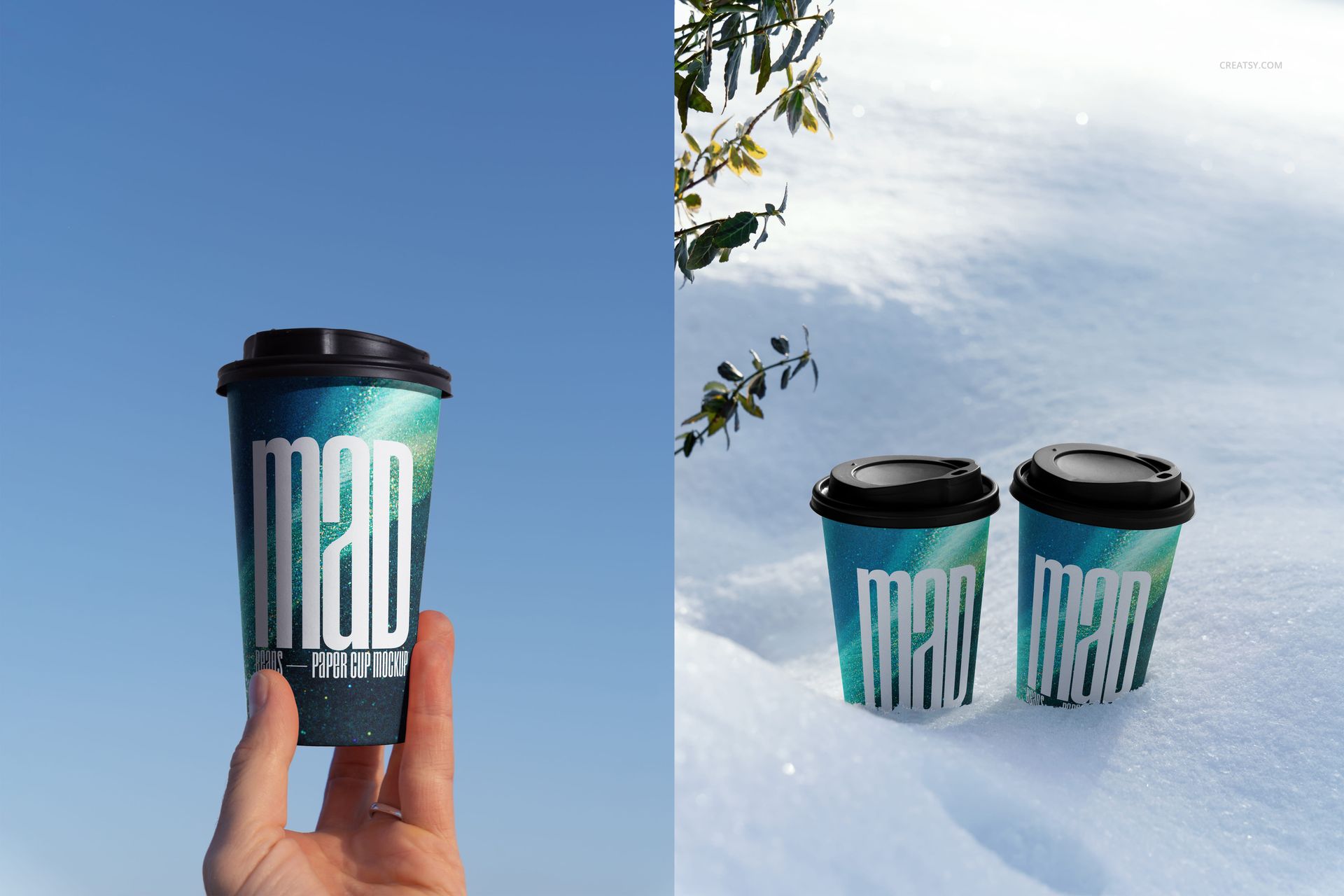
Single cups, paired arrangements, a hand-held view, and varied camera angles help the same design move from a focused product image to a broader winter campaign without leaving the visual language of the set.
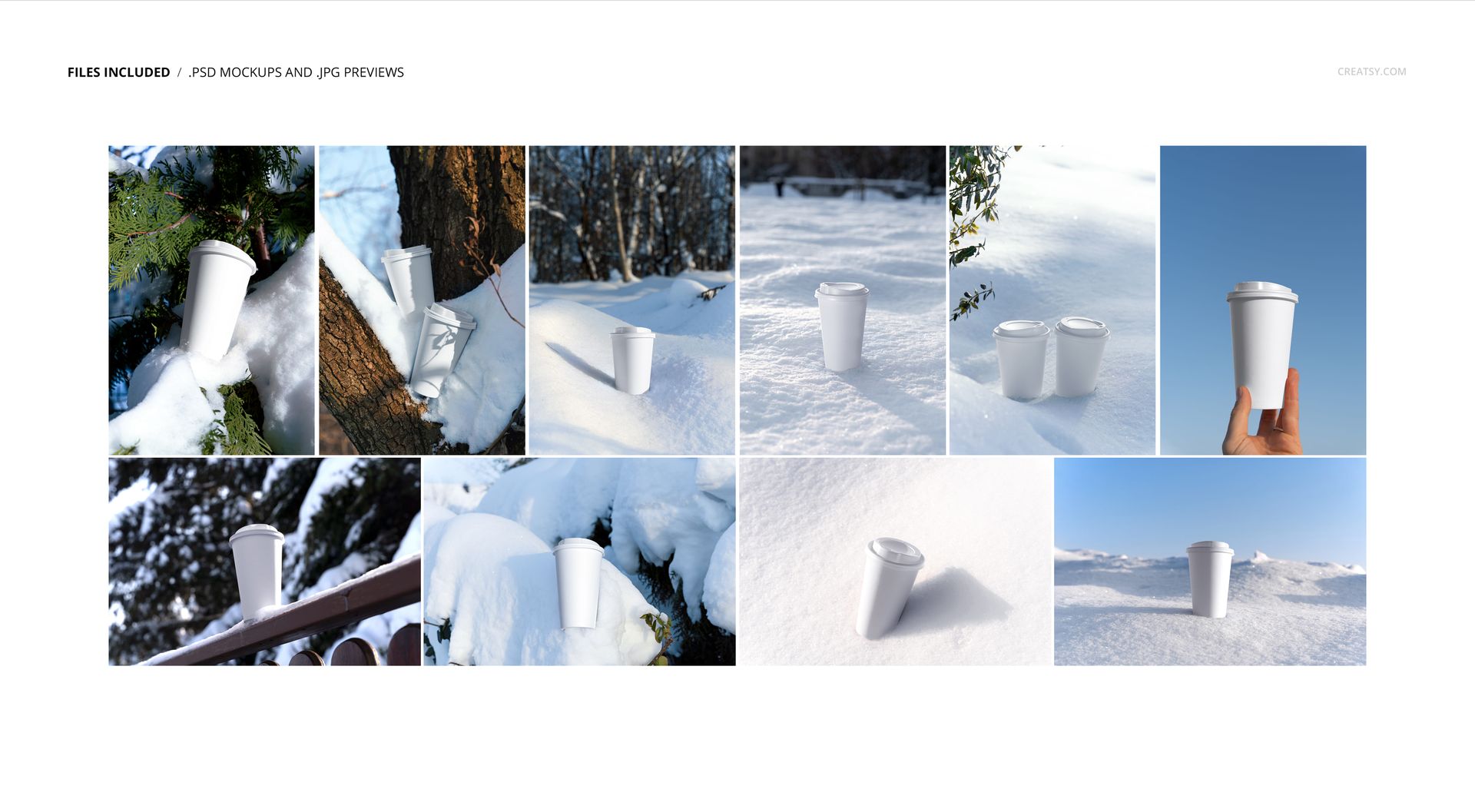
Ten Snow-Covered Scenes
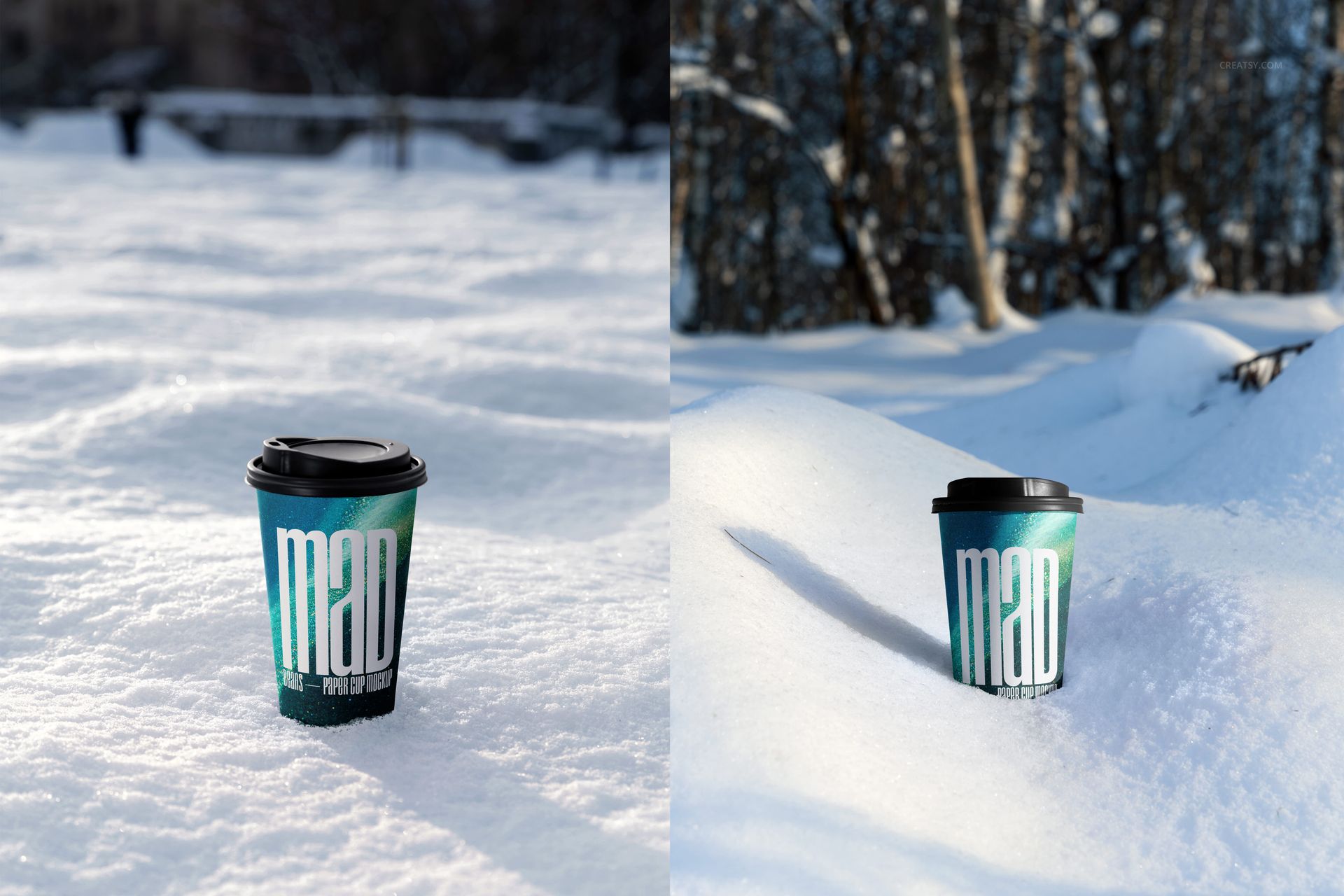
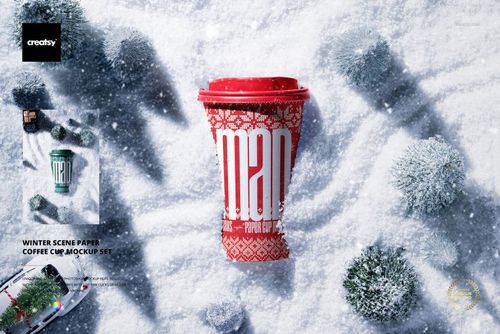
Paper cups positioned in open snowfields and deep snowbanks
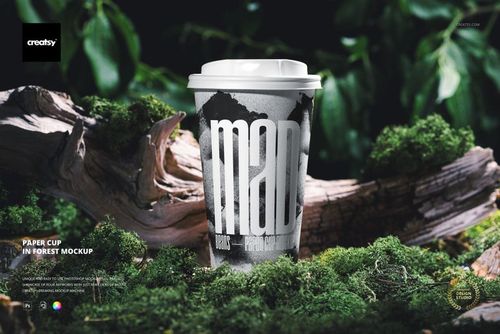
Close-up scenes beside tree trunks and evergreen branches
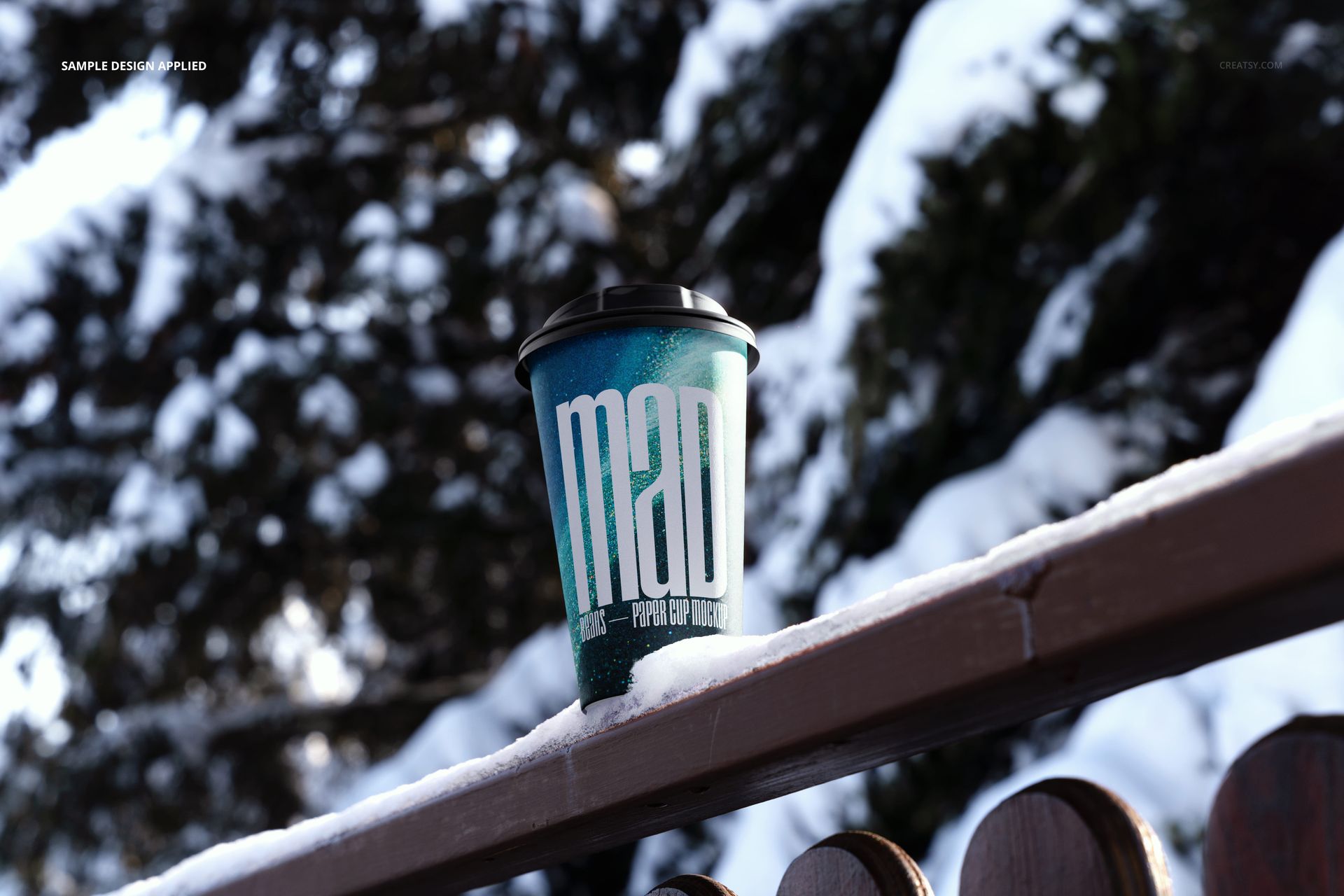
A cup placed on a snow-covered wooden railing
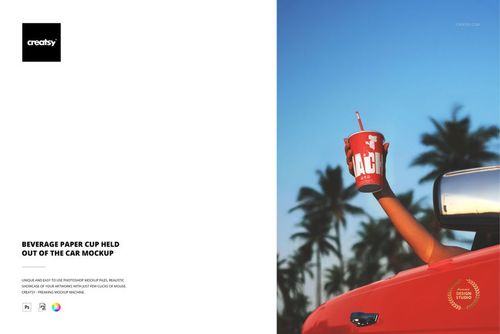
A hand-held cup photographed against a clear blue sky
Single and paired arrangements with black drink-through lids
Six portrait and four landscape JPG previews
What Is Included
10 layered PSD mockups and 10 JPG previews, 20 files total
Working size listed as approximately 6000x4000 px, or portrait equivalent, at 300 DPI
Organized layers and a Smart Object workflow
Adobe Photoshop CS6 or later and Photopea compatibility
No PSB files
Smart Object Editing
Open the designated Smart Object, add your cup artwork, save it, and return to the main PSD. The photographed snow texture, cup curvature, natural shadows, reflected light, and outdoor perspective remain integrated with the presentation.
Seasonal Branding Applications
Winter coffee menus and seasonal drink launches
Ski resort, lodge, and outdoor event promotions
Holiday beverage packaging concepts
Social campaigns, shop banners, and portfolio case studies
Coordinated cup ranges using the paired scenes
Preview Artwork Credit
Product preview imagery is credited to Creatsy®.