ID: 1917262165 | Updated: Dec 24, 2024

Product Details

Paper Cup in Forest Mockup

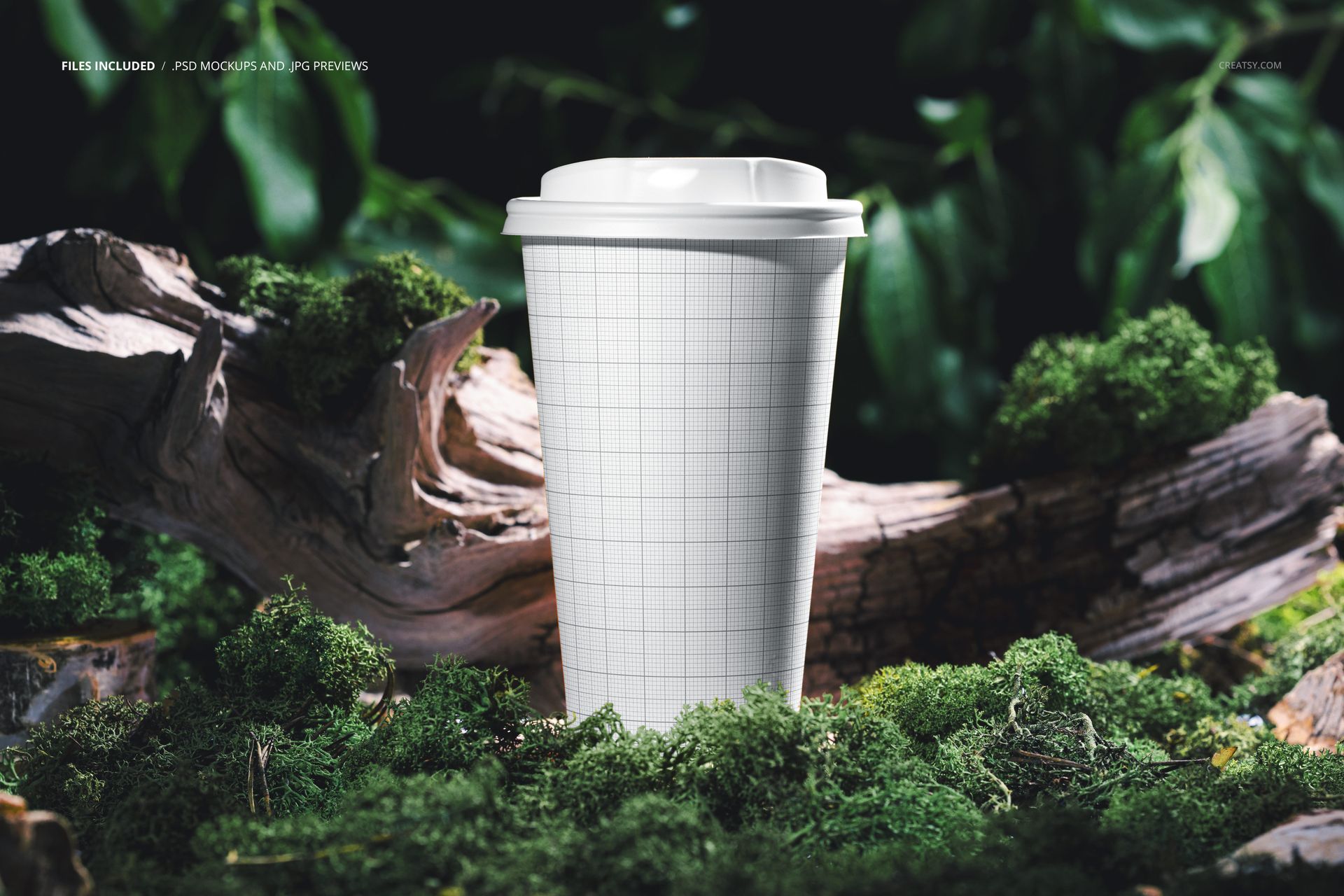
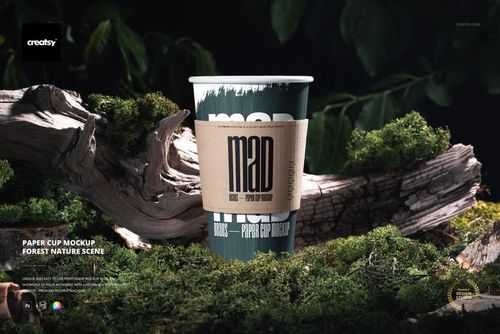
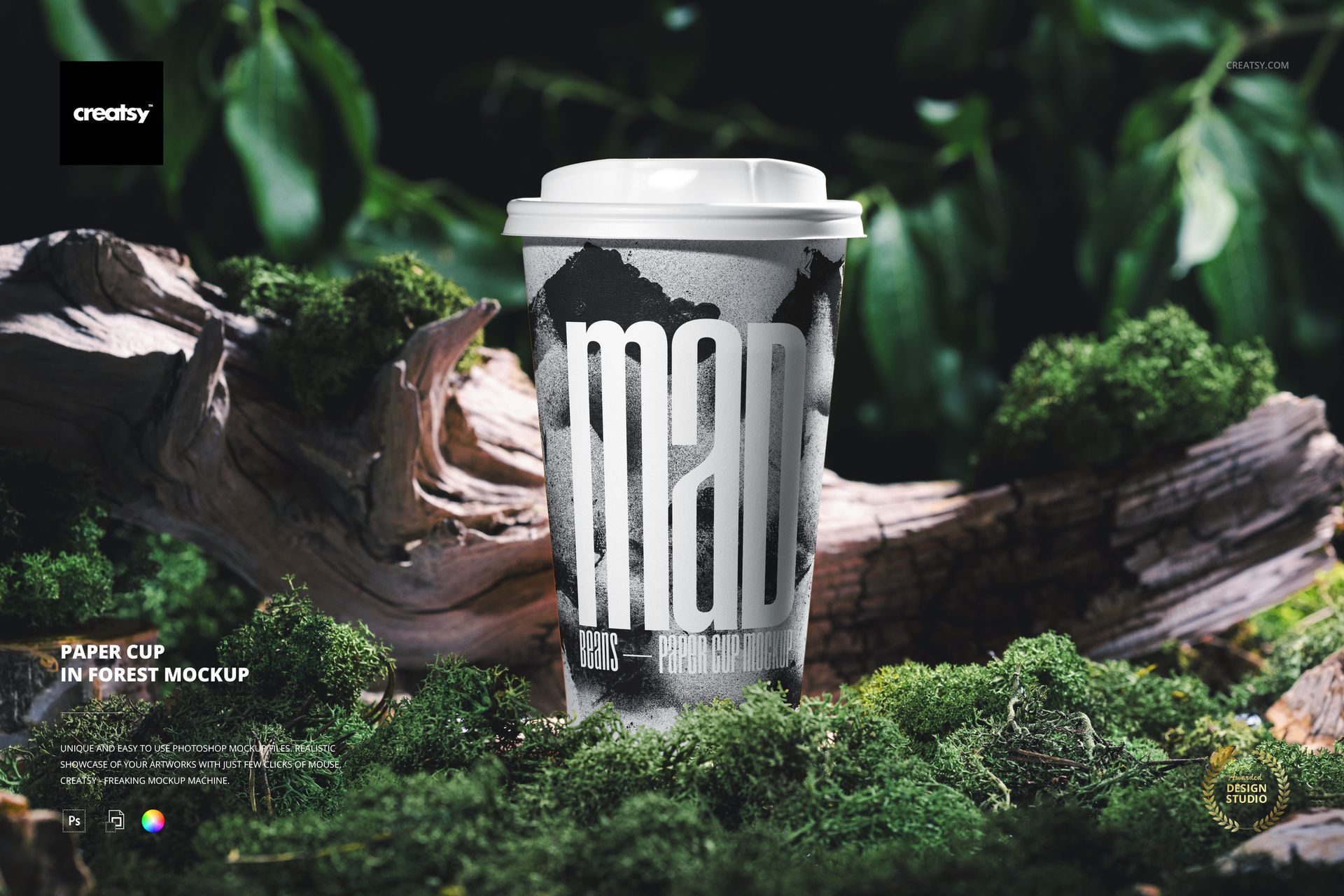
Present takeaway cup artwork in a detailed woodland setting with green moss, weathered tree roots, leafy foliage, and soft natural light. A tall tapered paper cup with a white drink-through lid stands upright in the center of the landscape composition.

The mix of crisp cup detail and shallow forest depth makes this scene useful for connecting coffee, tea, or seasonal beverage branding with nature-led visual storytelling.

A Focused Forest Hero Scene

  • One upright lidded paper cup framed by moss-covered wood and foliage

  • Landscape composition with a centered product and balanced space around it

  • Natural highlights, curved-surface shadows, and realistic environmental depth

  • Dark green background tones that help light artwork and typography stand out

What Is Included

  • 1 layered PSD mockup file

  • 1 JPG reference file

  • 2 files total in PSD and JPG formats

  • Working size listed at 6000 x 4000 px and 300 DPI

  • No PSB or PDF files

Smart Object Editing

Place a logo, illustration, pattern, or full cup wrap through the Smart Object. The PSD preserves the photographed cup curvature, lid highlights, contact shadows, moss texture, and forest lighting around the artwork.

Useful For

  • Coffee shop and tea brand identity presentations

  • Nature-led beverage packaging and seasonal menus

  • Outdoor campaigns, website banners, and portfolio case studies

  • Eco-conscious visual directions that benefit from an authentic woodland context

Preview Artwork Credit

Product preview imagery is credited to Creatsy®. The monochrome sample graphic is shown for presentation and is not included as a separate design asset.

File details

Compatibility
PhotopeaAdobe Photoshop
Package size
135 MB135 MB|142 MB142 MB
Files type
.psd, .jpg
Files size
6000x4000
TEST FOR FREE

MEET THE SHOP

Creatsy logo

Creatsy

Poland
4.8 (680)

Bring your ideas to life.

We're a family-run studio in Katowice, Poland, making PSD mockups by hand since 2016. Everything in this shop starts in our own studio. We shoot the photography, build the 3D, and put together every Smart Object PSD ourselves - then we test it, organize the layers, and only ship it once it actually works...
GO TO SHOP

HOW IT WORKS

3 clicks. That's it.

No tutorial needed. If you can copy-paste, you can use this.

  1. 1OpenDouble-click the smart object inside the PSD - in Adobe Photoshop, or free in your browser with Photopea.
  2. 2PasteDrop in your pattern, print, or artwork. Any design, any style.
  3. 3SaveHit save and the mockup wraps it in for you - shadows, folds, and lighting included.

FROM IDEA TO IMAGE

Built for real workflows

Wrap your logo around the cup, not a flat rectangle Drop the artwork in and see how it sits on the curve before you list it.

See it on the product, not a swatch Drop your file into the smart object and the scene's lighting and folds wrap around it, so you judge the real thing before you commit.

Smart Objects

Edit once and you're done. Your artwork drops into a smart object and the mockup updates itself - no masking, no warping by hand.

Perfectly Organized

Named layers and folders you can actually navigate. Find what you need, change what you want, and get out fast.

Print-Ready

High-resolution files built to hold up on screen and in print. Exact size and DPI are in this product's Details above.