Glossy Gift Square Box Mockup Set
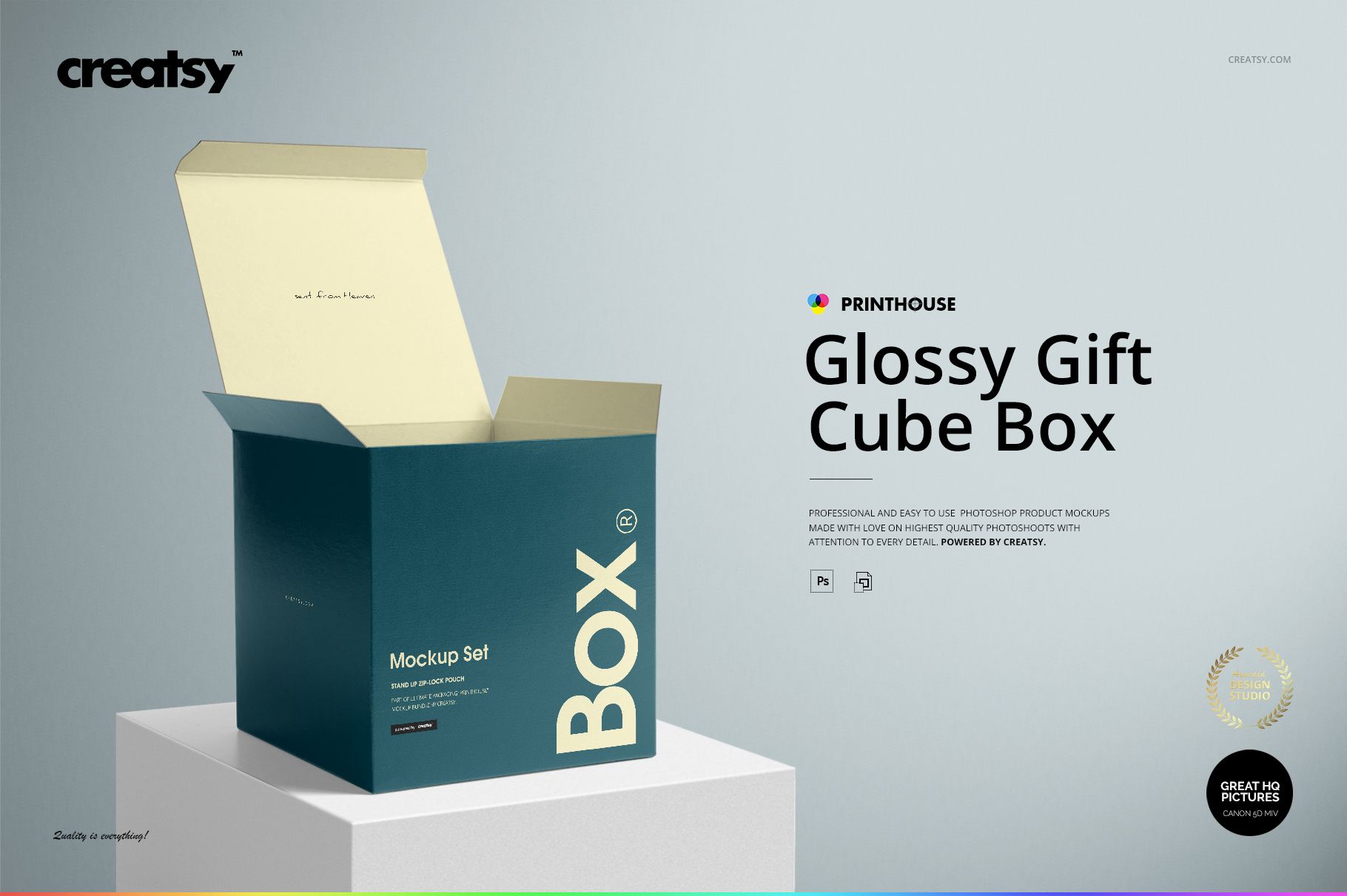
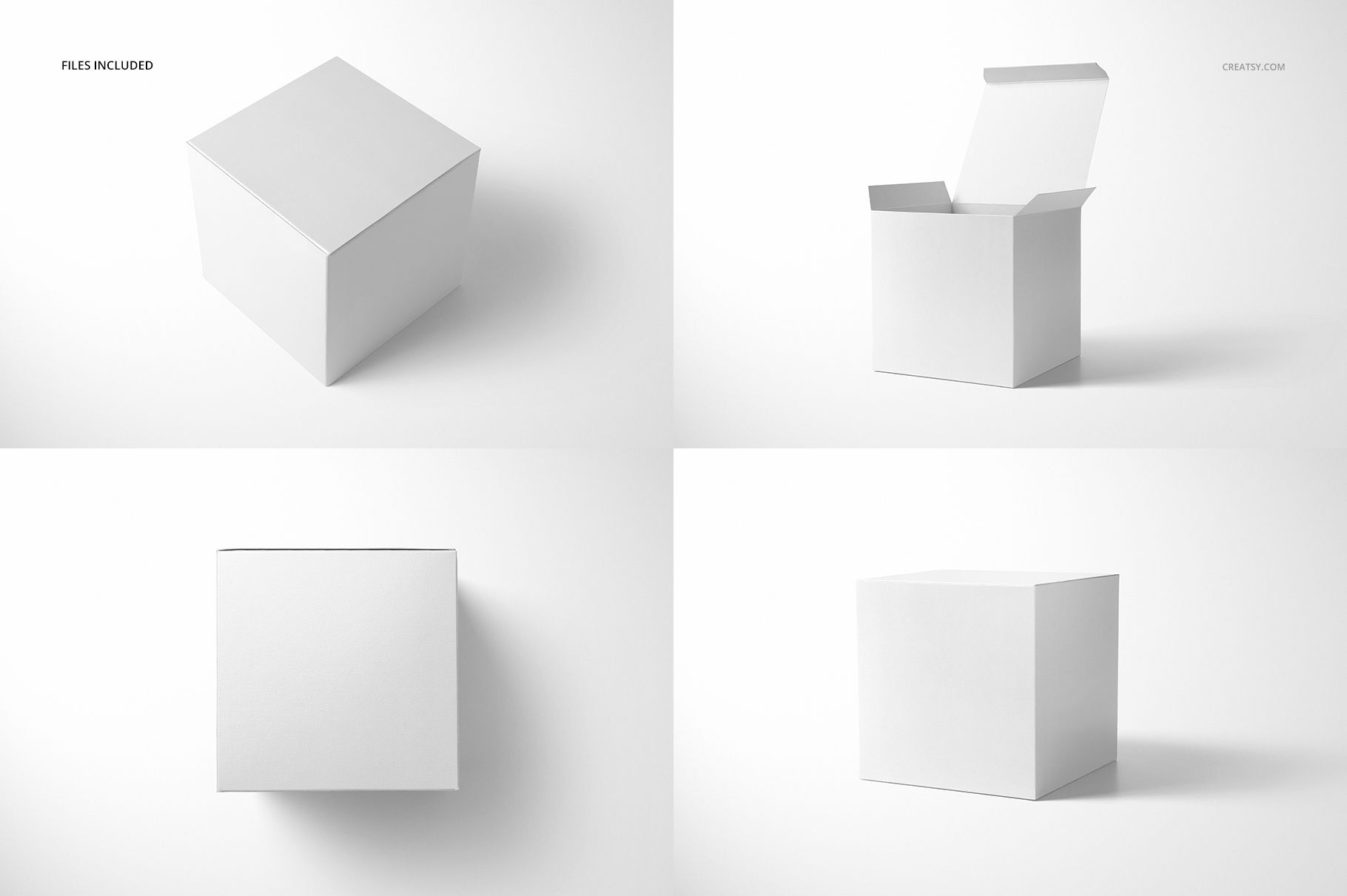
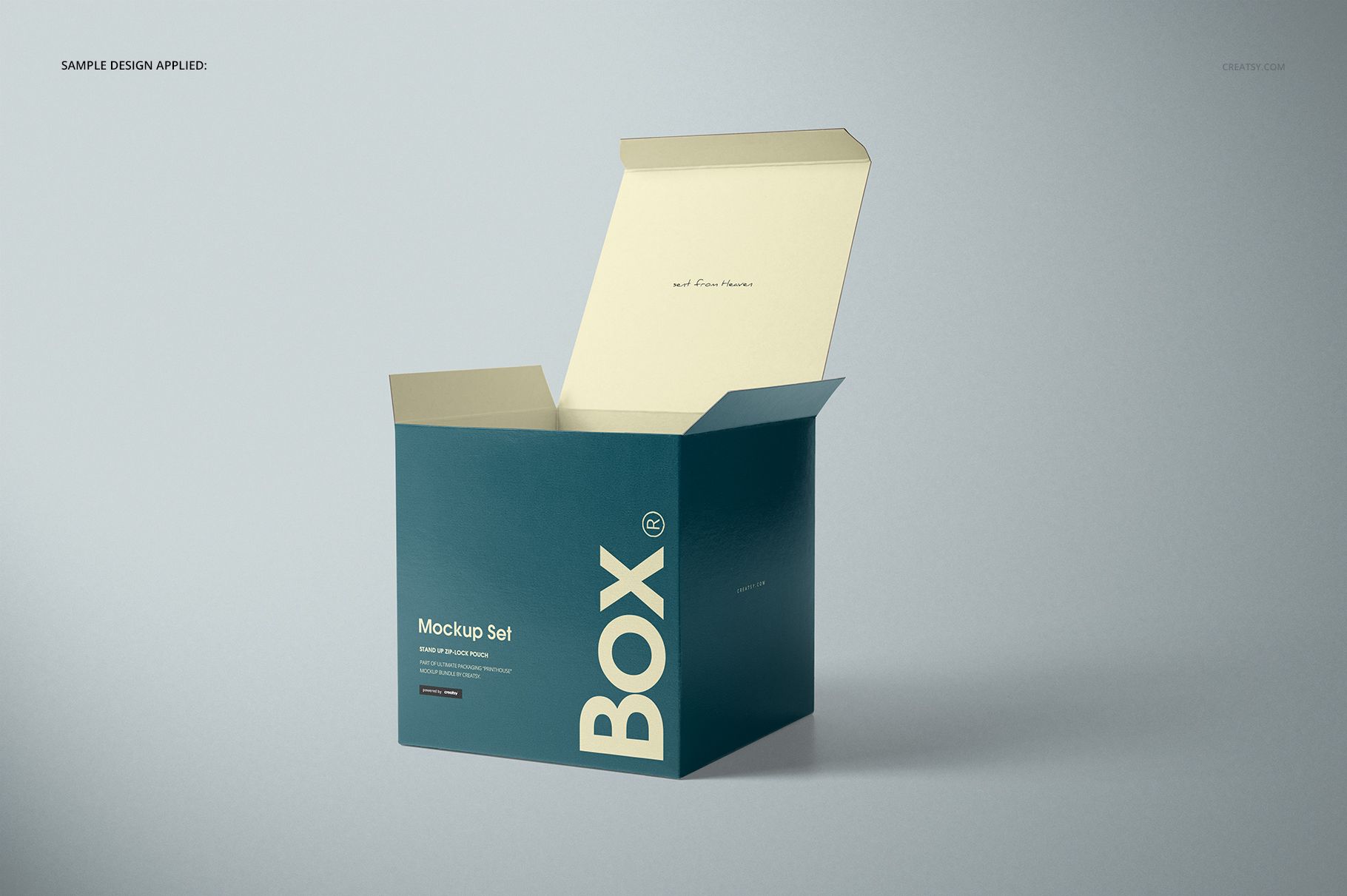
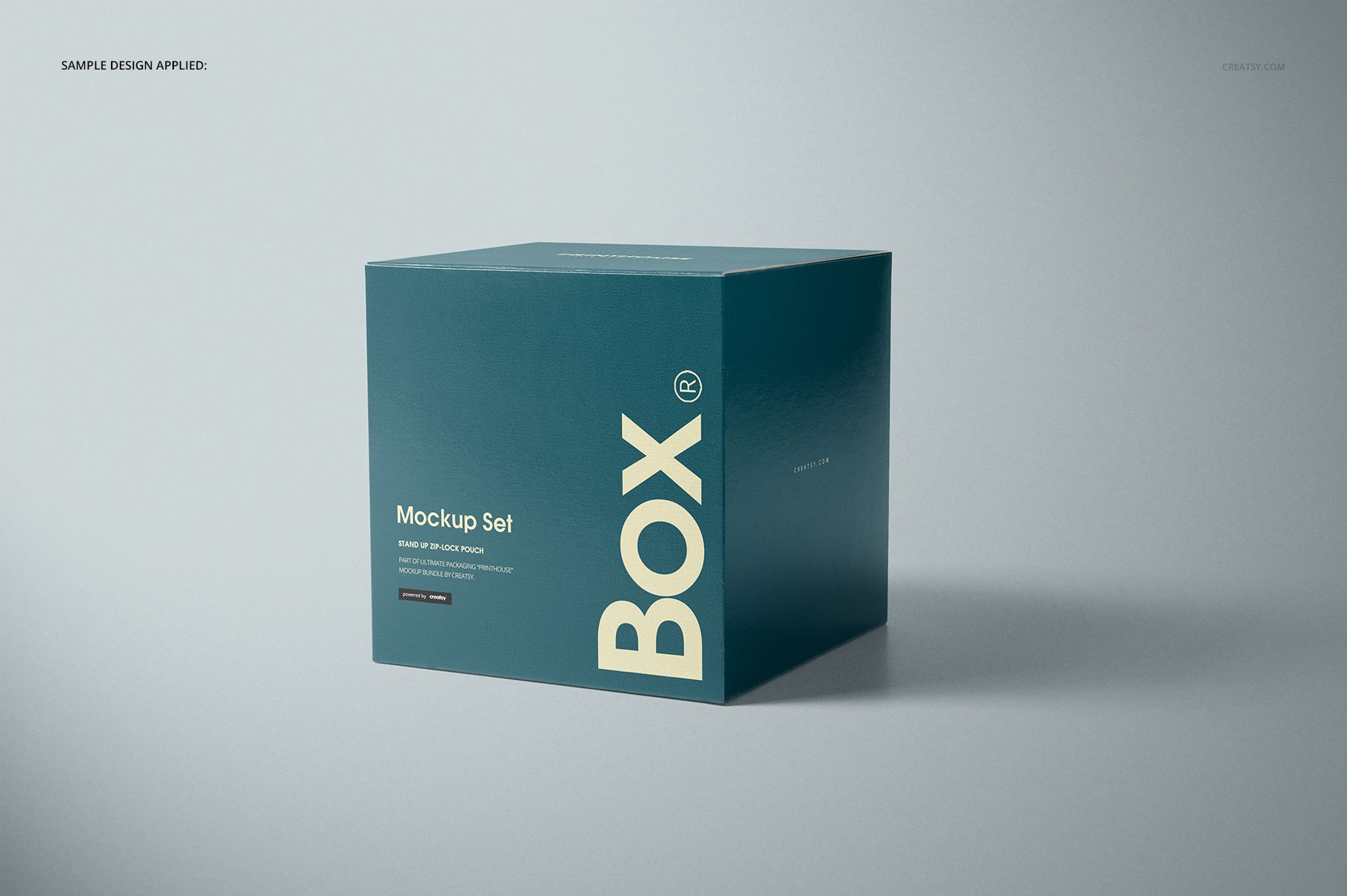
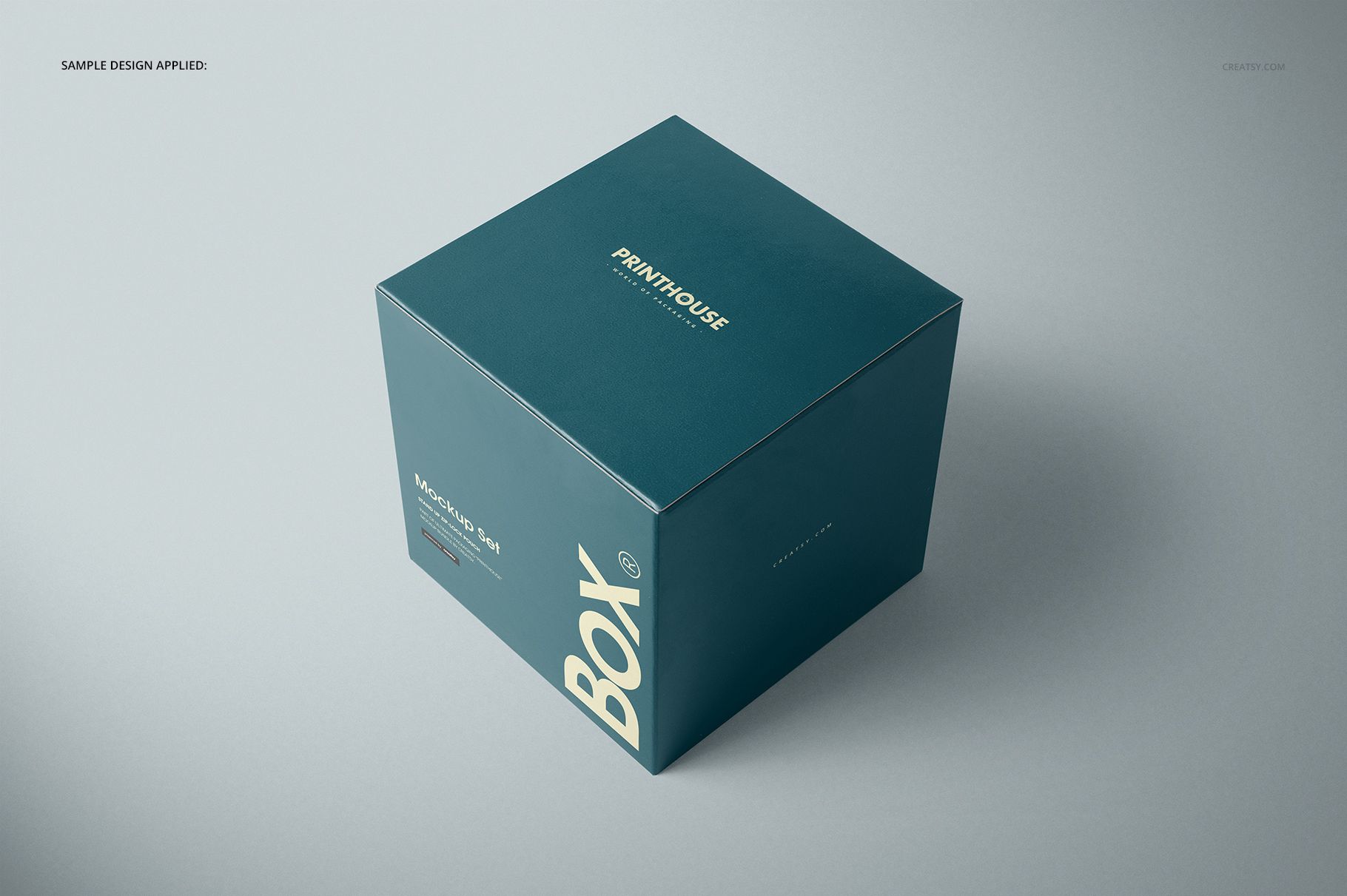
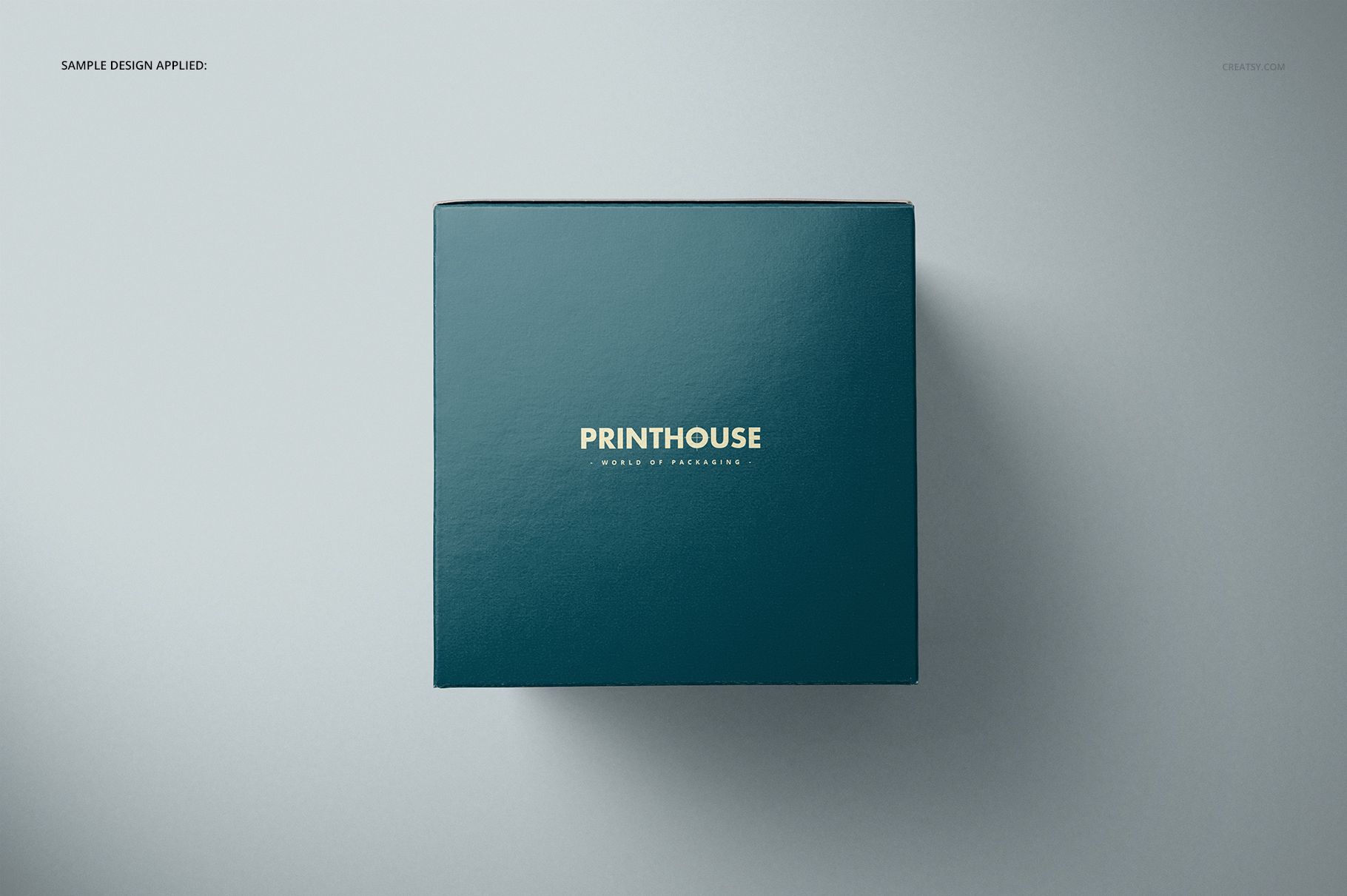
A cube presents several equally sized faces, so a packaging concept needs to work beyond the front panel. This glossy gift box mockup set lets you compare top, angled, open and closed views of a 15.3 × 15.3 × 15.3 cm box. Glossy highlights add context for color and artwork, while the open-lid views show how the design reads as the package is revealed.
What Is Included
5 layered PSD mockups, including an Angled Opened with Block version.
6 JPG scene previews plus 1 JPG guide.
Editable Smart Objects, color layers and background options.
Give Each Face a Clear Role
Use the top panel as the main illustration area, place a clear brand mark on a visible side and let a supporting pattern carry the remaining faces. The square footprint and equal height create a noticeably different presentation from a shallow gift box. Open and closed views help communicate that structure in a single client gallery.
Easy Smart Object Editing
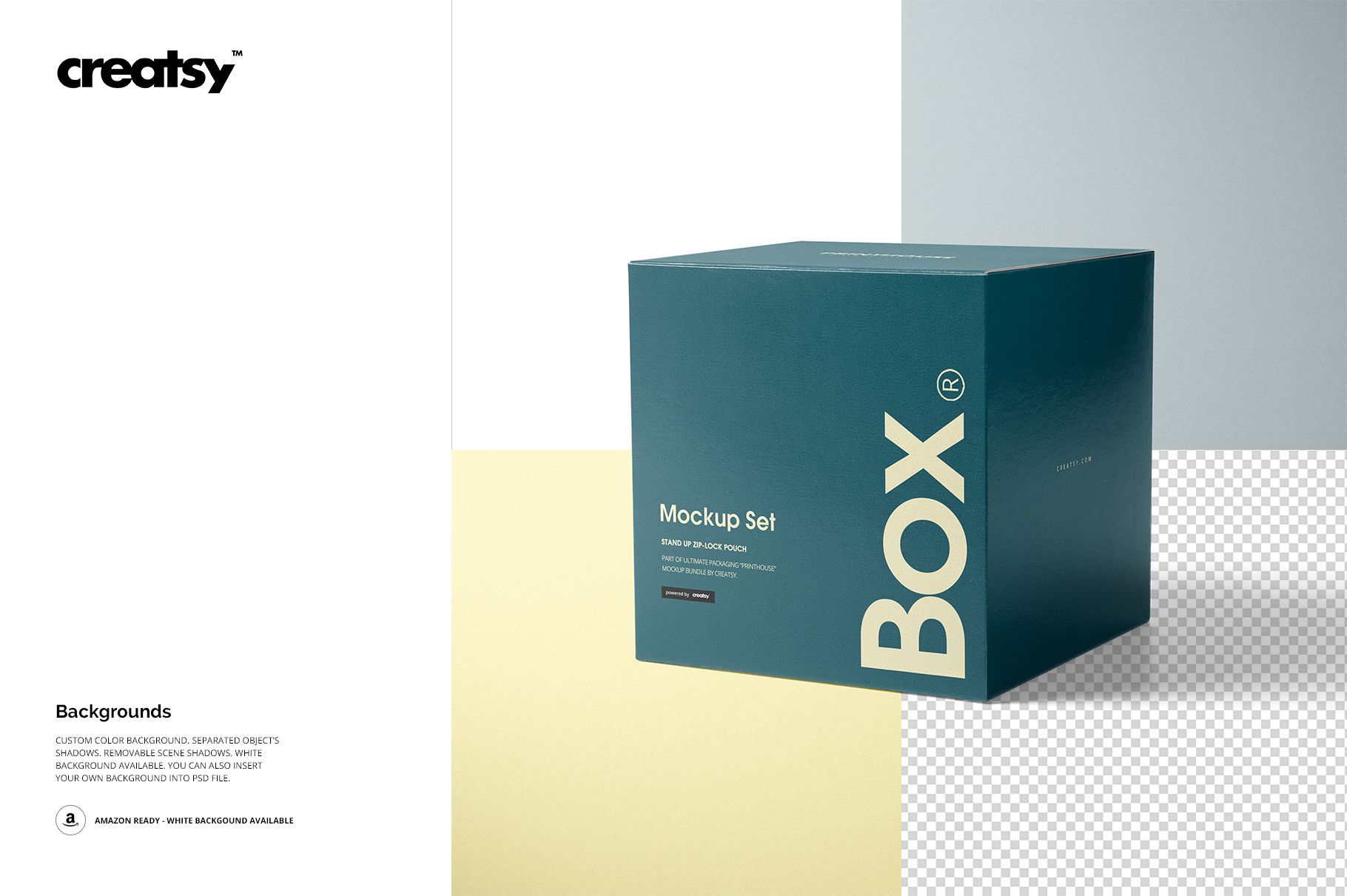
Work in Adobe Photoshop CC2015 or newer. Open the relevant Smart Object, insert your design, save it and return to the mockup; use color layers to adjust the palette. Choose a custom-color, white or transparent background, with separate object shadows and removable scene shadows for presentation flexibility.
Perfect For
Present boutique gift branding, illustrated packaging, seasonal patterns or a coordinated retail collection. The version with a block provides an additional display composition alongside the other box views.
Digital mockup files only. No physical packaging, production dieline or sample artwork is included.