Zenith Space Frontier Poster Template
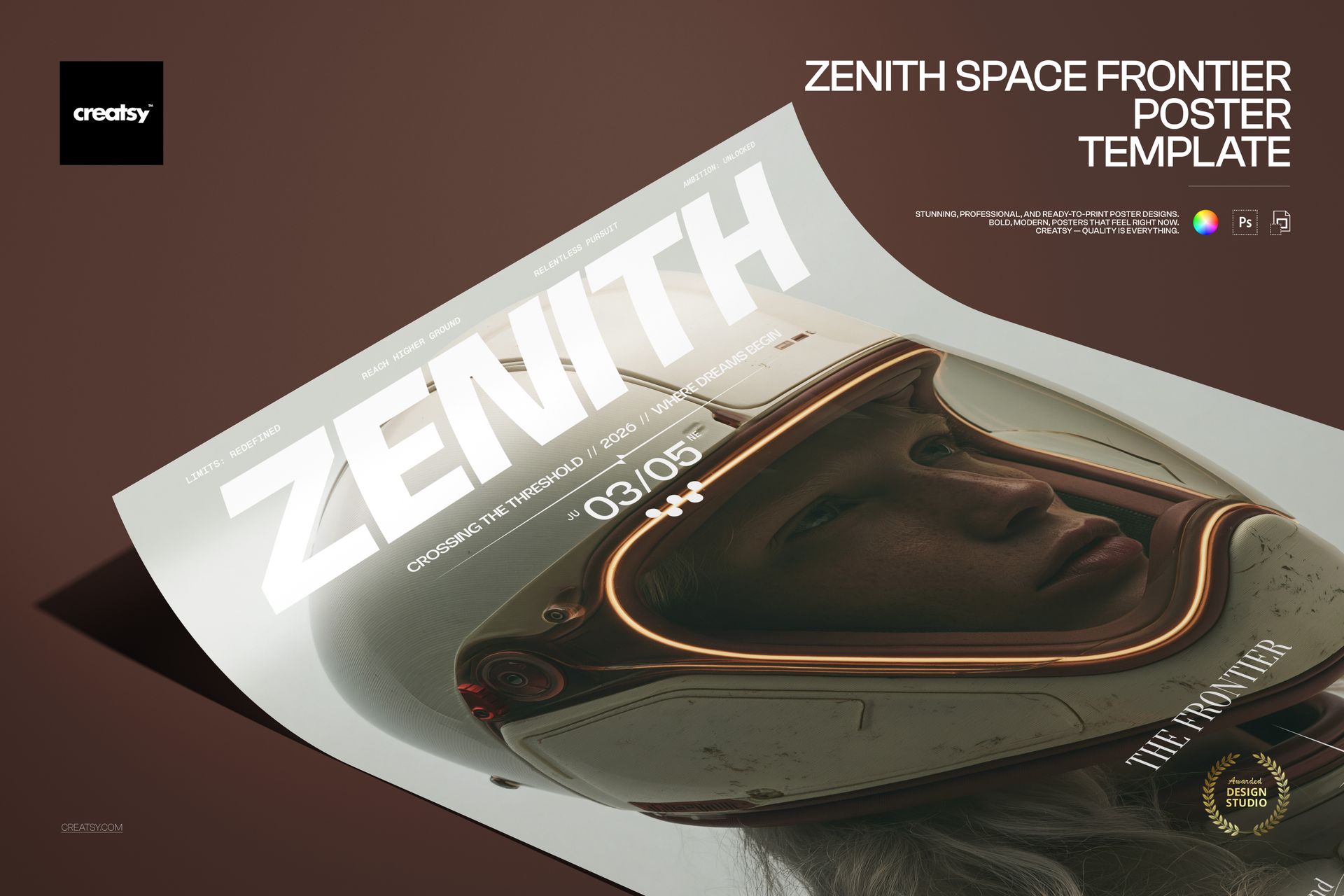
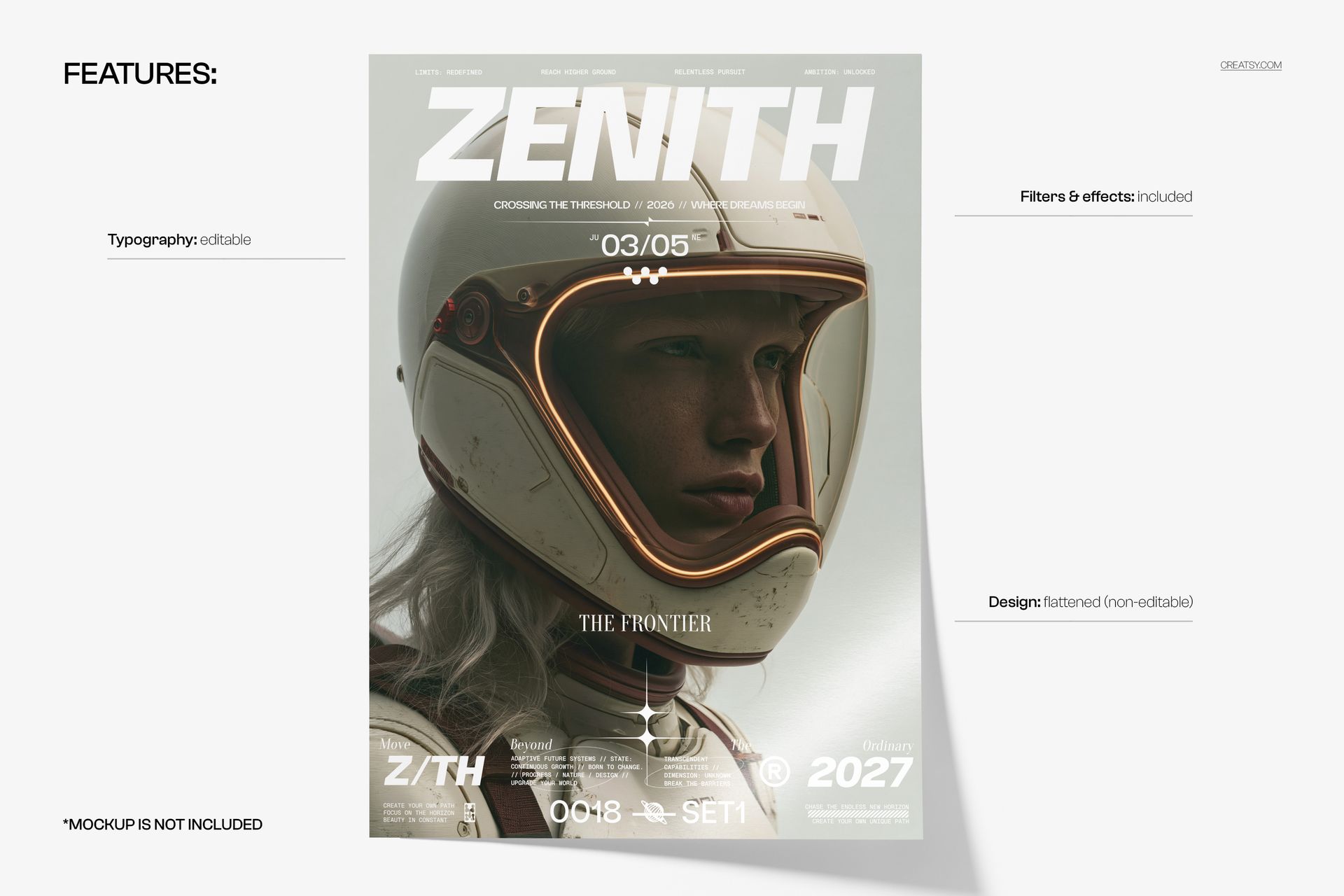
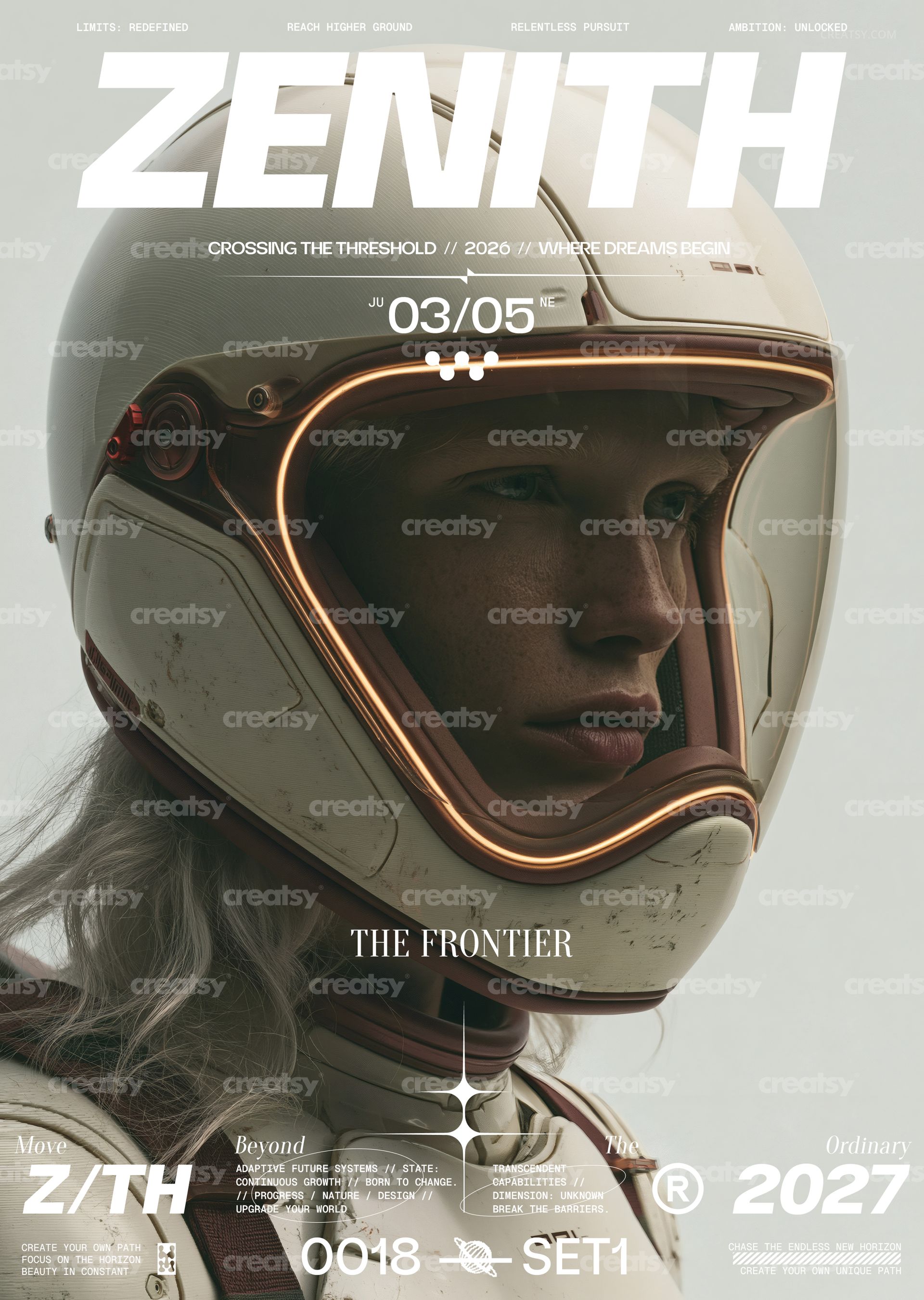
Zenith Space Frontier Poster Template by Creatsy is a sci-fi poster template built around an astronaut portrait with a glowing visor and an oversized ZENITH headline, delivered as two layered PSD files at 297 x 420 mm (A3) with 3 mm bleed, 3579 x 5032 px at 300 DPI. Every line of type is editable, so the layout can carry your own event name, date and tagline while the artwork stays as shown.
Use it when a poster has to be ready today rather than designed from scratch: replace the headline, the date line and the small copy blocks, export the CMYK file for the printer and the RGB file for social media, and the composition still reads from across the room.
What Is Included
1 layered PSD in CMYK for print production, 297 x 420 mm (A3) with 3 mm bleed, 3579 x 5032 px at 300 DPI.
1 layered PSD in RGB for screen use, at the same size.
Fonts used.txt, a list of the typefaces in the layout so you can install them before editing.
Organized layers for the typography, the artwork and the included filters and effects.
Edit the Typography, Keep the Artwork
The headline, the date and tagline lines and the small copy blocks along the edges are live text layers: rewrite them, change the font, size and color, or delete the lines you do not need. The astronaut artwork is a flattened, non-editable layer, so the image stays exactly as in the previews; the filters and effects that give the poster its finish are included in the file.
Easy Editing in Photoshop or Photopea
Open the PSD in Adobe Photoshop CS6 or newer, or in Photopea in your browser. Install the fonts from the Fonts used.txt list, select a text layer with the Type tool and type your own copy. Save the layered file as your master, then export a flattened copy: the CMYK version as a PDF or TIFF for the print shop, the RGB version as a JPG or PNG for online use.
Perfect For
Sci-fi film screenings and premieres, space and astronomy events, gaming and esports nights, tech and product launches with a new-frontier message, exhibition and gallery promotion, or a short print run for your own venue, launch or campaign.
This is a digital print template, not a physical poster. The angled scene in the first preview is a separate mockup and is not included, and the fonts are not bundled; the Fonts used.txt file names them.