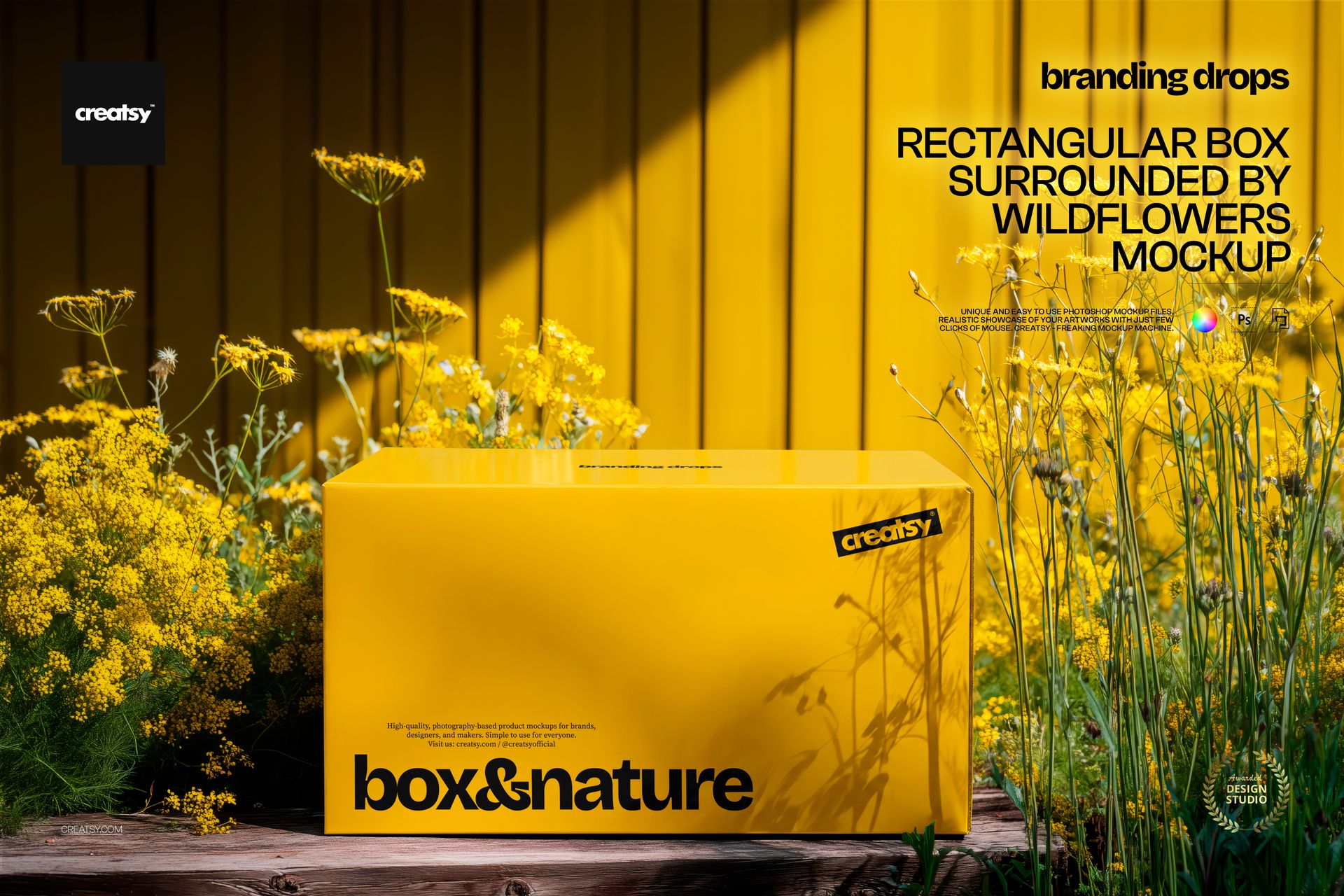
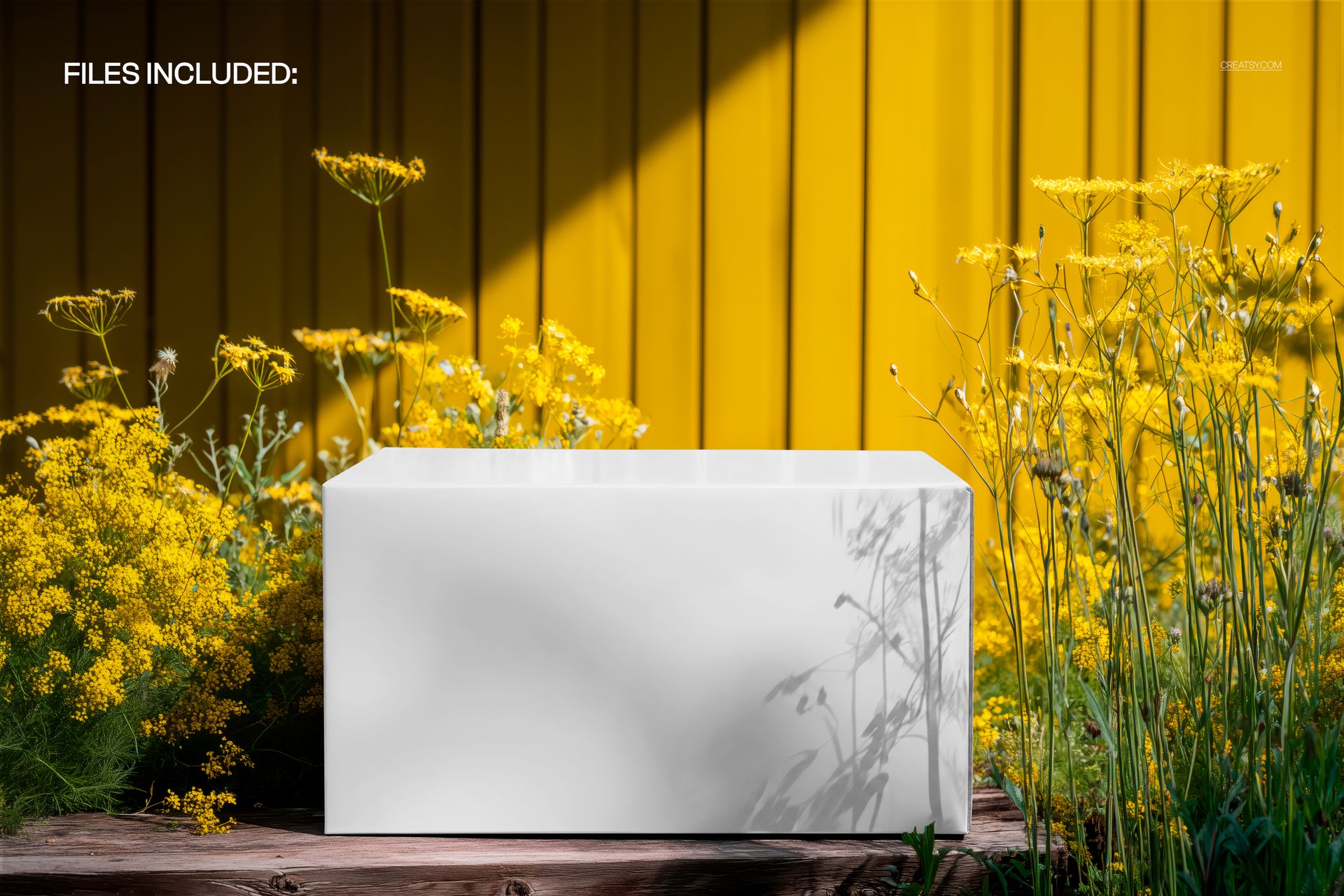
The Rectangular Box Surrounded by Wildflowers Mockup by Creatsy is a rectangular box mockup built on one PSD file, 5300x3500 px at 300 dpi. Your packaging design goes on the box, and the summer scene around it stays exactly as photographed.
The box takes a full design or a flat color, on the front and the top. What sells the shot is the light: hard summer sun from the right, and the wildflowers throwing real shadows across your artwork. That layer of shadow is what makes a flat design look photographed outdoors instead of composited.
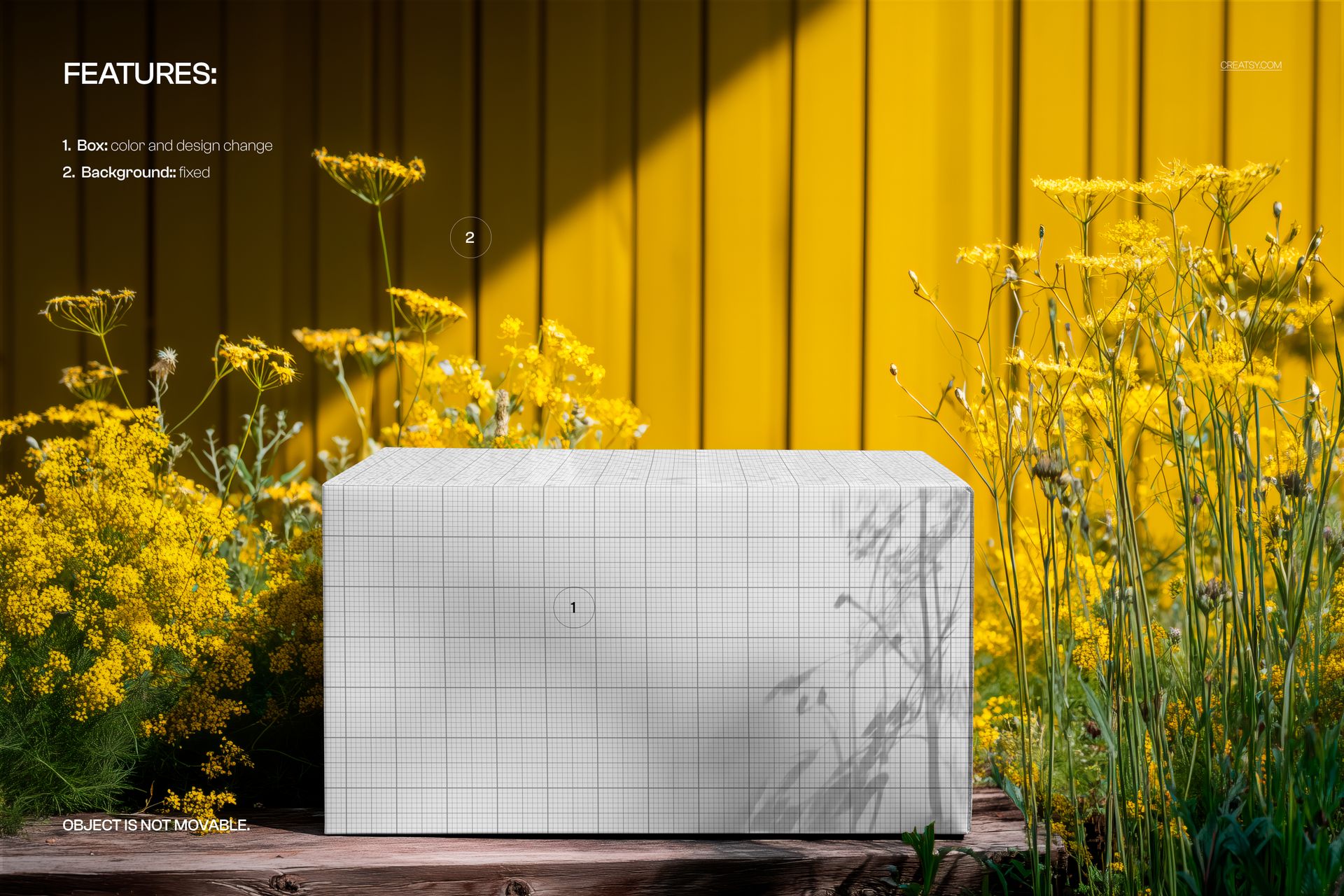
Two things are fixed: the background and the box's position. You're changing the surface, not the scene. If the composition works for your product, everything else is already done.
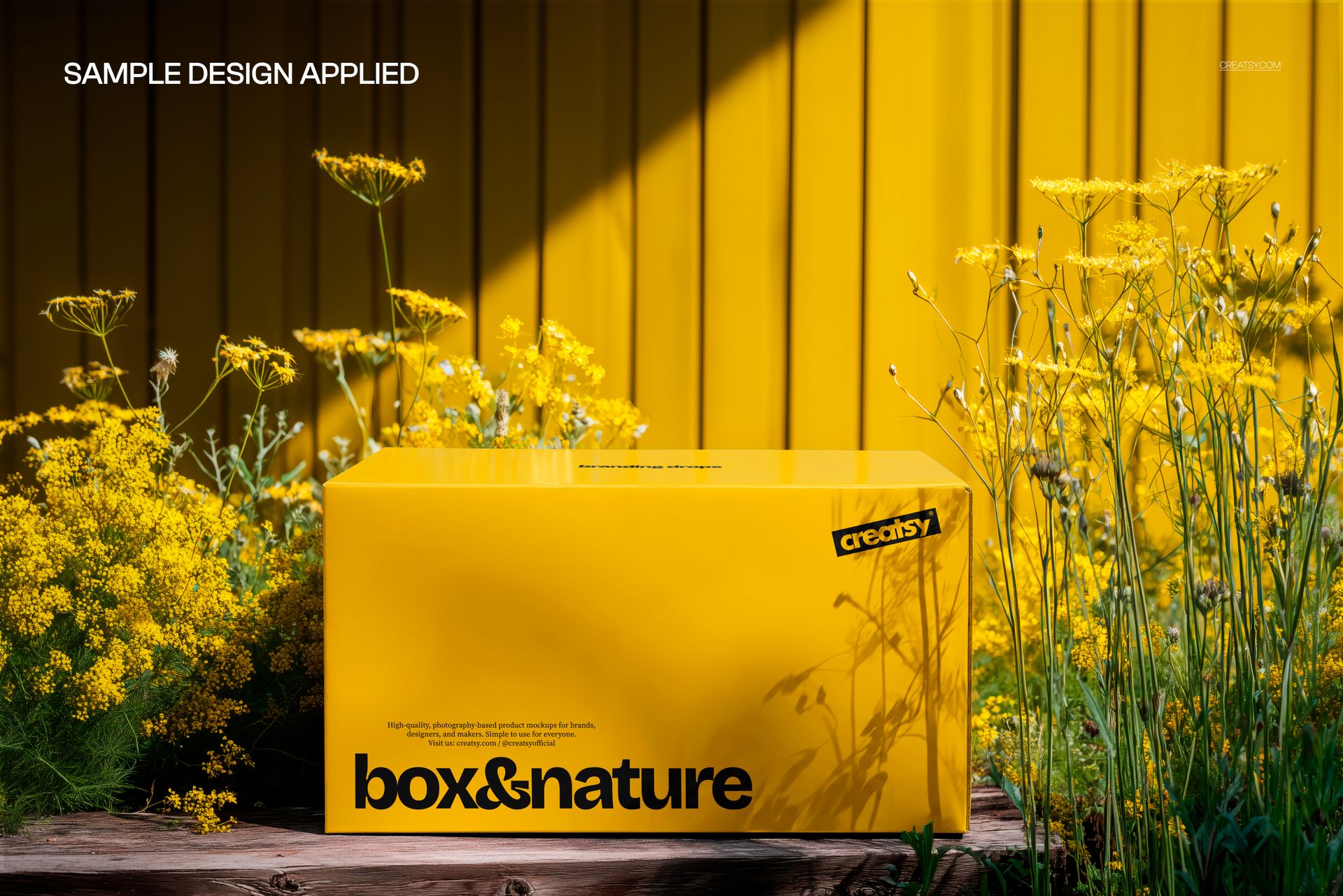
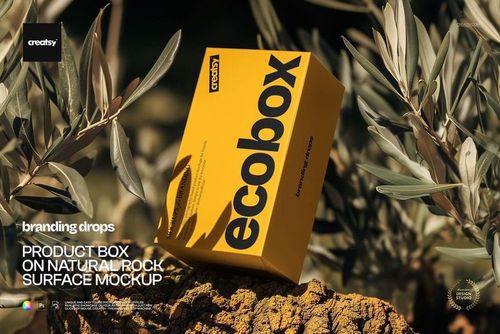
The yellow box in the previews is a sample. It is not part of the mockup, so the box in the file is blank.
Use it when the brand story leans natural or handmade: packaging presentations, seasonal Etsy listings, portfolio and social shots. The wide format sits well in shop banners and Instagram carousels.
What you get
The box editable on the front and top: flat color or a full design
Real wildflower shadows falling across your artwork
A photographed summer scene: yellow plank wall, wildflowers, rustic wooden ledge
Hard directional daylight with natural contrast
Well organized, easy to follow layer stack
How it works
Open the PSD in Photoshop (CC 2020 or newer) or Photopea.
Double-click the box's smart object layer, paste your design, scale it, then save and close.
Or set a flat color if you're testing color versions of a design.
Export your box mockup, the scene and the shadows are already in place.
Specifications
Files: 1 layered PSD
Dimensions: 5300x3500 px, 300 dpi
Download: .psd and .jpg files
Package size: 164 MB (Windows), 172 MB (macOS)
Software: Adobe Photoshop CC 2020 or newer, or Photopea in a browser
License: Standard or Extended
Who it is for
Packaging designers who need a lifestyle shot without arranging one, brands whose identity leans natural or handmade, and Etsy or Shopify sellers who want a listing photo with season and light in it.