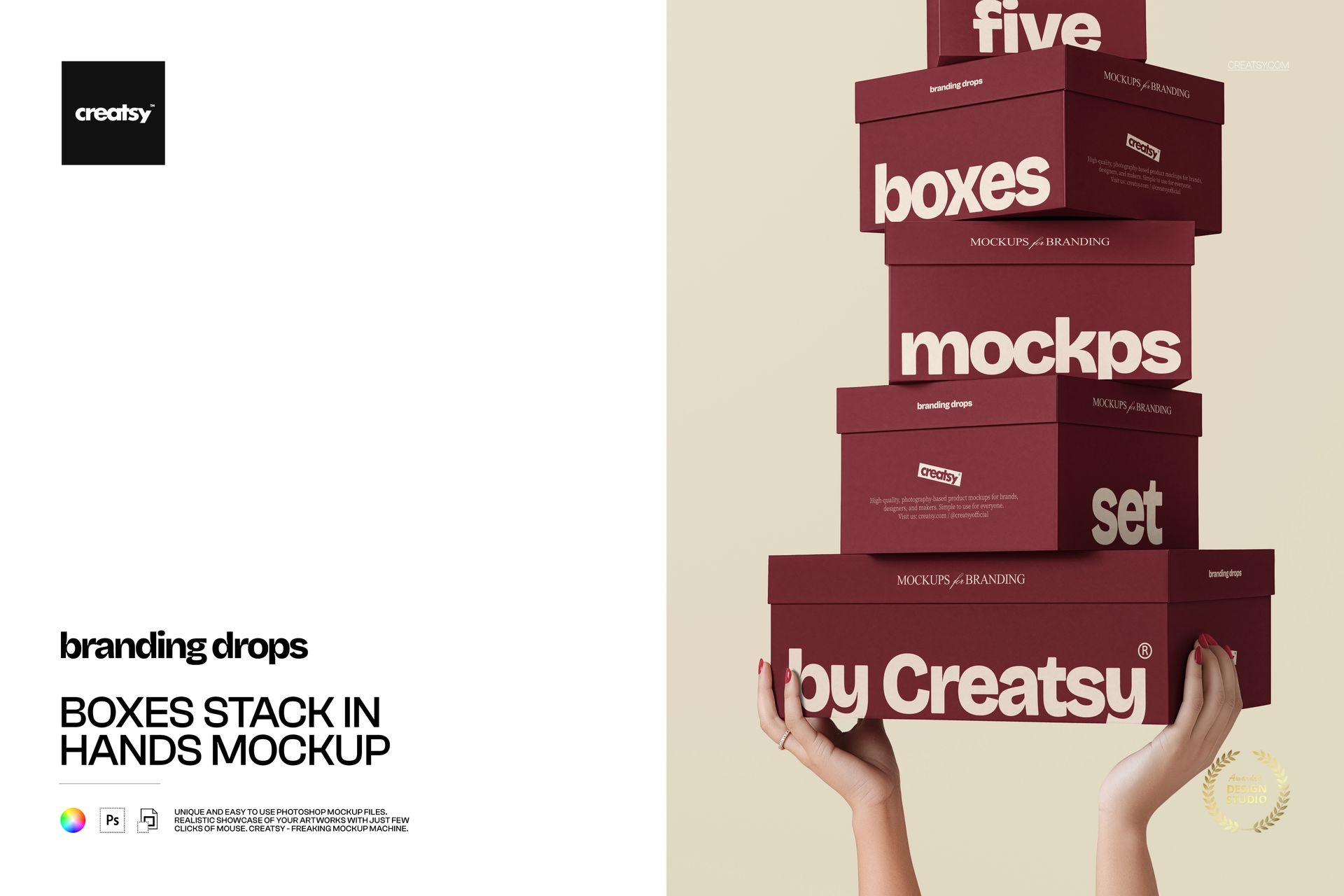
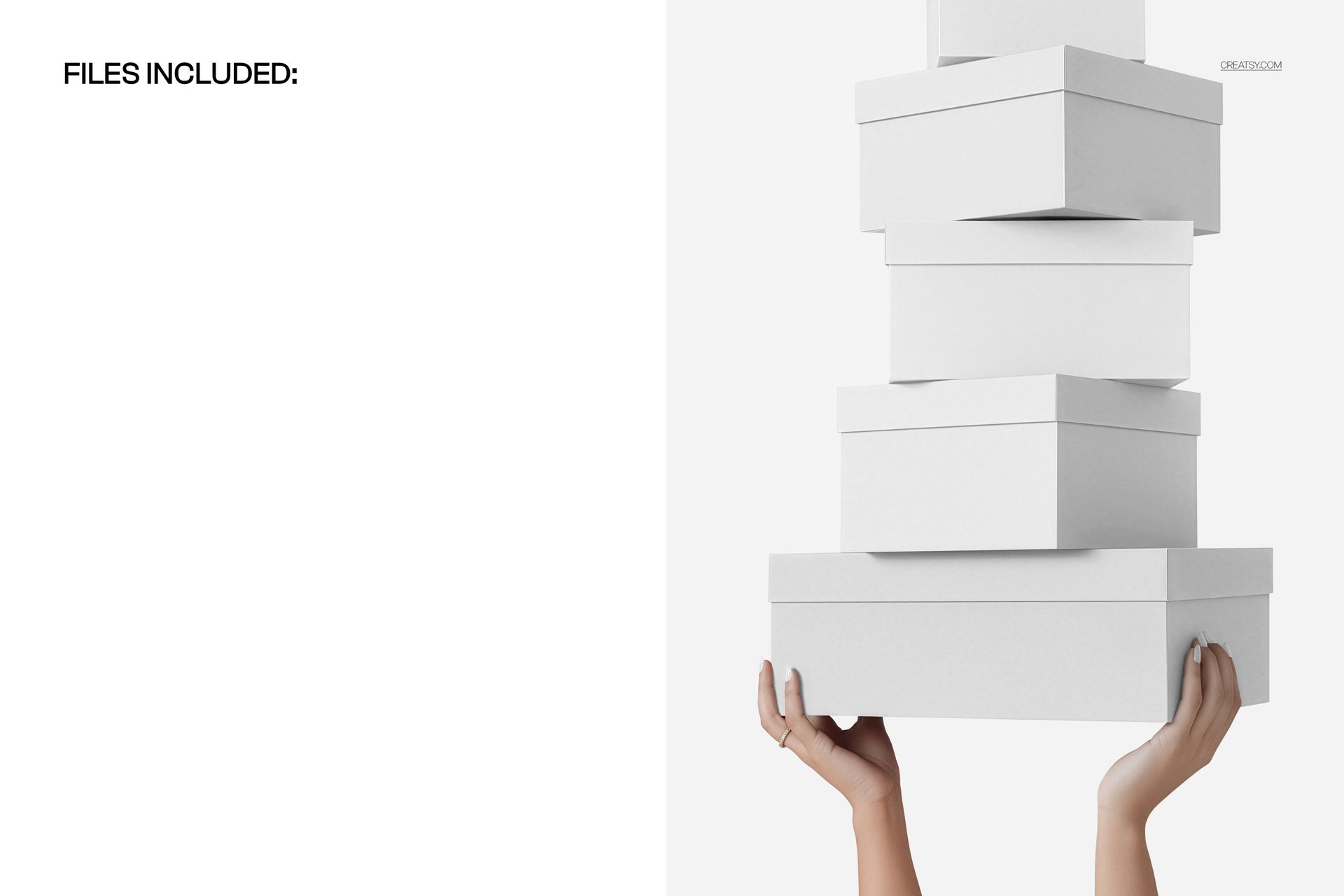
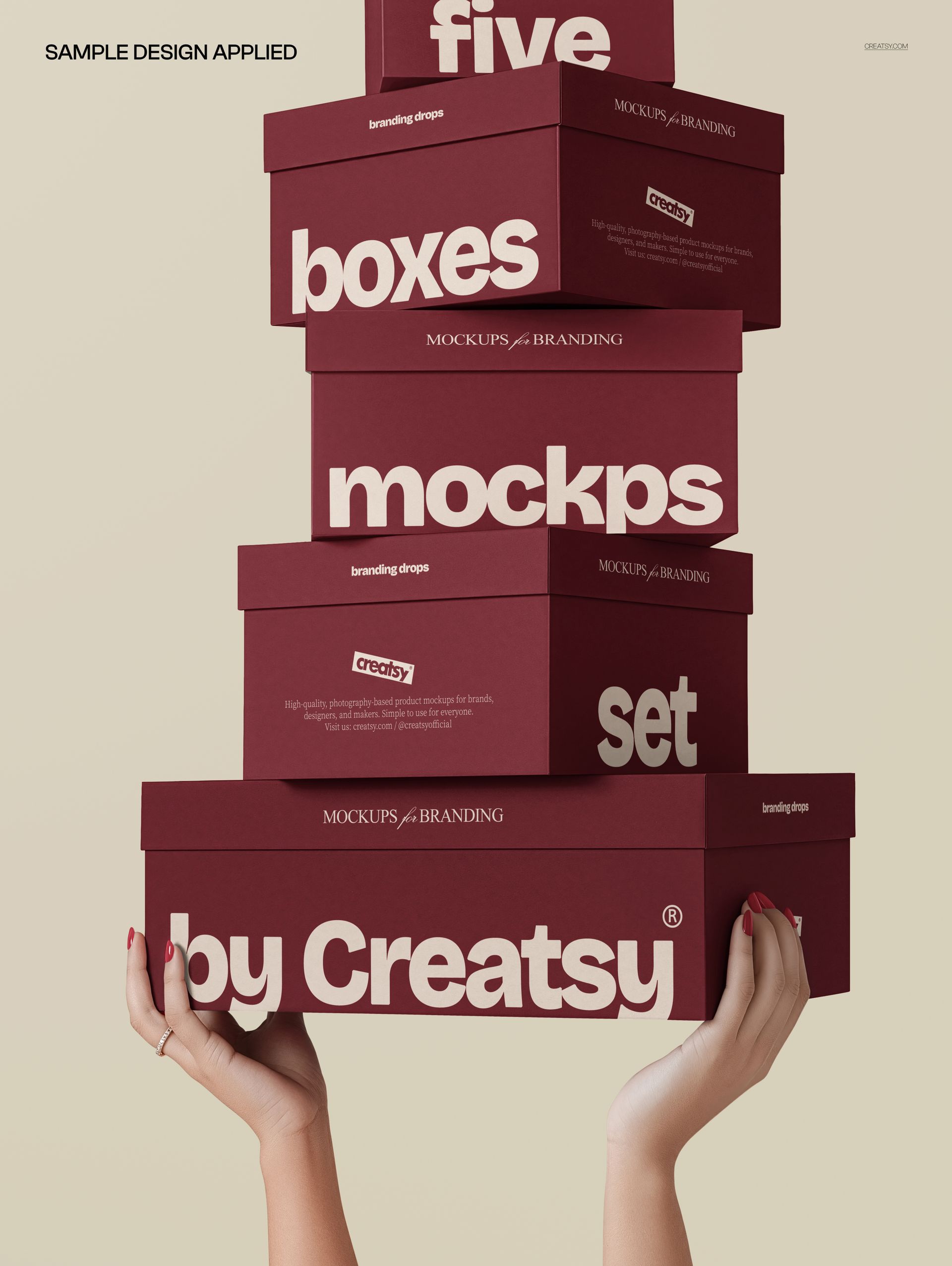
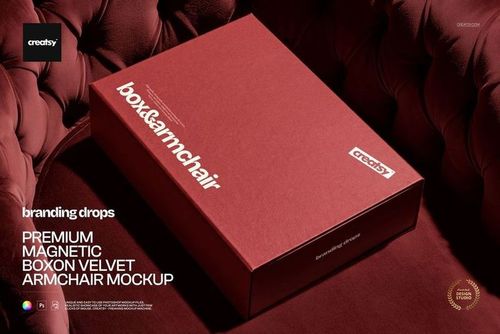
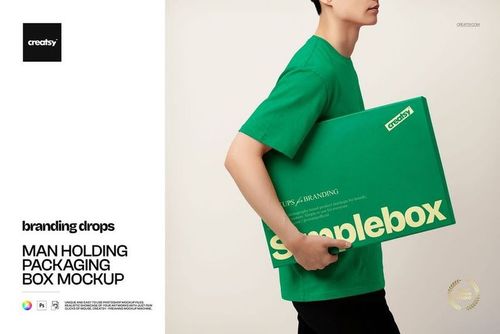
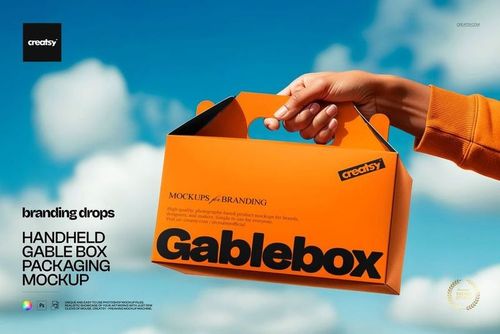
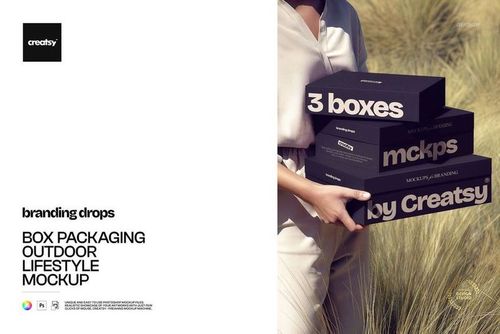
Five boxes of varying sizes stacked together and held by hands, photographed against a clean background that keeps all attention on the packaging surfaces. This Boxes Stack in Hands Mockup presents your packaging designs on a vertical arrangement of five different box formats, creating a single image that showcases an entire product line, gift set collection, or branded packaging family in one composition. The hands holding the stack add a human scale reference and a sense of real-world interaction that makes the packaging feel tangible and ready for production.
Why This Mockup Works
Presenting multiple box sizes in a single scene solves a practical problem that packaging designers face regularly. Clients want to see how their branding looks across an entire range of box formats without scrolling through five separate mockup files. This stacked composition shows all five sizes simultaneously, making it immediately clear how the design system scales from the smallest box to the largest. The hands holding the stack communicate weight, proportions, and the physical experience of handling the boxes, which is information that flat-lay mockups or isolated renders cannot provide. The clean background ensures the packaging artwork remains the visual focus without environmental distractions competing for attention.
What Is Included
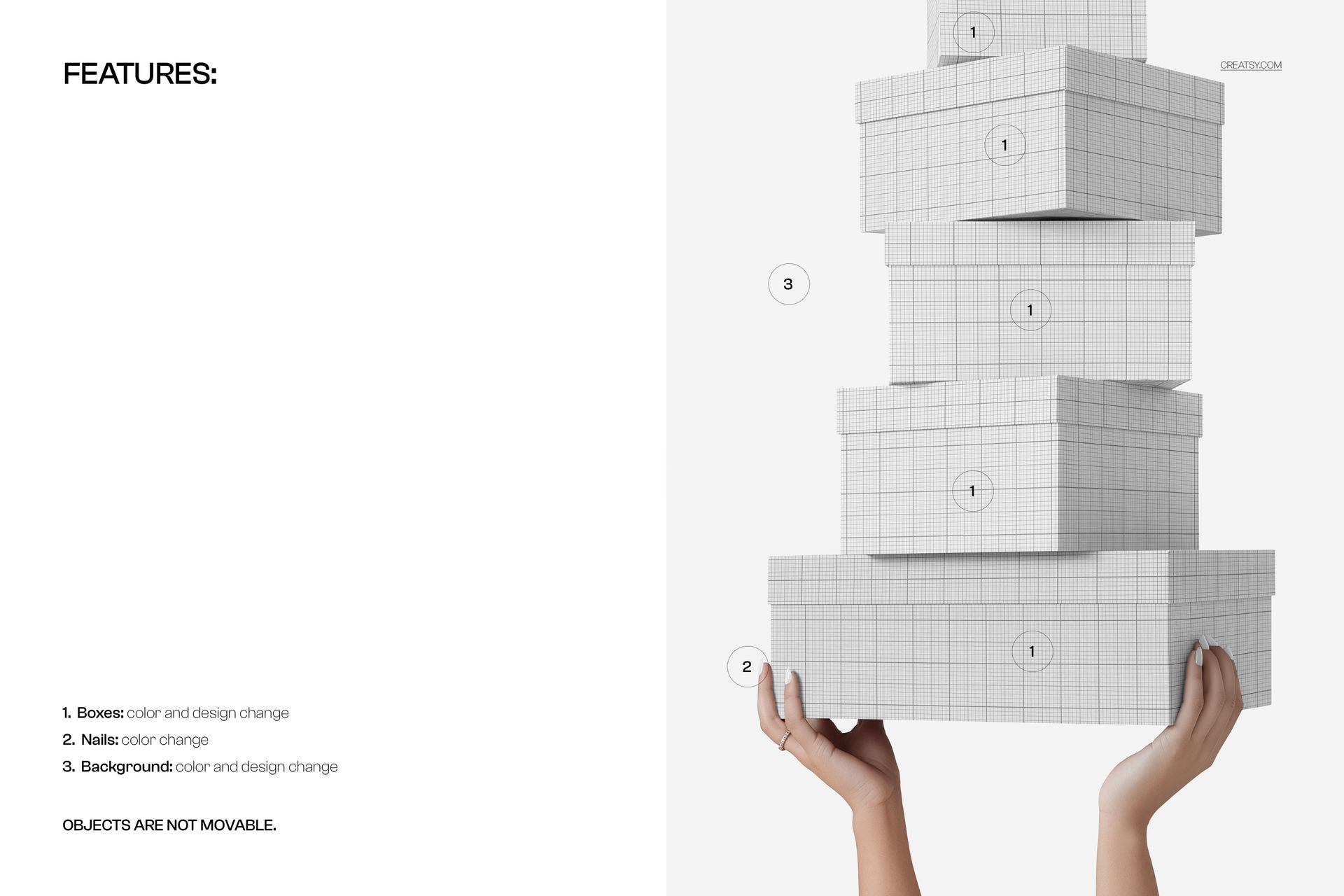
The download contains 1 PSD file at 5000x3766 pixels and 300 DPI resolution. The scene features five boxes arranged in a stacked formation held by hands against a neutral background. Each box surface is editable through organized smart object layers, allowing you to apply different designs, branding, or artwork to each box independently. The total file size is 119.25 MB, and the file opens in Adobe Photoshop CC2020 or newer as well as in Photopea for browser-based editing.
What You Can Customize
Replace the artwork on each box surface using smart object layers. Apply separate branding, patterns, typography, or label designs to each of the five boxes individually, which makes this mockup valuable for presenting coordinated packaging collections where each box carries related but distinct artwork. Adjust colors and refine individual elements through well-organized layers. The file structure supports rapid iteration for designers who need to cycle through multiple branding concepts or colorway options across the full set of boxes without rebuilding the composition.
Who This Mockup Is For
Packaging designers presenting product line concepts or tiered packaging systems will find this five-box composition efficient for showing how a design scales across multiple formats in a single deliverable. Brand studios building comprehensive packaging proposals for retail, e-commerce, or gifting clients can use this mockup to demonstrate system-level thinking where every box in the range feels cohesive. Freelance designers and creative entrepreneurs who need to show range in their portfolio or product listings benefit from the multi-box format that communicates volume and variety without requiring separate files for each size.
File Specifications
Format: PSD (Adobe Photoshop CC2020 or newer, also compatible with Photopea). Files included: 1. Resolution: 5000x3766 pixels at 300 DPI. File size: 119.25 MB. Layers: well organized with smart objects for each box surface.