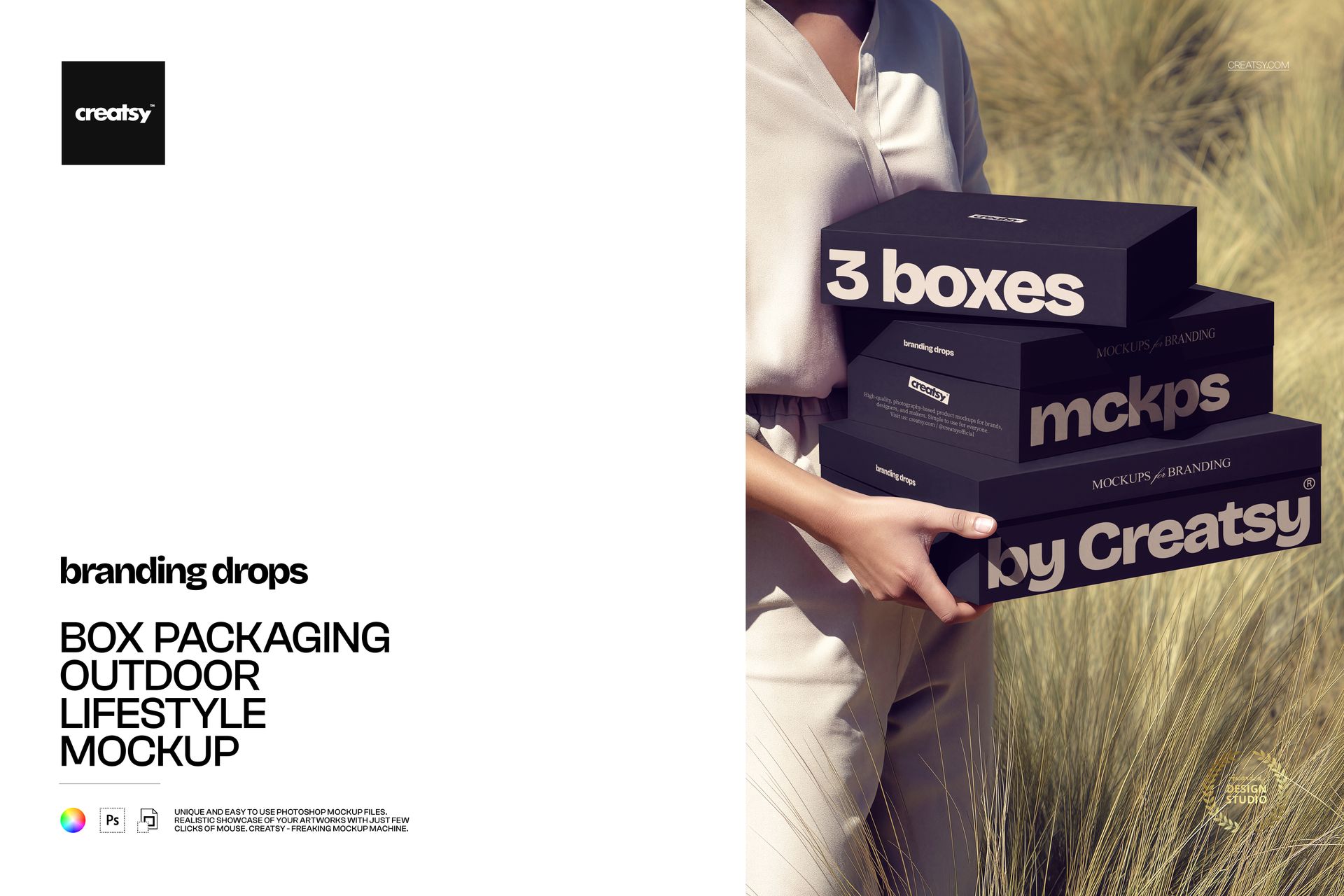
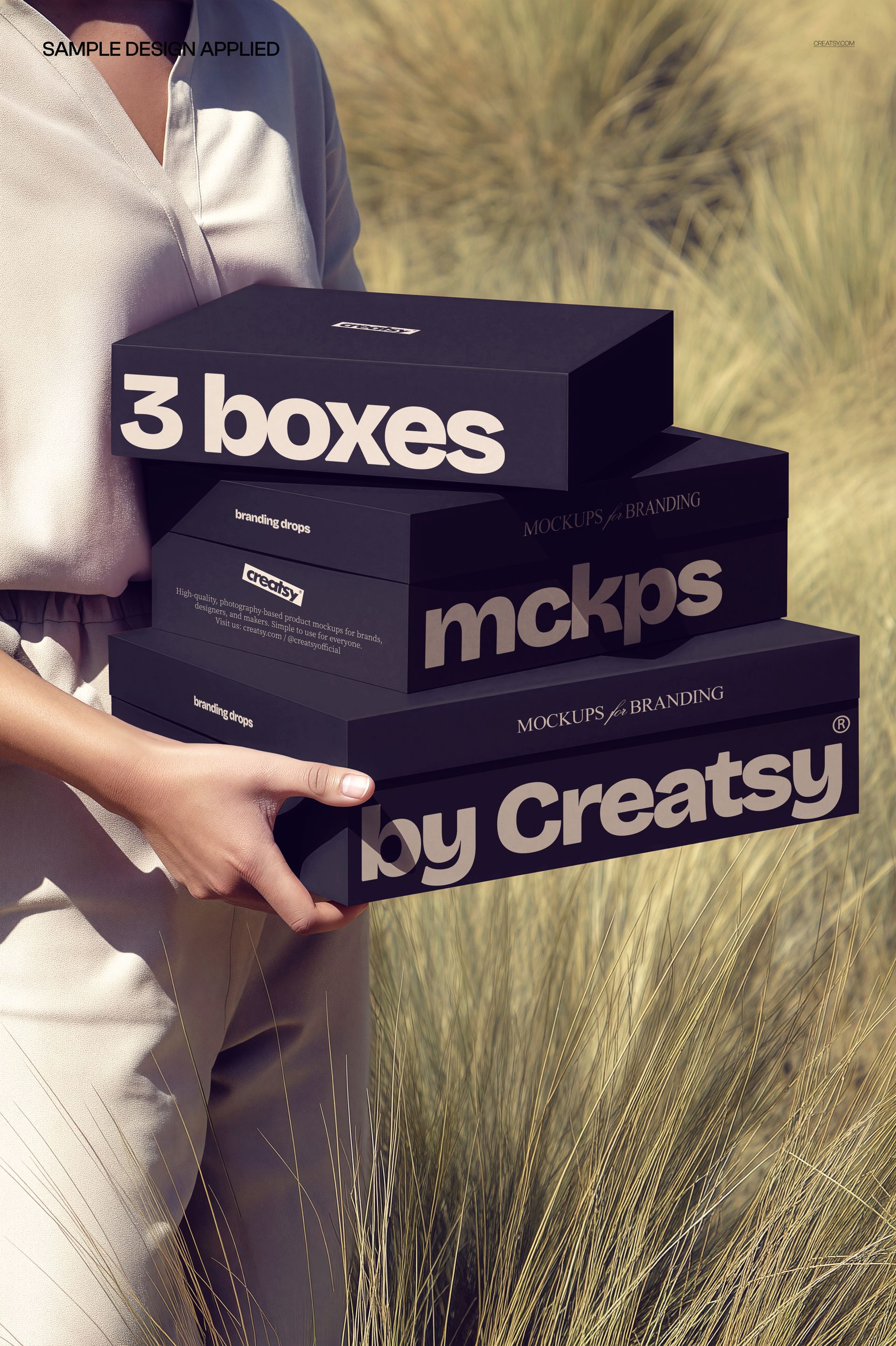
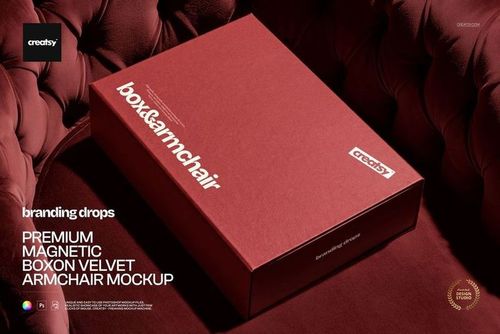
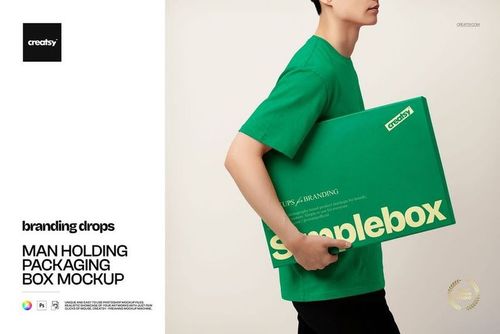
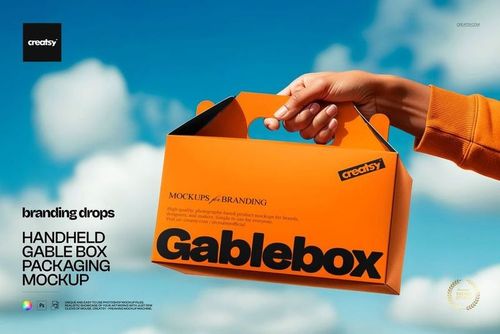
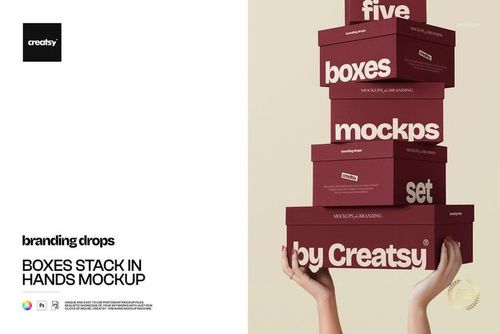
Three branded boxes photographed outdoors in natural sunlight, held and carried by a person in a casual lifestyle setting. This Box Packaging Outdoor Lifestyle Mockup presents your packaging designs on three stacked boxes of varying sizes, captured in warm daylight with soft shadows and a genuine real-world context that controlled studio shots cannot replicate. The outdoor environment adds depth, atmosphere, and authenticity to packaging presentations that need to feel tangible and approachable rather than sterile or artificially composed.
Why This Mockup Works
Packaging photography in natural light tells a fundamentally different story than flat studio renders or isolated product shots on white backgrounds. This mockup places your box designs in a scene where a real person is carrying the boxes outdoors, which immediately communicates scale, proportion, weight, and real-world presence to anyone reviewing your work. The warm outdoor tones, soft depth of field, and natural shadow behavior draw attention to the packaging surfaces while the surrounding environment remains believable and unforced. Clients and end customers respond strongly to this kind of contextual imagery because it bridges the gap between a digital design file and a finished physical product. One PSD file gives you a complete lifestyle packaging scene ready for client presentations, portfolio pages, or marketing campaigns.
What Is Included
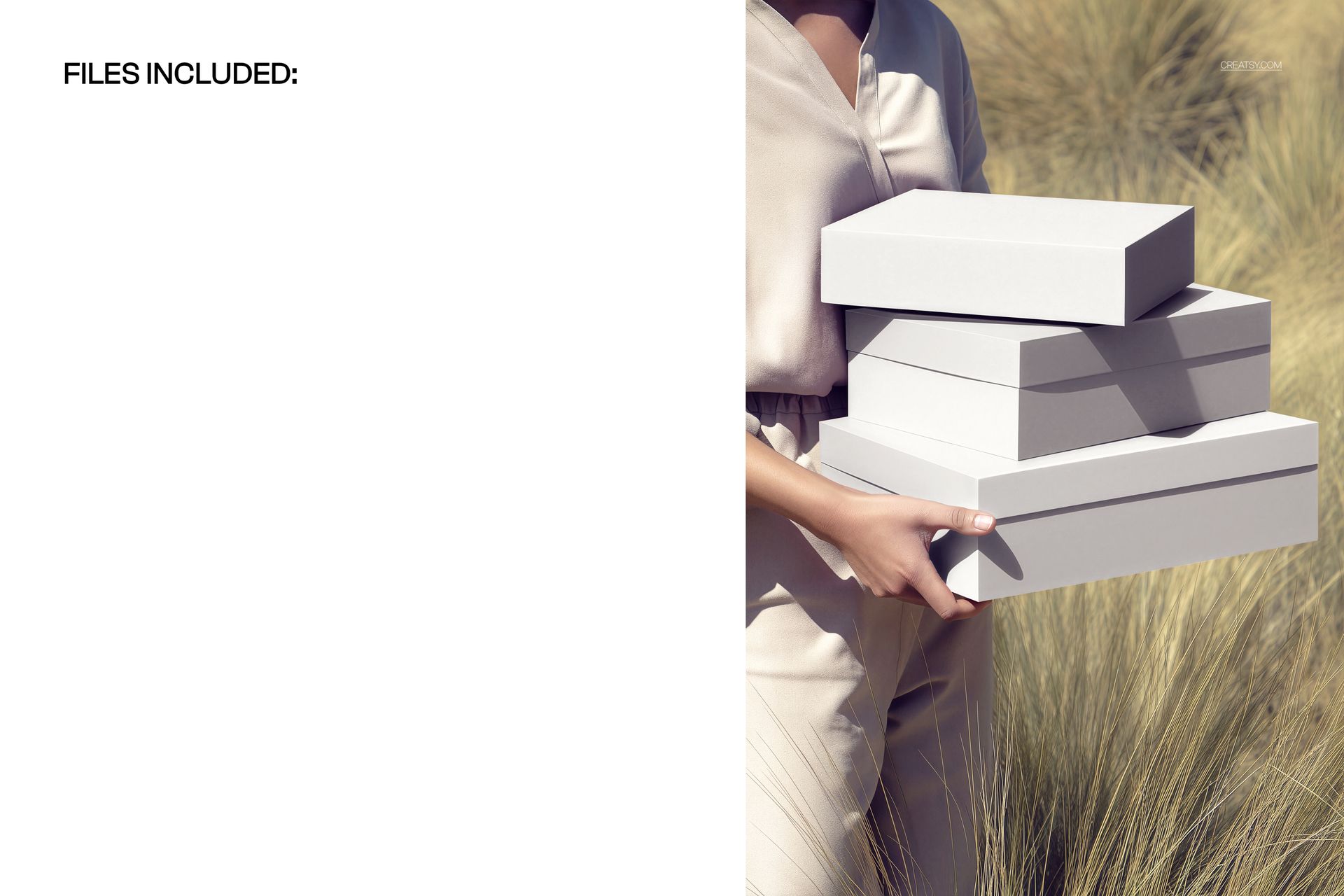
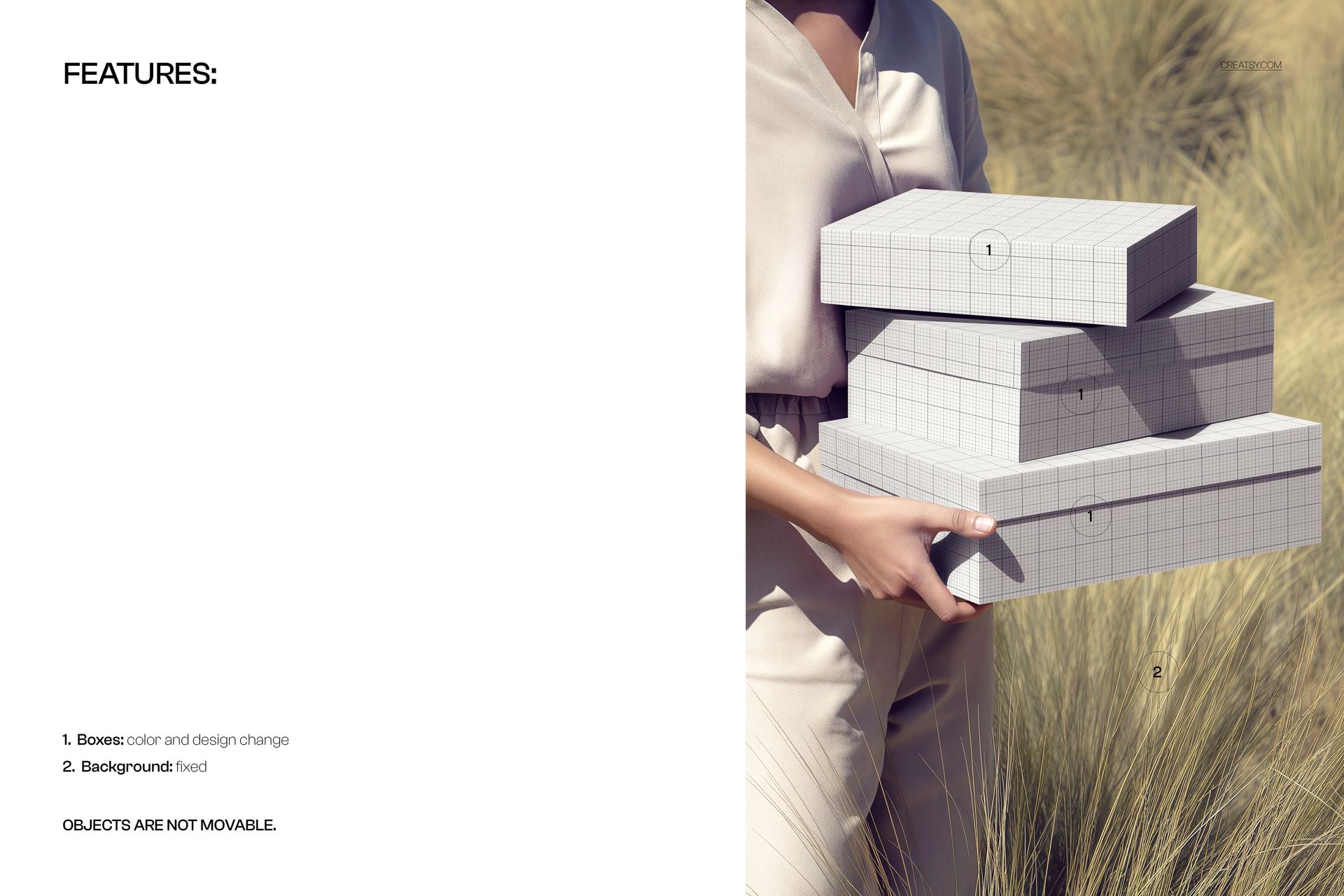
The download contains 1 PSD file at 5250x3500 pixels and 300 DPI resolution. The scene features three boxes arranged in a stacked composition held by a person outdoors in natural daylight. Each visible box surface is editable through organized smart object layers, allowing you to apply different designs to each box face in the frame. The total file size is 99.11 MB, and the file opens in Adobe Photoshop CC2020 or newer as well as in Photopea for browser-based editing without a Photoshop subscription.
What You Can Customize
Replace the artwork on each box surface using smart object layers. Apply separate branding, patterns, typography, or label designs to each box individually, which makes this mockup particularly useful for presenting product lines, seasonal collections, or gift sets with coordinated but distinct packaging across multiple boxes. Adjust colors and fine-tune individual elements through well-organized layers. The file structure supports quick iteration for designers who need to cycle through multiple client variations without rebuilding the entire scene from scratch.
Who This Mockup Is For
Packaging designers building portfolio cases or client pitch decks will find the outdoor lifestyle angle valuable for demonstrating how box designs look and feel outside a controlled studio environment. Brand studios preparing product launch materials can use this mockup to produce marketing assets with an organic, editorial quality that resonates on social media and in digital campaigns. E-commerce sellers who need lifestyle-style product imagery for marketplace listings, landing pages, or advertising content benefit from the natural lighting and human interaction element that gives packaged products a sense of real, tangible presence in front of buyers.
File Specifications
Format: PSD (Adobe Photoshop CC2020 or newer, also compatible with Photopea). Files included: 1. Resolution: 5250x3500 pixels at 300 DPI. File size: 99.11 MB. Layers: well organized with smart objects for each box surface.