Person Holding Stack of Shoe Boxes in Pampas Grass Mockup
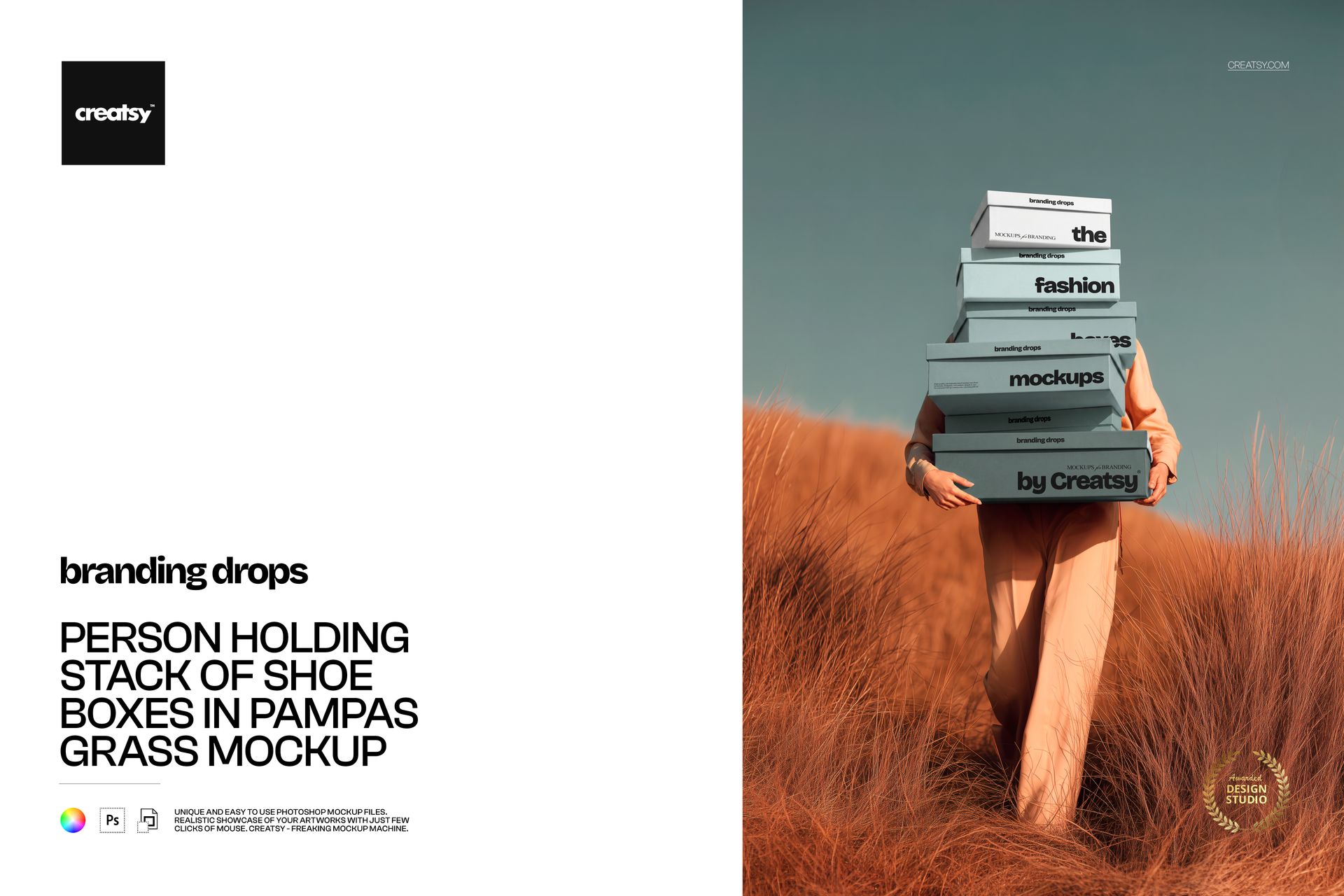
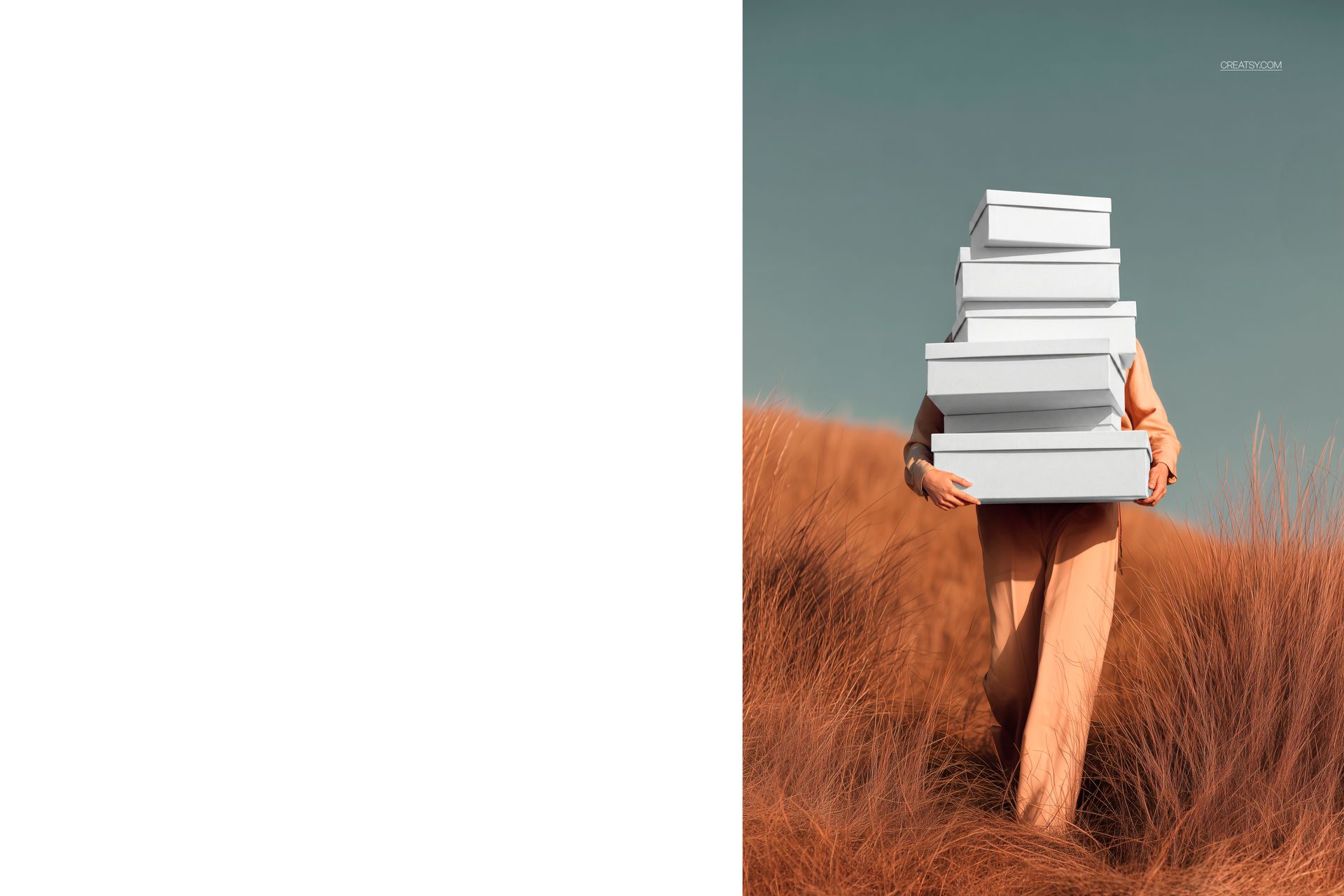
Present footwear packaging on a tall stack of mixed-size shoe boxes carried through warm orange pampas grass. The front-facing portrait scene combines neutral clothing, a muted blue-green sky and an outdoor setting for a focused branding presentation.
A Tall Stack of Editable Shoe Boxes
Several box sizes appear in one vertical arrangement, making it easy to present coordinated artwork and colorways across a complete footwear packaging family.
Tall mixed-size shoe box stack
Front-facing portrait composition
Person in neutral beige and orange clothing
Warm pampas grass setting
Muted blue-green sky
Editable Artwork and Box Colors
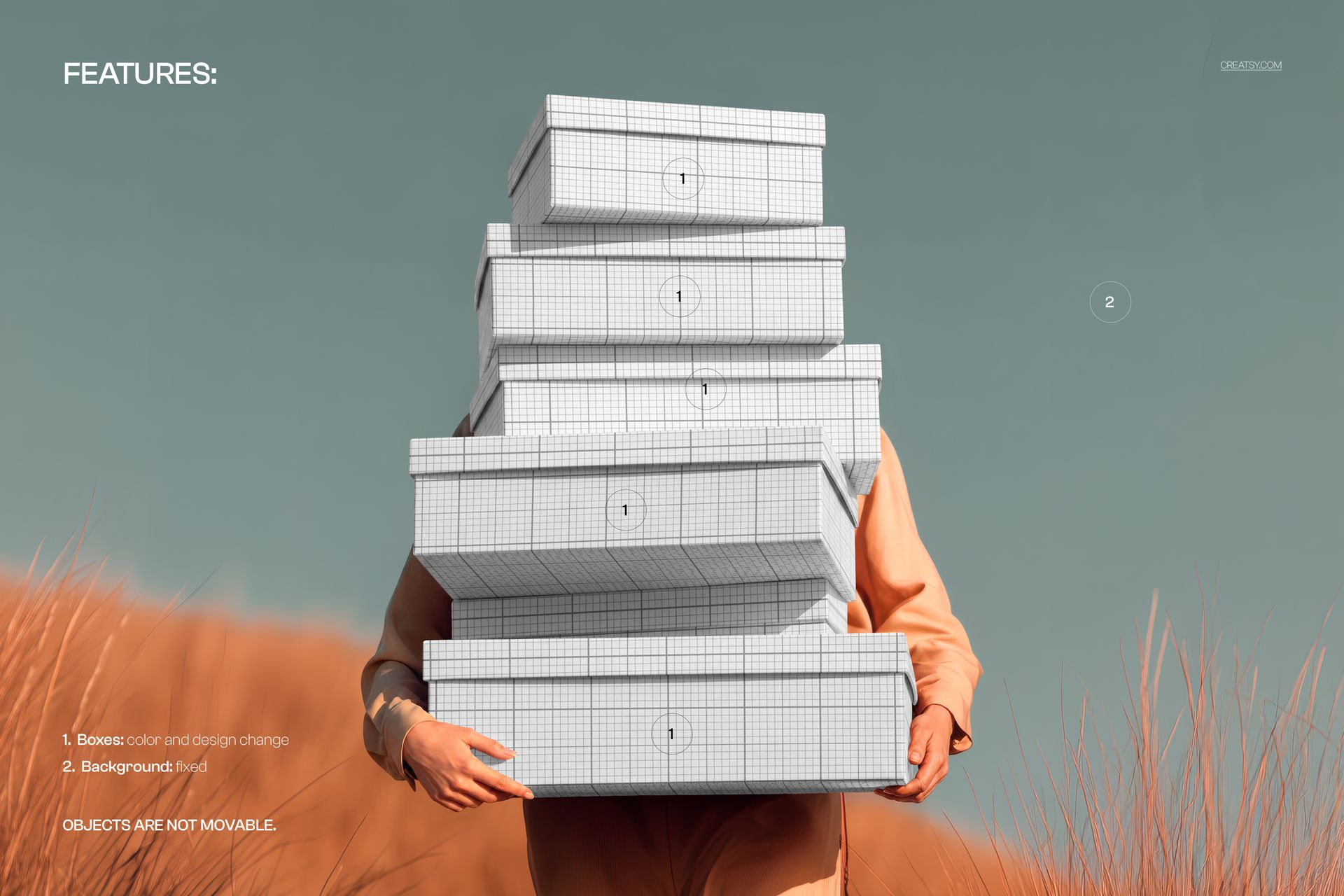
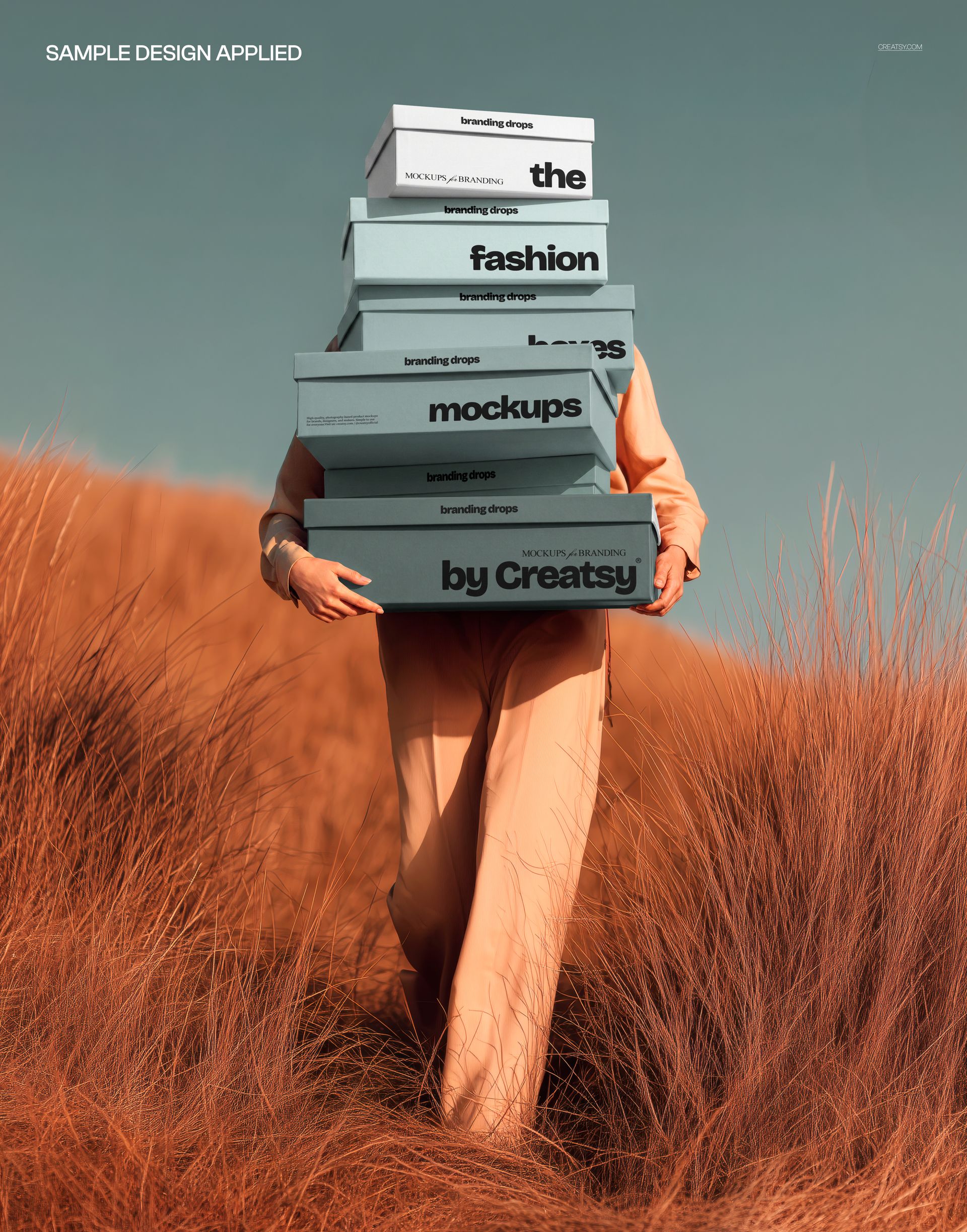
Replace the visible packaging artwork and adjust the shoe box colors to coordinate the full stack.
Editable shoe box artwork
Editable shoe box colors
Multiple visible box faces
Well-organized PSD layers
Fixed Outdoor Composition
The background is fixed, and the person, boxes and other scene objects cannot be moved. Prepare artwork for the supplied box positions, angles and portrait framing.
Easy Smart Object Editing
Open the designated Smart Objects, place the matching artwork for each visible box and save the changes to update the scene.
What Is Included
1 well-organized layered PSD mockup file
1 JPG preview file
2 files in total
Resolution listed at 300 DPI
Adobe Photoshop CC 2020 or newer
Photopea compatibility
Perfect For
This is a digital download. No physical shoe boxes, clothing or outdoor props are supplied, and the sample branding shown in the previews is not included.