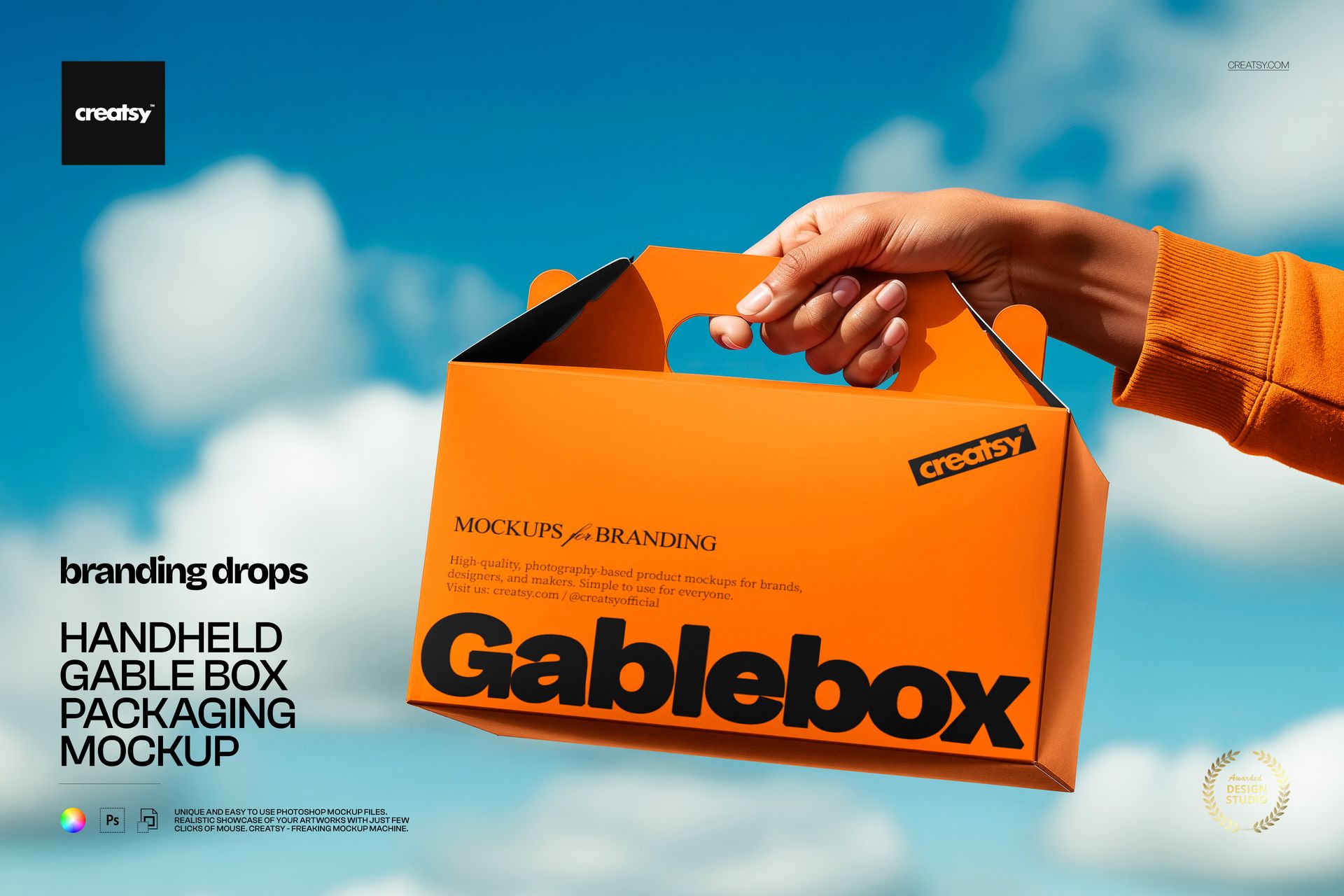
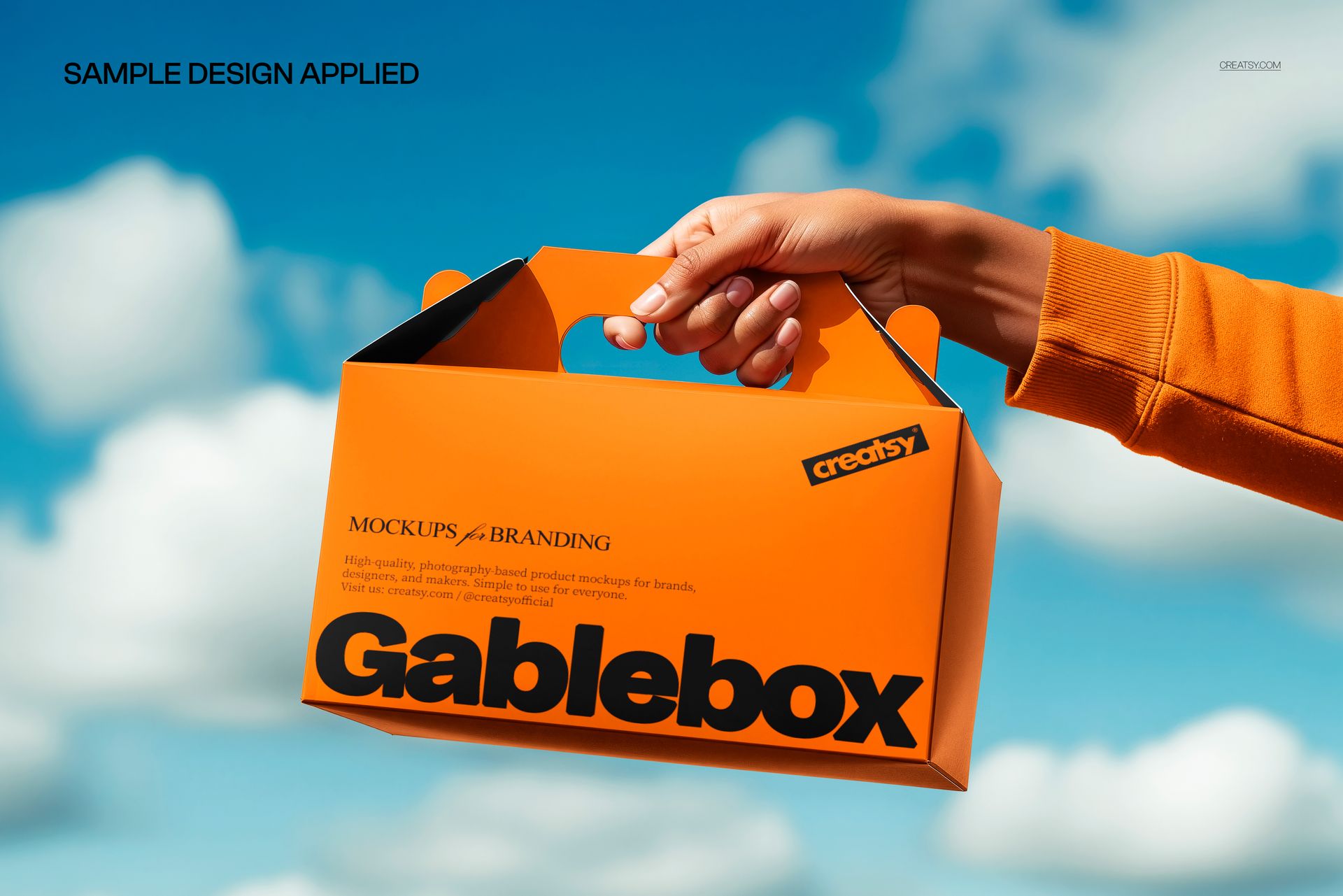
A gable box with its distinctive peaked top and built-in handle, held by hand against a bright blue sky with scattered clouds. This Handheld Gable Box Packaging Mockup captures one of the most recognizable packaging formats in food service, bakery, and event gifting, photographed in a dramatic outdoor angle that gives the box a bold, campaign-ready presence. The sky backdrop creates clean contrast and natural lighting that highlight every surface of the box, making this mockup a strong choice for branding presentations where the gable box format needs to look as appealing as the products it holds.
Why This Mockup Works
Gable boxes have a distinctive silhouette that sets them apart from standard rectangular packaging, and that silhouette deserves a mockup that captures it properly. This upward angle shows the peaked top, the handle structure, and the front and side panels in a single frame, giving viewers a comprehensive understanding of how the branding wraps around the box from multiple directions. The sky background eliminates visual clutter and allows the packaging design to dominate the image completely. The hand holding the box provides a natural scale reference and adds human interaction that makes the packaging feel real and ready for use. This combination of dramatic angle, clean backdrop, and realistic handling produces images that work for social media campaigns, pitch decks, menu boards, and brand identity presentations.
What Is Included
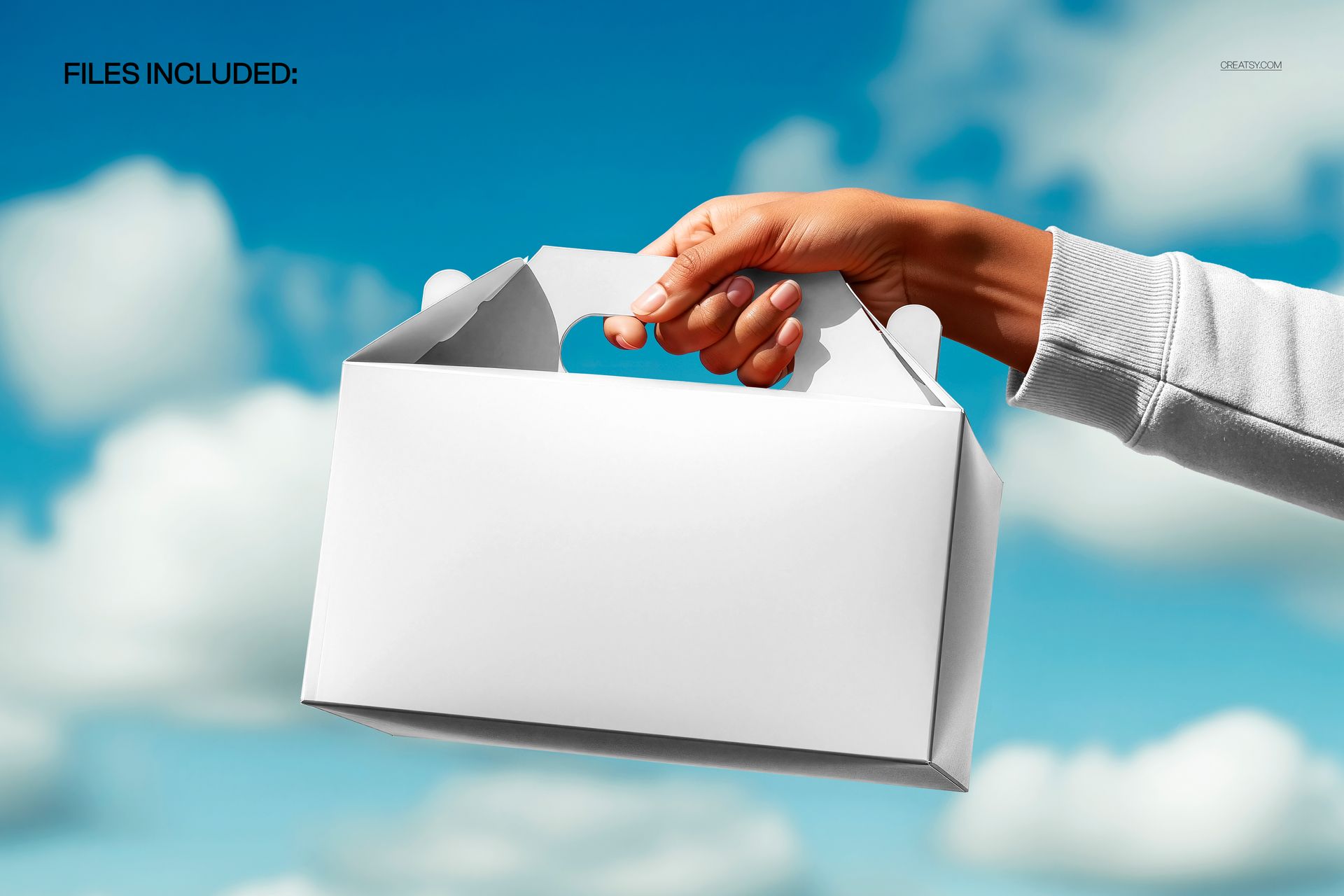
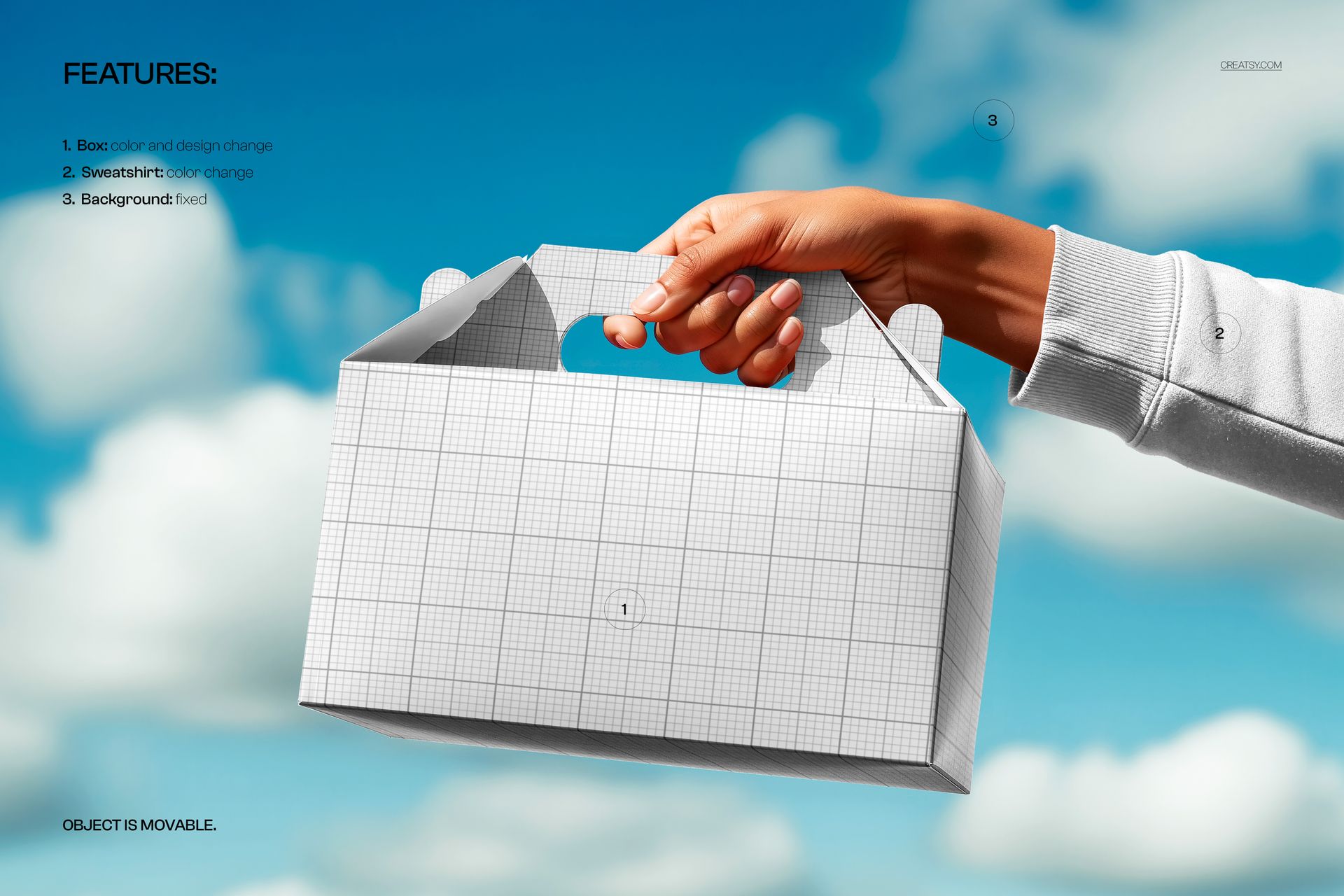
The download contains 1 PSD file at 5400x3600 pixels and 300 DPI resolution. The scene features a single gable box held by hand against an outdoor sky background with clouds. The box surfaces are editable through organized smart object layers, allowing you to apply your branding, patterns, illustrations, or typography to the visible panels. The total file size is 102.28 MB, and the file opens in Adobe Photoshop CC2020 or newer as well as in Photopea for browser-based editing.
What You Can Customize
Replace the artwork on the gable box panels using smart object layers. Apply your brand logo, color palette, product illustrations, ingredient lists, promotional messaging, or decorative patterns to each editable surface of the box. The well-organized layer structure allows you to isolate specific panels and apply different treatments without affecting other areas of the design. This makes it practical to test multiple branding concepts, seasonal variations, or product-specific packaging within the same scene. The dramatic sky backdrop and hand positioning remain consistent across all design changes.
Who This Mockup Is For
Packaging designers working on food service, bakery, catering, or event packaging projects will find this gable box mockup valuable for presenting designs in a format that immediately communicates the product category. Brand studios pitching to restaurants, bakeries, confectioneries, or party supply companies can use this mockup to show how branding translates to the gable box format with its unique peaked structure. Freelance designers building packaging portfolios and e-commerce sellers offering custom packaging design services benefit from the editorial quality that this outdoor angle provides without requiring physical samples.
File Specifications
Format: PSD (Adobe Photoshop CC2020 or newer, also compatible with Photopea). Files included: 1. Resolution: 5400x3600 pixels at 300 DPI. File size: 102.28 MB. Layers: well organized with smart objects for box surfaces.