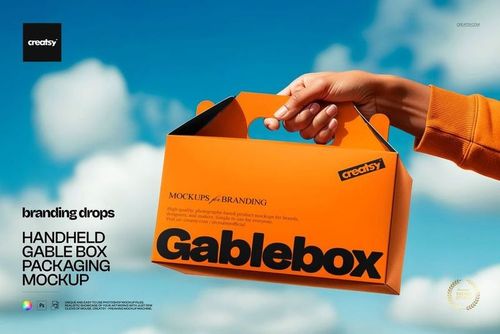
About this packaging box mockup
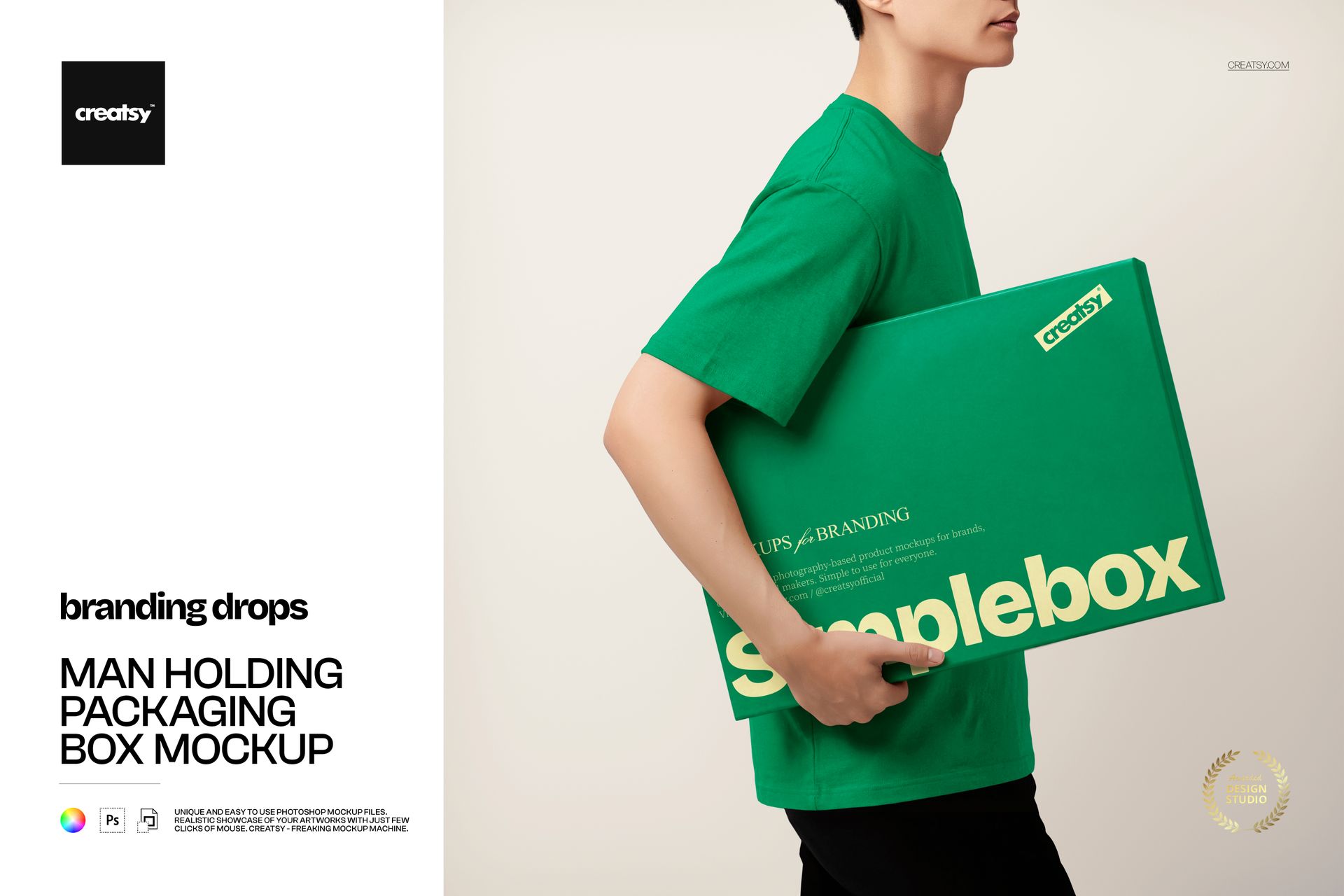
The Man Holding Packaging Box Mockup by Creatsy is a packaging box mockup that puts your design on a box carried against a person's body, shot clean and close like an e-commerce lifestyle photo. It comes as a single layered PSD at 4000 x 4000 px and 300 dpi, a square frame that fits a product grid, an Instagram post, or an ad without cropping.
A box on its own shows the print; a box in someone's arms shows the scale. With a person holding it, a customer can read how big the package is, how it sits in the hand, and how it feels to receive, which is the context that sells shipping and subscription packaging online. It reads as a real delivery moment rather than a floating render, and that human touch warms up a brand that can feel faceless online, which is why so many subscription and direct-to-consumer brands lean on held-product shots.
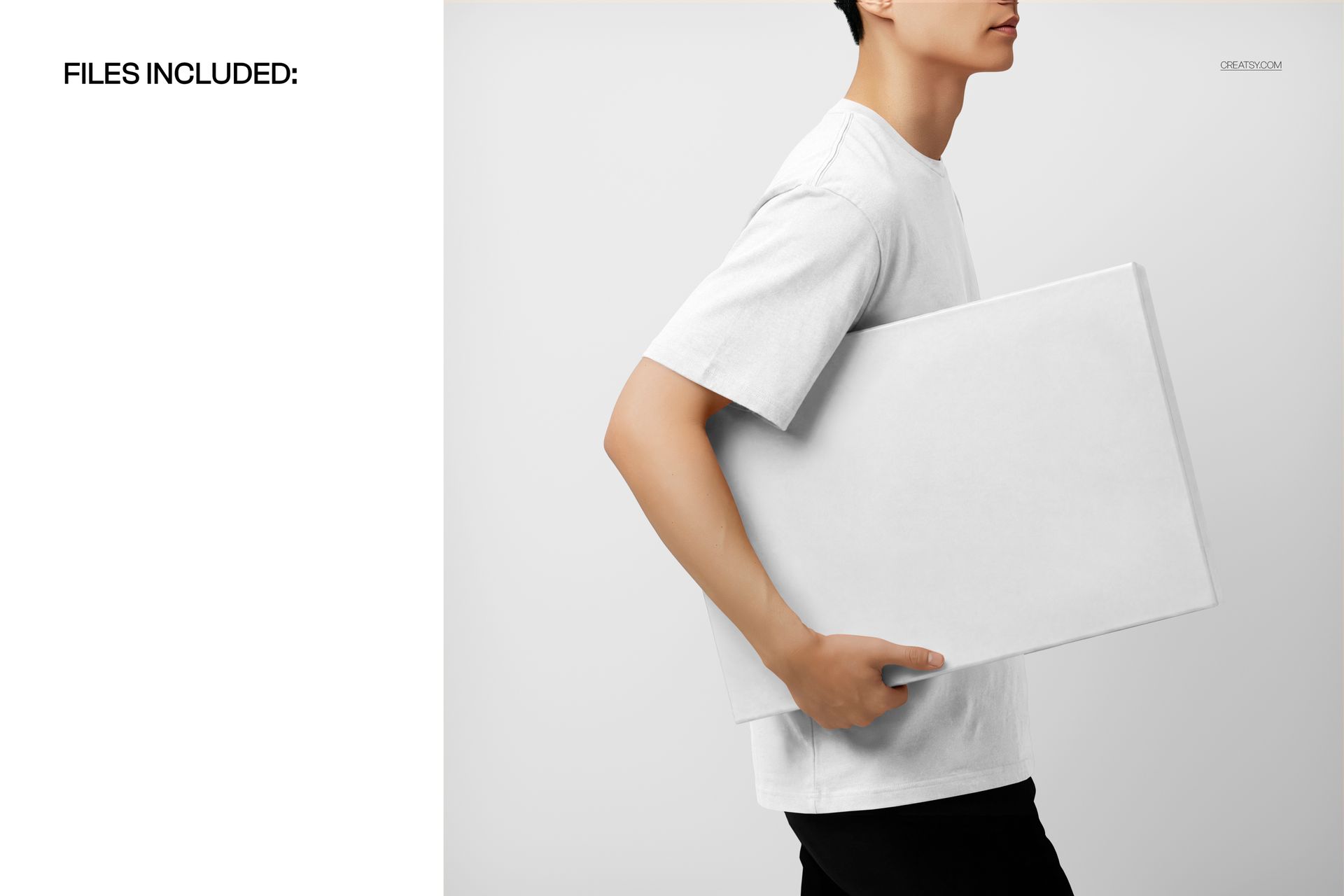
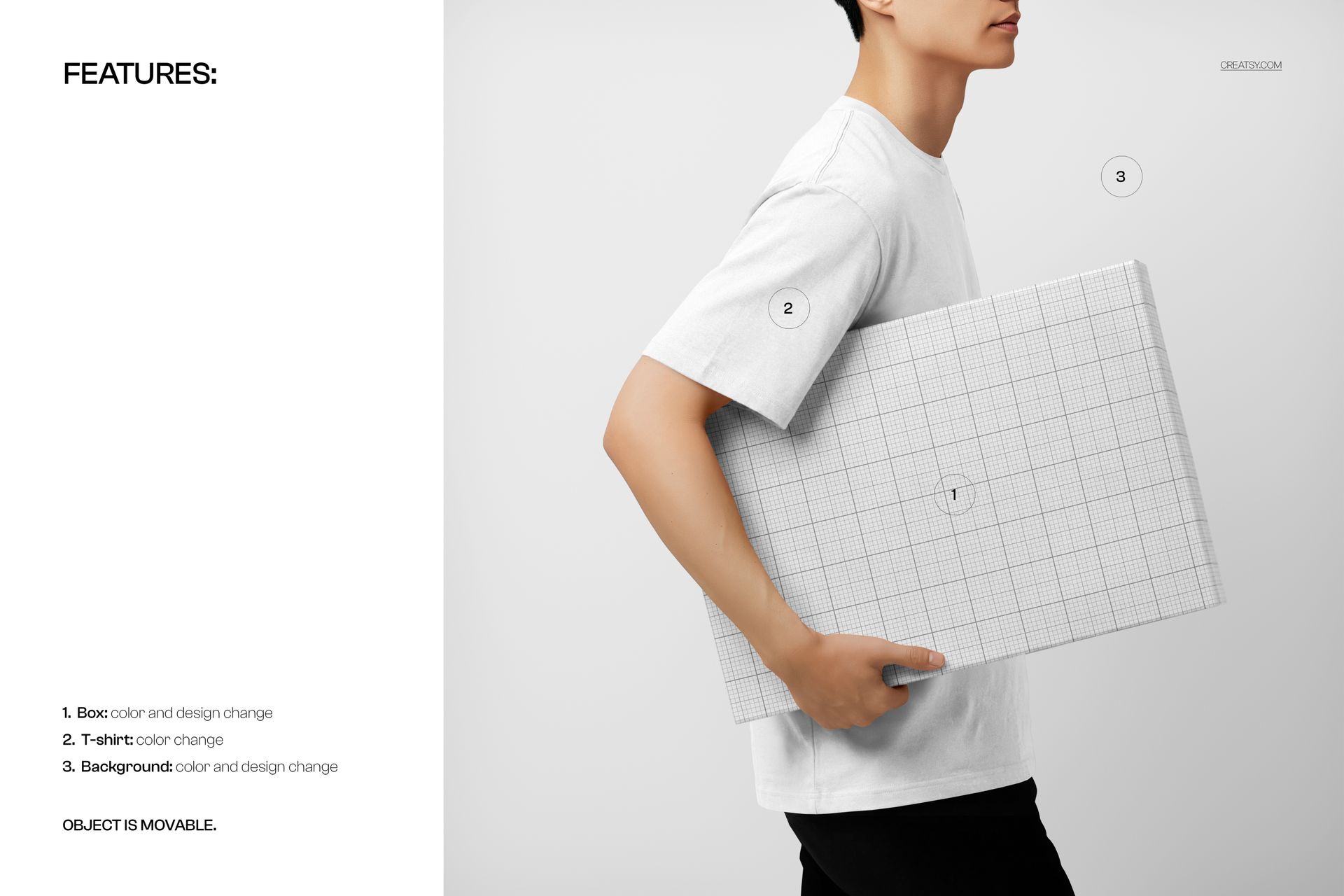
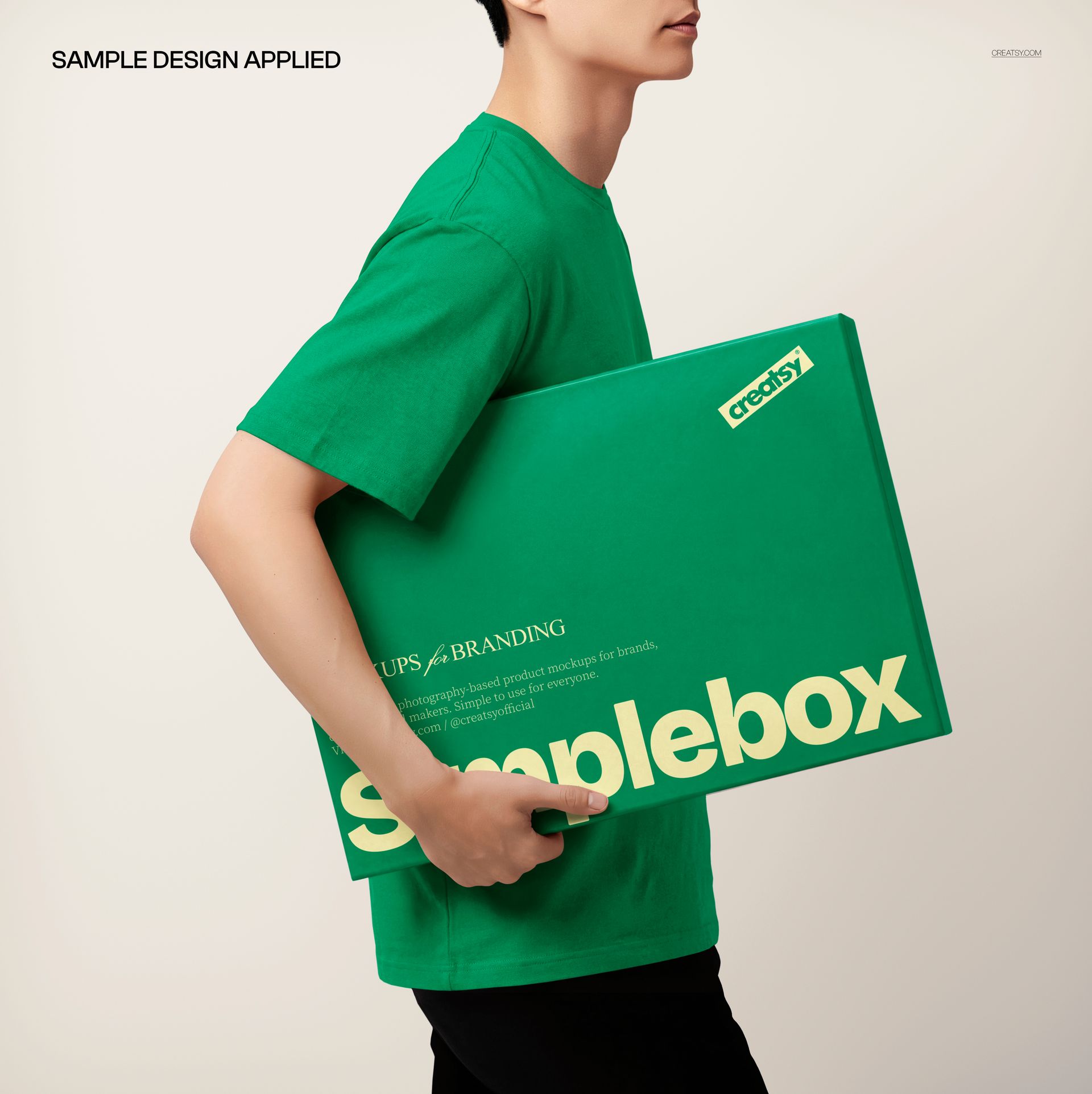
Your artwork goes on the box through a smart object, and there is more you can set: the box color, the model's t-shirt color, and the background color and design all change, so you can match the whole shot to a brand palette. Double-click the box smart object, drop in your design, and save - it wraps onto the box with the person's grip, the folds, and the soft light on top, so it looks printed and handheld rather than pasted. The box arrives blank; the sample design in the previews is placeholder artwork and is not included. The pieces in this scene are movable, so you have a little room to adjust the arrangement.
Use it to present shipping, subscription, or retail packaging to a client, to anchor a product page or a delivery-service ad, or to build an Etsy or Creative Market listing for a box or packaging template. One PSD covers a lifestyle shoot that would otherwise need a printed box, a model, and a studio.
What you get
One layered .psd mockup of a person holding a packaging box
4000 x 4000 px at 300 dpi, square format
A smart object for the box design, so your artwork wraps onto the box
Editable box color, t-shirt color, and background color and design
Well organized, clearly named layers
About 116 MB once unzipped
How it works
Open the .psd in Adobe Photoshop (CC2020 or newer), or free in Photopea.
Double-click the box smart object to open its own canvas.
Paste your design, fit it to the guide, and save that tab.
Set the box, t-shirt, and background colors to your palette, then export a JPG or PNG.
Specifications
Files: layered .psd
Dimensions: 4000 x 4000 px, square
Resolution: 300 dpi
Scene: a person holding a packaging box
Editable: box design and color, t-shirt color, background color and design
Layout: objects are movable
Software: Adobe Photoshop CC2020 or newer, and Photopea (free, browser-based)
File size: about 116 MB
Who it is for
It suits packaging and branding designers presenting a box, e-commerce and subscription brands showing a real delivery moment, and print or Etsy sellers offering box and packaging templates. It fits mailer and shipping boxes, subscription kits, retail packaging, and delivery-service branding. It is also a natural fit for a courier or fulfillment service, a meal-kit or beauty subscription, and any social ad that needs a person, not just a product. If you want a human, lifestyle preview of your packaging without a photo shoot, this is built for it.