Fabric Factory v.1 Mockup Bundle (Habotai Silk)
Product Details
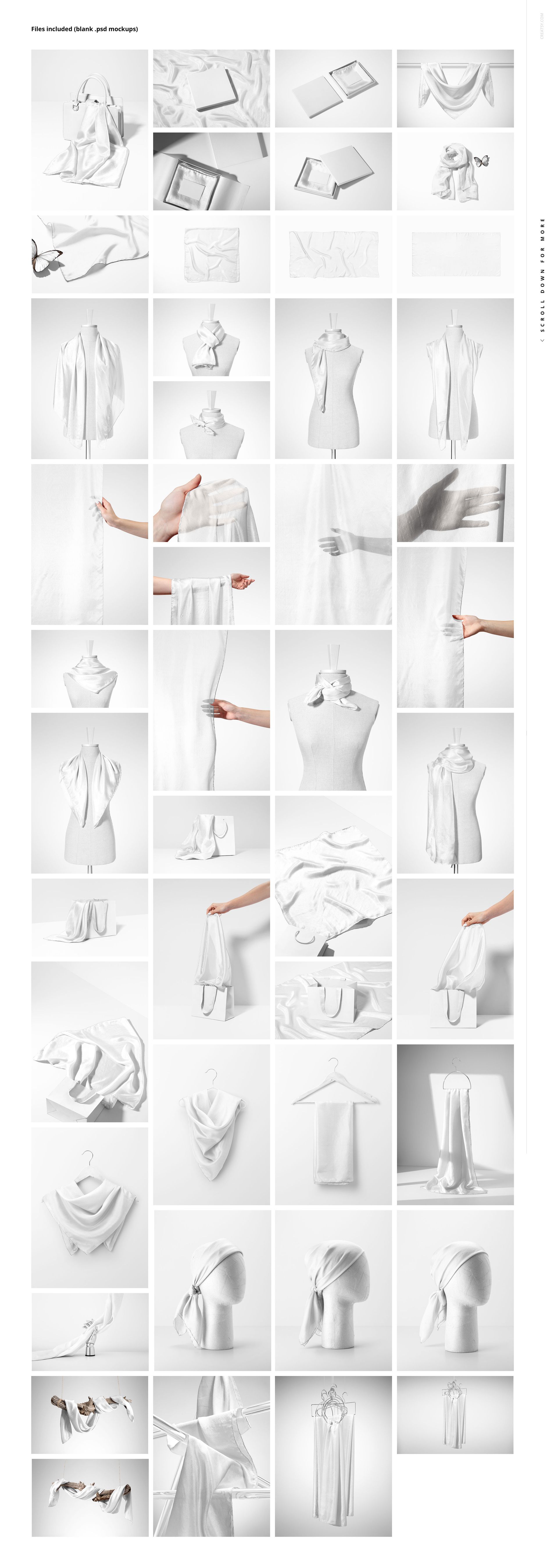
Habotai Silk Scarf Mockup Bundle - 47 PSD Files
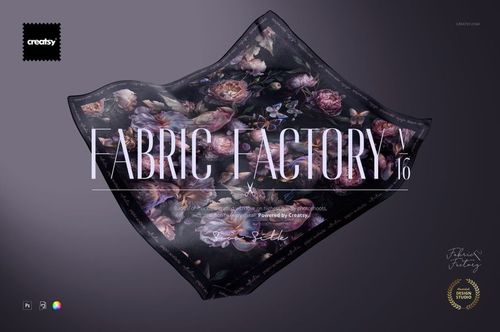
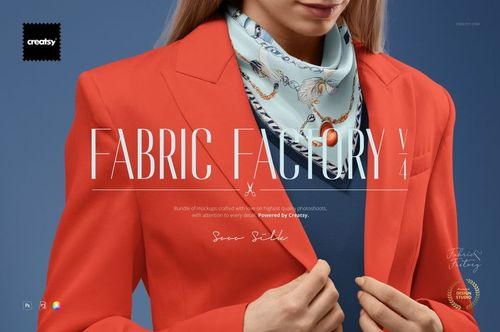
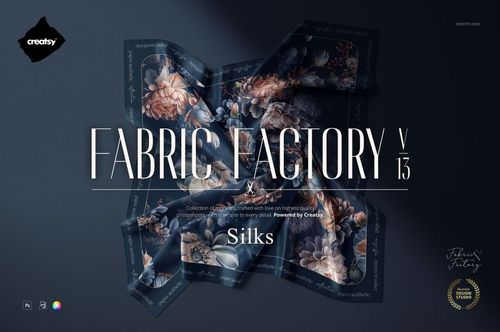
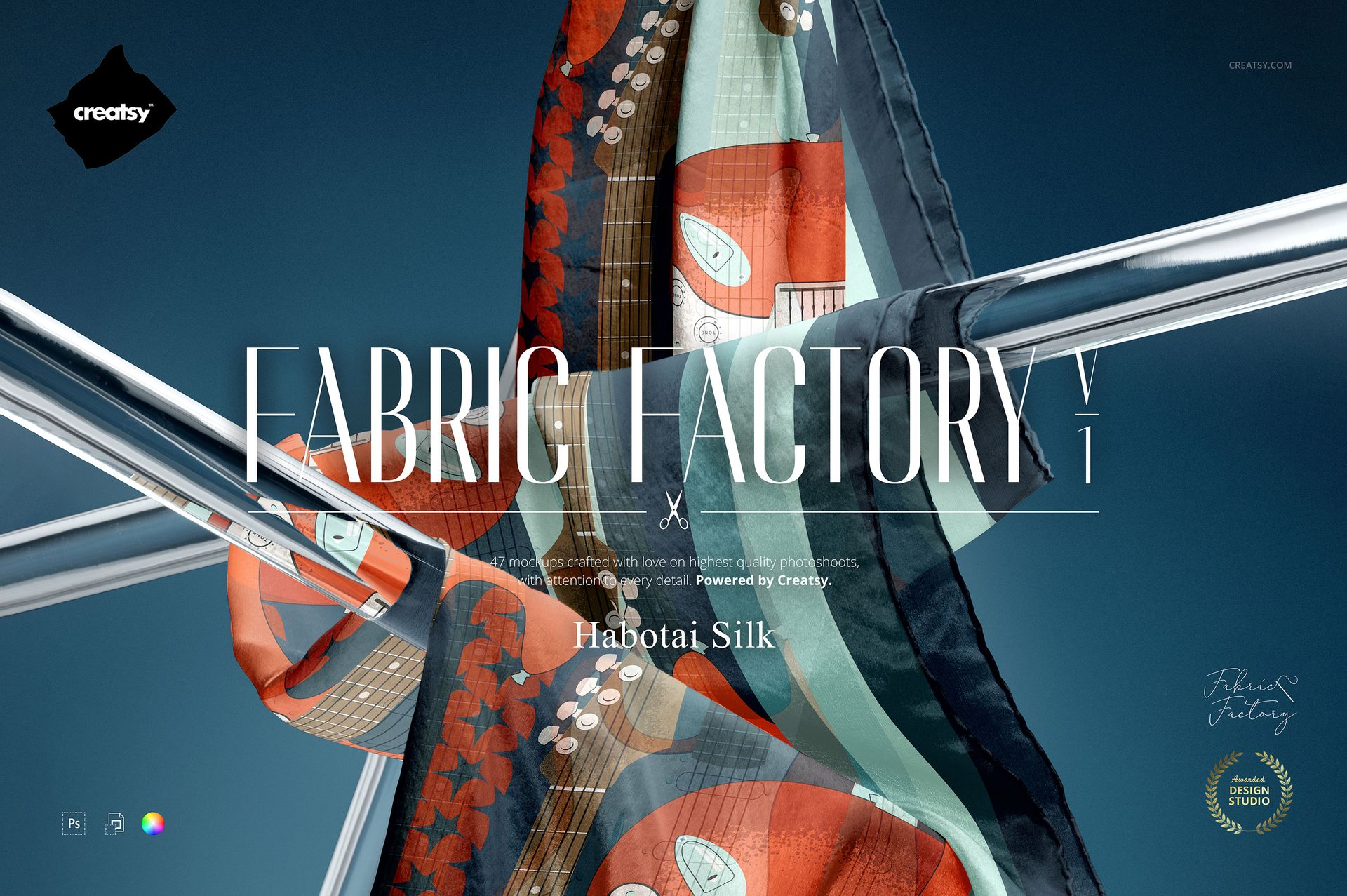
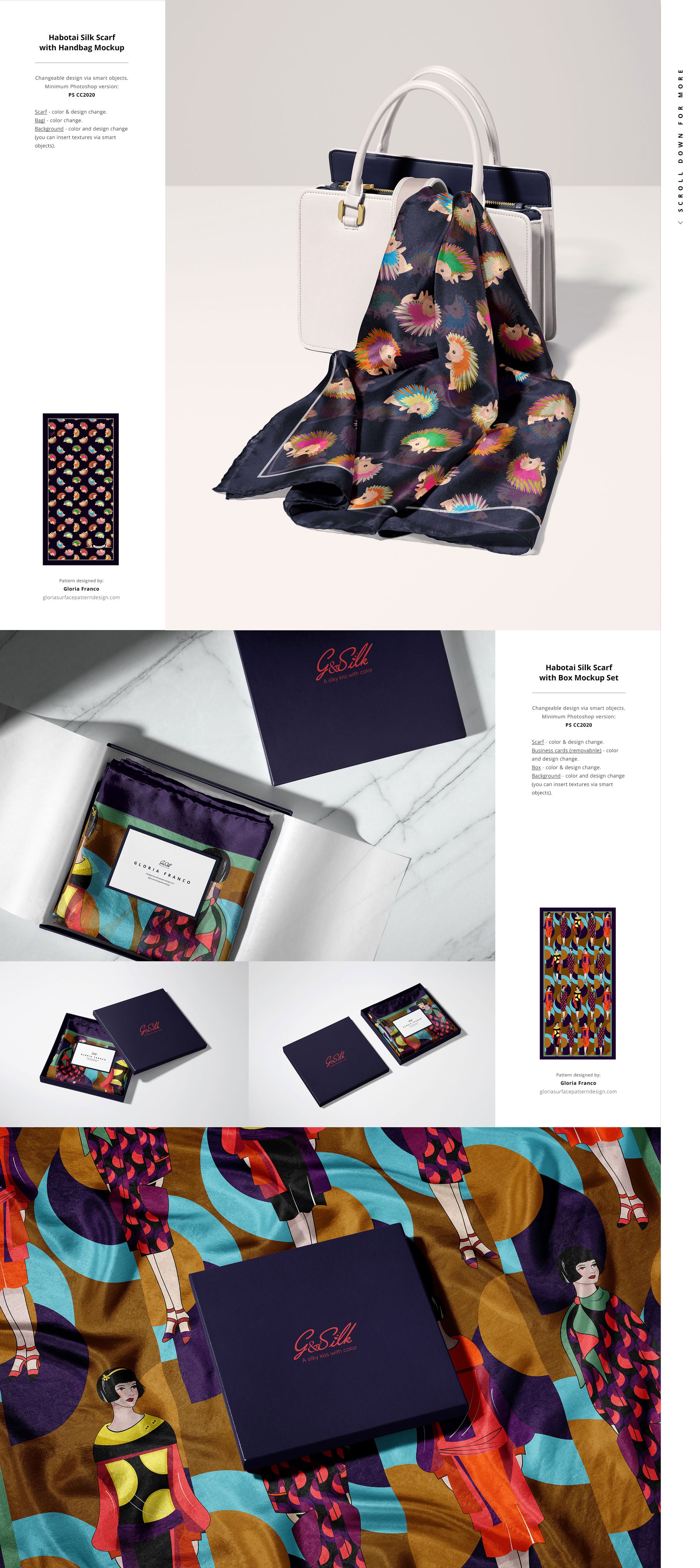
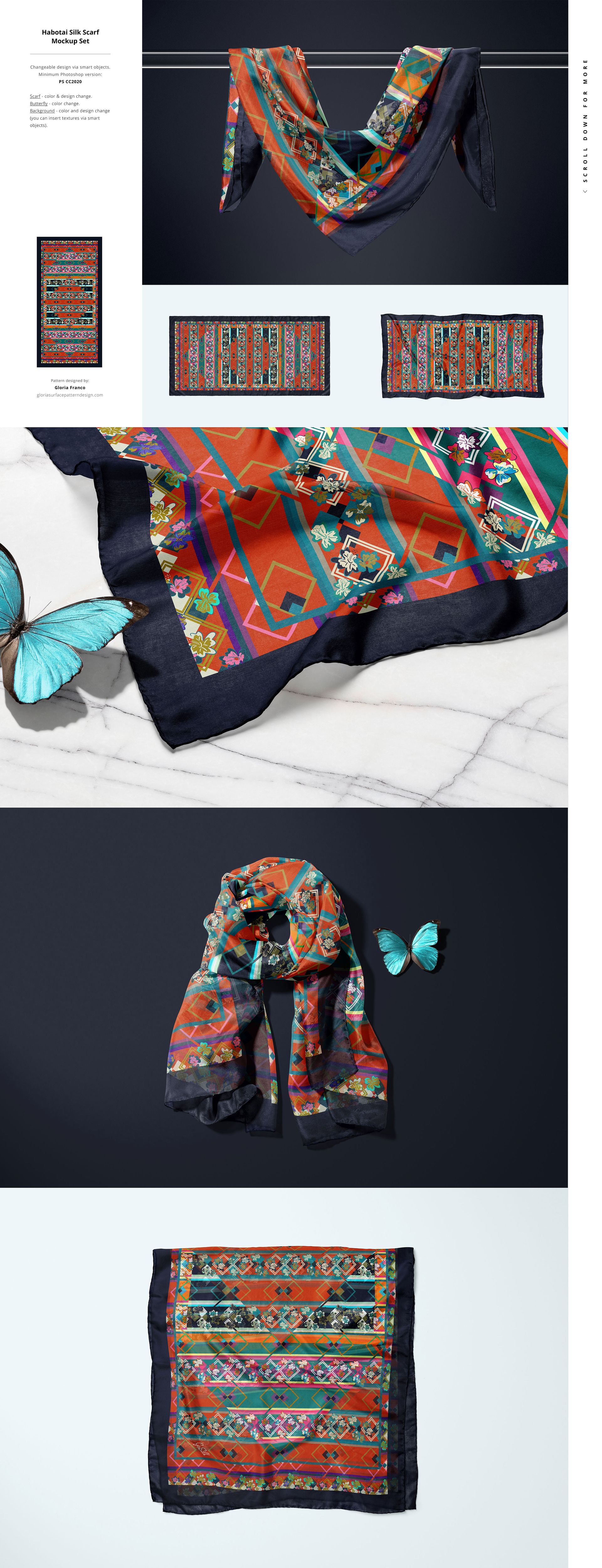
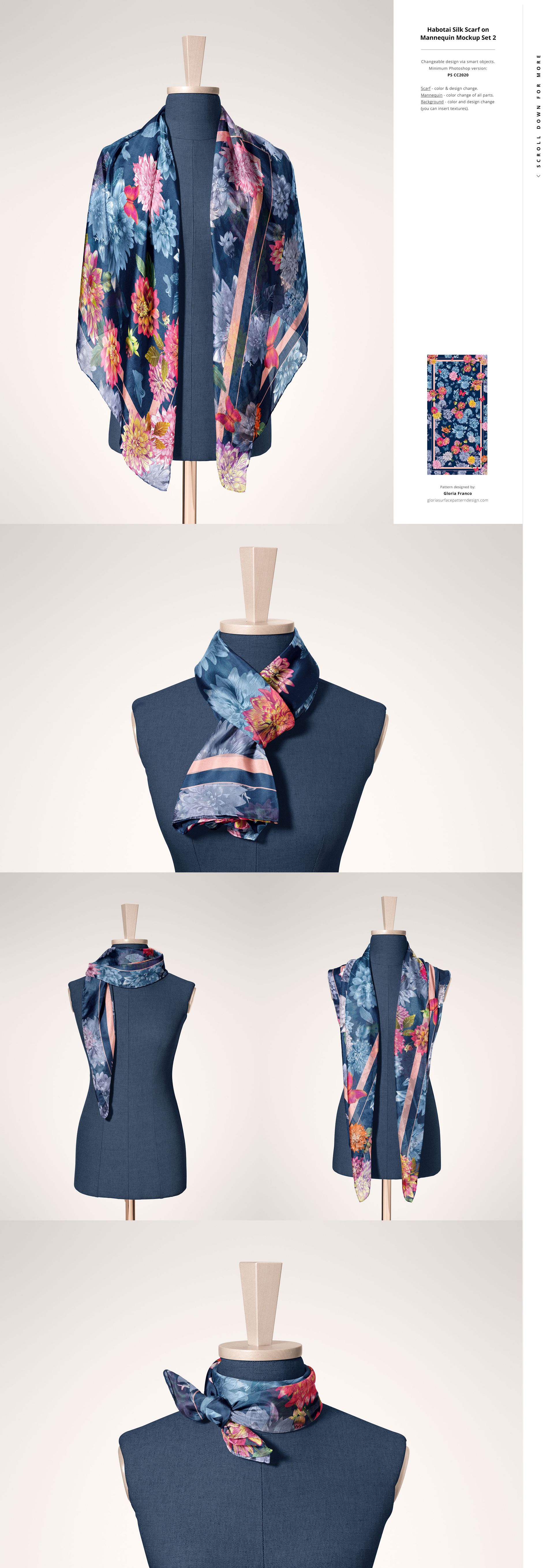
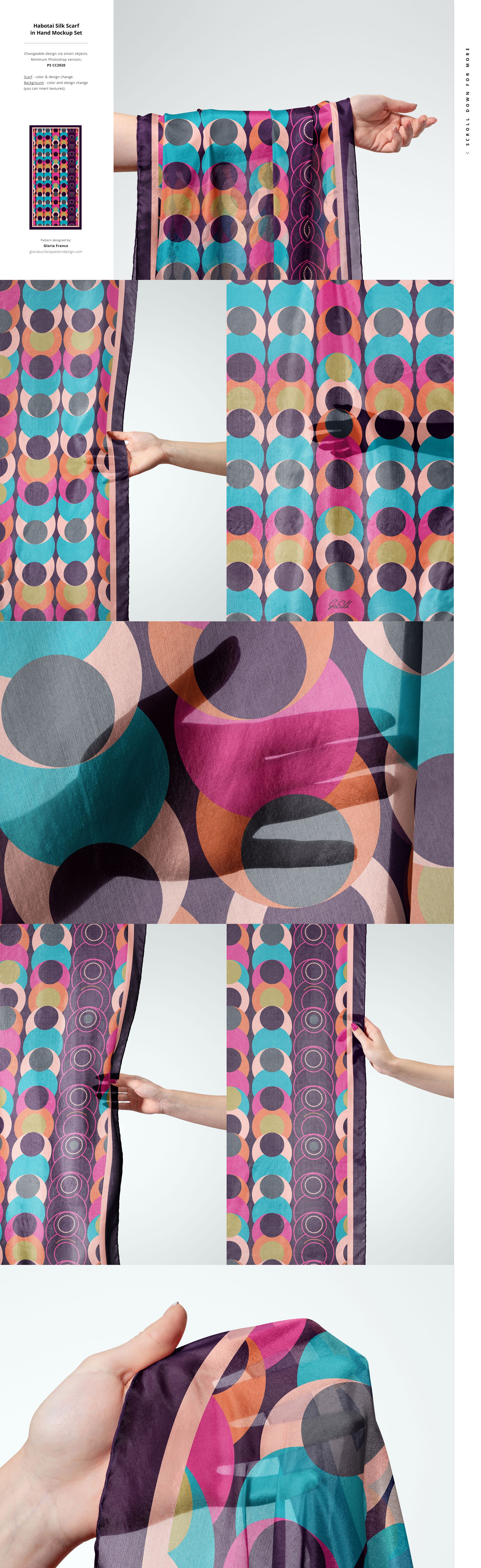
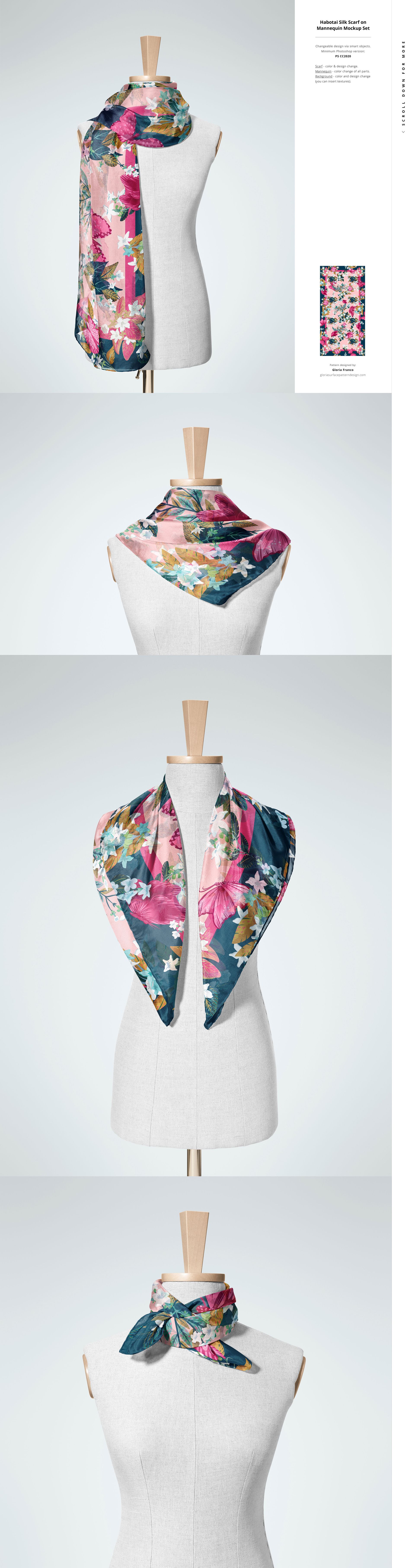
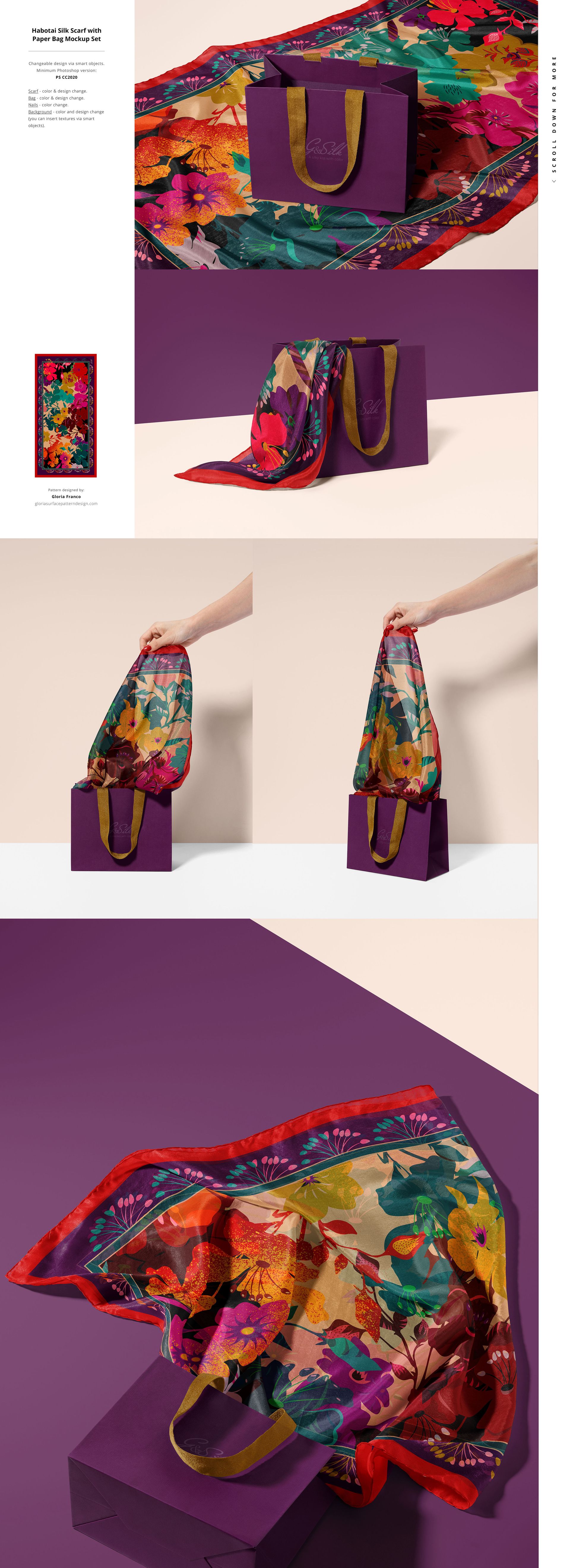
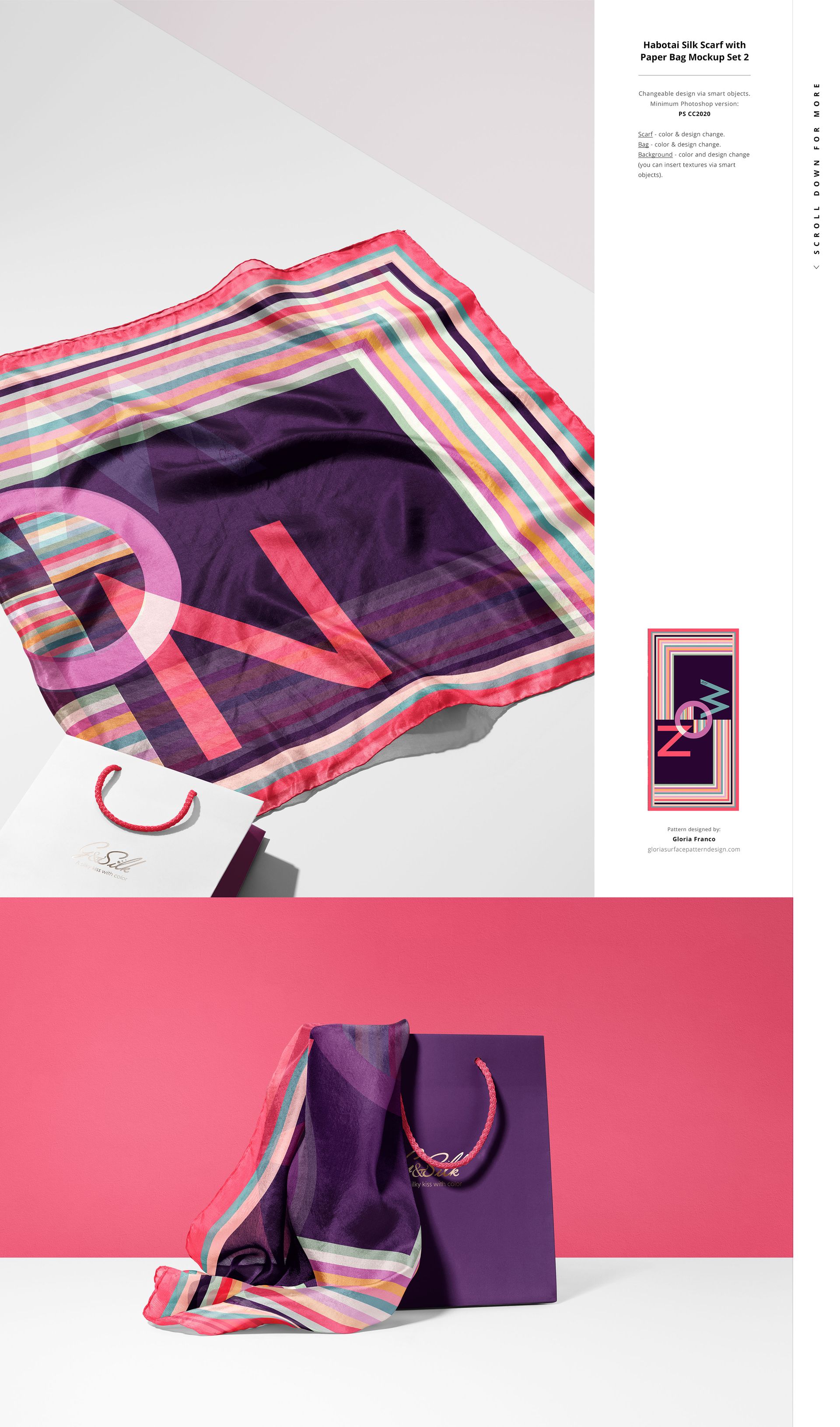
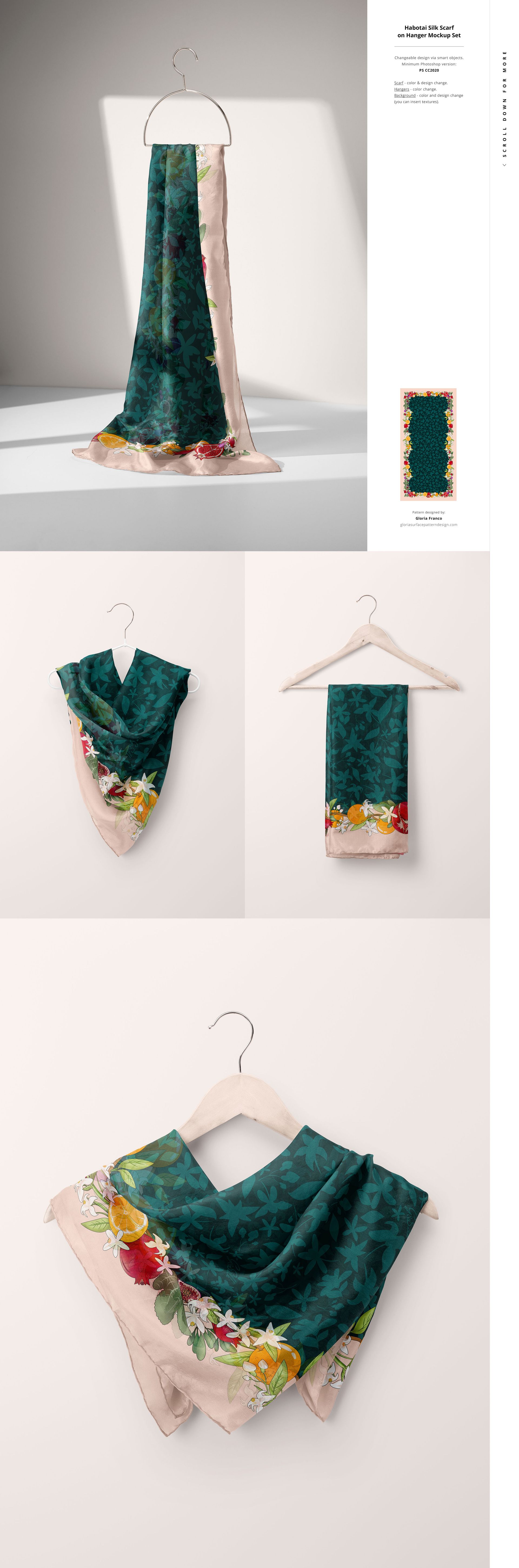
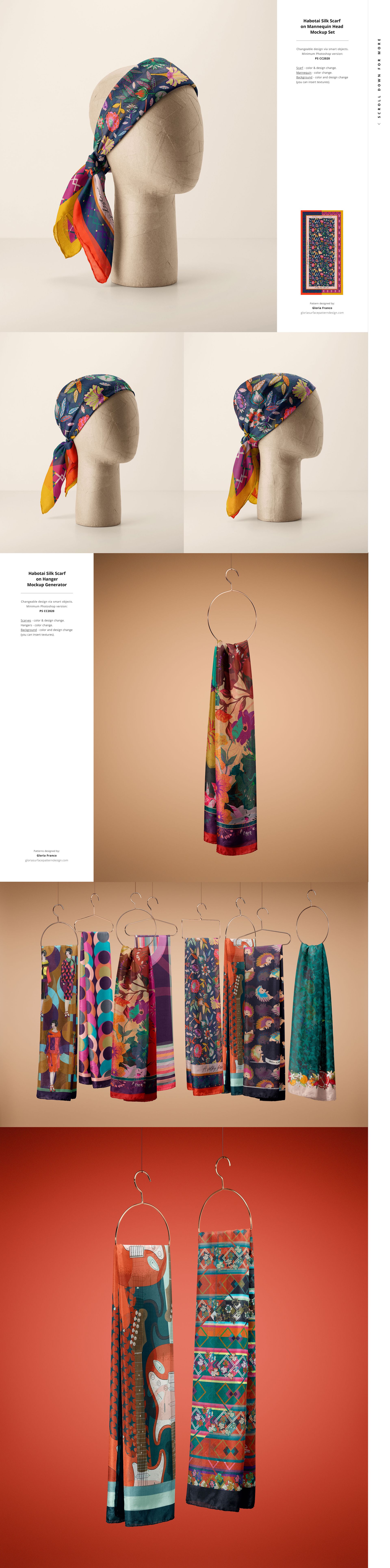
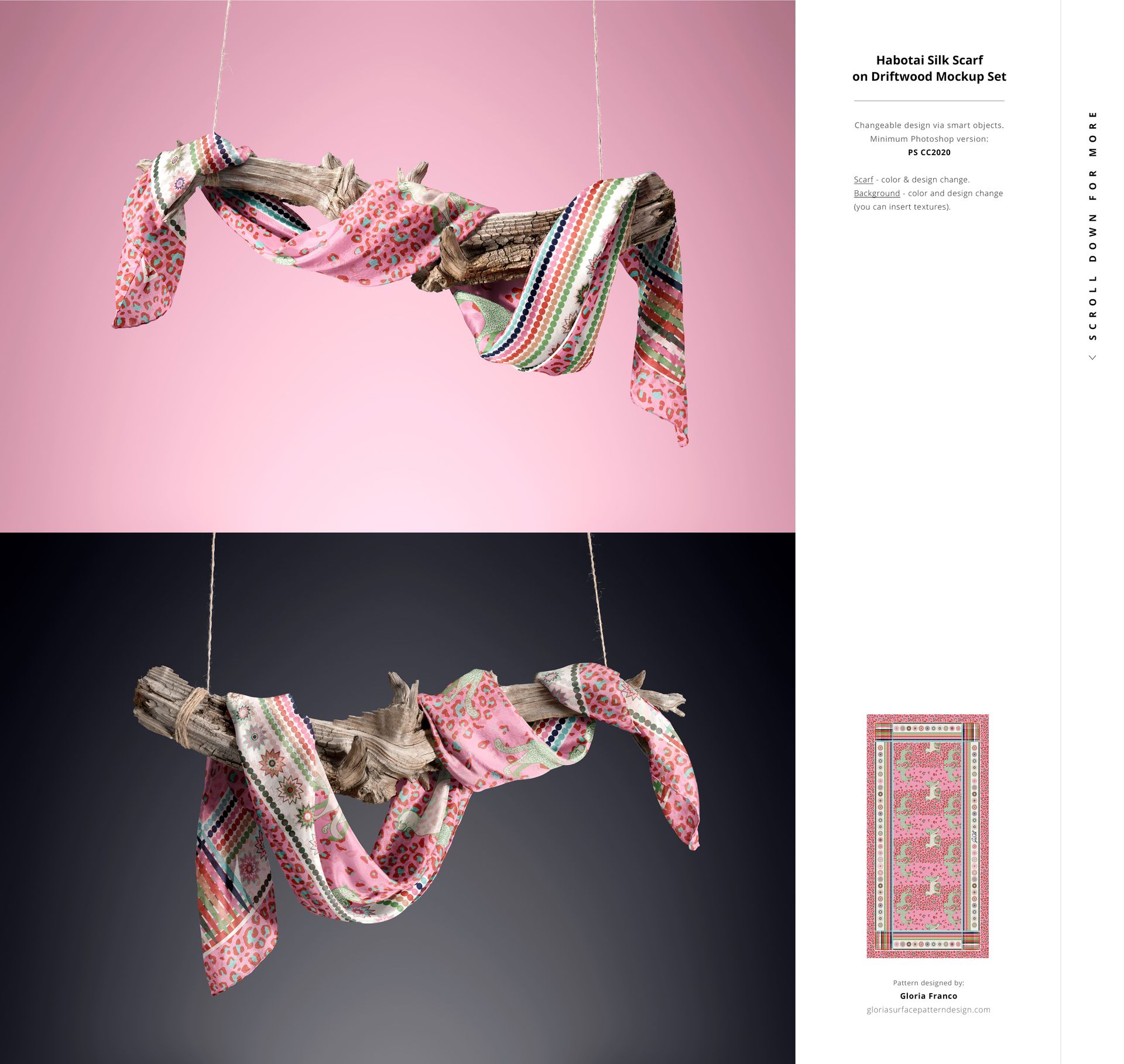
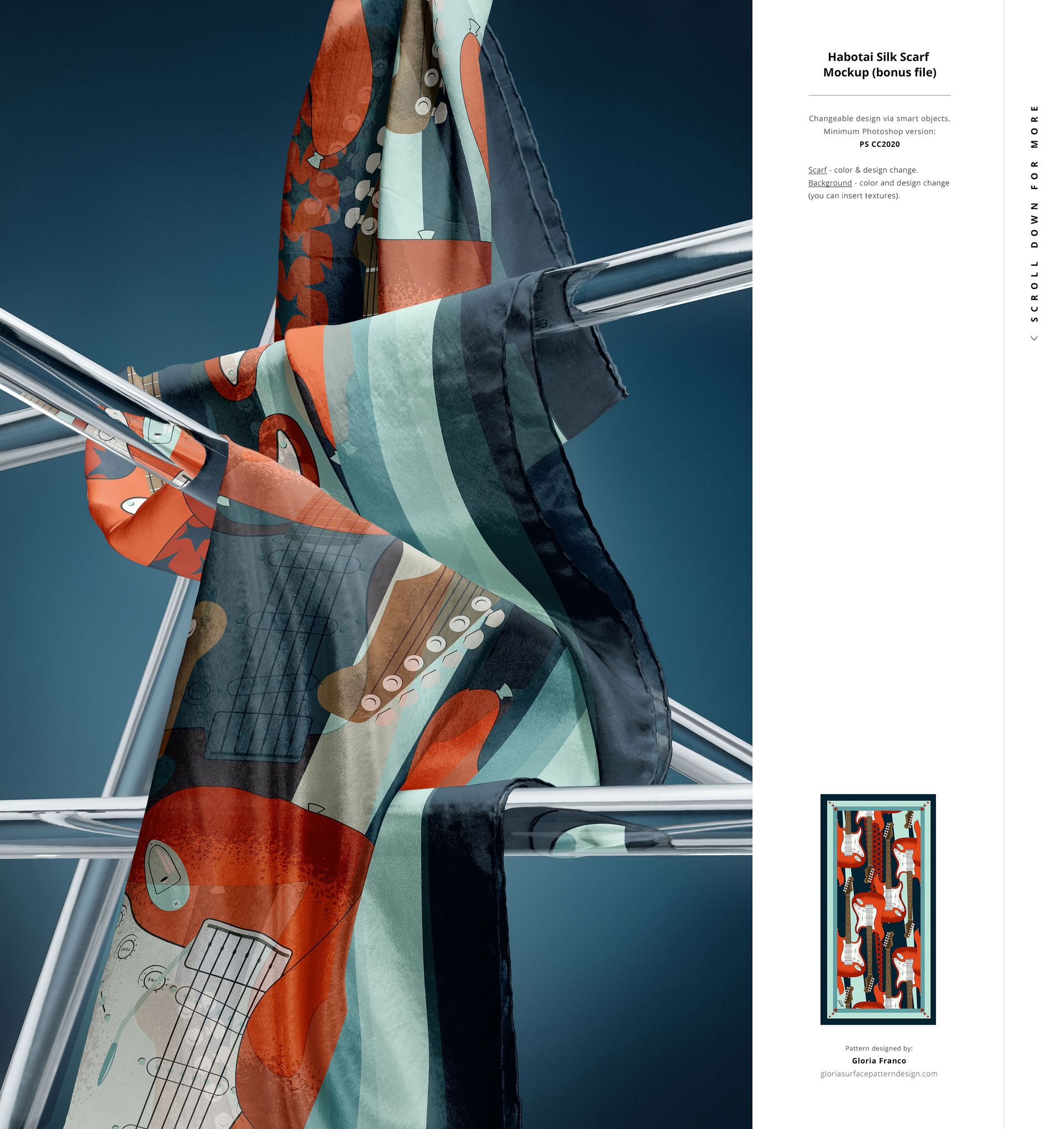
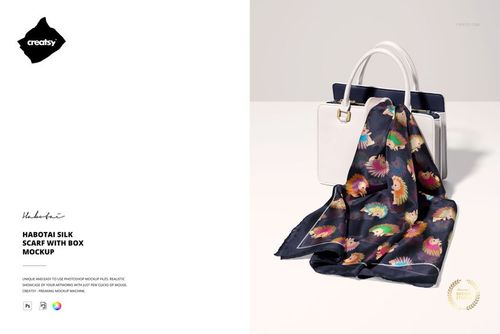
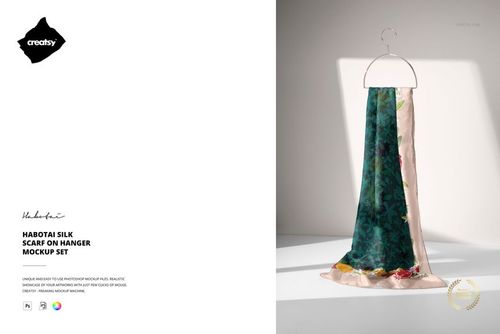
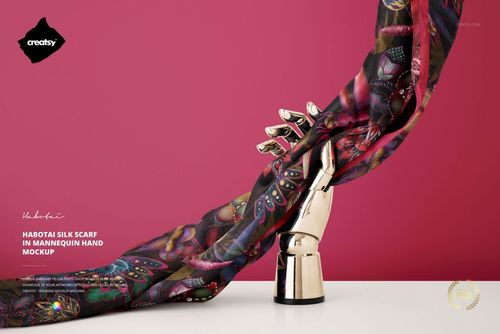
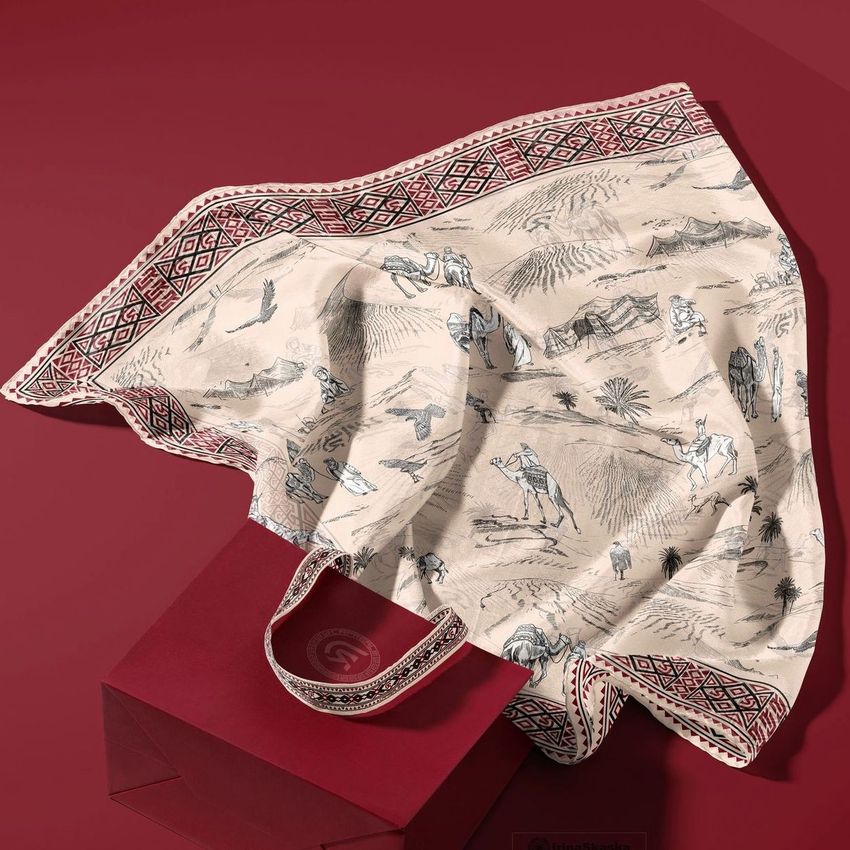
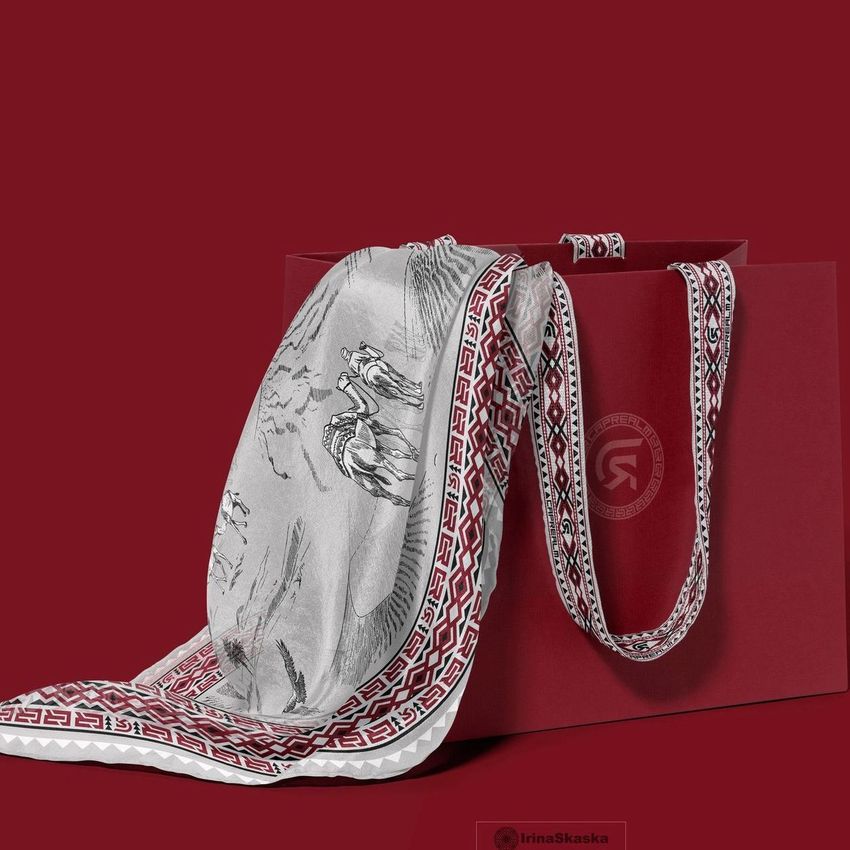
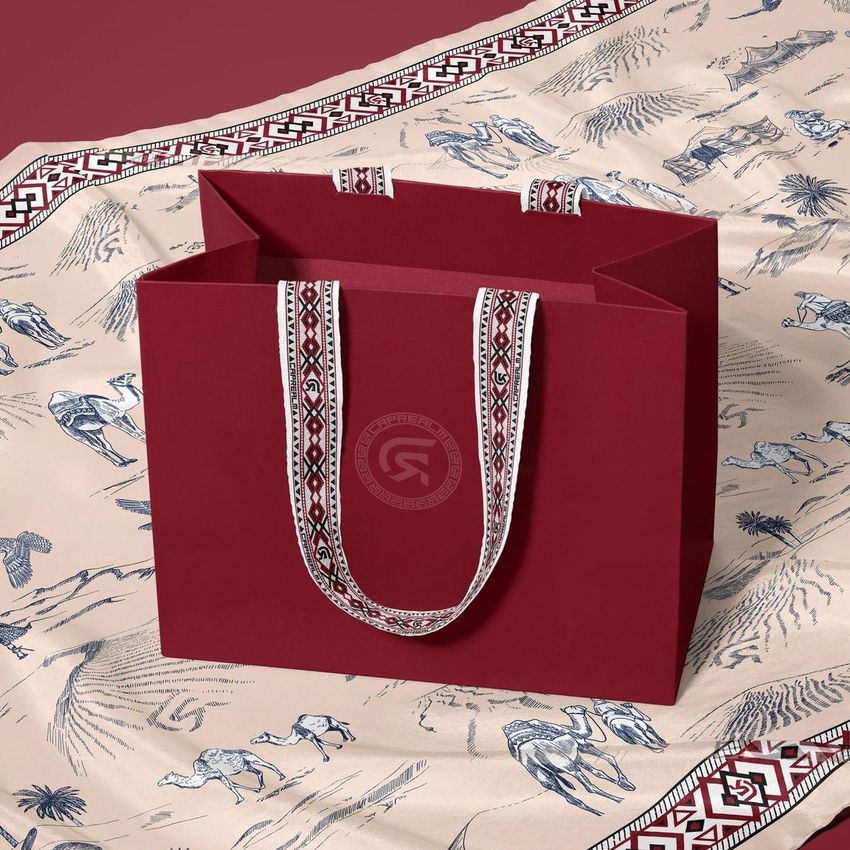
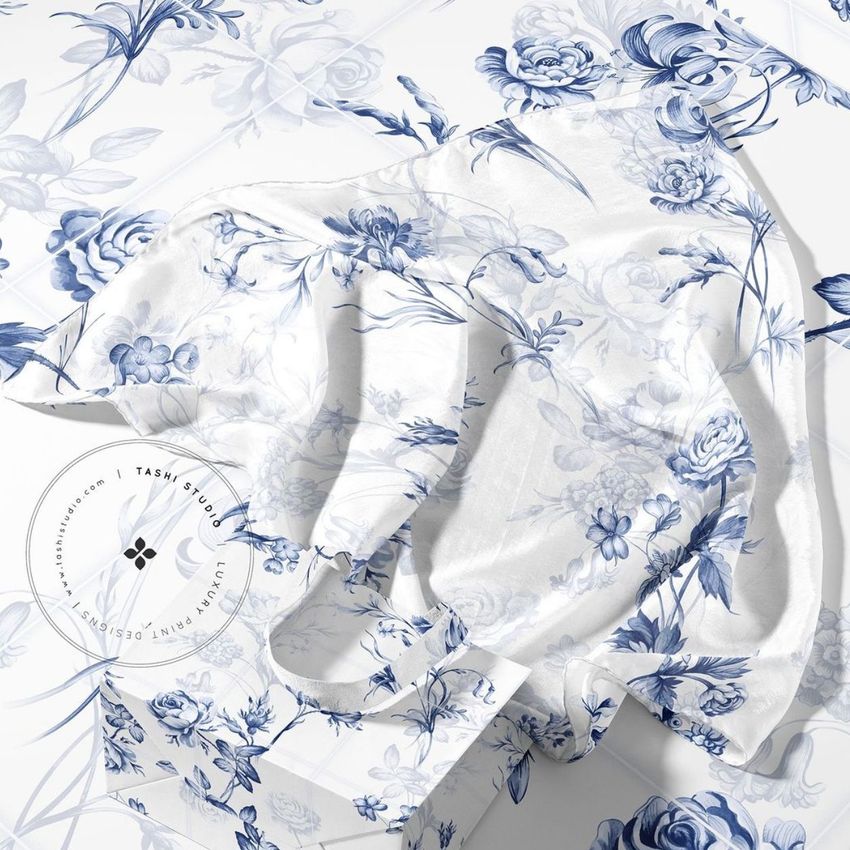
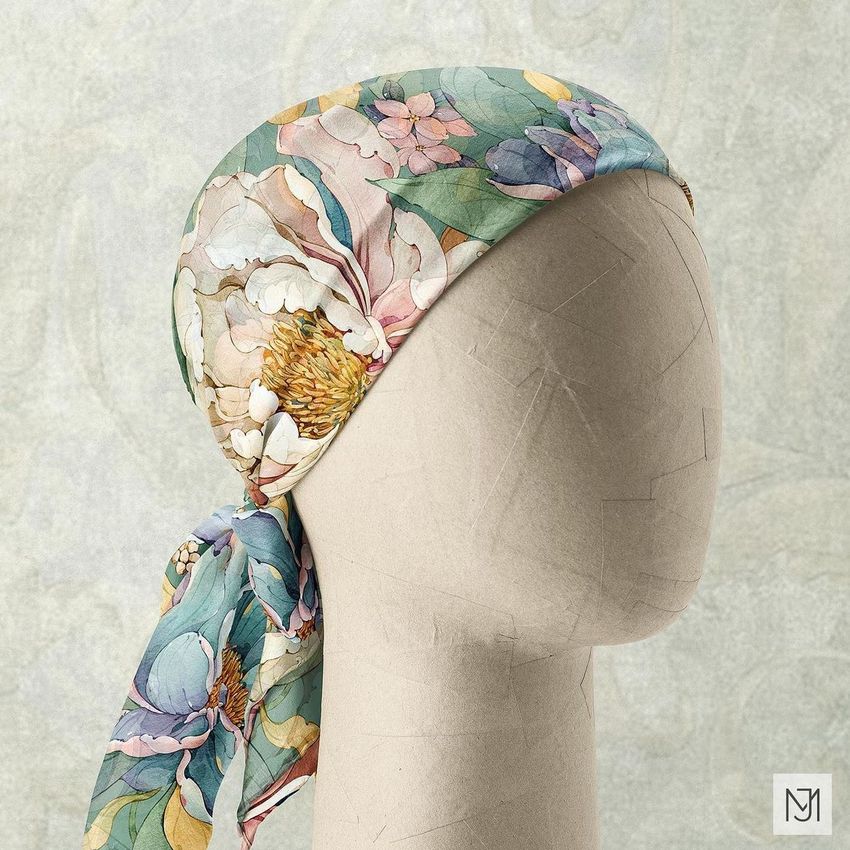
Present silk scarf designs with the realism they deserve. The Fabric Factory v.1 Mockup Bundle features 47 high-resolution PSD files capturing habotai silk in distinct compositions - draped on mannequins, held in hand, folded on surfaces, and hanging from displays. Each scene is built from real habotai silk photography, delivering true-to-life transparency, drape, and luster that computer-generated renders cannot replicate. Whether you are preparing product listings, assembling client presentations, or building a surface pattern portfolio, this bundle gives your silk scarf designs the visual context they need to attract buyers and secure commissions.
Why This Mockup Bundle Works
Habotai silk has a distinctive lightweight drape and soft translucency that separates it from heavier weaves like charmeuse or twill. Every file in this bundle was produced using real habotai fabric, so when you place your pattern through the smart object layer, the result preserves genuine fabric behavior - natural fold lines, subtle light passing through the material, and delicate shadow gradients across draped surfaces. Buyers see exactly how a design would look on an actual silk scarf rather than a flat digital approximation. The 47 scenes cover every presentation angle, from full-scarf hanging views to tight detail crops that reveal print clarity at the fiber level.
What Is Included
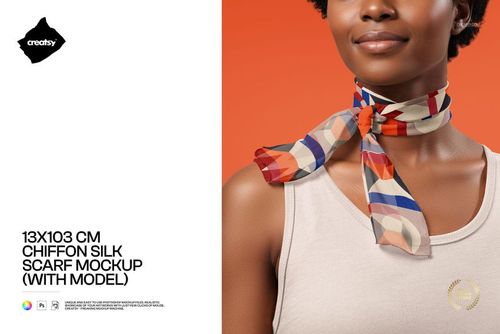
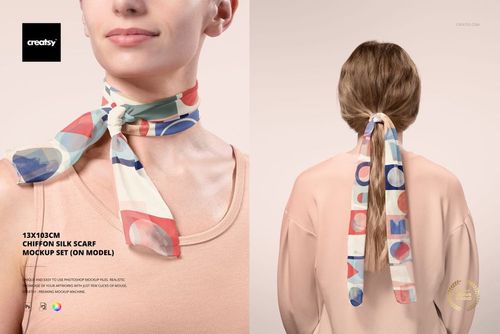
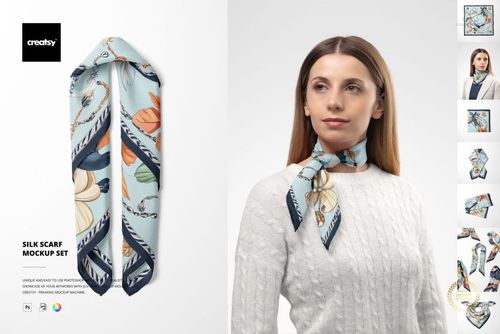
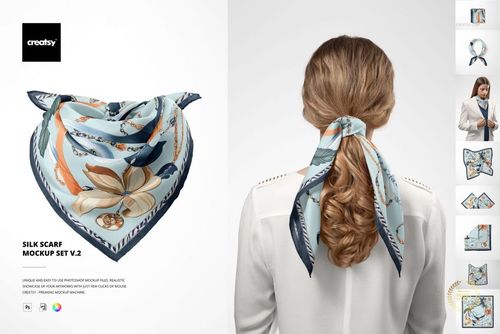
The bundle delivers 47 PSD mockup files across multiple scene types. Mannequin-draped compositions show scarves worn around the neck and shoulders. Hand-held poses capture fabric flow and pattern continuity as the silk moves. Hanging and suspended views present the full design area without obstructions. Folded and flat-lay arrangements provide clean e-commerce catalog imagery with controlled backgrounds. Detail close-up shots let viewers examine print quality and silk texture at close range. Every file opens at 6000x4000 pixels and 300 DPI - ready for digital presentation and print collateral like lookbooks, catalogs, and trade show materials.
What You Can Customize
Every PSD uses labeled smart object layers for single-step design placement. Drop your repeat pattern, artwork, or solid color into the designated layer, and the mockup applies it across the silk surface with correct perspective distortion and realistic fabric deformation. Background colors and surfaces are editable in most scenes, so you can match brand palettes or build cohesive product page layouts without separate photo shoots. The process takes under a minute per file and requires no advanced Photoshop skills.
Who This Mockup Is For
Surface pattern designers showcasing scarf collections for licensing or direct sales. Fashion brands developing silk accessories lines. Textile artists presenting repeat patterns to manufacturers and distributors. E-commerce sellers building listings on Etsy, Shopify, or Amazon Handmade. Branding studios preparing client presentations for fashion and lifestyle accessories. Print-on-demand entrepreneurs testing scarf designs before committing to production.
File Specifications
Format: PSD (Adobe Photoshop CC2020 or newer). Files: 47 mockup scenes. Resolution: 6000x4000 px at 300 DPI. Layers: organized smart objects with labeled groups. Preview artwork by Gloria Franco is not included in the download.
File details
- Compatibility

- Products in bundle
- 14
- Package size
- 17.2 GB
 |18.5 GB
- Files type
- .psd, .jpg, .pdf
- Files size
- 6000x4000
INCLUDED/14


All 14 products in this bundle
Made with Creatsy
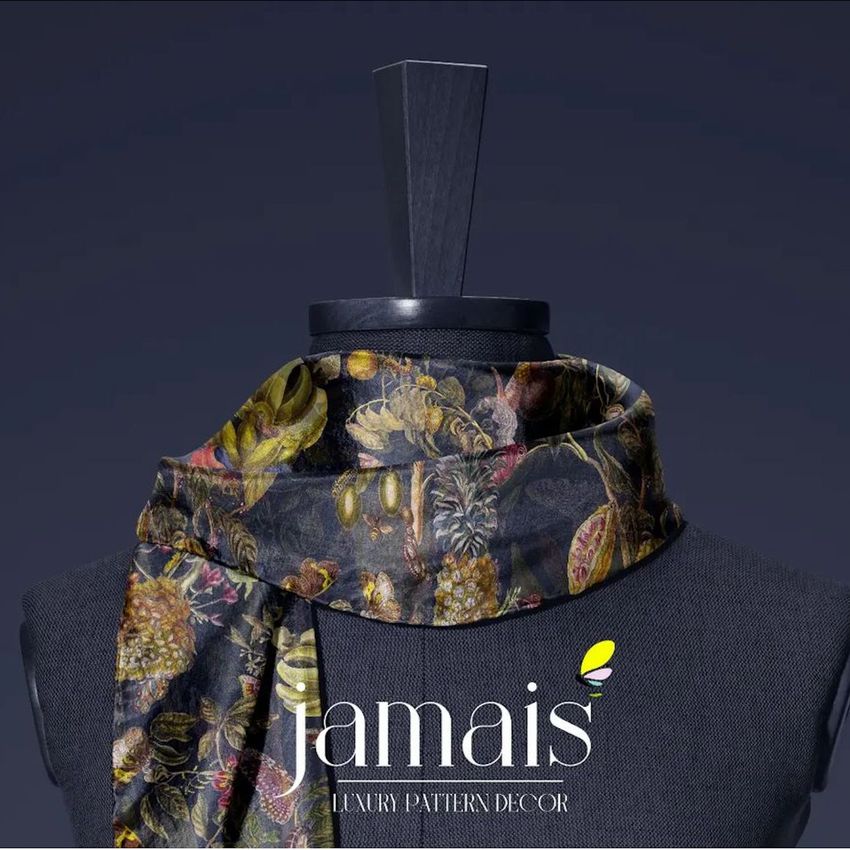
Real designs. Real customers. See how creatives use Creatsy mockups to turn their artwork, branding, and product ideas into polished visuals.


MEET THE SHOP

Creatsy
Poland
Bring your ideas to life.
We're a family-run studio in Katowice, Poland, making PSD mockups by hand since 2016. Everything in this shop starts in our own studio. We shoot the photography, build the 3D, and put together every Smart Object PSD ourselves - then we test it, organize the layers, and only ship it once it actually works...
 15$2550$30.00
 15$1870$22.00
 15$1615$19.00
 15$2040$24.00

HOW IT WORKS
3 clicks. That's it.
No tutorial needed. If you can copy-paste, you can use this.
- 1OpenDouble-click the smart object inside the PSD - in Adobe Photoshop, or free in your browser with Photopea.
- 2PasteDrop in your pattern, print, or artwork. Any design, any style.
- 3SaveHit save and the mockup wraps it in for you - shadows, folds, and lighting included.
FROM IDEA TO IMAGE
Built for real workflows
Skip the photo shoot Show your artwork on the real product type for approvals or listings - no studio, no model, no sample.
See it on the product, not a swatch Drop your file into the smart object and the scene's lighting and folds wrap around it, so you judge the real thing before you commit.
Smart Objects
Edit once and you're done. Your artwork drops into a smart object and the mockup updates itself - no masking, no warping by hand.
Perfectly Organized
Named layers and folders you can actually navigate. Find what you need, change what you want, and get out fast.
Print-Ready
High-resolution files built to hold up on screen and in print. Exact size and DPI are in this product's Details above.