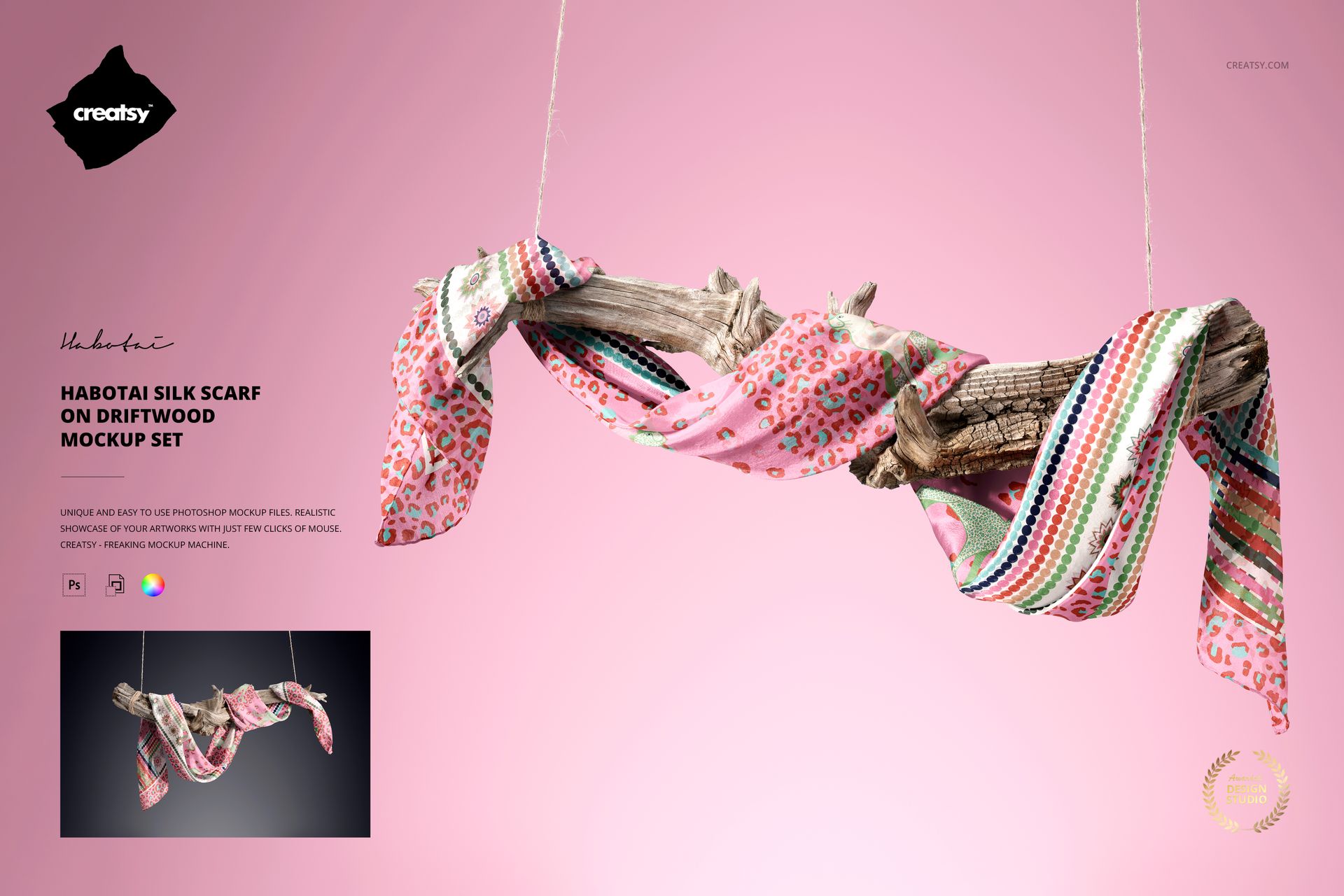
Habotai Silk Scarf on Driftwood Mockup Set
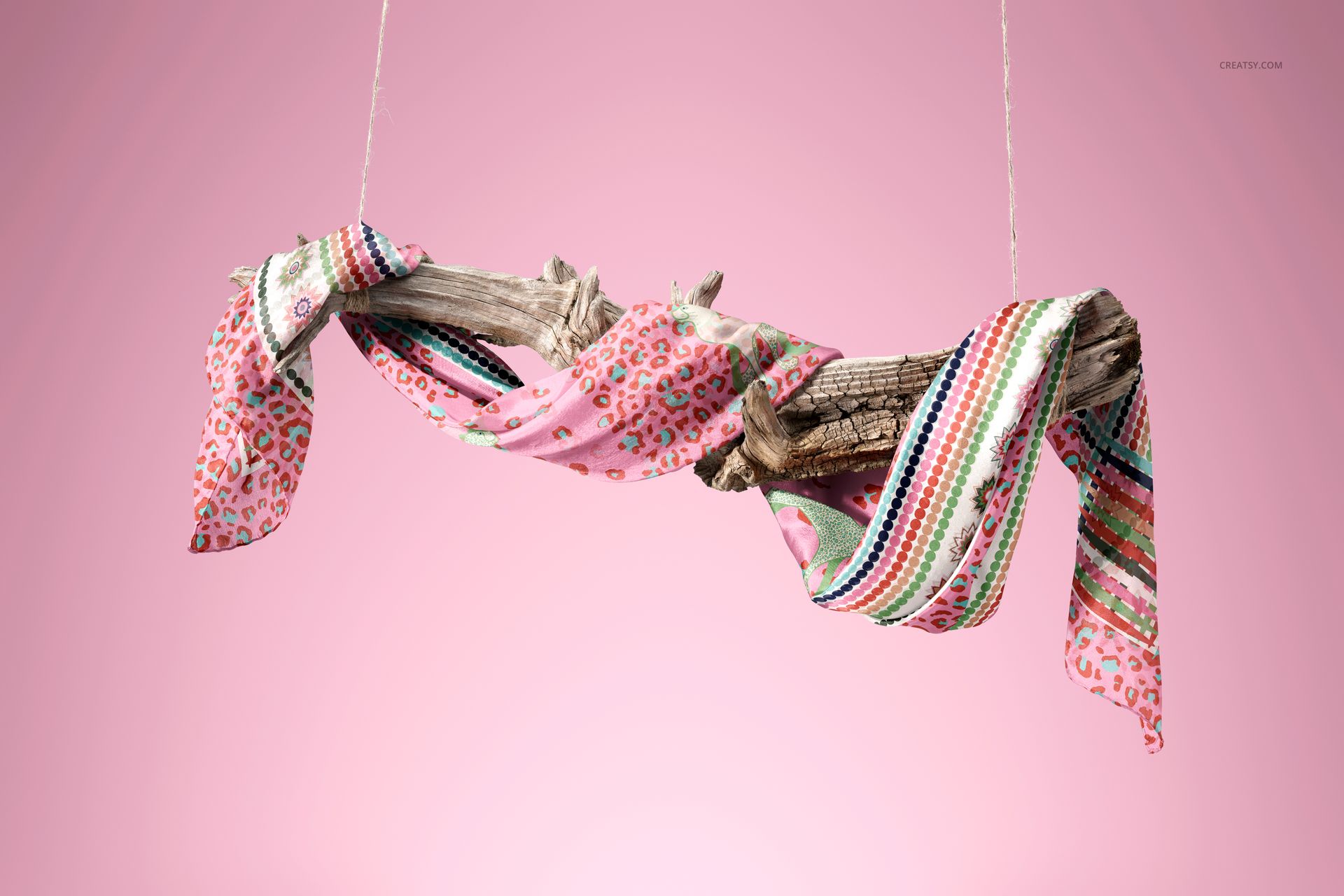
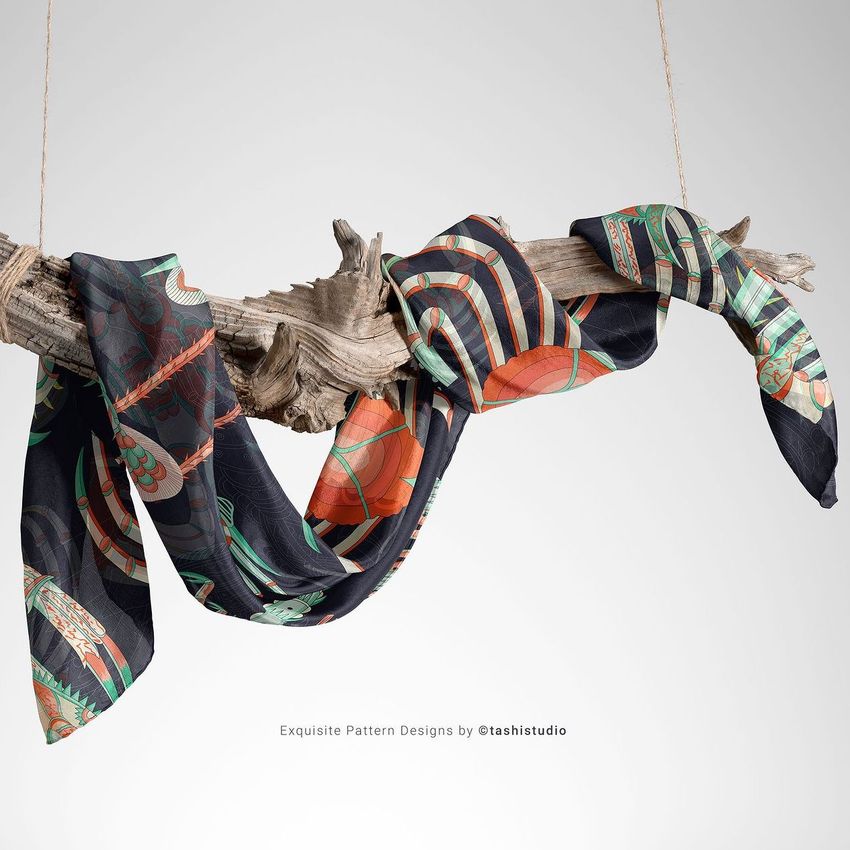
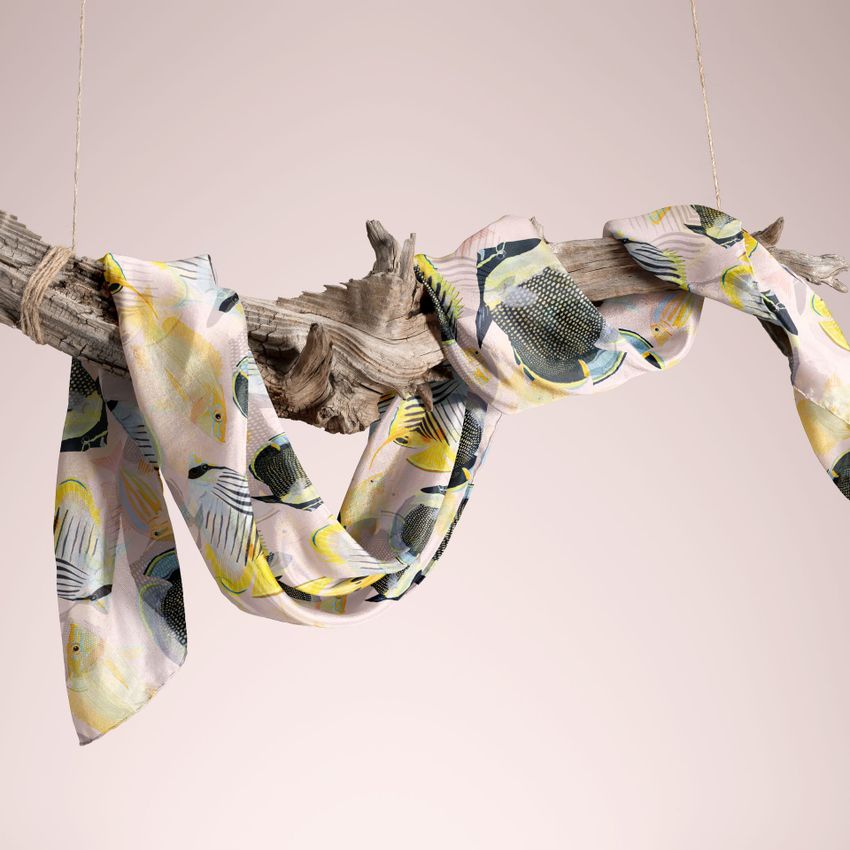
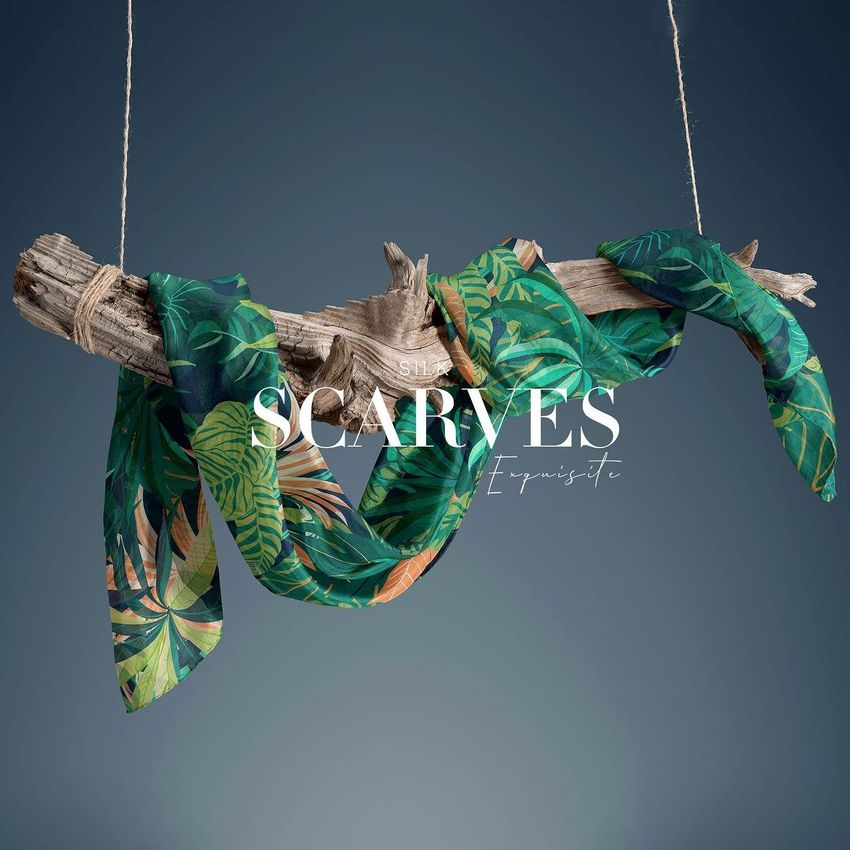
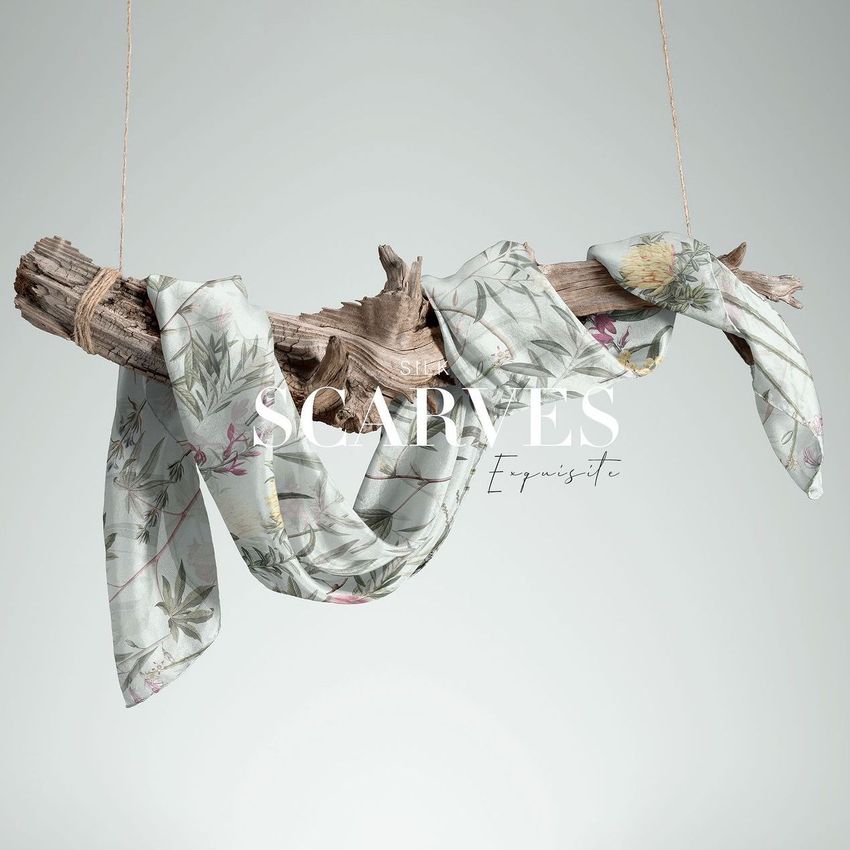
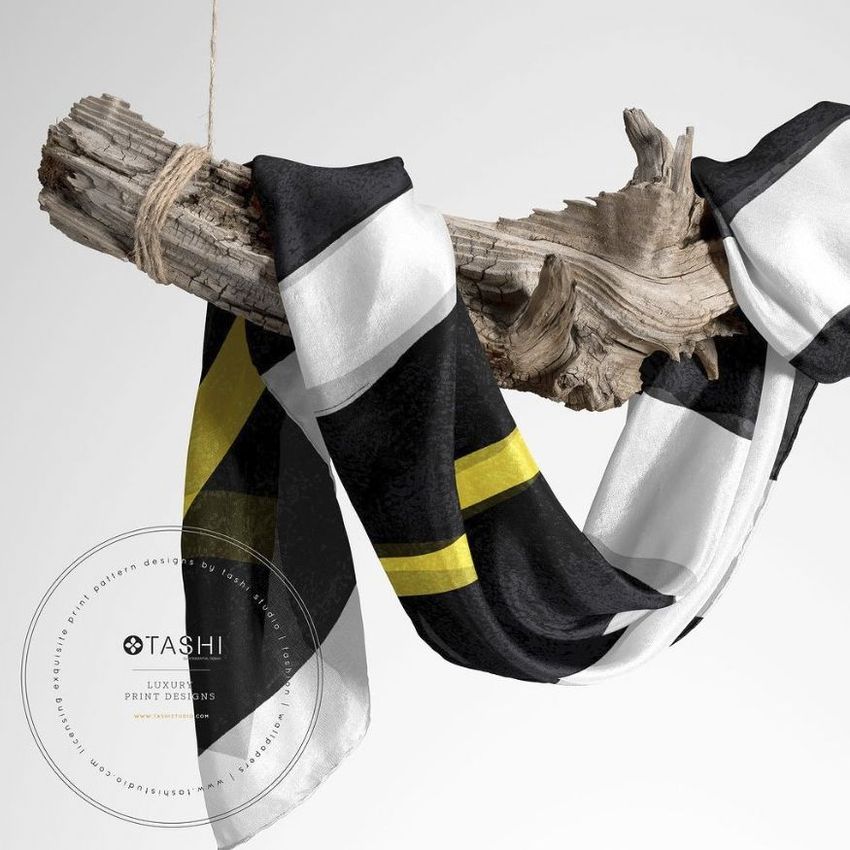
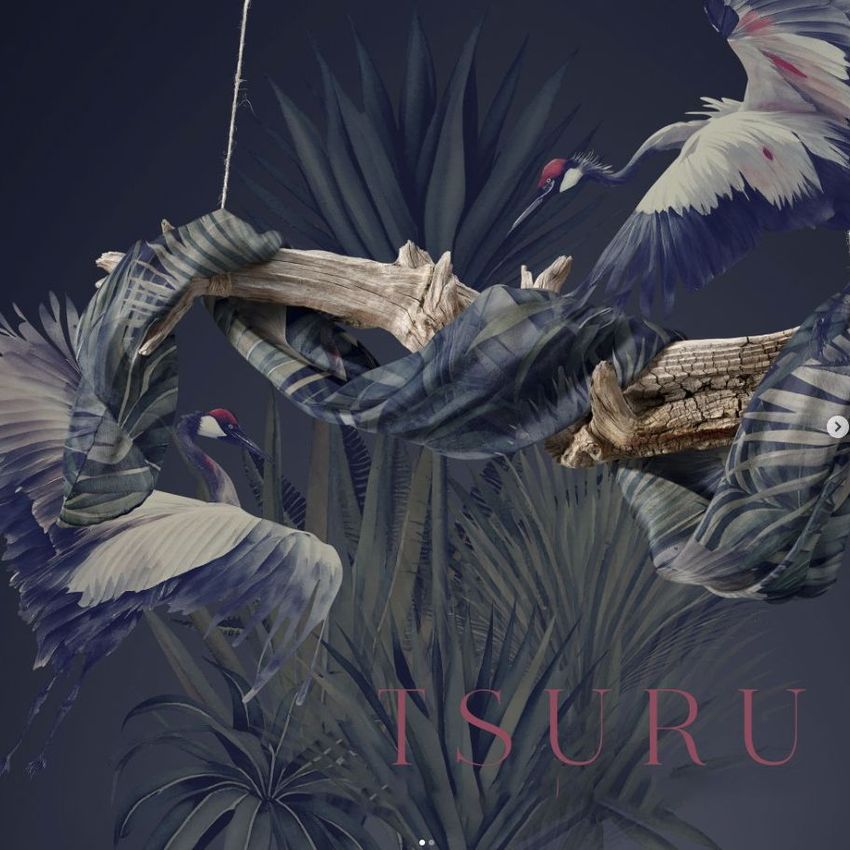
Give a rectangular silk scarf a natural, sculptural setting with two high-resolution scenes built around suspended driftwood. The rustic wood grain contrasts with the lightweight habotai fabric, helping patterns, borders, and color stories stand out while the long folds show how artwork follows the scarf’s movement.
Both horizontal compositions represent a 140 × 70 cm scarf with hand-rolled borders. Use the alternative drapes to compare repeat scale, border placement, focal motifs, and color balance without arranging or photographing a physical sample.
What Is Included
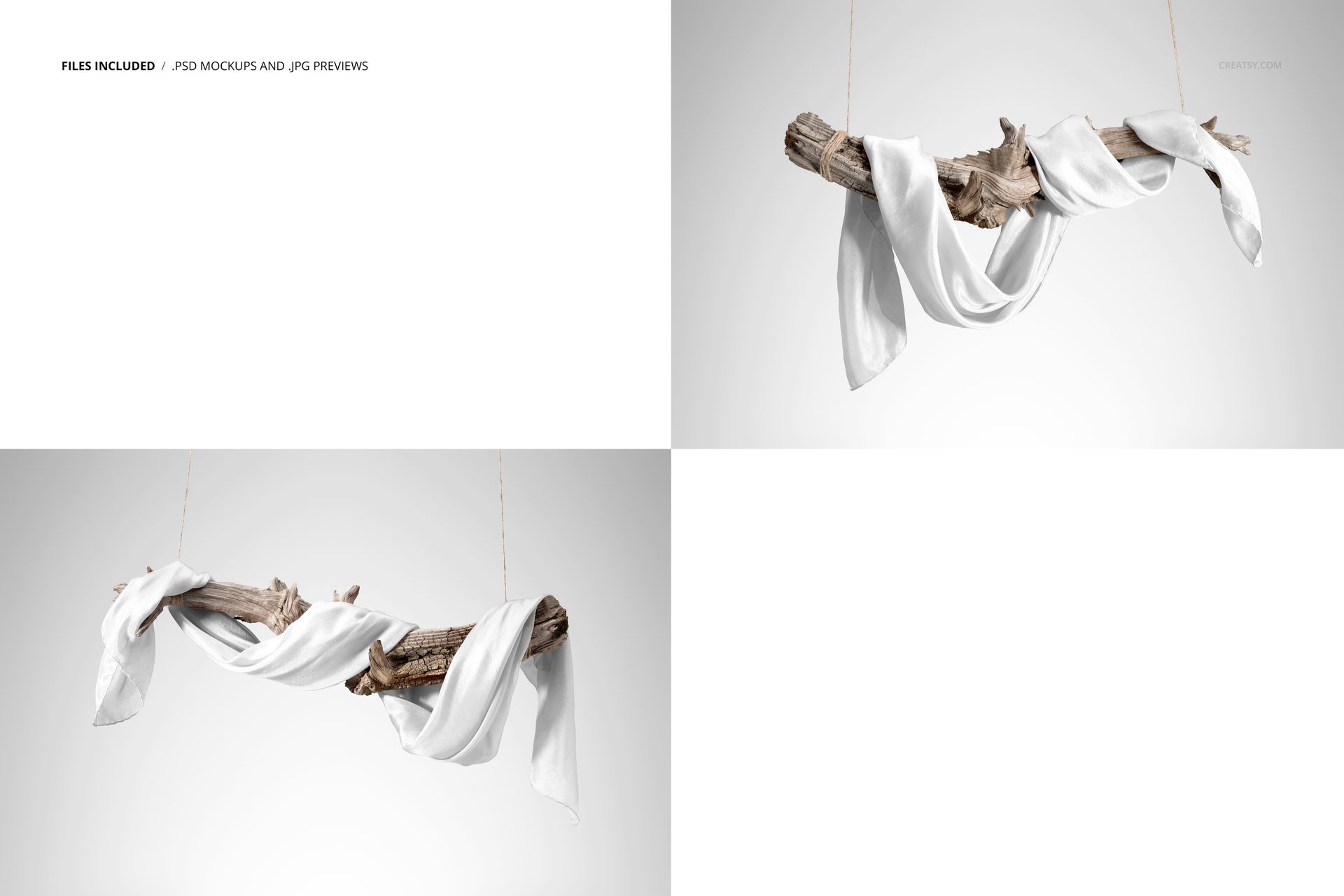
2 layered PSD mockup files at 6000 × 4000 px and 300 DPI
2 matching JPG previews at 6000 × 4000 px
1 PDF user manual
5 files in total
2 landscape scenes featuring a 140 × 70 cm habotai silk scarf
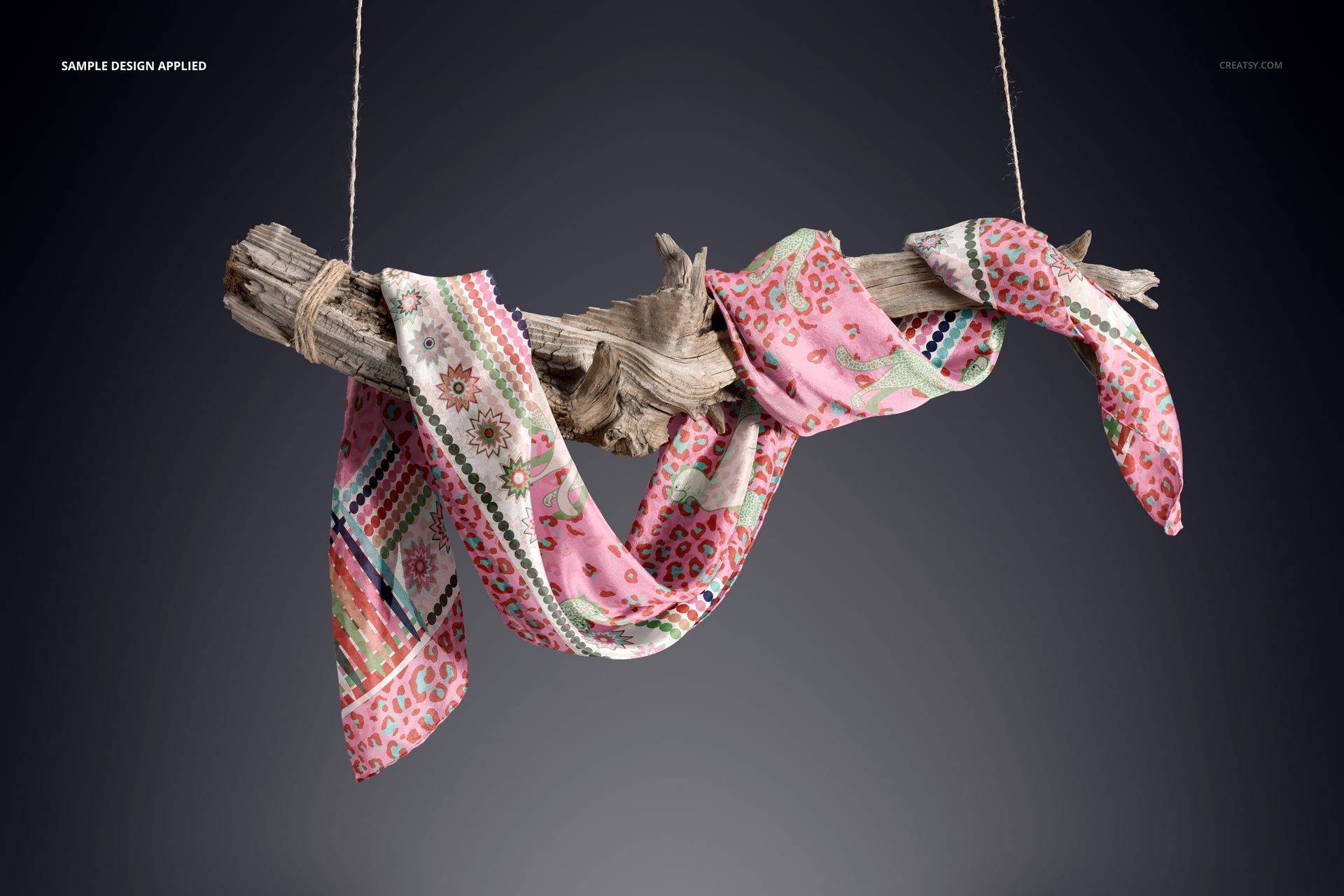
A Natural Suspended Display
Two distinct arrangements wrap and drape the scarf around weathered wood suspended by rope. Deep loops, shorter folds, and exposed hand-rolled edges provide varied areas for checking all-over patterns, decorative borders, and artwork transitions across overlapping fabric.
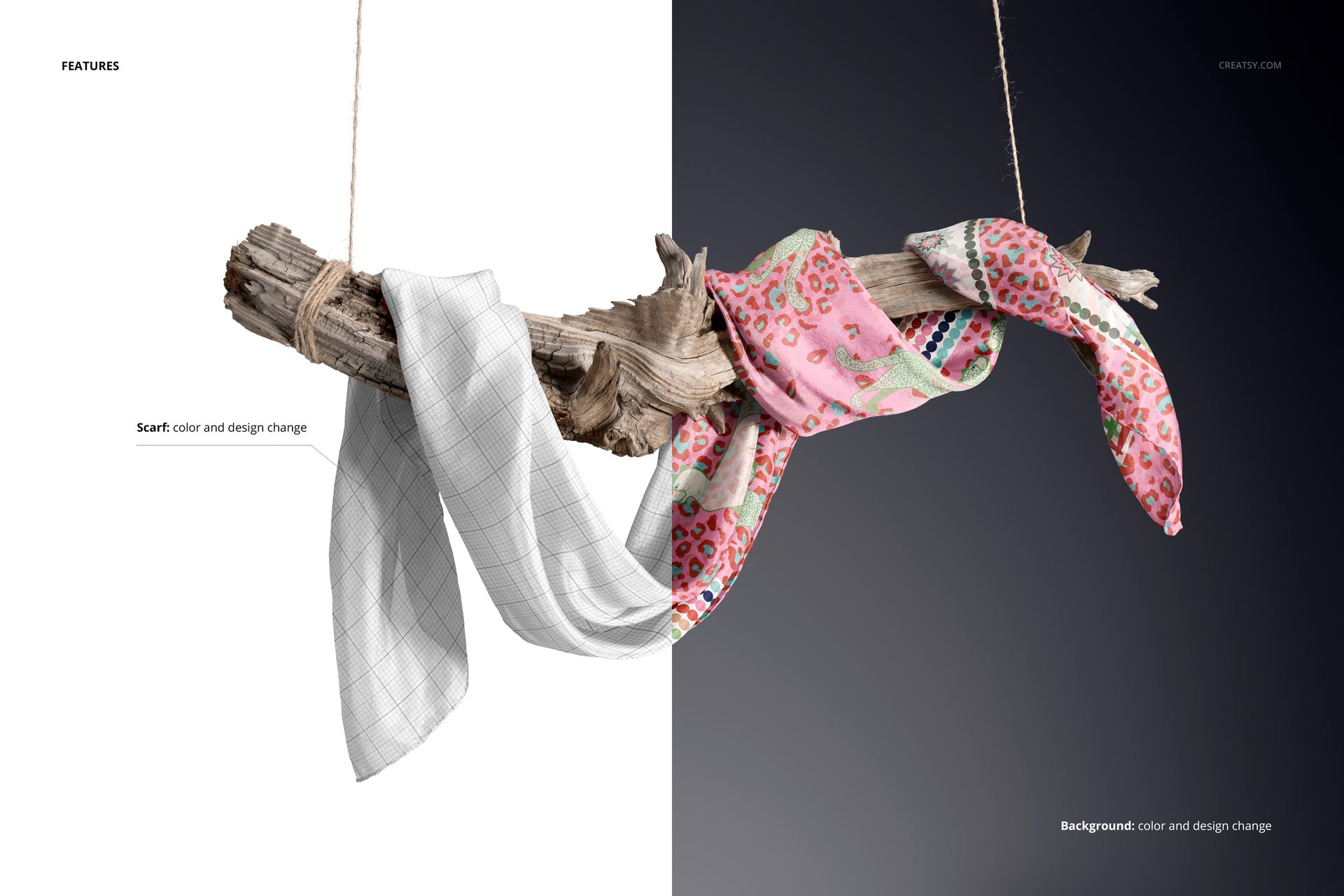
Smart Object Editing and Flexible Backgrounds
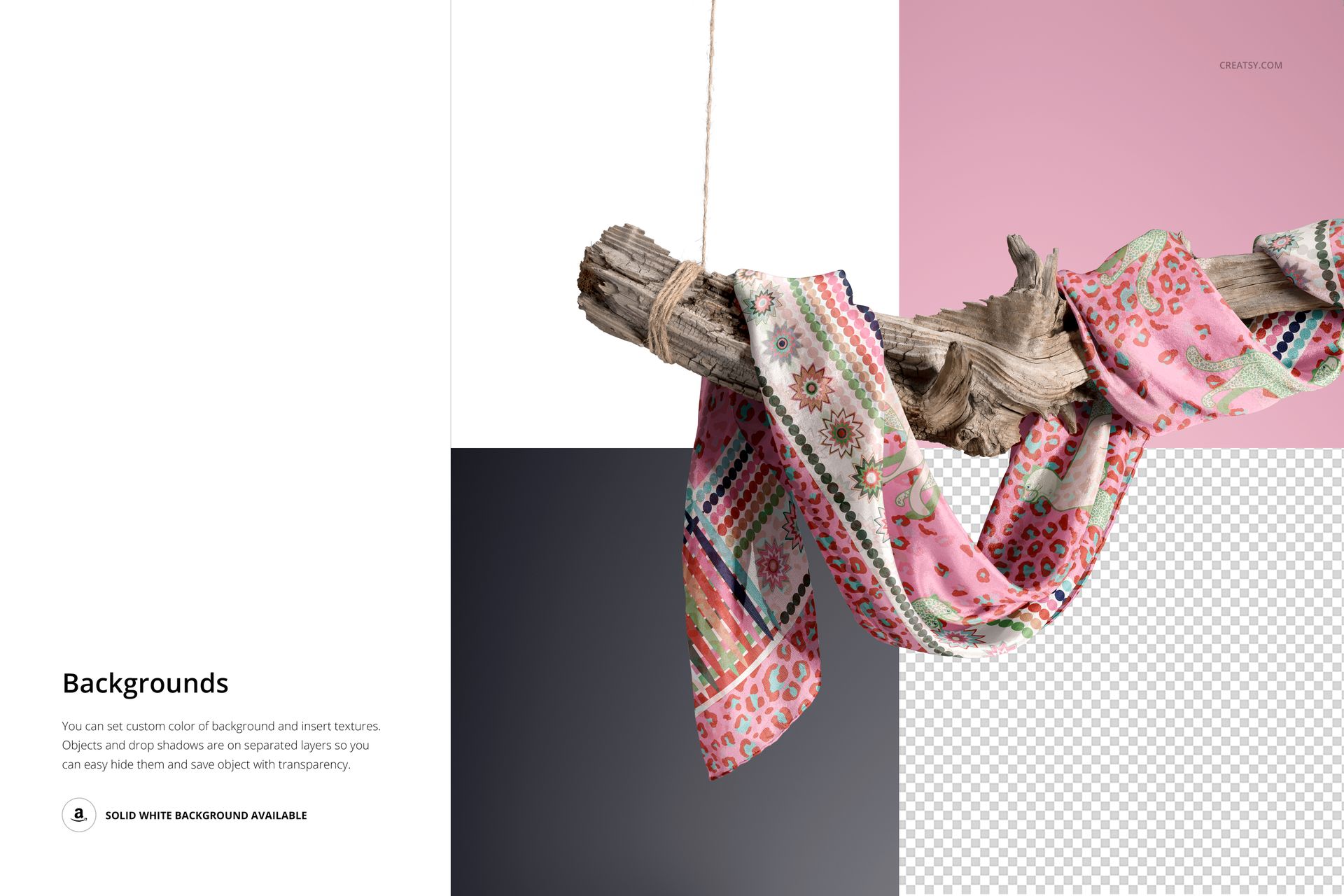
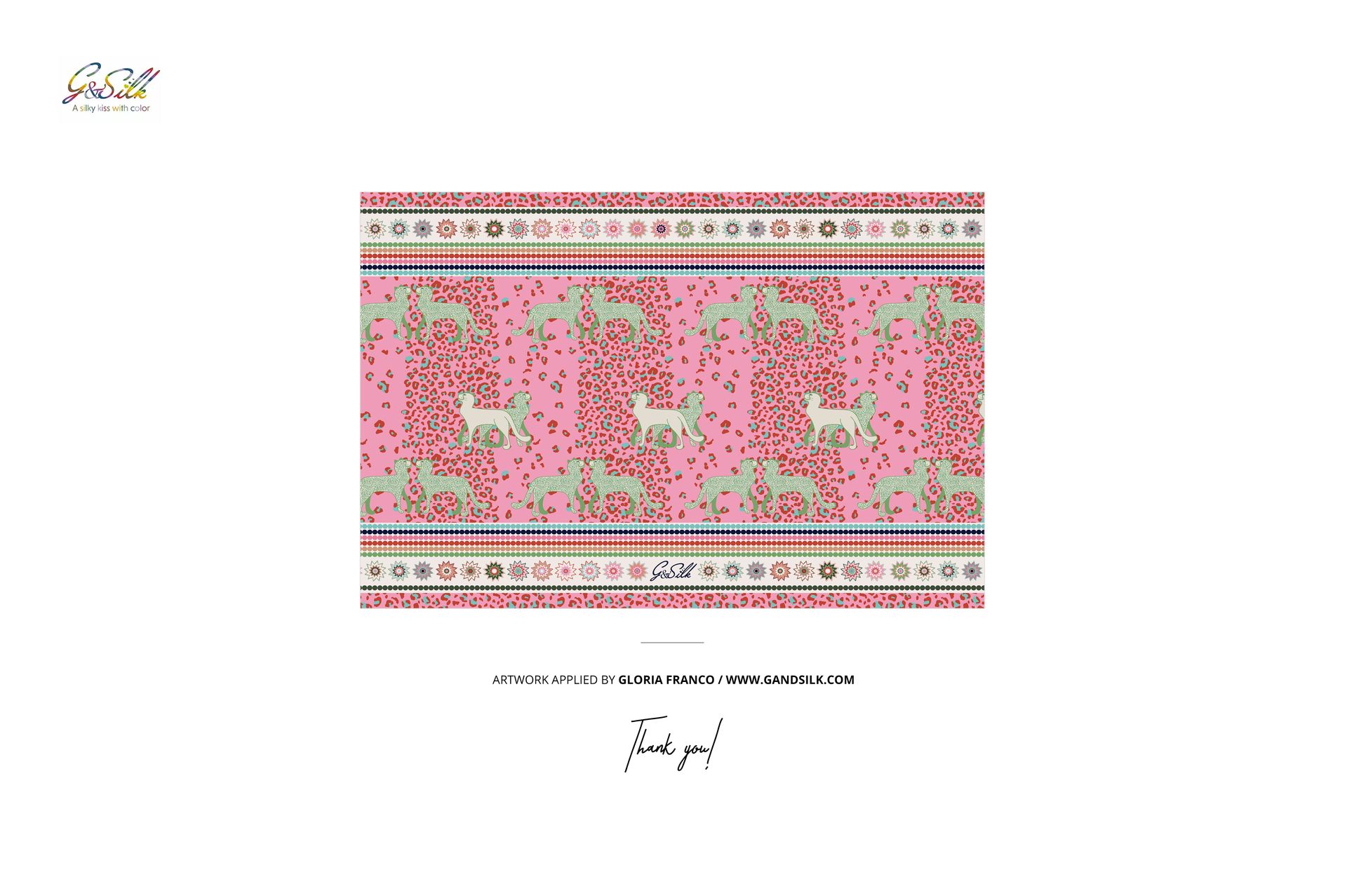
Place a repeat pattern, illustration, gradient, or solid color through Smart Objects. Adjust the scarf color and design, then coordinate the scene with a custom background color or texture. Objects and drop shadows sit on separate layers, so they can be hidden when a white or transparent-background presentation is needed.
Software Compatibility
Full compatibility is specified for Adobe Photoshop CC2020 or newer. The current Creatsy workflow also offers editing in Photopea, although complete support for every complex layered feature is guaranteed only in Photoshop.
Perfect For
Surface pattern and textile designers
Silk scarf and fashion accessory brands
Illustrators and art licensing portfolios
Ecommerce galleries and lookbooks
Client approvals and collection presentations
Digital product: No physical scarf or driftwood display is included or shipped. The sample artwork and customer patterns shown in the previews are not included.













This mockup is absolutely stunning! I'ts a High resolution set! A great mockup! Raccomended! - Ric
Thank you so much, Ric! We’re delighted that you love the quality and high resolution of the set. We truly appreciate your recommendation!