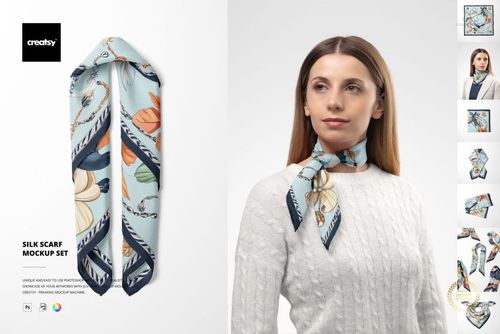
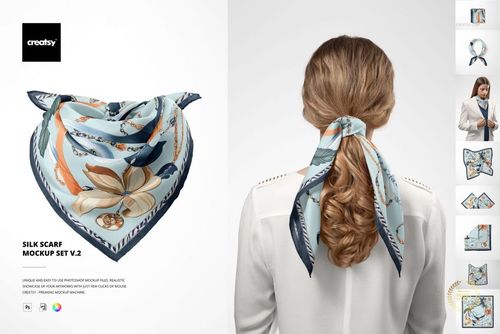
Habotai Silk Scarf with Paper Bag Mockup Set 2
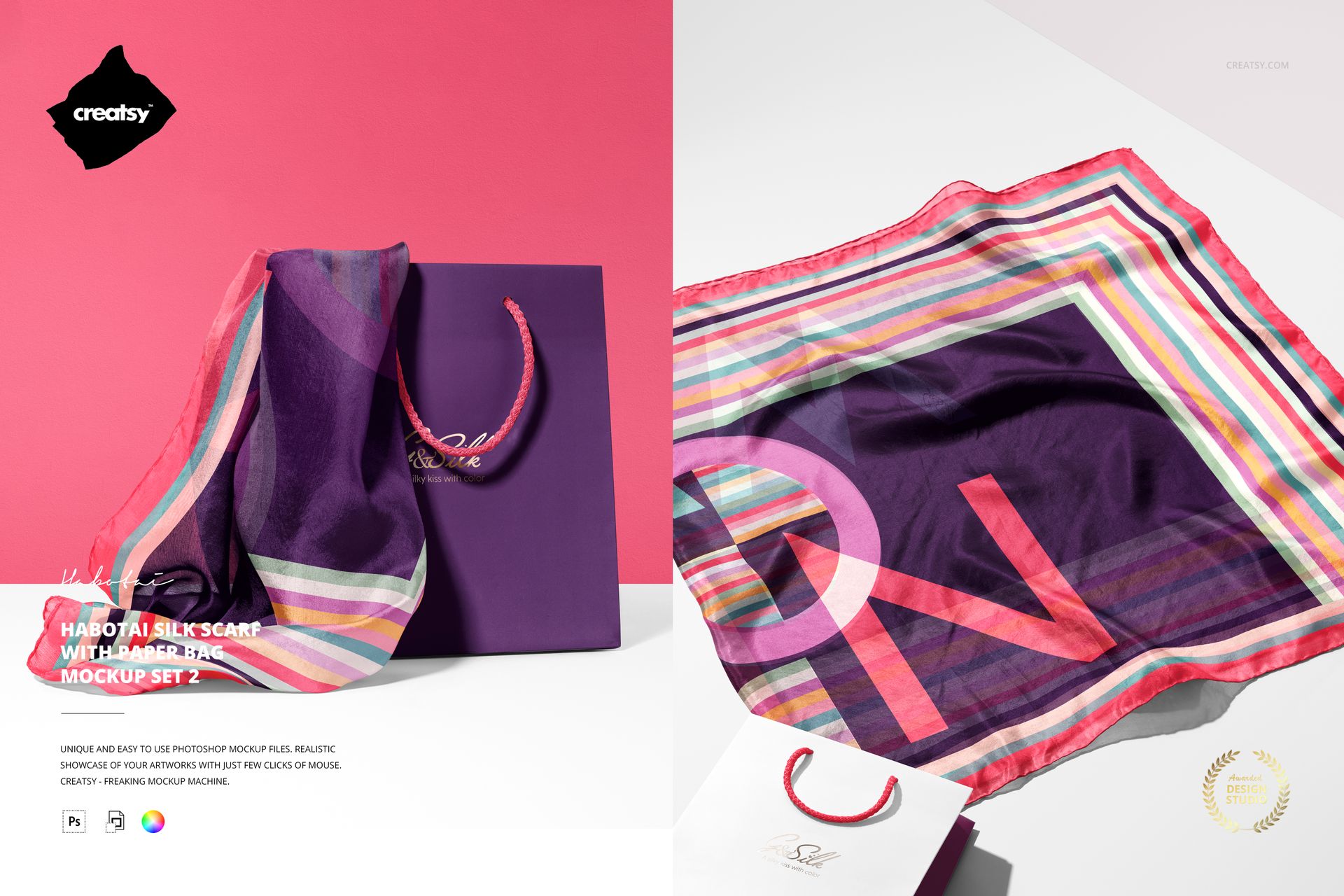
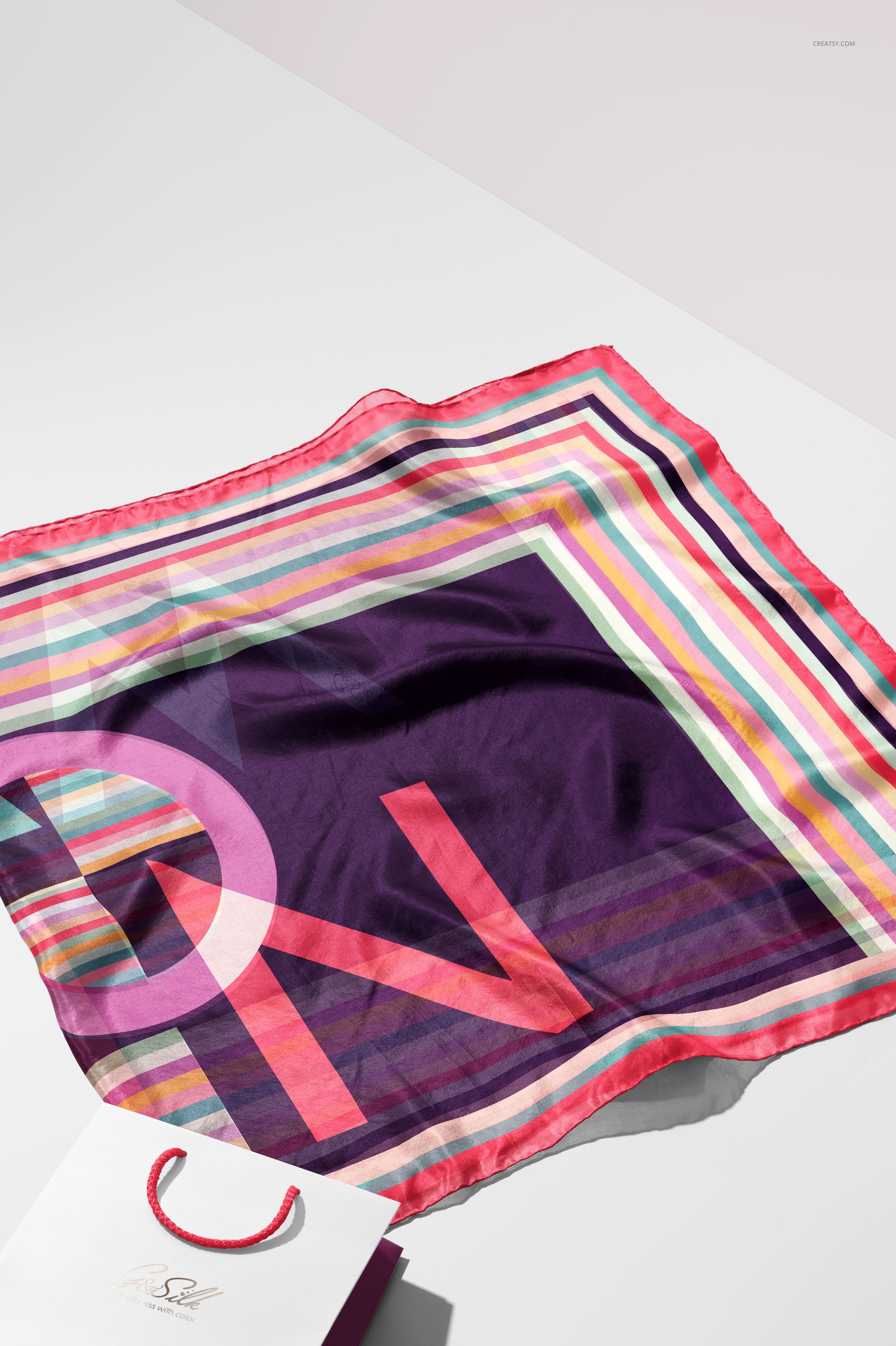
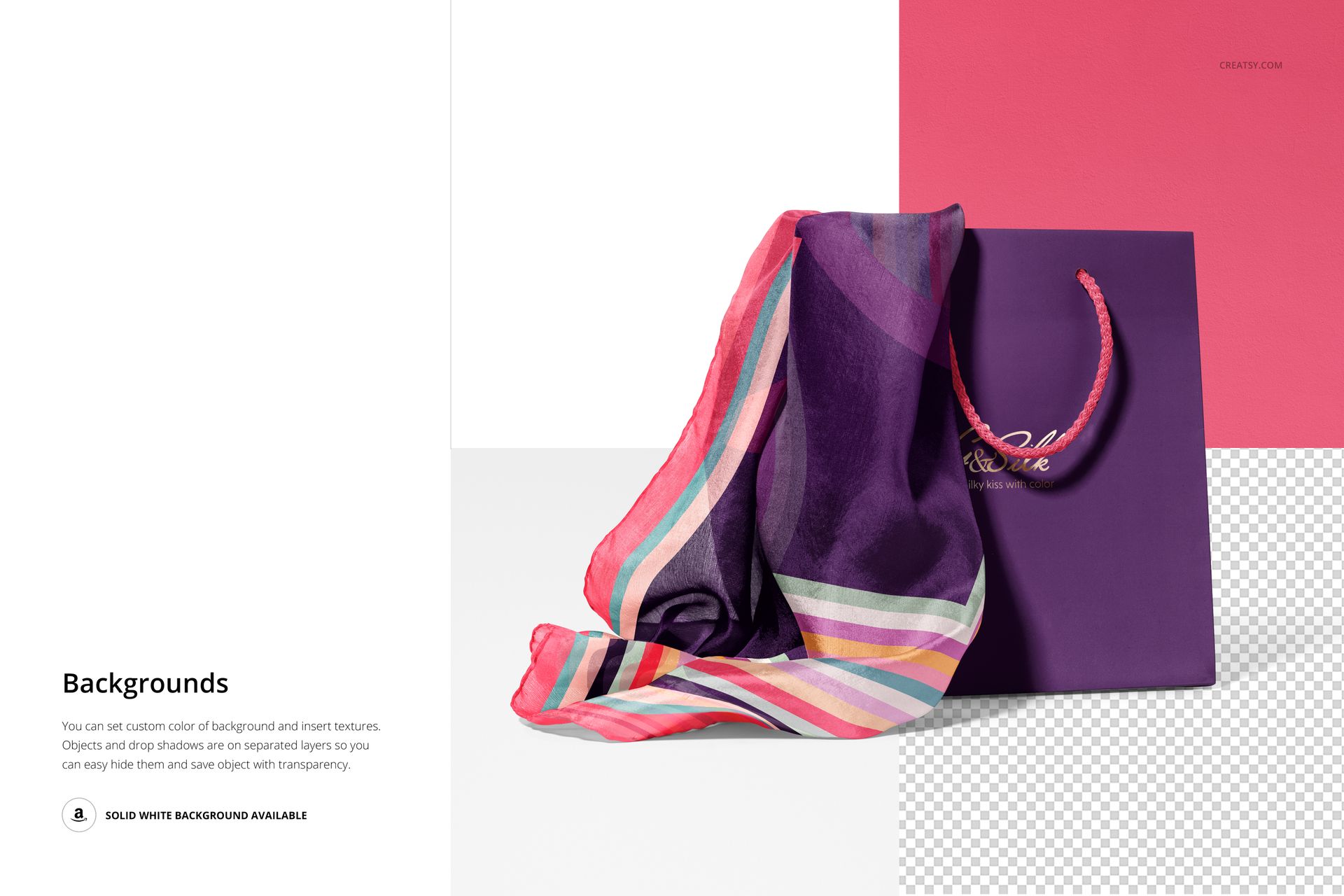
Focus attention on a standing paper bag and a 140 × 70 cm habotai silk scarf with this compact two-scene set. One composition spreads the scarf beside the bag, while the second drapes it from the bag, giving you a clear overview and a packaging-focused reveal without unnecessary scene variations.
The hand-rolled borders and natural folds make it easier to assess pattern scale, border placement, and coordinated branding. Both landscape and portrait preview orientations are represented, so the pair can support a concise product gallery or client presentation.
What Is Included
2 layered PSD mockup files with well-organized layers
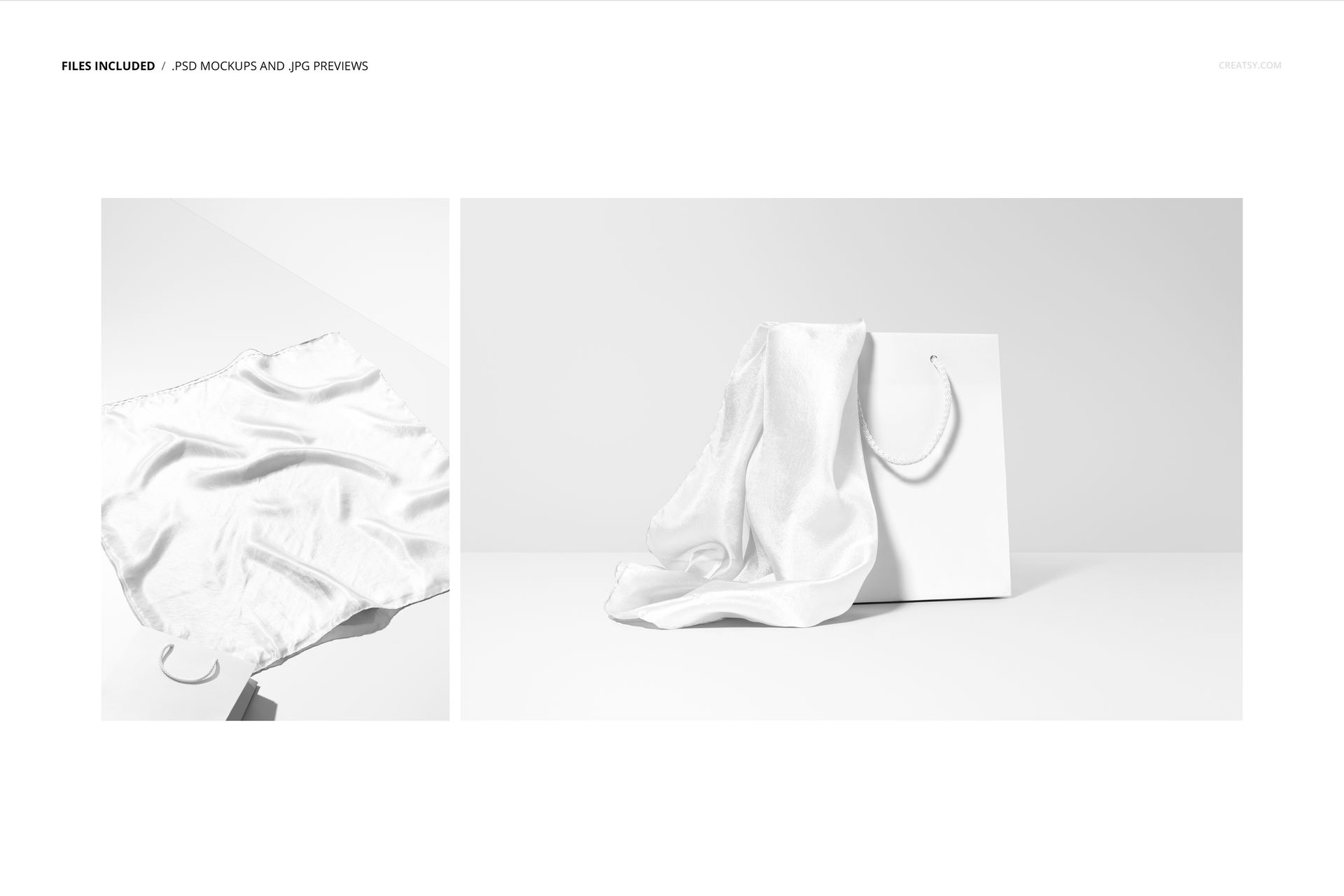
2 JPG previews, one landscape and one portrait
1 PDF user manual, 5 files in total
A 140 × 70 cm habotai silk scarf with hand-rolled borders
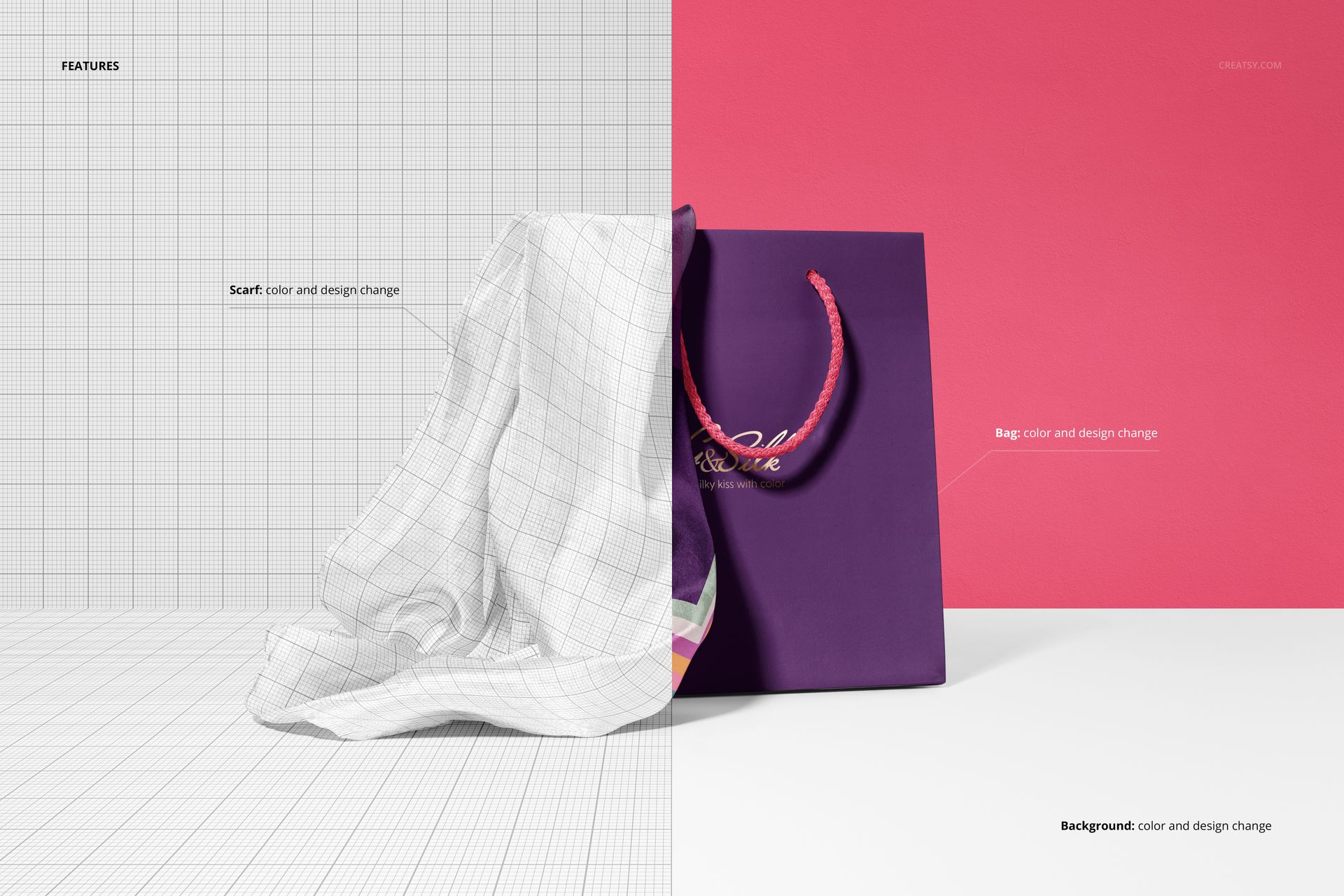
Editable scarf, paper bag, and background designs
Two Focused Standing-Bag Scenes
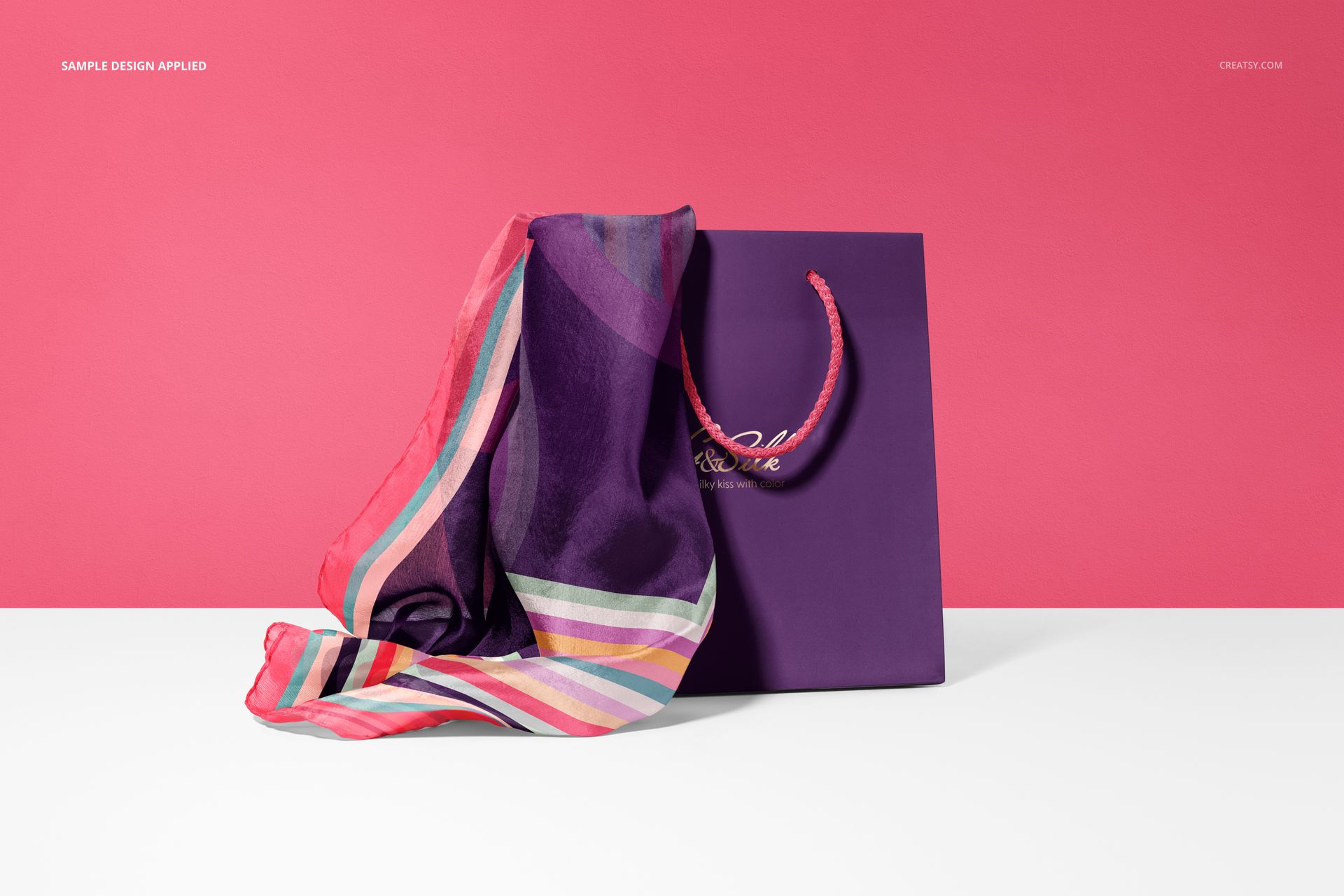
The first scene shows the scarf spread beside a standing bag for a broad view of the artwork. The second presents the fabric draped from or partially emerging from the bag, creating a more compact retail-packaging story. No human hand appears in this set, which keeps both compositions clean and product-led.
Coordinate Scarf, Bag, and Background
Change the color and design of the scarf and paper bag, including branding on the front of the bag. The background can also receive a new color or design, making it easy to create a coordinated palette or test a contrasting campaign direction.
Easy Smart Object Editing
Replace the sample artwork through Smart Objects and let the pattern follow the scarf folds and photographed lighting. Adobe Photoshop CC2020 or newer is the officially listed compatibility. Creatsy also offers its standard browser-based Smart Object workflow in Photopea.
Perfect For
Surface pattern designers showing a scarf print with retail packaging
Fashion brands testing coordinated scarf and bag colorways
Branding studios presenting paper bag graphics
Small collections that need a focused pair of product images
Client approvals, portfolios, ecommerce pages, and campaign concepts
This is a digital presentation mockup, not a technical scarf pattern or paper bag dieline. The sample artwork shown in the product previews is not included.
Preview Artwork Credit
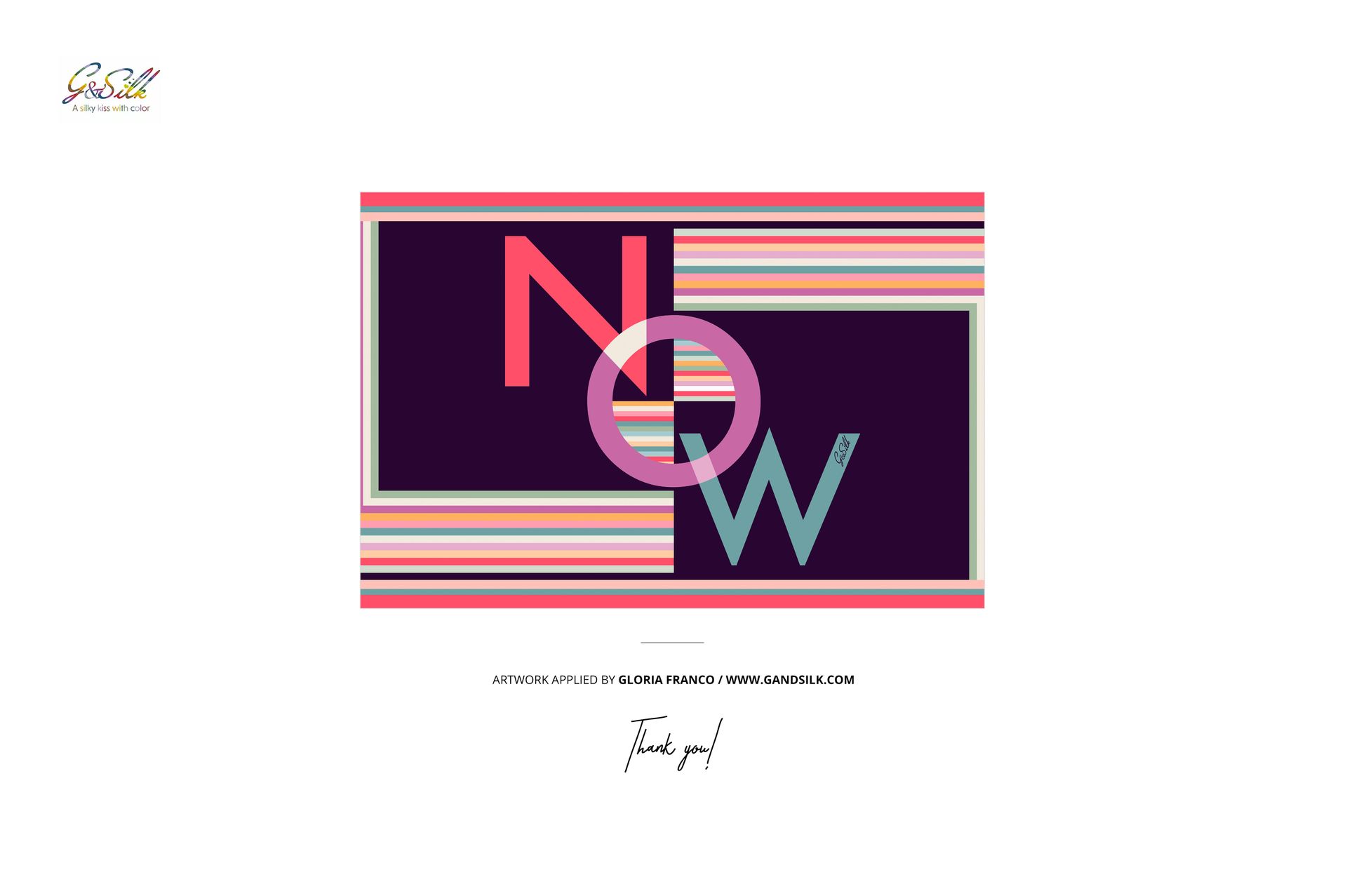
The example design featured in the product previews is by Gloria Franco. You can explore more of her work on her website. The artwork is used for presentation purposes only and is not included with the mockup files.