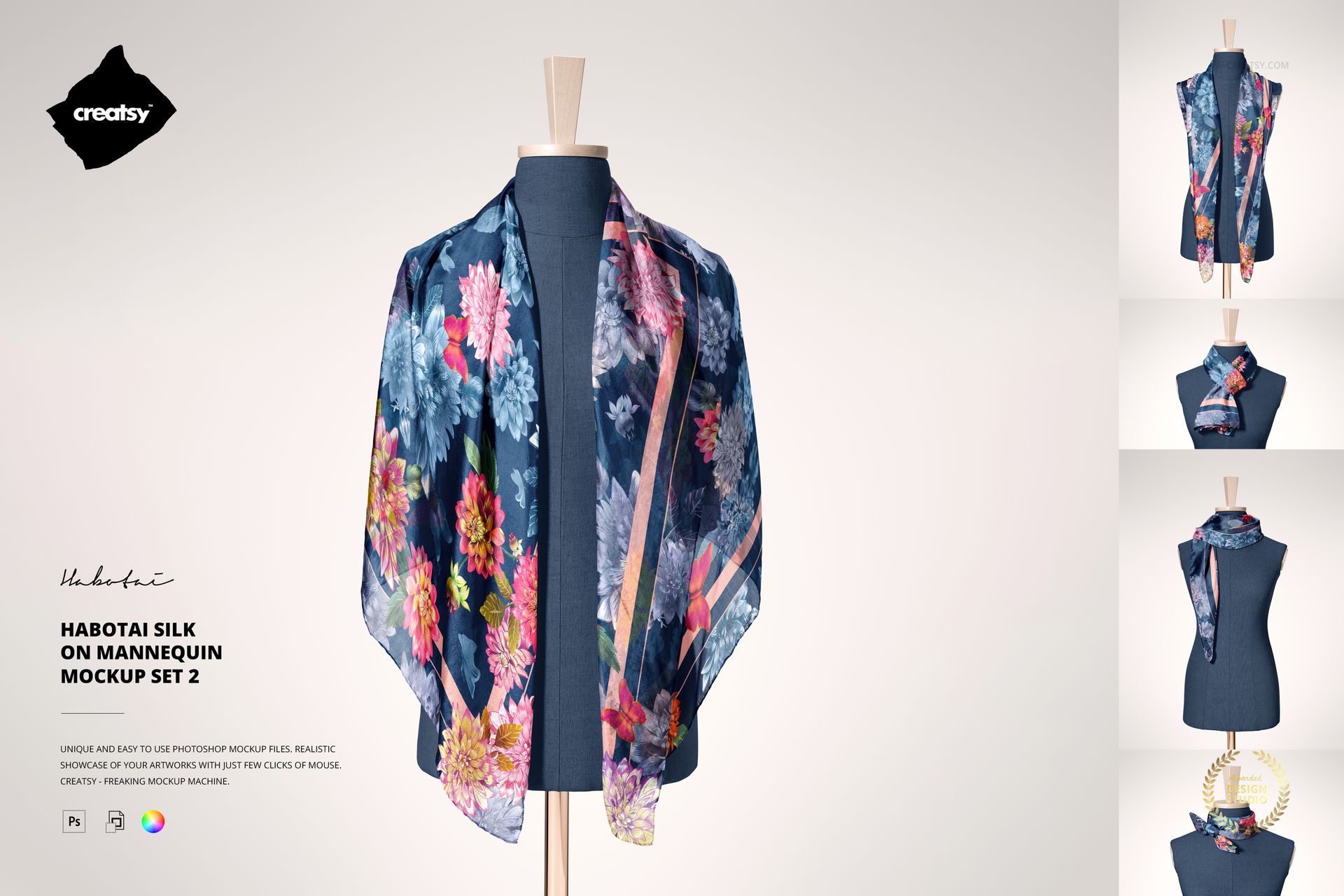
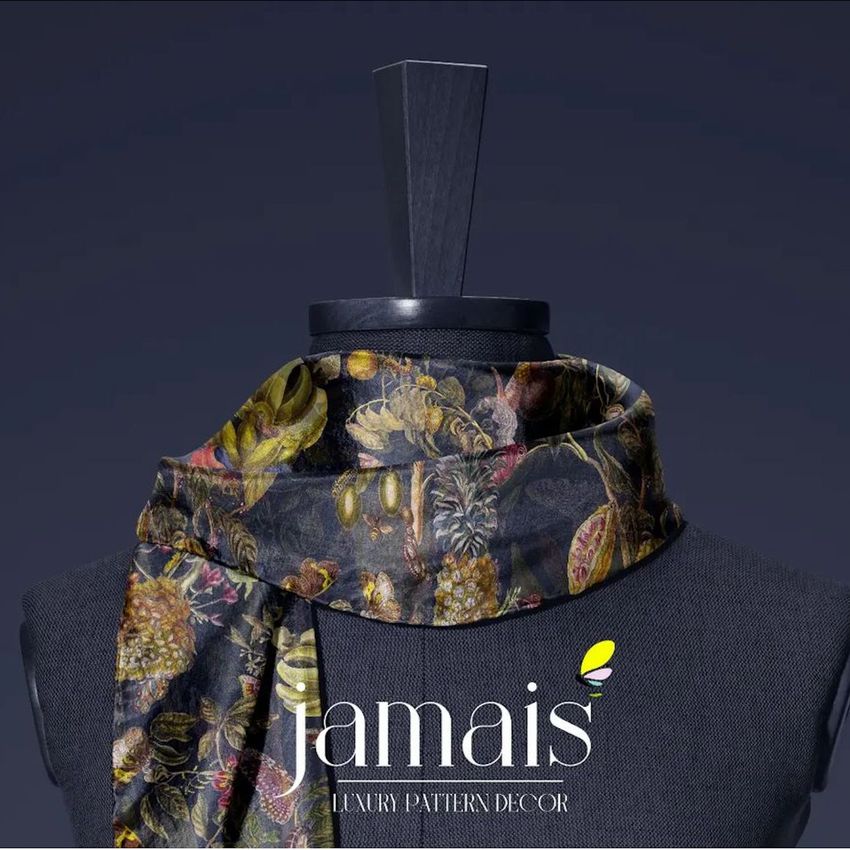
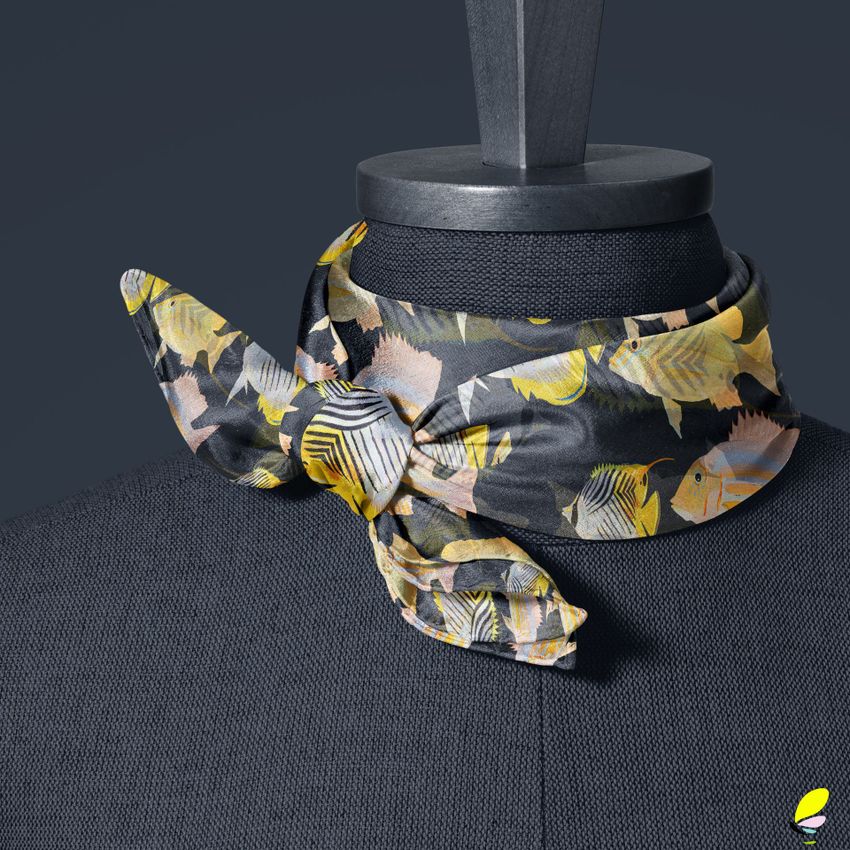
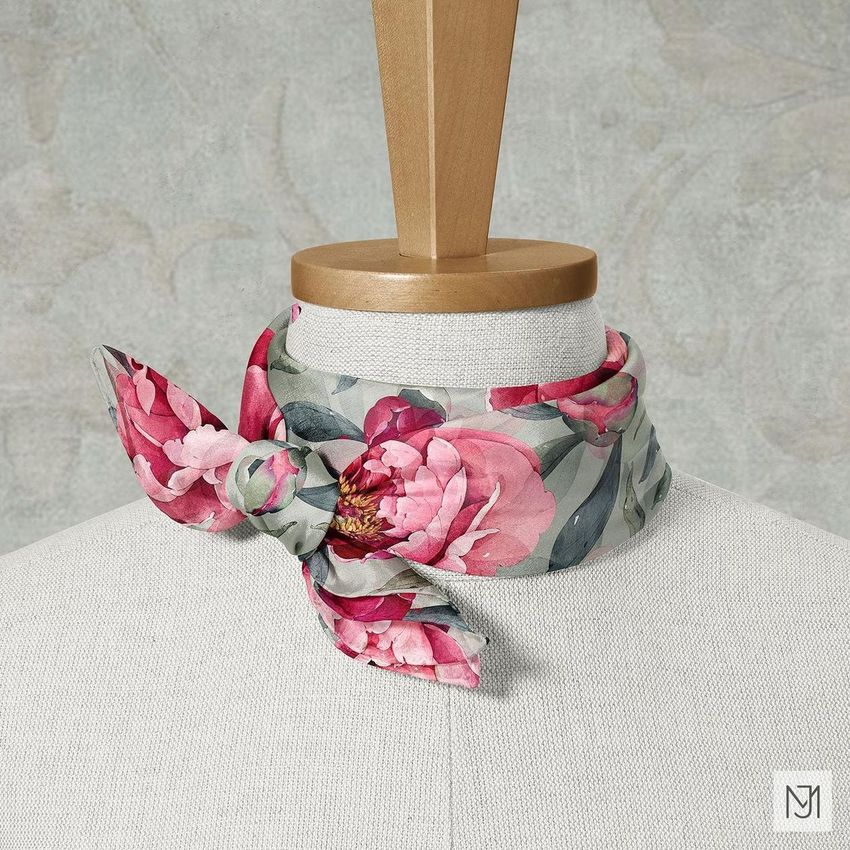
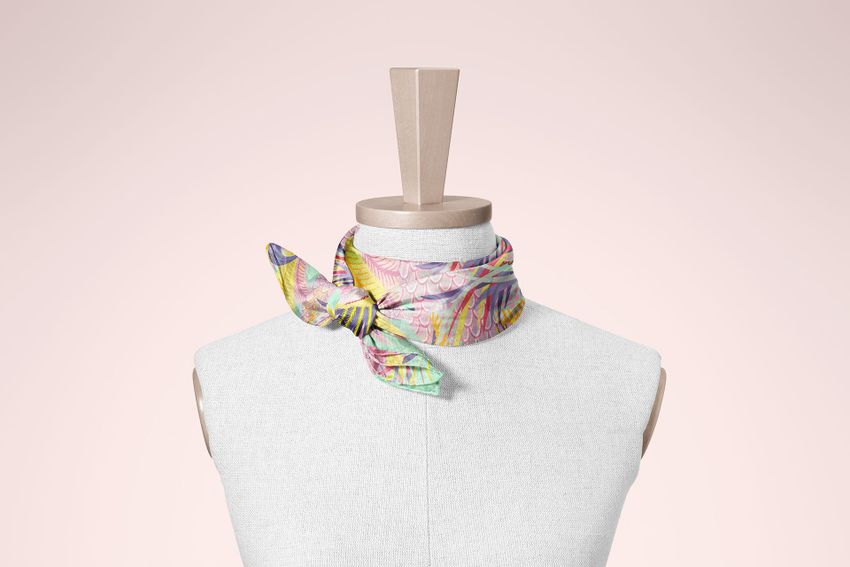
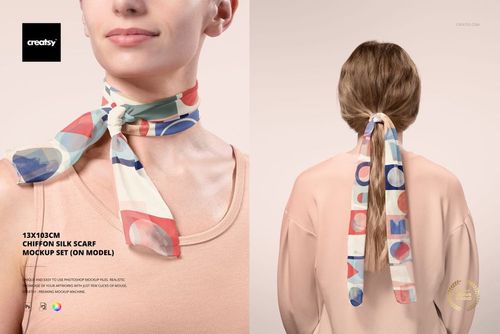
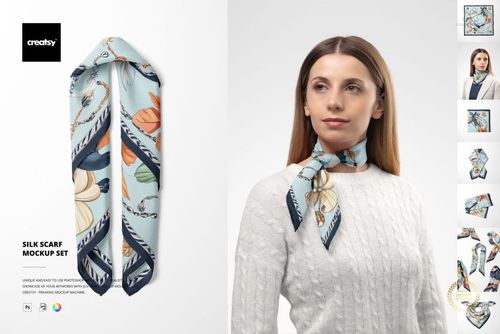
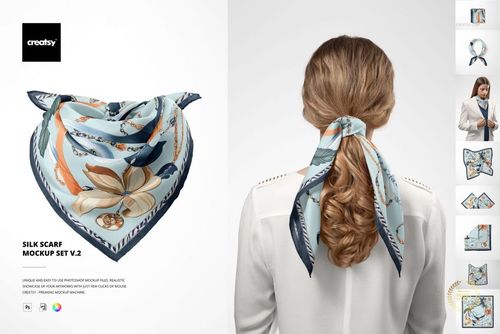
Habotai Silk Scarf on Mannequin Mockup Set 2
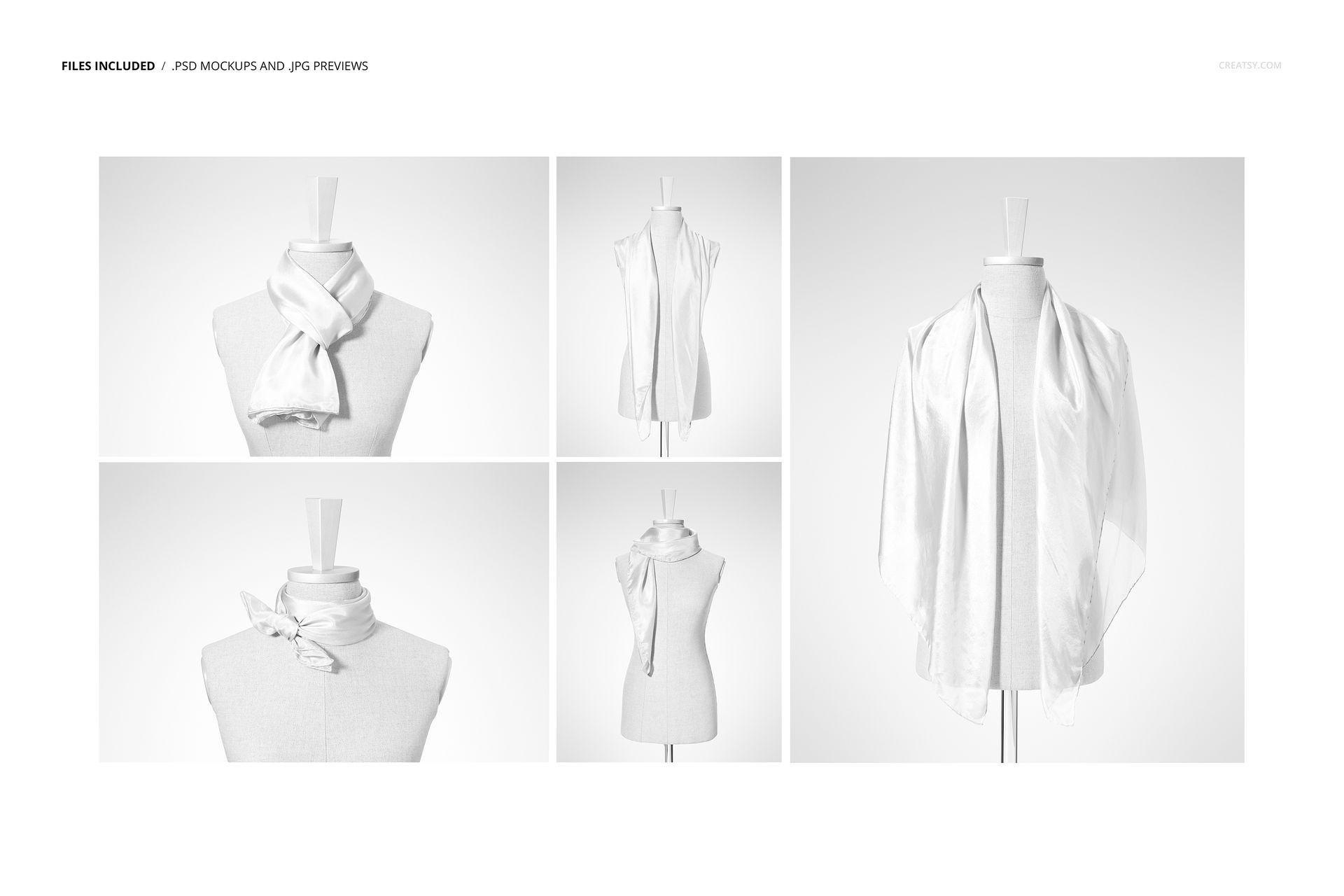
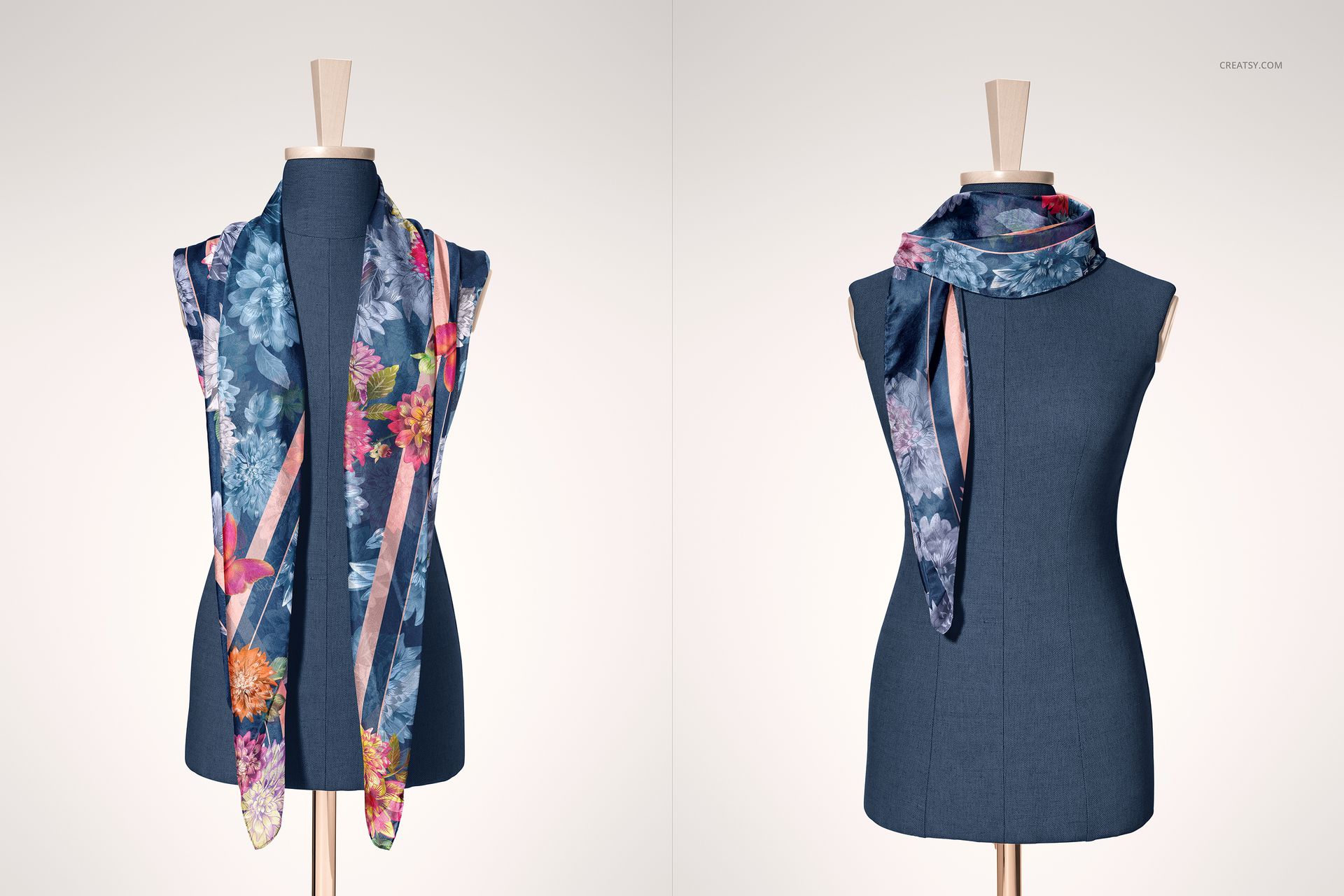
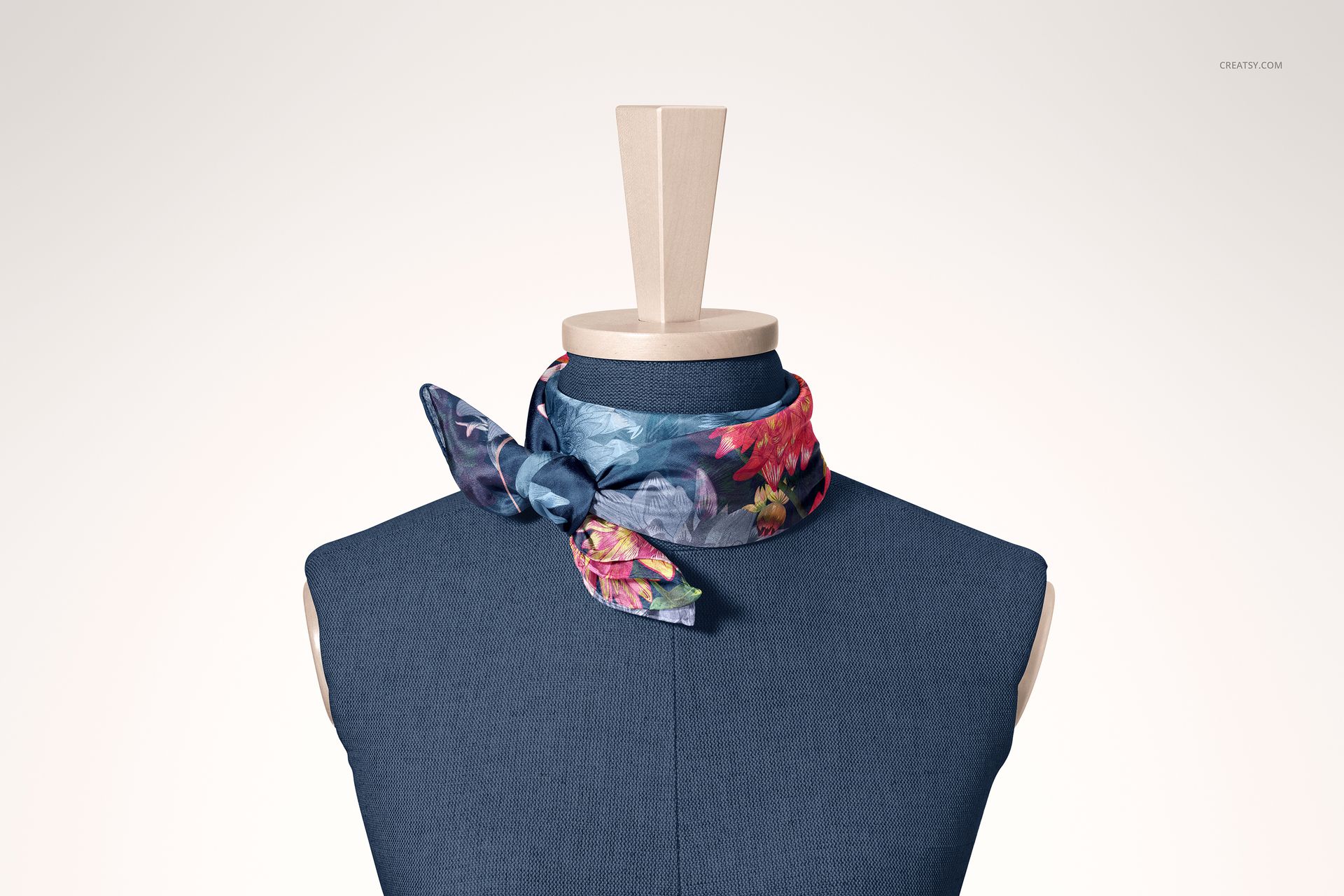
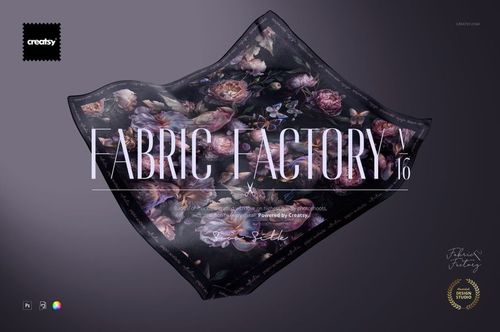
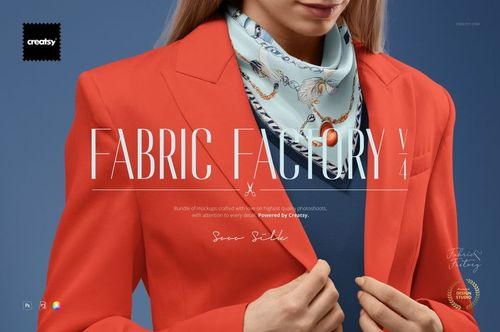
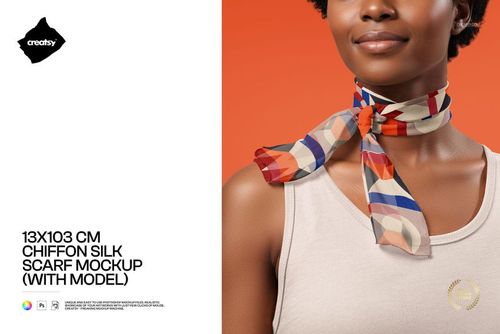
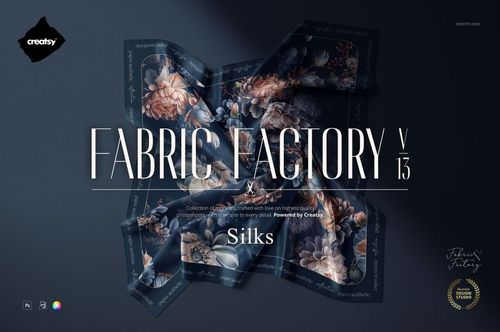
Give one 140 × 70 cm habotai silk scarf five distinct styling stories on a torso mannequin. Set 2 focuses on a short front loop, a long straight drop, a wide shoulder drape, a compact side knot, and a neck wrap with two hanging ends. Seeing the same artwork across these arrangements helps reveal focal placement, border balance, repeat scale, and the way a design travels through folds.
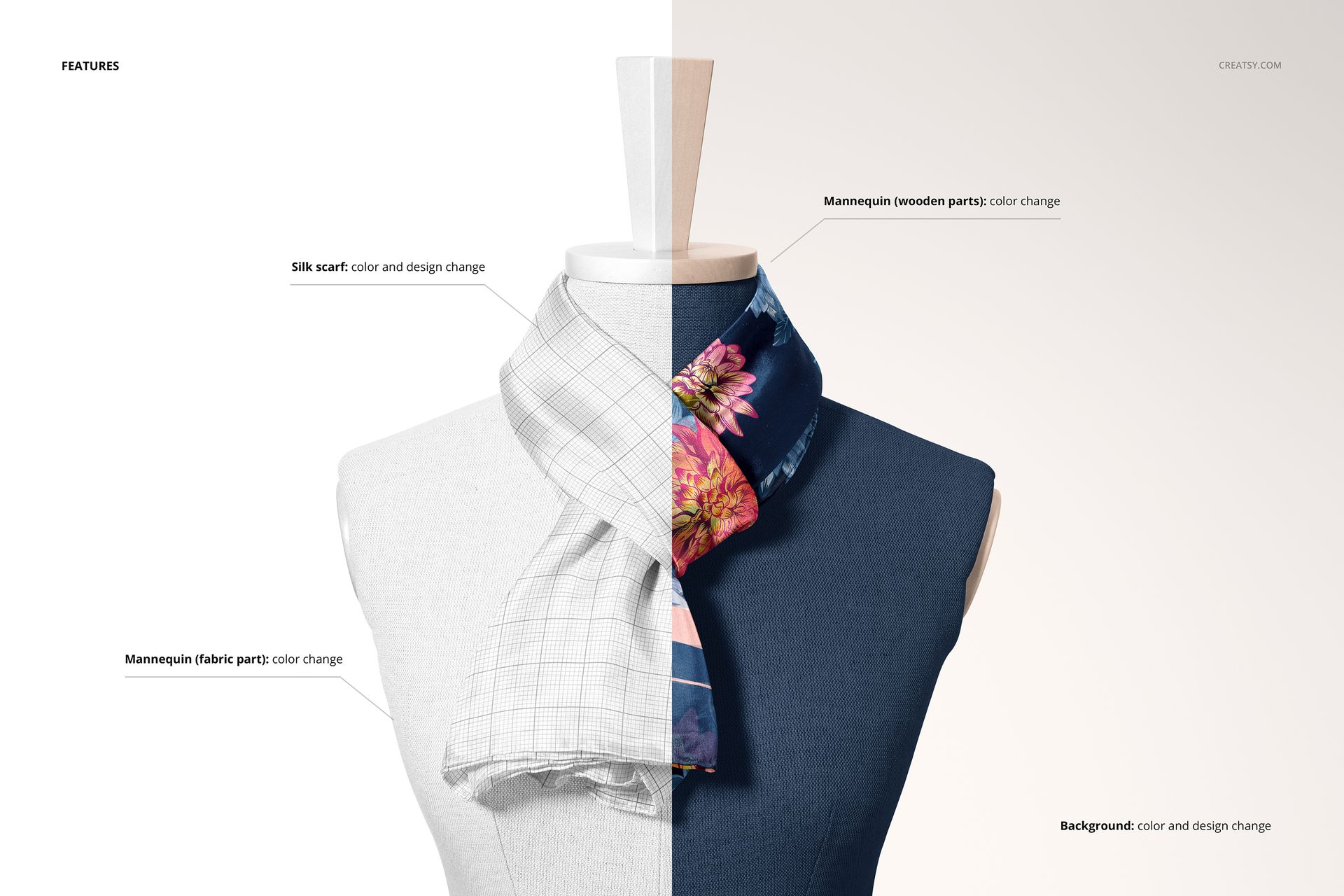
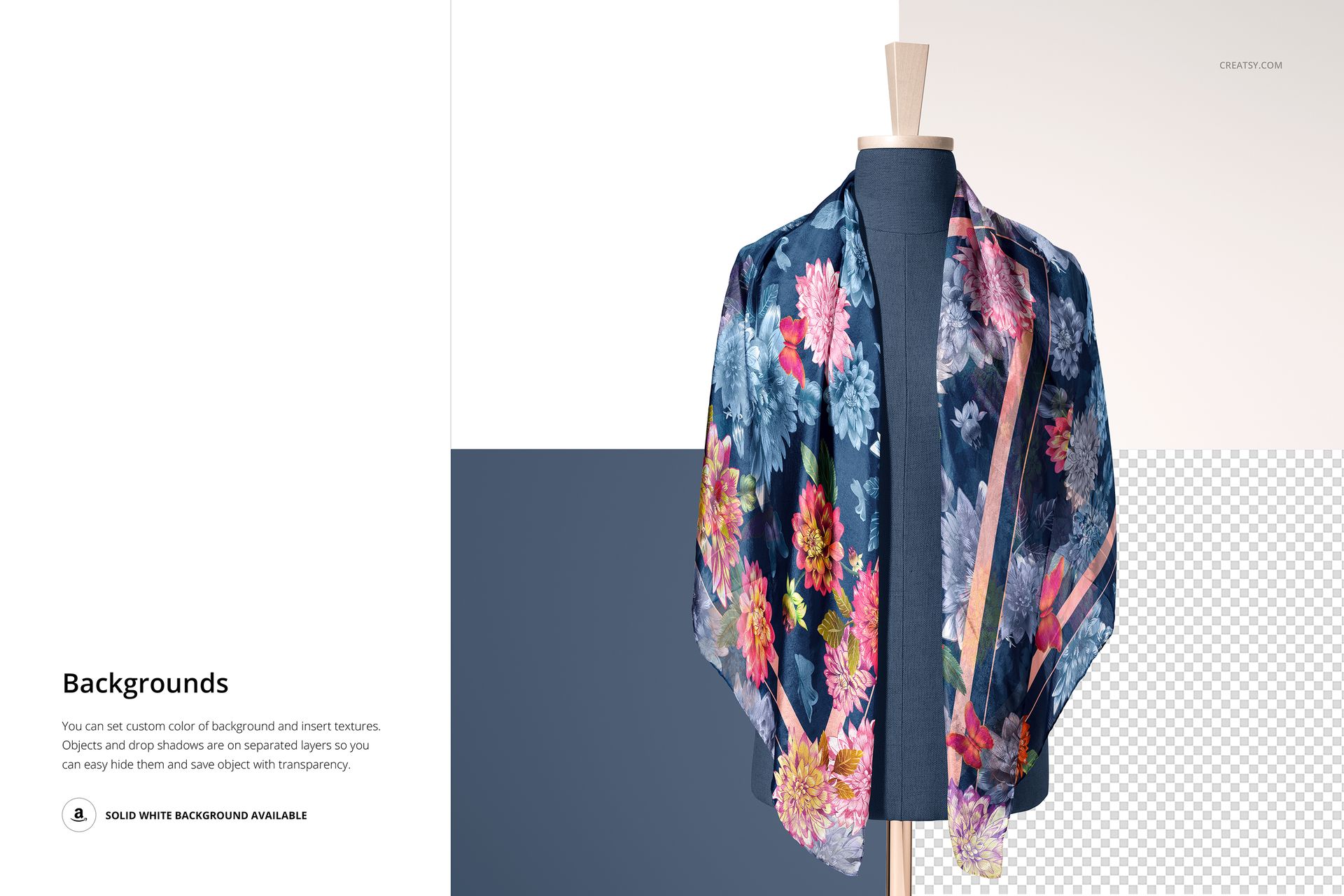
The represented scarf has hand-rolled borders. Replace its color or artwork, recolor the wooden and textile sections of the mannequin independently, and coordinate the setting with a custom background color or texture. Separate object and shadow layers can be hidden for a cleaner composition, a solid white background, or a transparent export.
What Is Included
5 layered PSD mockup scenes with well-organized layers
5 JPG reference previews, 2 landscape and 3 portrait
1 step-by-step PDF user manual
11 files in total
Five Ways to Style One Rectangular Scarf
Move from a compact knot to a broad shoulder drape and long hanging silhouettes without rebuilding a scene. The range makes it easier to compare how borders, hero motifs, engineered placements, and all-over repeats behave when the scarf is worn in different ways.
Editable Mannequin and Background
Customize the scarf, wooden mannequin parts, textile mannequin surface, background color, and background texture. Lighting and shadow layers integrate the artwork with the fabric, while removable scene elements support both styled campaign images and clean product-focused exports.
Easy Smart Object Editing
Place artwork through Smart Objects, refine colors, and update each composition without manual warping. Adobe Photoshop CC2020 or newer is officially listed for this product. Smart Object edits can also be made through the current Creatsy workflow in Photopea, although complex layered behavior may differ because the product compatibility field names Photoshop only.
Perfect For
Surface pattern and textile designers comparing scarf placements
Silk scarf labels and fashion accessory brands presenting colorways
Illustrators preparing licensing pitches or portfolio visuals
Ecommerce sellers building a varied gallery without a physical sample
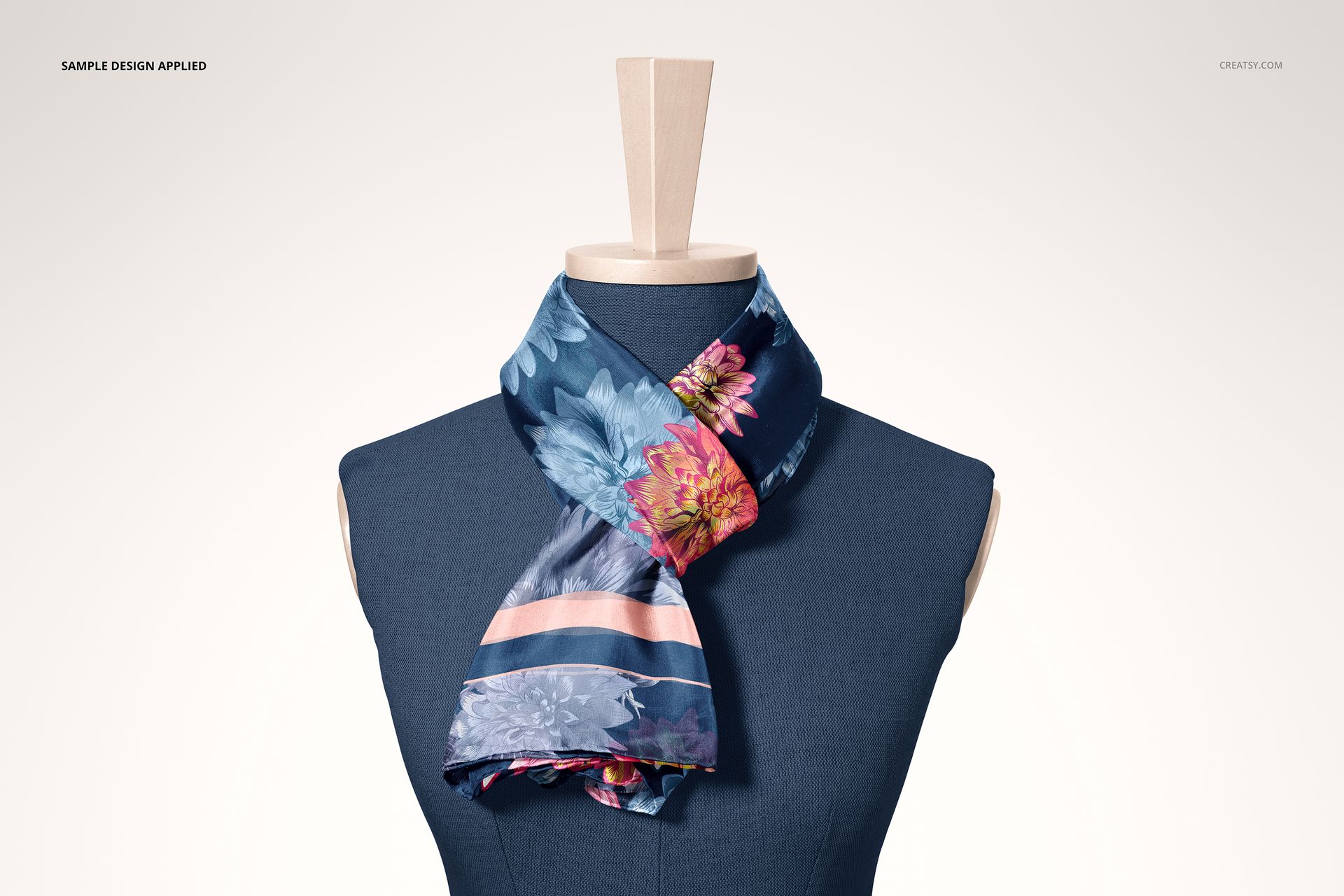
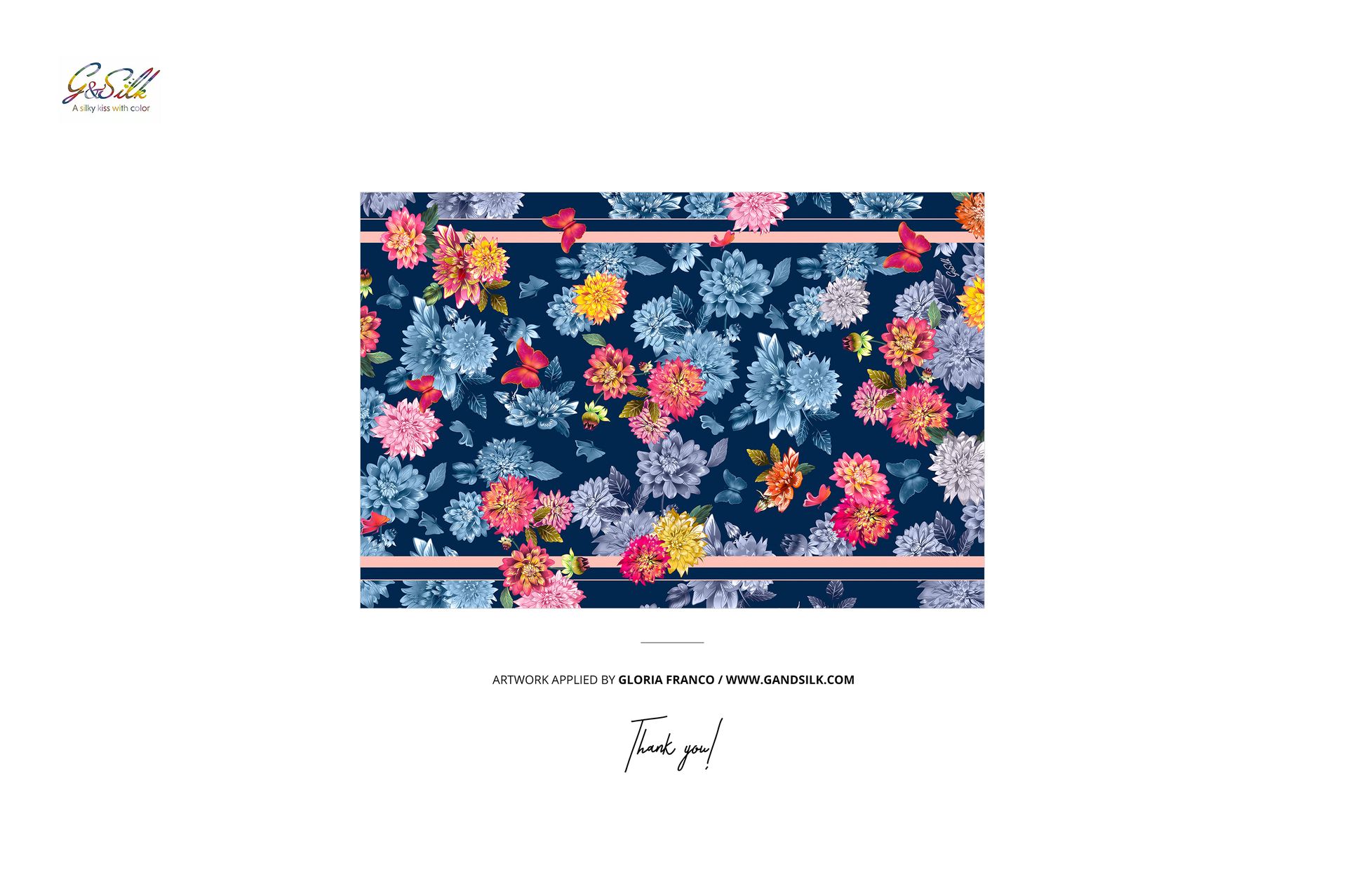
This is a digital mockup product. The sample artwork shown in the previews is used for presentation only and is not included.