Fabric Factory v.16 Mockup Bundle
Product Details
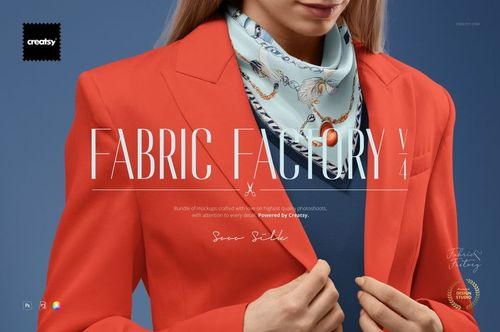
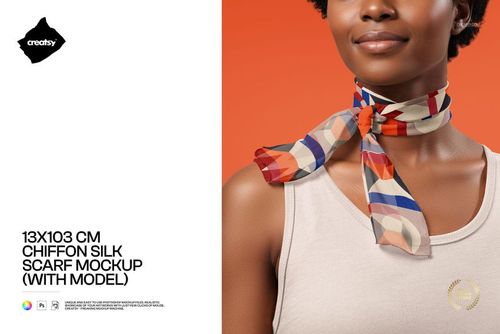
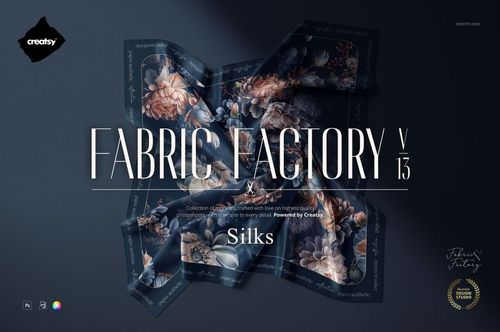
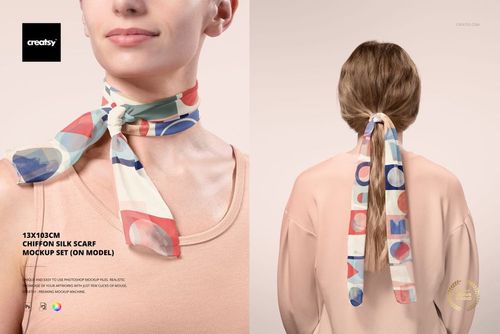
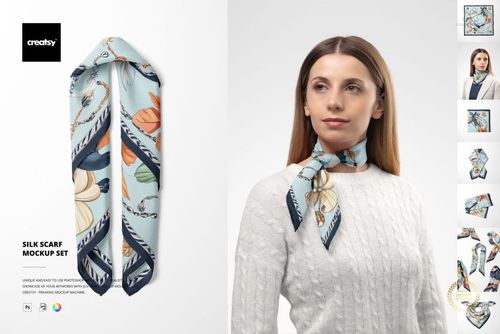
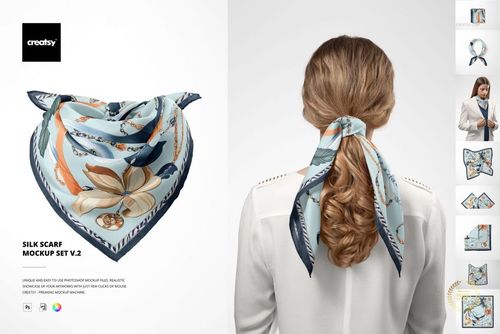
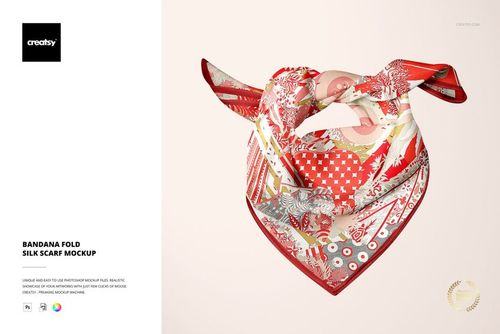
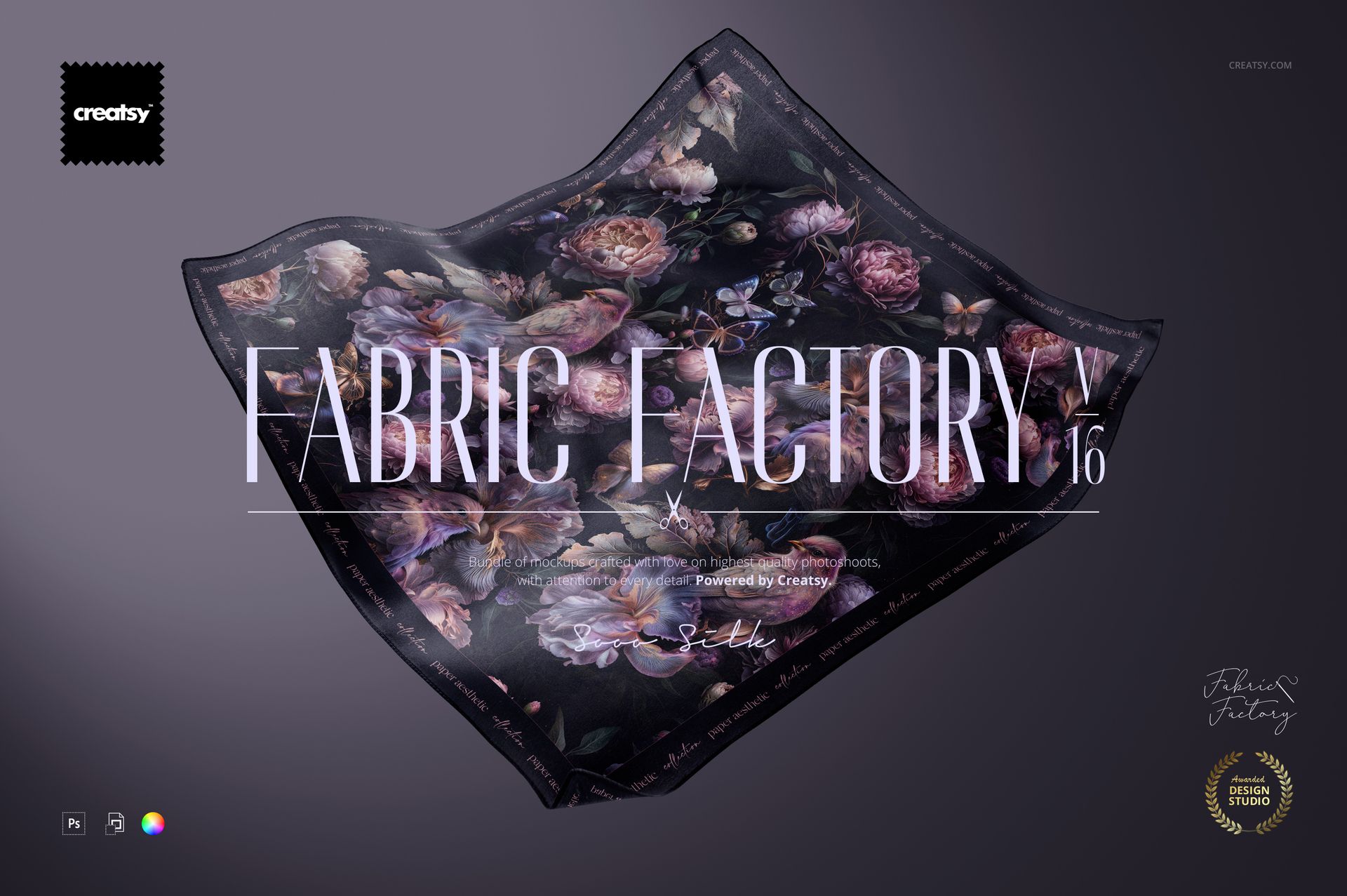
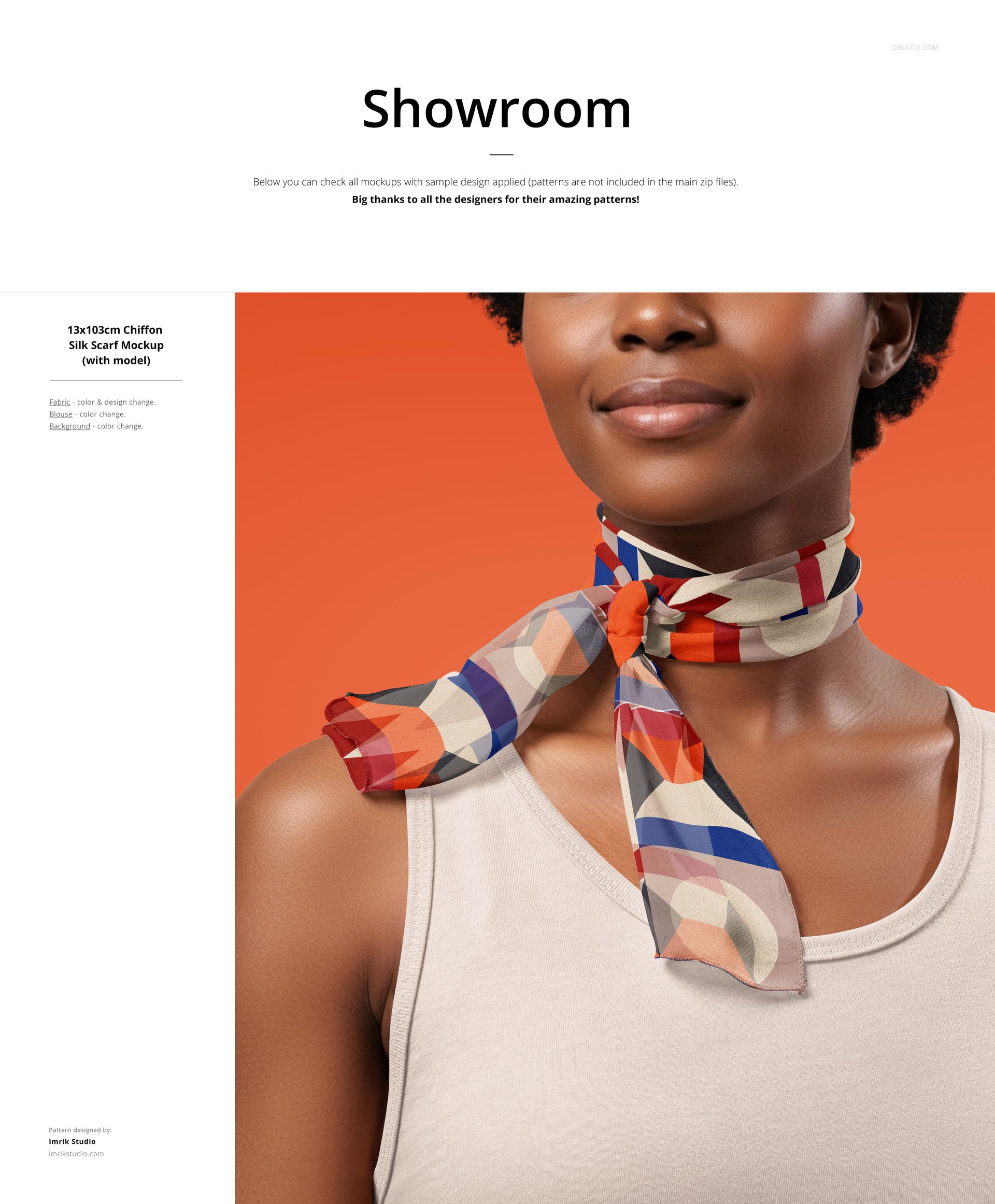
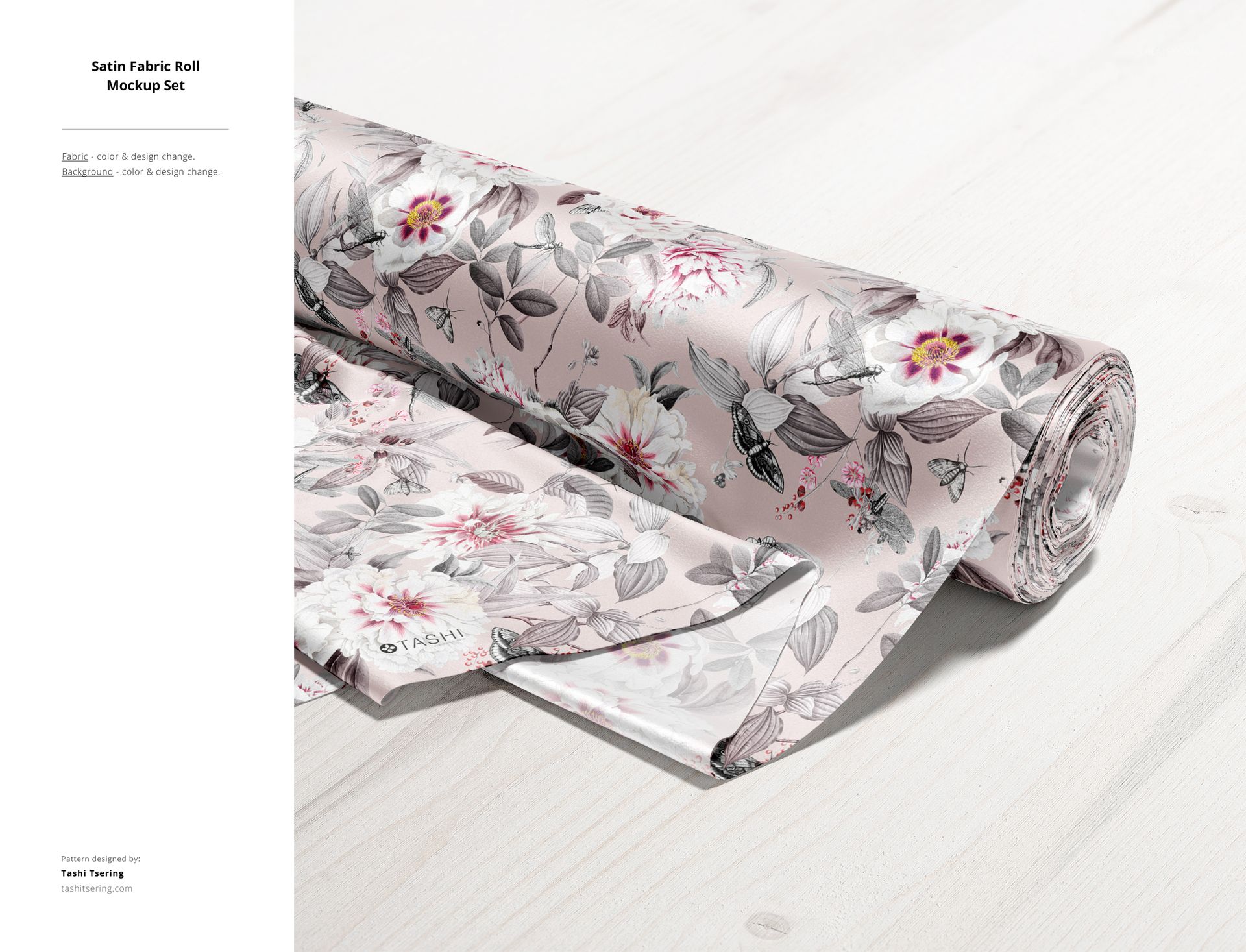
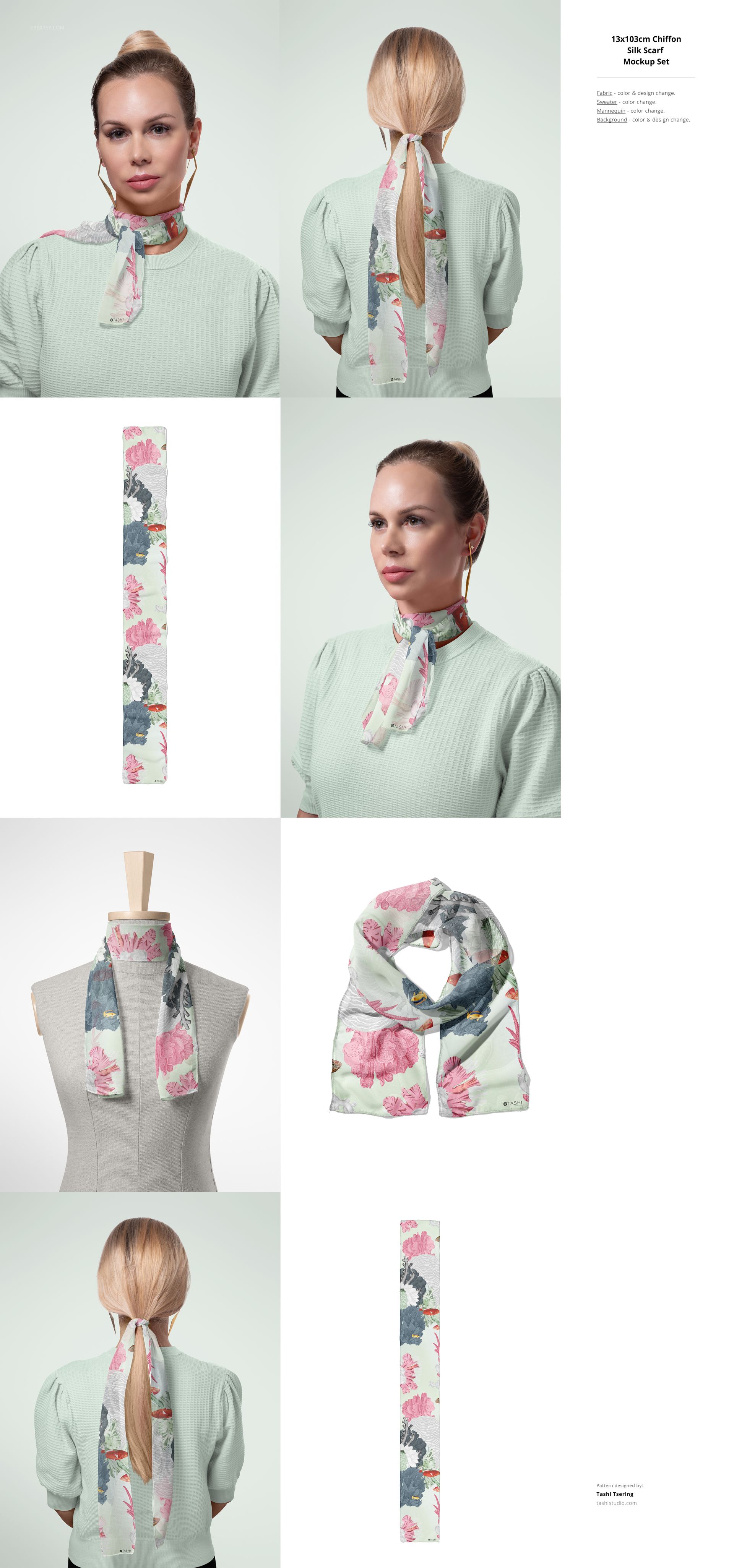
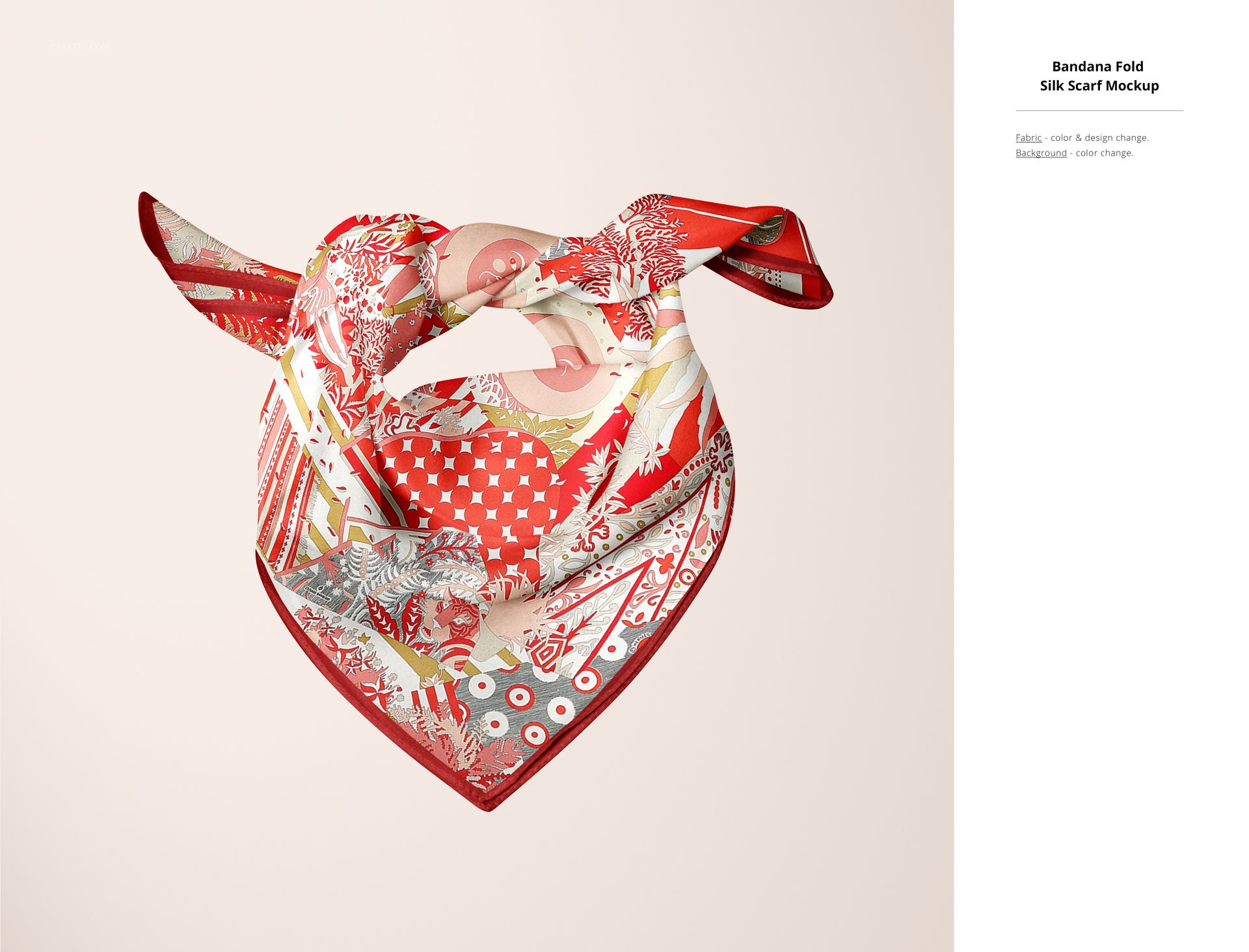
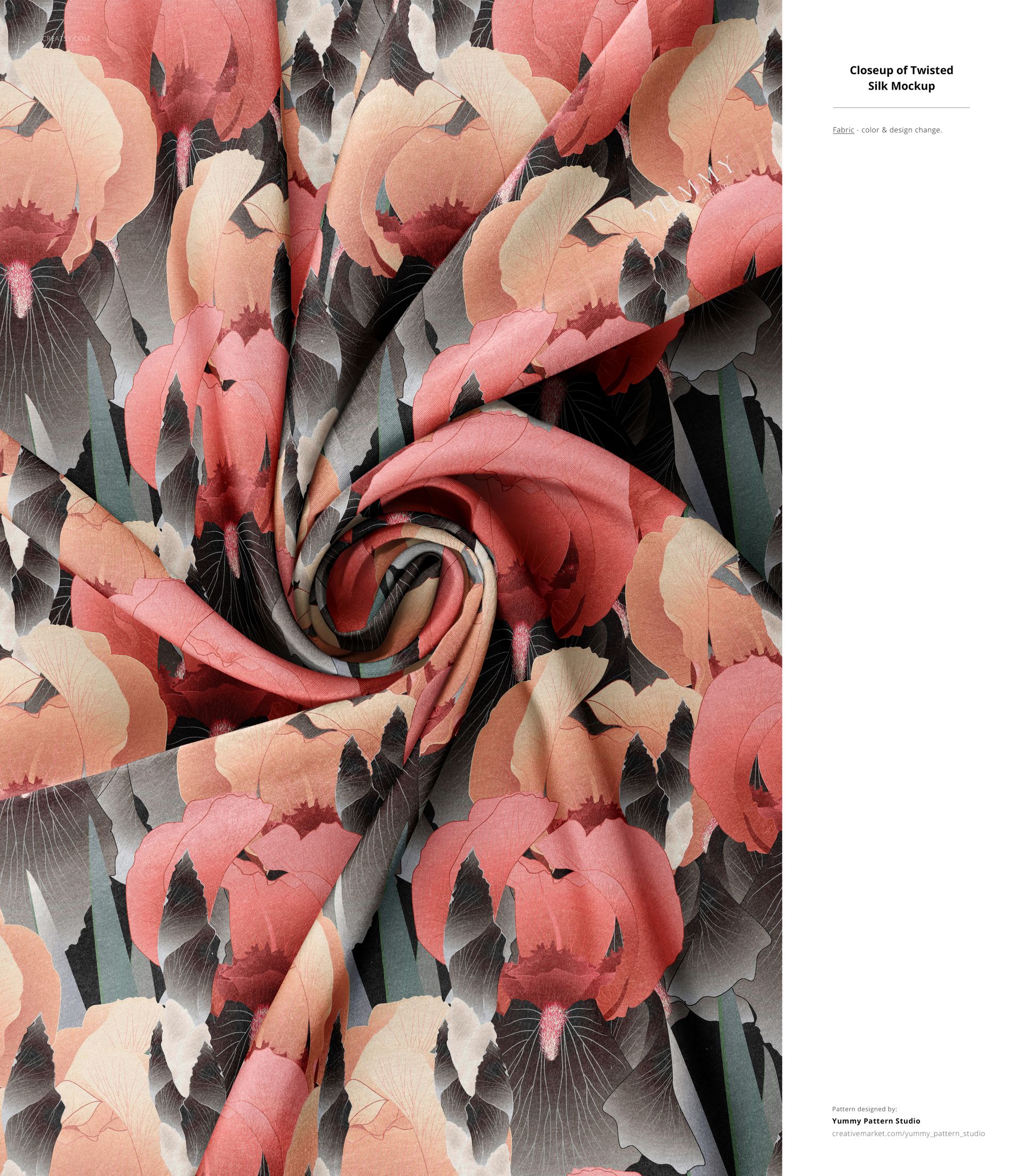
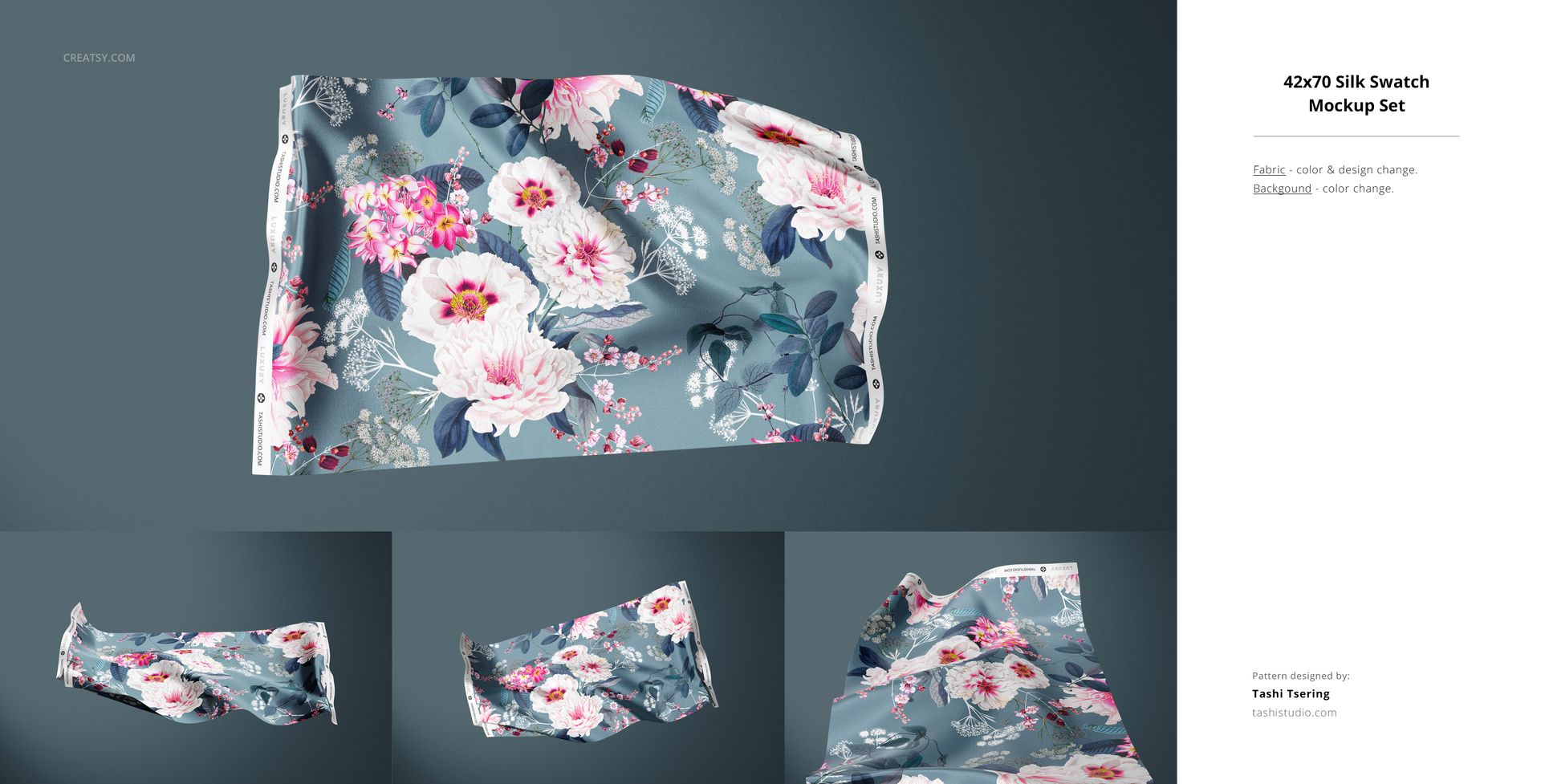
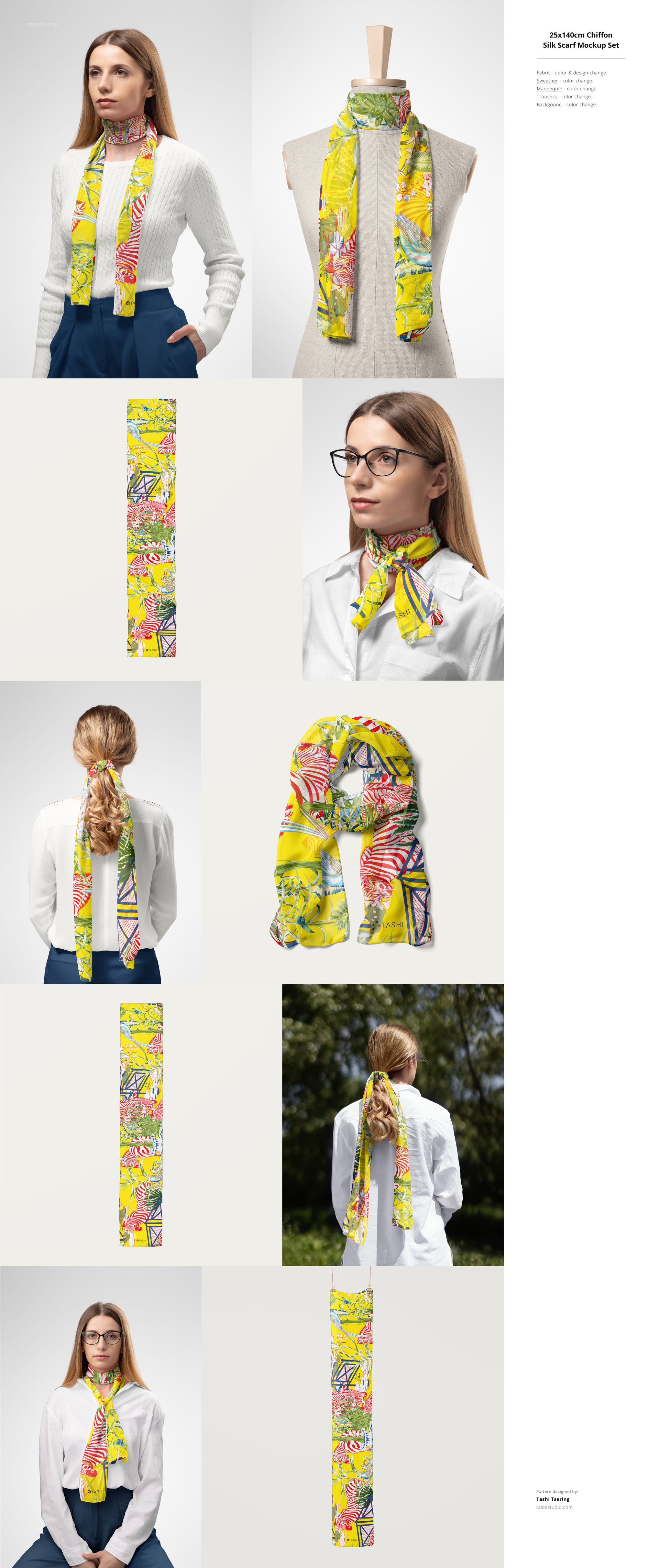
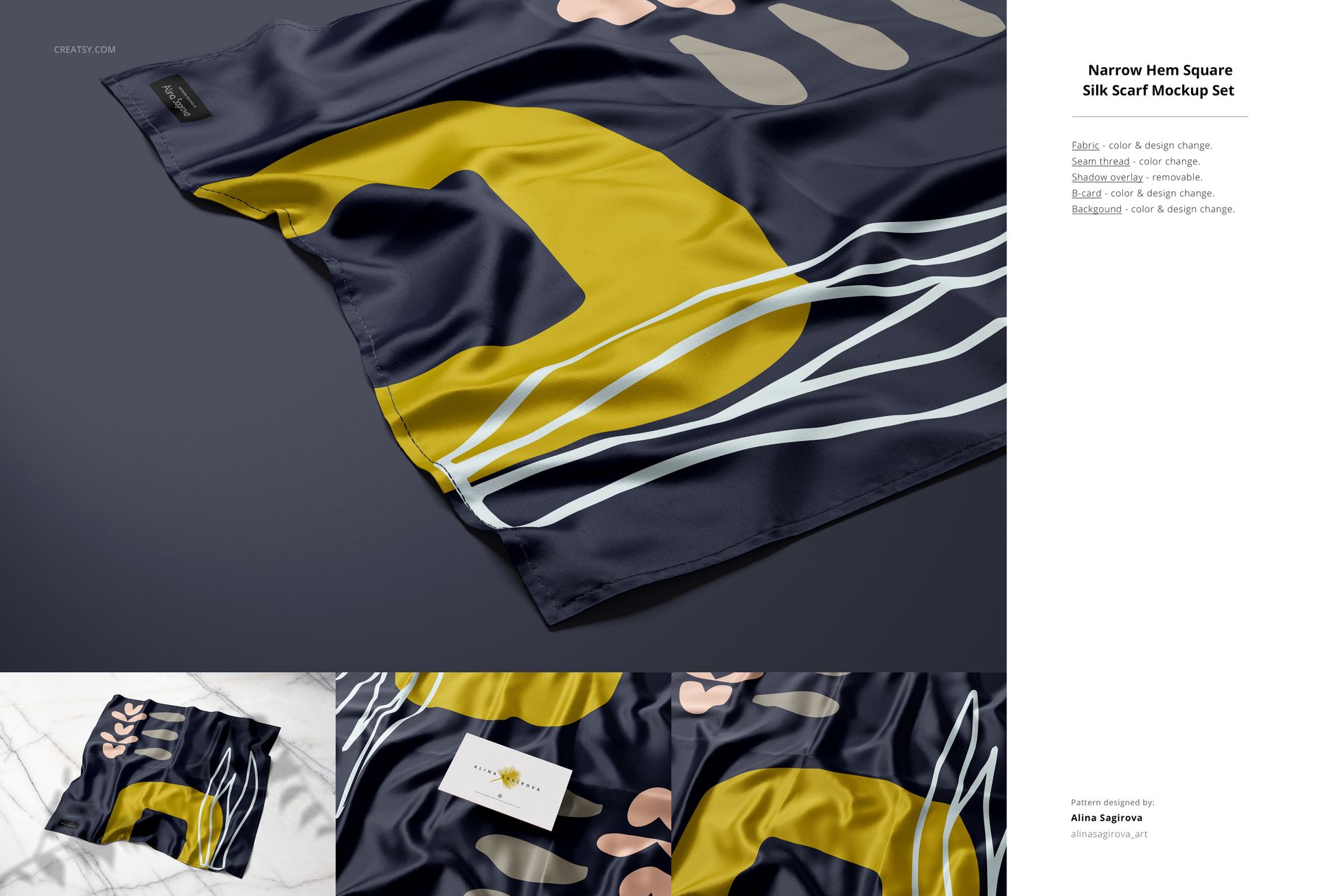
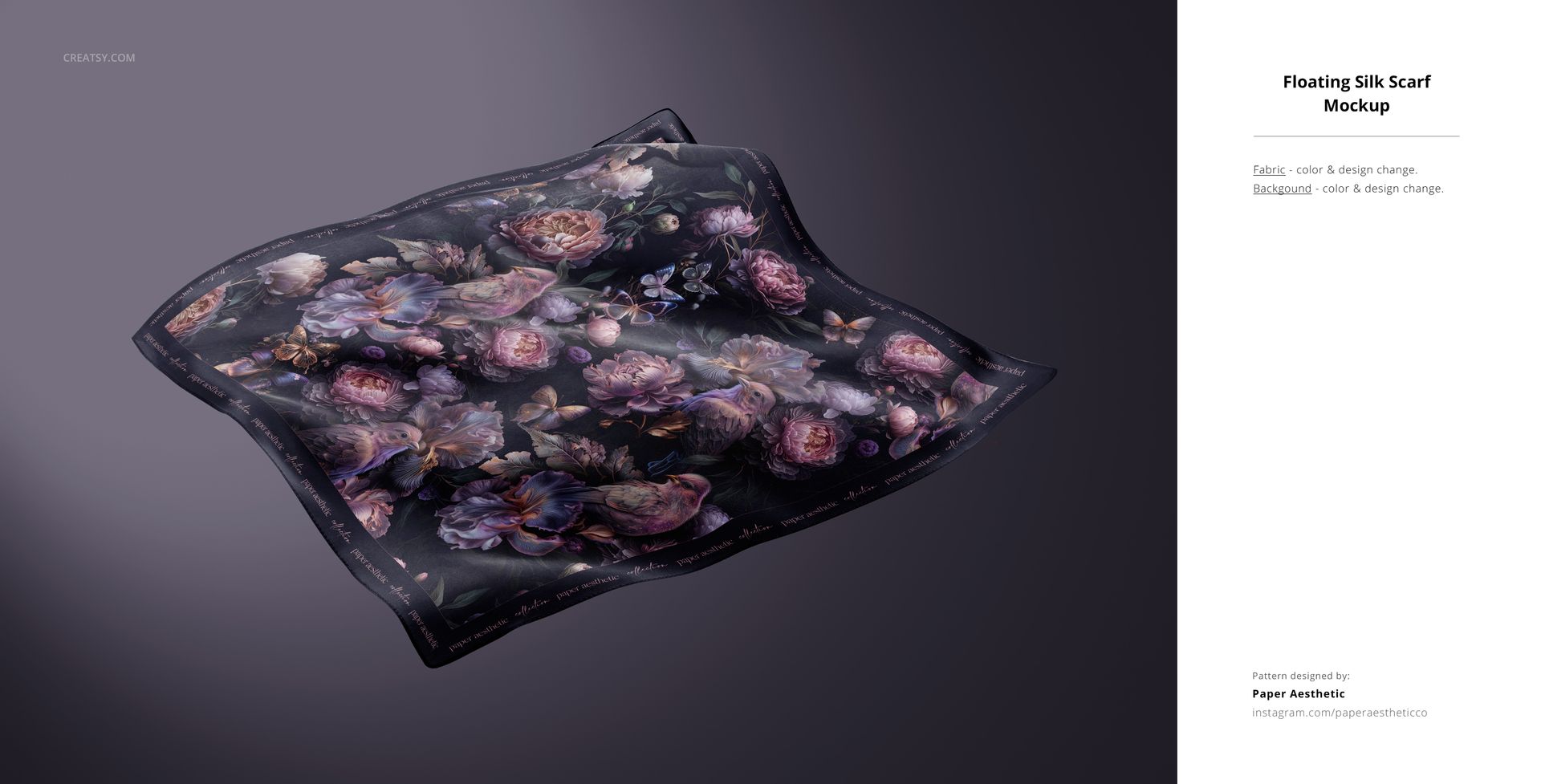
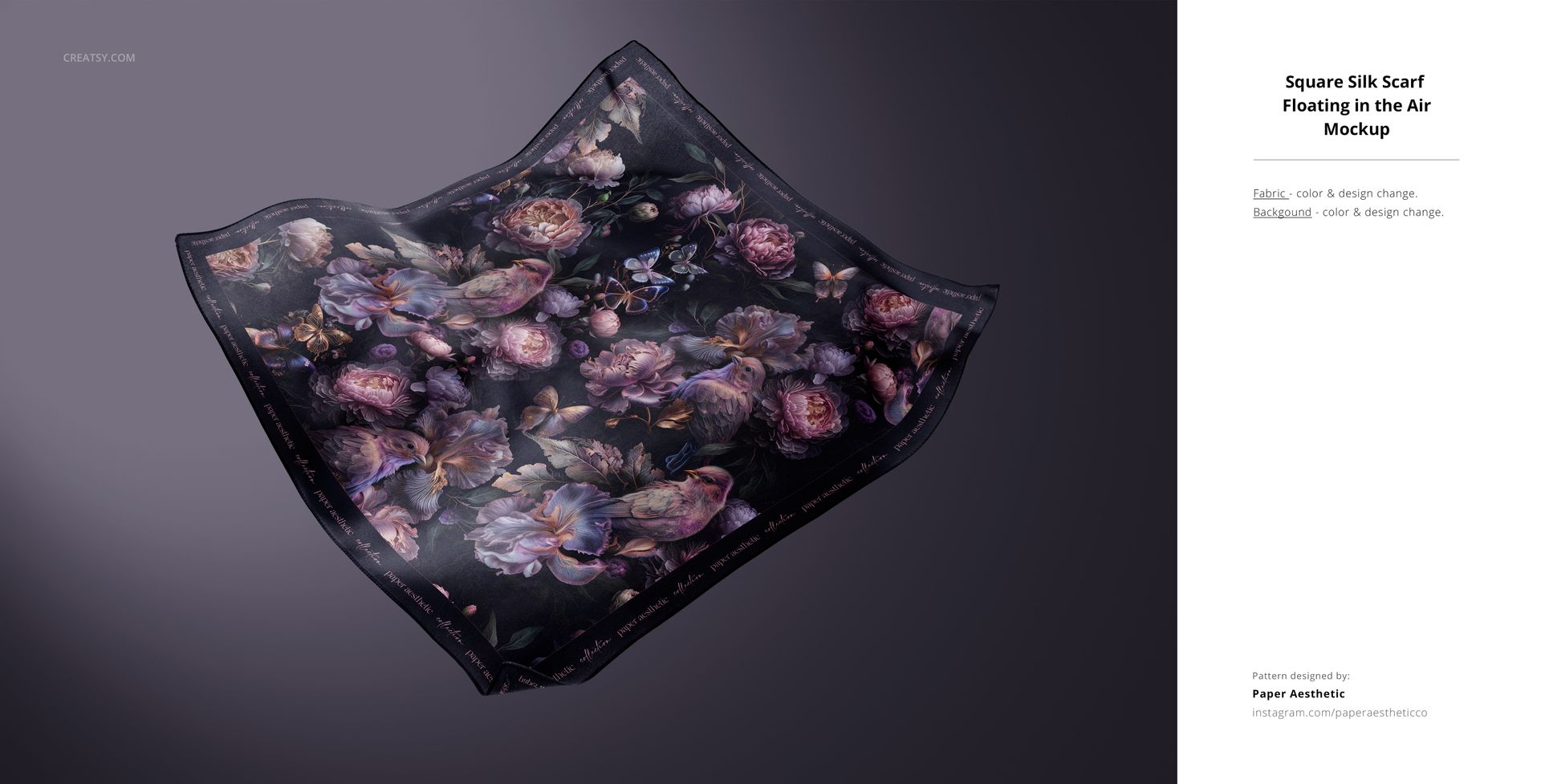
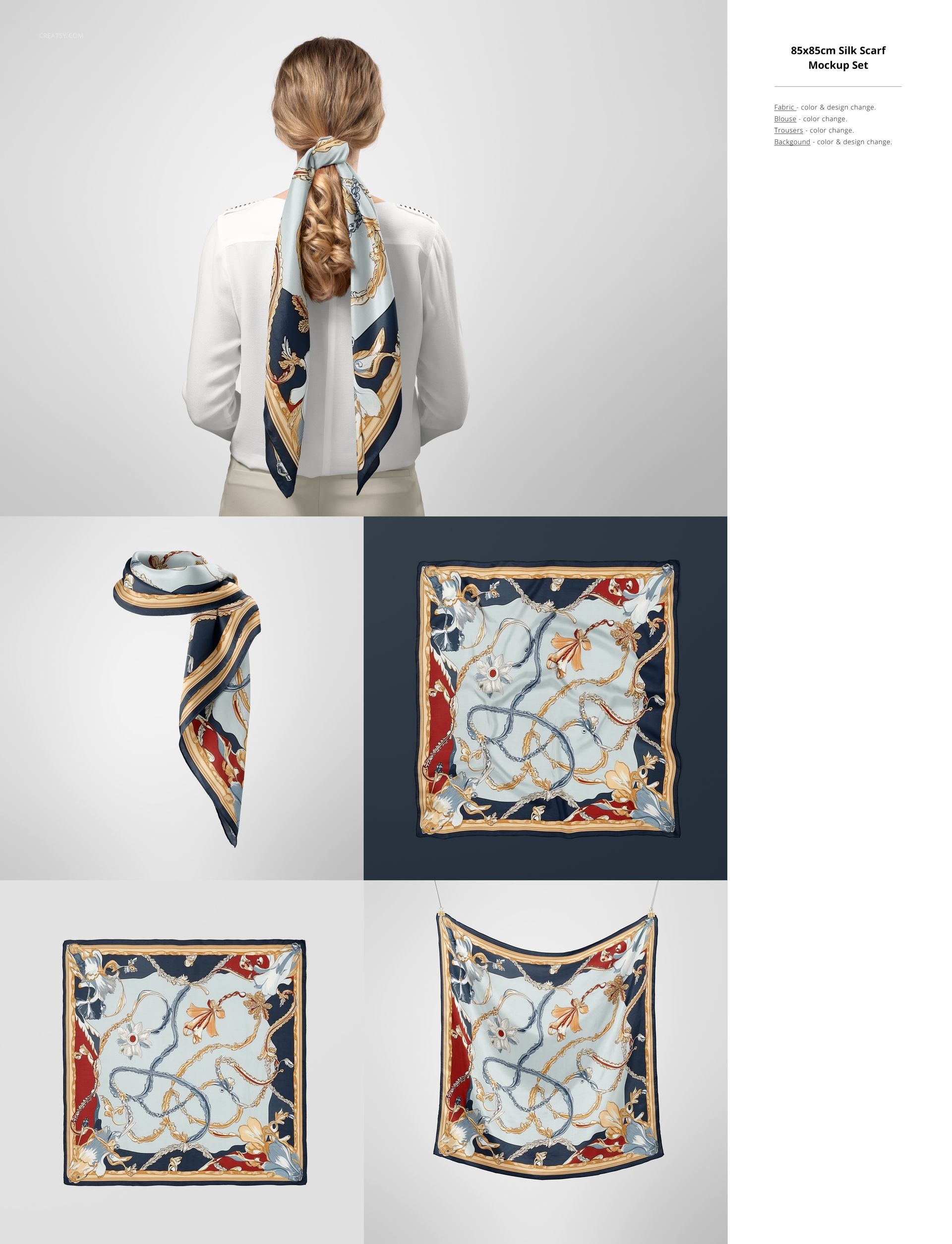
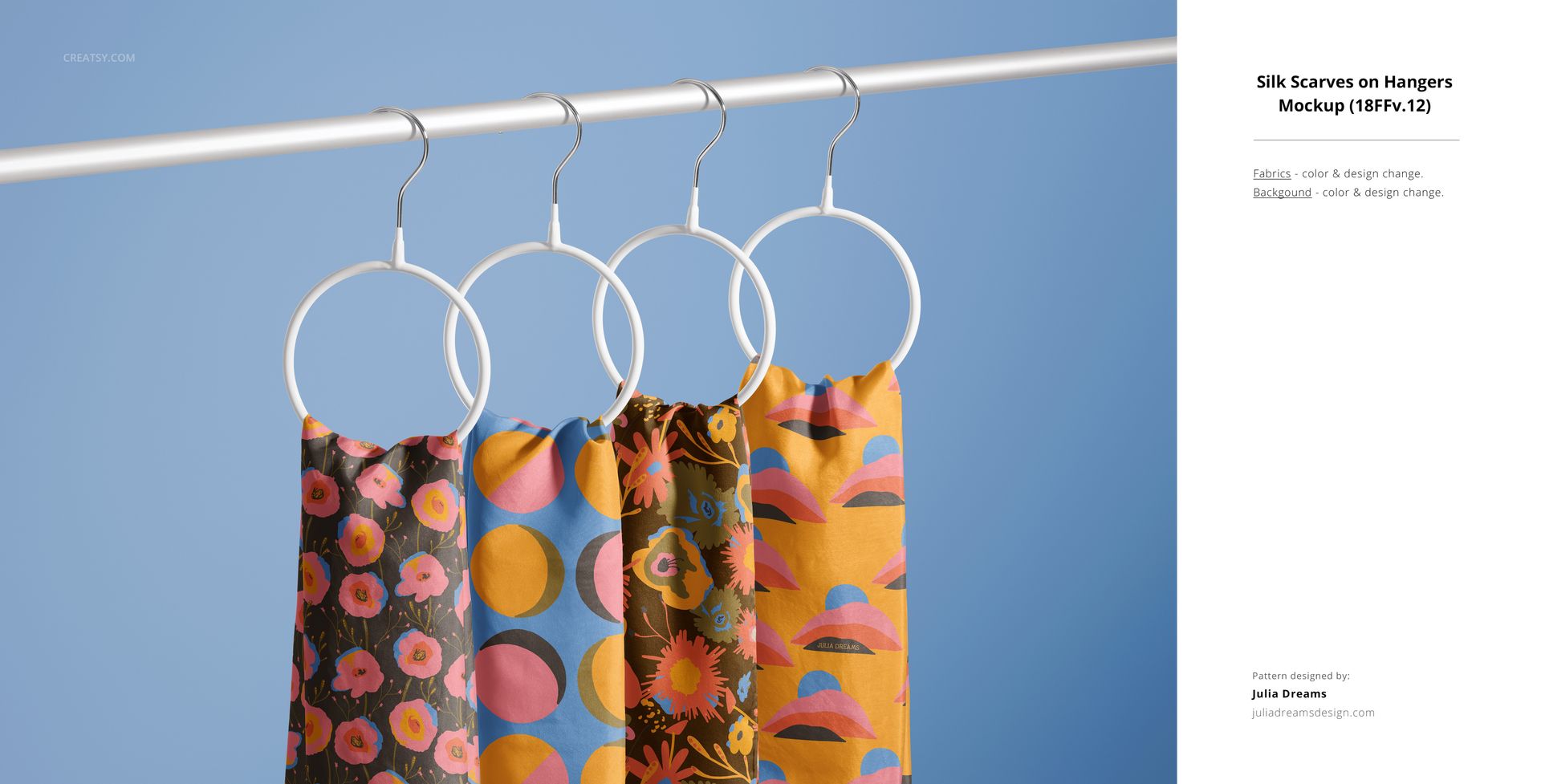
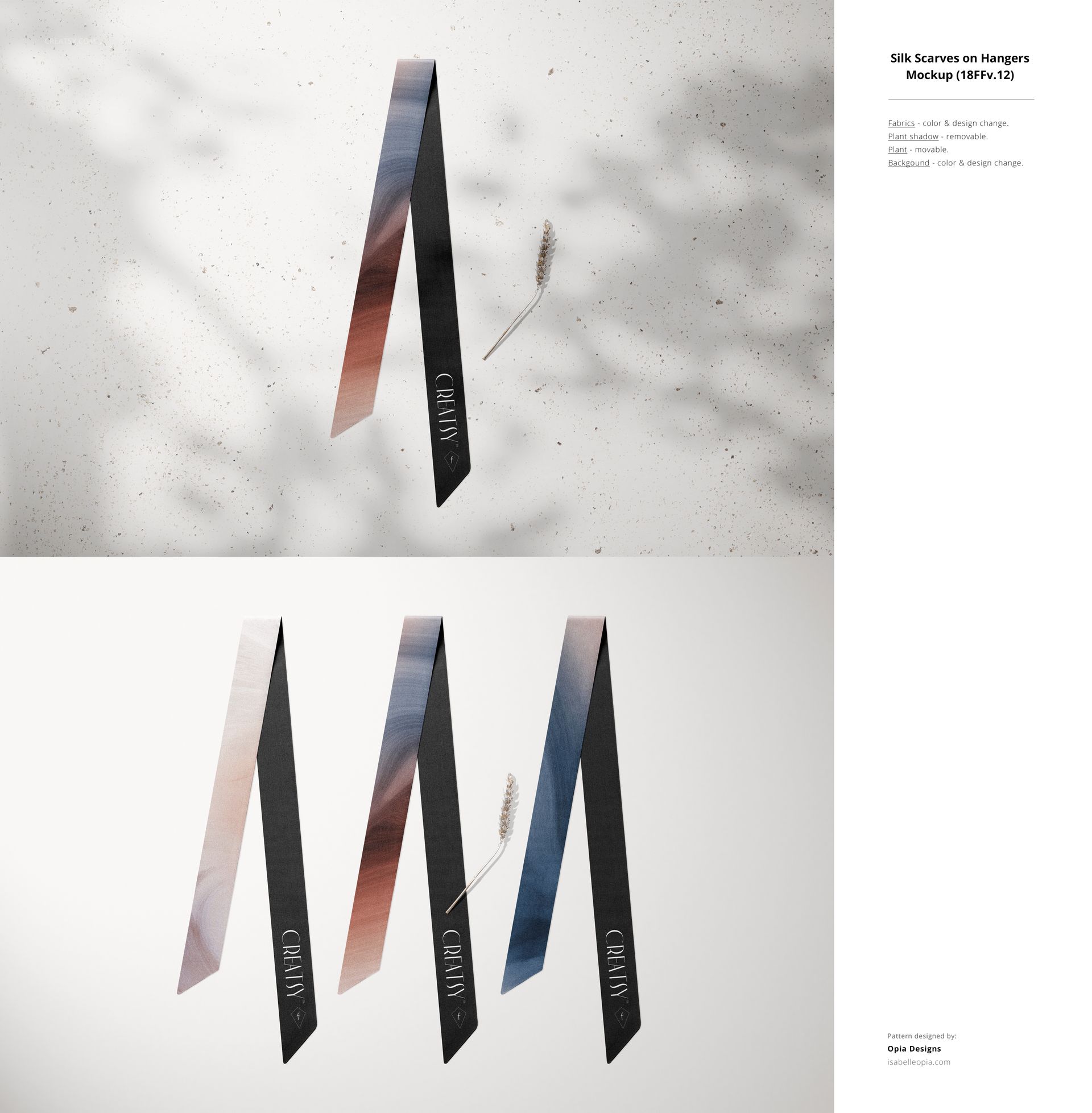
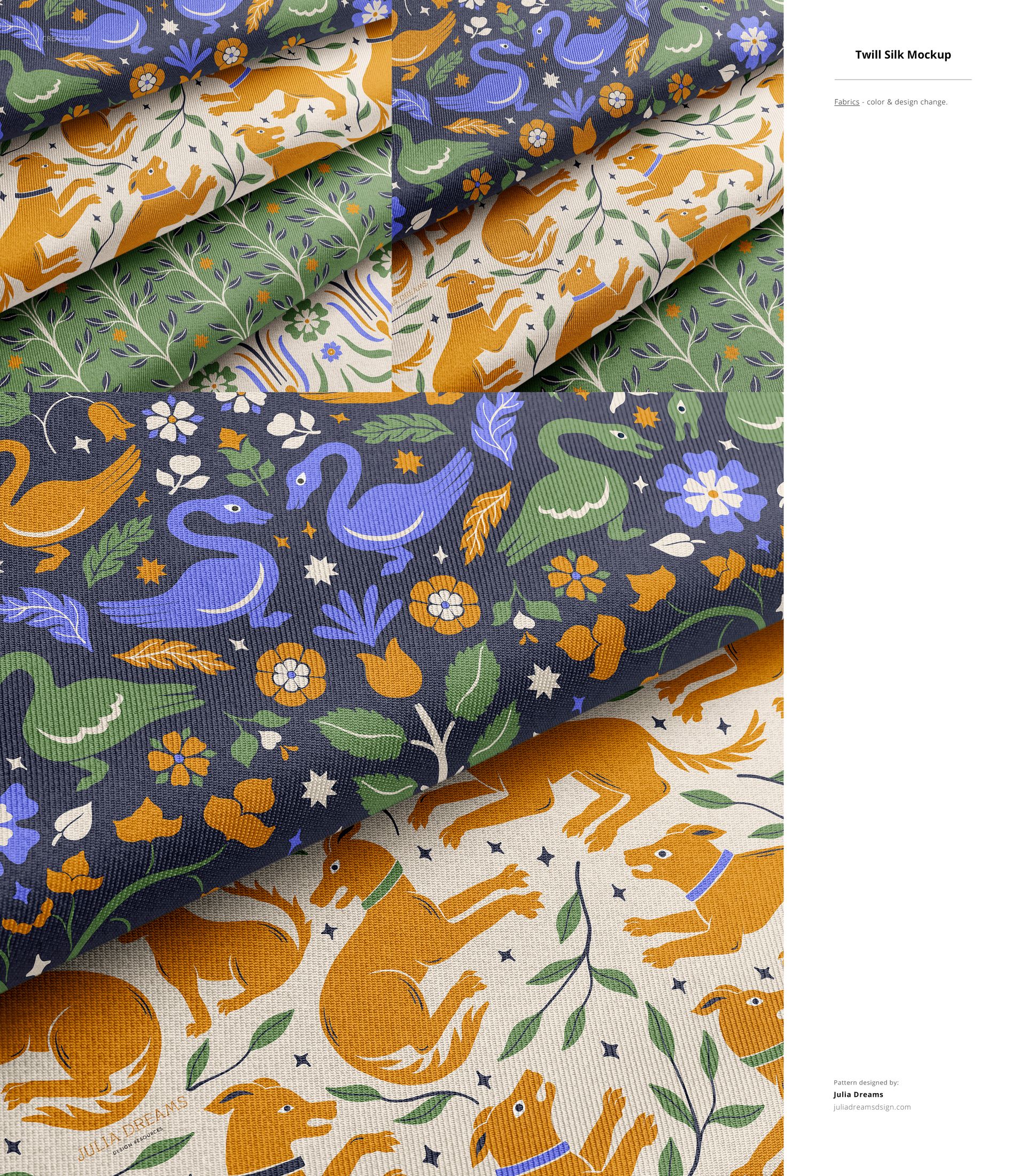
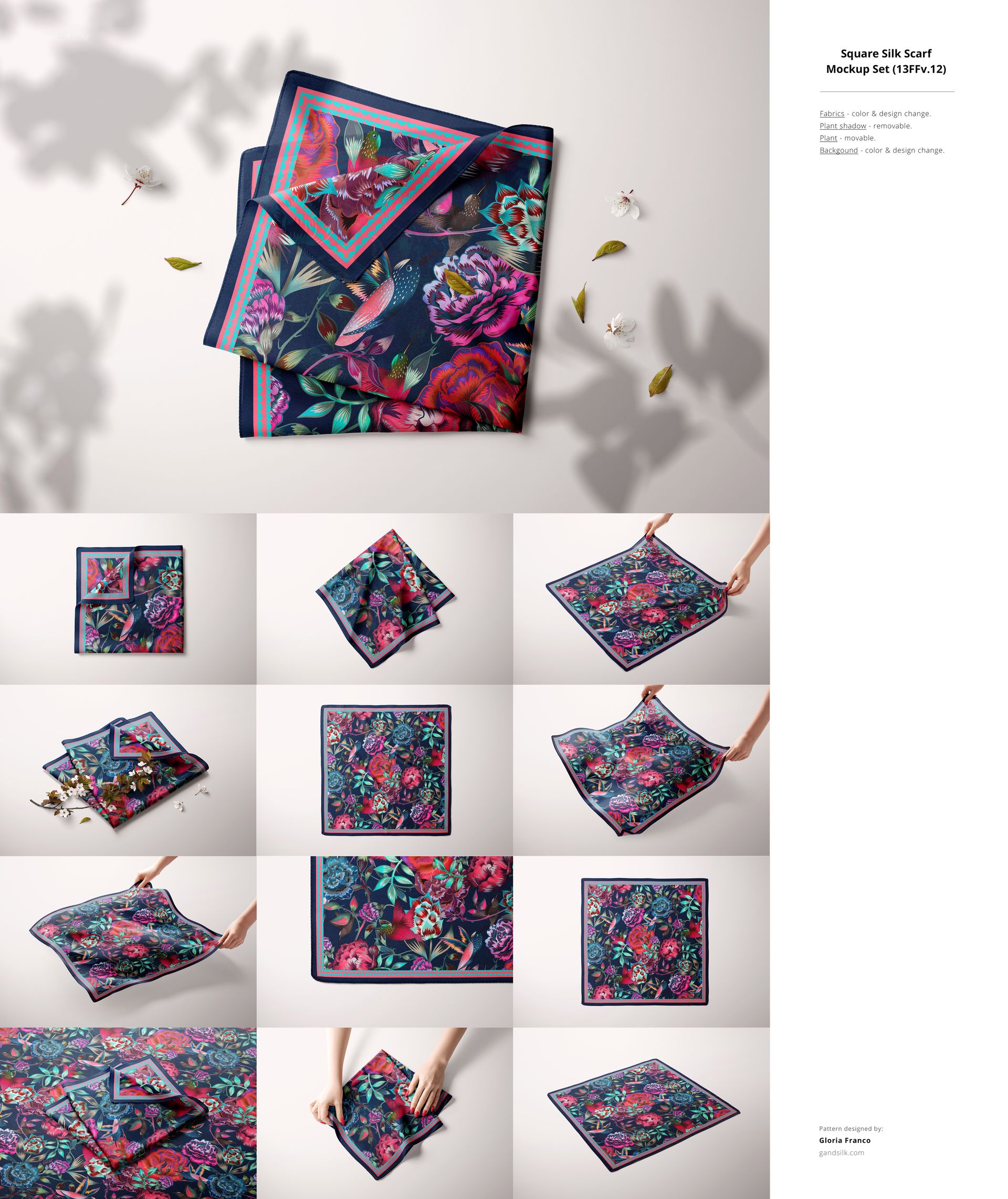
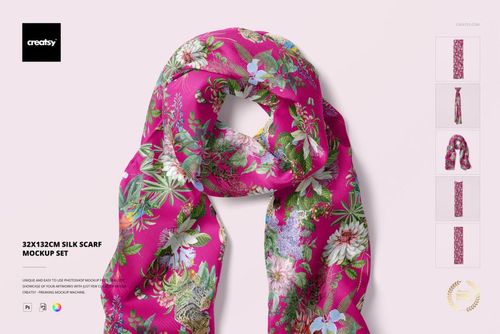
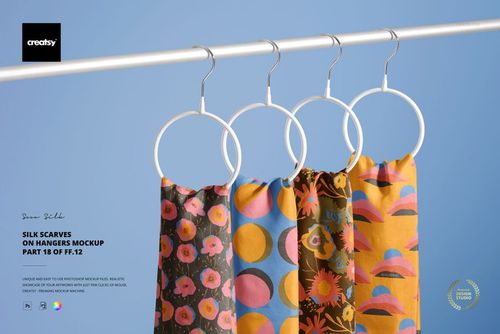
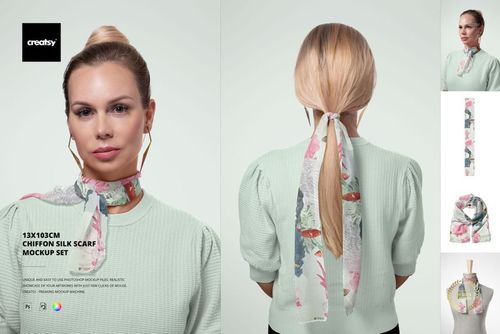
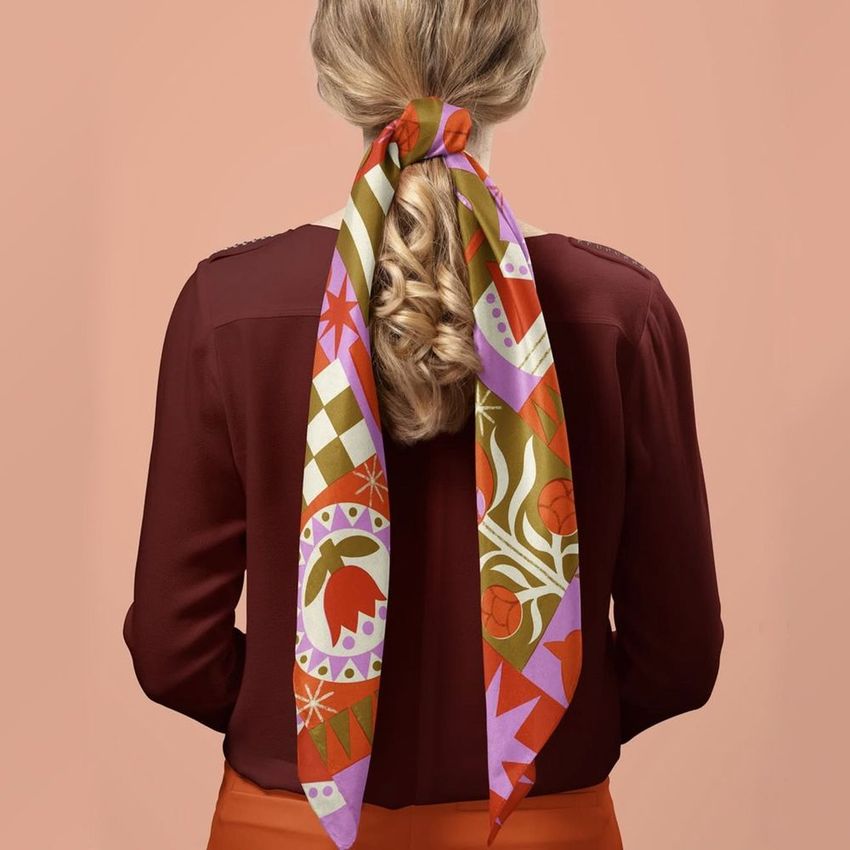
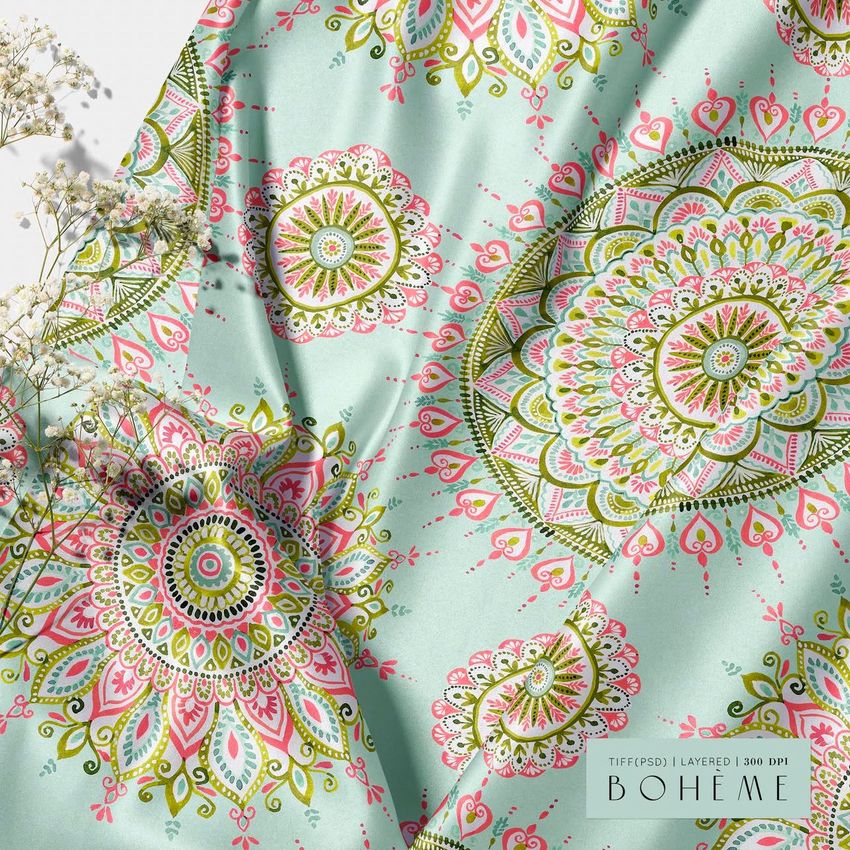
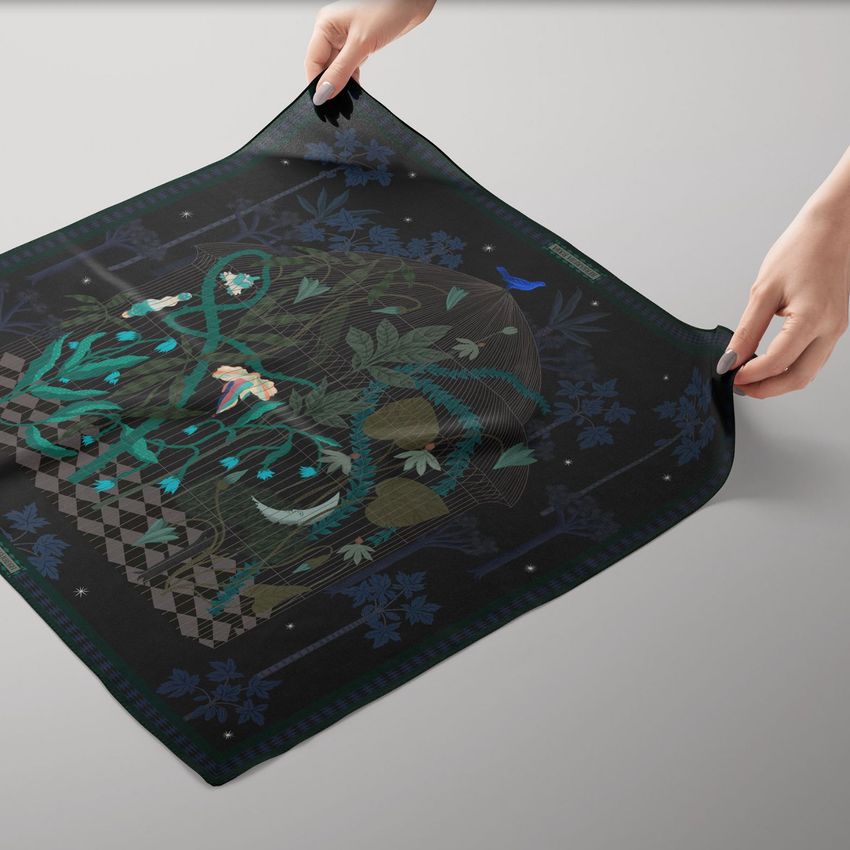
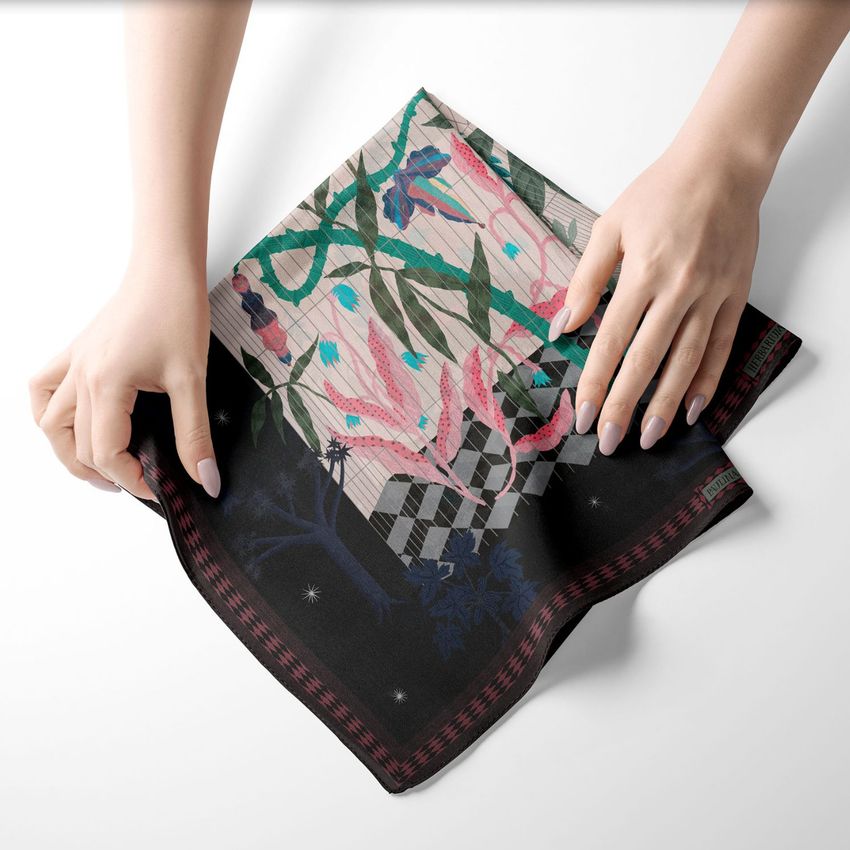
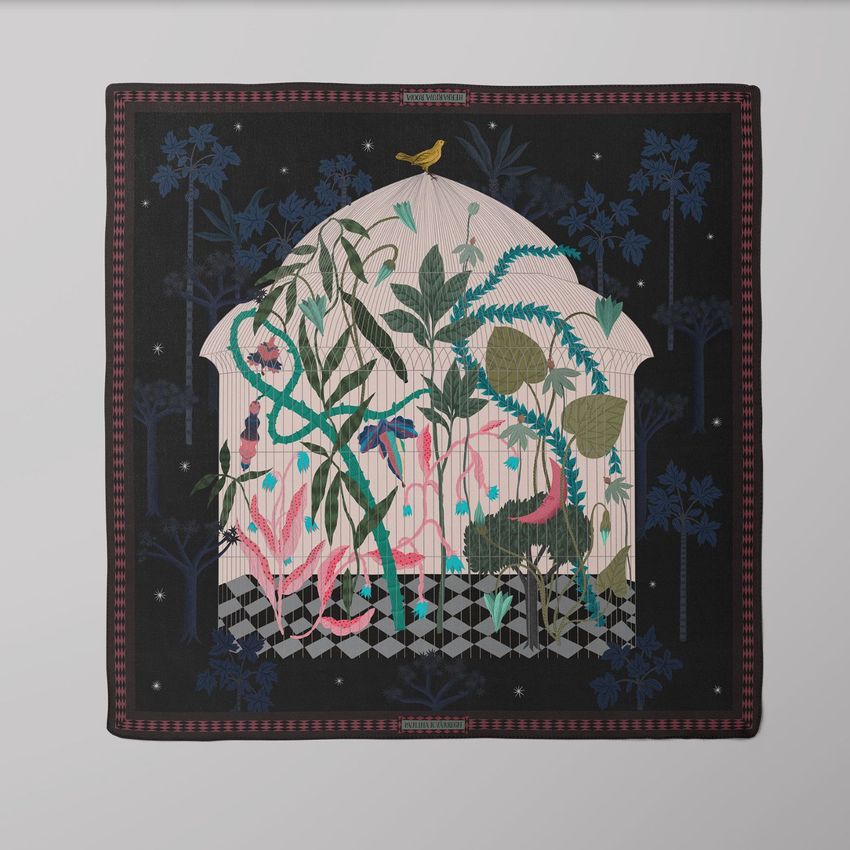
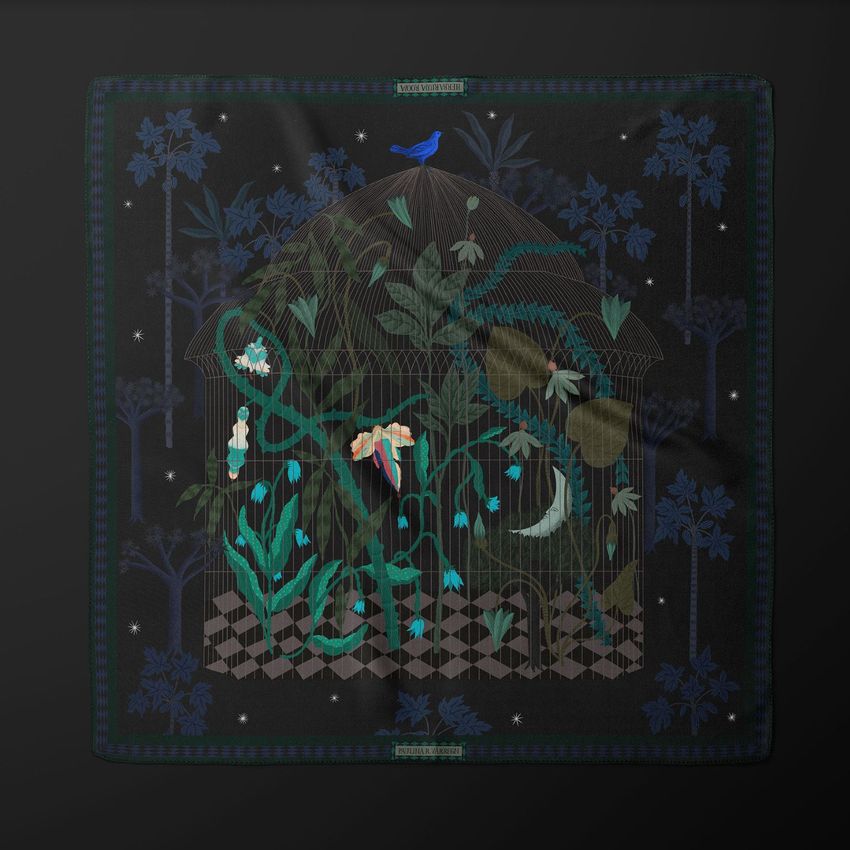
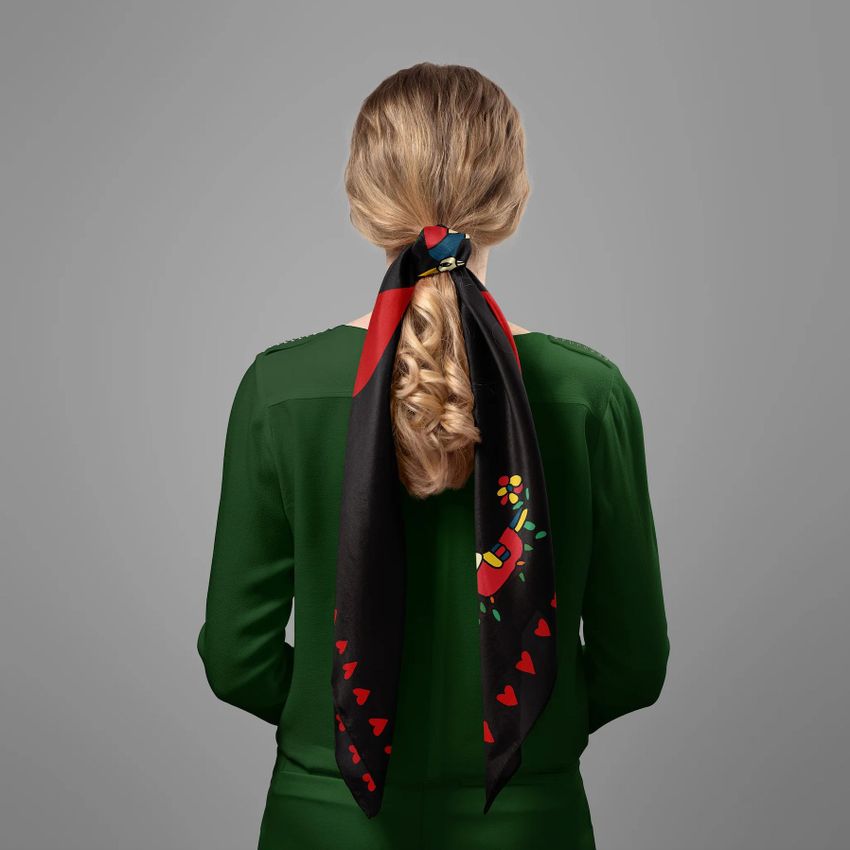
Fabric Factory v.16 Mockup Bundle from Creatsy delivers 64 PSD files for presenting silk scarves and accessories in every format your brand requires. This collection covers the full range of silk product presentations - from flat lays and close-up fabric details to lifestyle shots with models and hanging displays on elegant hangers. Whether you design silk scarves, twilly wraps, pocket squares, or chiffon accessories, this bundle provides the complete visual toolkit to showcase your patterns and artwork across multiple product formats and styling contexts.
Why This Mockup Bundle Works
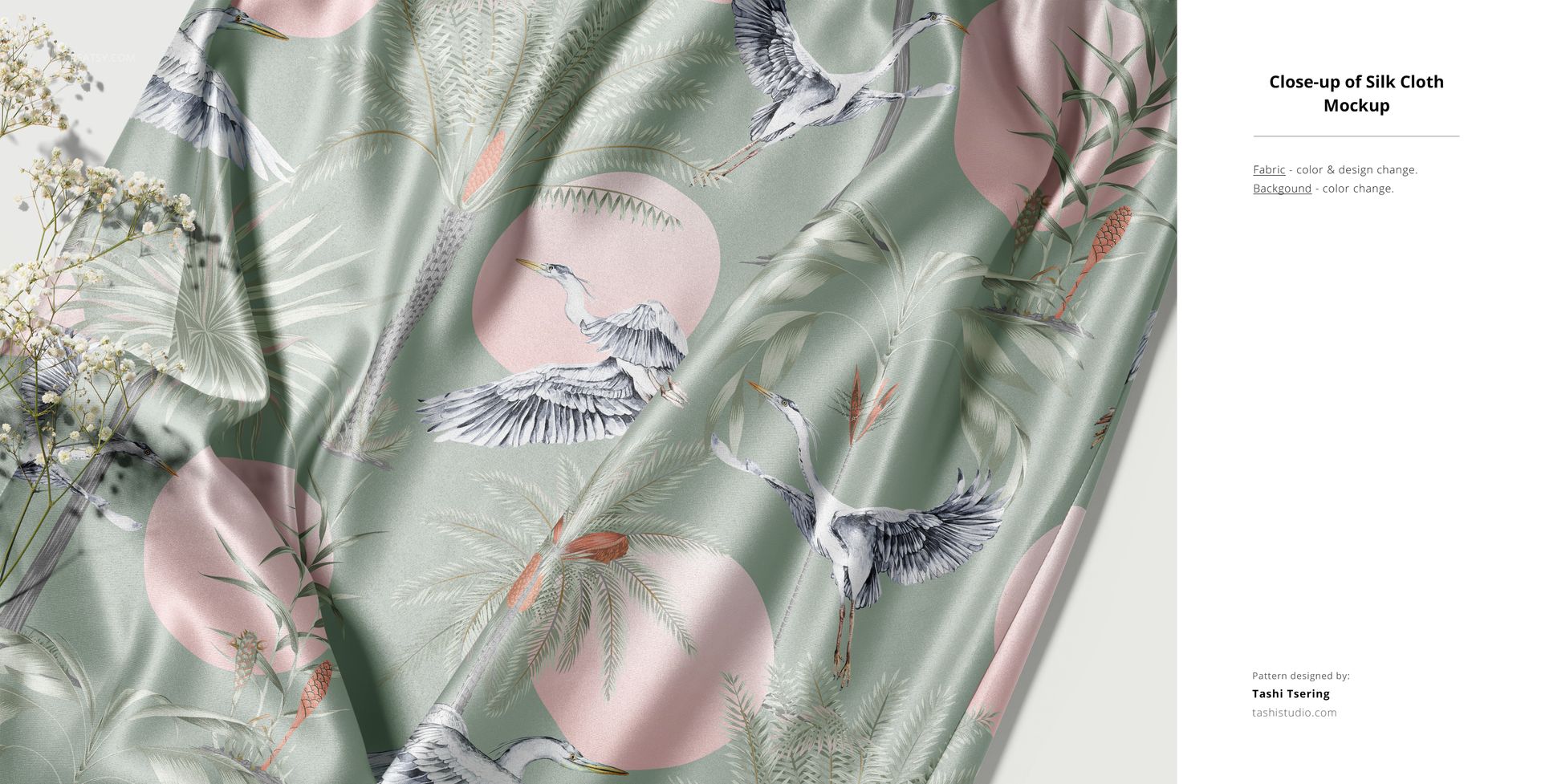
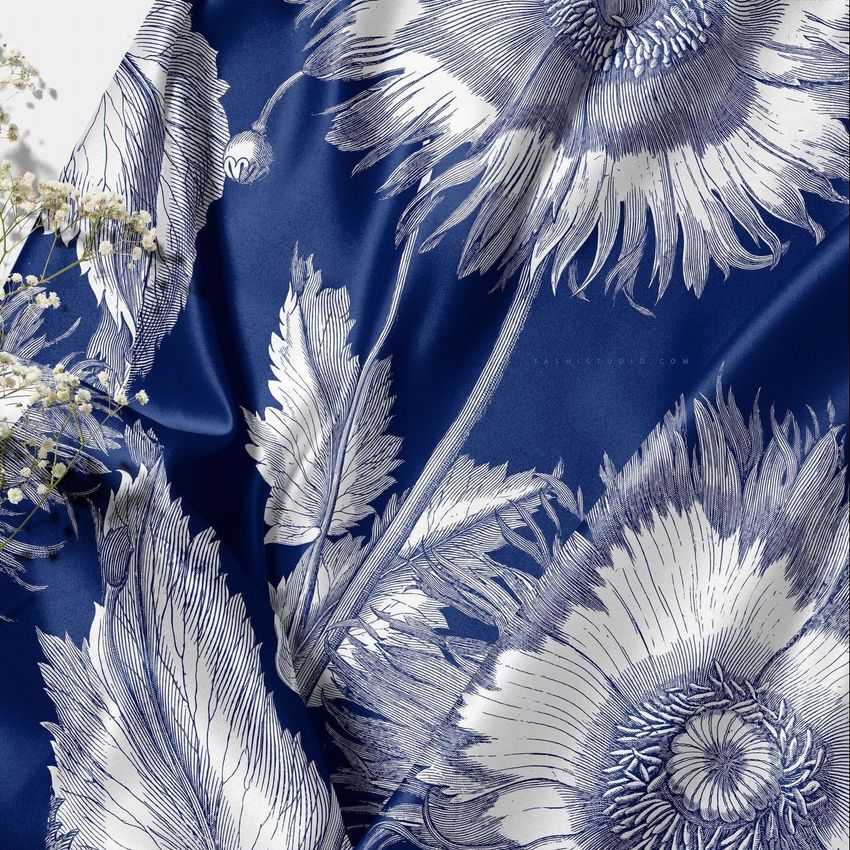
Silk accessories demand mockups that capture the material's natural drape, sheen, and translucency. Generic fabric mockups miss these qualities entirely, leaving your patterns looking flat and lifeless. This bundle solves that problem with 64 files specifically photographed and built around real silk products. Each mockup preserves the characteristic flow and light interaction of silk fabric, whether shown as a folded scarf, a twisted twilly, or a flowing piece draped on a model. The variety of angles and presentation styles means you can build a complete product listing or lookbook from a single download without repeating visual formats. Having every standard silk accessory type covered in one consistent collection saves you from mixing mockup styles across different sources.
What Is Included
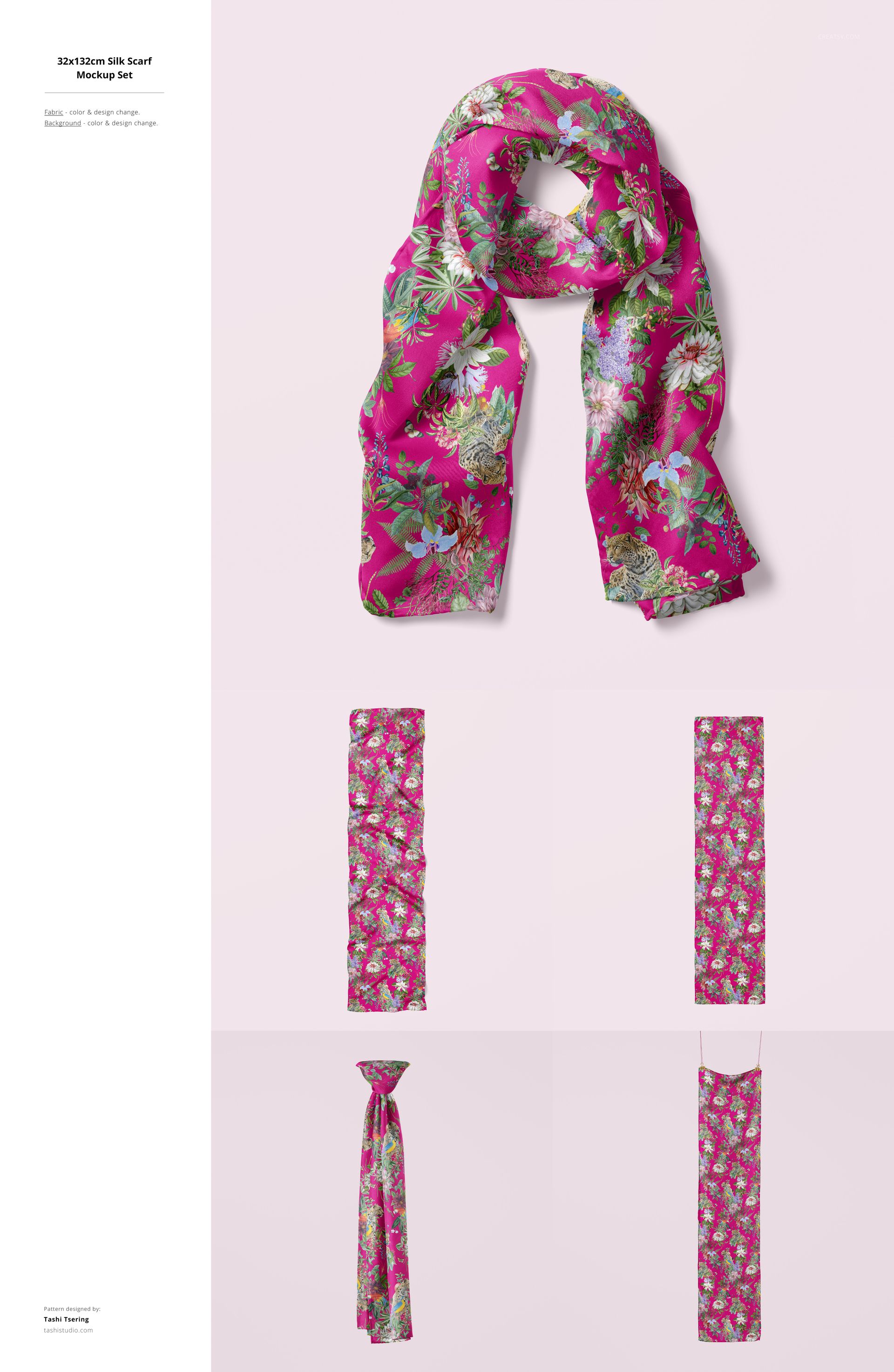
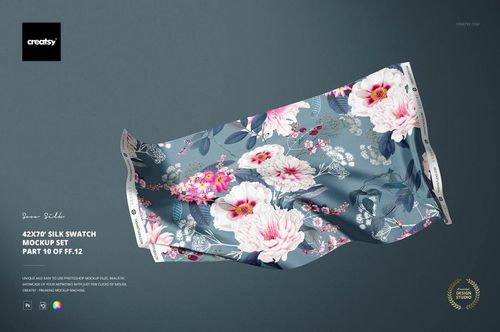
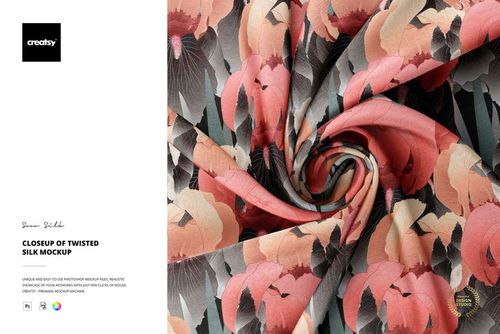
This bundle contains 64 PSD files at approximately 6000 x 4000 pixels and 300 DPI. The collection spans multiple product categories within silk accessories including full-size scarves, twilly wraps, pocket squares, and fabric detail views. Presentation styles include flat lays on neutral backgrounds, hanging displays on hangers, close-up fabric texture shots, lifestyle images with models, and studio compositions with styled props. Every file features well-organized layers using consistent naming conventions and works in Adobe Photoshop (minimum version CC 2020) and in Photopea for browser-based editing flexibility.
What You Can Customize
Smart object layers let you place your pattern, illustration, or artwork onto each silk product with accurate fabric mapping that follows the natural folds, drape, and curvature of the material. You can adjust fabric color, modify background settings, and fine-tune the composition for your specific product presentation needs. Each mockup renders your design with the translucency and sheen characteristic of real silk, ensuring your patterns look authentic across every file in the collection. Switch between product types to show the same pattern on a full scarf, a twilly, and a pocket square without redesigning your source artwork.
Who This Mockup Bundle Is For
This bundle serves textile designers creating silk scarf collections, fashion brands launching accessory lines, pattern designers showcasing prints on premium fabric products, and e-commerce sellers building product listings for silk accessories on Etsy, Amazon, or Shopify. Luxury brands, fashion stylists, wedding planners, and graphic designers building portfolios for fashion clients will find the variety of presentation formats essential for professional-quality visual content.
File Specifications
File count: 64 PSD files. Dimensions: approximately 6000 x 4000 pixels. Resolution: 300 DPI. Product types: silk scarves, twilly wraps, pocket squares, fabric detail views. Presentation styles: flat lay, hanging, close-up, lifestyle, studio. Compatibility: Adobe Photoshop CC 2020 or newer, Photopea. Editing method: smart object layers for non-destructive artwork placement.
File details
- Compatibility


- Products in bundle
- 17
- Package size
- 20.7 GB
 |22.2 GB
- Files type
- .psd, .jpg
- Files size
- 6000x4000
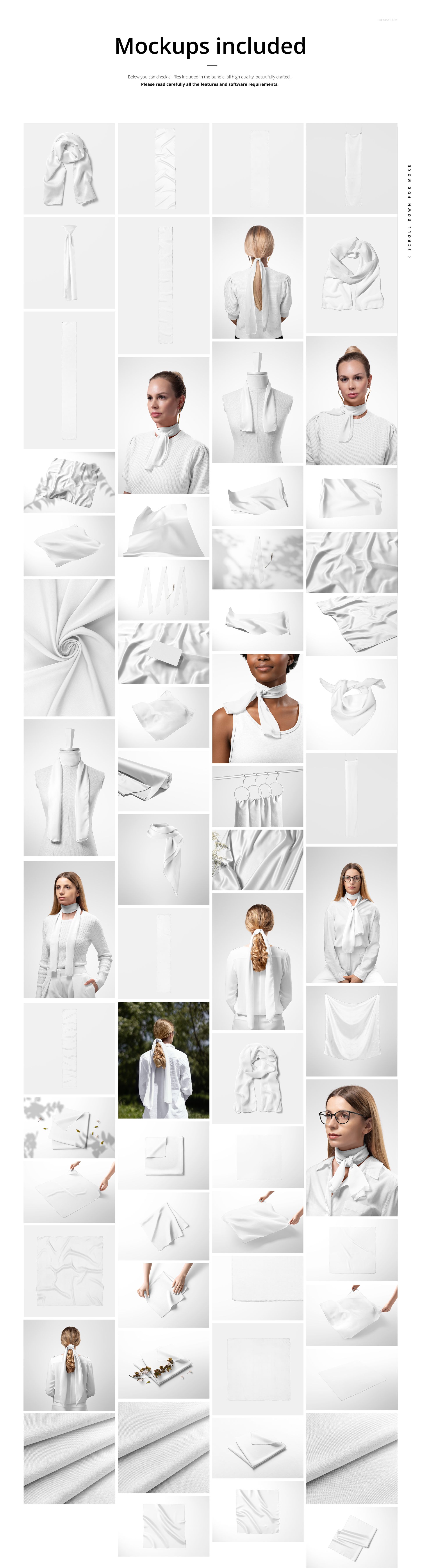
INCLUDED/17


All 17 products in this bundle
Made with Creatsy
Real designs. Real customers. See how creatives use Creatsy mockups to turn their artwork, branding, and product ideas into polished visuals.
MEET THE SHOP

Creatsy
Poland
Bring your ideas to life.
We're a family-run studio in Katowice, Poland, making PSD mockups by hand since 2016. Everything in this shop starts in our own studio. We shoot the photography, build the 3D, and put together every Smart Object PSD ourselves - then we test it, organize the layers, and only ship it once it actually works...
 15$1870$22.00
 15$1615$19.00
 15$2040$24.00
 15$1955$23.00

HOW IT WORKS
3 clicks. That's it.
No tutorial needed. If you can copy-paste, you can use this.
- 1OpenDouble-click the smart object inside the PSD - in Adobe Photoshop, or free in your browser with Photopea.
- 2PasteDrop in your pattern, print, or artwork. Any design, any style.
- 3SaveHit save and the mockup wraps it in for you - shadows, folds, and lighting included.
FROM IDEA TO IMAGE
Built for real workflows
Skip the photo shoot Show your artwork on the real product type for approvals or listings - no studio, no model, no sample.
See it on the product, not a swatch Drop your file into the smart object and the scene's lighting and folds wrap around it, so you judge the real thing before you commit.
Smart Objects
Edit once and you're done. Your artwork drops into a smart object and the mockup updates itself - no masking, no warping by hand.
Perfectly Organized
Named layers and folders you can actually navigate. Find what you need, change what you want, and get out fast.
Print-Ready
High-resolution files built to hold up on screen and in print. Exact size and DPI are in this product's Details above.