Habotai Silk Scarf with Paper Bag Mockup Set
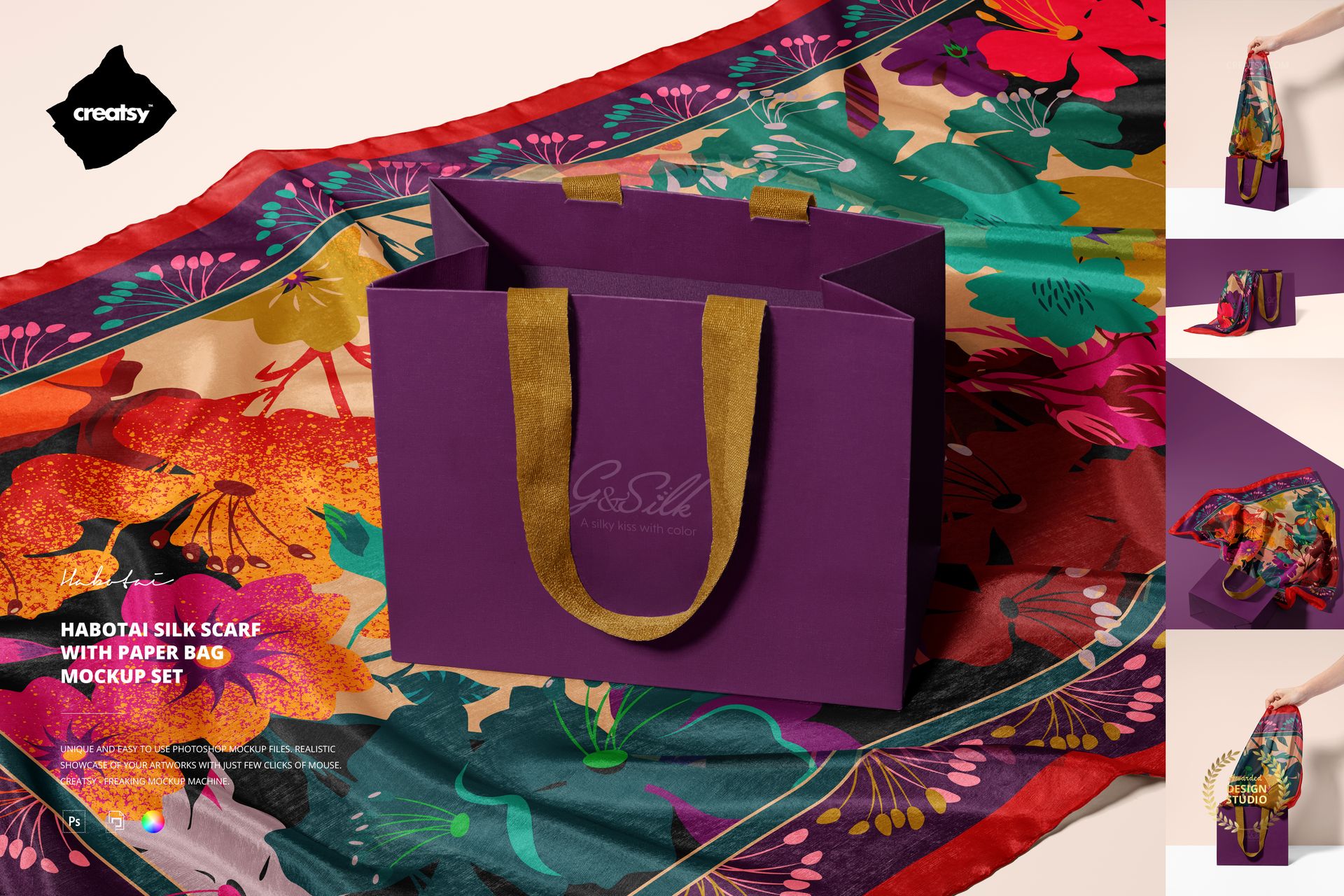
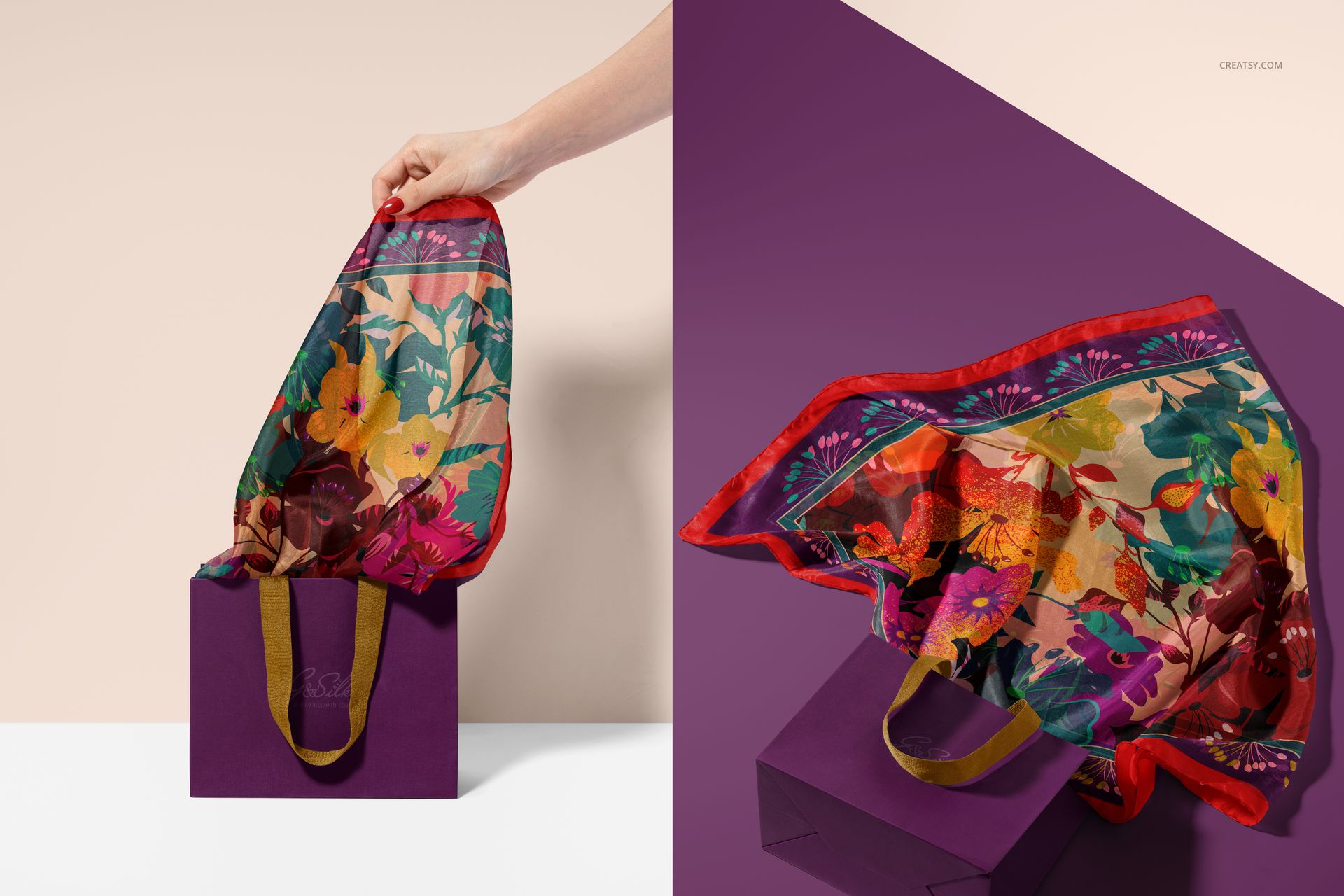
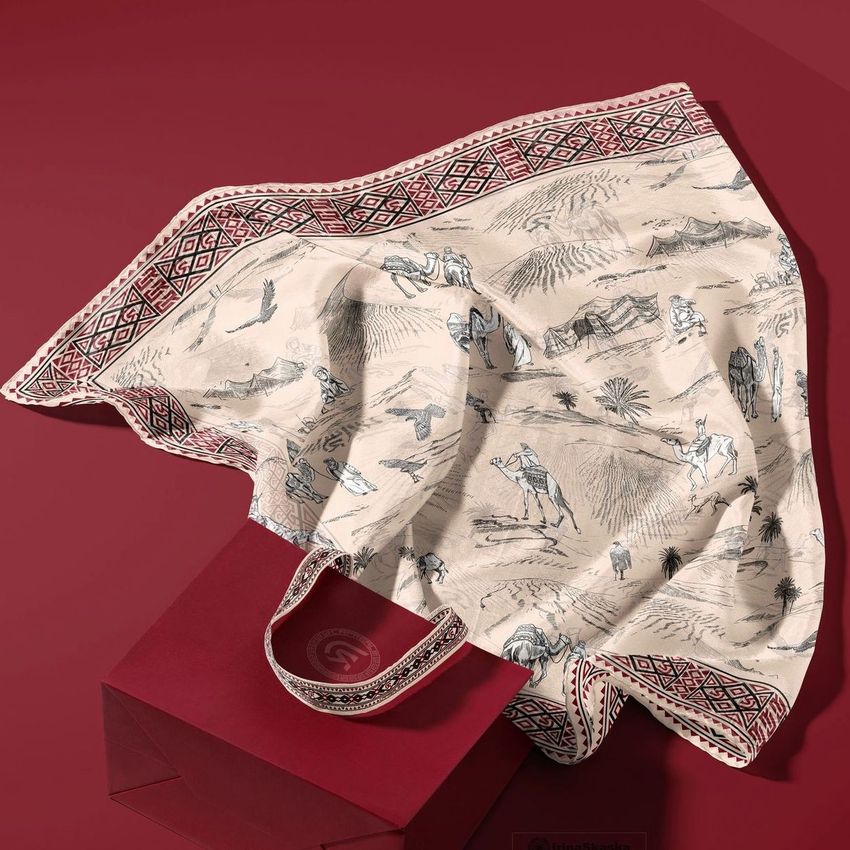
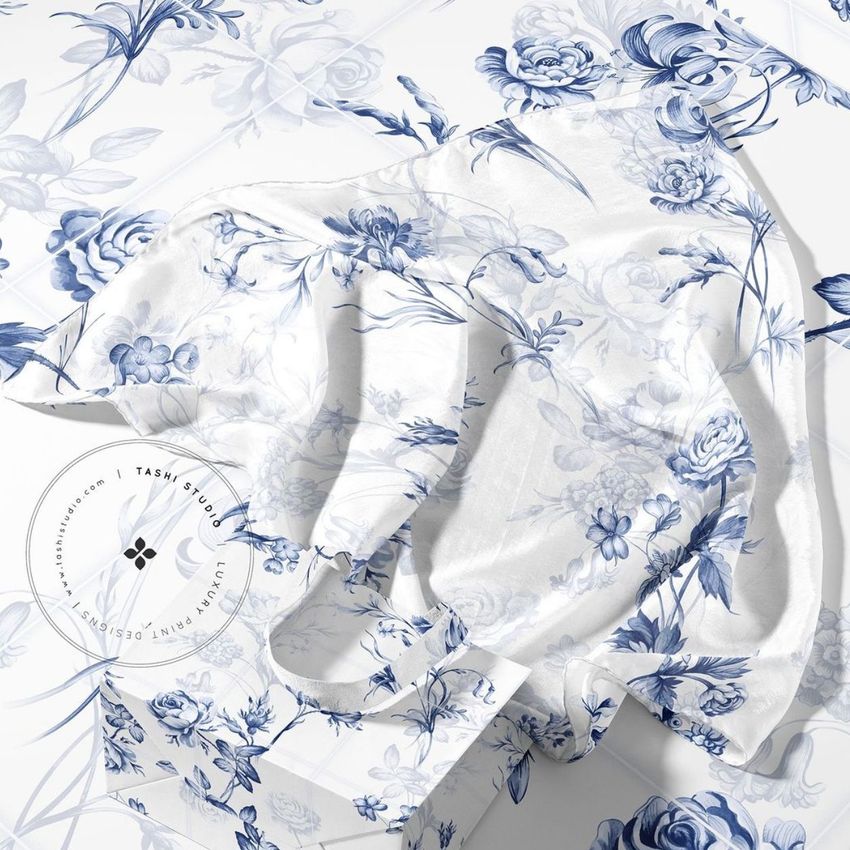
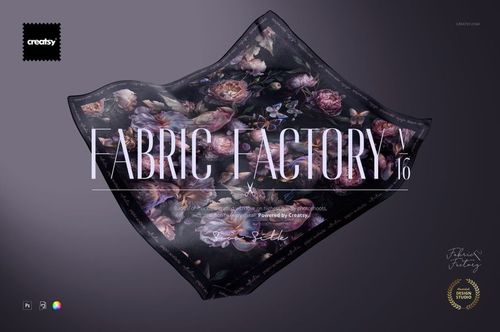
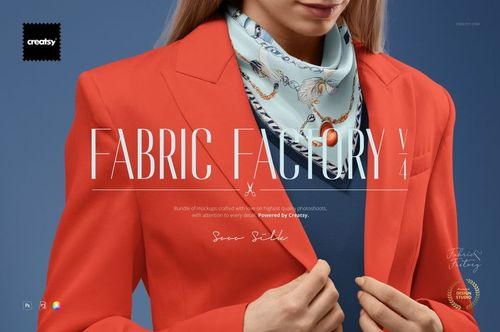
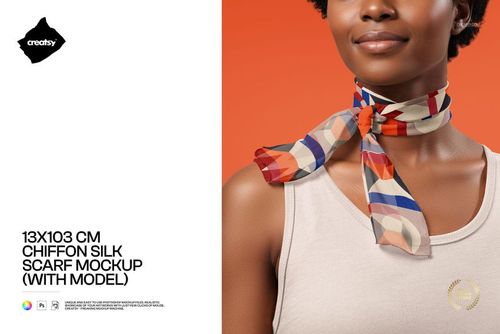
Build a complete retail presentation around a 140 × 70 cm habotai silk scarf and a paper bag. Five layered PSD scenes move from clean packaging arrangements to hand interaction, helping you show how a pattern reads flat, draped, and emerging from the bag.
Hand-rolled borders, natural folds, bag structure, and studio lighting give artwork realistic context. Use the varied views to compare colorways, present coordinated scarf and bag branding, or create a polished sequence for a portfolio, campaign, or product page.
What Is Included
5 layered PSD mockup files with well-organized layers
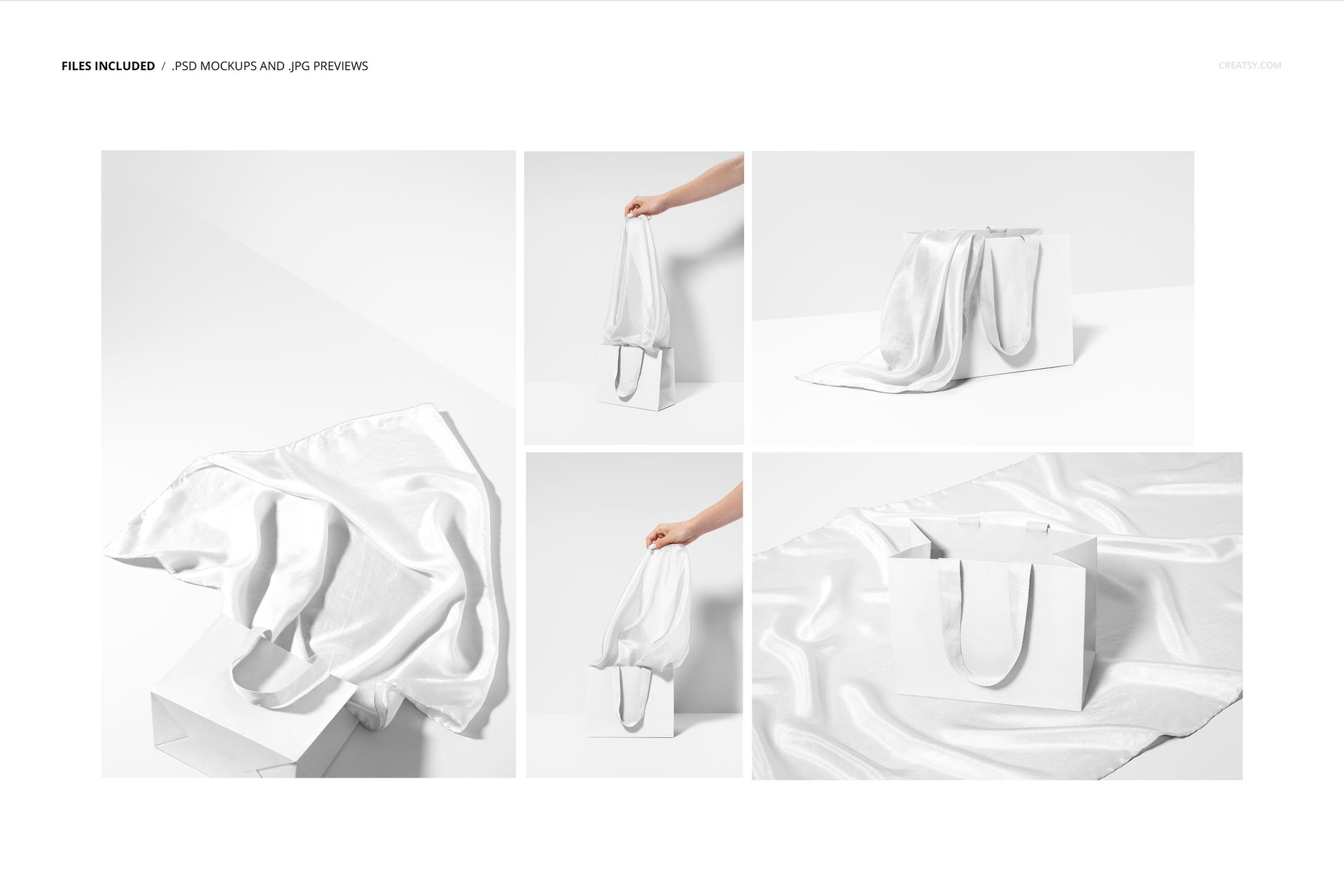
5 JPG previews in landscape and portrait orientations
1 PDF user manual, 11 files in total
A 140 × 70 cm habotai silk scarf with hand-rolled borders
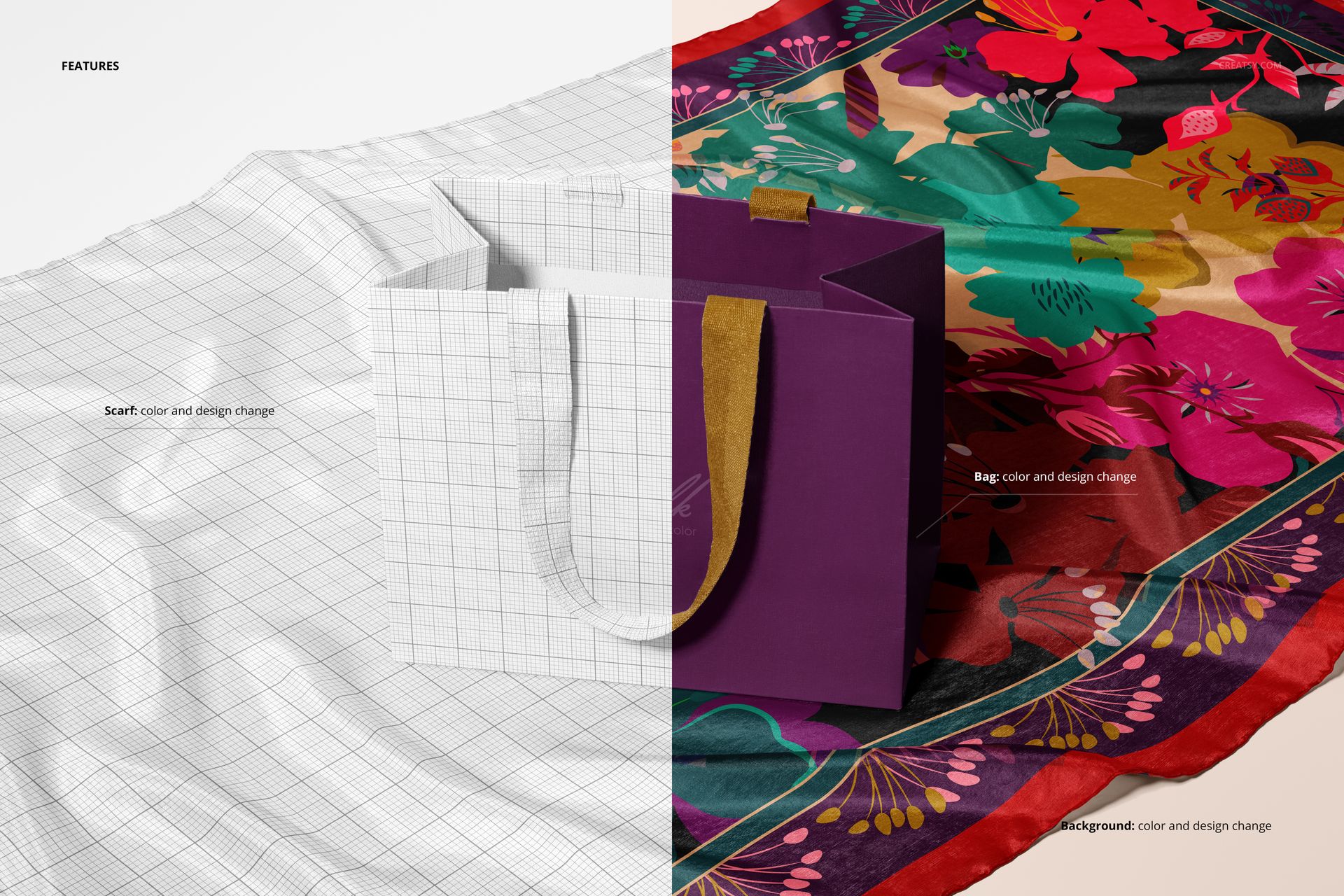
Smart Object and color-layer editing for efficient artwork placement
Five Packaging and Presentation Angles
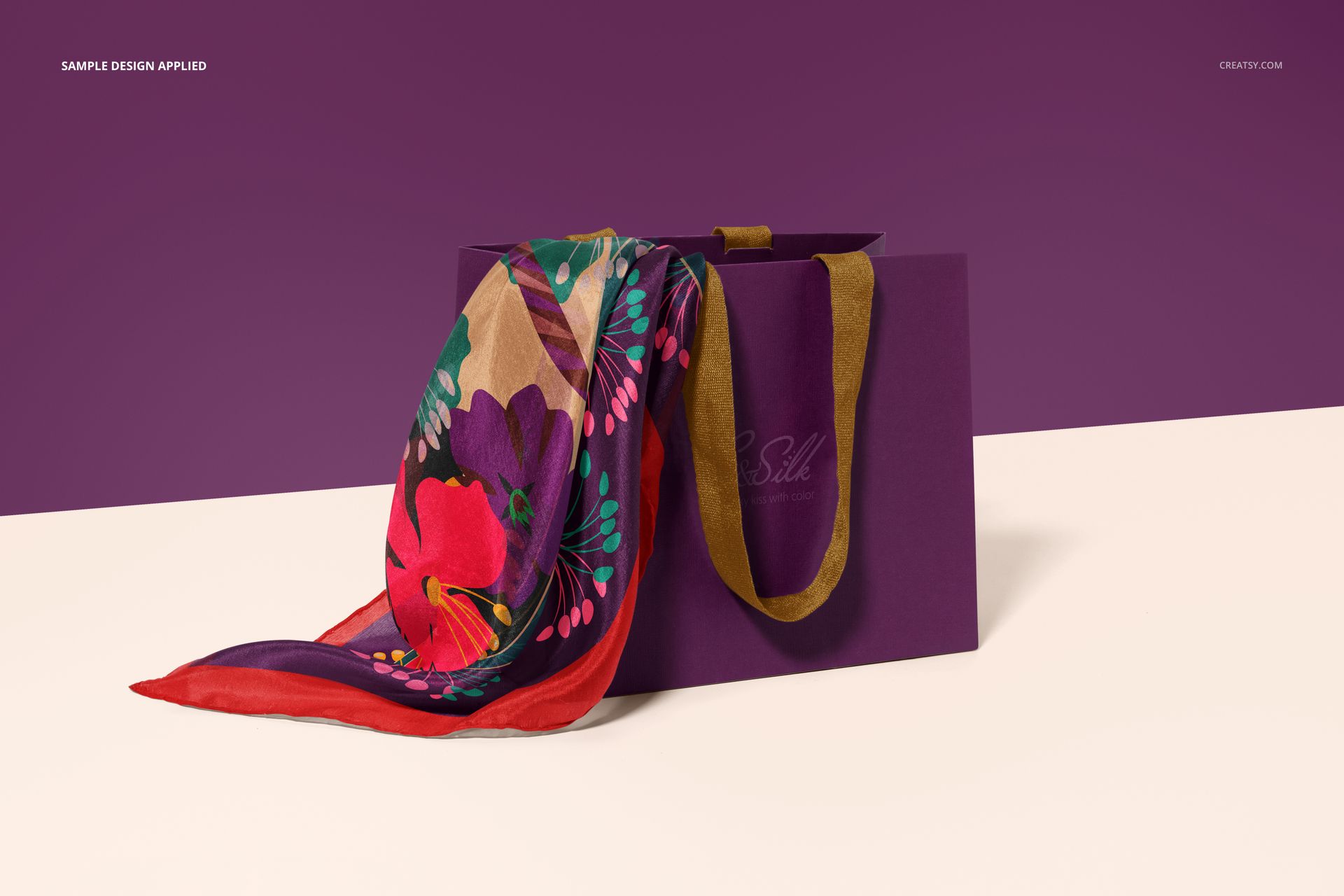
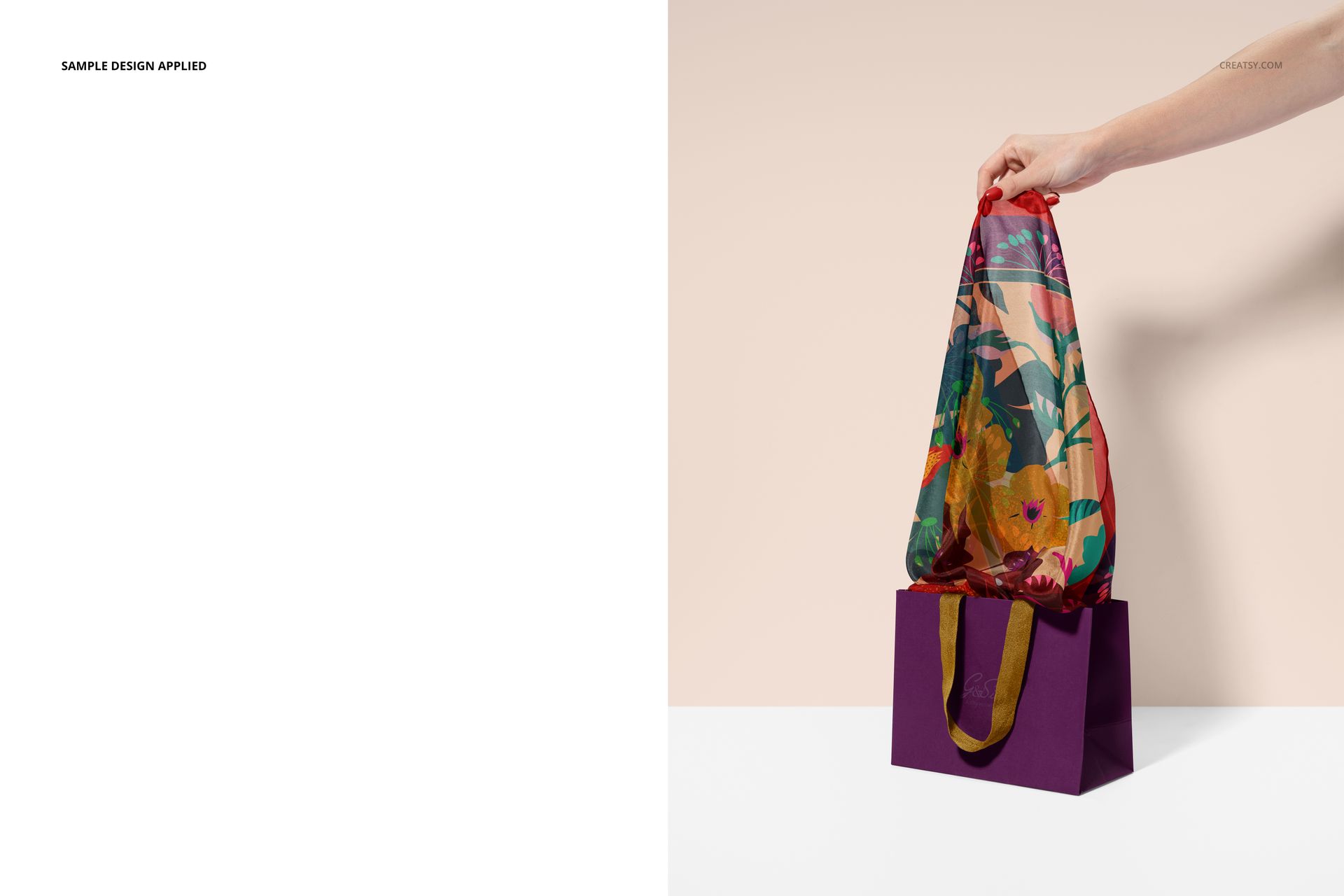
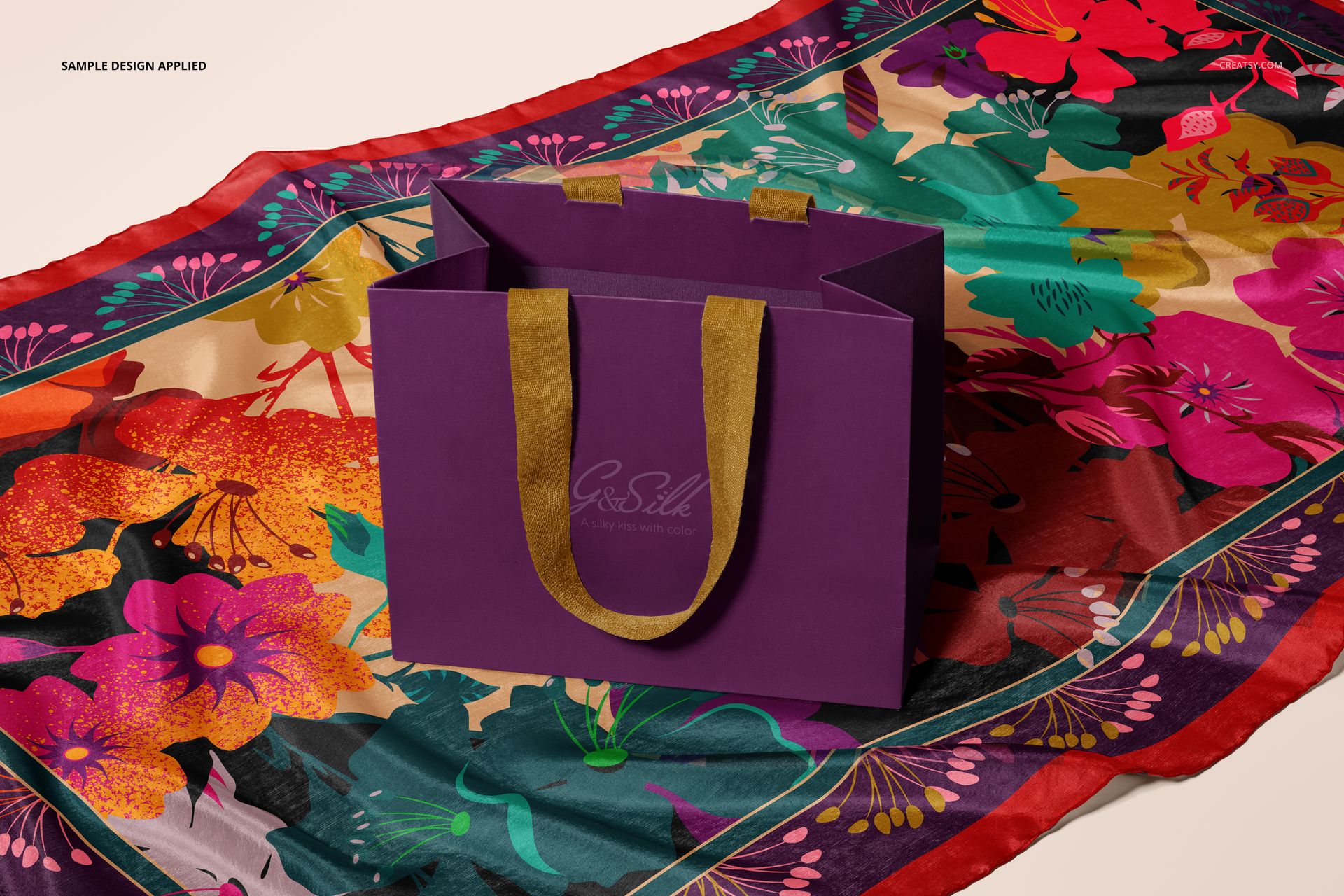
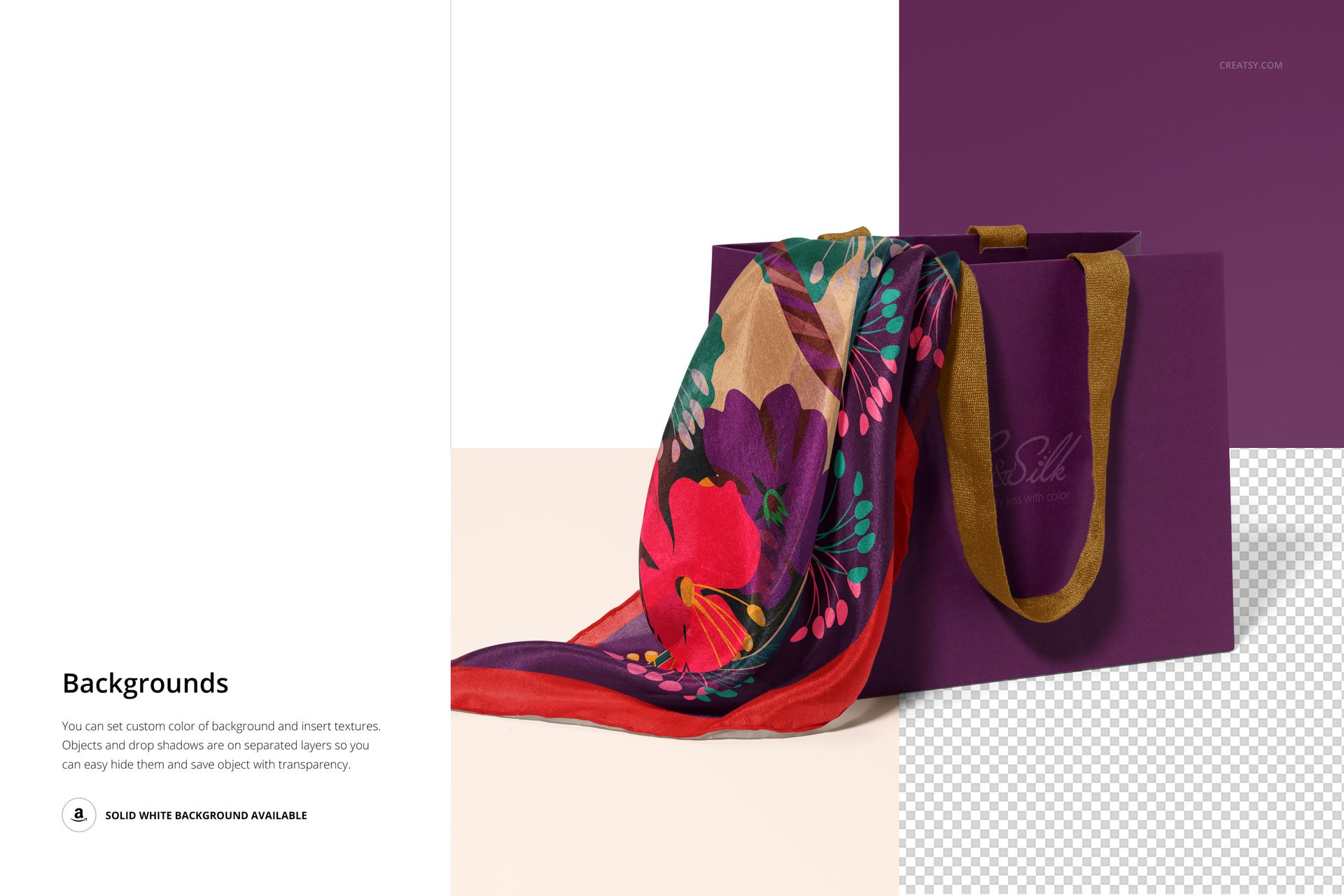
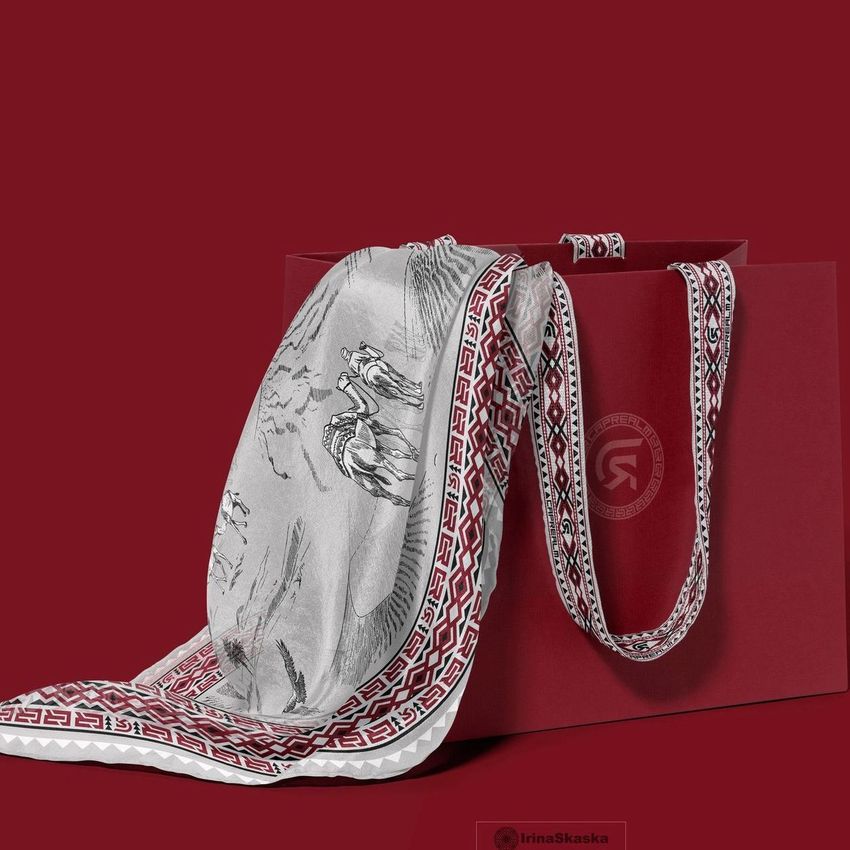
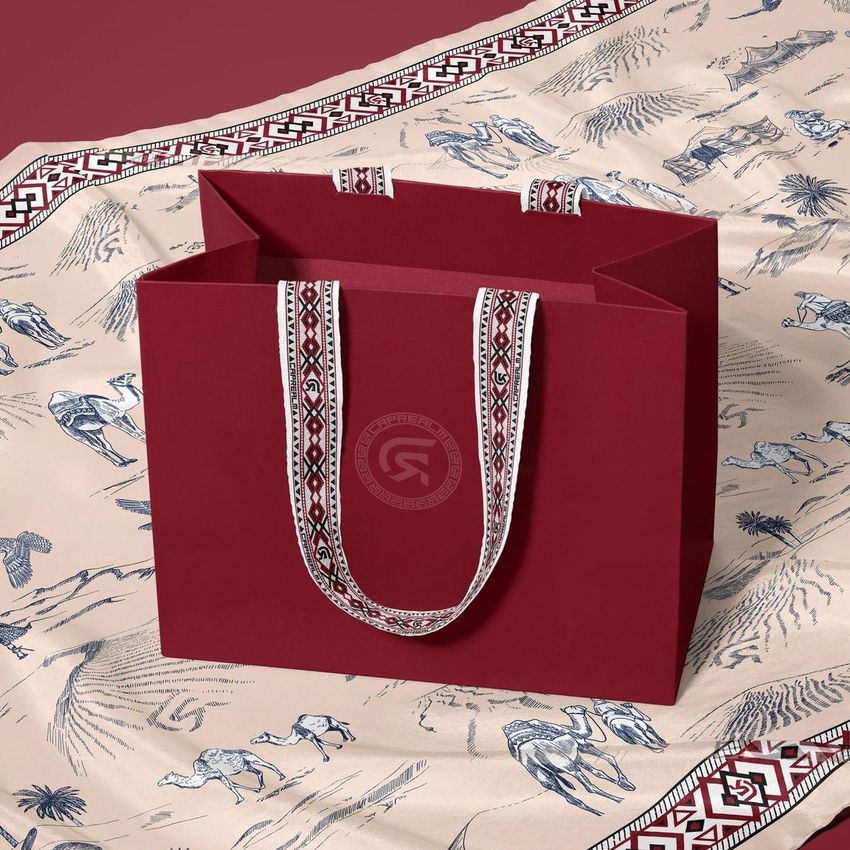
The set includes a bag standing on a fully spread scarf, a scarf arranged over the front of the bag, a tilted bag with fabric flowing onto the surface, and two portrait scenes in which a hand lifts the scarf from the bag. Together, these views reveal the overall print, edge details, folds, packaging relationship, and human interaction.
Editable Scarf, Bag, and Background
Change the color and design of the scarf, paper bag, and background. The feature previews also confirm separate object and shadow layers, a solid white option, and the ability to hide scene elements for a transparent result or place the composition over your own background.
Easy Smart Object Editing
Place a pattern, illustration, border design, or coordinated branding inside the Smart Objects and let the artwork follow the photographed folds and lighting. Adobe Photoshop CC2020 or newer is the officially listed compatibility. Creatsy also provides its standard browser-based Smart Object workflow in Photopea.
Perfect For
Surface pattern and textile designers presenting scarf collections
Fashion brands developing coordinated product and retail packaging
Branding designers preparing paper bag graphics and campaign visuals
Ecommerce sellers building varied product galleries
Client approvals, portfolio case studies, and print discussions
This is a digital mockup set for visual presentation, not a technical cutting or manufacturing template. The sample patterns shown in the previews are not included.
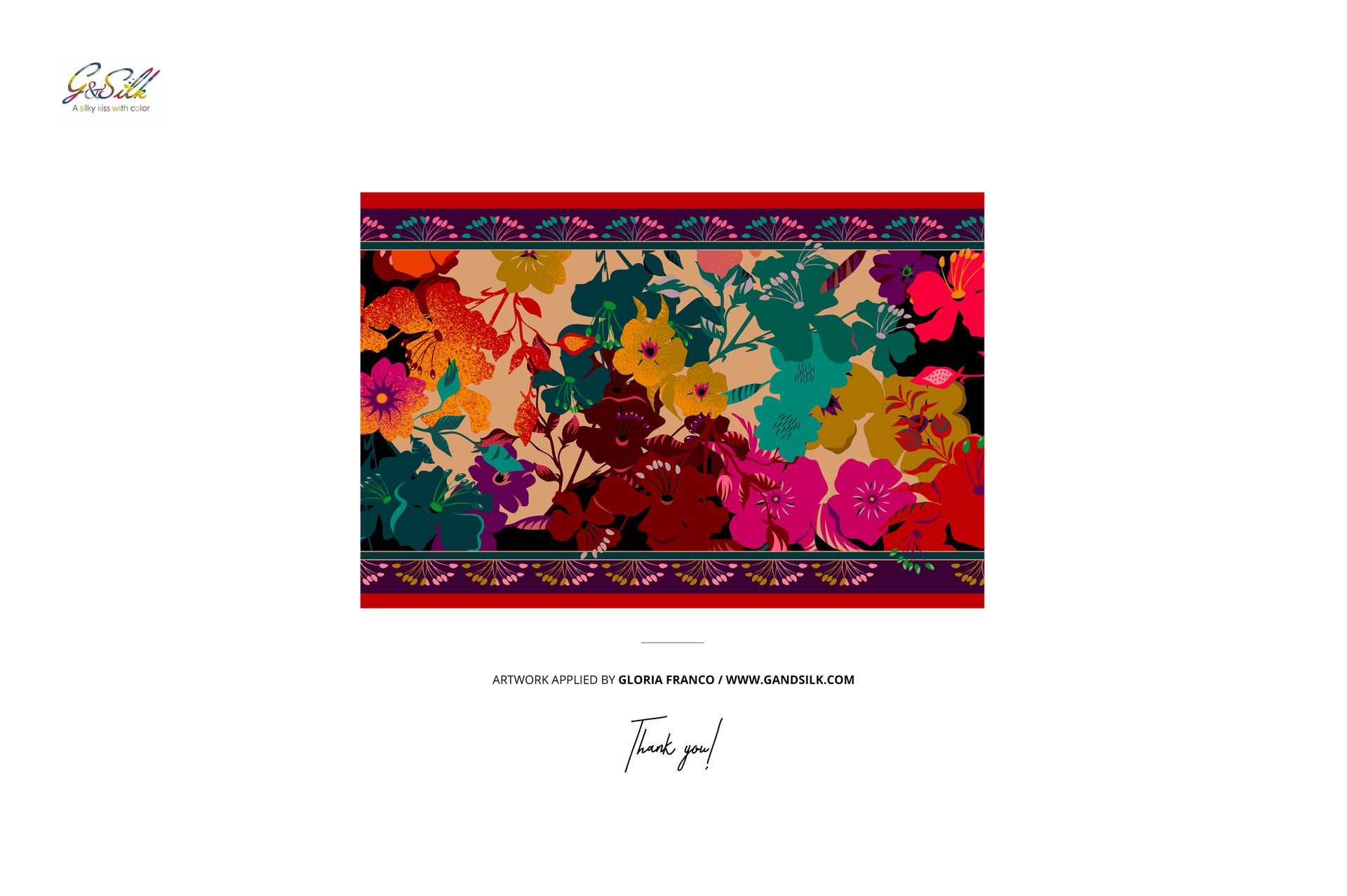
Preview Artwork Credit
The example design featured in the product previews is by Gloria Franco. You can explore more of her work on her website. The artwork is used for presentation purposes only and is not included with the mockup files.