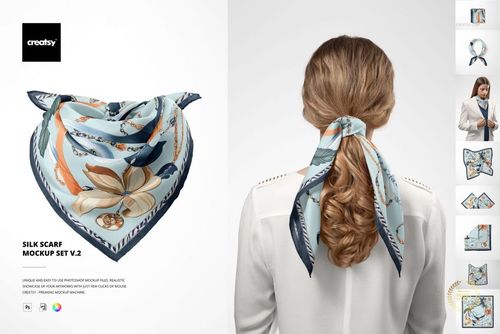
Habotai Silk Scarf Draped on Metal Rod Mockup Set
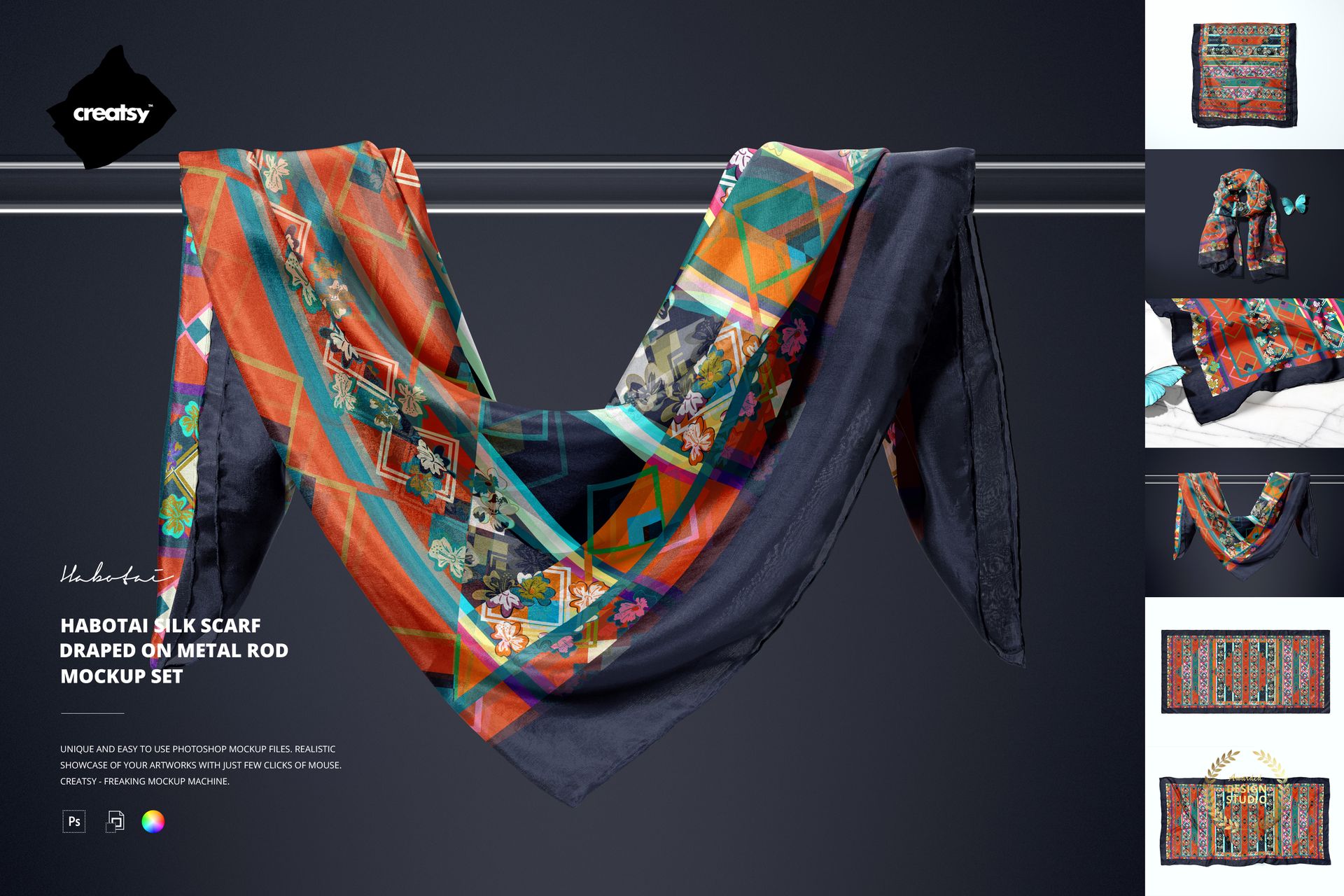
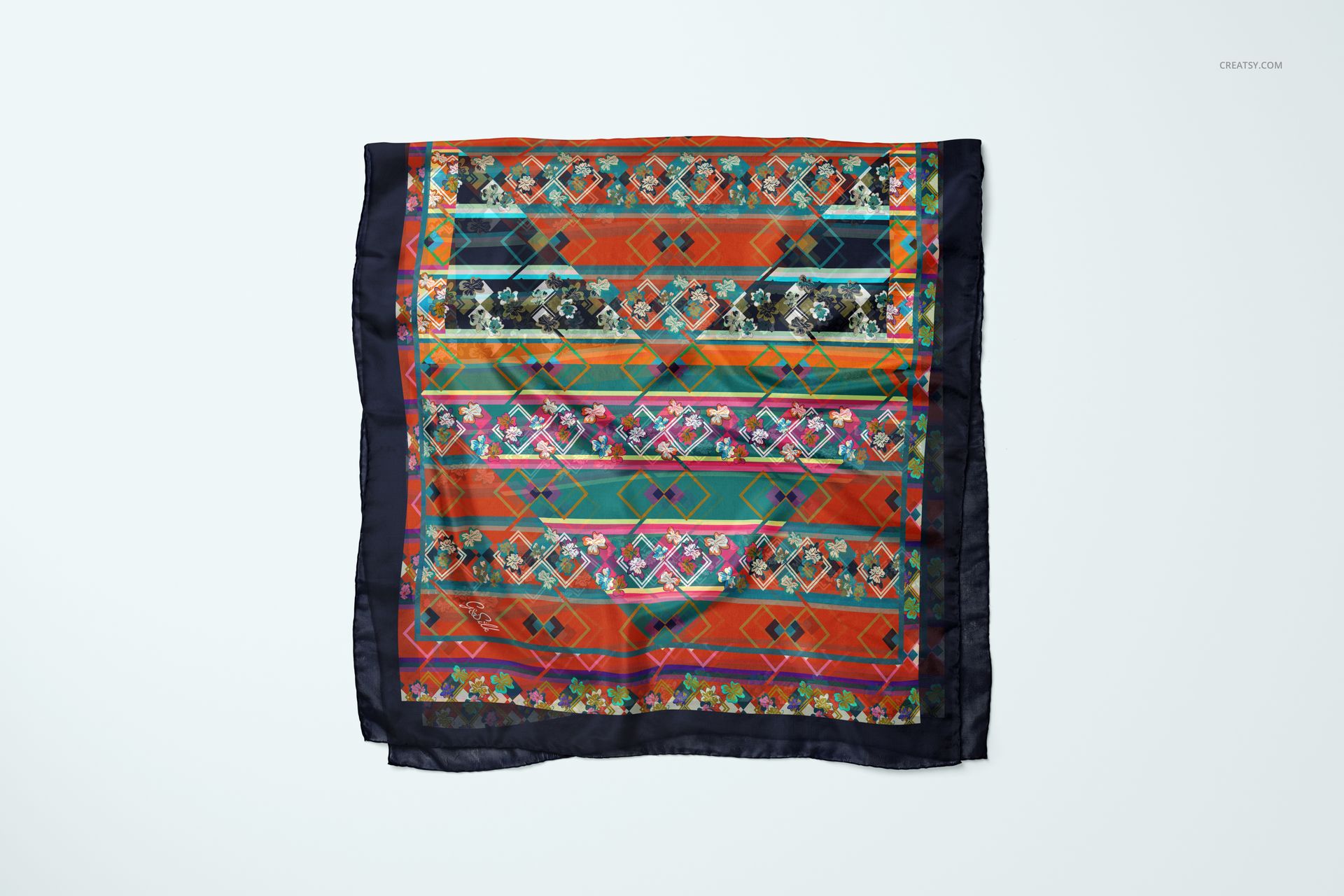
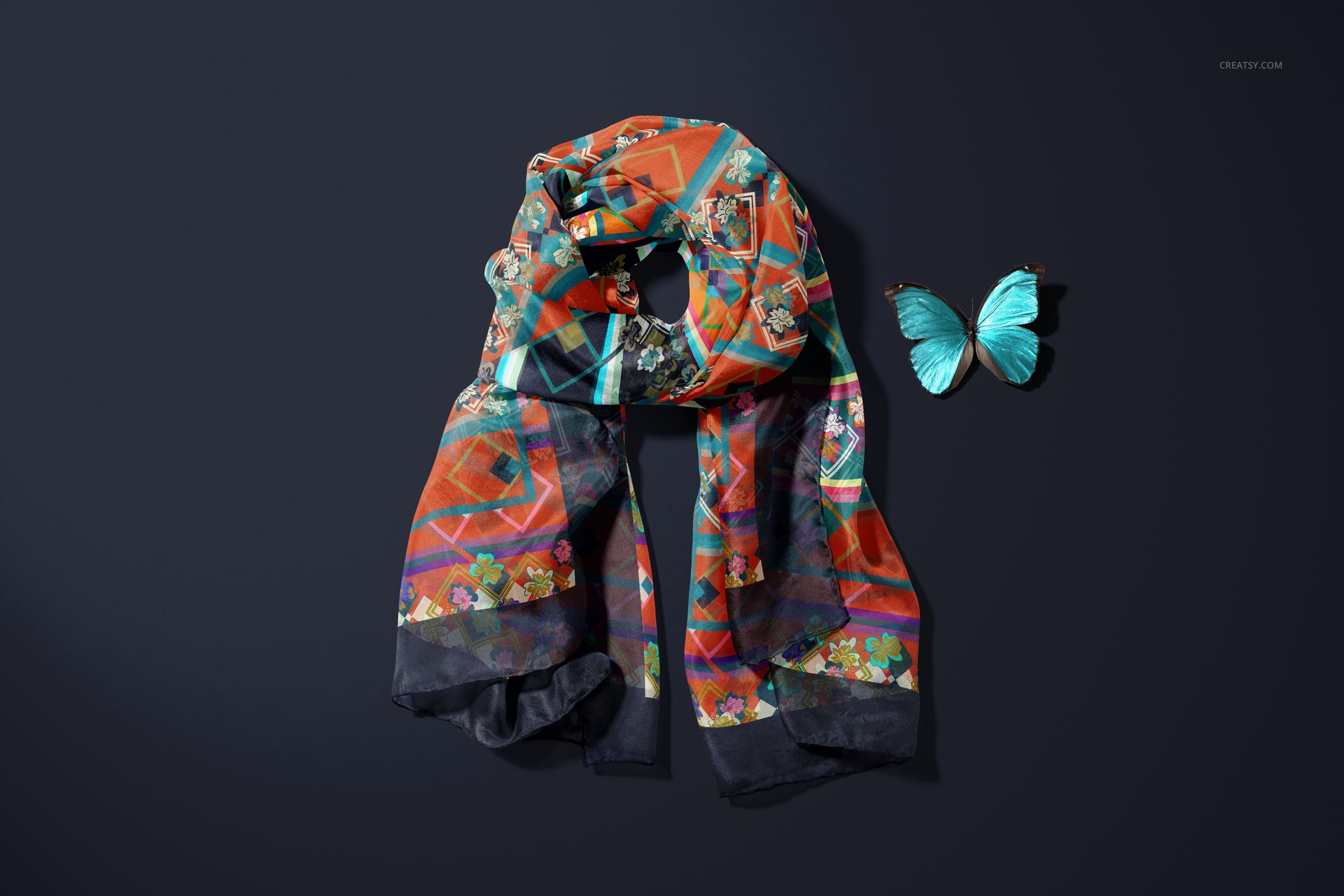
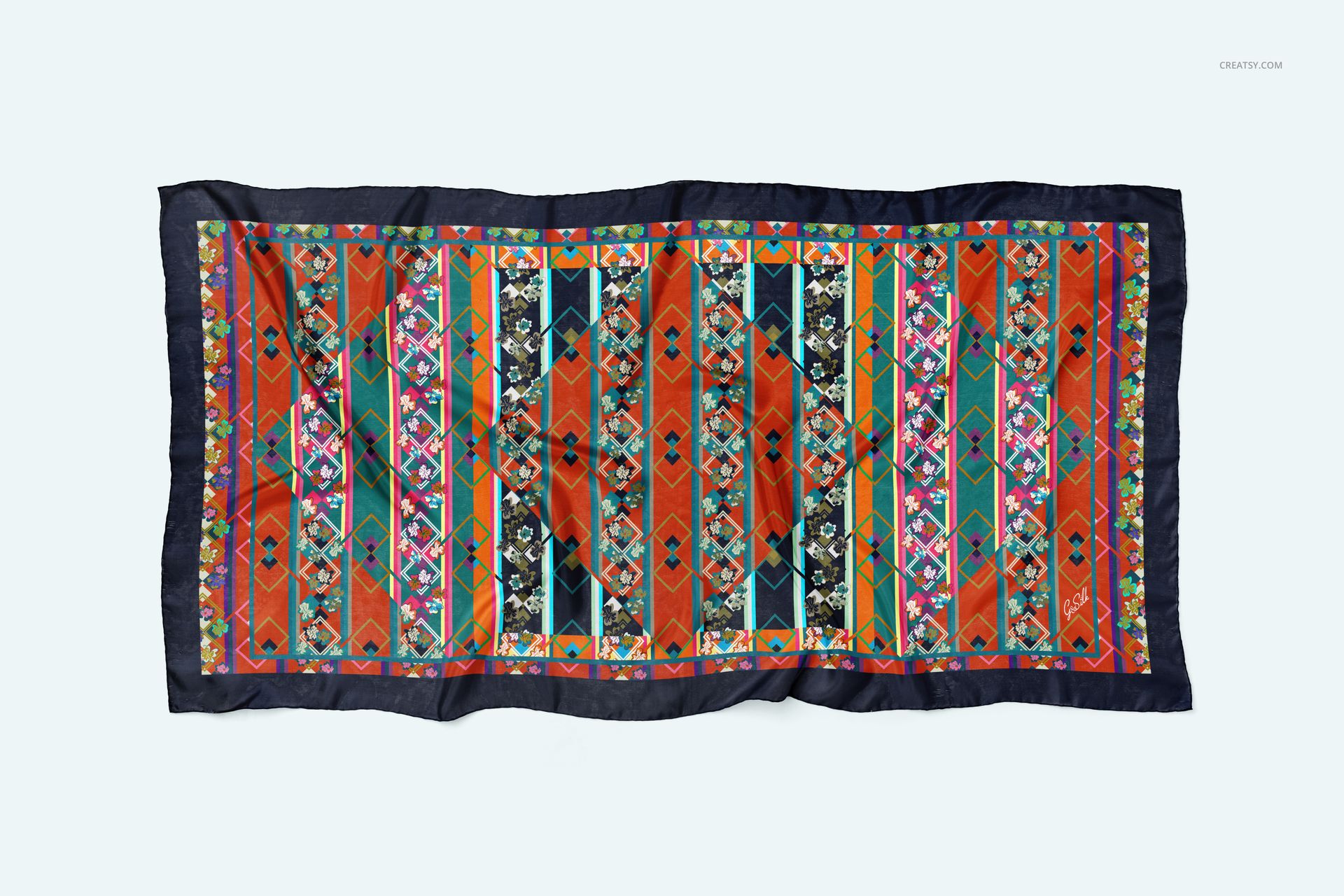
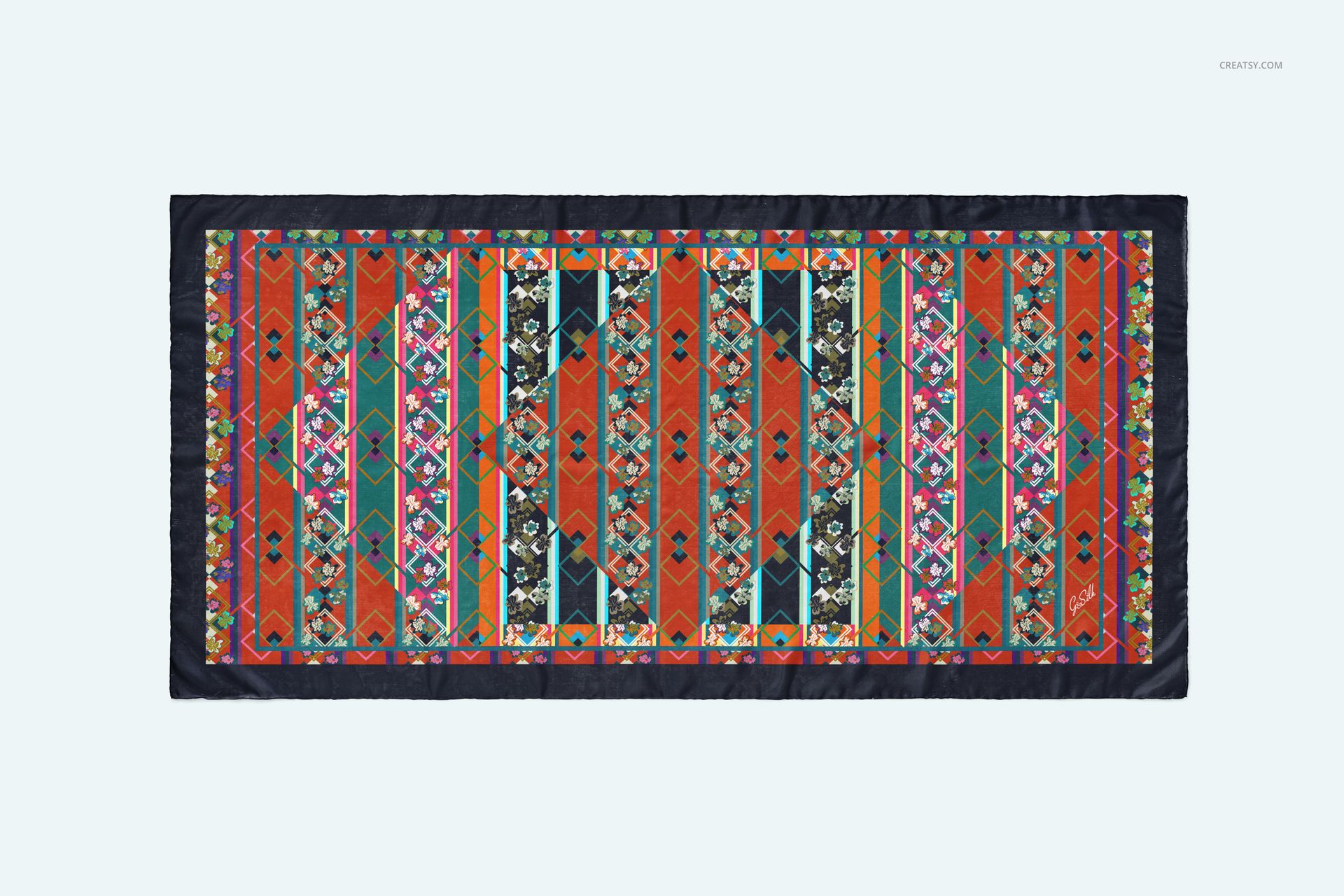
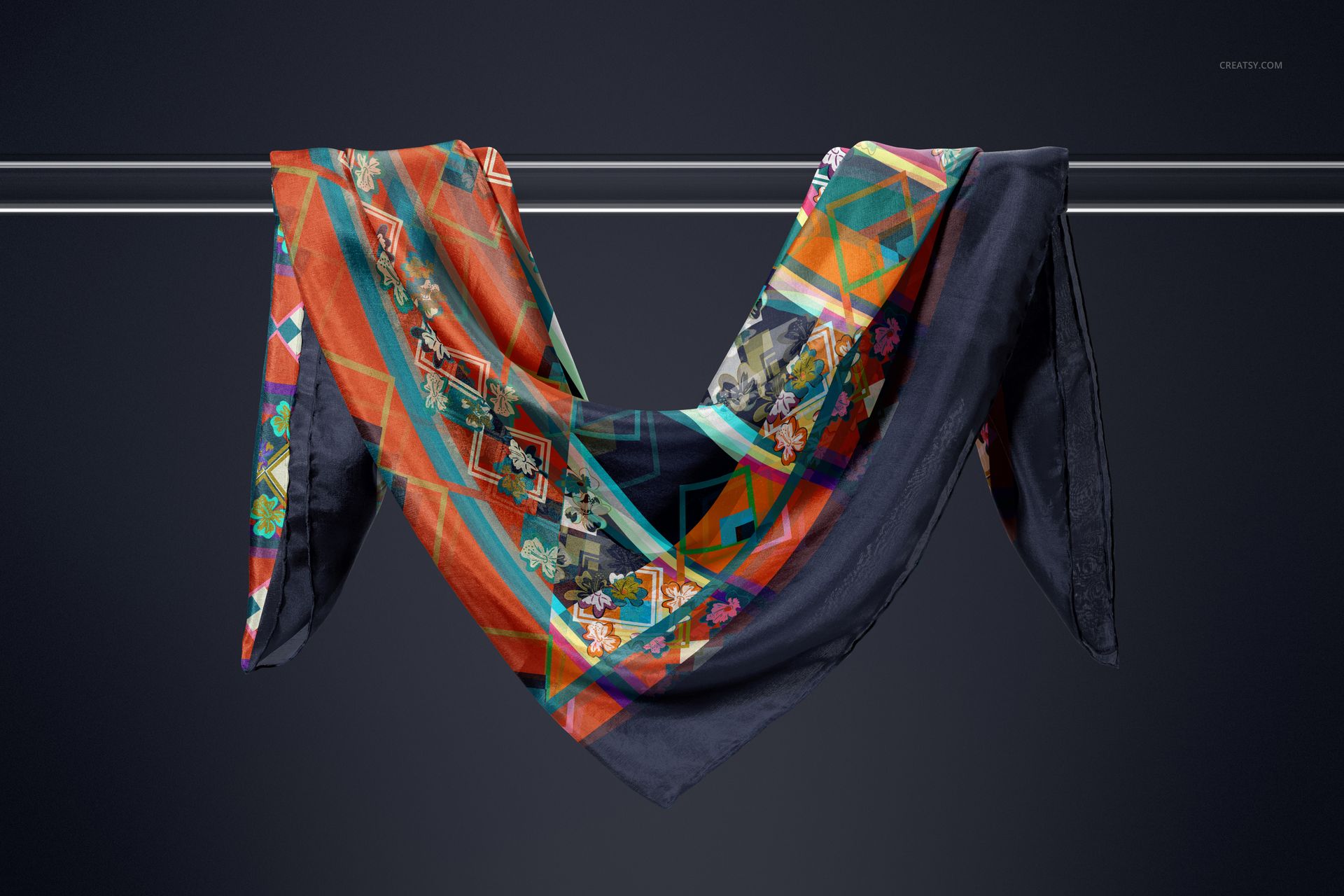
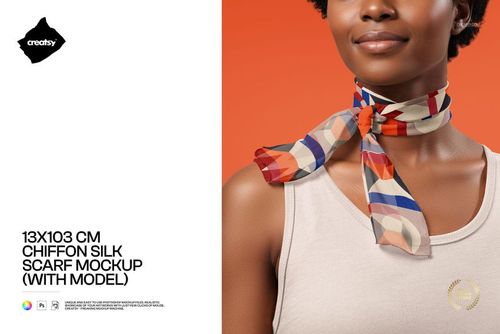
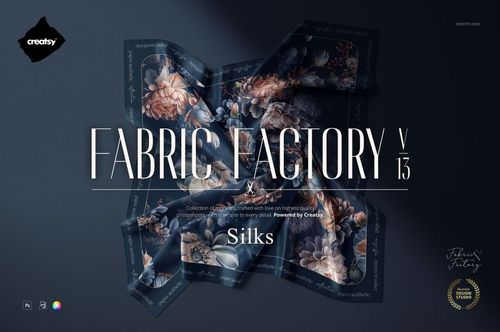
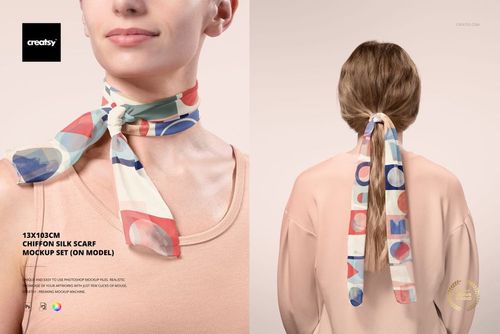
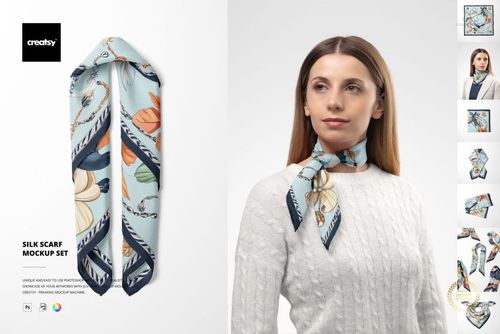
Present a rectangular habotai silk scarf design across six high-resolution studio scenes. Draped metal-rod compositions, folded arrangements, flat views, close details, marble styling, and butterfly accents show how artwork follows the fabric’s lightweight flow, soft translucency, folds, and hand-rolled borders.
The mockup represents a 140 × 70 cm scarf format. Use the scene variety to evaluate pattern scale, border placement, repeat continuity, color balance, and the way printed artwork changes where thin silk overlaps.
What Is Included
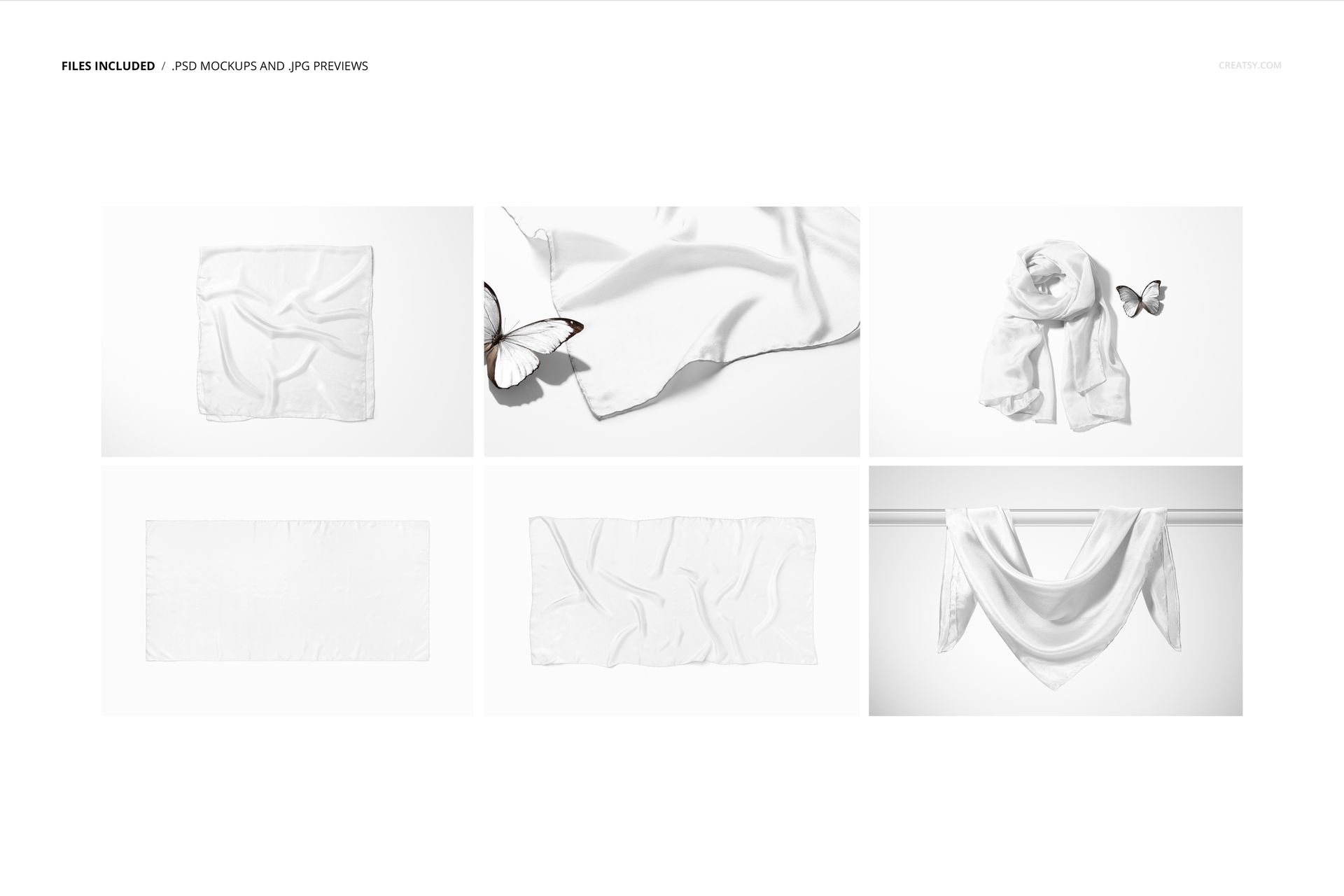
6 layered PSD mockup files at 6000 × 4000 px and 300 DPI
6 matching JPG scene previews at 6000 × 4000 px
1 PDF user manual
13 files in total
Landscape studio scenes featuring a 140 × 70 cm scarf
Six Draped, Folded, and Flat Views
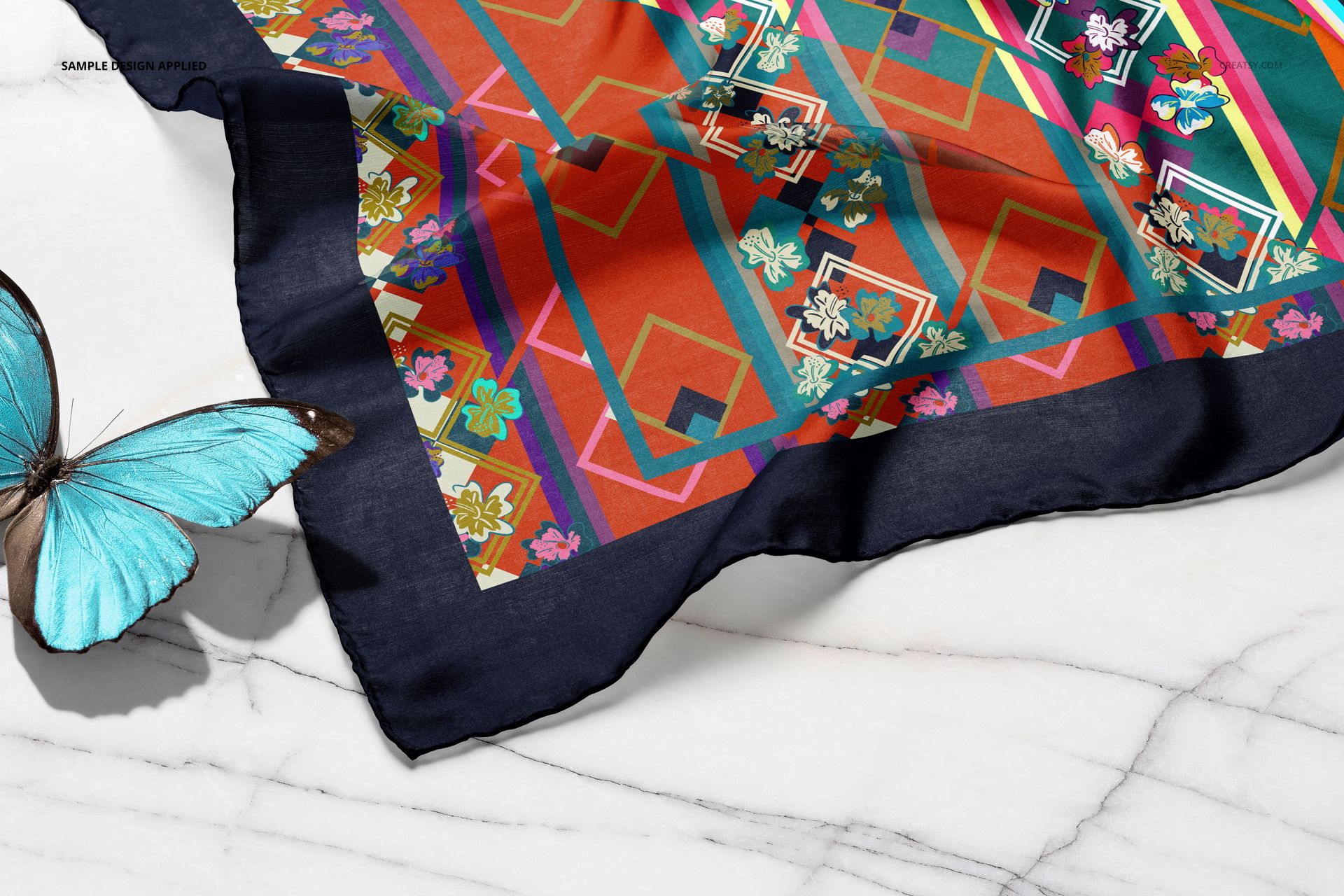
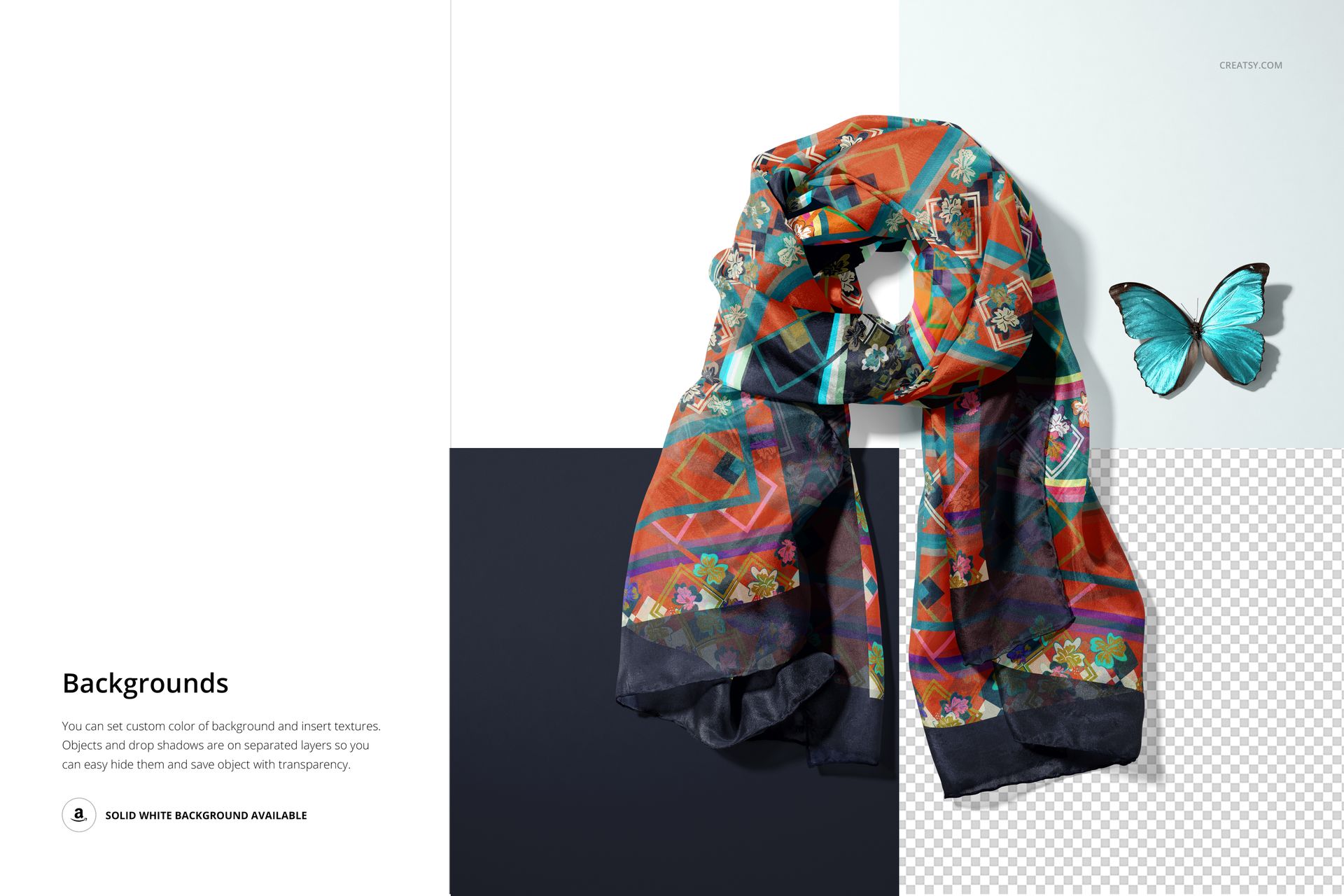
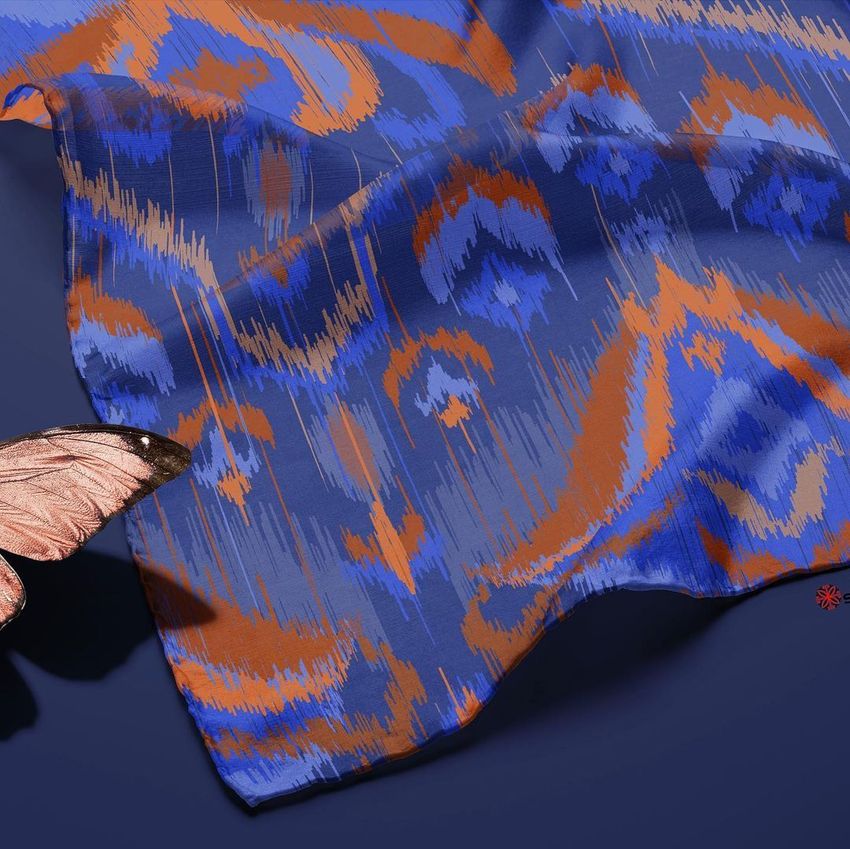
Show the scarf hanging from a metal rod, arranged in loose folds, displayed from above, partially folded on marble, or laid beside a butterfly prop. Full-scarf scenes communicate the complete repeat, while tighter views highlight fabric texture, transparency, edge construction, and print detail.
Realistic Fabric and Smart Object Editing
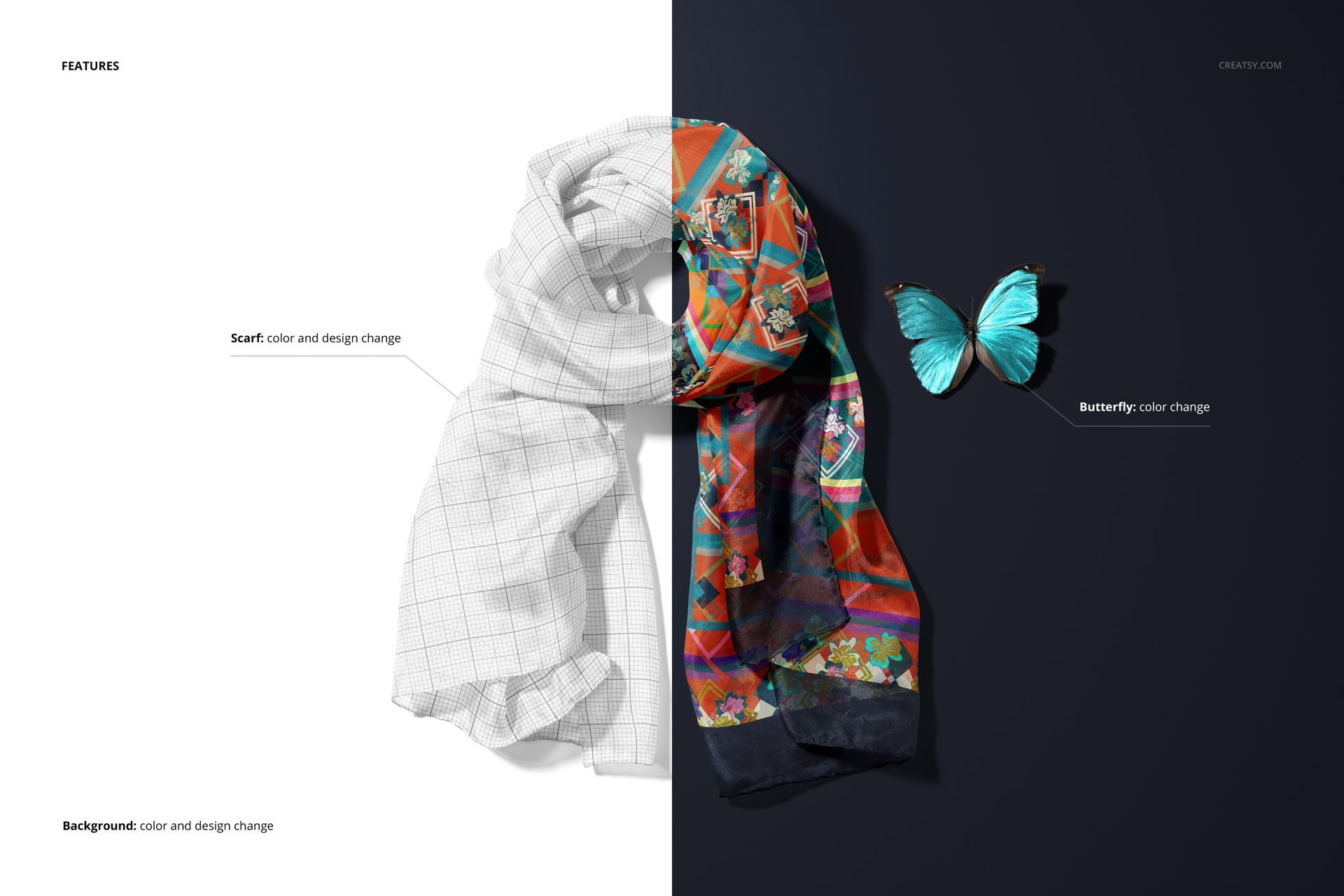
Insert a repeat pattern, illustration, gradient, or solid color through organized Smart Objects. Photographed shadows and highlights preserve the natural habotai drape, gentle sheen, and translucency while keeping the artwork integrated with the folds. Use the available background controls to coordinate scenes with a collection or brand palette.
Software Compatibility
Full compatibility is specified for Adobe Photoshop CC2020 or newer. The current Creatsy workflow also offers editing in Photopea, although complete support for all complex layered features is guaranteed only in Photoshop.
Perfect For
Silk scarf and fashion accessory brands
Surface pattern and textile designers
Fashion illustrators and licensing artists
Ecommerce product pages and lookbooks
Client approvals, catalogs, and portfolios
Digital product: No physical scarf is included or shipped. The sample artwork and patterns shown in the previews are not included.