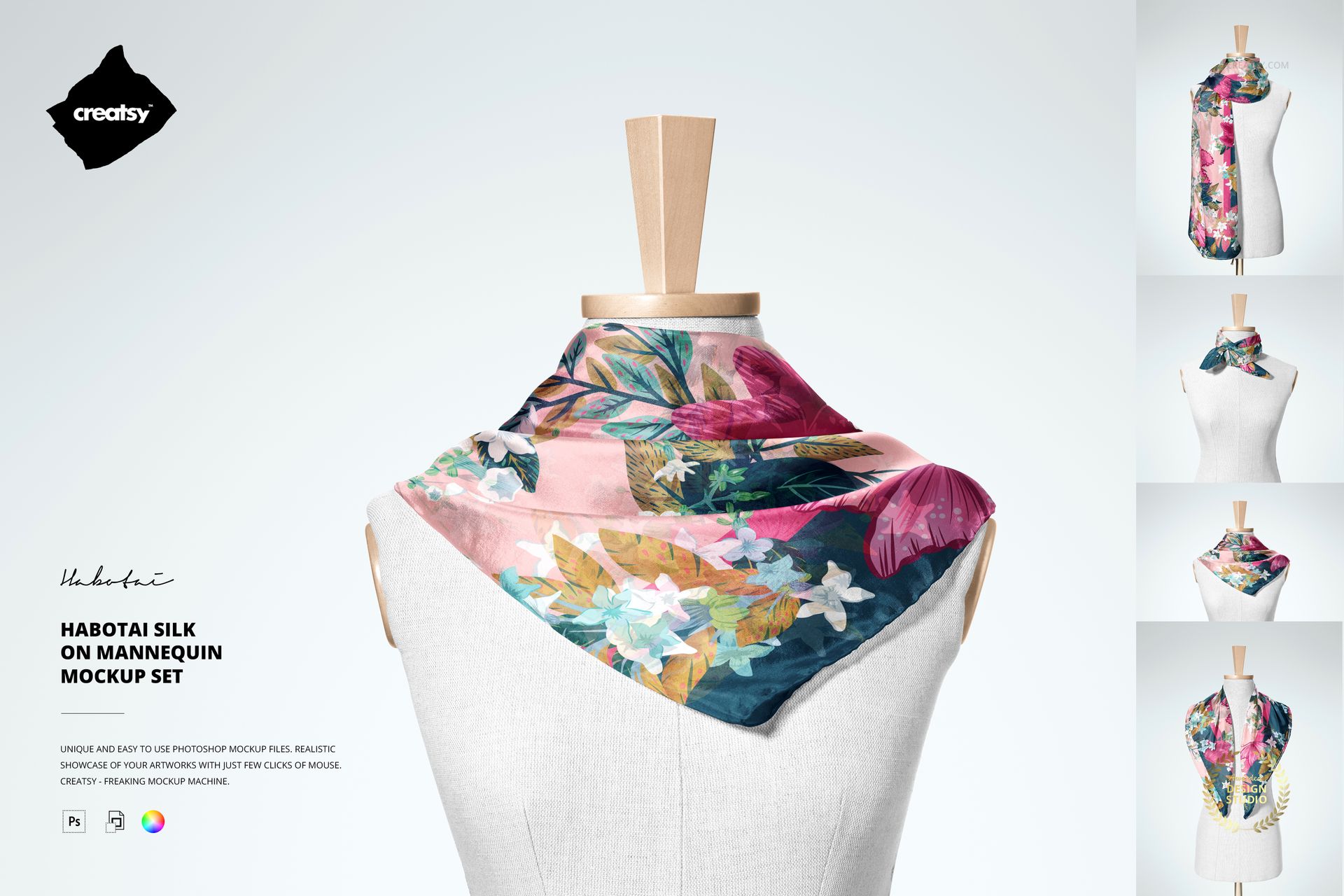
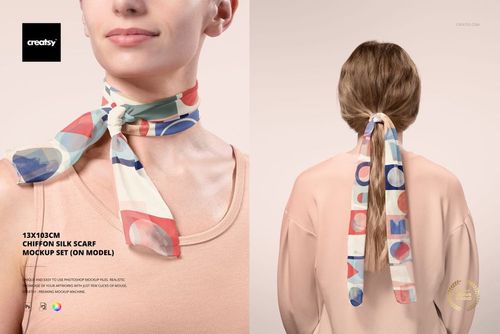
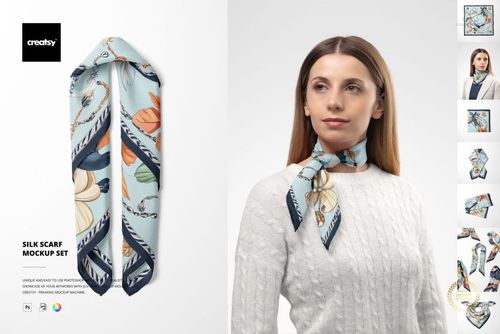
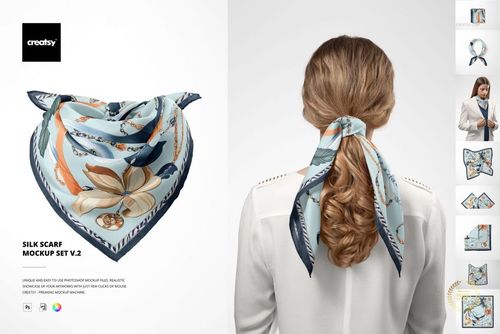
Habotai Silk Scarf on Mannequin Mockup Set
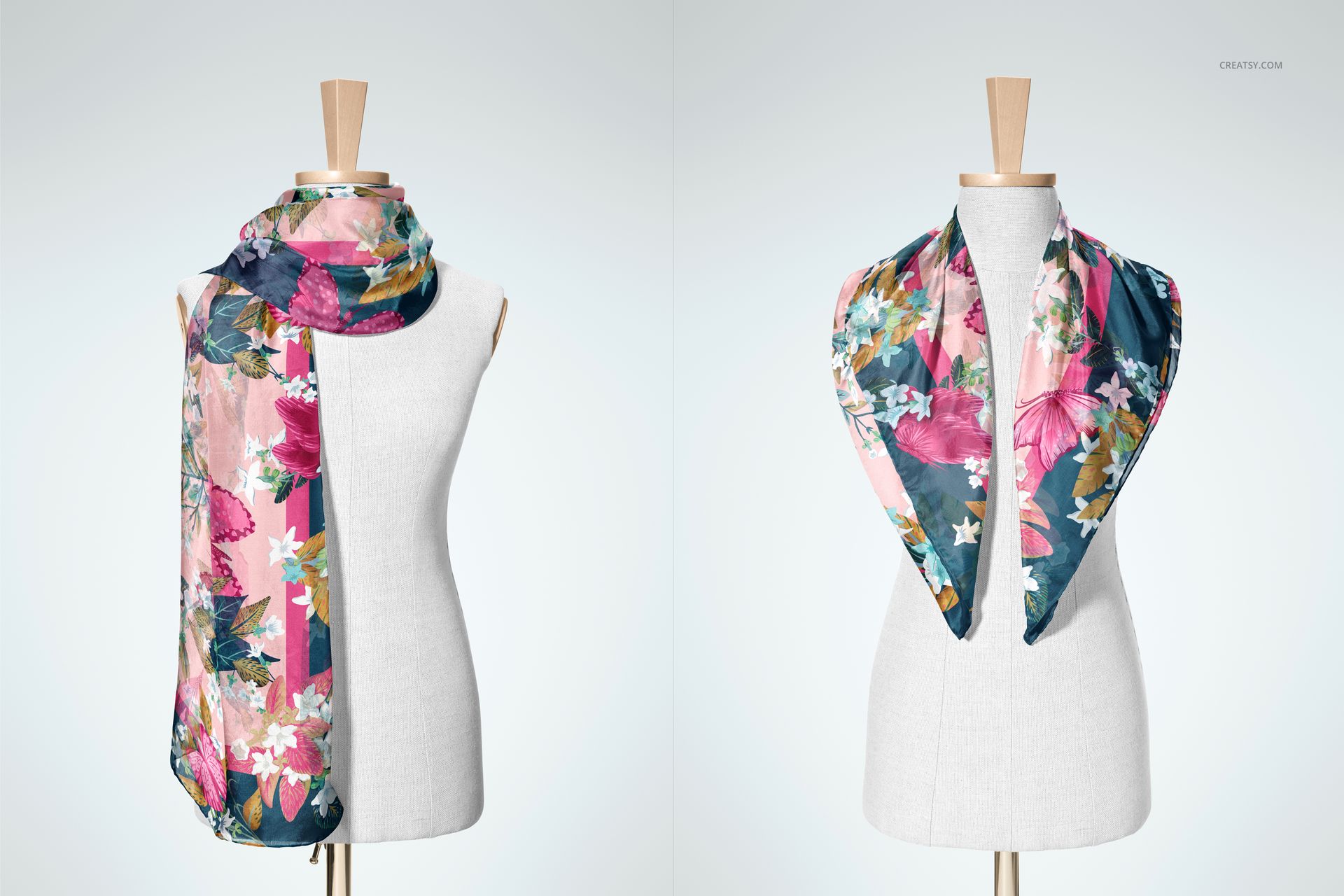
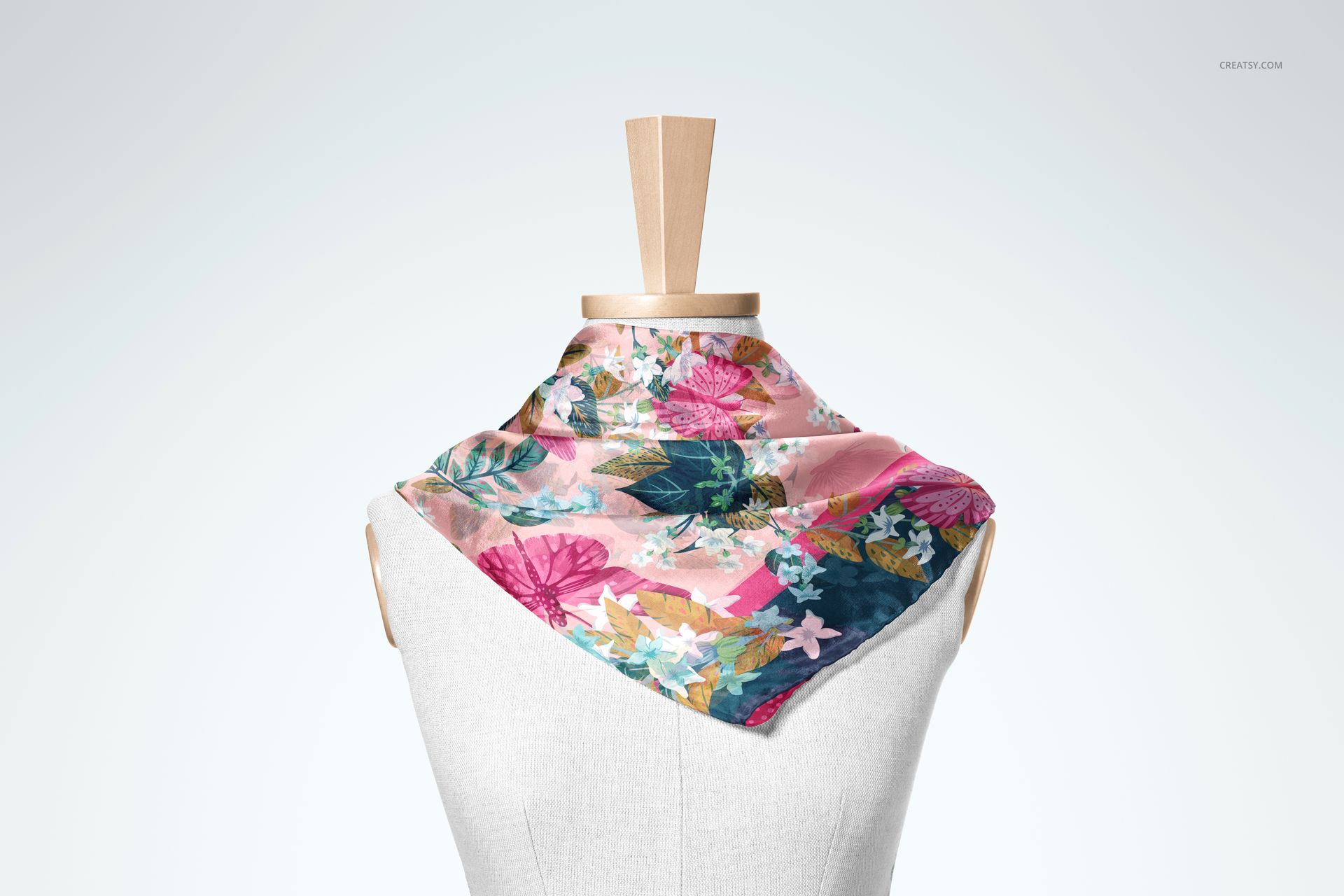
Show a 140 × 70 cm habotai silk scarf as it would be tied and draped on a torso mannequin. Four layered PSD scenes cover distinct wearing arrangements, helping customers understand motif scale, focal placement, edge treatment, and the way artwork follows natural fabric folds.
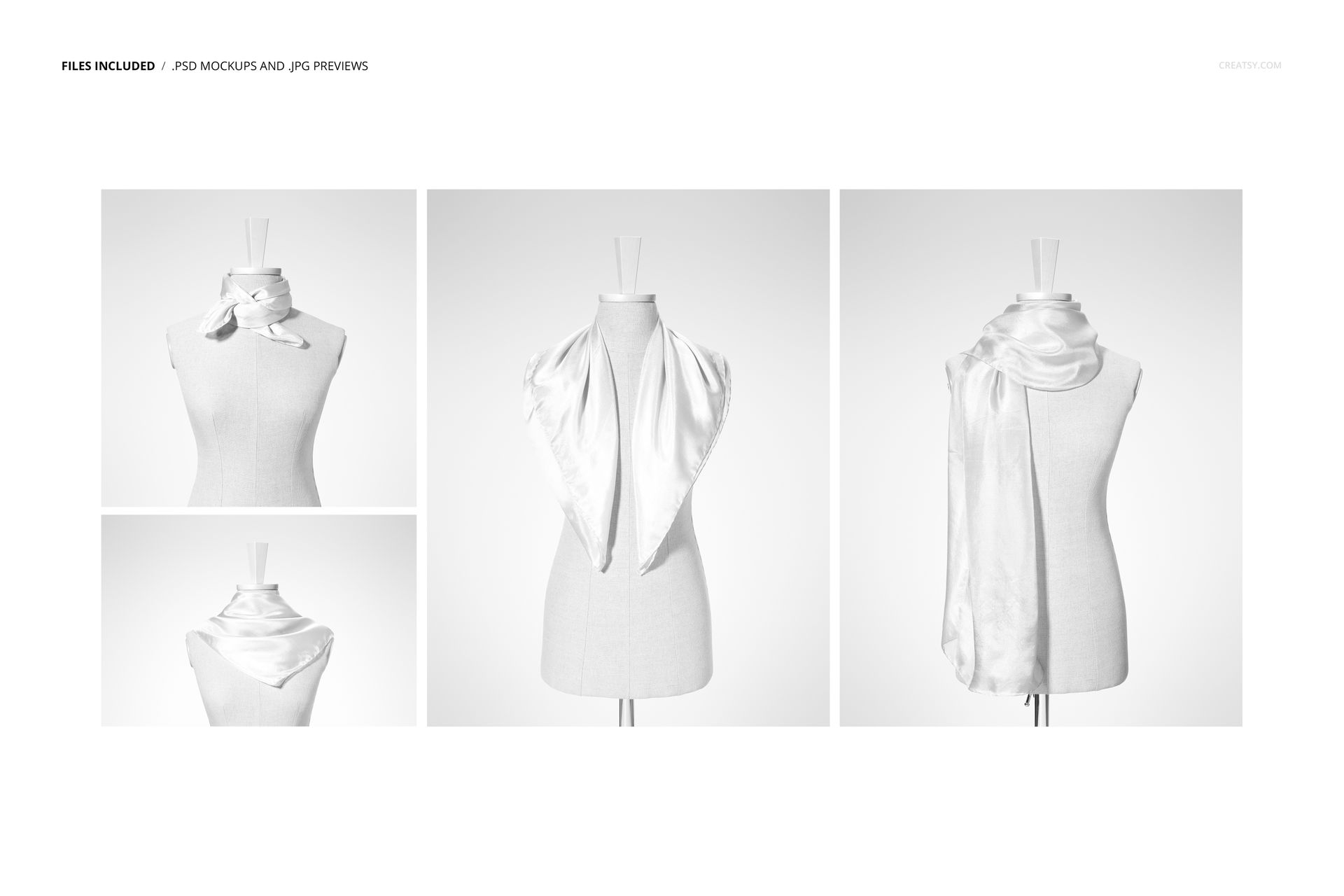
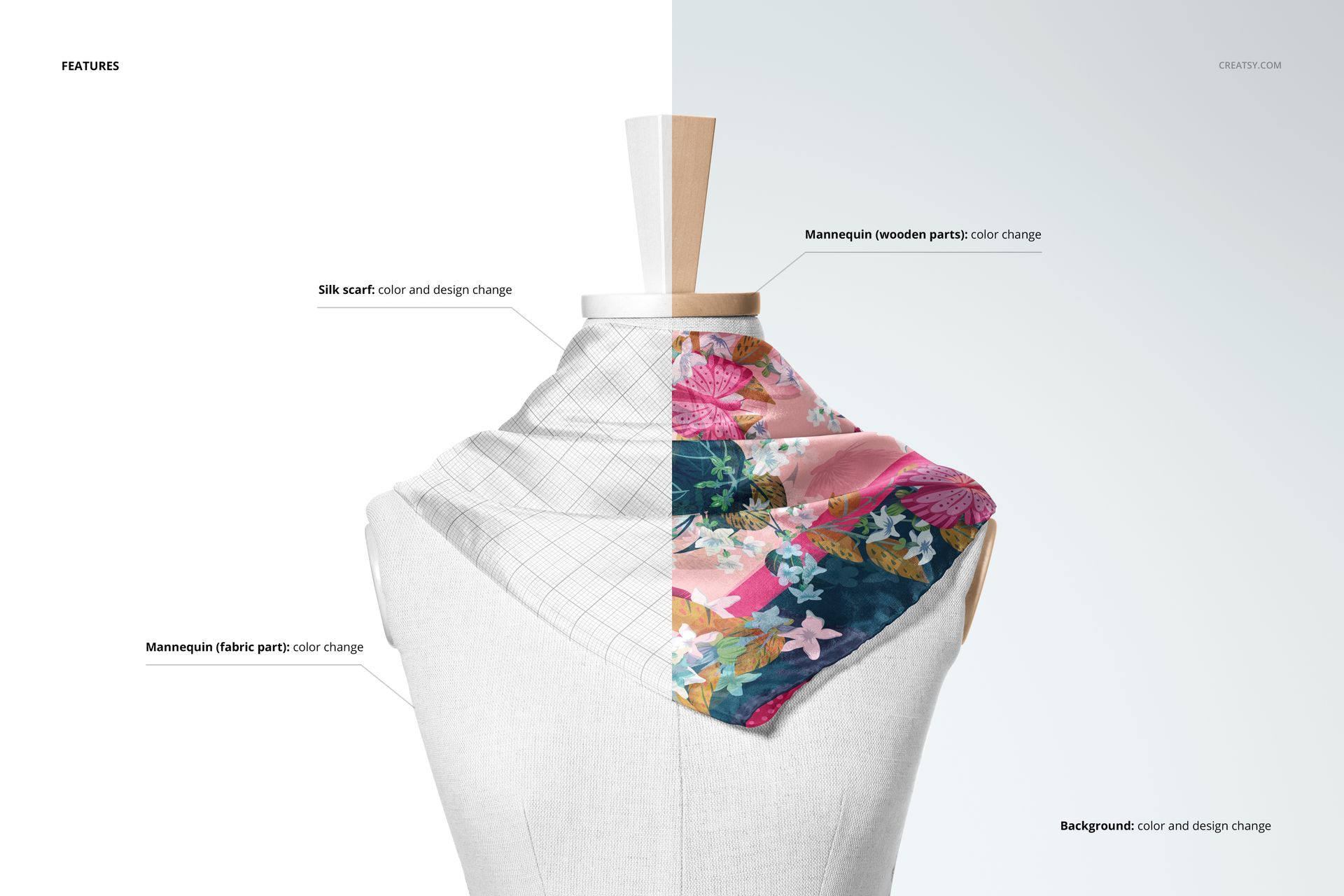
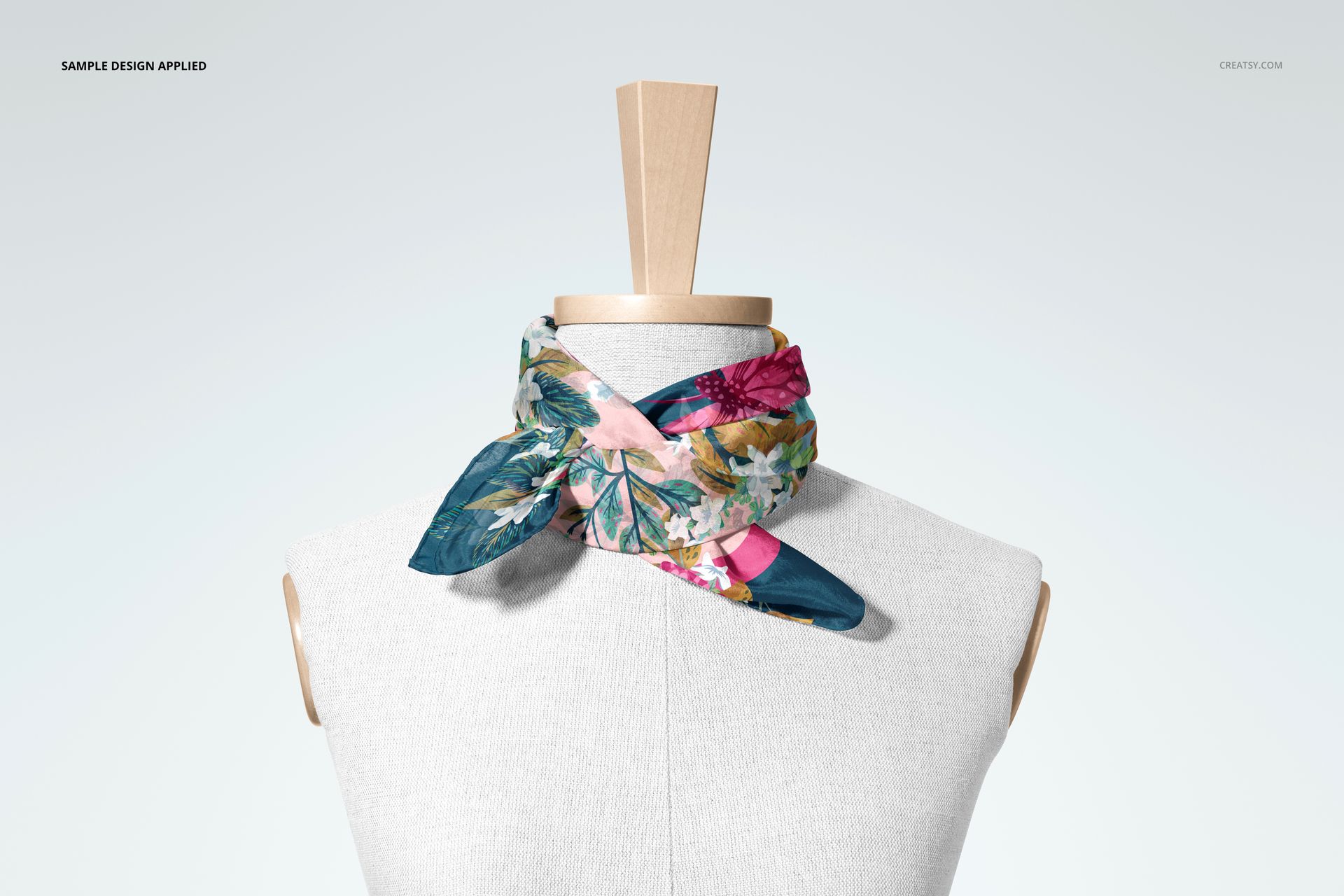
The represented scarf features hand-rolled borders. Instead of relying on one flat preview, you can present a short neck tie, an open shoulder drape, a long two-ended look, and an asymmetrical style. Change the scarf artwork and color, adjust the wooden and textile sections of the mannequin independently, and build a setting with a custom background color or design.
What Is Included
4 layered PSD mockup scenes with well-organized layers
4 JPG reference previews in portrait, landscape, and square formats
1 step-by-step PDF user manual
9 files in total
Four Styling Views for One Rectangular Scarf
Compare how the same pattern performs across compact, open, long, and asymmetrical drapes. The varied arrangements make it easier to judge repeat scale, motif placement, border treatment, and the balance between the center panel and hanging ends.
Editable Display and Background
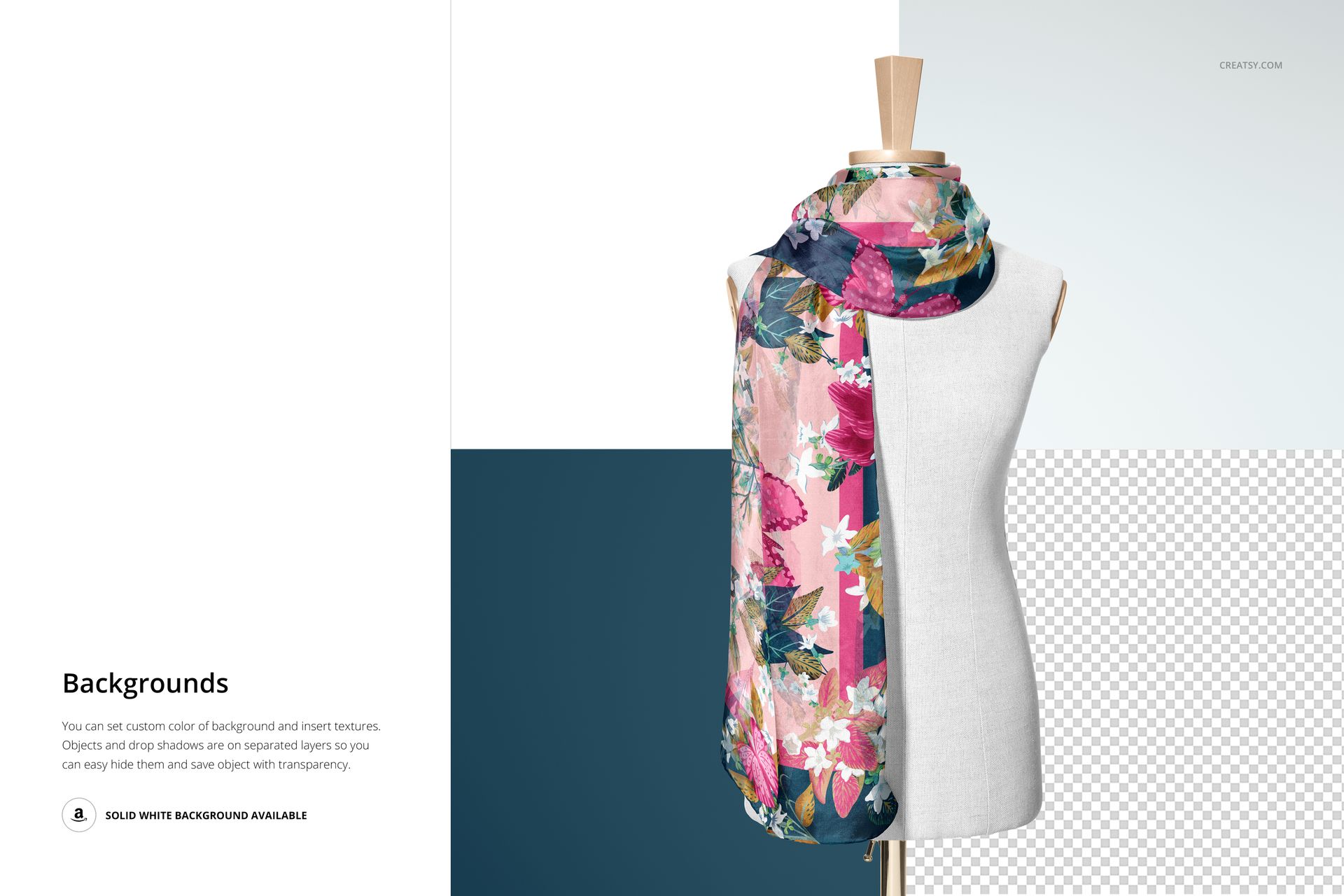
Customize the scarf, the wooden mannequin elements, the textile mannequin surface, and the background. Lighting and shadow layers help artwork settle into the folds, while separate scene objects and shadows can be hidden for a cleaner composition, a white background, or a transparent export.
Easy Smart Object Editing
Place artwork through Smart Objects, refine colors, and update each scene without rebuilding the composition. Adobe Photoshop CC2020 or newer is officially listed for this product. The current Creatsy workflow can also be used for Smart Object edits in Photopea, but complex layered behavior may differ because the product compatibility field names Photoshop only.
Perfect For
Surface pattern and textile designers presenting scarf artwork
Silk scarf labels and fashion accessory brands comparing colorways
Illustrators preparing client approvals or portfolio visuals
Ecommerce sellers building a varied gallery without a physical sample
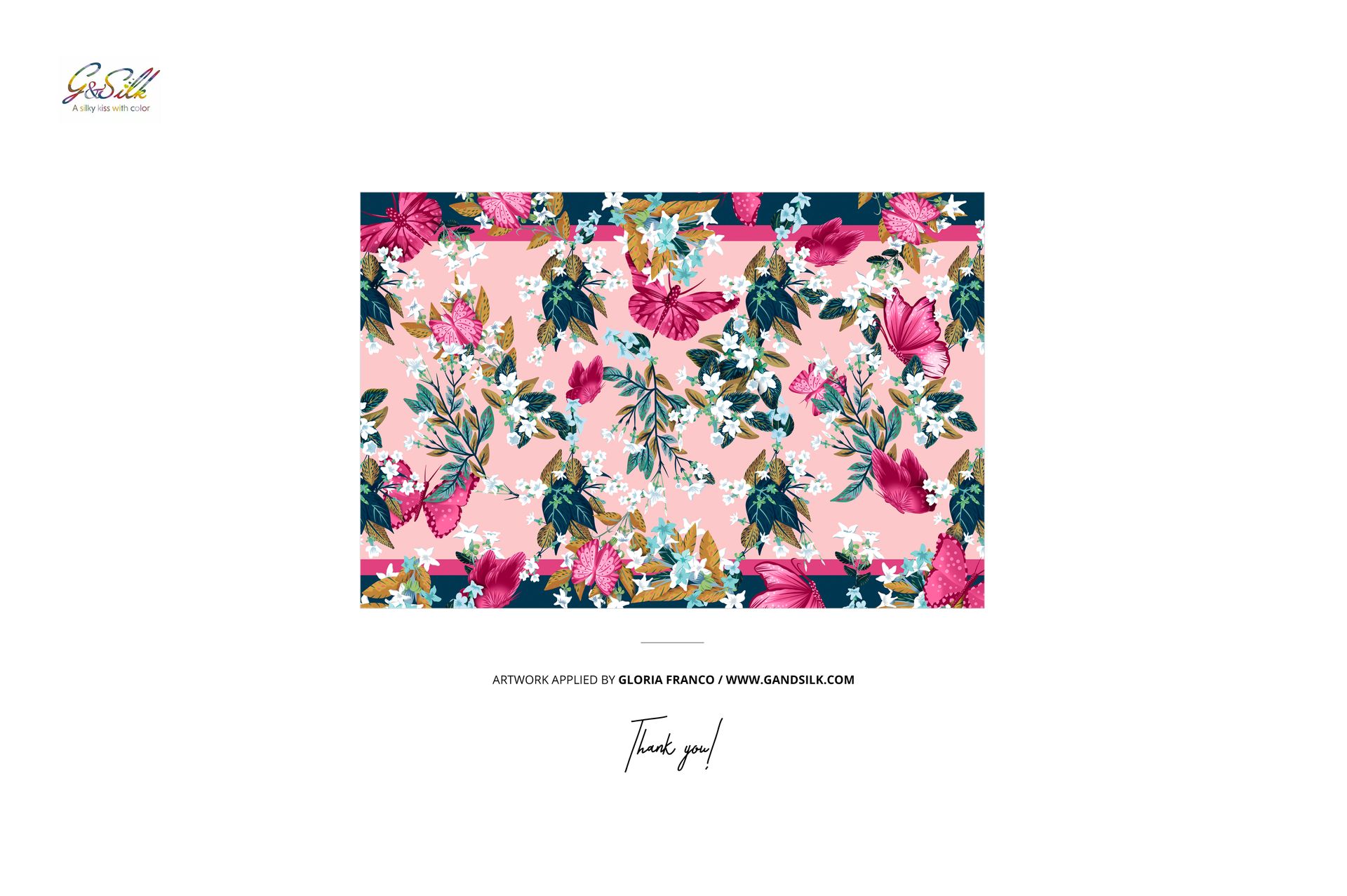
This is a digital mockup product. The sample artwork shown in the previews is used for presentation only and is not included.