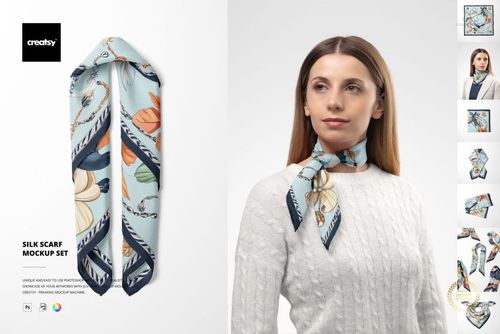
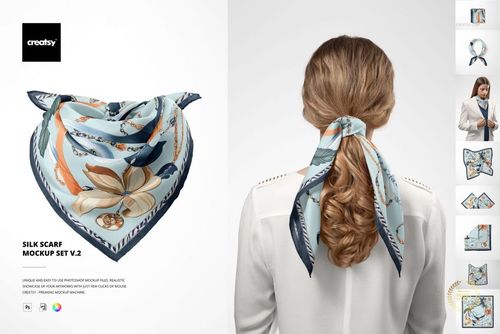
Habotai Silk Scarf on Mannequin Head Mockup Set
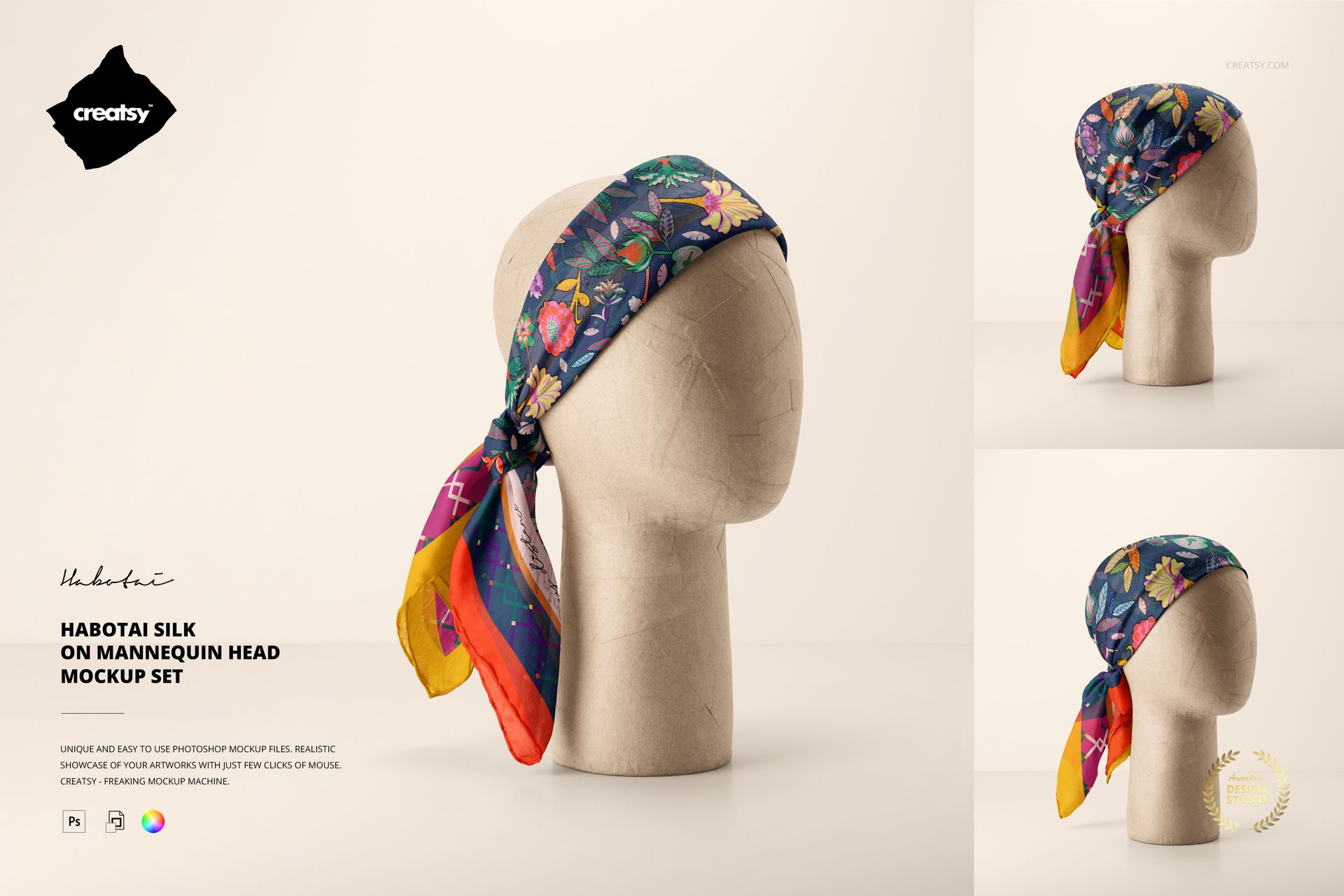
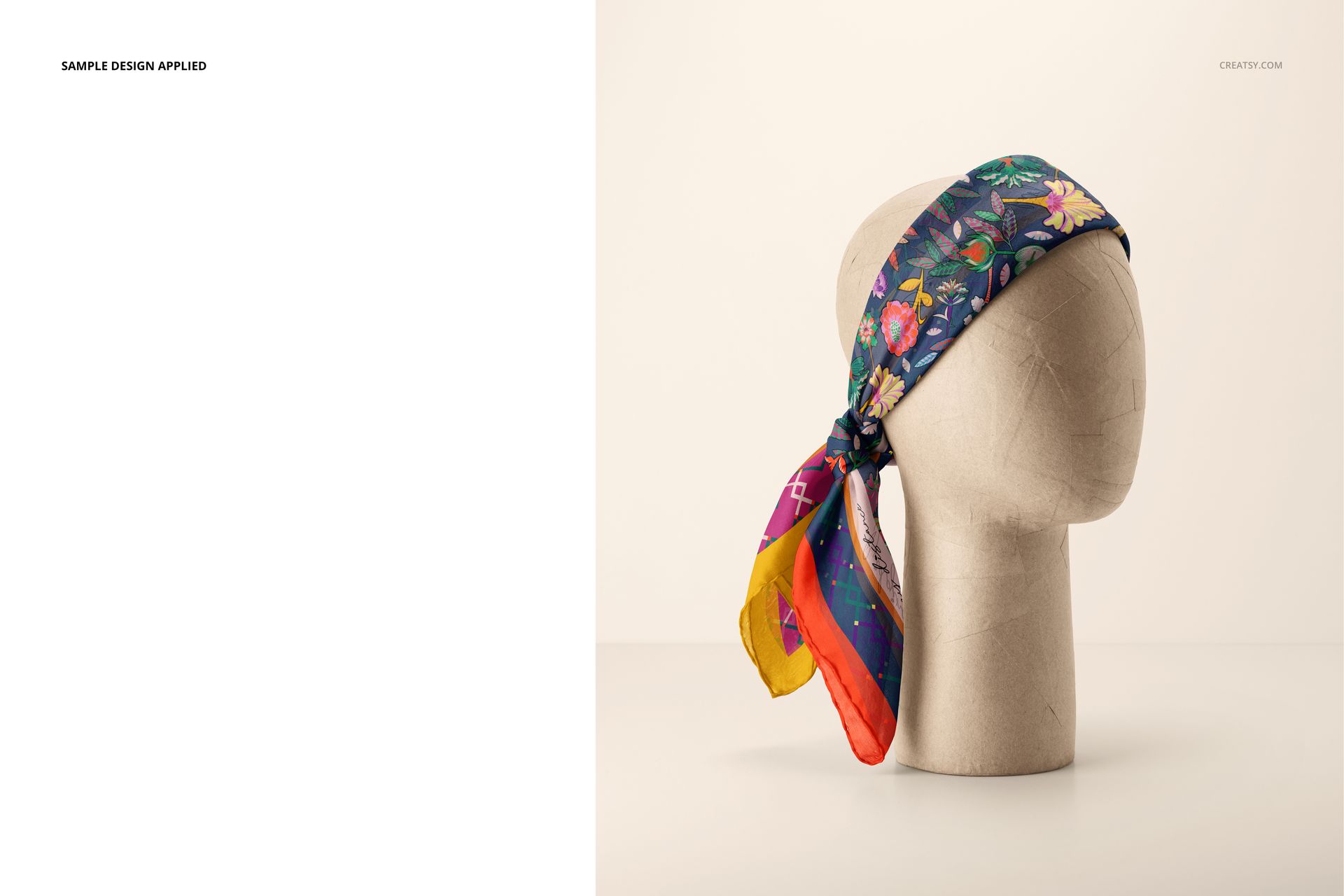
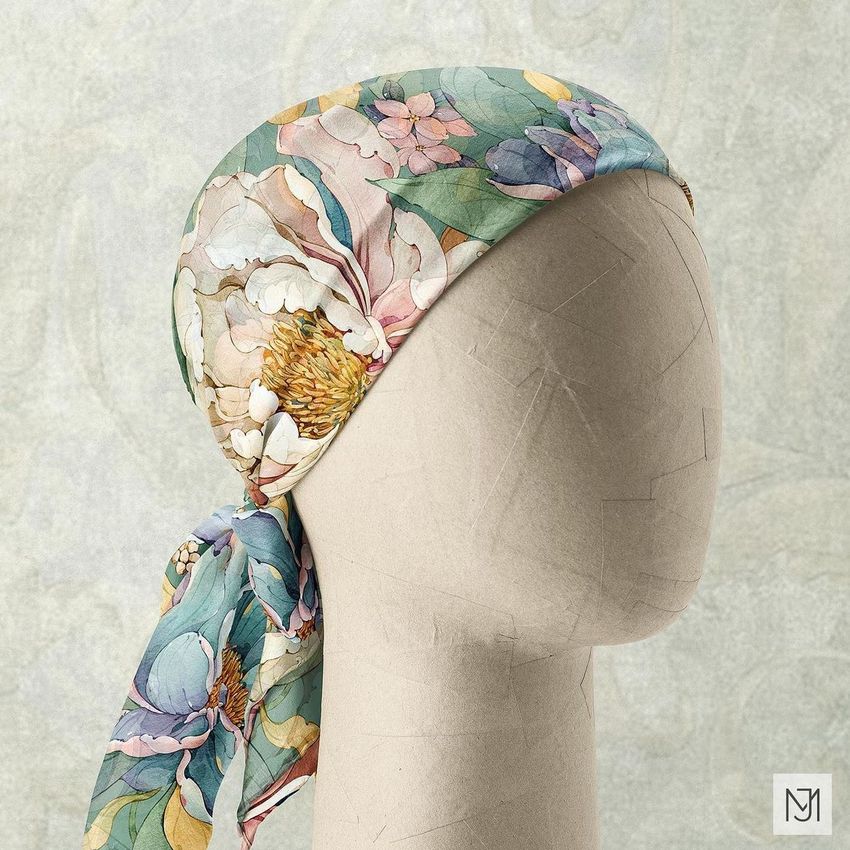
Show how a rectangular silk scarf looks when wrapped and tied around the head in three clean studio scenes. Front, side, and rear-oriented arrangements reveal the pattern across the crown, folded edge, knot, and hanging ends, giving buyers a clear sense of scale and styling.
The mockup represents a 140 × 70 cm habotai silk scarf with hand-rolled borders. Its neutral mannequin keeps attention on the artwork while providing the wearing context that a flat layout cannot show.
What Is Included
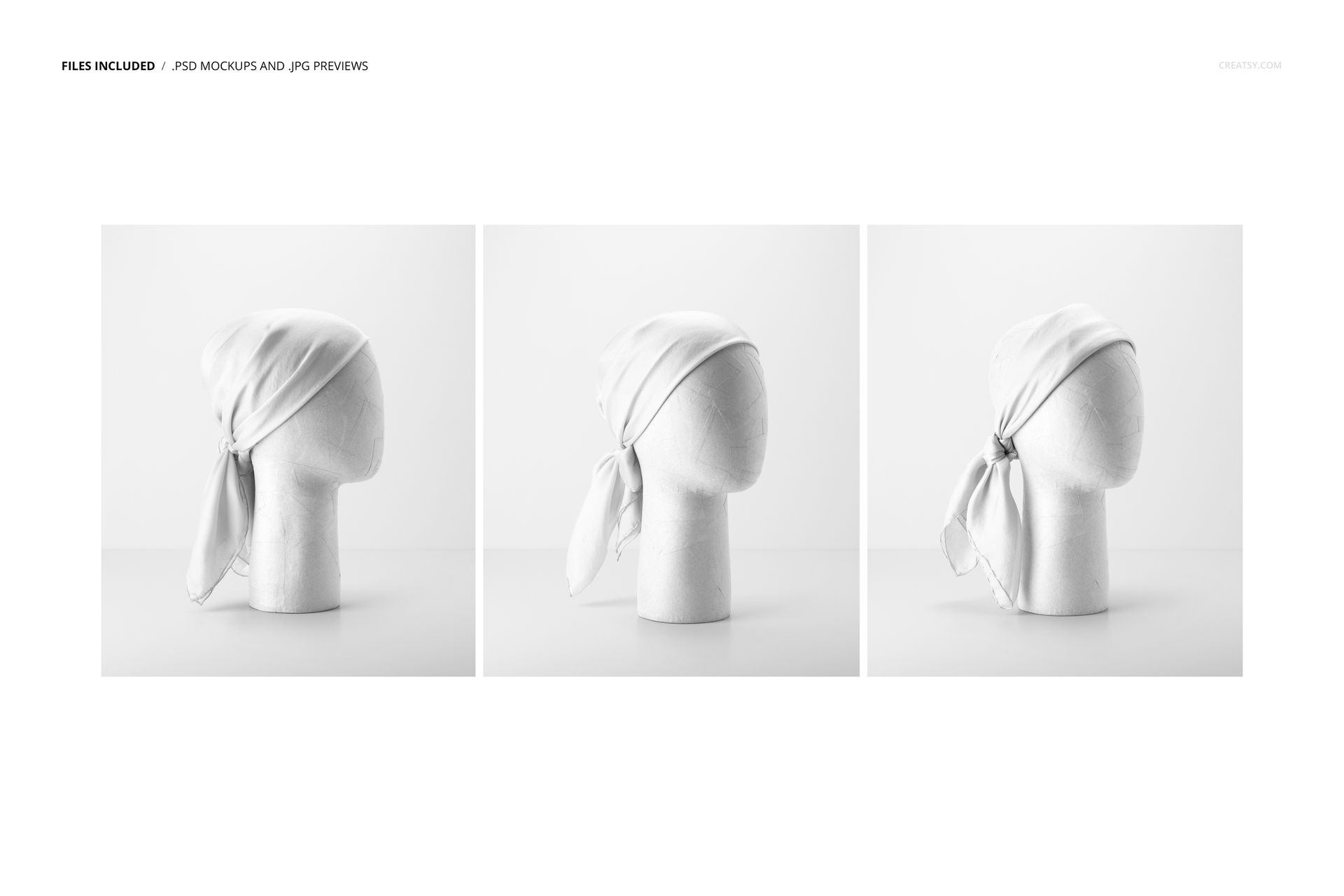
3 layered PSD mockup files at 6000 × 4000 px and 300 DPI
3 compact JPG reference previews at 256 × 307 px
1 PDF user manual
7 files in total
3 landscape scenes with distinct scarf arrangements and viewing angles
Three Headwear Styling Views
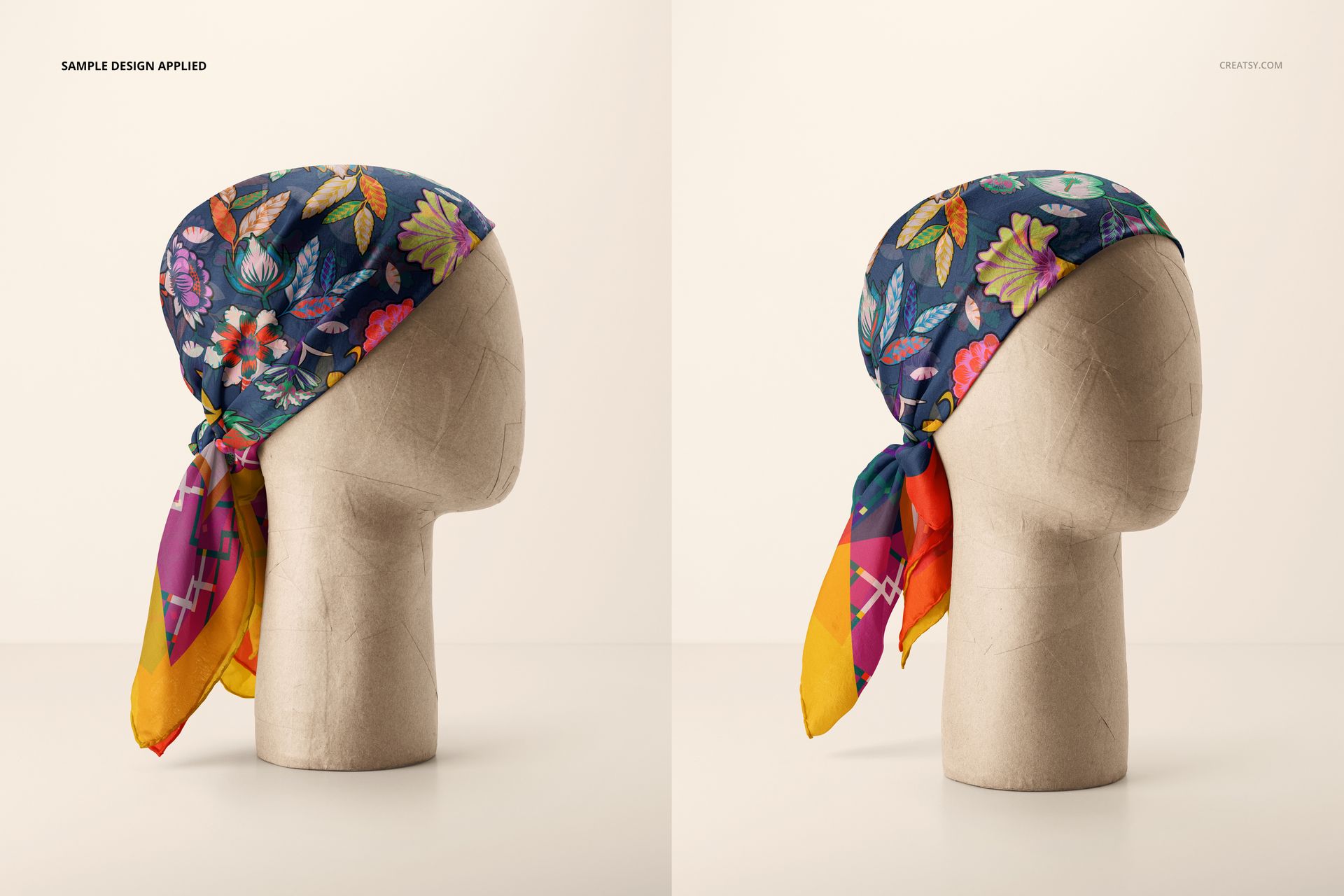
Compare how artwork sits across different wraps and knots around a mannequin head. The coordinated views help evaluate motif placement, border visibility, color transitions, and the amount of artwork revealed in each styling option.
Smart Object Editing and Scene Controls
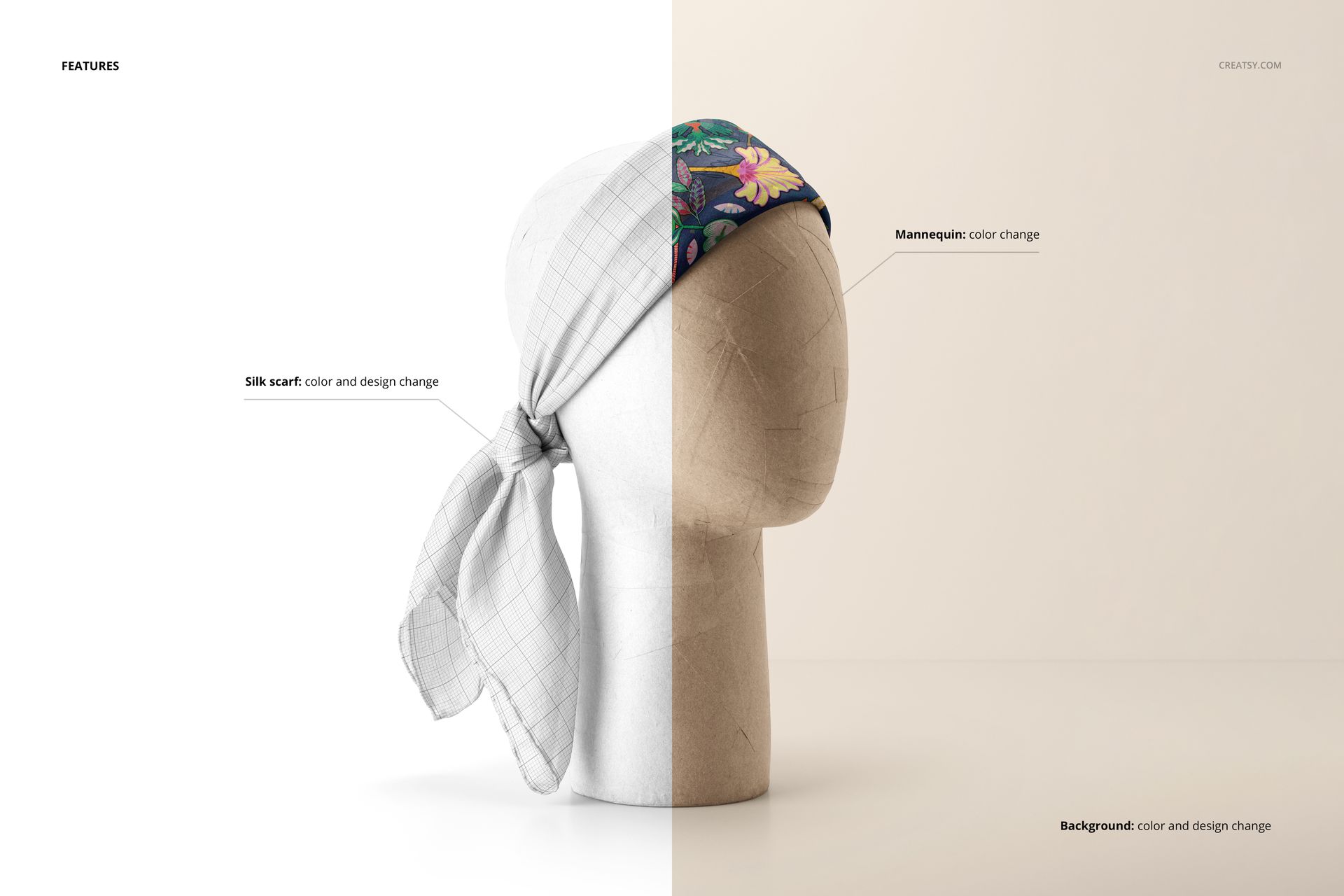
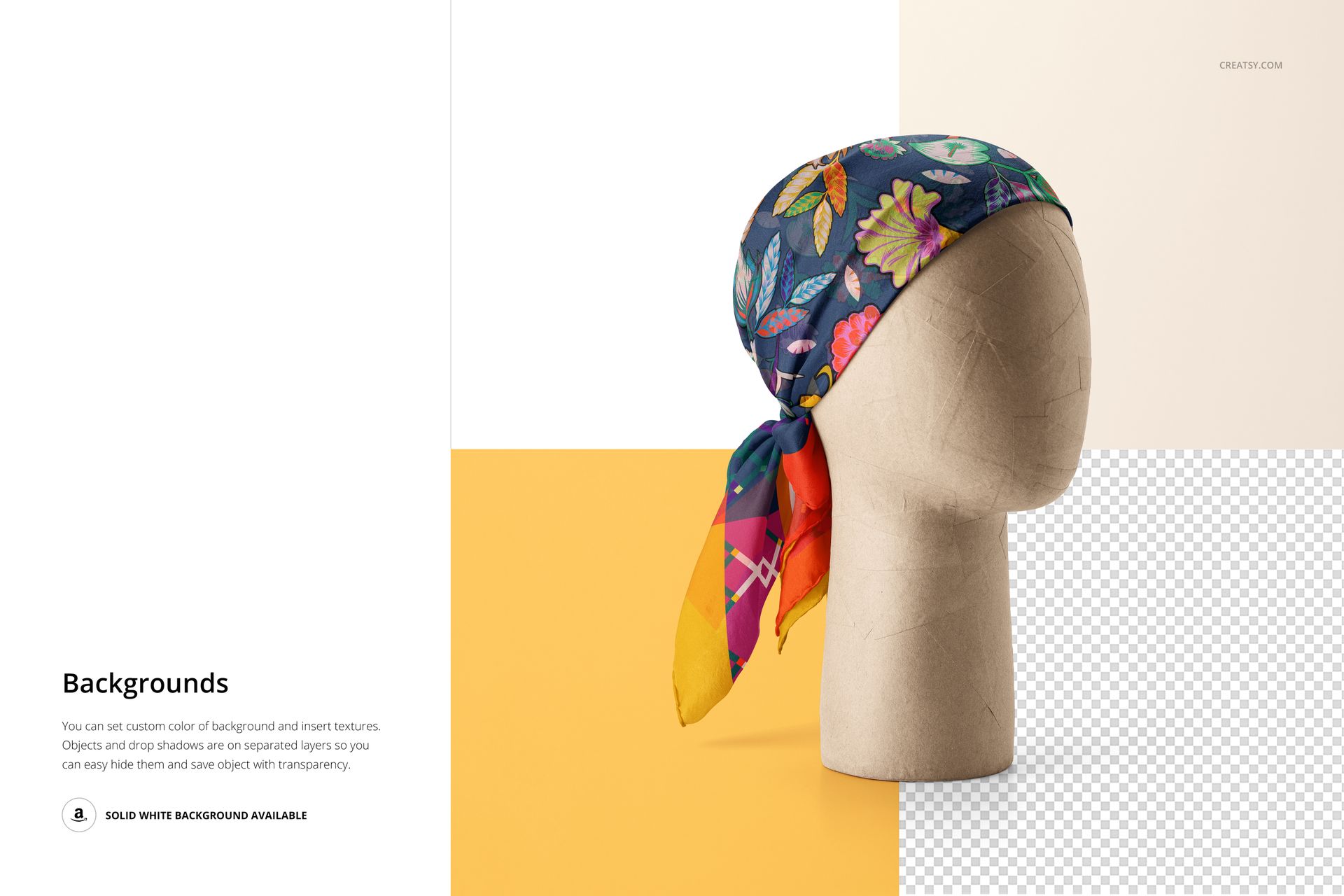
Place a repeat pattern, illustration, gradient, or solid color through Smart Objects. Change the scarf artwork and color, adjust the mannequin color, and customize the background with a color or design. Objects and drop shadows are separated, allowing white or transparent-background exports when needed.
Software Compatibility
Full compatibility is specified for Adobe Photoshop CC2020 or newer. The current Creatsy workflow also offers editing in Photopea, although complete support for every complex layered feature is guaranteed only in Photoshop.
Perfect For
Silk scarf and fashion accessory brands
Surface pattern and textile designers
Fashion illustrators and licensing artists
Ecommerce galleries and lookbooks
Client styling approvals and collection presentations
Digital product: No physical scarf or mannequin is included or shipped. The sample artwork and customer design shown in the previews are not included.