

Baby Crib Nursery Mockup Collection
Product Details
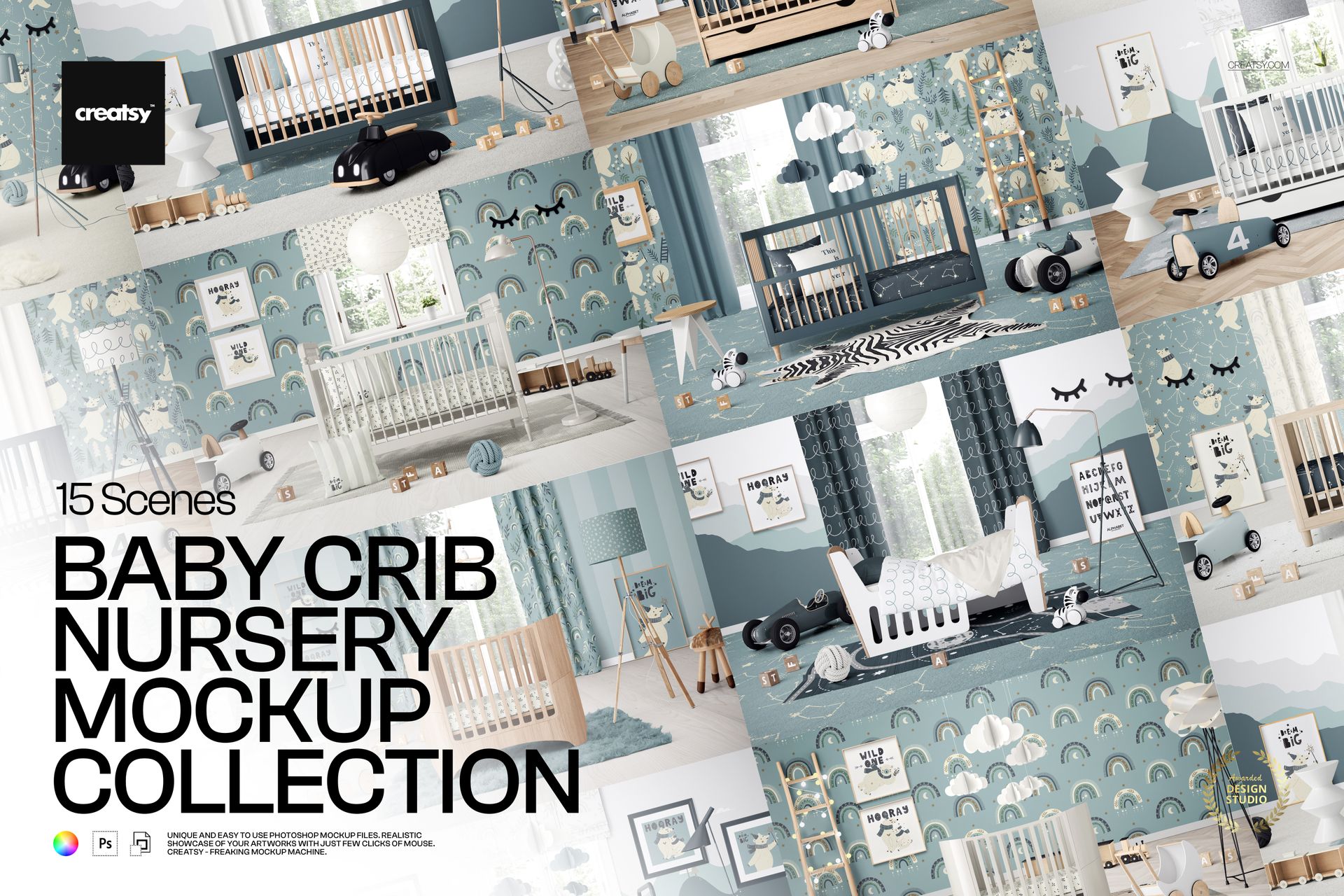
Baby Crib Nursery Mockup Collection with 15 PSD Scenes
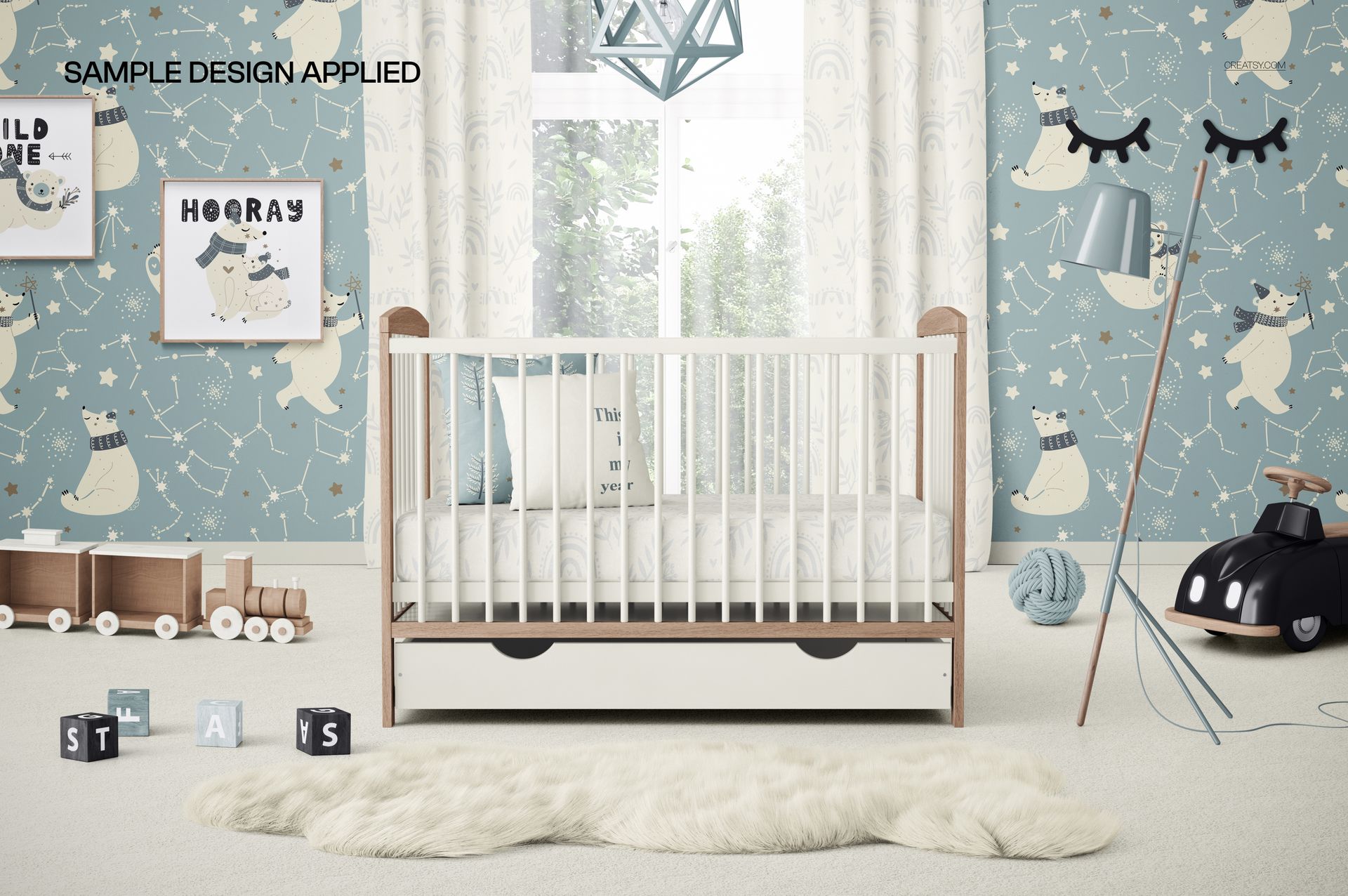
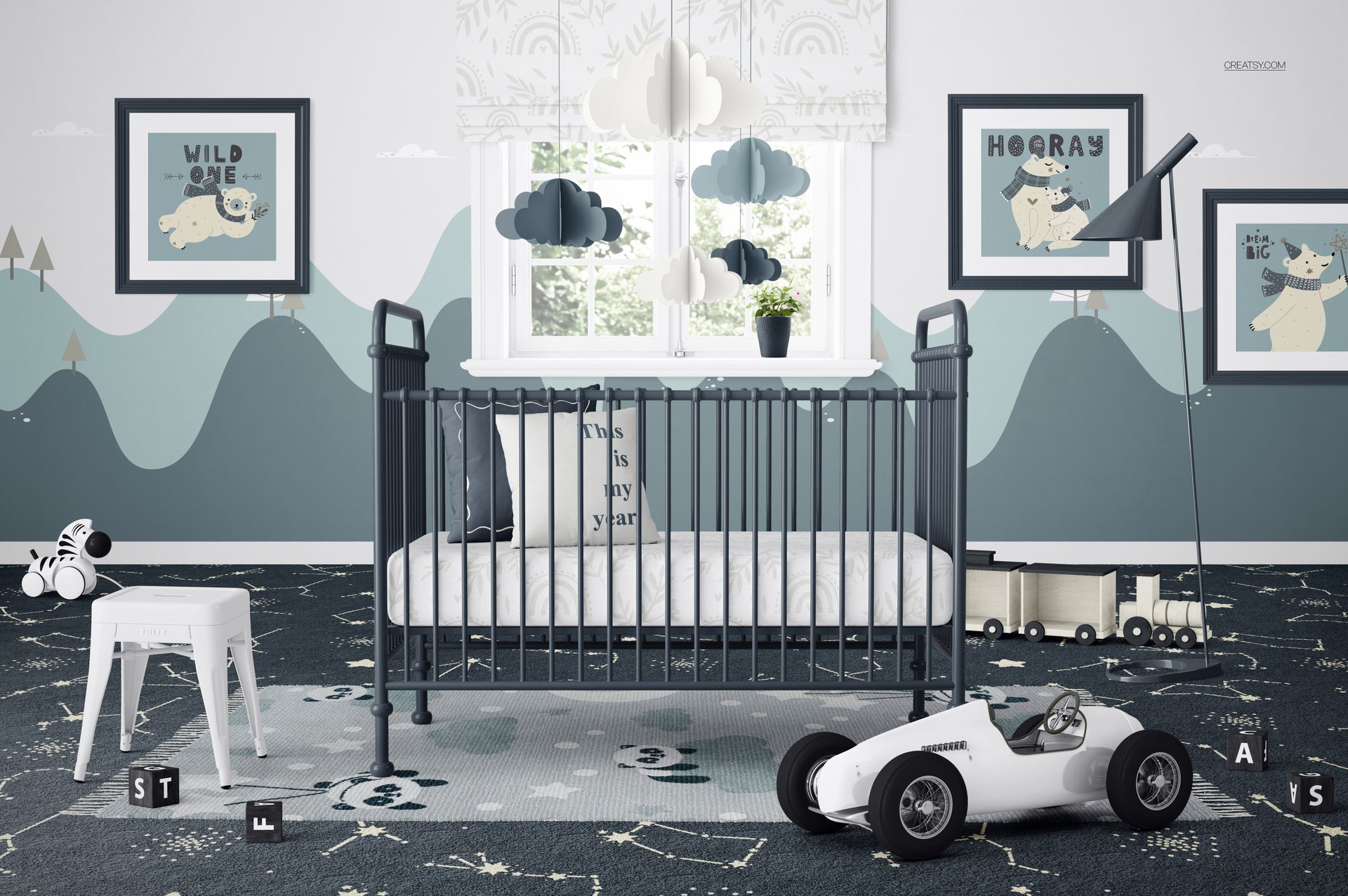
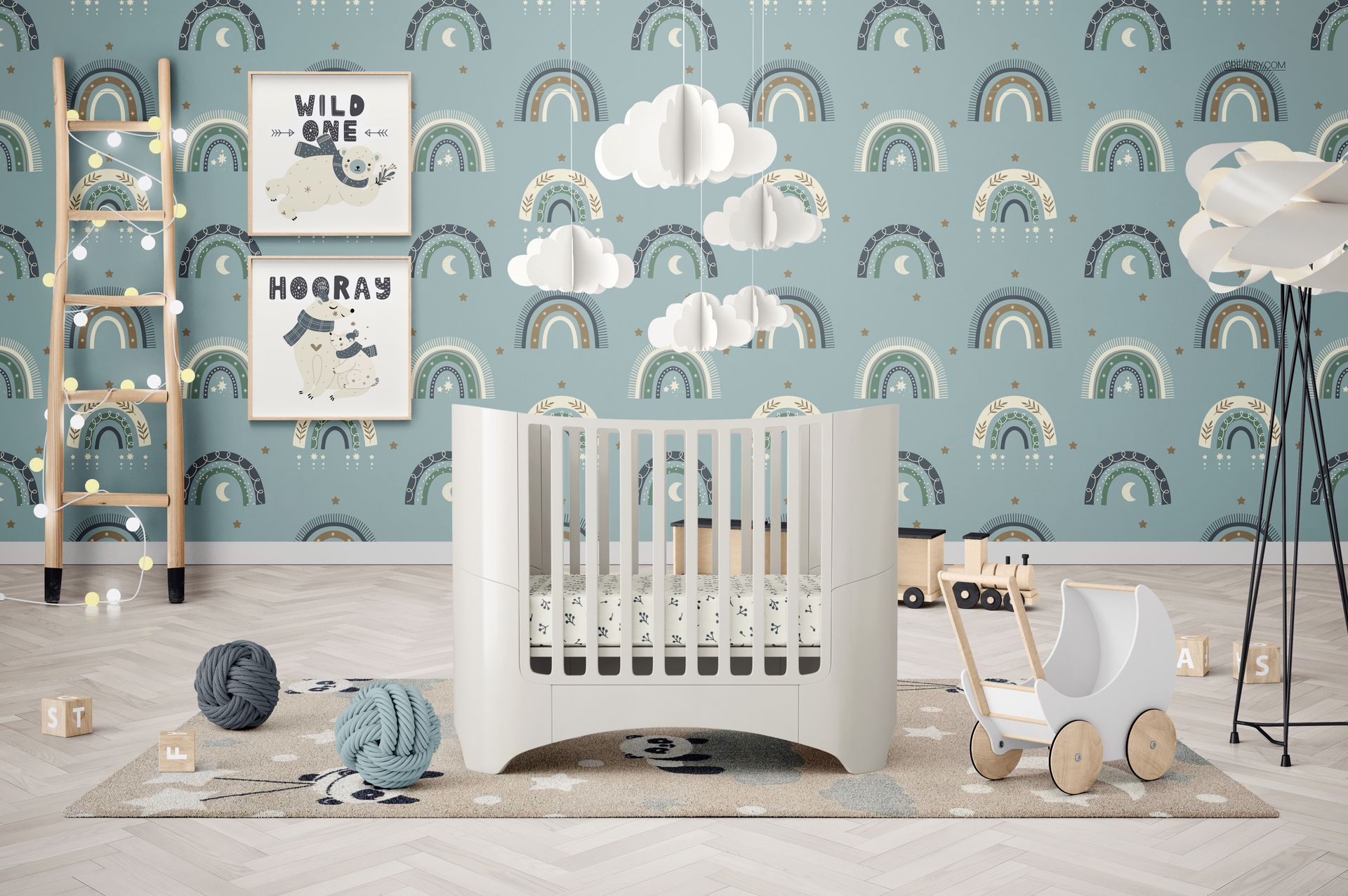
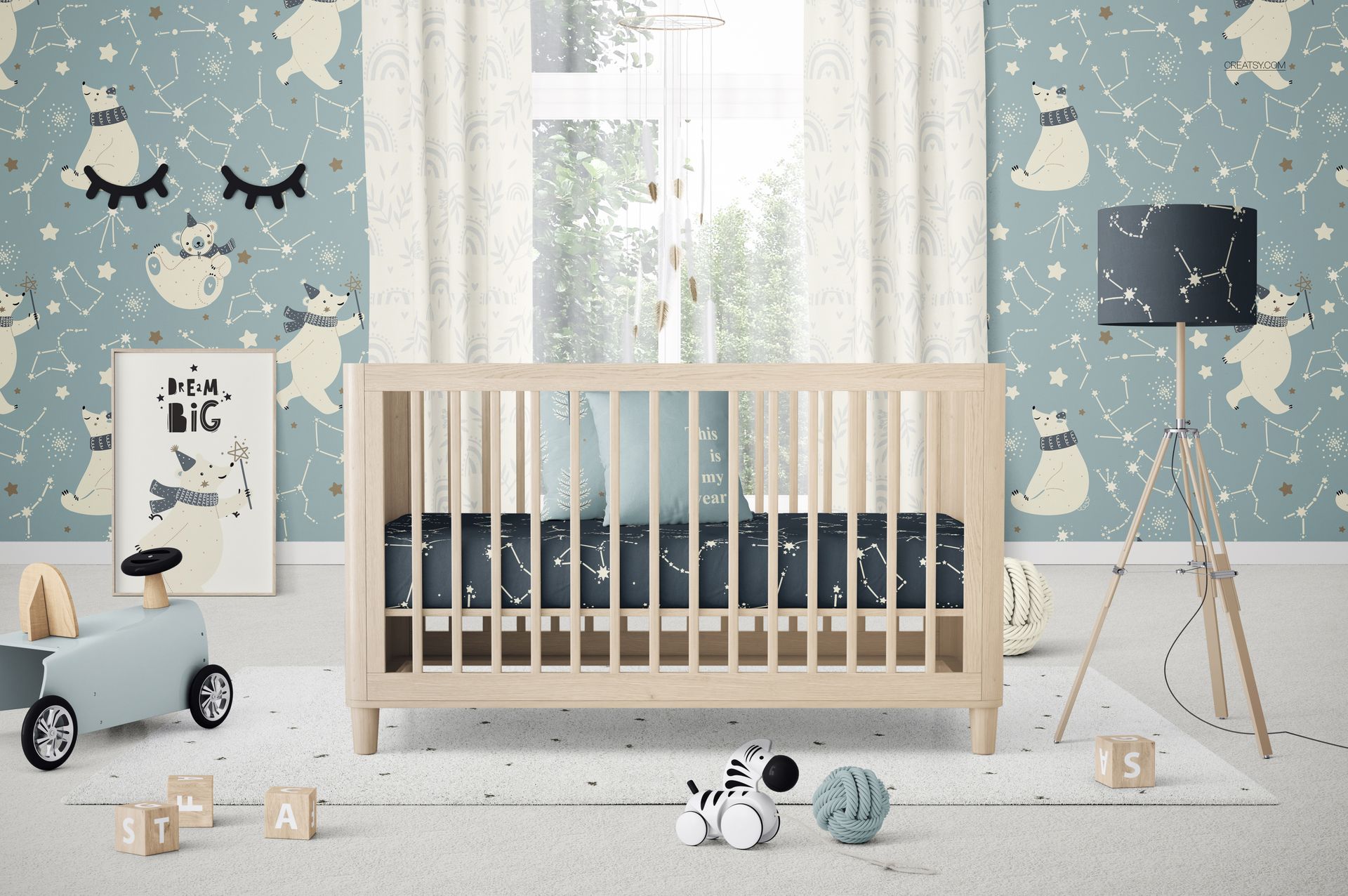
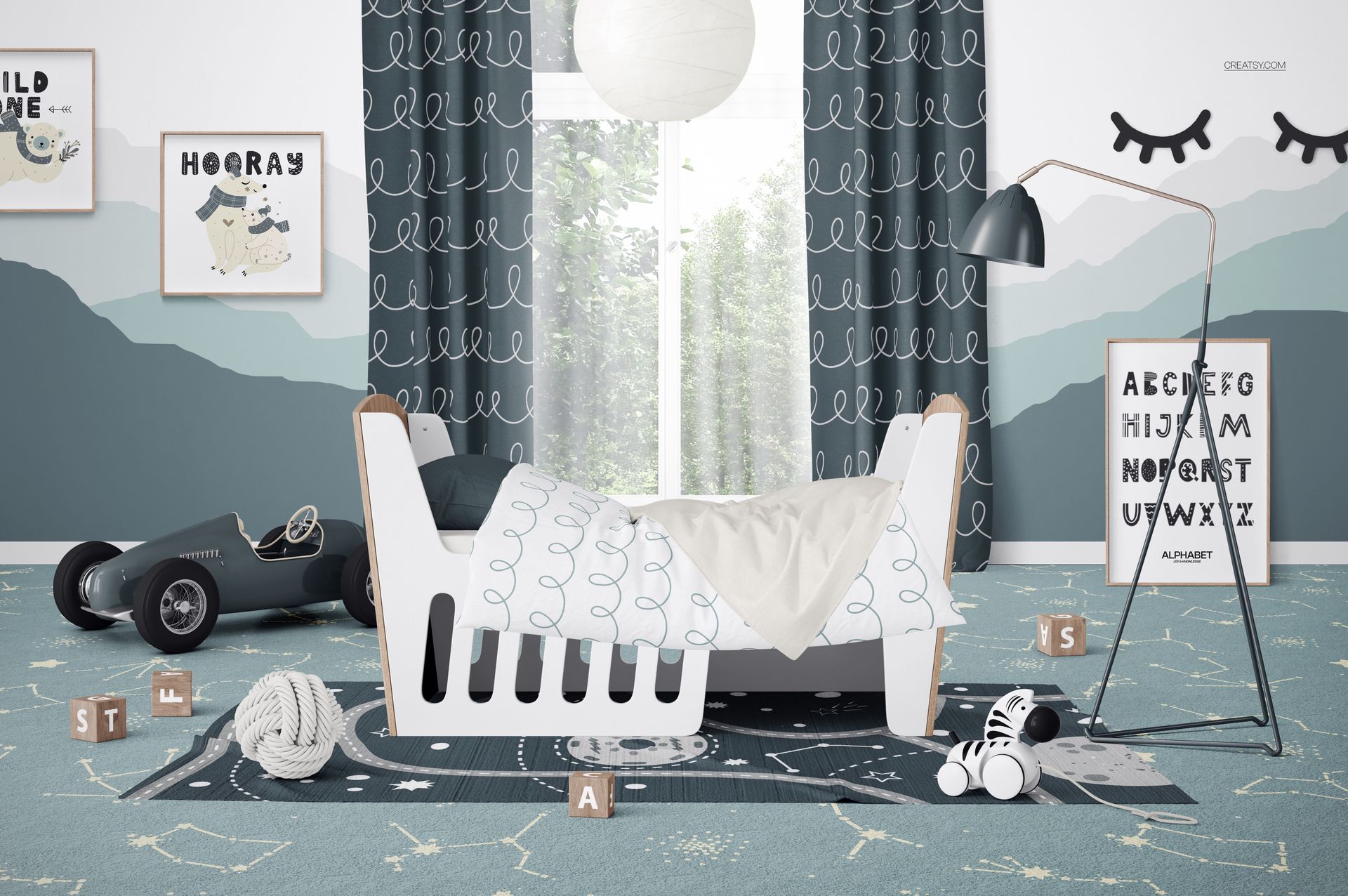
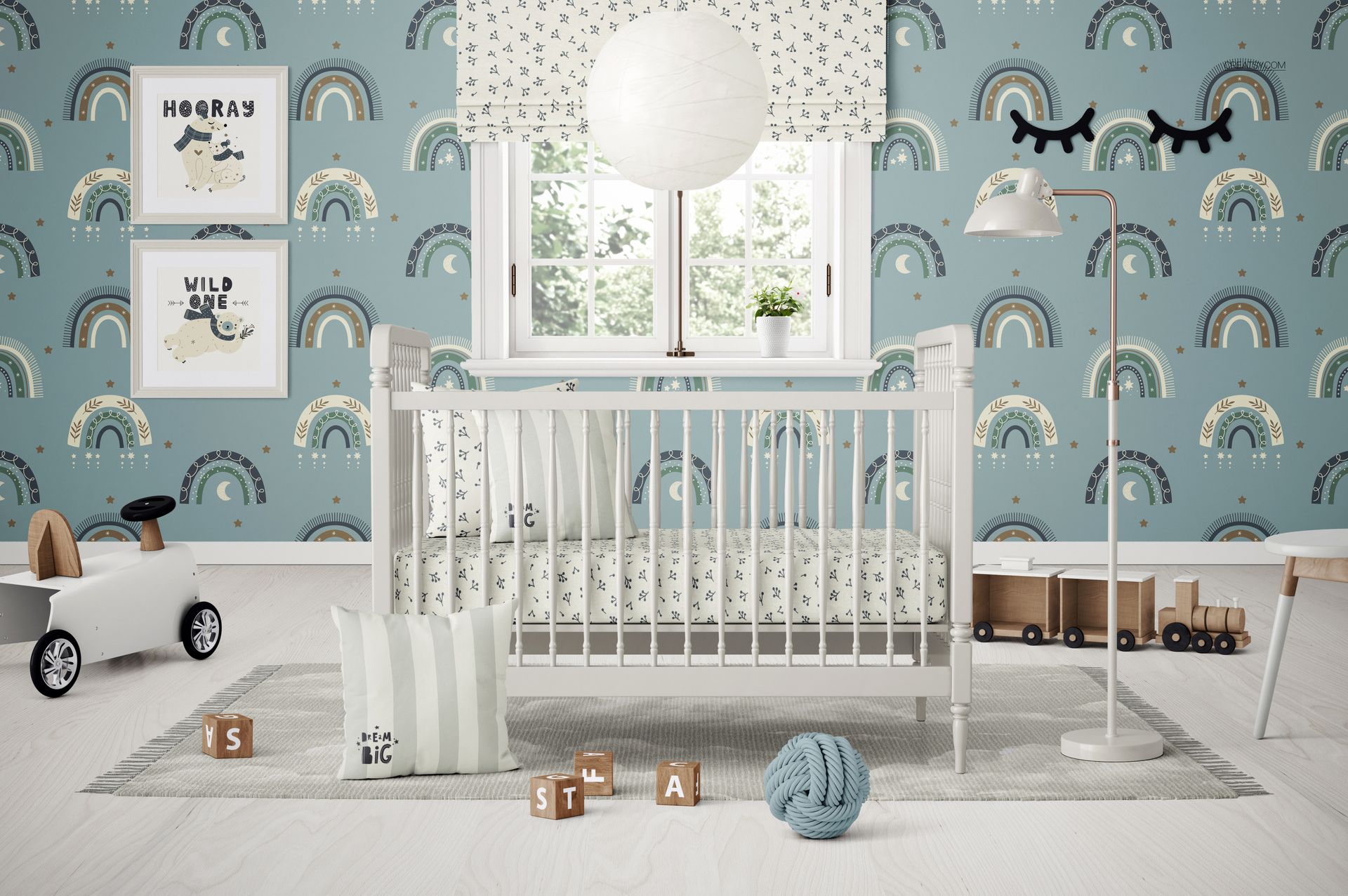
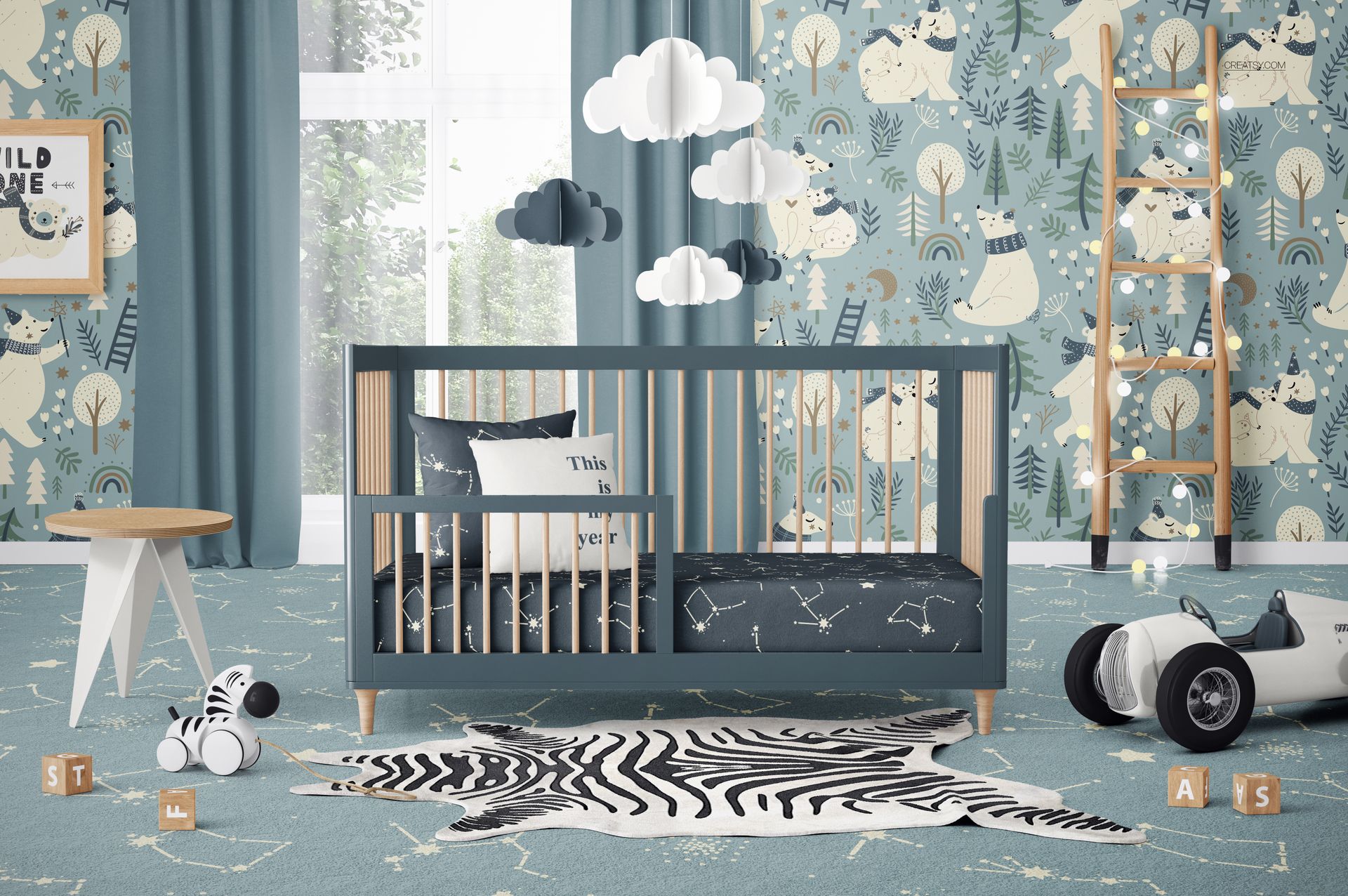
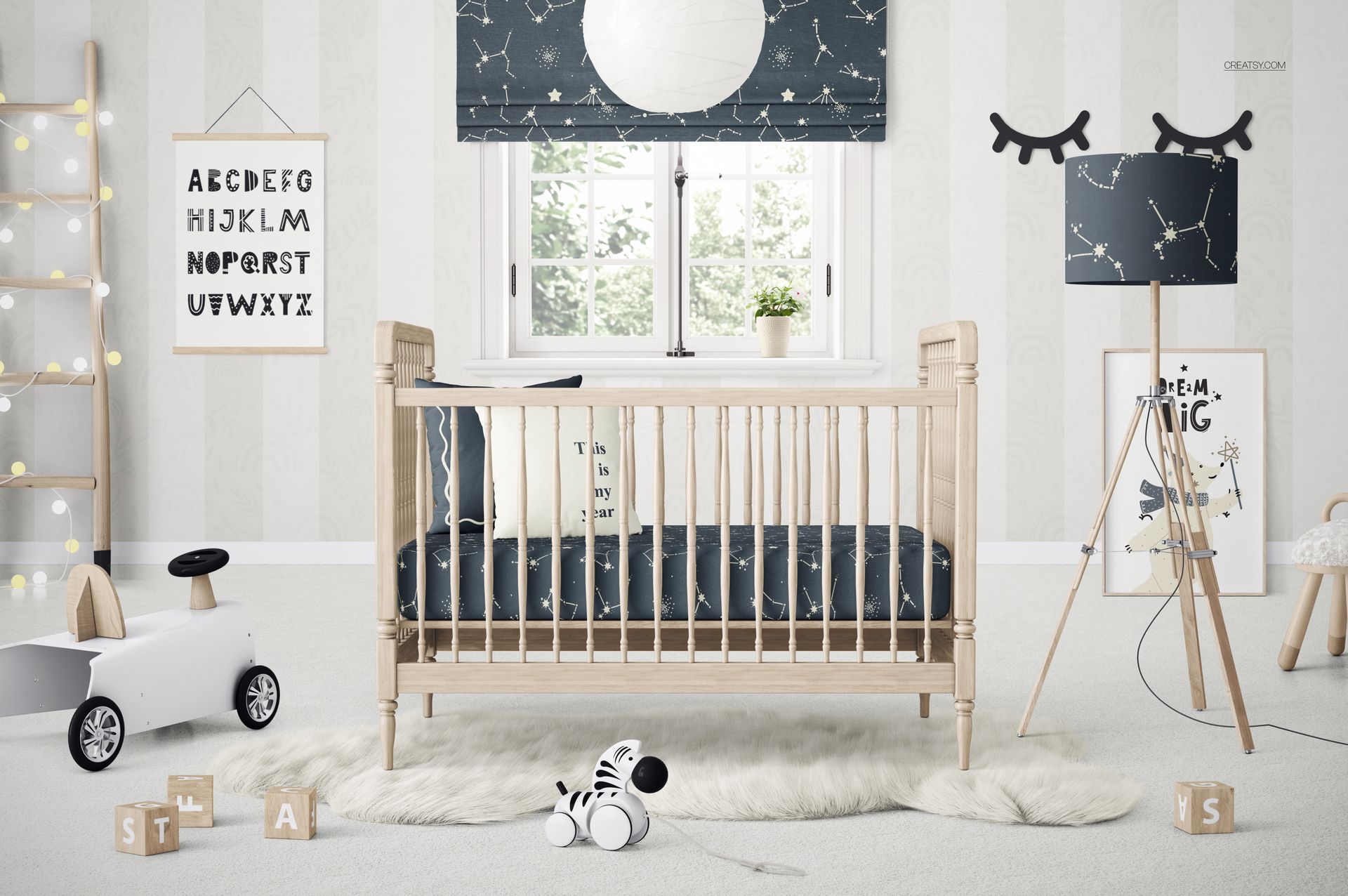
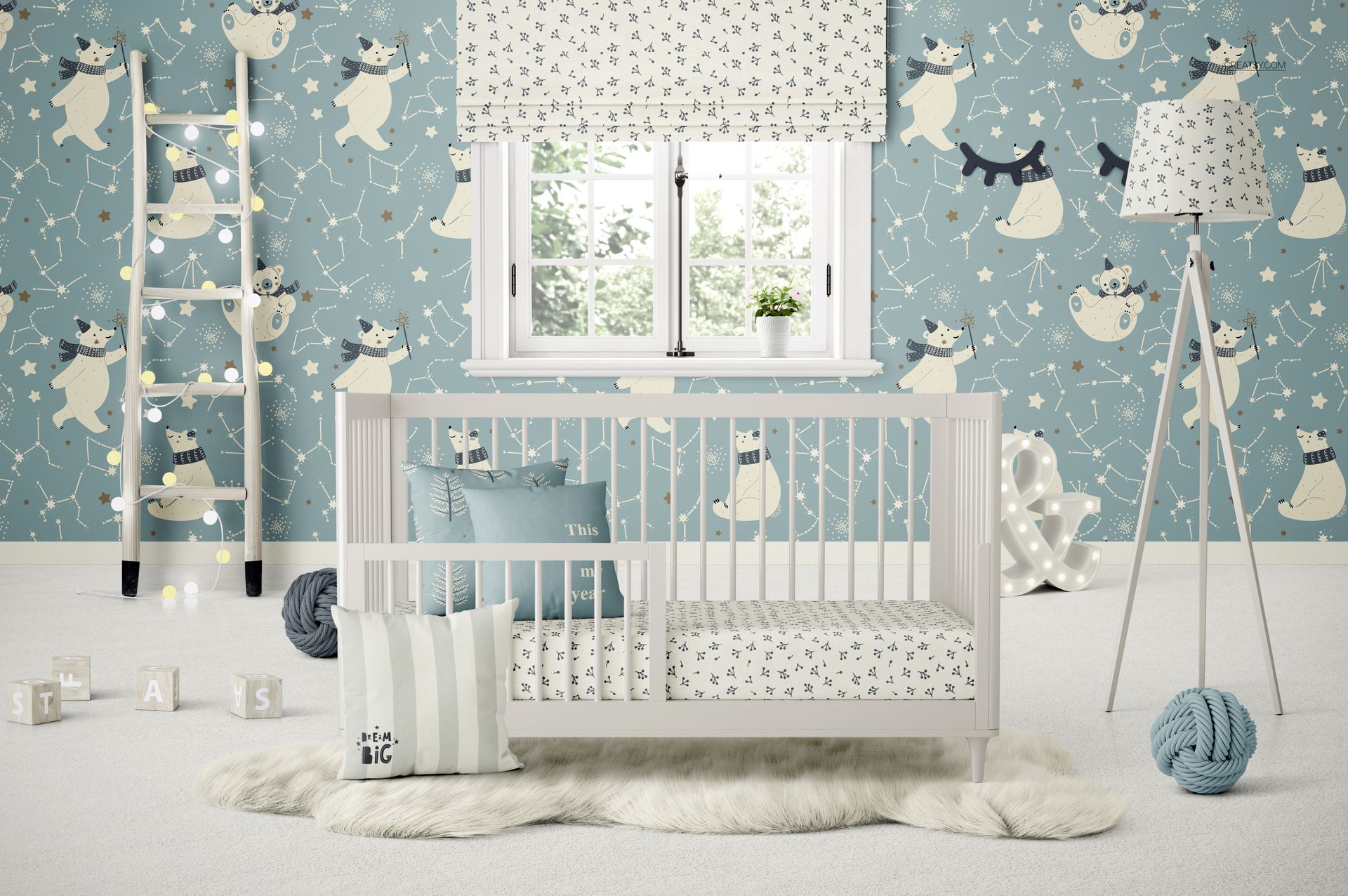
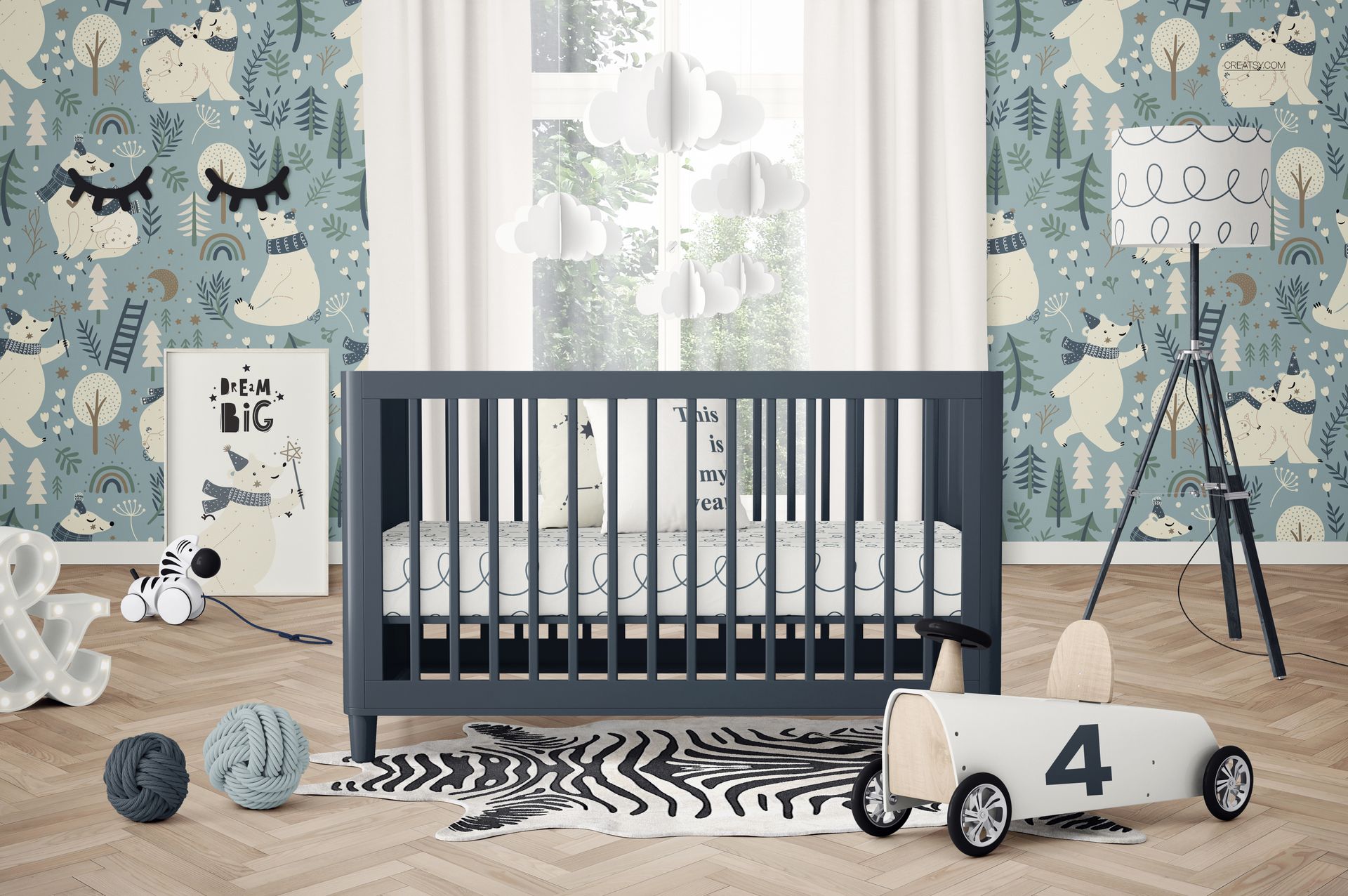
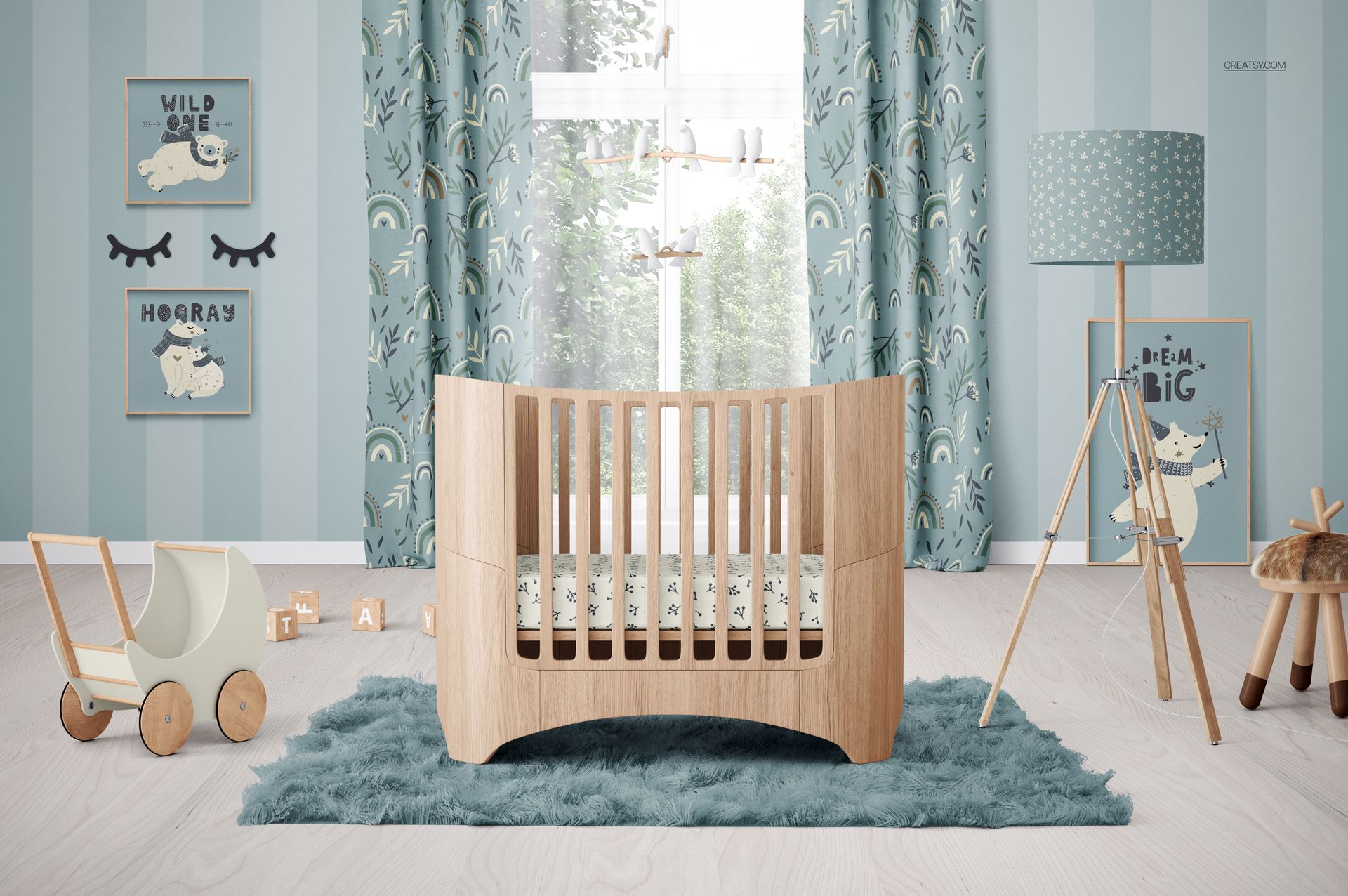
Present bedding, wallpaper, nursery textiles and wall art across 15 coordinated baby room mockups. The collection combines high-resolution interiors with different crib styles, decorative layouts and practical product angles, helping one design range look consistent across online store listings, catalogs, portfolios and client presentations.
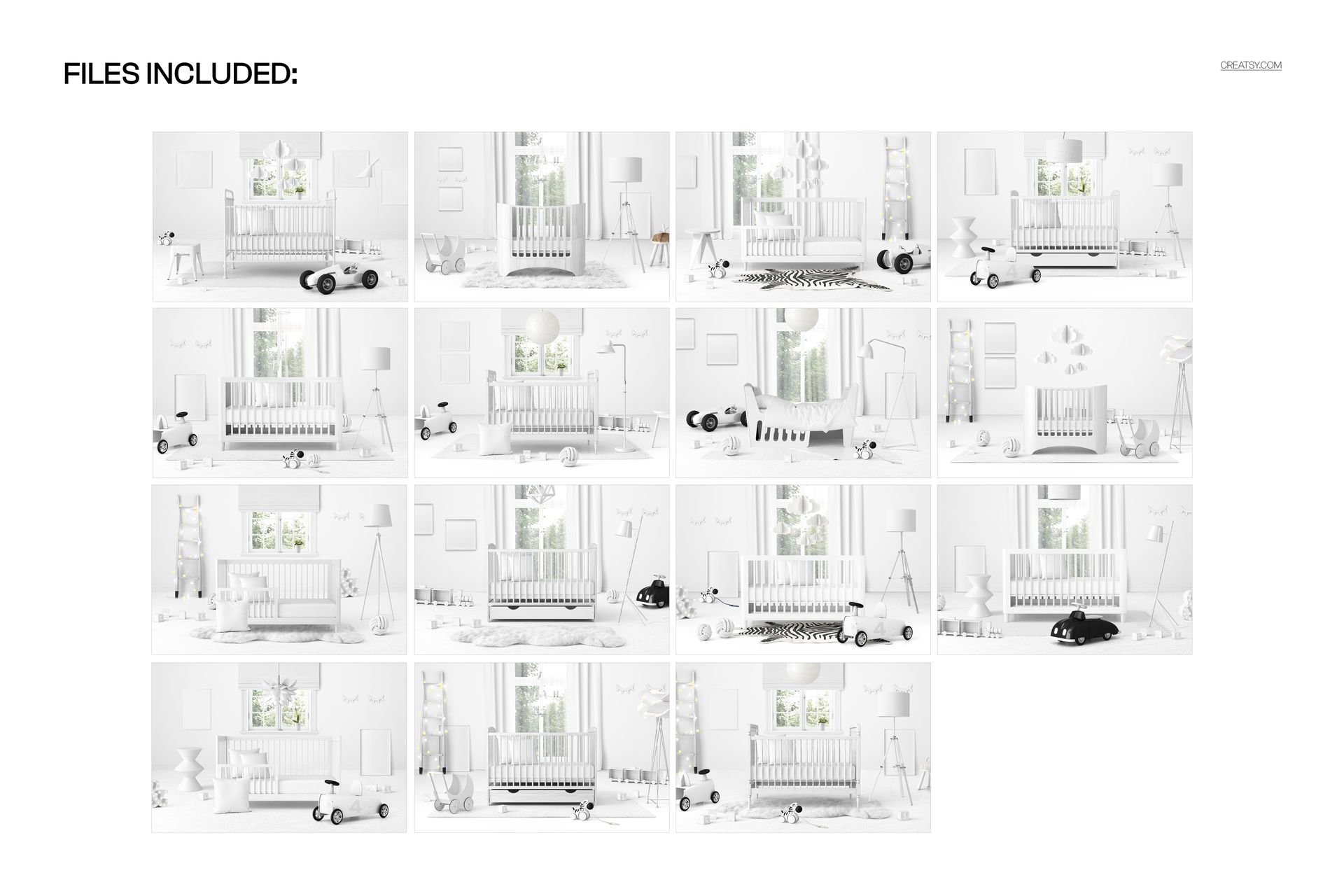
The scenes include traditional baby cribs, vintage wooden and metal models, oval cribs, designs with storage drawers, a convertible crib with a toddler rail and a toddler bed. Additional compositions place cribs beneath a window, beside a floor lamp or with a toy pram and other nursery props.
Included Collection
15 layered PSD mockup files
15 distinct nursery and kids room scenes
Each PSD is 6000 x 4000 px at 300 DPI
PSD and JPG file formats listed in the bundle details
Smart Object artwork replacement
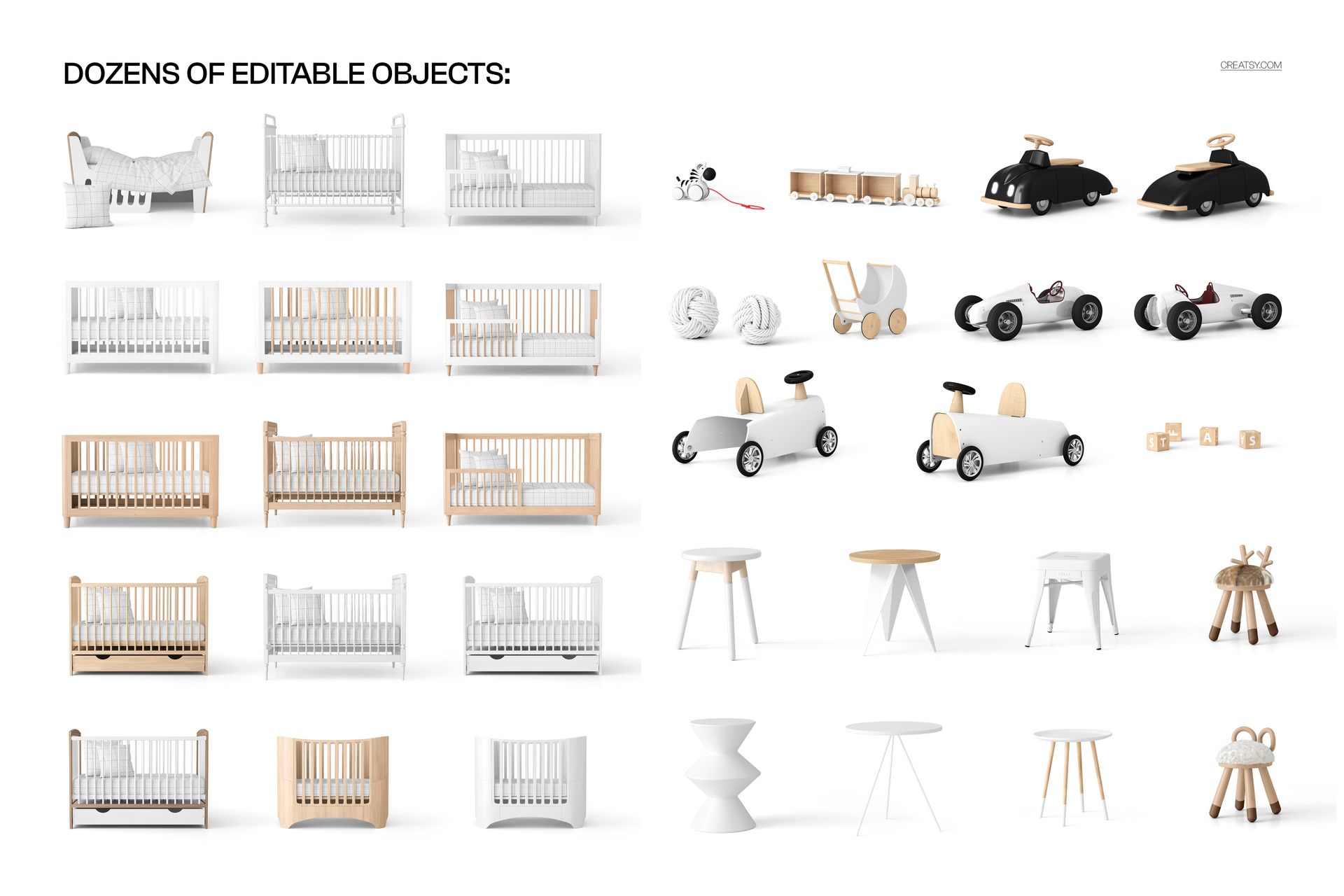
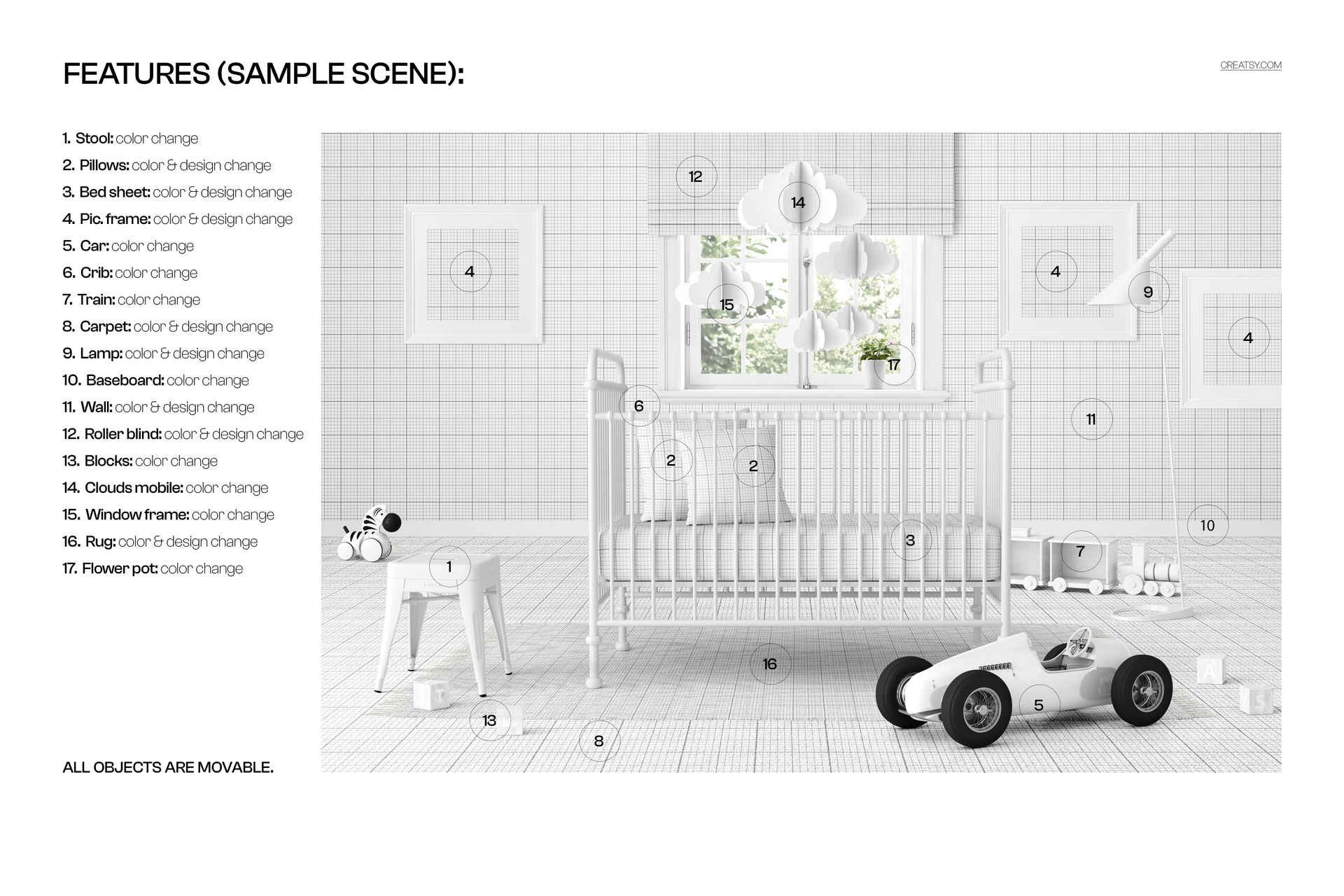
Dozens of editable room objects
Clearly organized layers for efficient customization
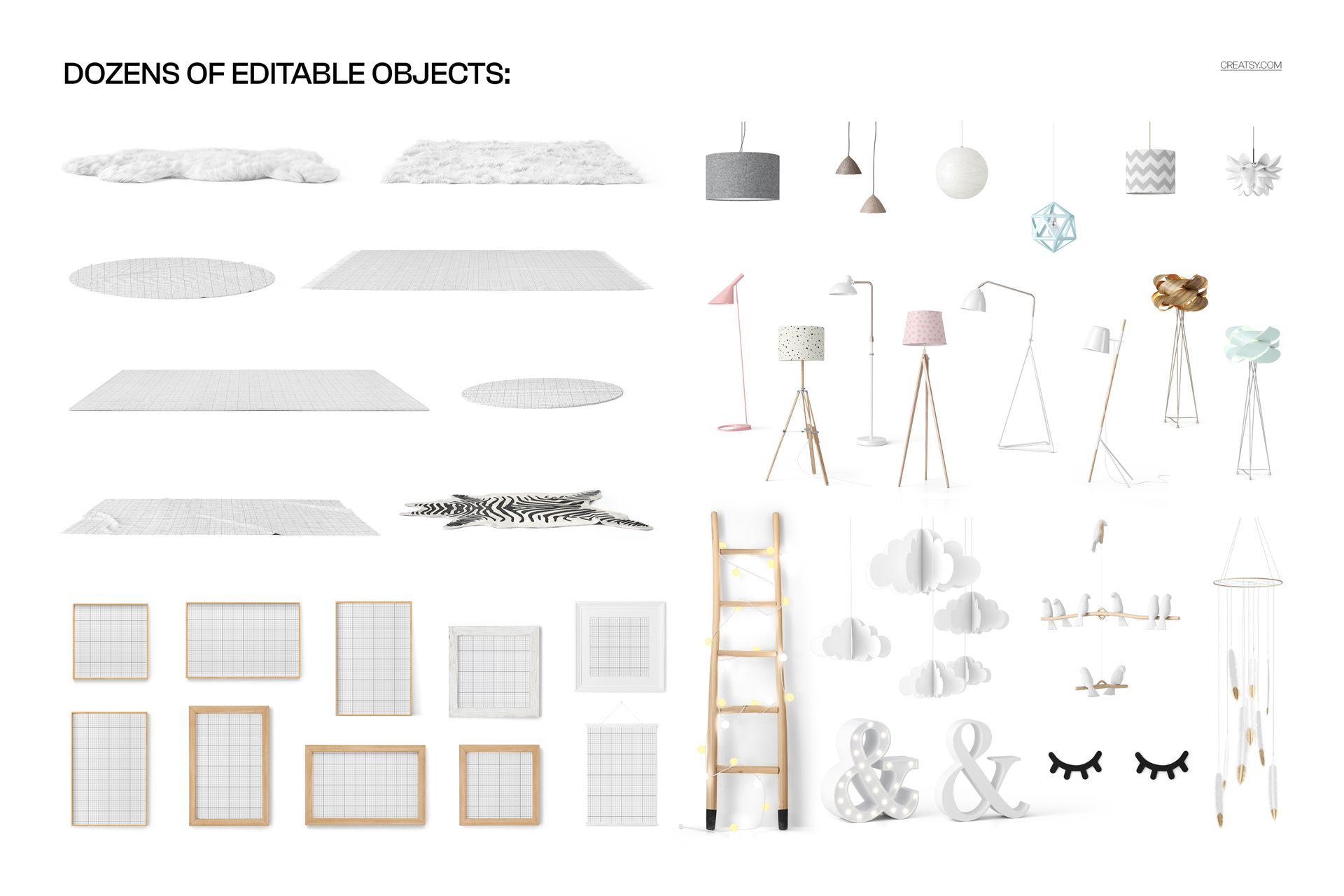
Dozens of Editable Objects
Customize nursery textiles, furniture, walls and decorative props while preserving the lighting, perspective and realistic room composition. Available elements vary by PSD because every interior contains a different selection of products and accessories.
Depending on the selected scene, customization can include:
Pillow colors and surface designs
Crib sheet colors and patterns
Picture frame colors and displayed artwork
Carpet and rug colors or designs
Wall, wallpaper and baseboard finishes
Roller blind colors and patterns
Crib, stool, lamp and window frame colors
Toy cars, trains, blocks, mobiles and decorative props
Smart Object Workflow
Open the relevant Smart Object, place a pattern, illustration, print or wall art design and save the file. The artwork updates inside the selected nursery scene while the original perspective, shadows and lighting remain integrated.
Ideal Uses
Baby bedding and crib textile collections
Nursery wallpaper and wall art presentations
Surface pattern and fabric design portfolios
Baby product branding and client approvals
E-commerce listings and marketplace galleries
Nursery catalogs, lookbooks and social media campaigns
Kids room interior and decor concepts
Software Compatibility
The PSD files support Adobe Photoshop CC 2020 or newer and Photopea. Because this collection contains large layered files, Photopea users should allow sufficient browser and device memory.
This is a digital mockup collection. No physical crib, toddler bed, bedding set, furniture or nursery accessory is supplied.
Sample Artwork Credit
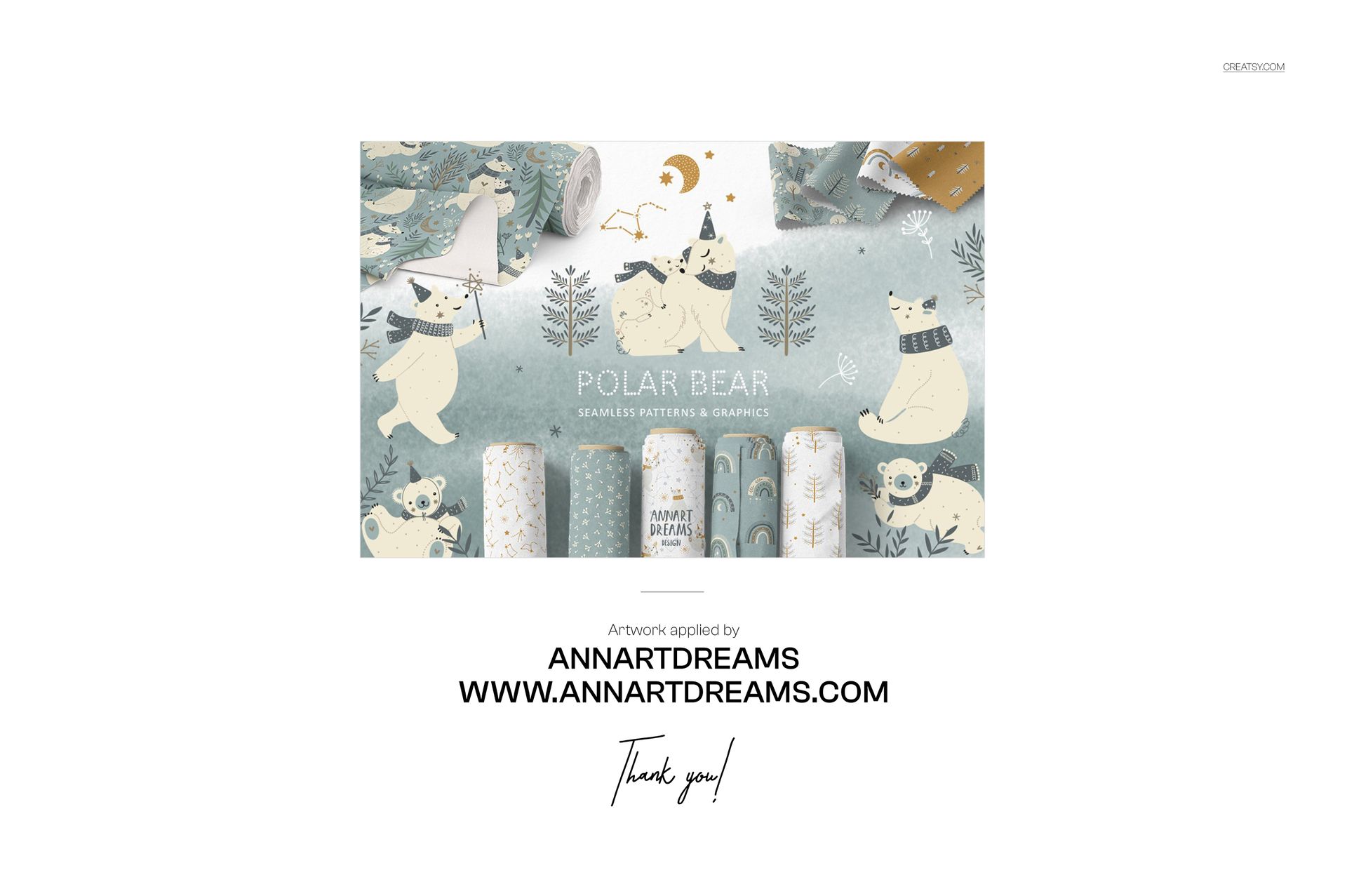
The sample pattern artwork shown in the previews is by ANNARTDREAMS and is used to demonstrate the mockups. The sample designs remain the work of their credited creator. Learn more at https://annartdreams.com/.
File details
- Compatibility


- Products in bundle
- 15
- Package size
- 10.1 GB
 |10.9 GB
- Files type
- .psd, .jpg
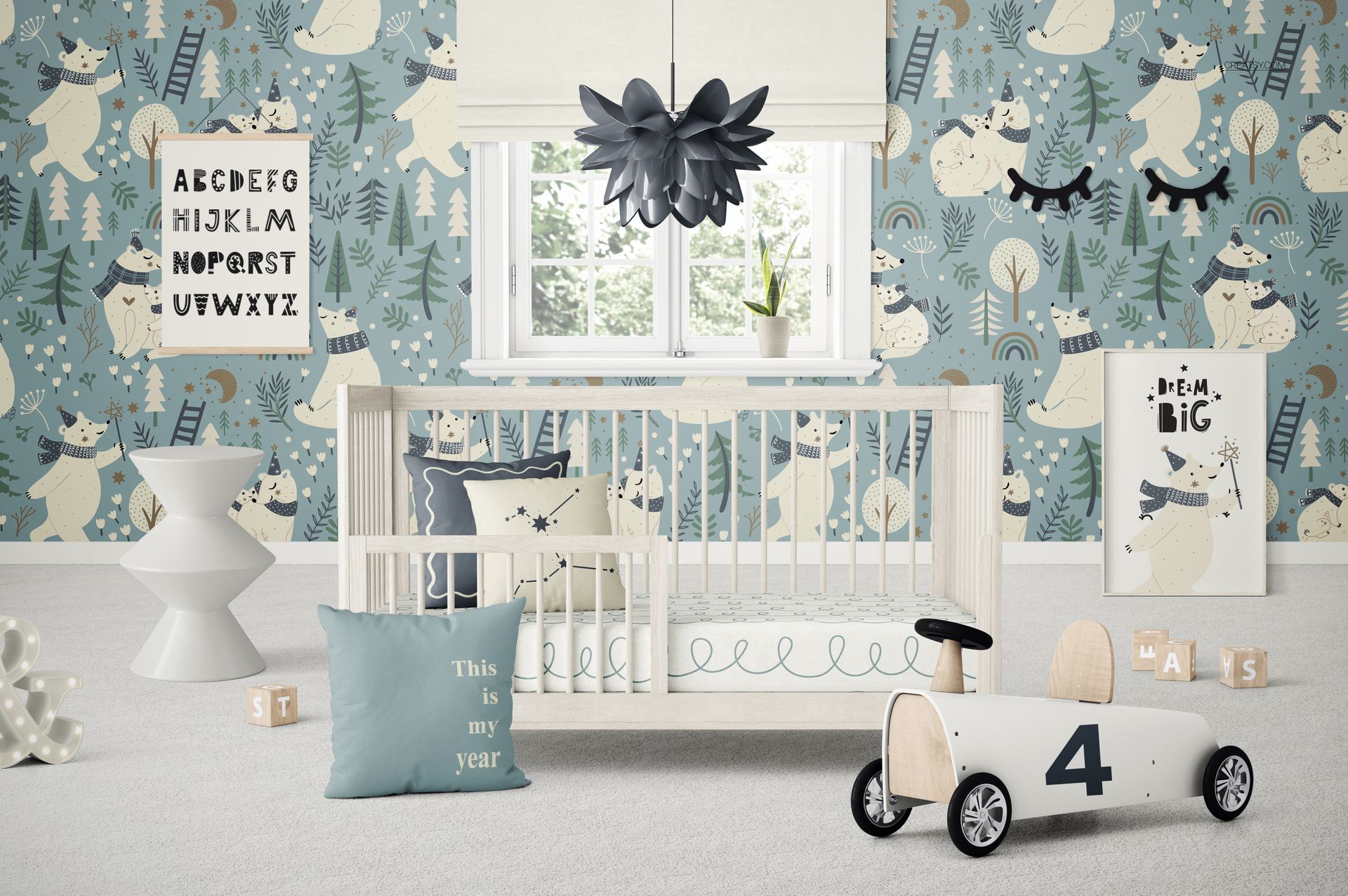
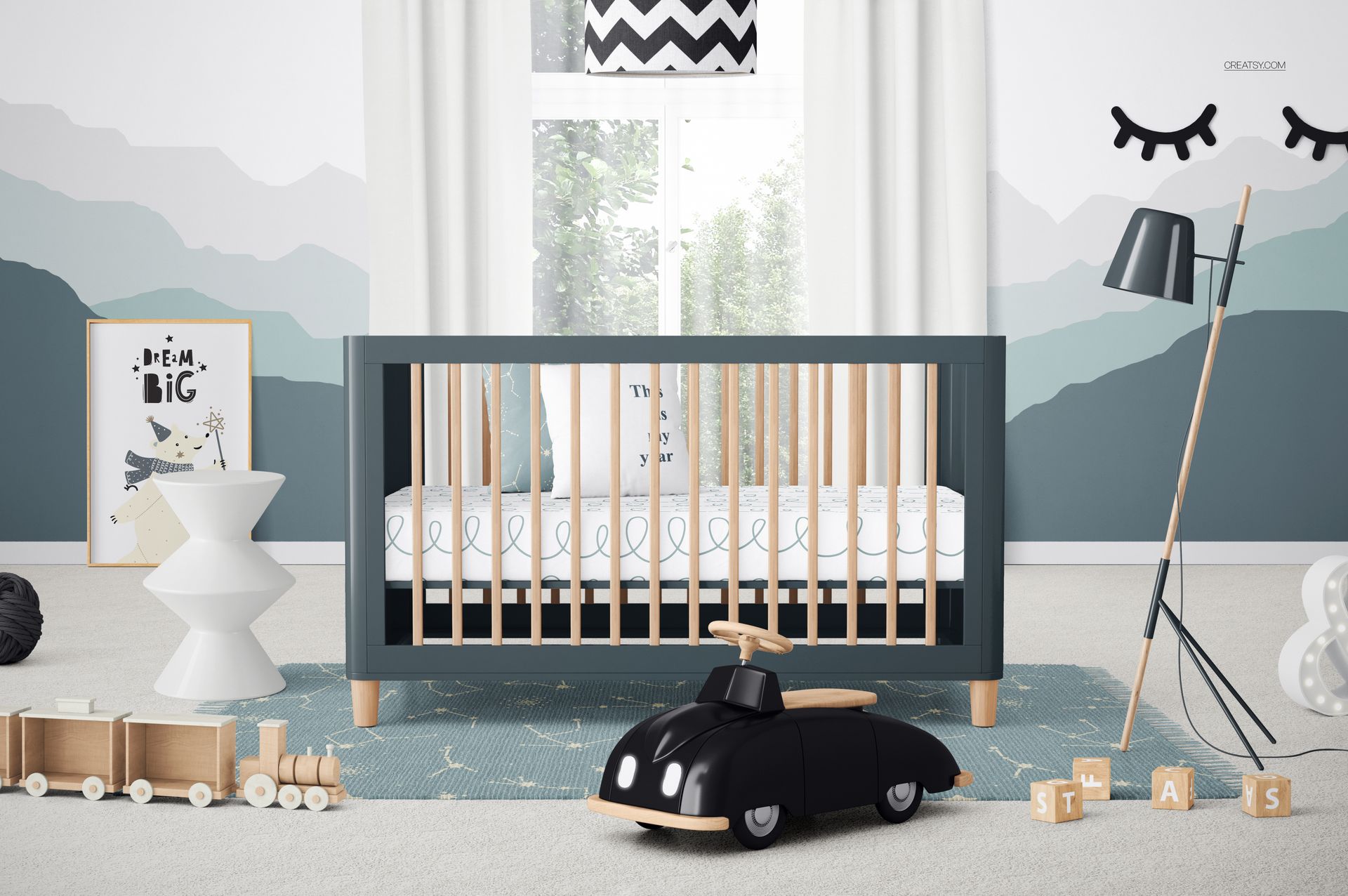
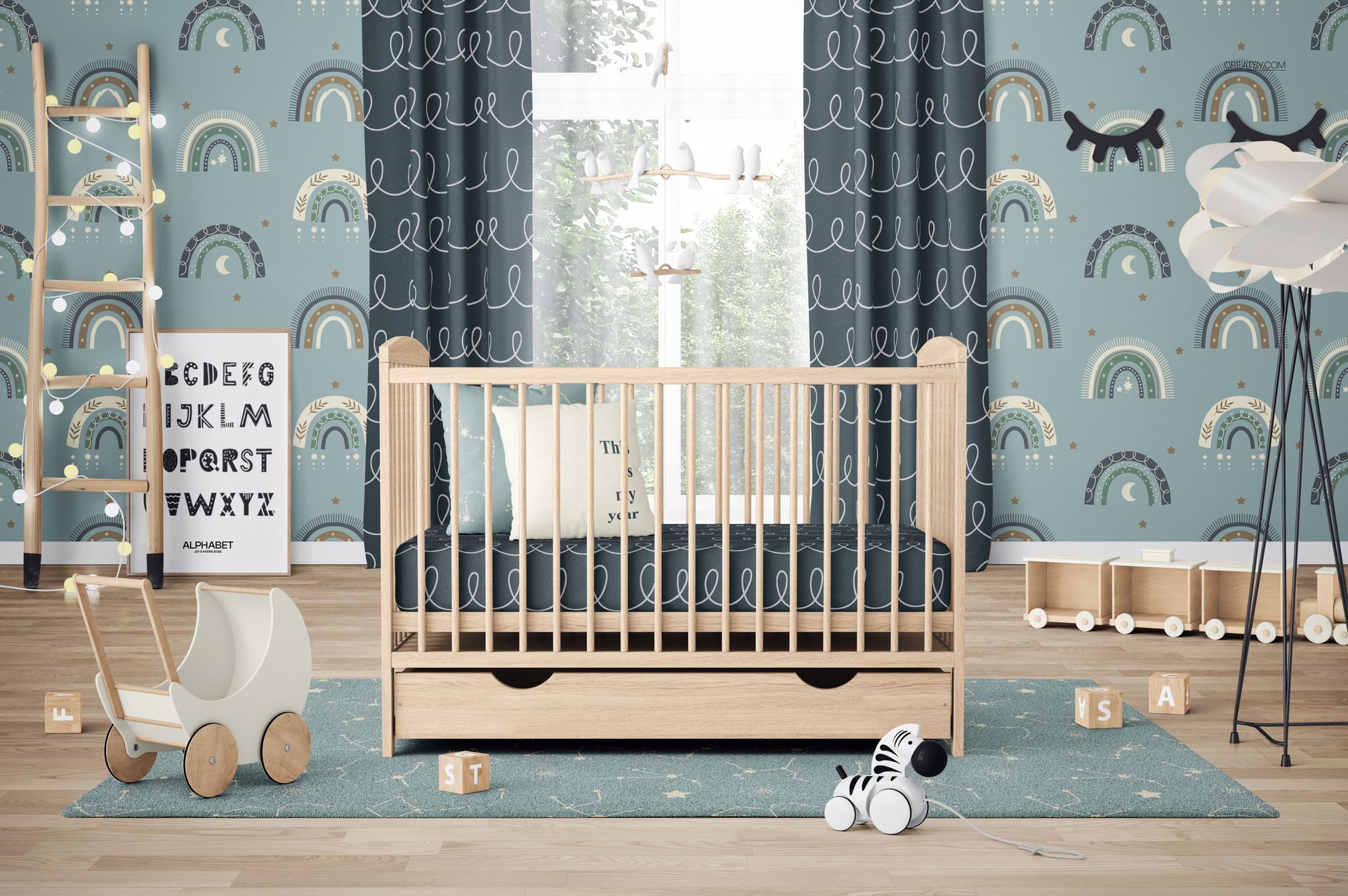
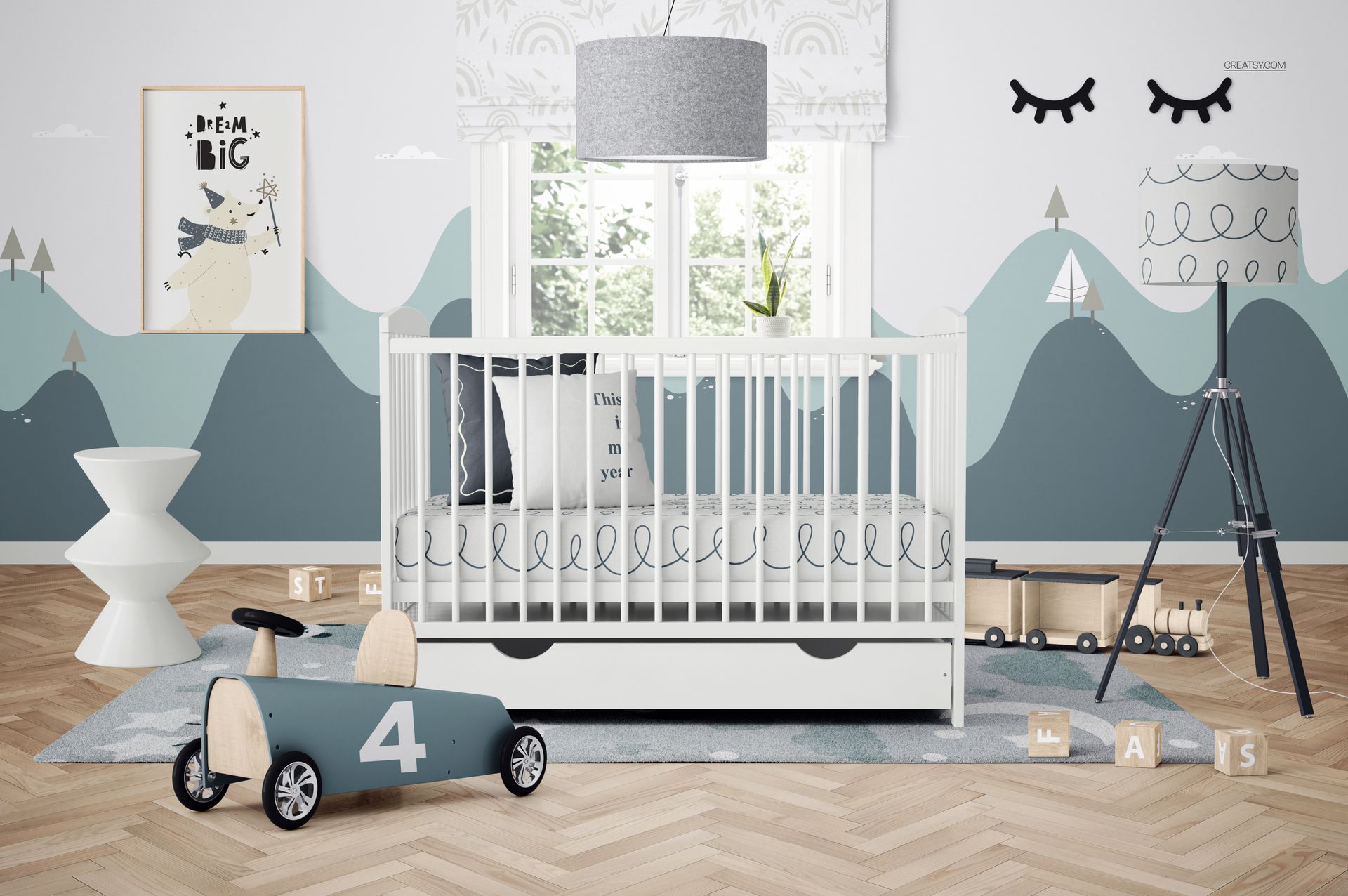
INCLUDED/15


All 15 products in this bundle
MEET THE SHOP

Creatsy
Poland
Bring your ideas to life.
We're a family-run studio in Katowice, Poland, making PSD mockups by hand since 2016. Everything in this shop starts in our own studio. We shoot the photography, build the 3D, and put together every Smart Object PSD ourselves - then we test it, organize the layers, and only ship it once it actually works...
 15$2550$30.00
 15$1870$22.00
 15$1615$19.00
 15$2040$24.00

HOW IT WORKS
3 clicks. That's it.
No tutorial needed. If you can copy-paste, you can use this.
- 1OpenDouble-click the smart object inside the PSD - in Adobe Photoshop, or free in your browser with Photopea.
- 2PasteDrop in your pattern, print, or artwork. Any design, any style.
- 3SaveHit save and the mockup wraps it in for you - shadows, folds, and lighting included.
FROM IDEA TO IMAGE
Built for real workflows
Skip the photo shoot Show your artwork on the real product type for approvals or listings - no studio, no model, no sample.
See it on the product, not a swatch Drop your file into the smart object and the scene's lighting and folds wrap around it, so you judge the real thing before you commit.
Smart Objects
Edit once and you're done. Your artwork drops into a smart object and the mockup updates itself - no masking, no warping by hand.
Perfectly Organized
Named layers and folders you can actually navigate. Find what you need, change what you want, and get out fast.
Print-Ready
High-resolution files built to hold up on screen and in print. Exact size and DPI are in this product's Details above.


