Baby Crib Beneath Nursery Window Mockup
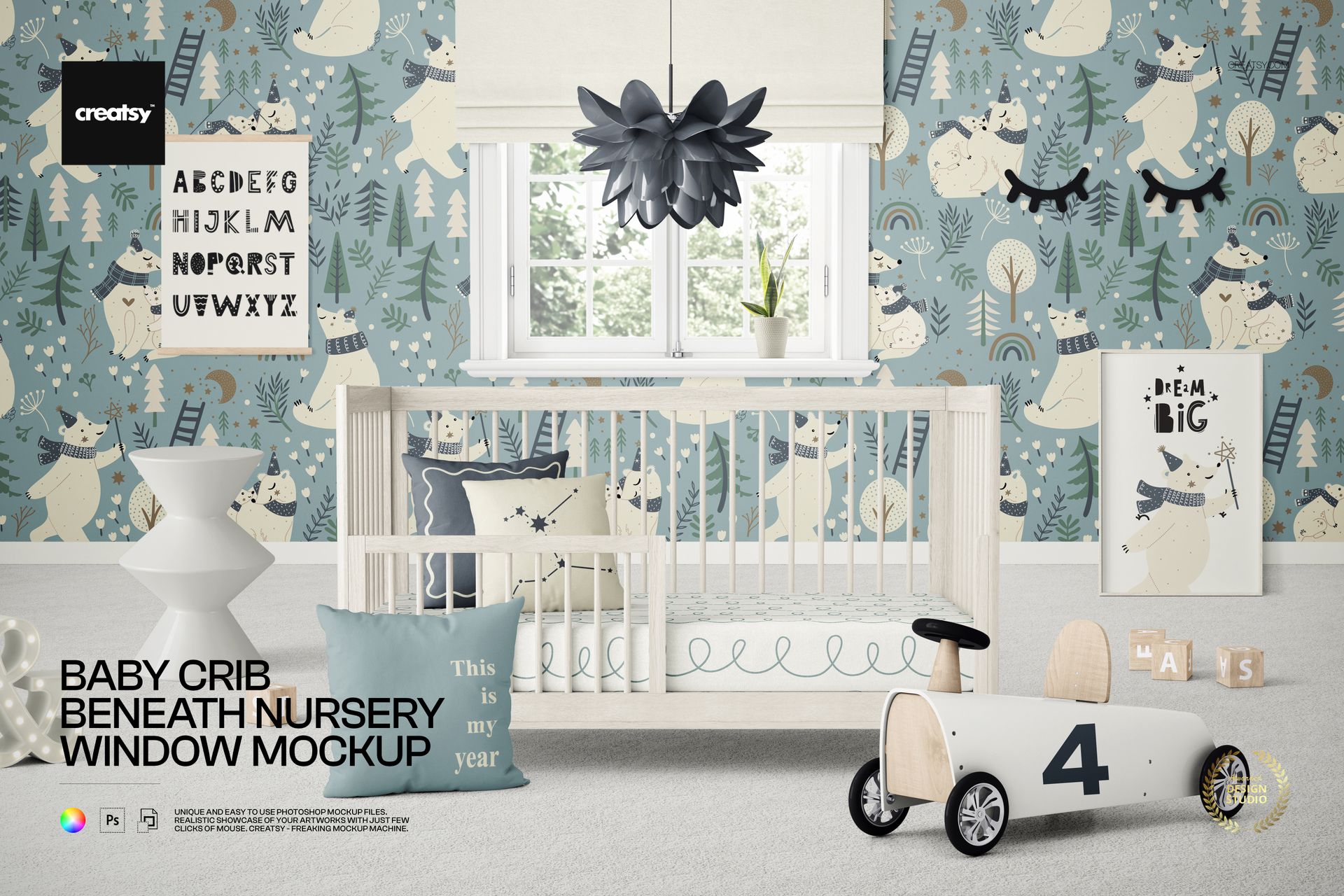
Present nursery designs in a bright landscape interior with a white crib positioned directly beneath a central window. A roller blind, flower-like pendant lamp, framed artwork, bedding, toys and small decorative details give the scene a clear window-centered composition for wallpaper, textile and wall art previews.
A Window-Centered Nursery Scene
White baby crib beneath a central window
Editable roller blind and flower-like pendant lamp
Stool, pillows, bed sheet and carpet
Picture frames, picture hanger and eyelash wall decor
Toy car, blocks, LED decoration and flower pot
Editable Wallpaper, Bedding and Decor
Use the organized controls to coordinate the room around a nursery collection.
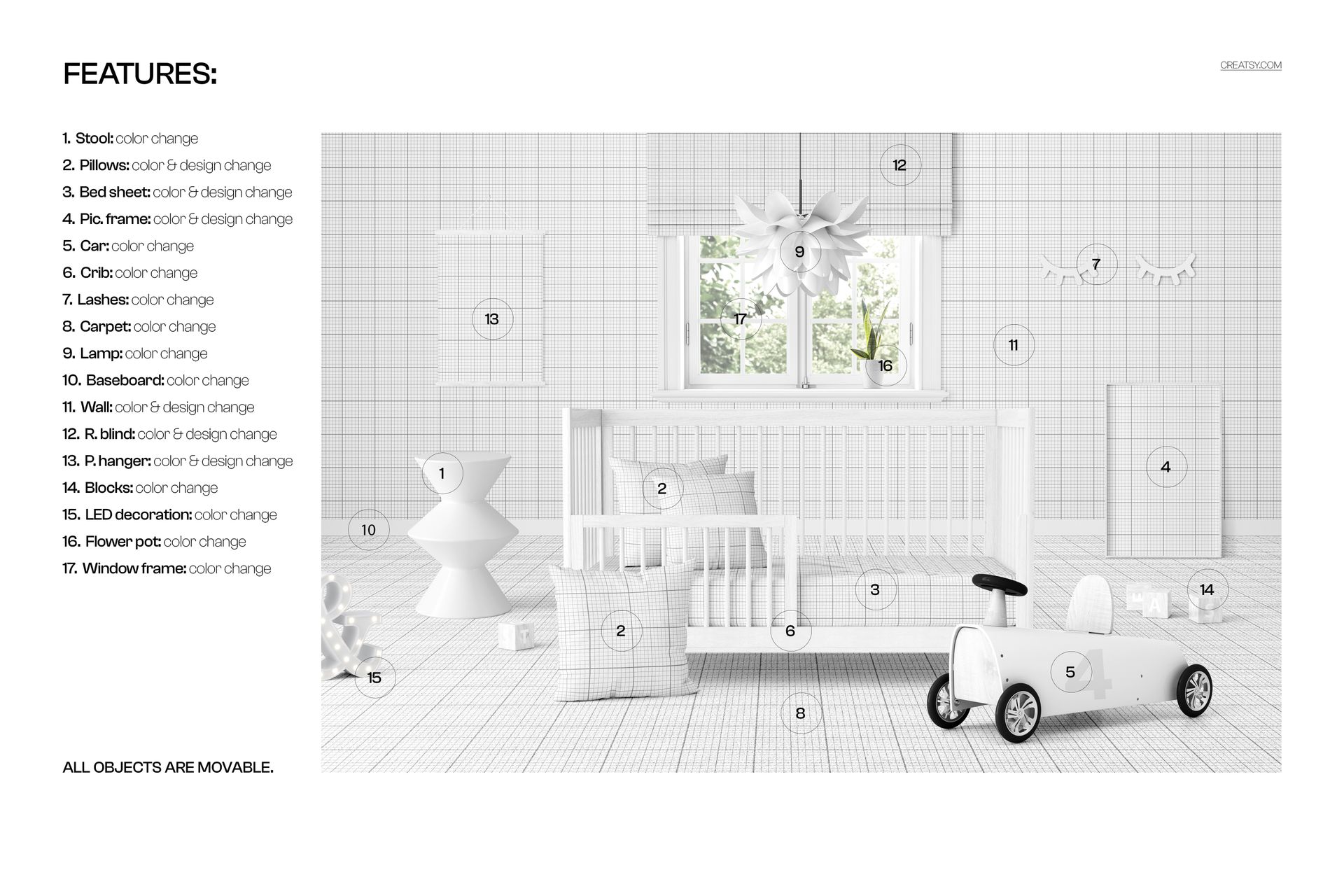
Change the color and design of the pillows, bed sheet, picture frames, walls, roller blind and picture hanger
Change the color of the stool, toy car, crib, eyelash decor, carpet, lamp, baseboard, blocks, LED decoration, flower pot and window frame
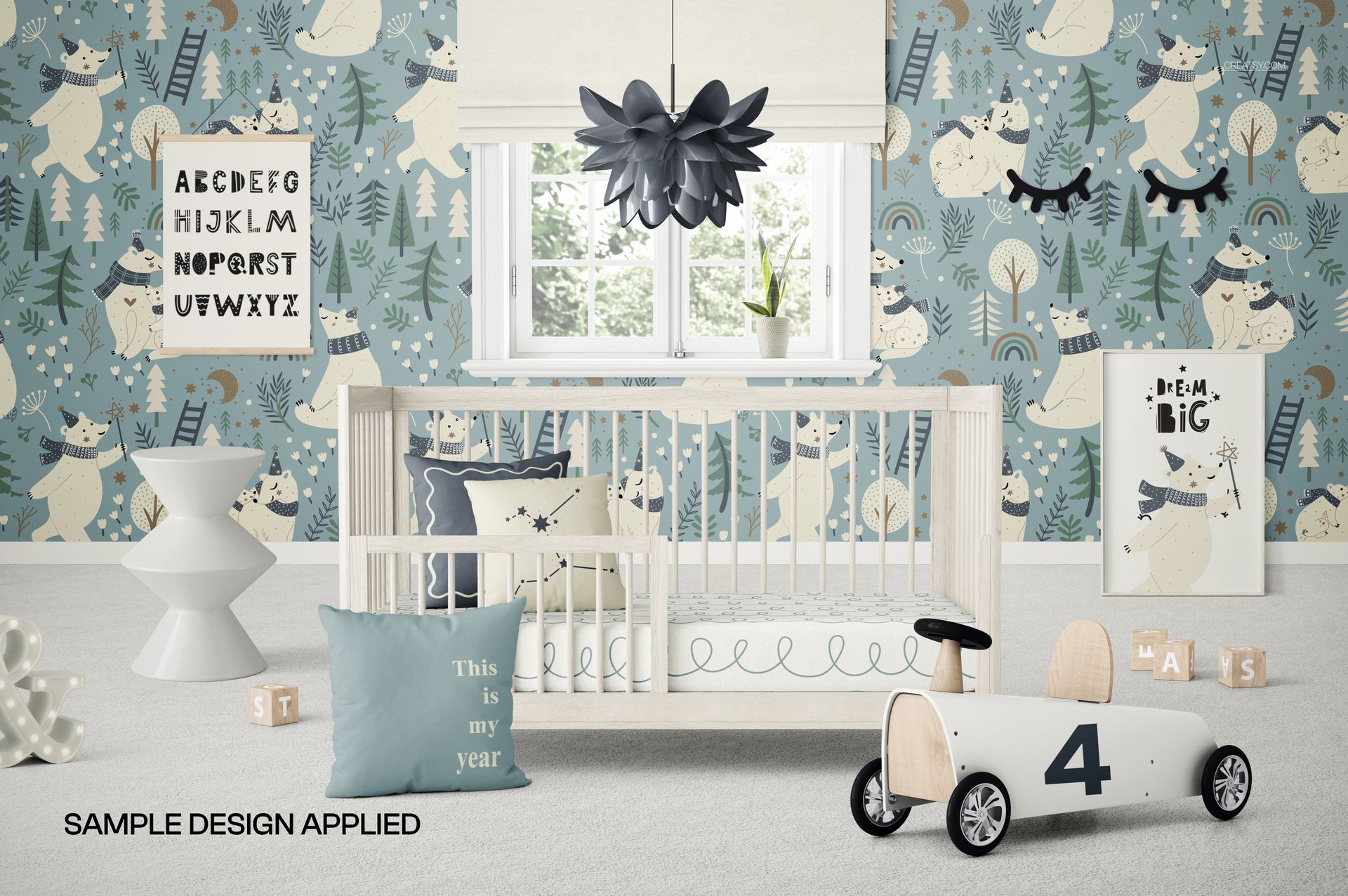
Place custom artwork and patterns through Smart Objects
Move Every Object
All scene objects are movable, allowing the crib, decor and accessories to be repositioned for a more open layout or a denser styled nursery presentation.
Easy Smart Object Editing
Open the designated Smart Objects, insert wallpaper, bedding patterns or framed artwork, then save to update the scene while preserving its lighting and perspective.
What Is Included
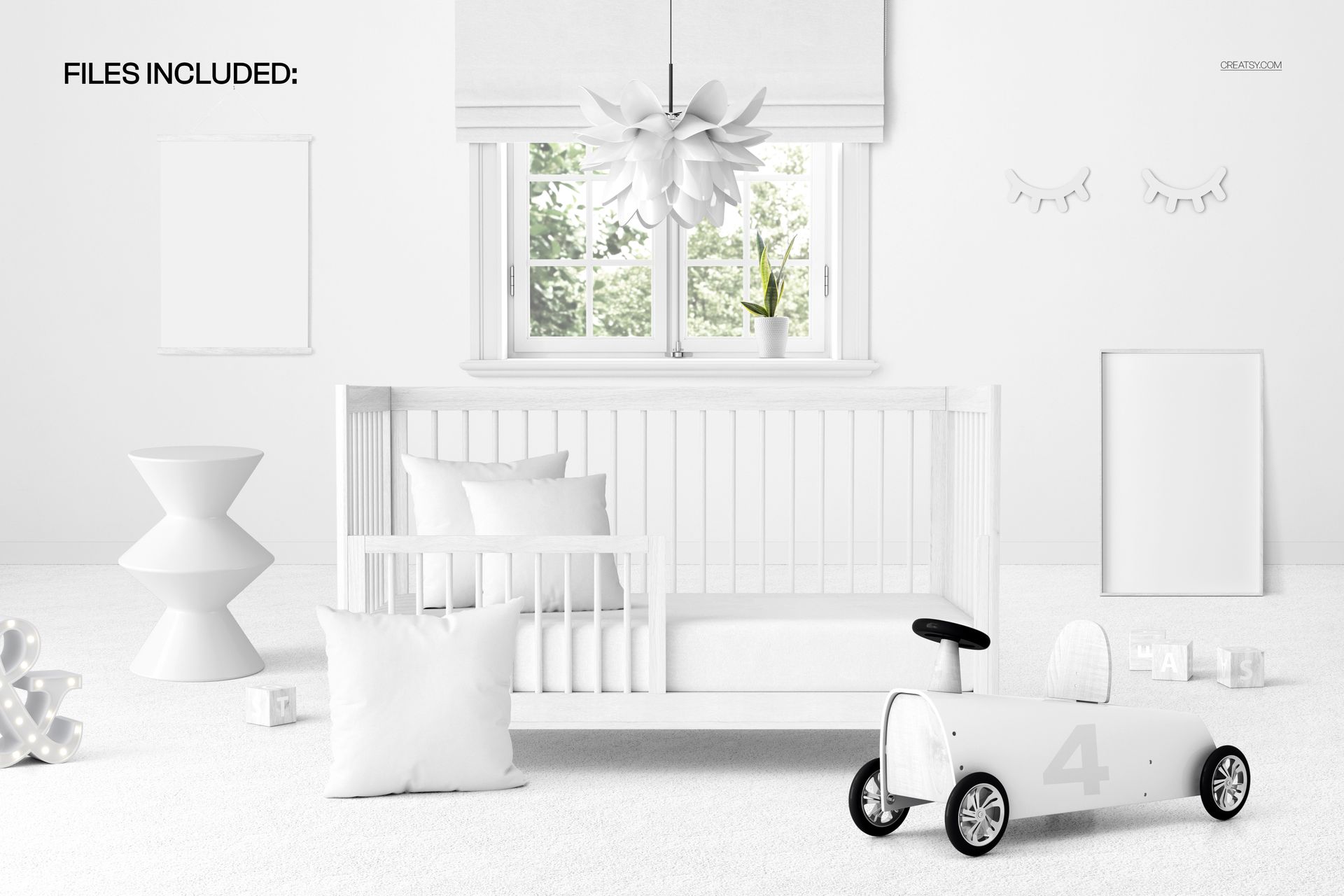
1 well-organized layered PSD mockup file
1 JPG preview file
2 files in total
Dimensions: 6000 × 4000 px
Resolution: 300 DPI
Adobe Photoshop CC 2020 or newer
Photopea compatibility
Perfect For
Nursery wallpaper collections
Crib bedding and pillow designs
Children's wall art presentations
Client interior concepts
Online listings and portfolios
This is a digital download. No physical crib, furniture or decor is supplied, and the sample artwork shown in the previews is not included.