Vintage Metal Baby Crib in Nursery Mockup
This product is a part of Baby Crib Nursery Mockup Collection
Product Details
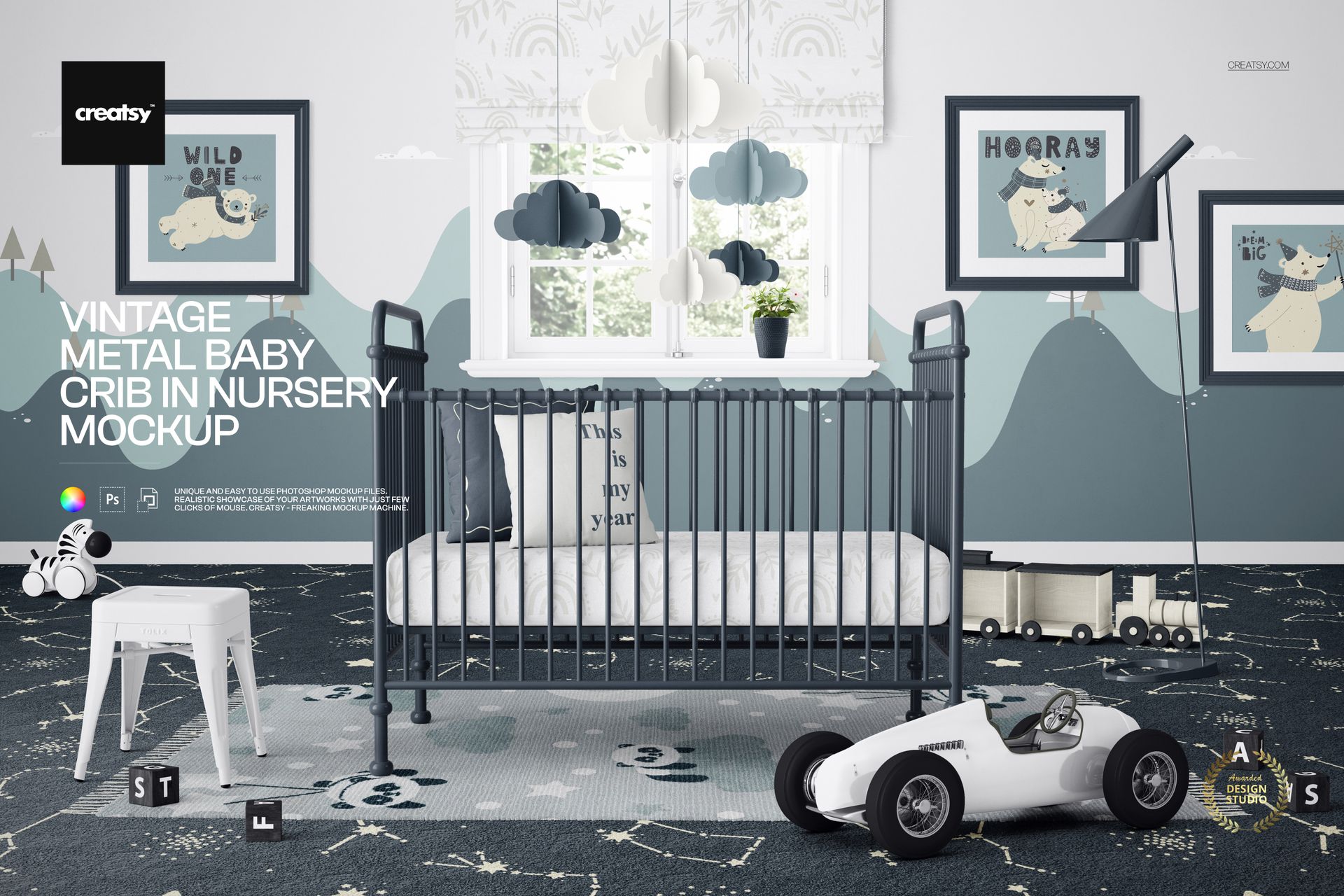
Present Nursery Designs in a Vintage Metal Crib Scene
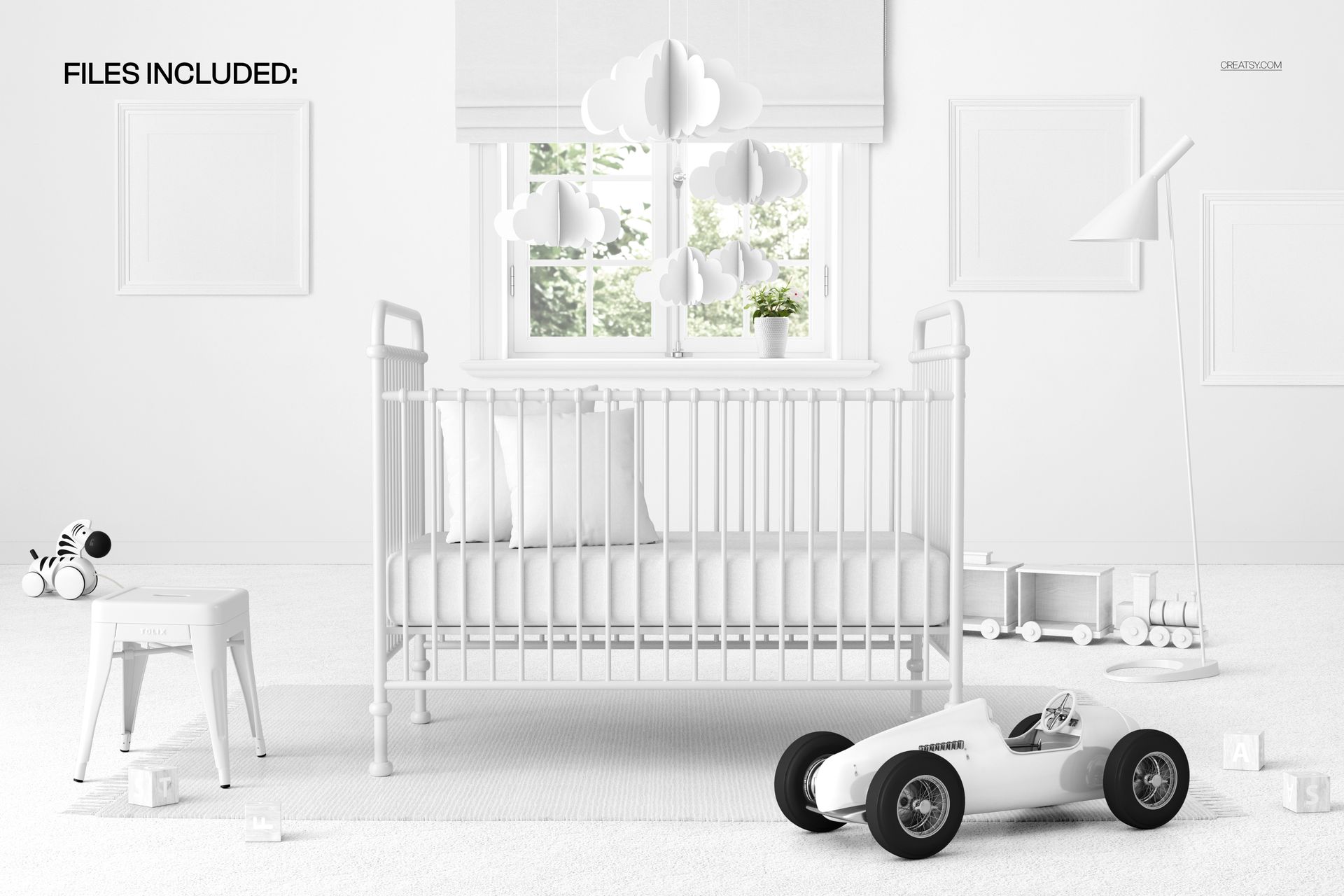
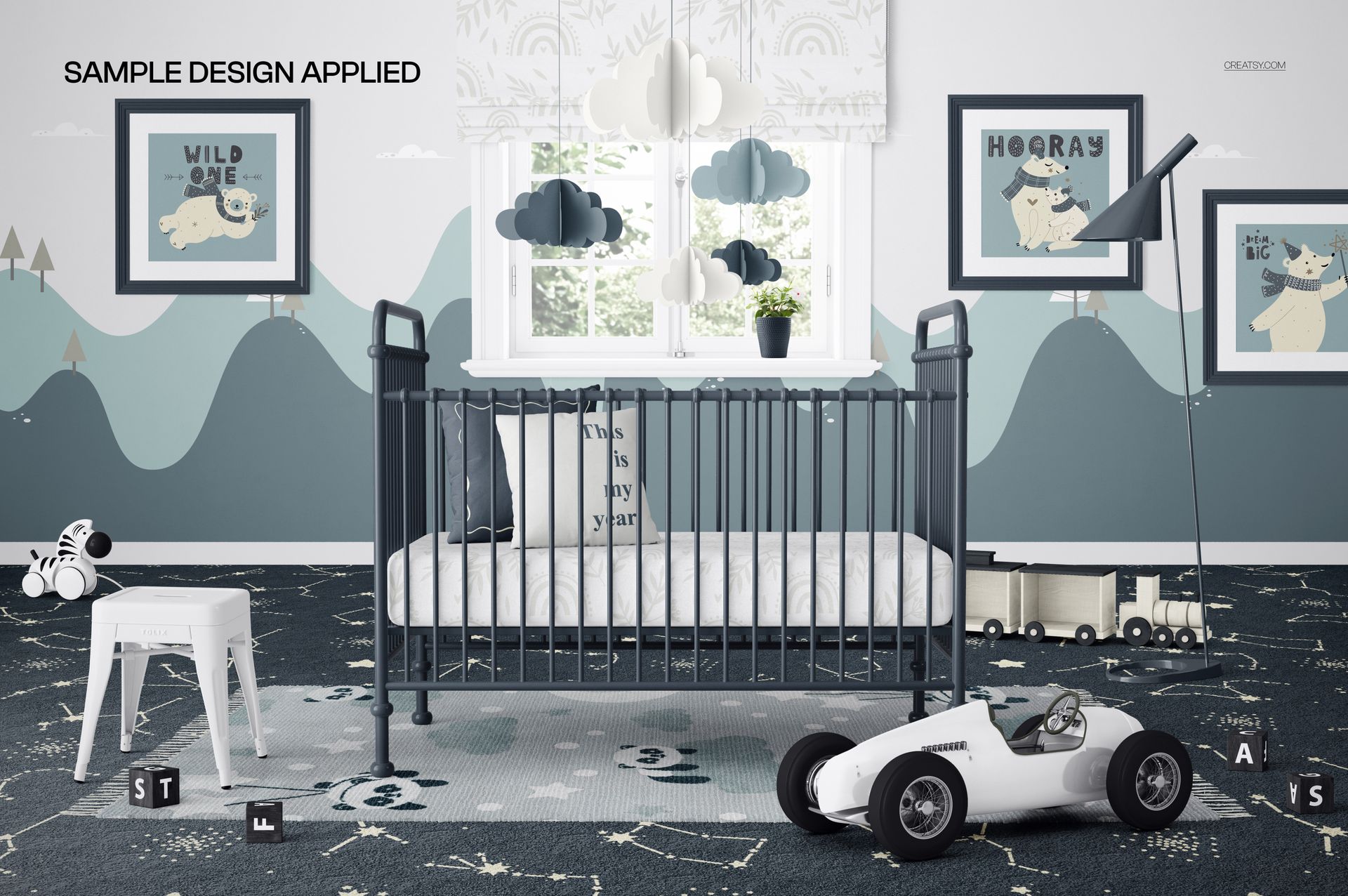
Vintage Metal Baby Crib in Nursery Mockup places your artwork inside a carefully styled kids room centered on a classic metal crib. Light bedding, framed wall art, cloud mobiles, animal-themed decor, toy cars, and nursery accessories create a warm visual context for presenting baby products, textile collections, illustrations, patterns, or room concepts.
The mockup is supplied as one high-resolution layered PSD scene with a matching JPG reference image. The working canvas measures 6000 x 4000 px at 300 DPI, providing enough detail for marketplace listings, portfolio pages, advertising graphics, client presentations, and close-up crops.
What Is Included
1 layered PSD mockup file at 6000 x 4000 px and 300 DPI
1 matching JPG reference image at 6000 x 4000 px
2 files in total inside the downloadable package
Uploaded ZIP size: 665.12 MB
Storefront package size: approximately 665 MB on Windows and 697 MB on macOS
Artwork Placement and Workflow
Open the organized PSD and follow its prepared artwork-placement workflow to present your own design while preserving the lighting, perspective, and realistic atmosphere of the scene.
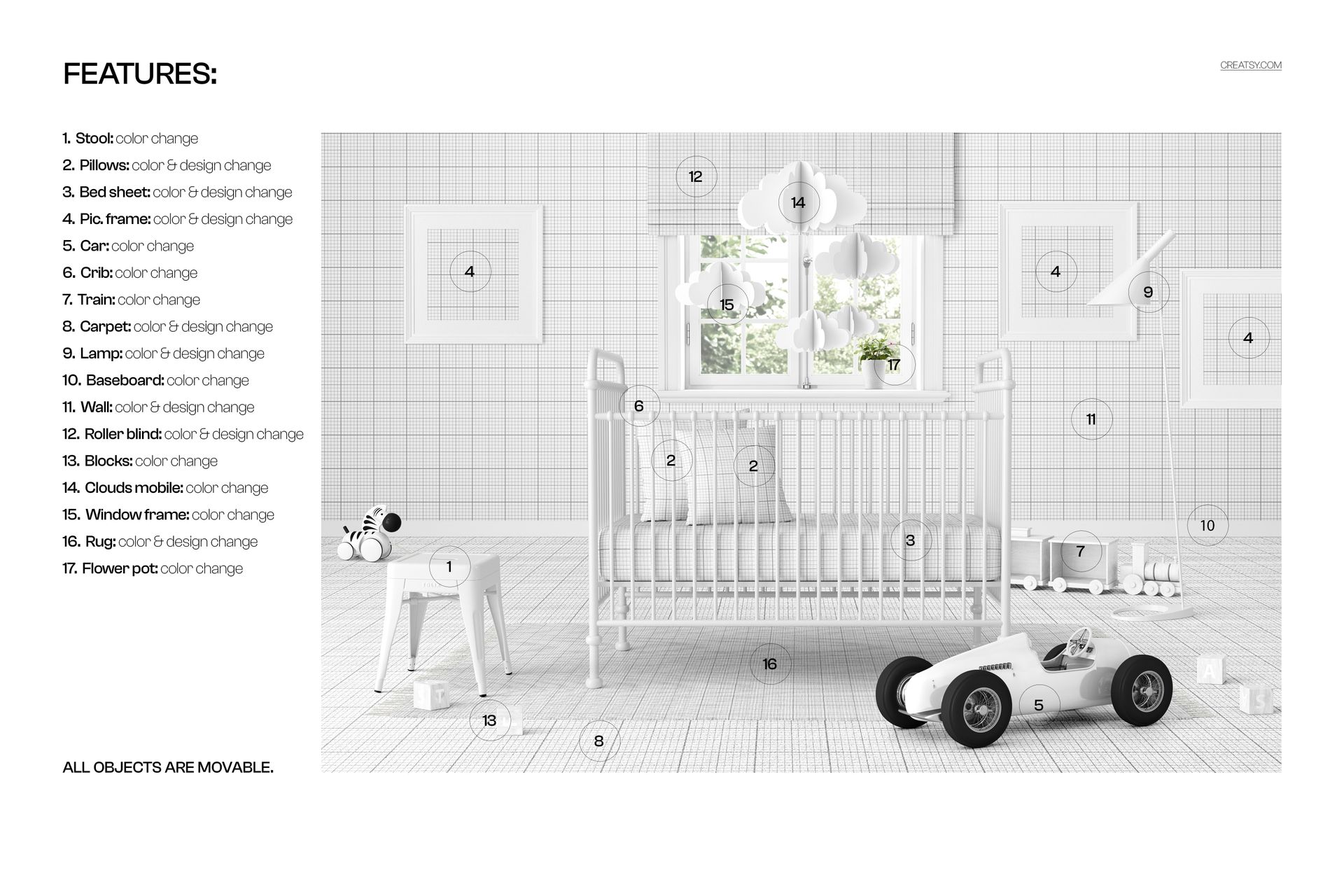
The crib, bedding, toys, wall decor, and other nursery props are visible scene elements that help customers understand how a design may look in a complete kids room setting. Treat them as part of the composition unless the file contains a clearly labeled editing layer for a particular element.
Software Compatibility
The PSD file is compatible with Adobe Photoshop CC 2020 or later and Photopea. The package does not contain a PSB file.
Useful for Creative and Commercial Presentation
Use this nursery mockup to prepare product images for online shops, print-on-demand previews, textile presentations, wall art portfolios, baby brand campaigns, social media posts, or client approval boards. The vintage metal crib gives the scene a distinctive character while the neutral styling keeps attention on your design.
Sample Design Credit
The sample designs displayed in the framed pictures on the nursery wall are by ANNARTDREAMS. They appear for demonstration only and are not included with the downloadable files.
File details
- Compatibility
- Package size
- 665 MB
|697 MB
- Files type
- .psd, .jpg


MEET THE SHOP

HOW IT WORKS
3 clicks. That's it.
No tutorial needed. If you can copy-paste, you can use this.
- 1OpenDouble-click the smart object inside the PSD - in Adobe Photoshop, or free in your browser with Photopea.
- 2PasteDrop in your pattern, print, or artwork. Any design, any style.
- 3SaveHit save and the mockup wraps it in for you - shadows, folds, and lighting included.
FROM IDEA TO IMAGE
Built for real workflows
Skip the photo shoot Show your artwork on the real product type for approvals or listings - no studio, no model, no sample.
See it on the product, not a swatch Drop your file into the smart object and the scene's lighting and folds wrap around it, so you judge the real thing before you commit.
Smart Objects
Edit once and you're done. Your artwork drops into a smart object and the mockup updates itself - no masking, no warping by hand.
Perfectly Organized
Named layers and folders you can actually navigate. Find what you need, change what you want, and get out fast.
Print-Ready
High-resolution files built to hold up on screen and in print. Exact size and DPI are in this product's Details above.