Oval Wooden Baby Crib in Modern Nursery Mockup
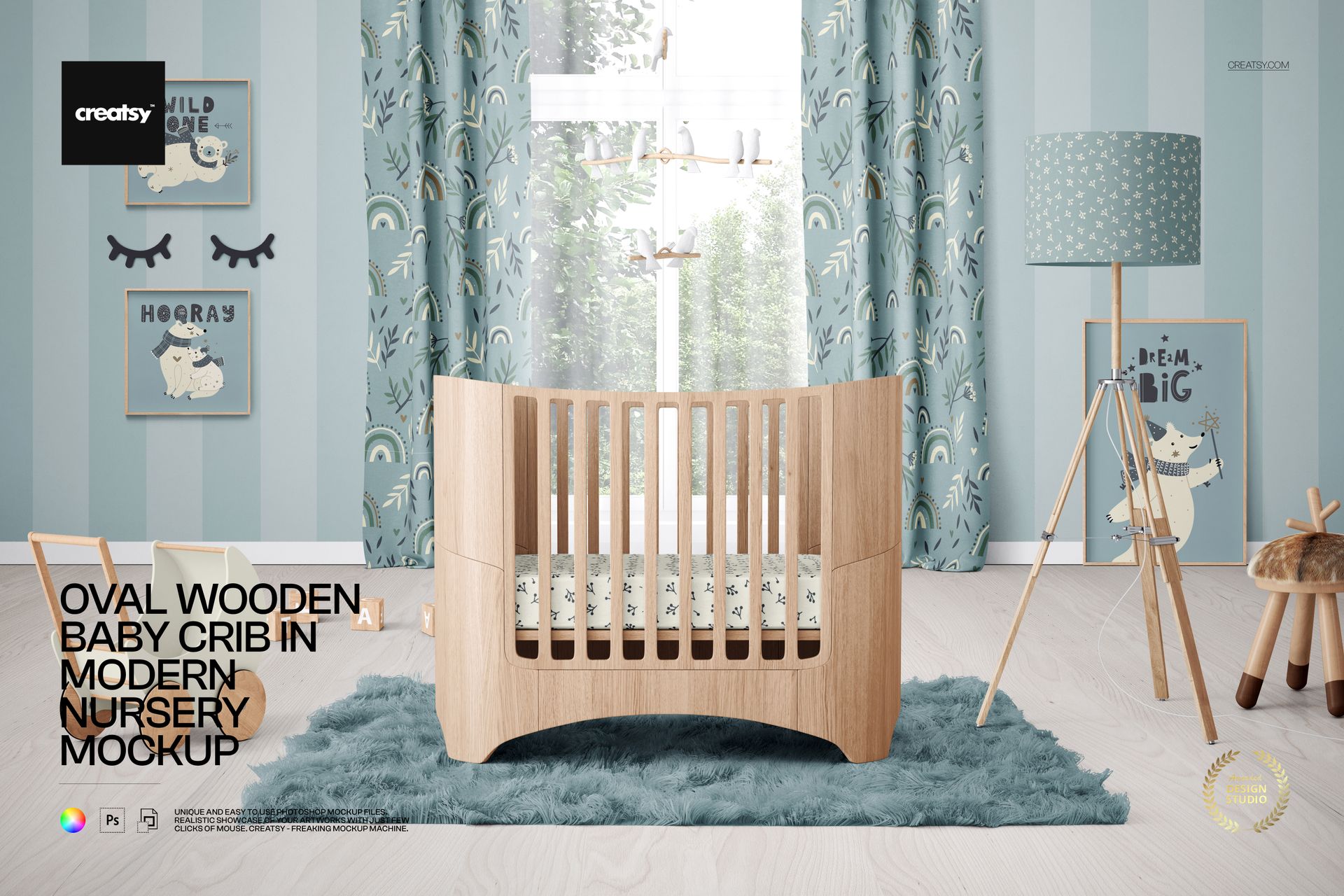
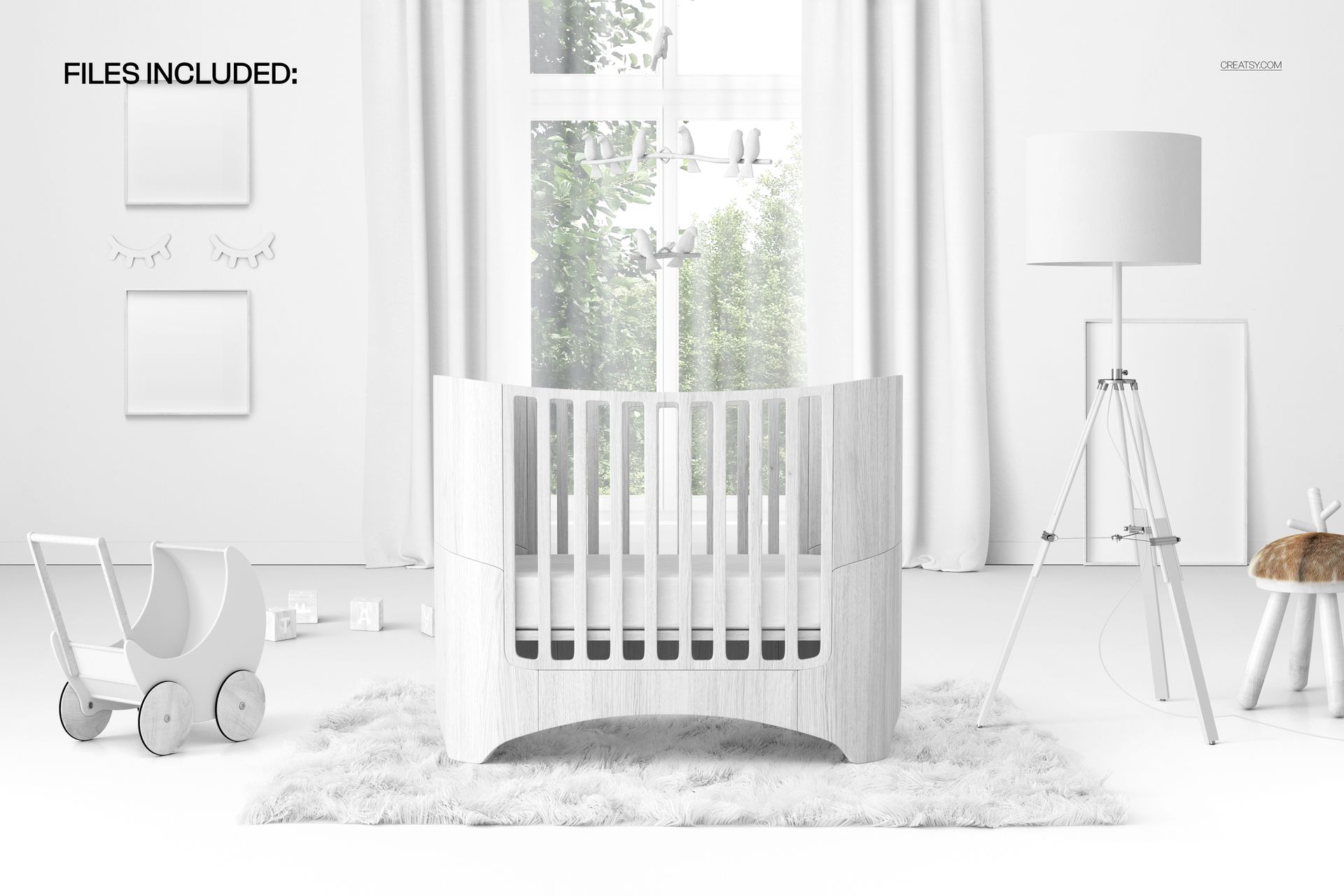
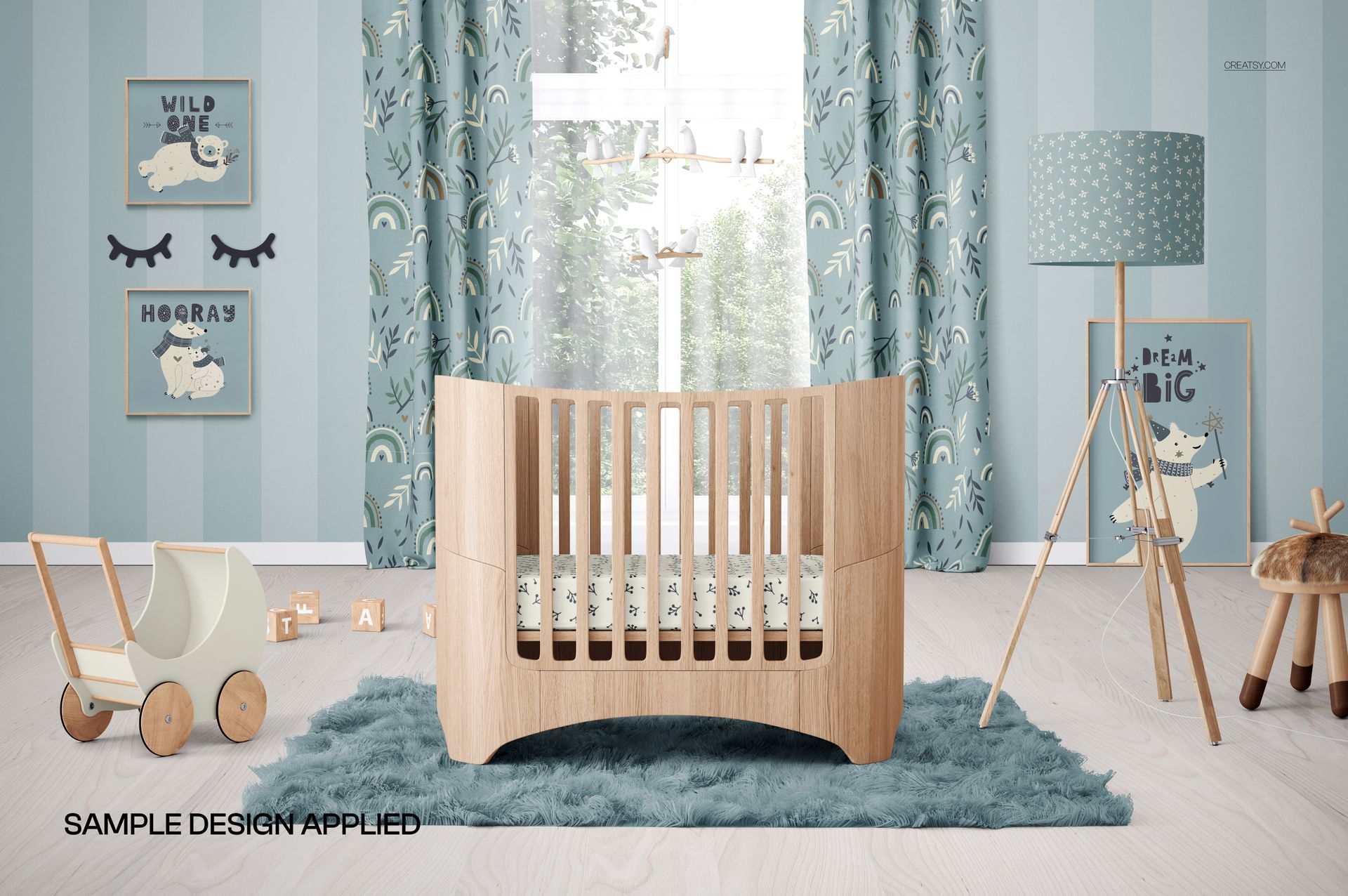
Let the rounded shape of an oval wooden crib lead a calm, modern nursery presentation. This front-facing landscape scene places the crib within a complete baby room featuring a window, curtains, floor lamp, stool, toy pram, rug, hanging mobile, picture frames, and decorative blocks. The balanced layout gives your artwork a clear setting while keeping the main editable surfaces easy to review.
Use the mockup to see how bedding, wall art, curtain patterns, flooring, and wall treatments work together around a distinctive furniture silhouette. It can help you compare colorways, assess pattern scale, build a coordinated nursery concept, or prepare a clear visual for a client, portfolio, or online shop without arranging a physical room.
What Is Included
1 layered and well-organized PSD mockup file
1 JPG preview file
2 files in total
6000 × 4000 px landscape format at 300 DPI
Smart Object editing in Adobe Photoshop CC2020 or newer and Photopea
Control the Room Around the Crib
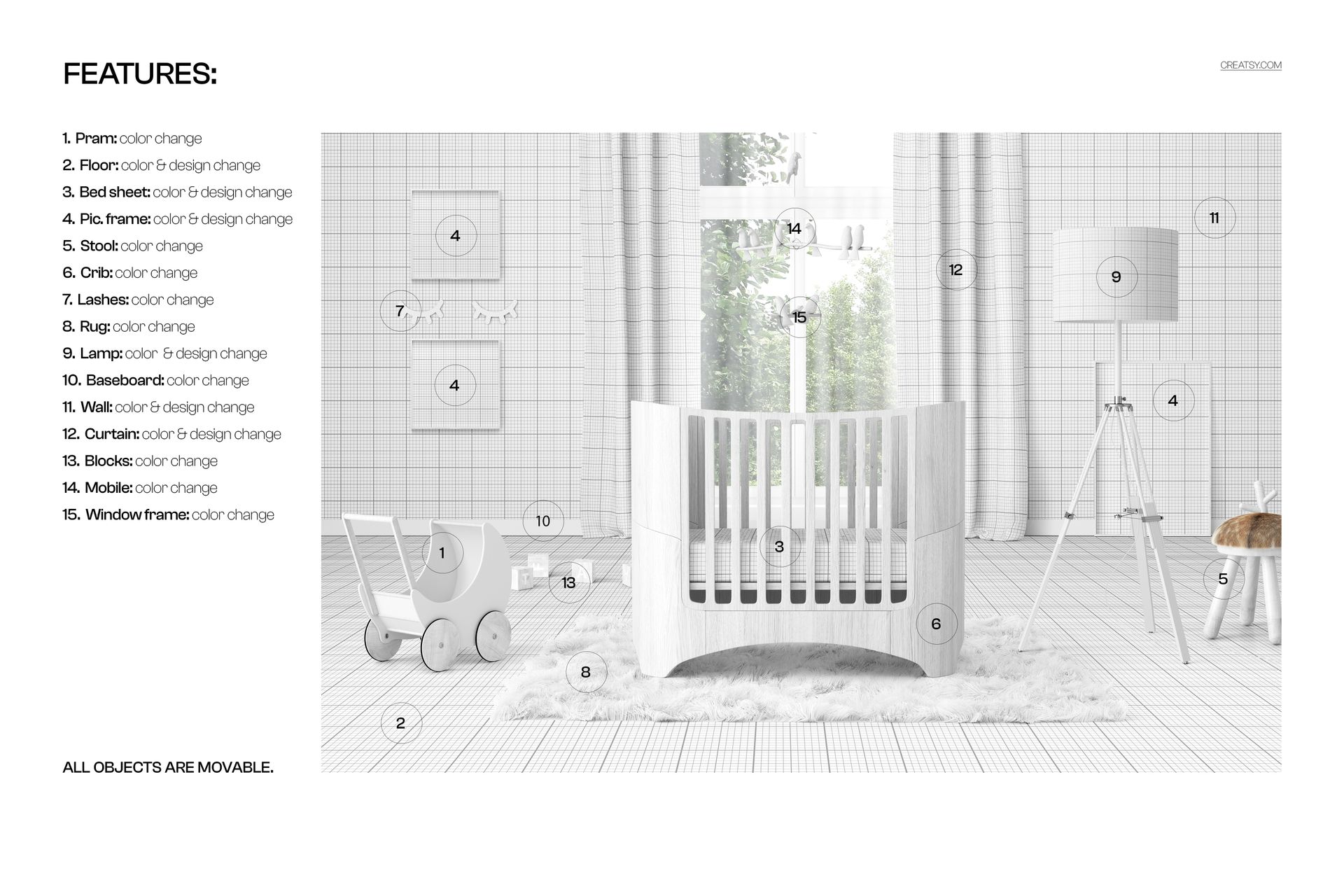
Change the colors of the toy pram, stool, crib, eyelash wall decor, rug, baseboard, blocks, mobile, and window frame. Add a color or design to the floor, bed sheet, picture frames, lamp, wall, and curtains. These options allow you to coordinate individual surfaces while retaining the same modern nursery architecture.
Move Every Object into Position
All objects in the scene are movable. Adjust the position of the crib, pram, lamp, stool, mobile, frames, rug, and smaller accessories to refine the composition around your artwork. Create a full lifestyle image, simplify the room for a focused bedding preview, or leave space for supporting text in a campaign layout.
Smart Object Workflow in Photoshop and Photopea
Open the relevant Smart Object, insert your artwork, save the edited layer, and return to the main composition to see the result. The organized PSD structure helps you locate editable areas and develop coordinated versions efficiently. The file works with Photoshop CC2020 or newer and Photopea. For another browser-based presentation option, explore the Creatsy Online Mockup Editor.
Useful For
Modern nursery textile and surface pattern collections
Baby bedding, curtain, wallpaper, and flooring presentations
Children's illustrations and framed wall art previews
Nursery decor branding and coordinated color studies
Client concepts, portfolios, and online product galleries
Comparing artwork across multiple room surfaces
Digital product notice: This is a digital download. No physical crib, furniture, room decor, or printed artwork will be shipped. The example artwork visible in the product previews is for presentation only and is not included.