Baby Crib with Storage Drawer in Nursery Mockup
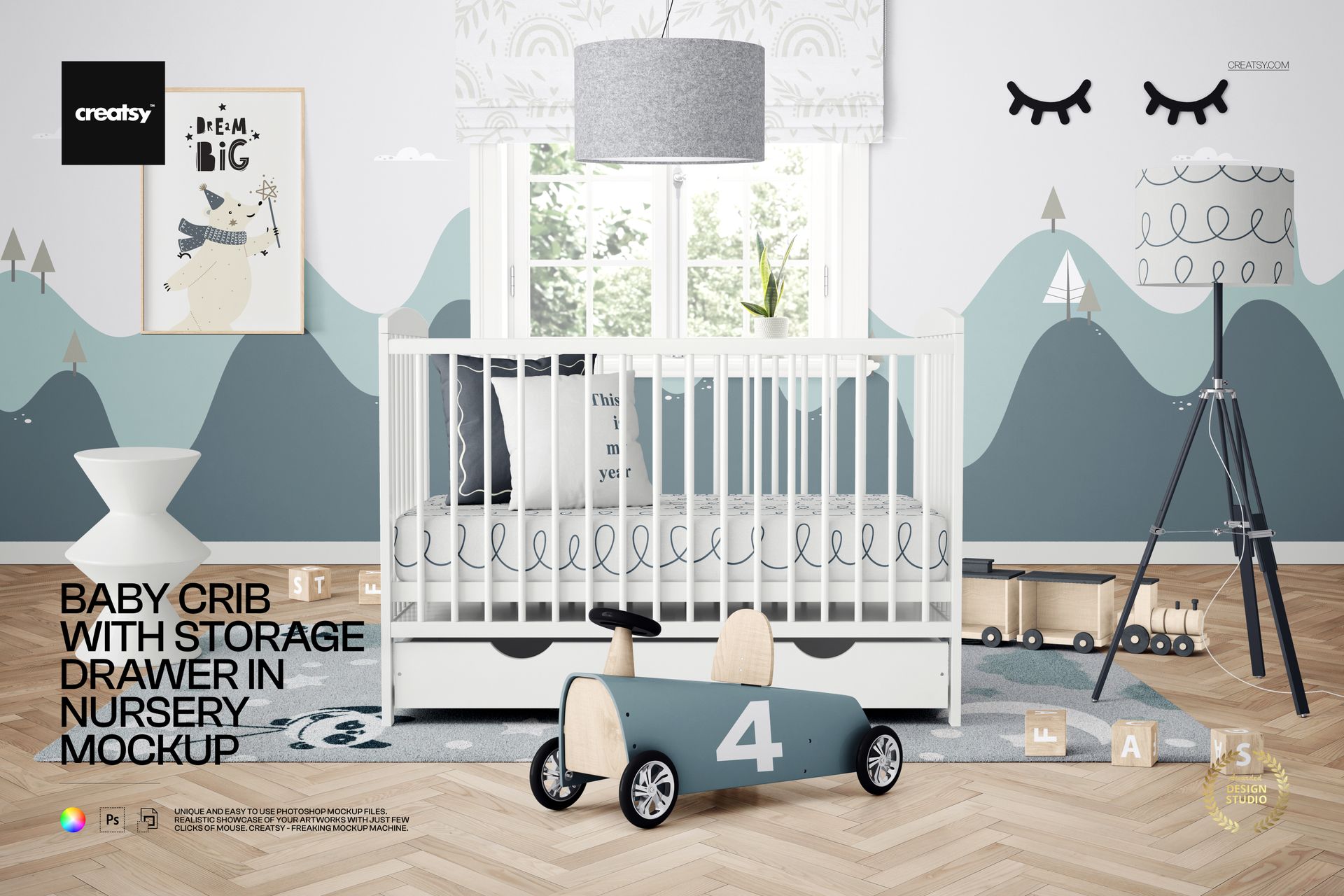
Present crib finishes, bedding patterns, nursery decor, and children's brands in a detailed front-facing nursery interior. The landscape scene places the crib directly before a bright window and surrounds it with a roller blind, pendant lamp, tripod floor lamp, wall art, stool, ride-on car, wooden train, blocks, potted plant, herringbone floor, and rug.
Storage Drawer as the Focal Point
A wide under-crib storage drawer is clearly visible at the center of the composition. This practical feature makes the mockup especially useful for presenting space-saving nursery furniture and product concepts where storage is an important selling point.
What Is Included
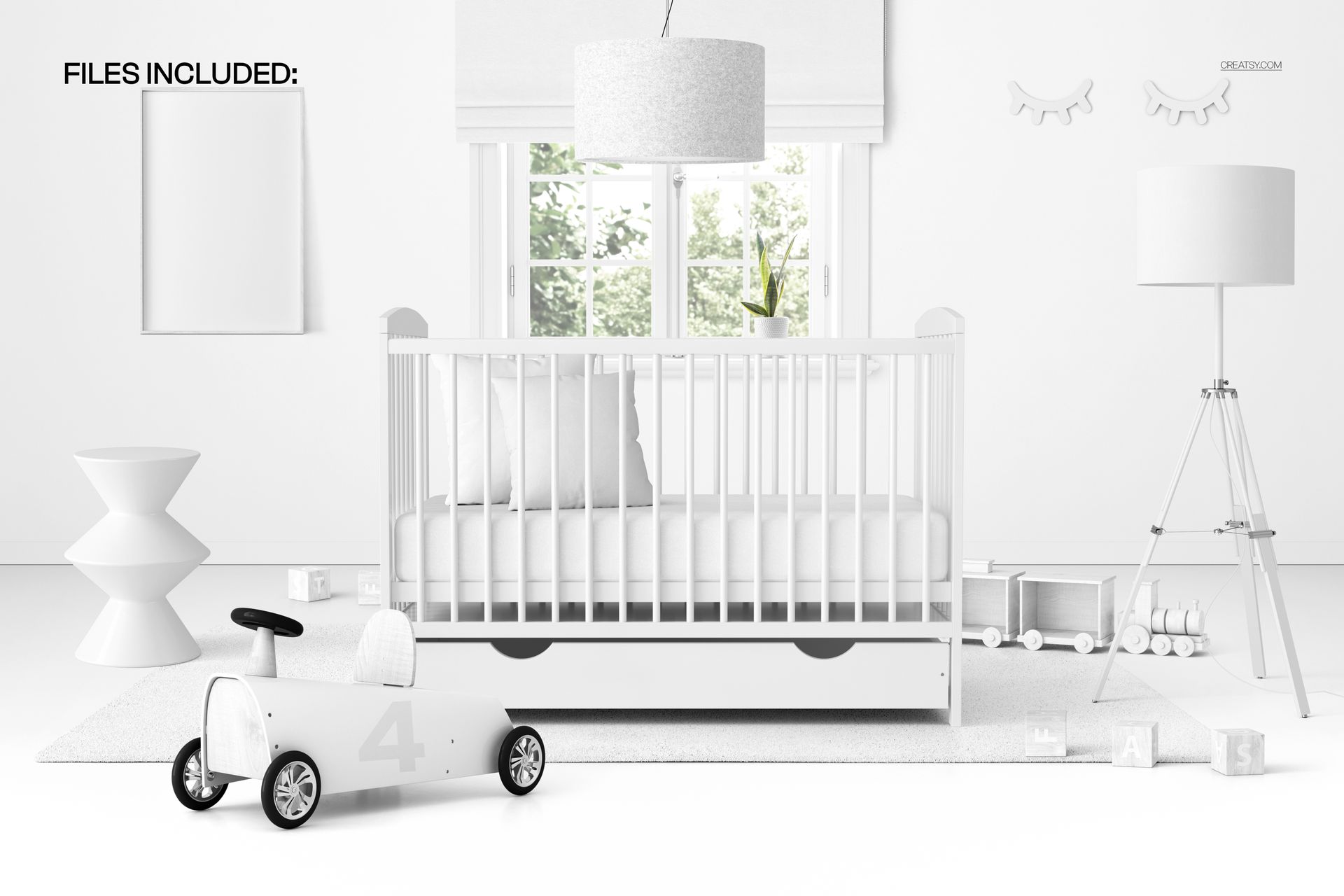
1 layered and well-organized PSD mockup file
1 JPG preview file
2 files in total
6000 × 4000 px landscape resolution at 300 DPI
Smart Objects for artwork and pattern placement
Adobe Photoshop CC 2020 or newer and Photopea compatibility
Easy Smart Object Editing
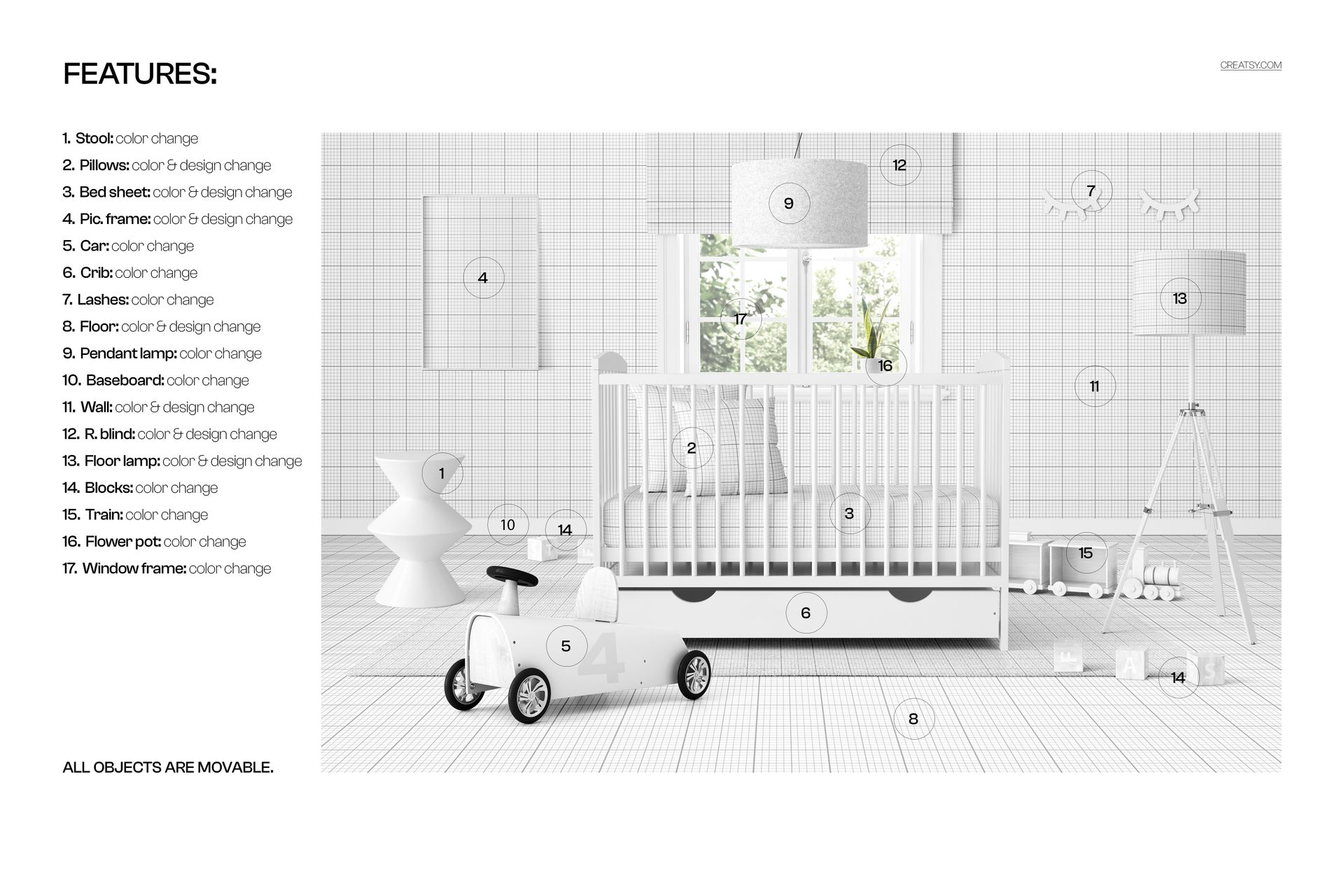
Use Smart Objects to add artwork, colors, and patterns while preserving the organized PSD structure. Customize the crib, bedding, picture frame, walls, floor, roller blind, lighting, furniture, toys, plant pot, and window details. Every scene object can be moved to refine the arrangement.
Perfect For
Crib and nursery furniture product presentations
Baby bedding, textile, and wallpaper pattern previews
Nursery wall art and decor collections
Online shop imagery, catalogs, portfolios, and client concepts
Brand campaigns focused on practical nursery storage
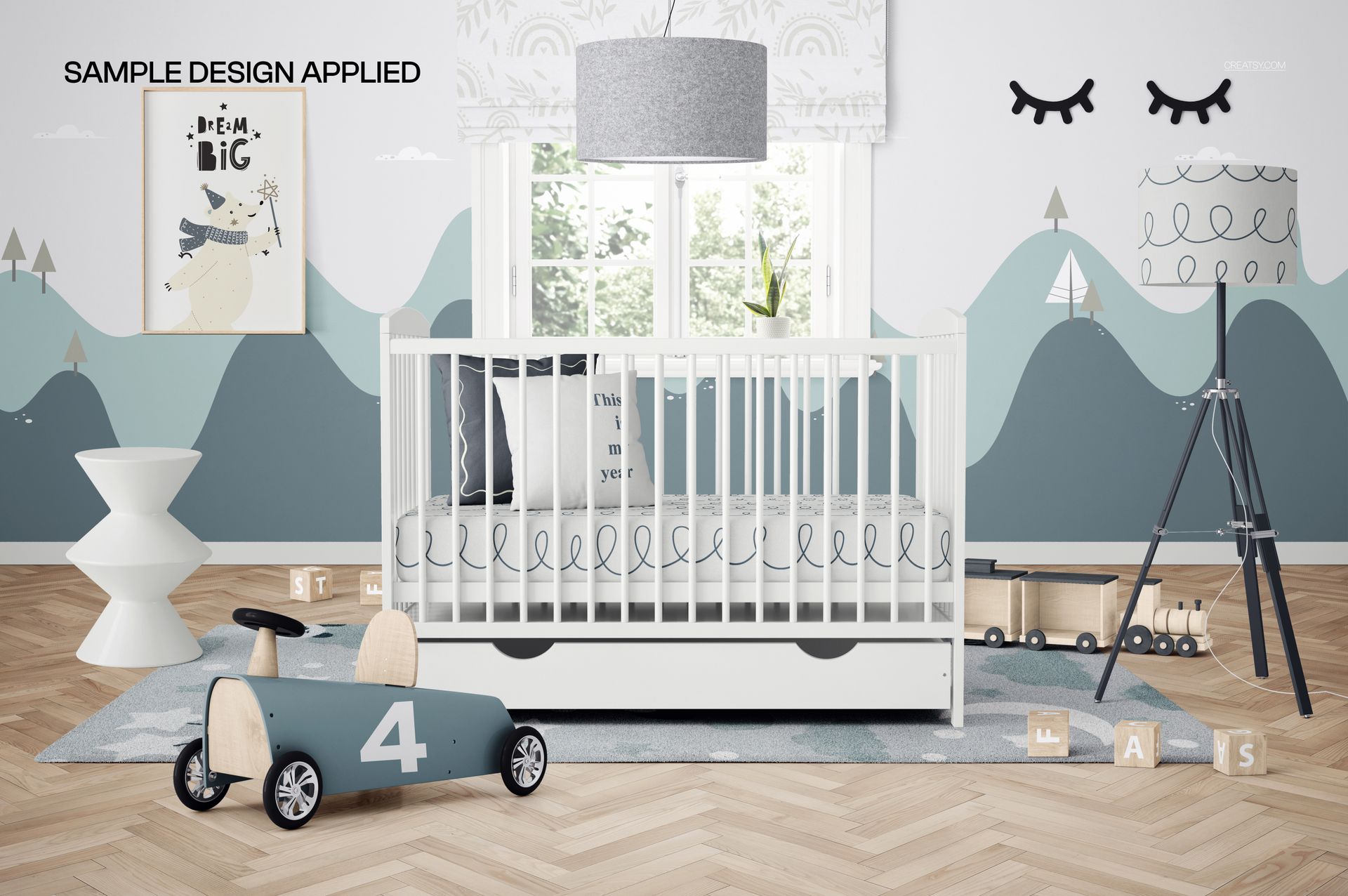
This listing contains digital files only. No physical crib, furniture, decor, or printed artwork will be shipped. The sample artwork shown in the previews is for demonstration purposes and is not included.